Product story
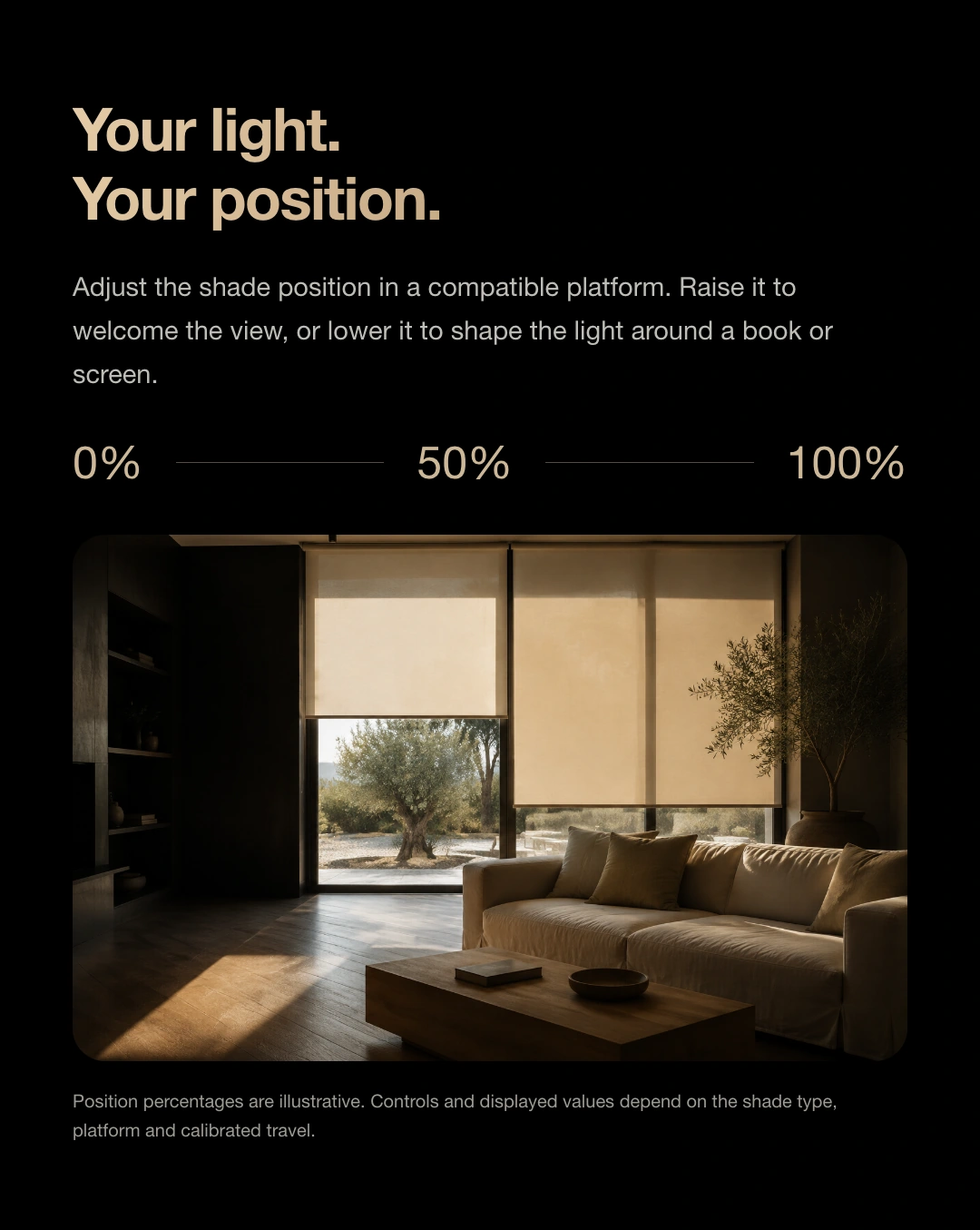
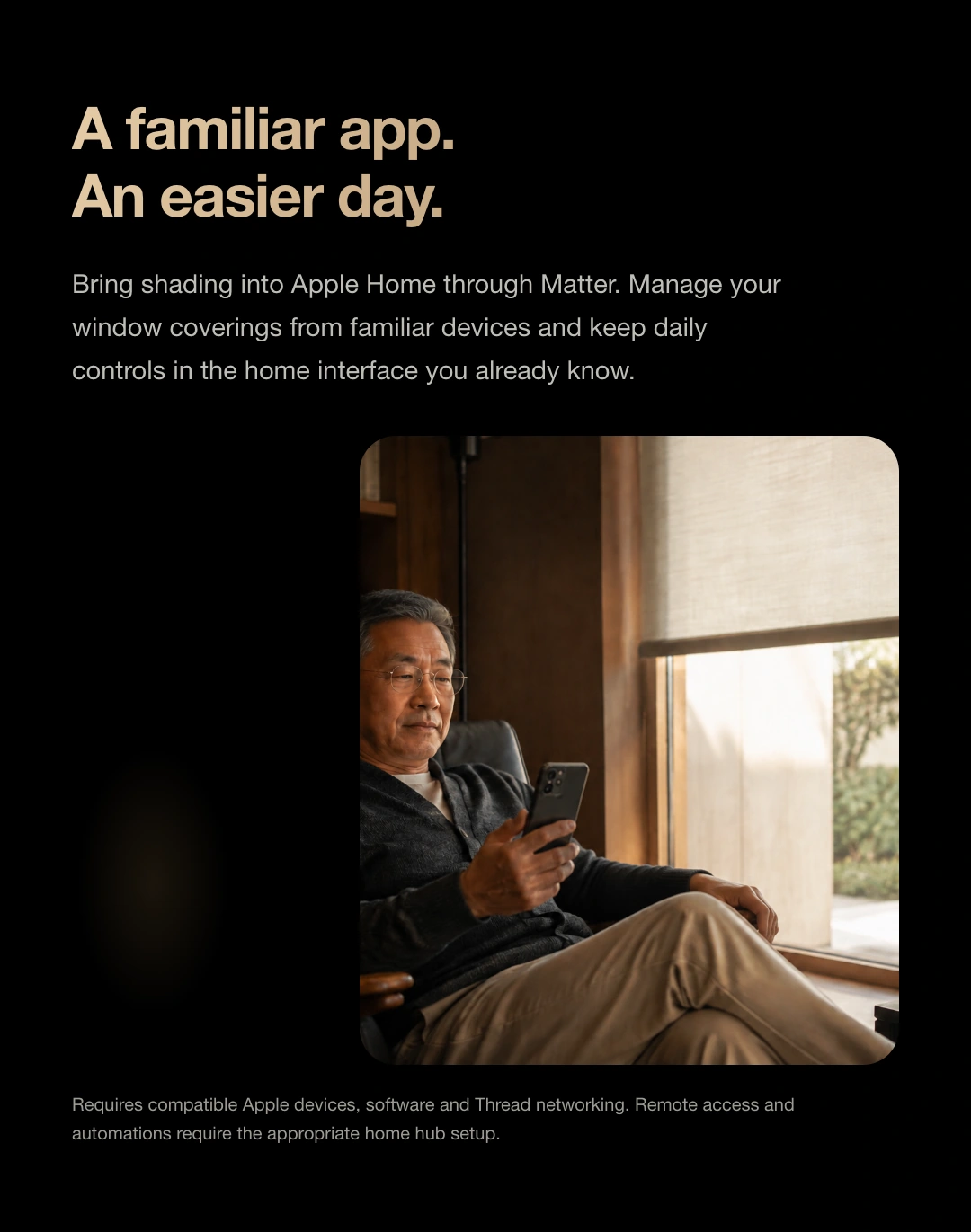
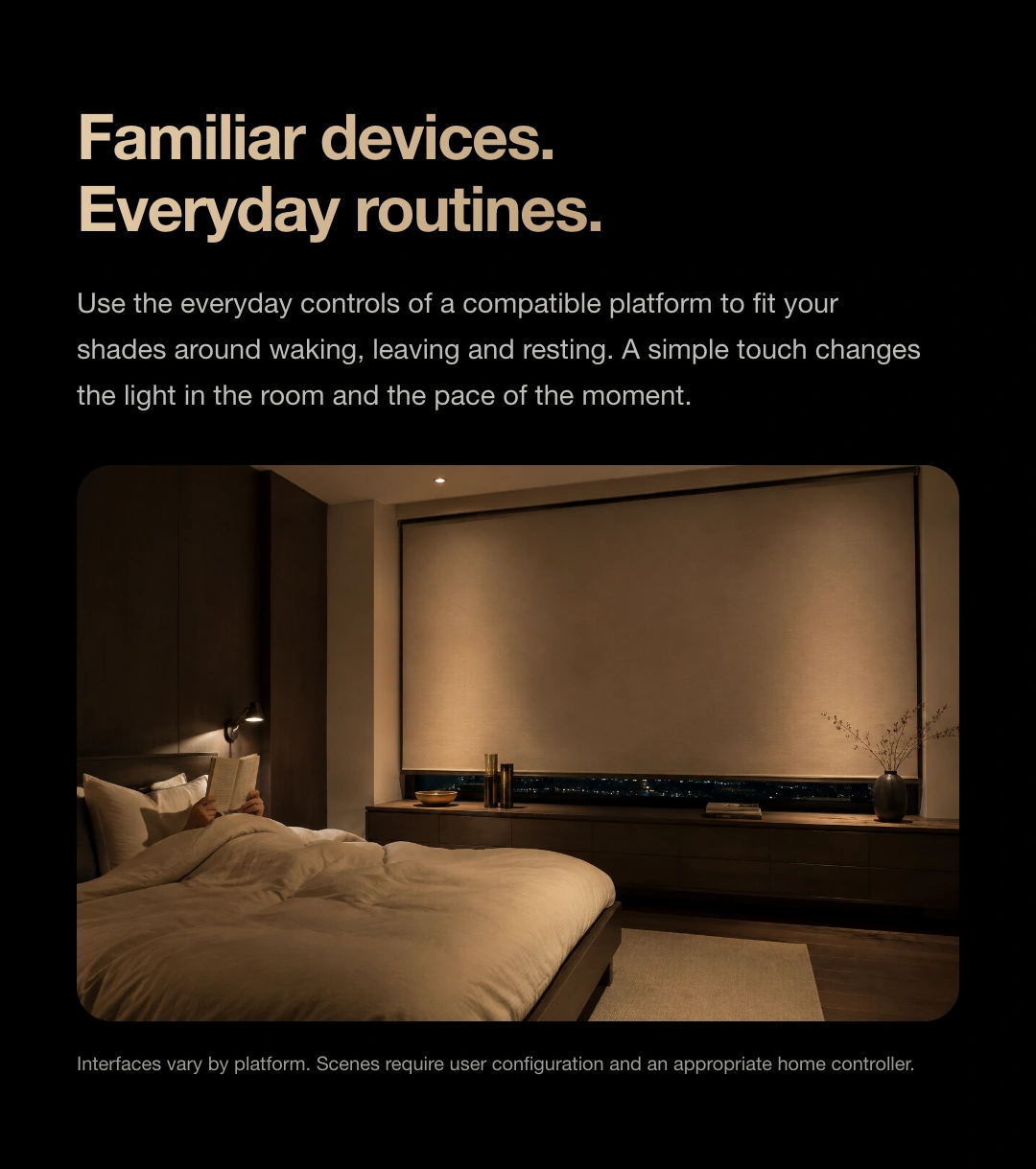
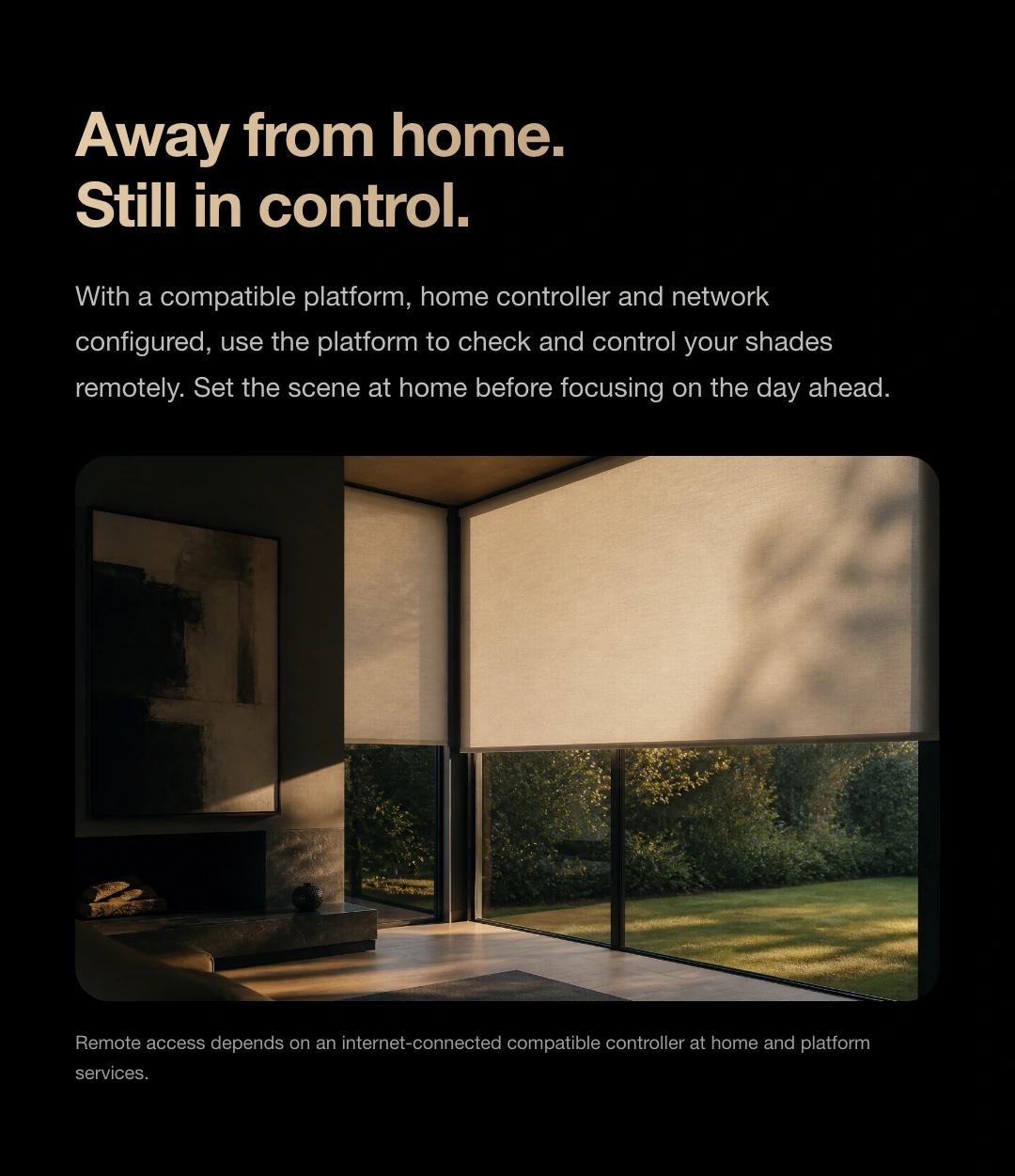
The product story in sequence. Download the collection to view each image.
Shop JINK products
Choose a configuration and quantity, then submit your order for JINK to confirm.
JINK flagship · Smart tubular shade motor
Let every shade
have its own light.
Seven window styles. One easy routine.
Lifting, tilting and everyday routines in a compact body.
 Apple HomeExplore the Home app
Hidden inside your shade.
More than moving a shade.
Seven shade types · Familiar controls
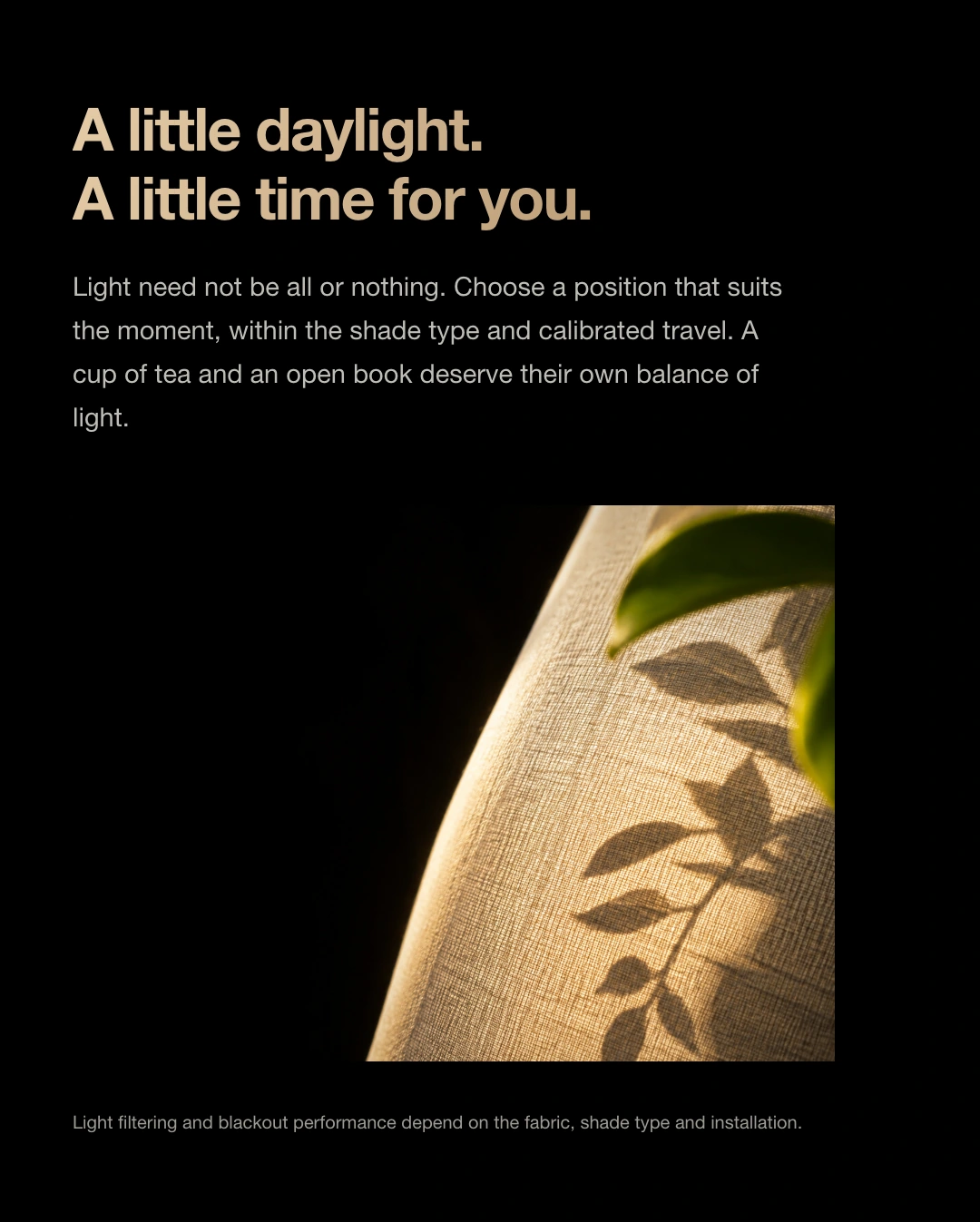
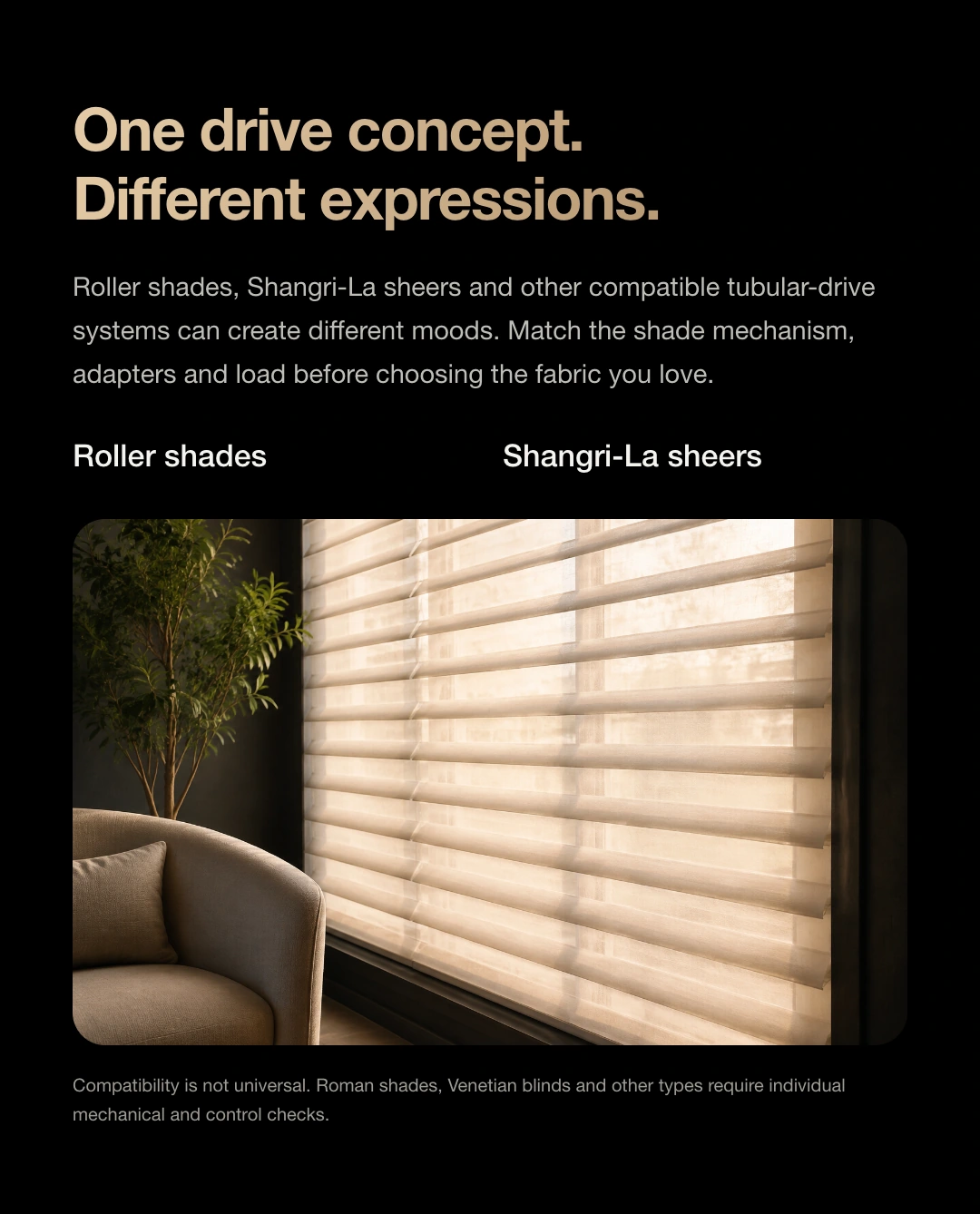
From soft fabric to defined slats. Select the official product images to explore their different lifting and light-adjustment methods.
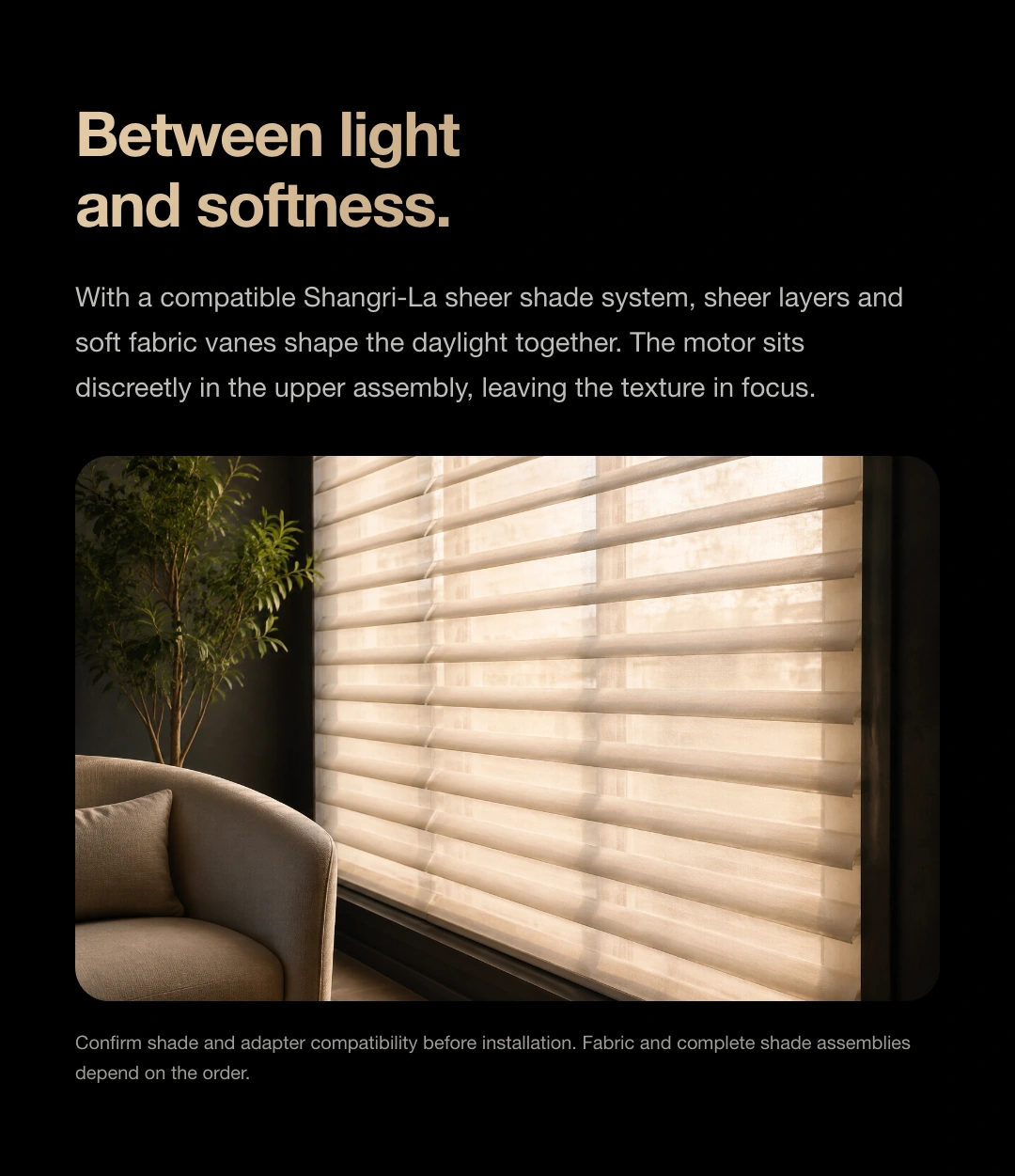
Dual-layer sheer · Horizontal vanes
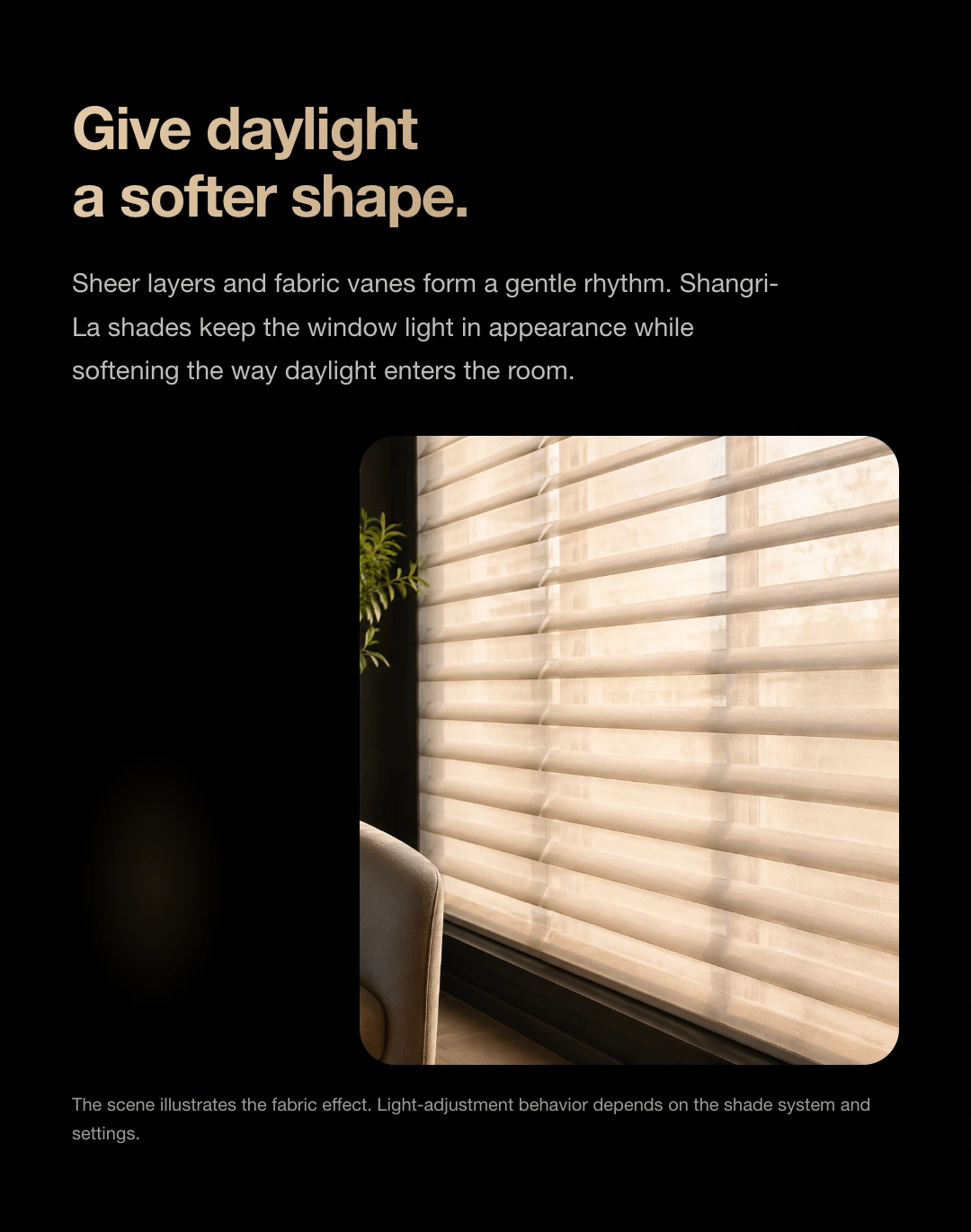
Let daylight pass through a sheer layer, then adjust it with horizontal vanes. A 0–90° tilt balances soft light and privacy.
Drag the slider and try the light by the window.
For living rooms, studies and full-height windows where soft daylight is welcome.
Explore Horizon Shangri-La shades ↗This local web demo does not connect to real devices. 0–90° is the slat tilt angle. Light and shadow are illustrative, not solar angles or measured light transmission. Tilt control needs the matching shade mechanism; platform angle controls and available functions depend on the configuration.
wooden blind · aluminum blind · sheer shade
0–90°
No need to change the shade height.
Turn the slats to adjust the light and view.
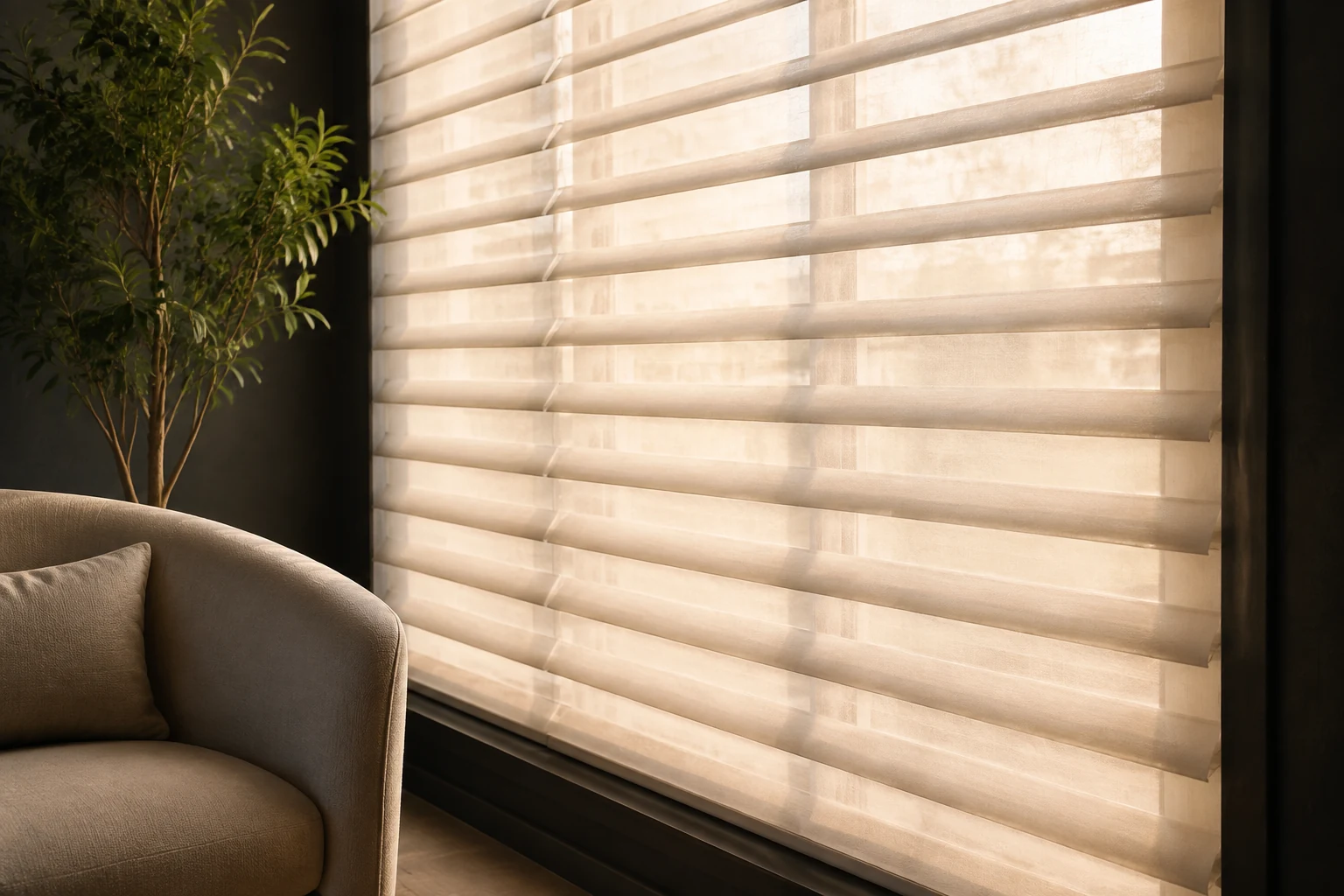
Slats move toward closed, reducing gaps. Actual shading and privacy also depend on fabric and installation.
Fine-tune daylight with an intermediate angle for reading, conversation or work.
Slats move toward open, allowing more light and a clearer view. Shangri-La shades still filter daylight through sheer fabric.
Tubular body · Concealed within the shade
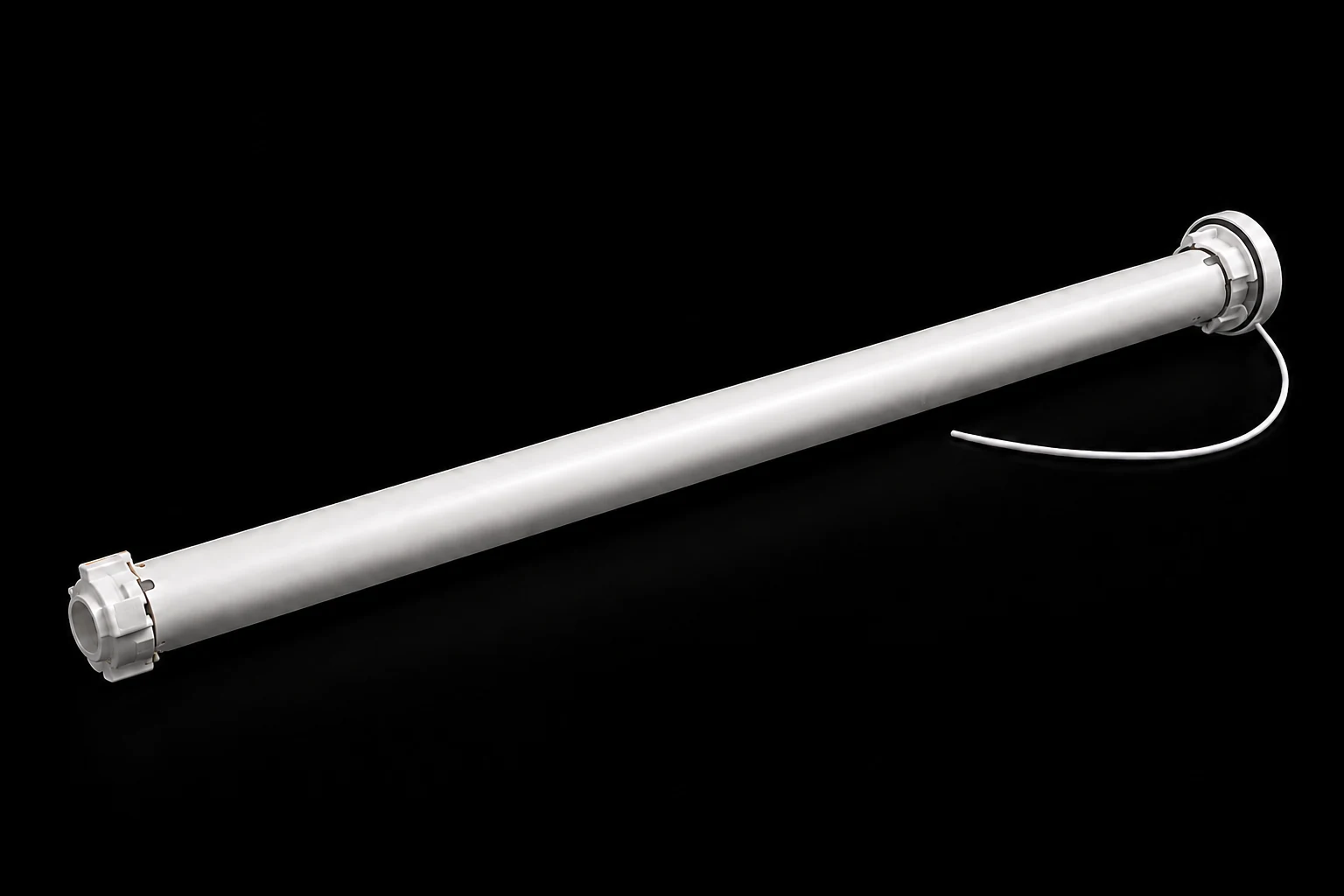
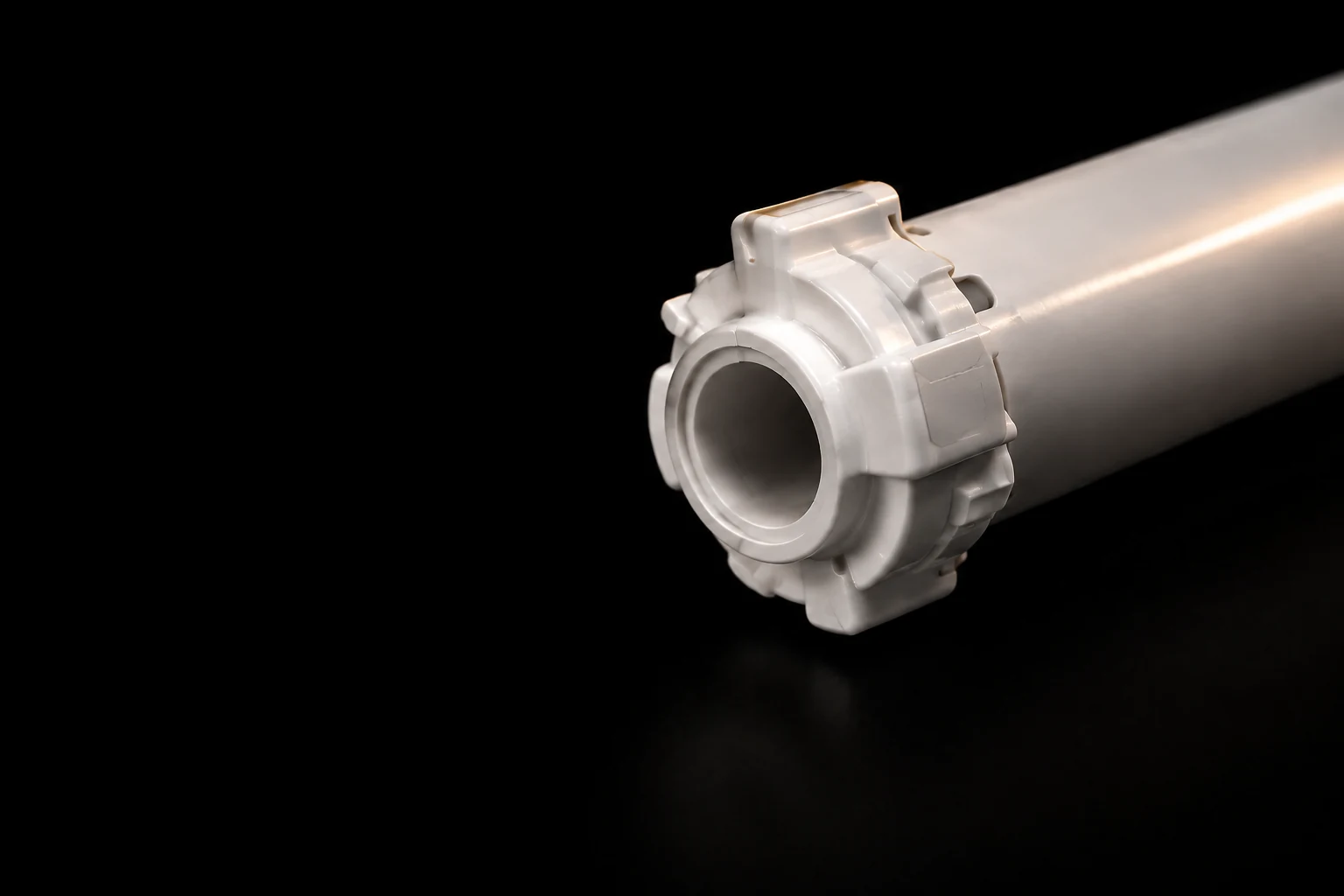
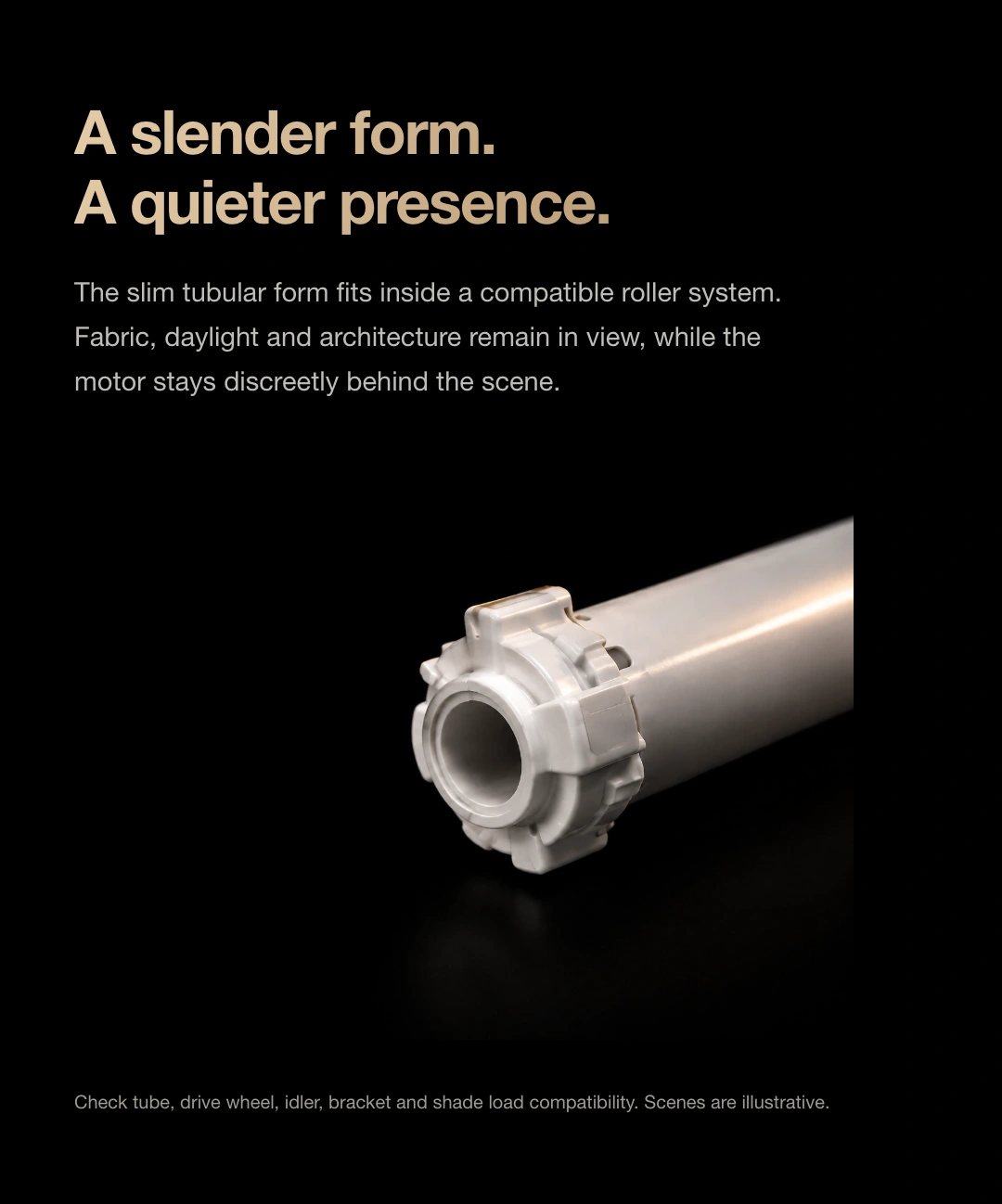
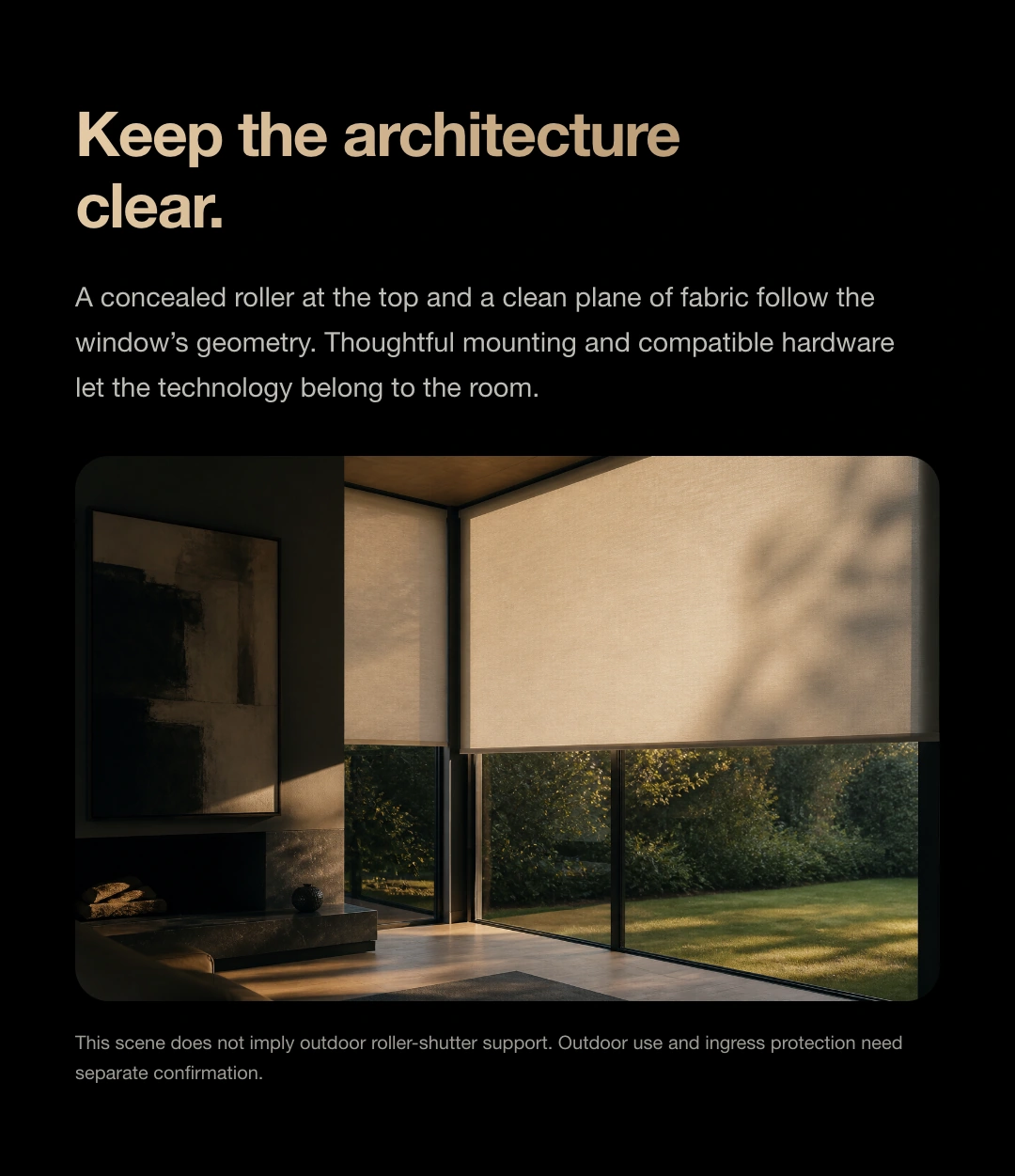
Motor 25 fits inside a compatible roller tube and shade mechanism, keeping the drive within the structure so attention stays on the fabric, materials and view.
Different shade types use different drive and mounting components. Choose according to window width, height, shade weight and the existing structure.
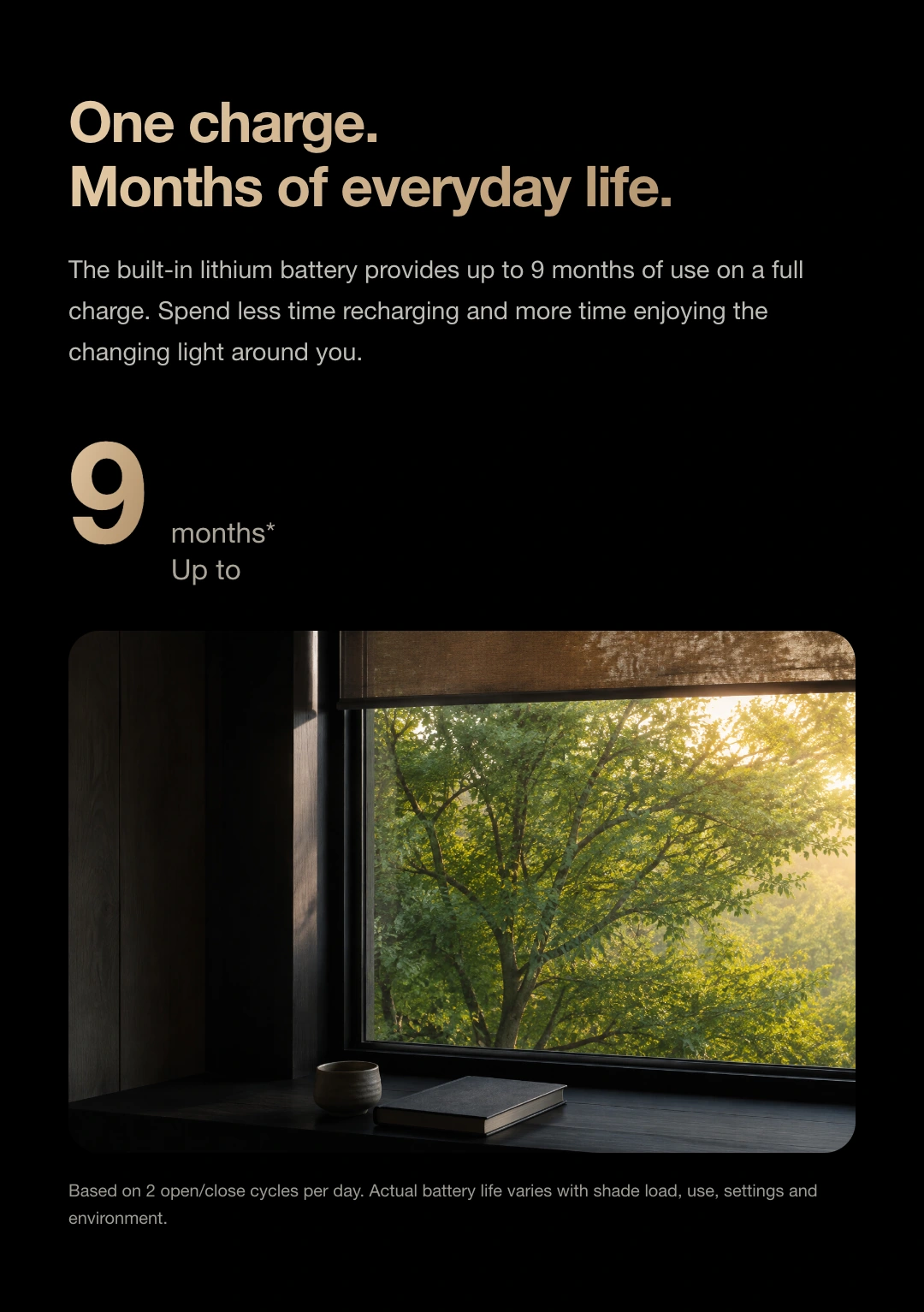
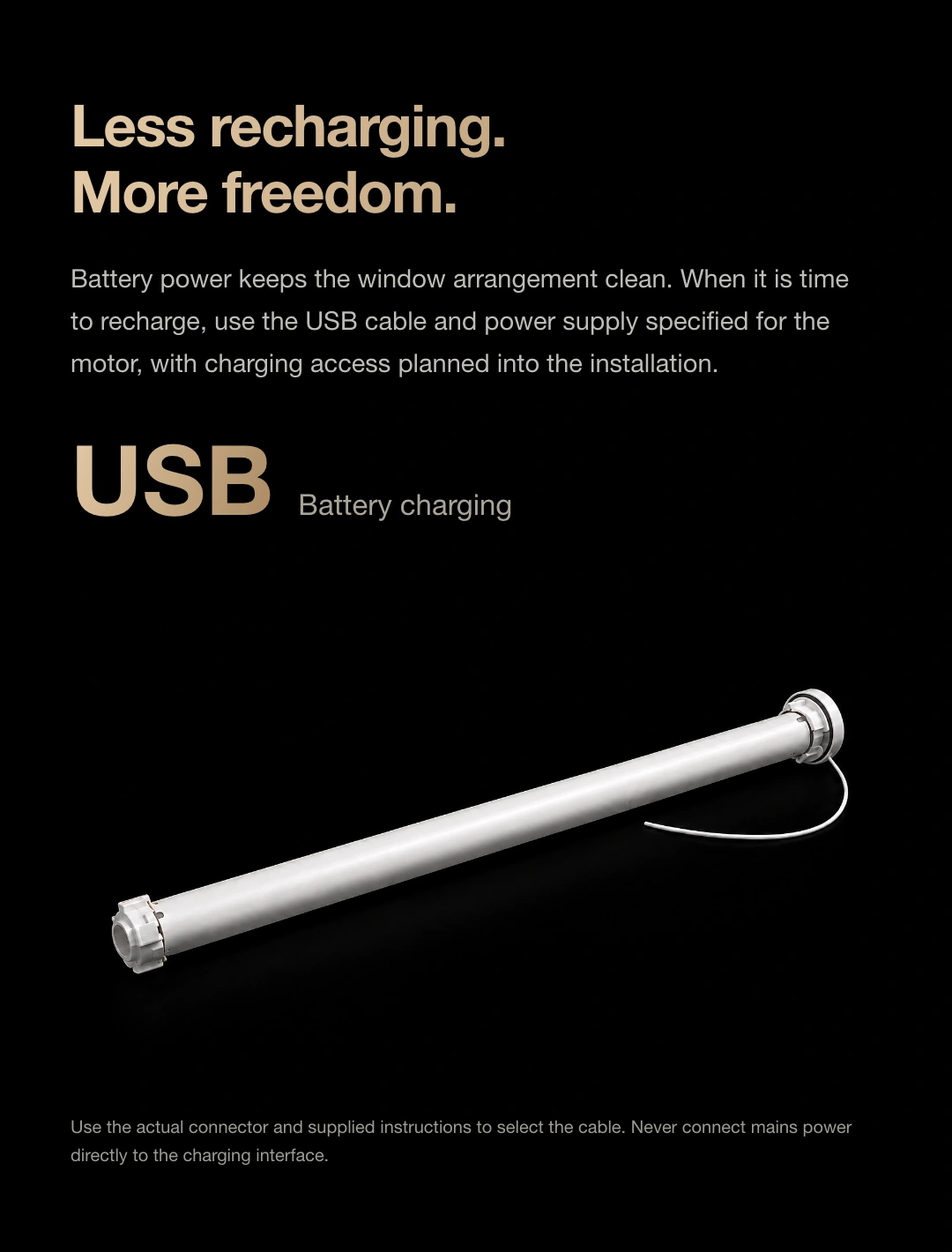
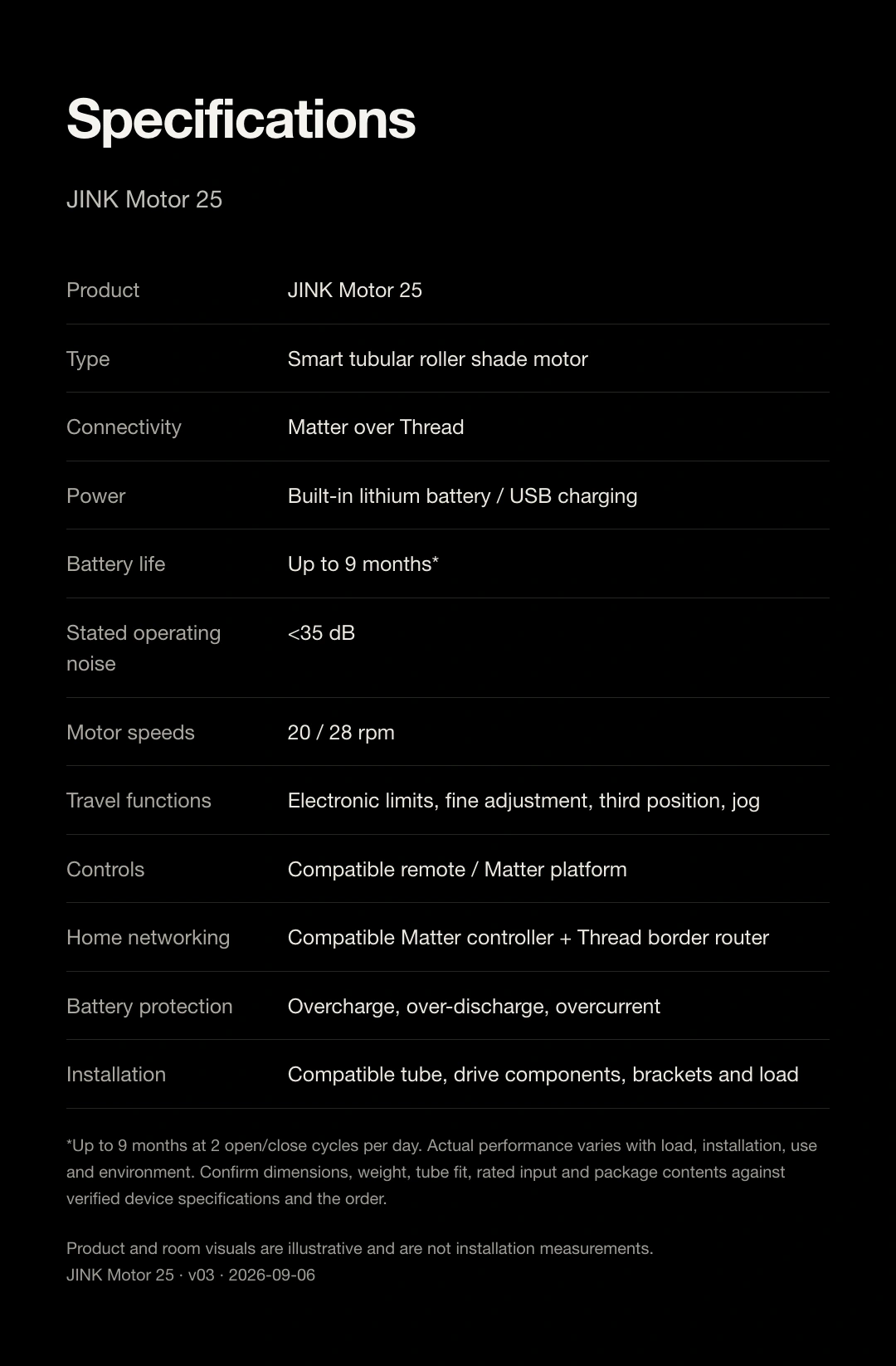
Built-in lithium battery · USB charging
Battery life, up to
Based on two open/close cycles daily. Actual battery life depends on shade weight, travel, usage frequency, settings and environment.

A built-in rechargeable lithium battery offers motorised shading where a wired power supply is difficult to provide.
Use the supplied or confirmed-compatible USB supply and cable. Leave access to the charging port during installation.
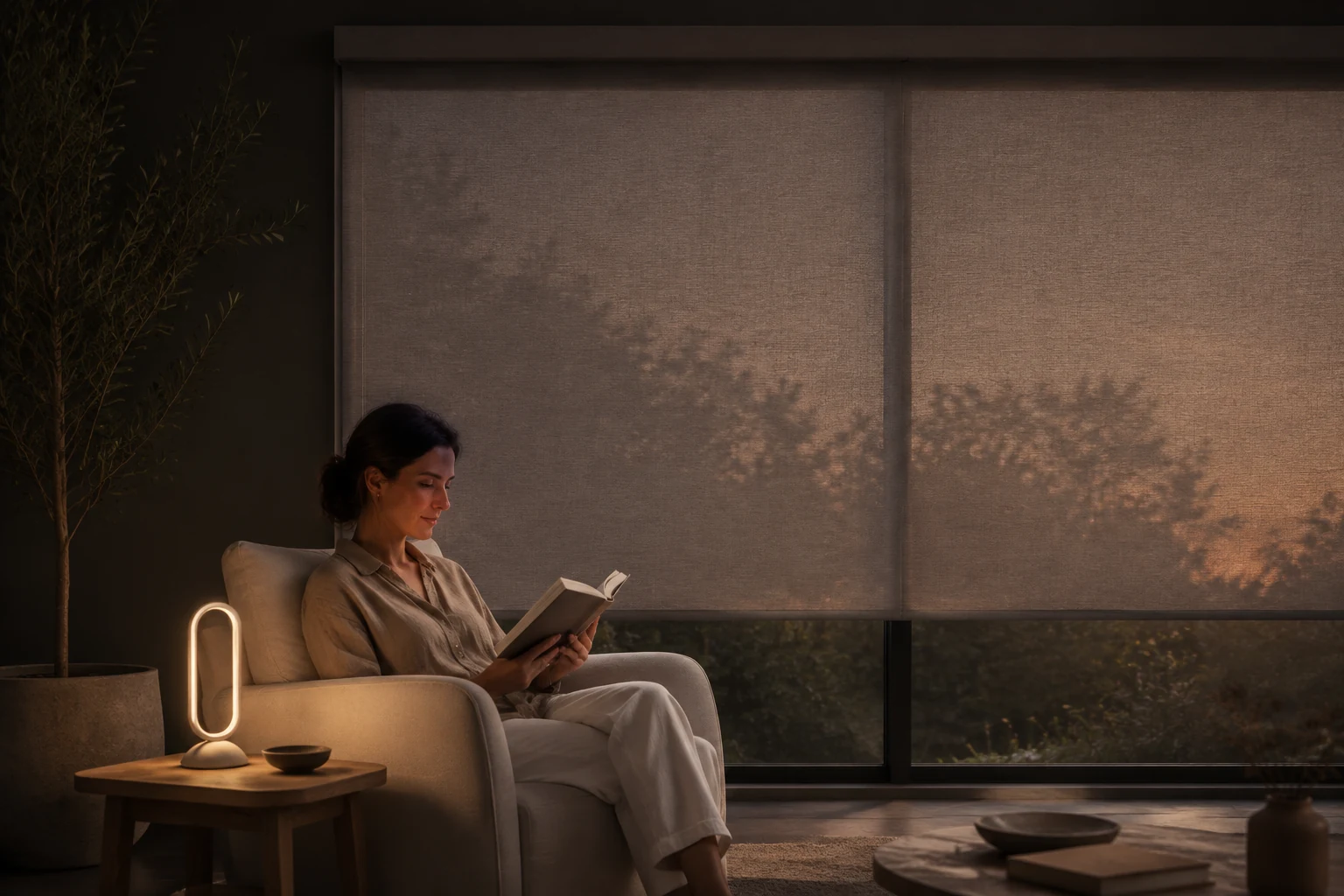
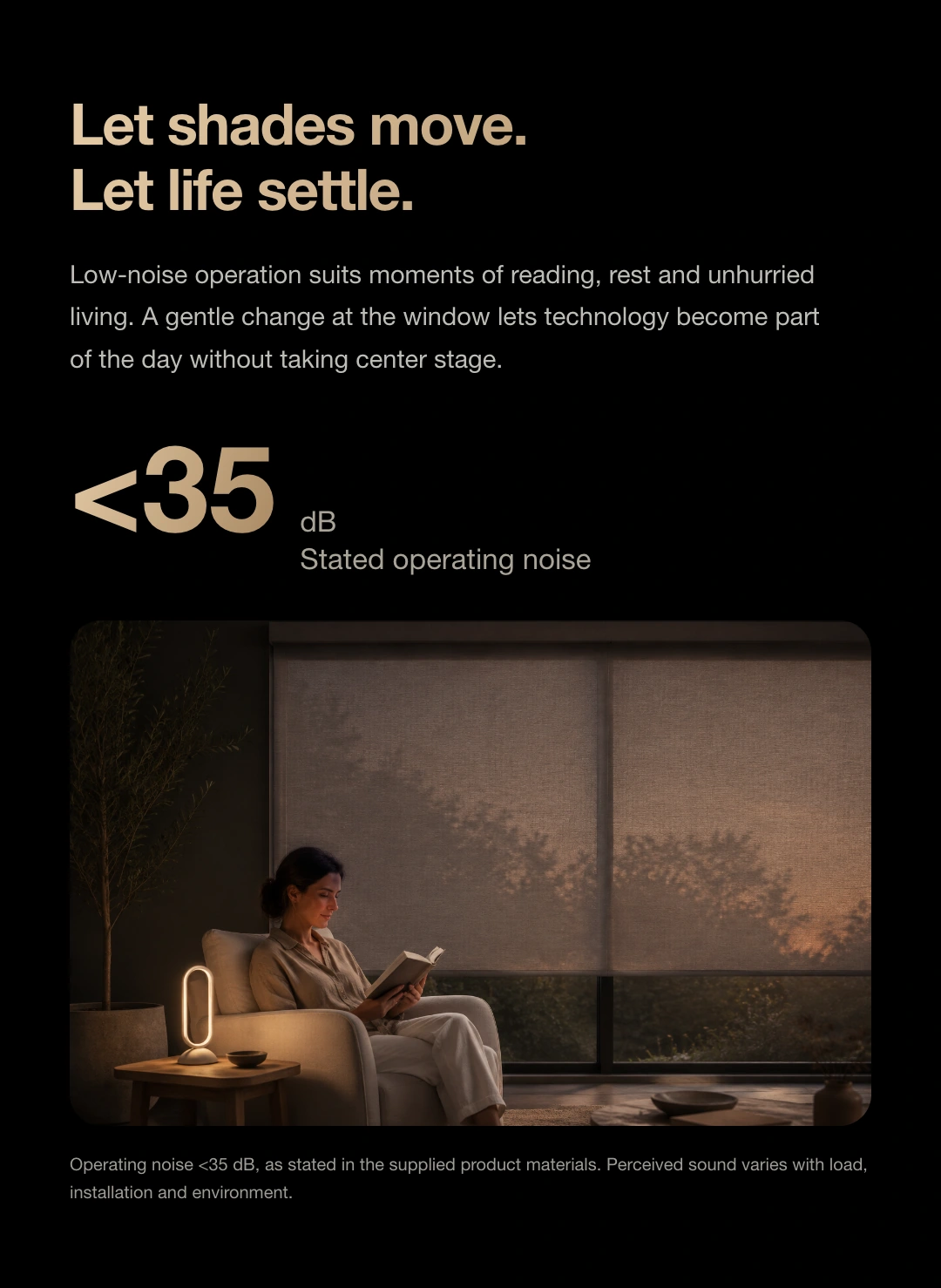
Low-noise operation
<35 dB*
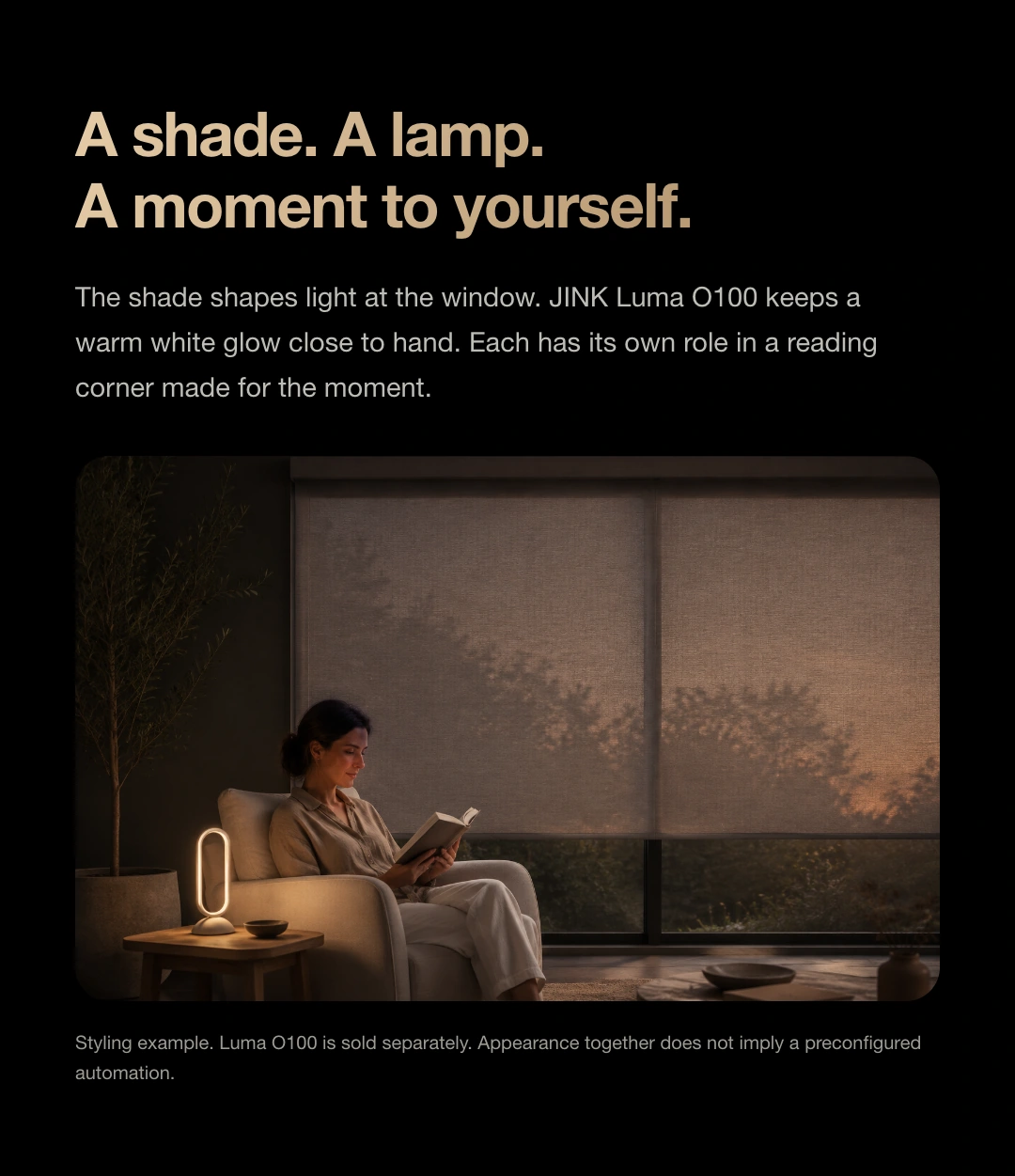
A book. A moment to rest.
Let the curtains move quietly,
Let the moment last.
* Noise is a nominal product specification. Actual sound depends on load, installation and surroundings. The Luma O100 table lamp shown in the scene is sold separately.
Meet your reading companion, Luma O100 ↗Follow the rhythm of life
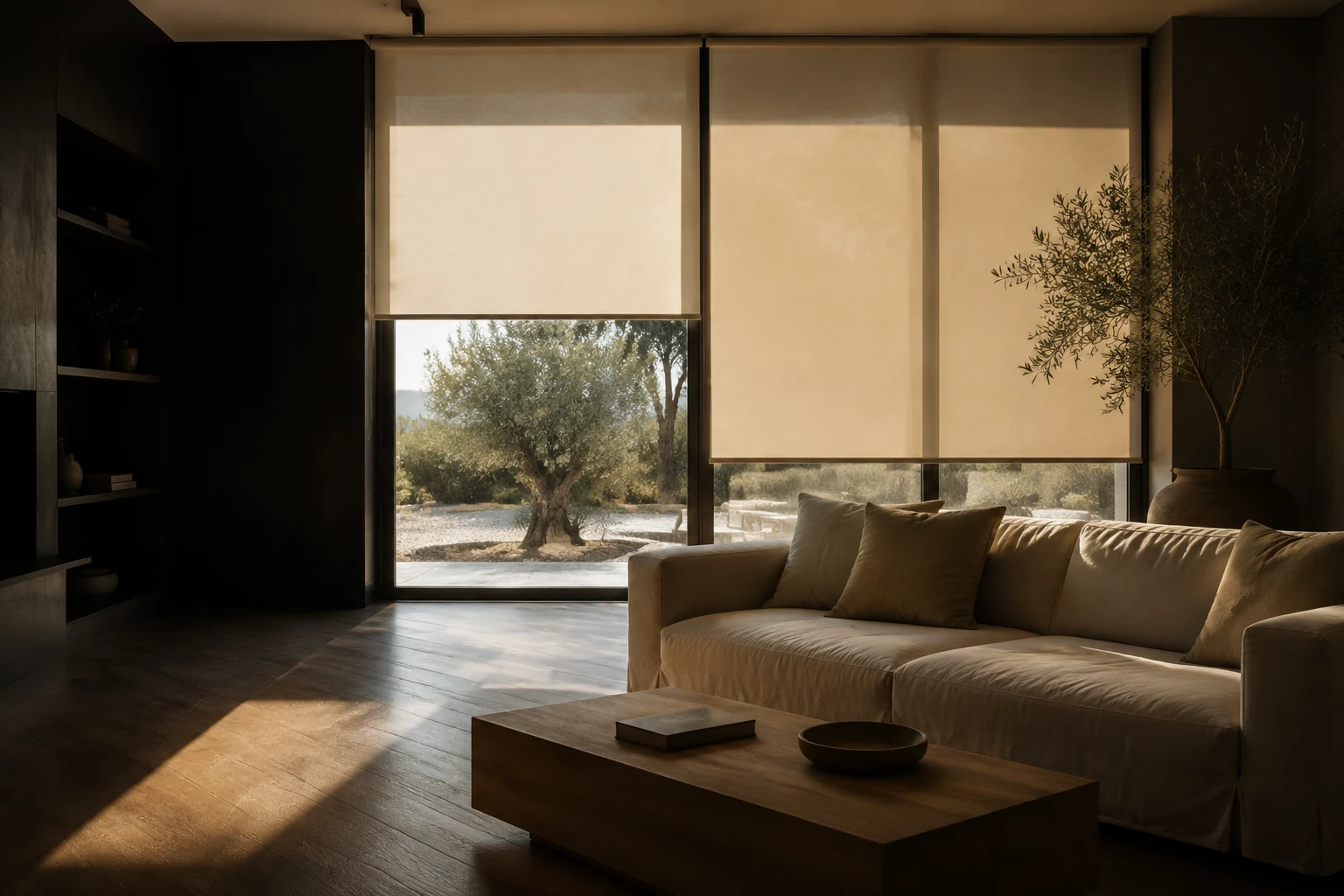
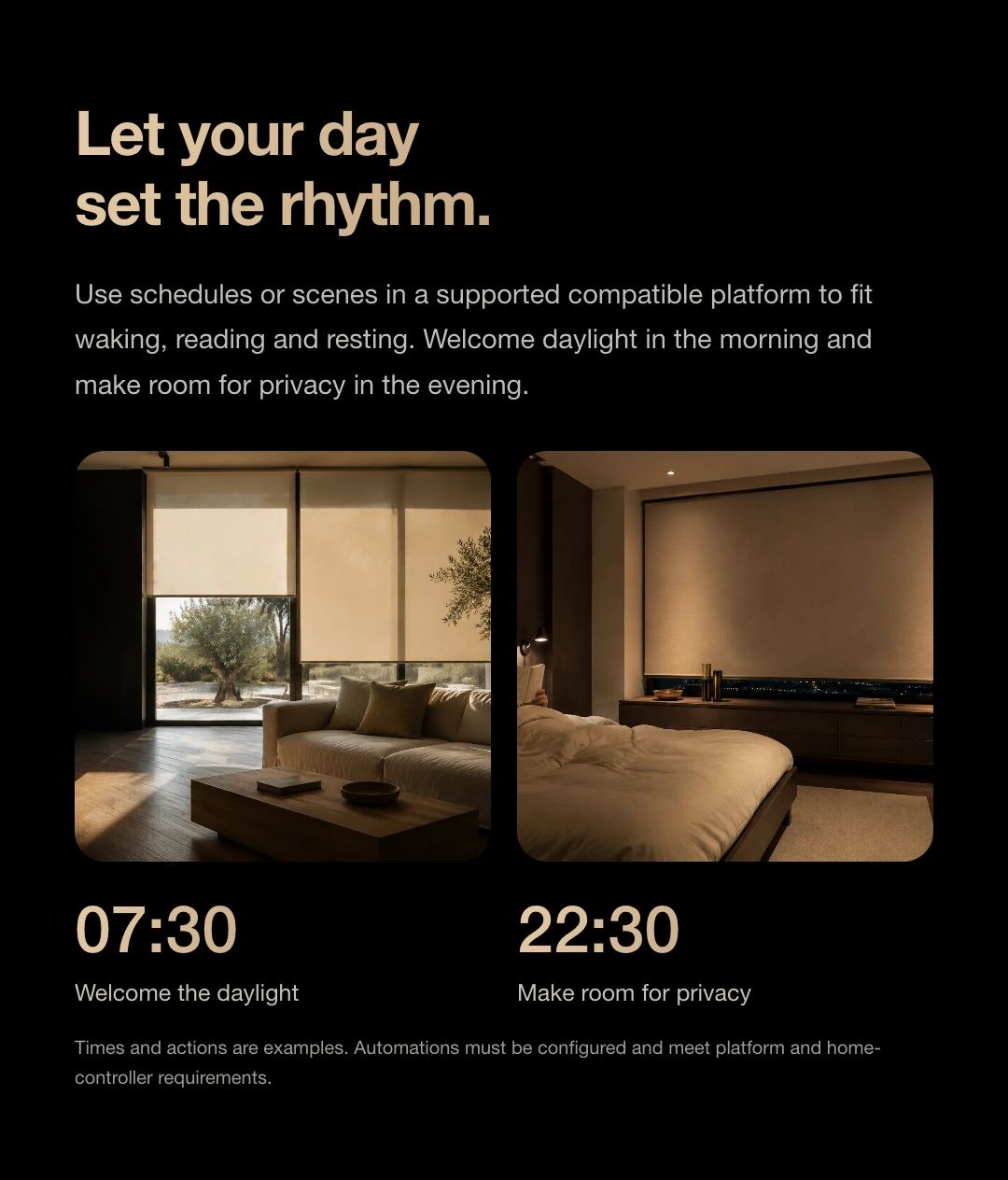
Create a morning scene in a compatible platform so your shades rise with your routine.
Scenes illustrate possible routines. Scheduling, remote access and device automations require support from your platform and home hub, with rules configured by you.
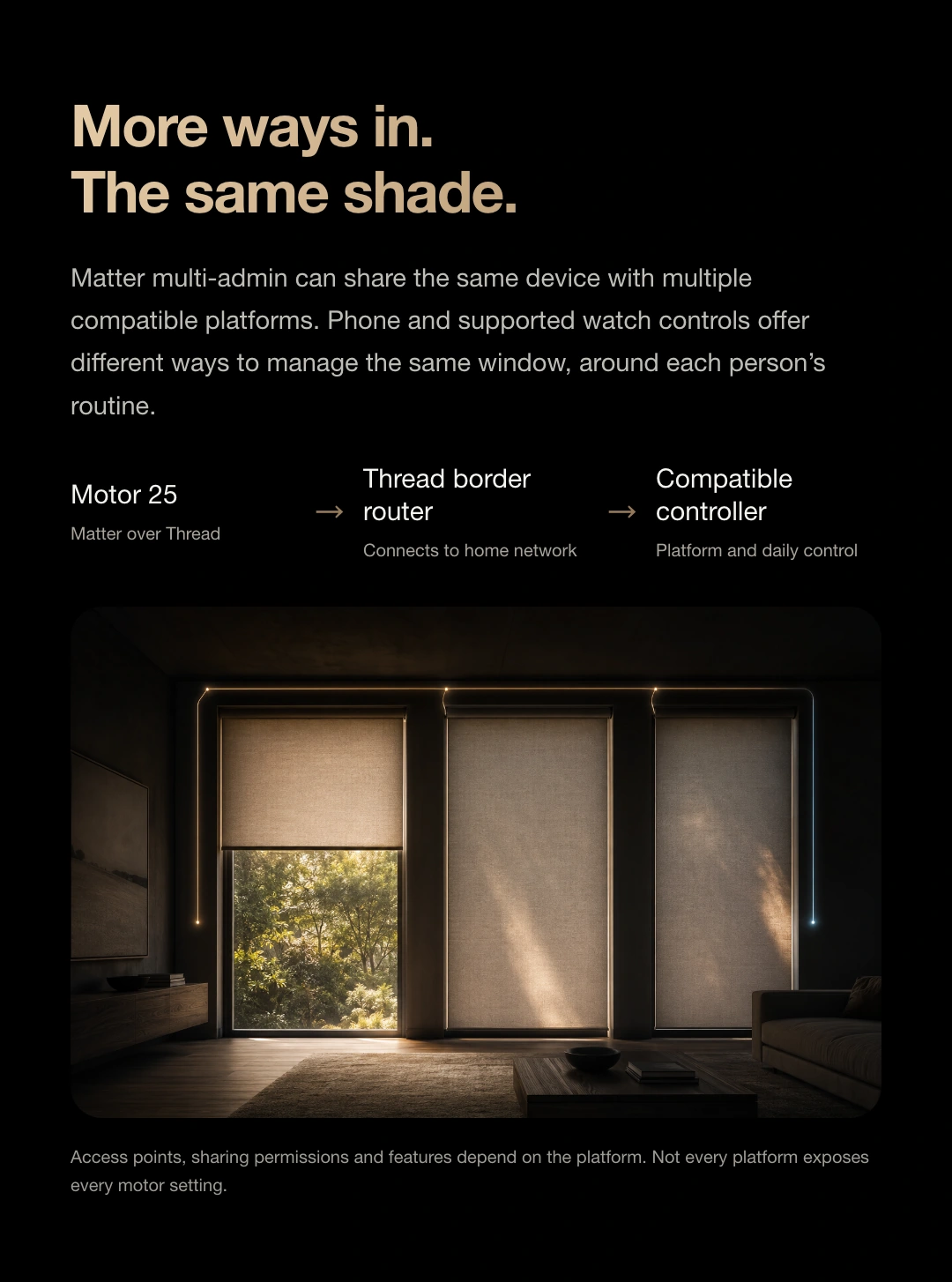
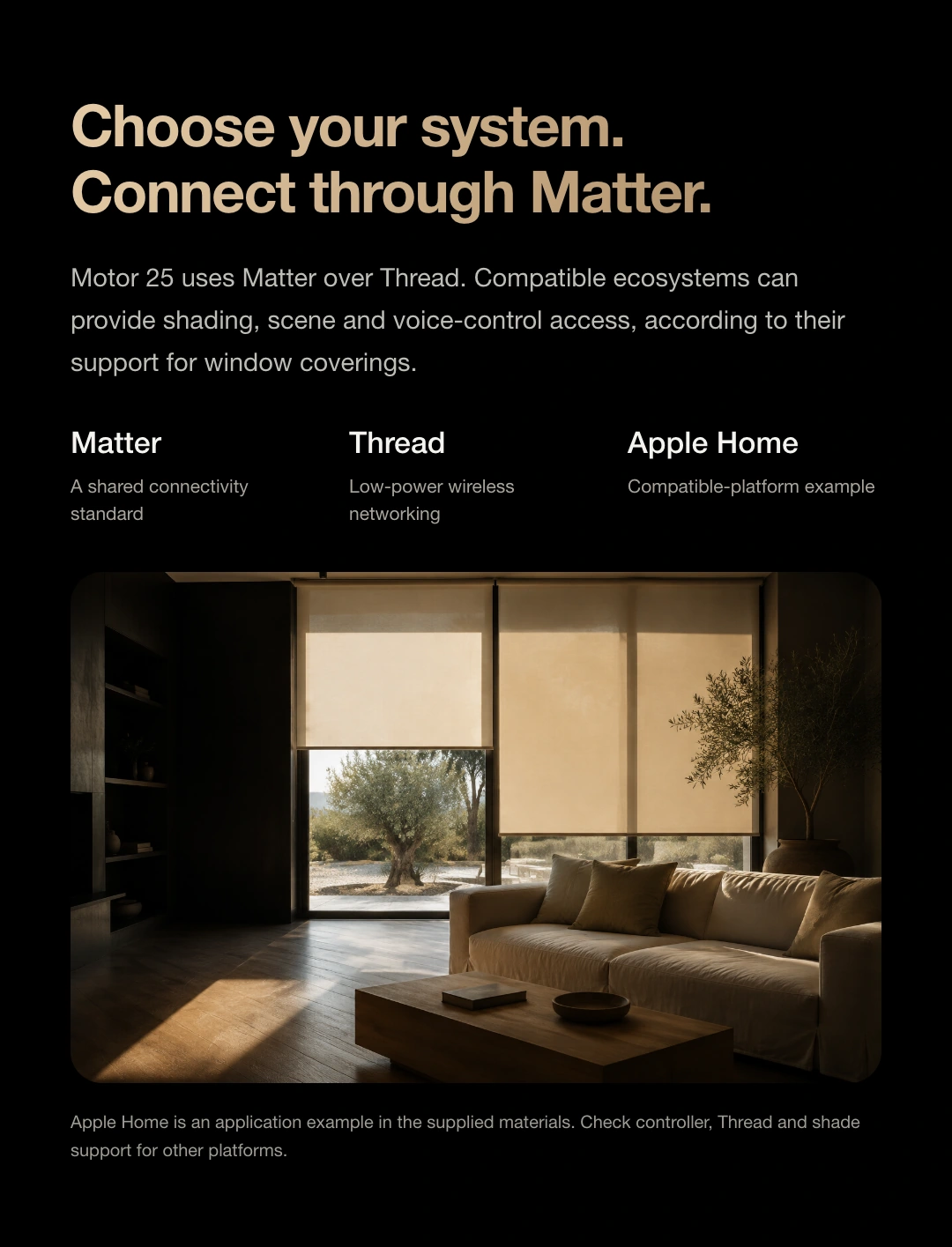
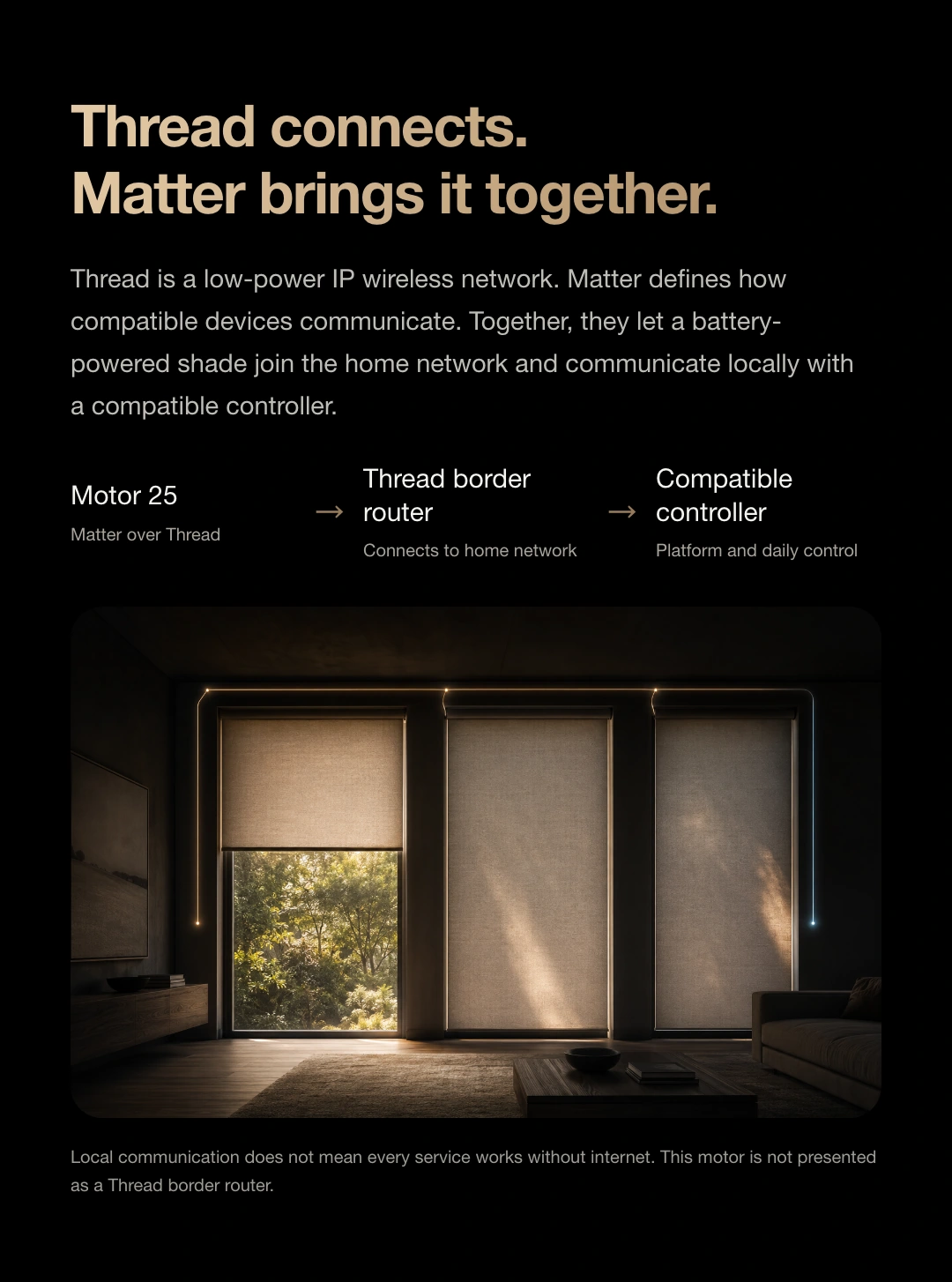
Matter over Thread
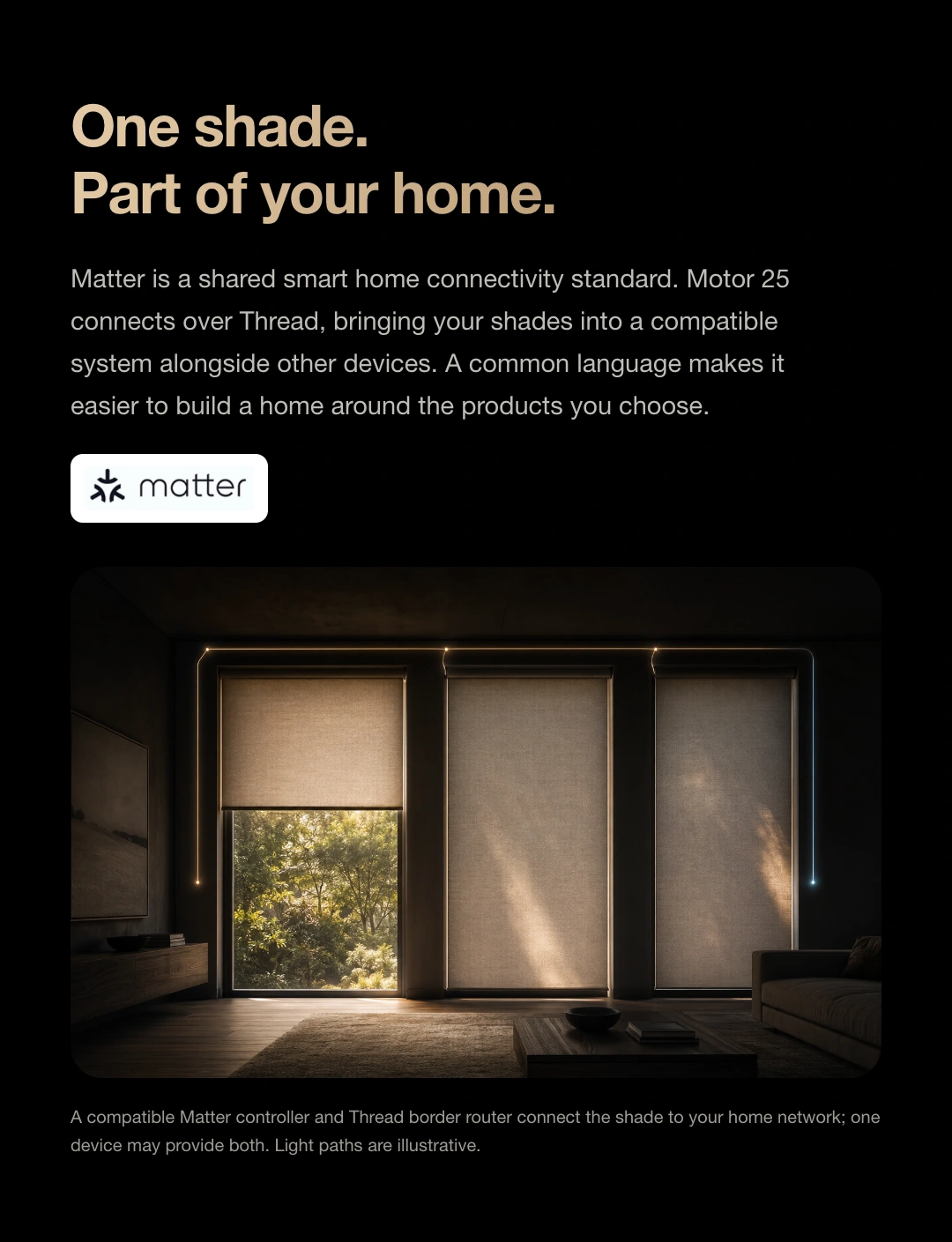
Matter gives compatible products a common connection standard.
Motor 25 joins your home network through Thread,
Make shades part of your smart home.
Add a compatible Matter window-covering accessory in Apple Home, then use opening, closing, scenes and Siri as supported by the platform. Plan a compatible home hub and Thread network to support your daily routines.
View the platform's official guidance ↗Motor 25 requires a compatible Matter controller and Thread border router. One device may integrate both roles. A standard Wi-Fi router does not necessarily provide Thread border routing.
Open/close control, position percentage, slat angle, voice control and sharing across platforms depend on the platform and device configuration. Remote control and automation also require the appropriate hub, network and services.
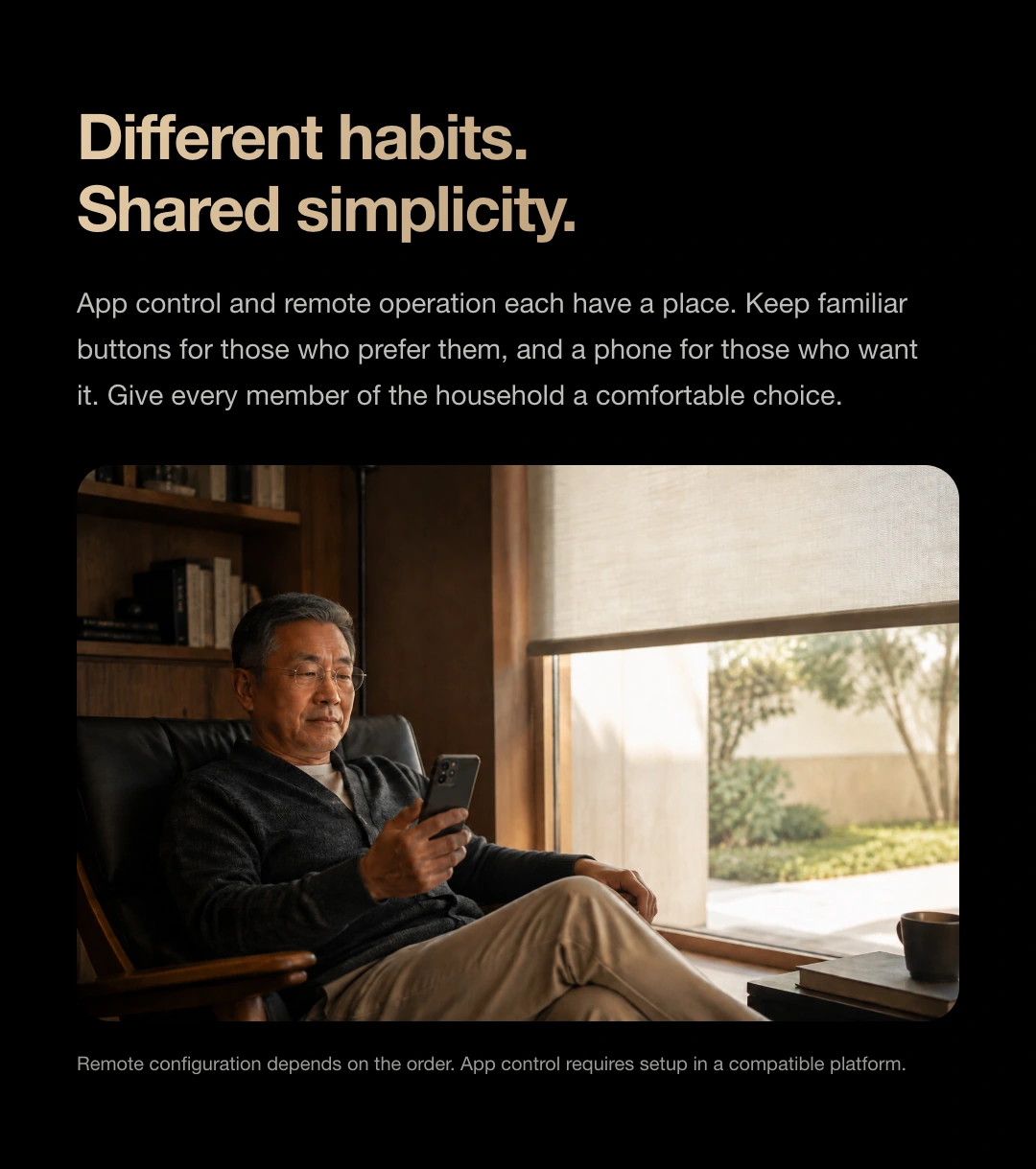
Precise control. Familiar habits.
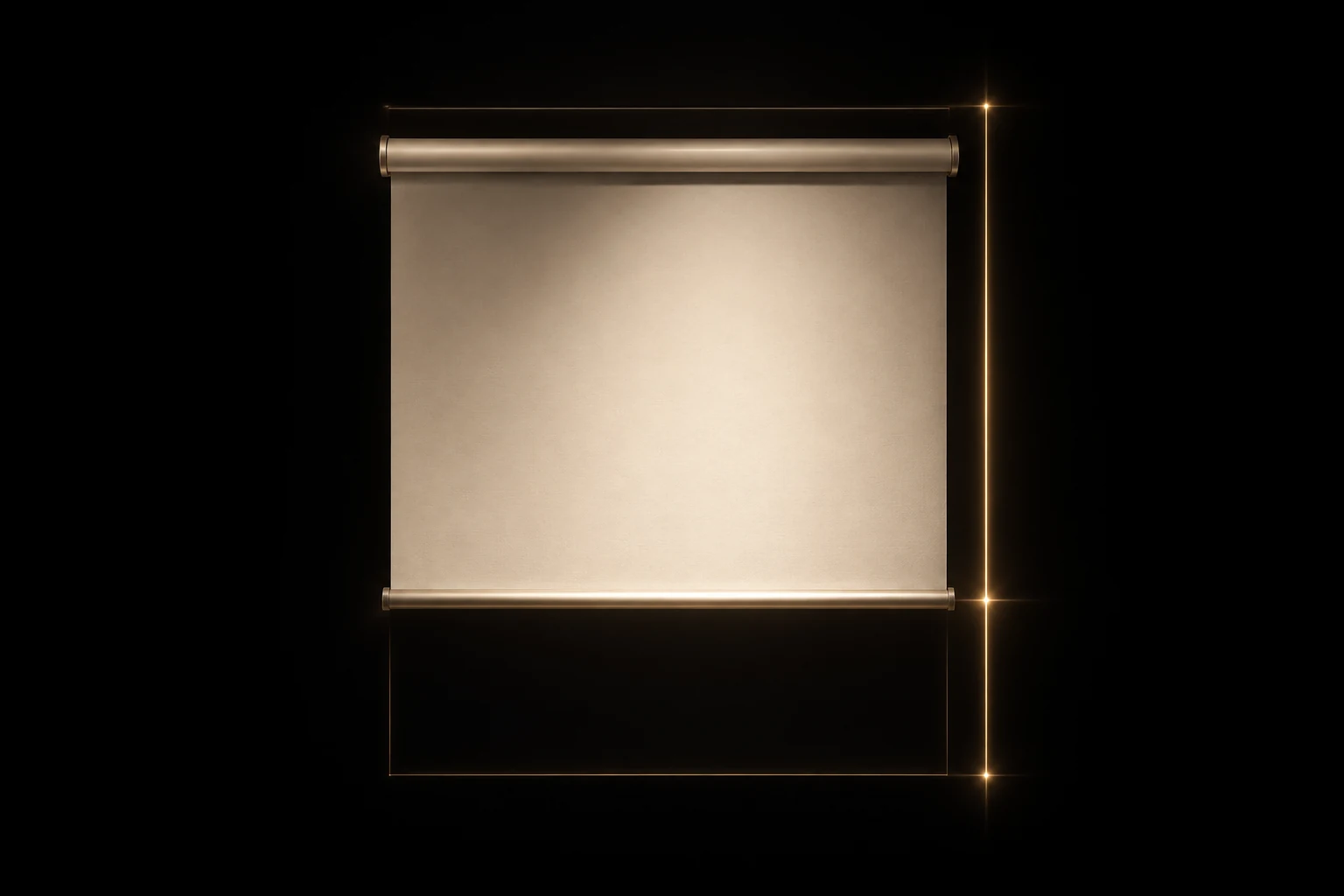
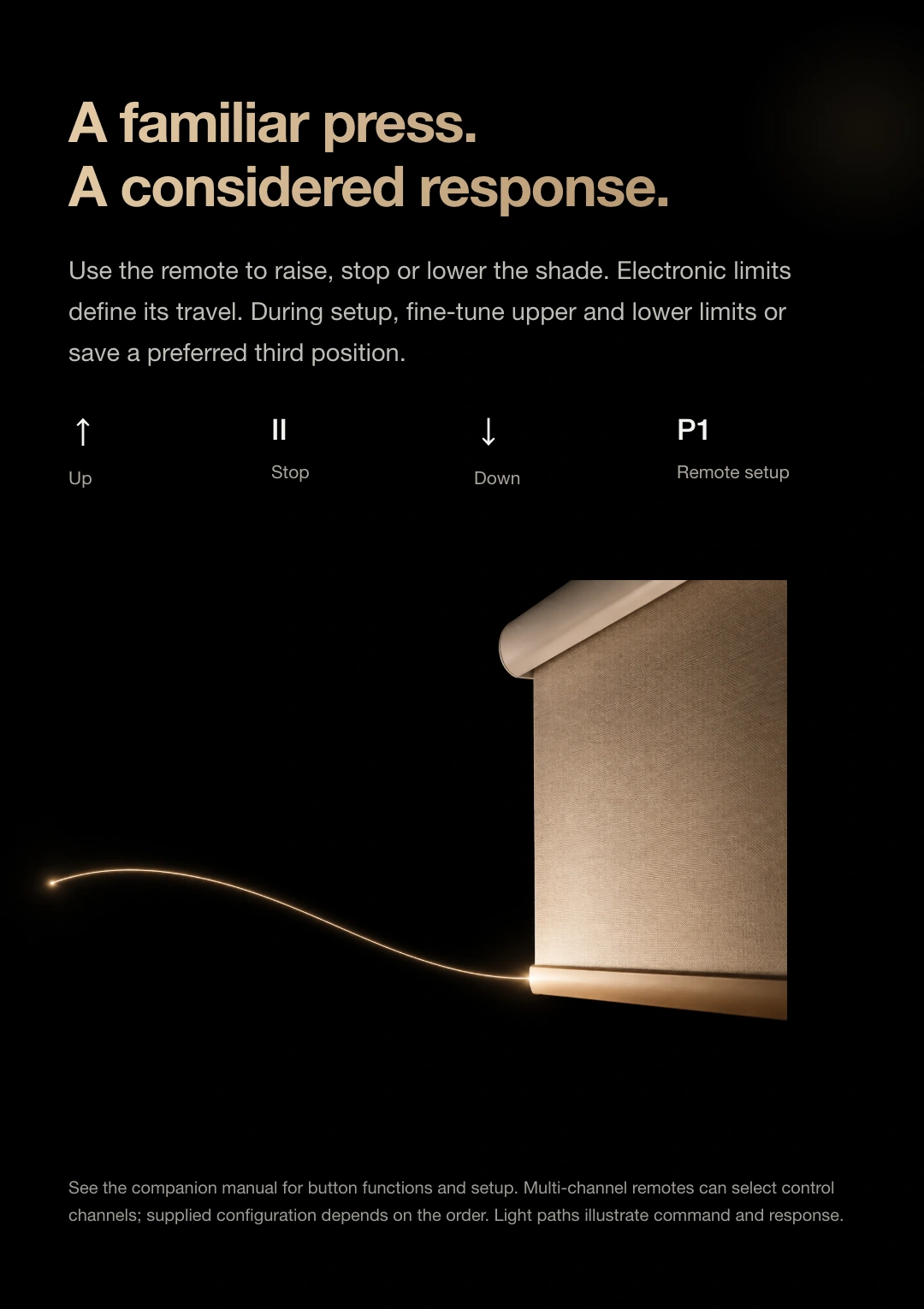
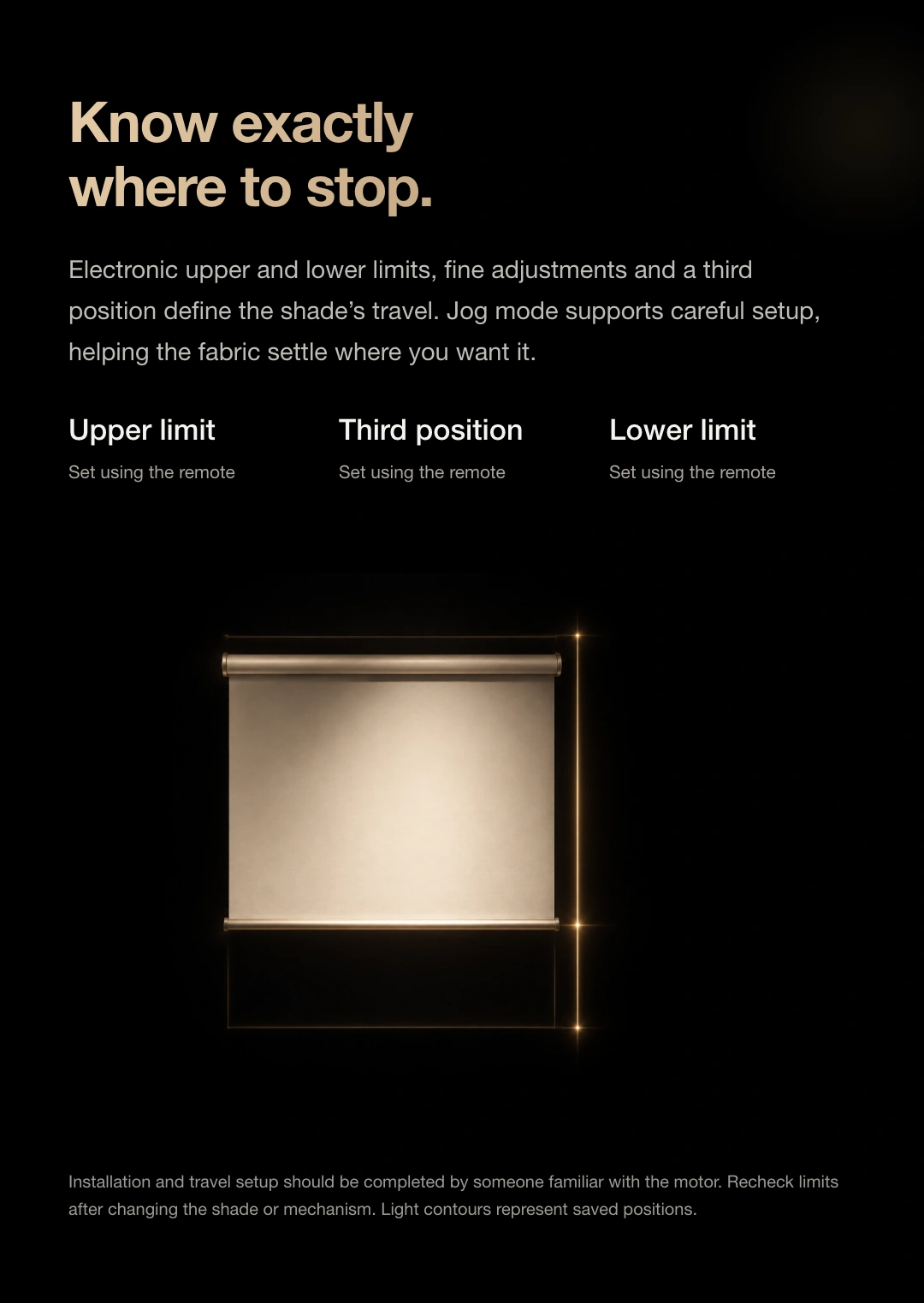
Once configured, the motor remembers both travel endpoints. Fine-tune the upper and lower limits when a more precise position is needed.
Save a preferred height between the upper and lower limits. The web demo can also remember a favourite position during this browsing session.
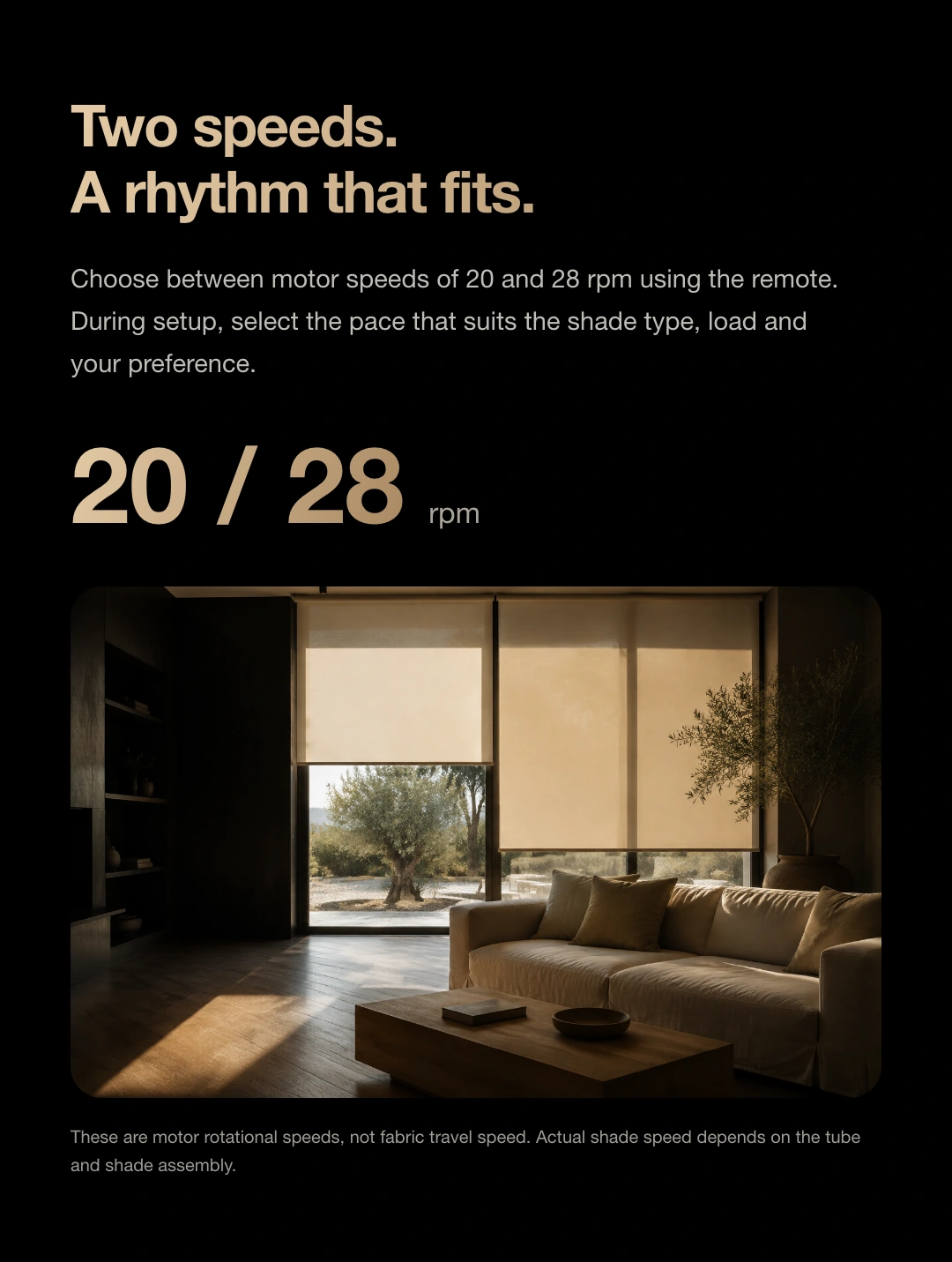
Use the matched remote to select motor speed. Actual fabric travel speed depends on the tube, shade type and transmission.
Use Up, Stop and Down for everyday control, with jog mode for precise adjustment.
Seven shade types, each with its own fittings
Motor 25 supports the following seven shade-drive applications. Installation requires a compatible tube or lifting mechanism, drive components, brackets and shade load.
| Shade category | Controls and structure | Check before choosing |
|---|---|---|
| sheer shade | Roll up/down + Tilt vanes | Match the Shangri-La shade's tube, drive and light-adjustment mechanism. |
| Roman shade | Fold up/down | Match the Roman shade's lifting mechanism and check fabric weight and resistance. |
| zebra blind | Roll up/down · Align sheer and opaque bands | Match the tube and drive mechanism to the dual-layer sheer shade. |
| day and night cellular shade | Cellular folding · Day/night zones | Match the day/night shade mechanism; zones and independent control depend on the configuration. |
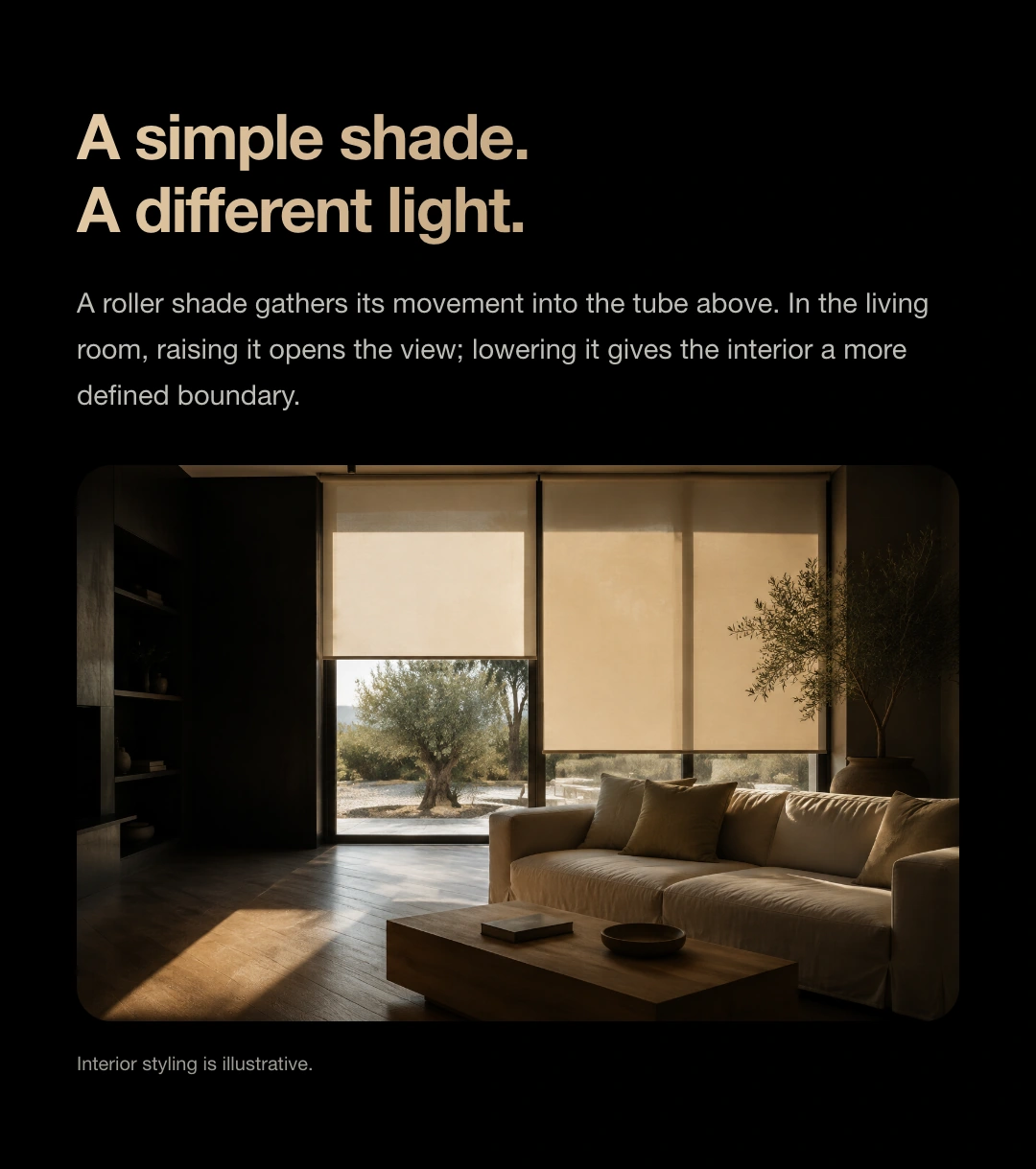
| roller shade | Roll up/down | Match the roller tube, drive wheel, brackets and fabric load. |
| wooden blind | Raise/lower + Tilt slats | Match the wooden blind's lifting and tilting mechanism and check its weight. |
| aluminum blind | Raise/lower + Tilt slats | Match the aluminium blind's lifting and tilting mechanism, checking load against its size. |
Provide window width and height, mounting method, fabric or slat choice, charging location and home platform so the motor and shade can be matched.
Share photos of your shade and top mechanism, details of the tube or lifting mechanism, and the shade weight to check drive, bracket and light-adjustment compatibility.
Understand the drive and its connection requirements.
* Battery life and noise are reference values under stated conditions. Load, installation, usage frequency and environment affect results. Check dimensions, load, accessories and charging input against the selected configuration and supplied instructions.
Get help choosing shades ↗Get started after installation
The remote, limit and motor settings below follow the DM25-2028 operating instructions. Before setup, identify P1 on the remote and SET on the motor, and keep the shade's travel path clear.
The motor can learn up to five remotes. Repeating this procedure for an already paired remote deletes its pairing; do not repeat pairing as a routine retry.
Upper limit: P1 → Up → P1. After entering setup mode, move to the desired position within 30 seconds and stop. Hold Stop for 3 seconds to save.
Lower limit: P1 → Down → P1. Move to the desired position and stop, then hold Stop for 3 seconds to save. The motor beeps twice and jogs twice to confirm.
Repeating the relevant limit-setting procedure removes the existing limit and re-enters setup. Check both stopping positions when finished.
Save changes after fine-tuning. Press Up and Down together to switch between jog and continuous operation.
Set the upper and lower limits first. Move to a preferred height and stop, then press P1 → Stop → Stop. The motor beeps twice and jogs twice to save the third position.
Saving again replaces the previous position. Follow the matched remote's instructions to recall it.
Press Up and Stop together to select 28 rpm. The motor beeps twice and jogs twice.
Press Stop and Down together to select 20 rpm. The motor beeps once and jogs once. These are motor shaft speeds; shade speed also depends on the tube and mechanism.
Hold the motor SET button for 3 seconds. The motor beeps once and jogs once to confirm reversal. Alternatively, press P1 → Stop → P1 on the remote.
After reversing, check that Up and Down match the actual motion, and recheck the limits.
Delete one remote: press P1 on that remote, then press Down and Stop together.
Delete all remotes: hold the motor SET button for 6 seconds, until two sets of beep-and-jog feedback.
Factory-reset the motor: hold SET for 9 seconds until three sets of beep-and-jog feedback. Stored motor settings are erased. Recheck remote pairing and travel settings after reset.
These are mechanical motor and remote-control settings, not Matter re-pairing instructions. Follow the supplied device instructions for network reset.
Complete the mechanical installation and travel checks. Prepare a compatible Matter controller, Thread border router and the device's Matter setup code. Put the device into pairing mode according to the supplied instructions, then add it in your chosen platform.
For example, choose Add → Add Accessory in Apple Home and scan the device setup code. For devices already on another platform, follow that platform's Matter sharing procedure.
Check motor charge, remote battery, selected channel and distance. Stop operation if the shade jams or makes unusual sounds. Inspect the mechanism and load; do not repeatedly force the motor.
If the shade does not stop at its preset position, check whether limits were deleted or adjustments were not saved. Set them again using the correct procedure. Contact JINK support with your model and a description of the issue.
The DM25 reference covers different power versions. Motor 25 uses the lithium-battery version. Never apply mains-wiring instructions for another version to its charging port.
JINK Motor 25 Smart Shade Motor
Final pricing and configuration are confirmed by your sales channel and order.
JINK Motor 25
From adding a device to using it every day.
Complete installation, direction checks and travel-limit setup according to the device manual before pairing. Available controls and automations depend on the version and platform.
Prepare a compatible Matter controller and Thread border router for this model. One supported device may perform both roles.
 HomeApple Home · Matter connection reference
For a Matter device already added to another platform, start shared pairing in that platform, then follow the new platform's instructions. Do not factory-reset solely to change apps. This is a connection overview; available controls depend on your device configuration and platform.
Get connection help for this modelResources and downloads
JINK Motor 25 Smart Shade Motor · product overview, selection guides and support.
The product story in sequence. Download the collection to view each image.
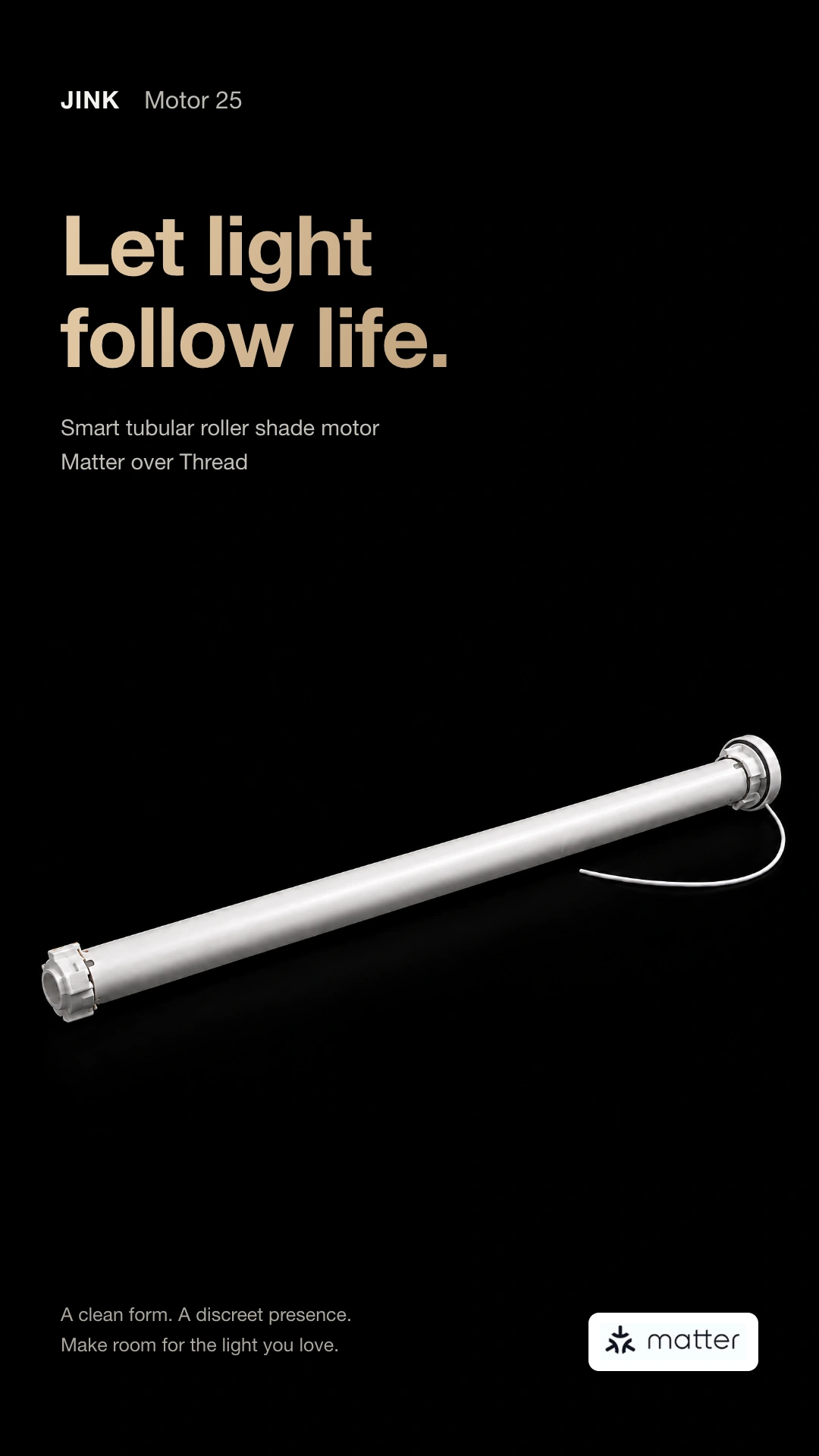
White-background product images and detail views for a closer look at form and materials.
Square highlights explaining design and functions.
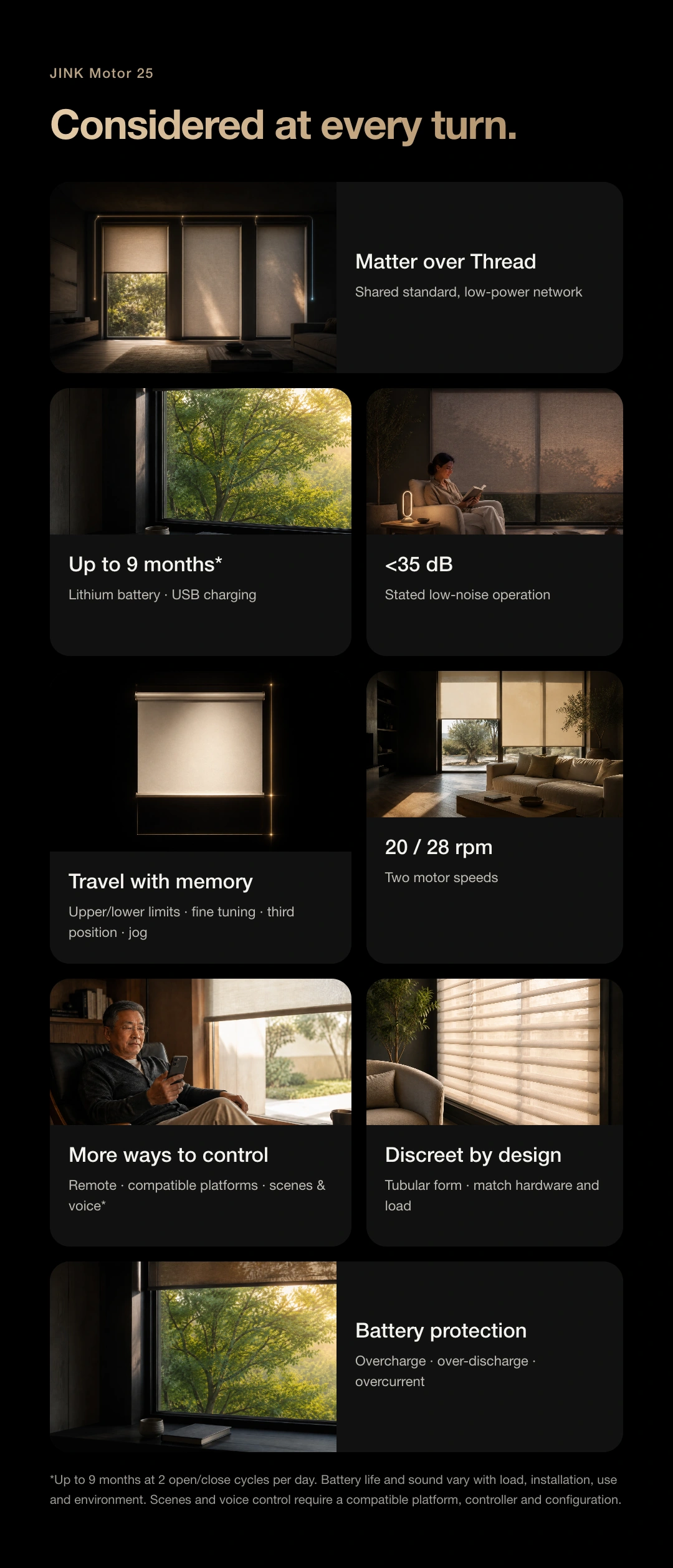
Portrait scenes and feature guides showing the product in daily life.
Product introduction and selection reference. Check specifications, power and connection requirements for the selected model.
Match the instructions to your model, power version and connection configuration. Brochures and selection references do not replace installation and operating manuals.