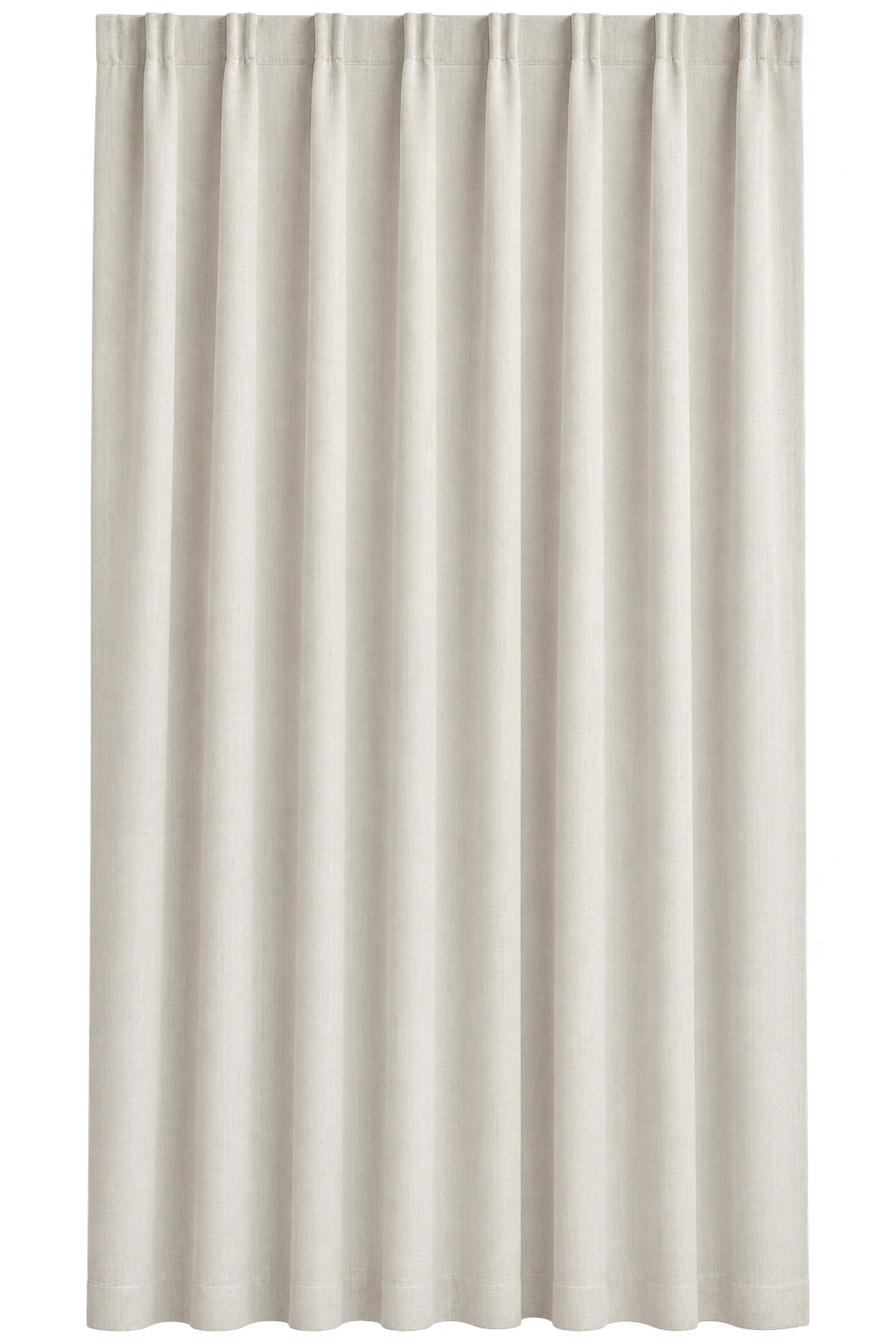
Product story
The product story in sequence. Download the collection to view each image.
Shop JINK products
Choose a configuration and quantity, then submit your order for JINK to confirm.
JINK Flagship Smart Curtain Motor
Control the light by your window.
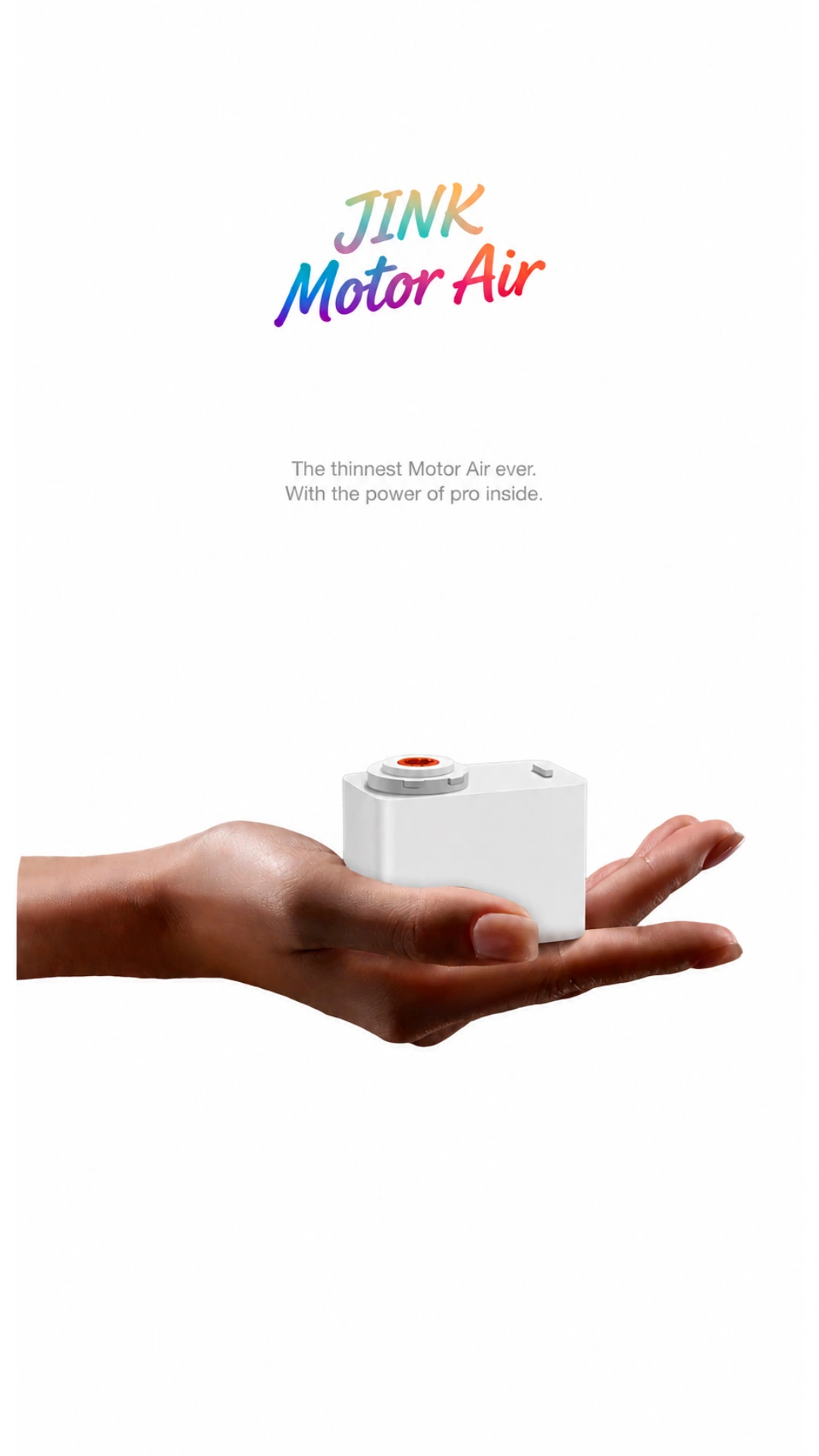
Compact size, capable drive and considered quietness.
 Apple HomeExplore the Home app
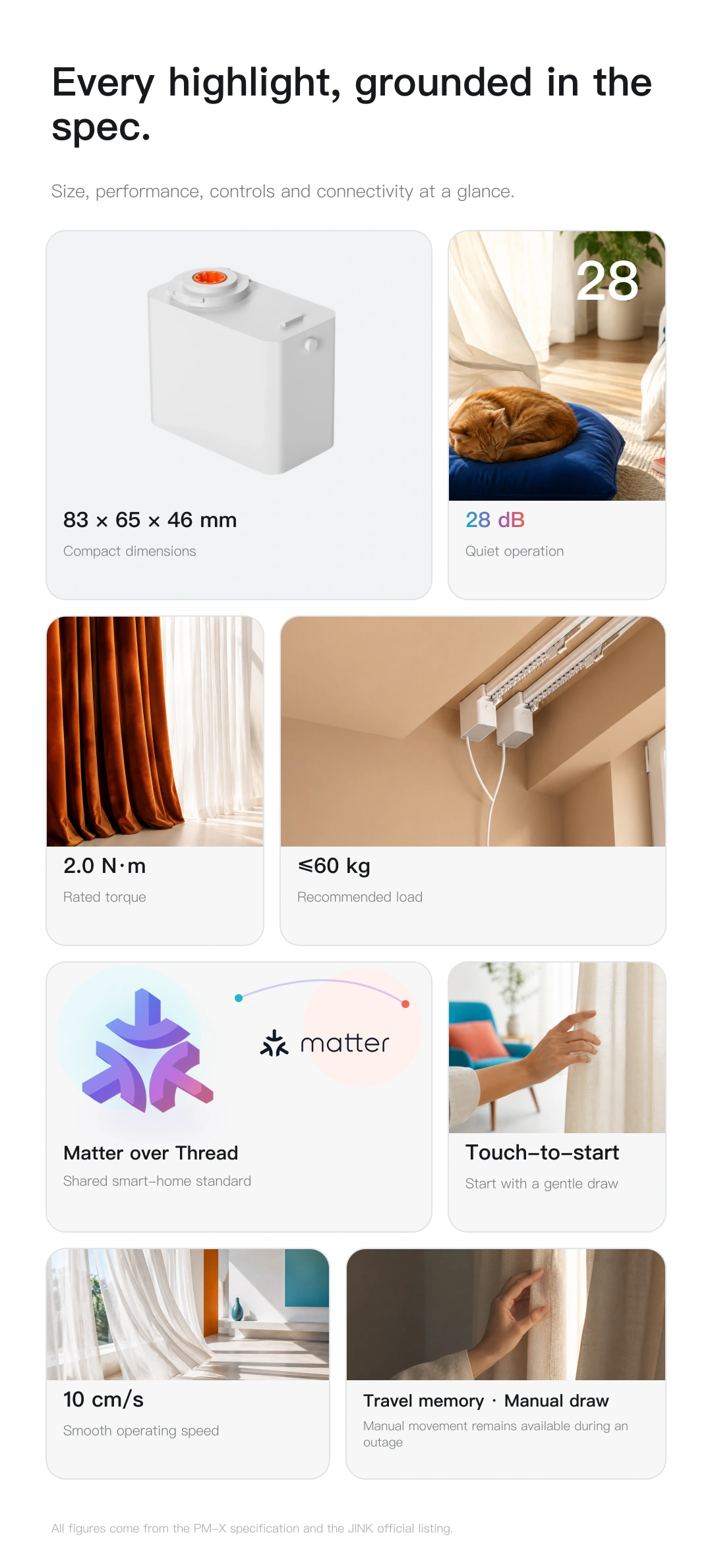
Highlights at a glance
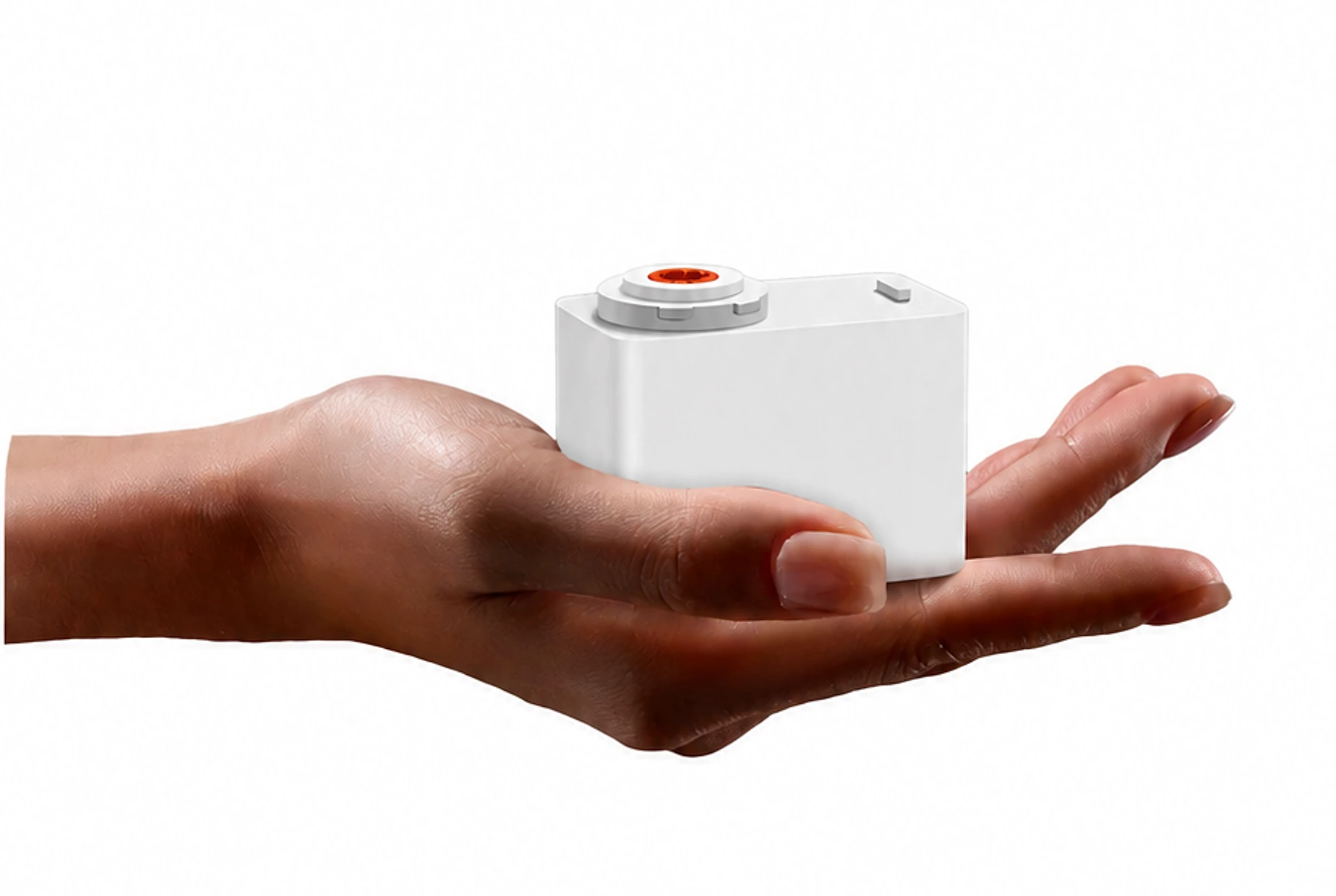
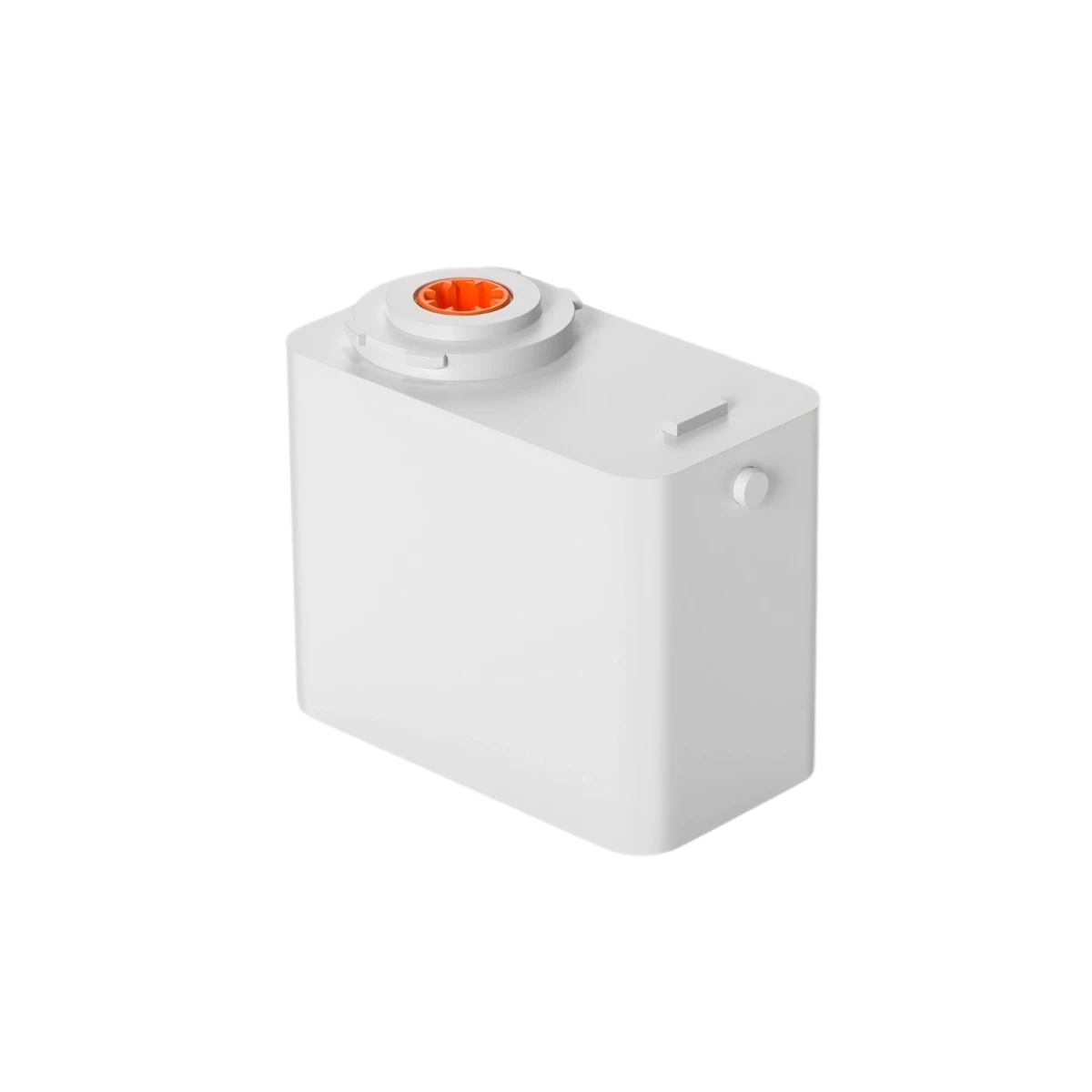
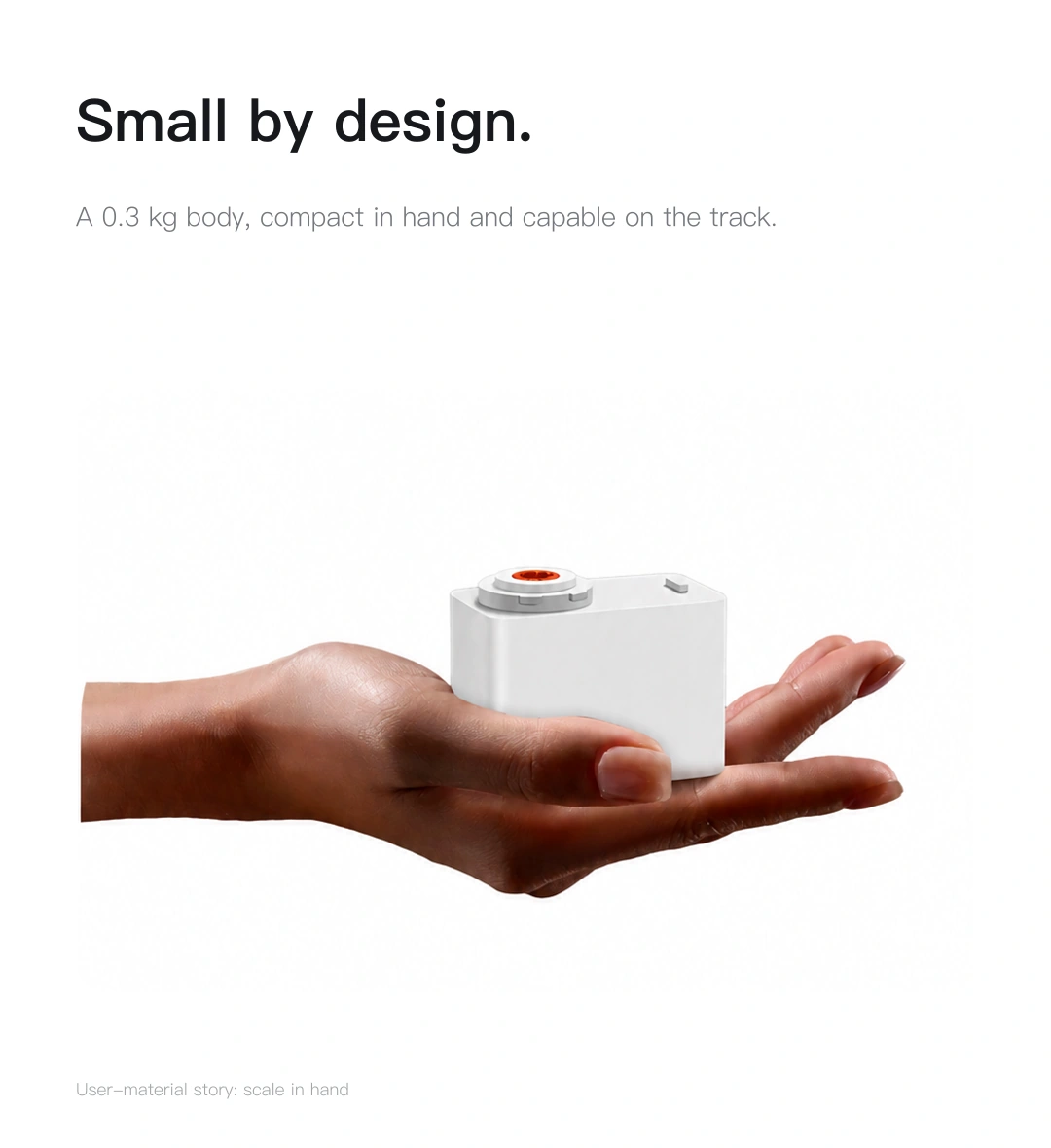
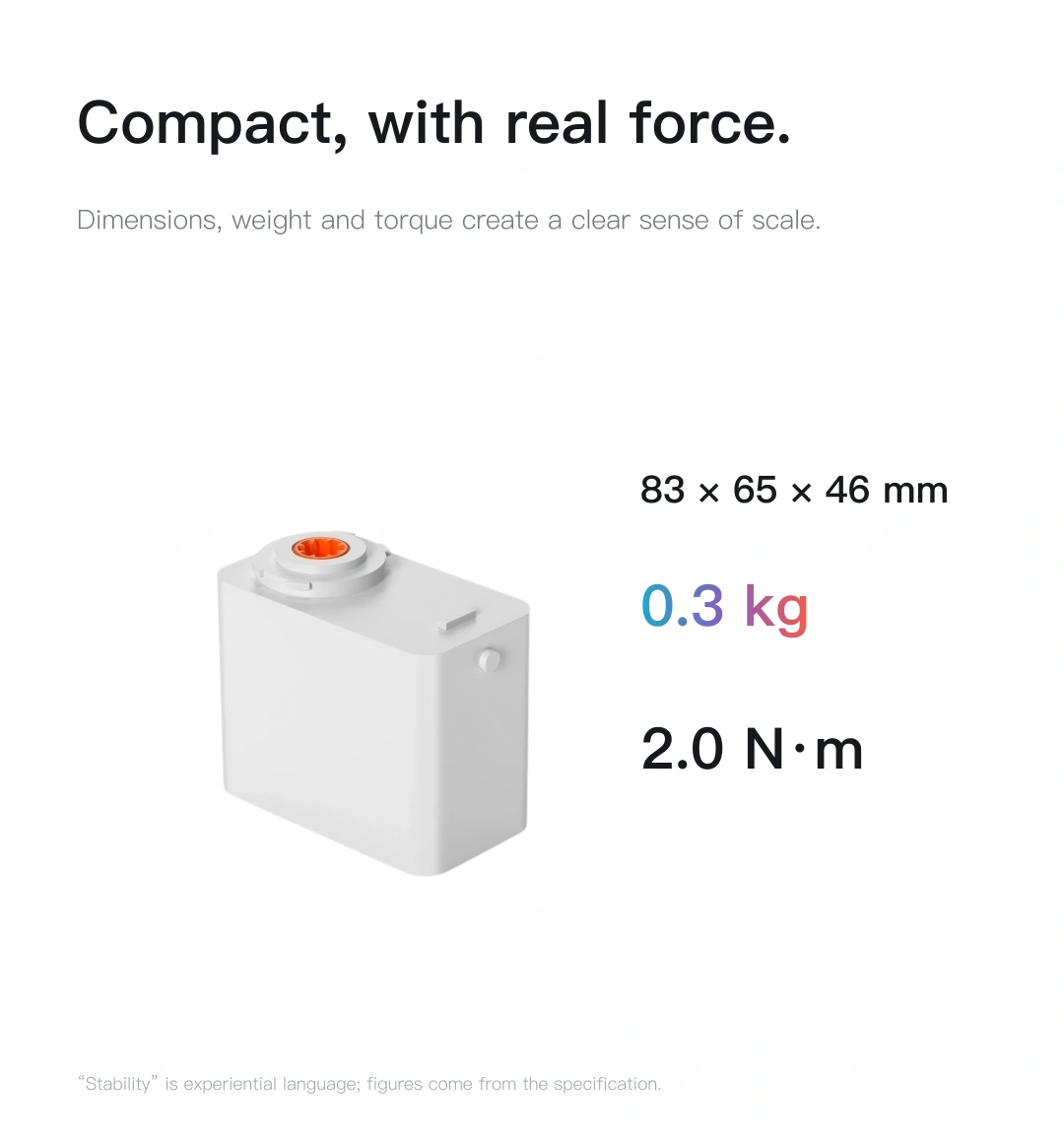
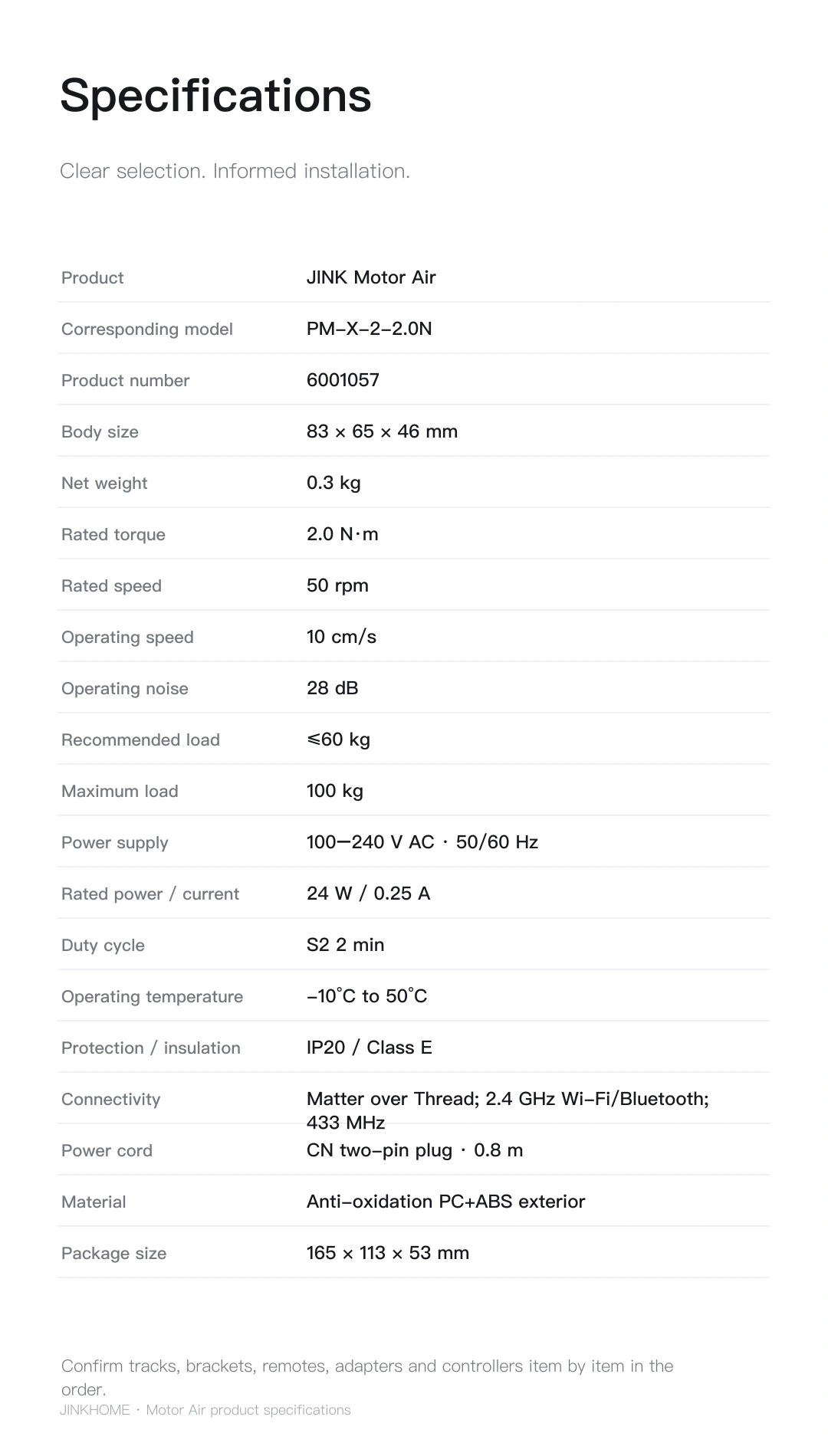
83 × 65 × 46 mm · 0.3 kg

Make more room for quiet.
Matter over Thread

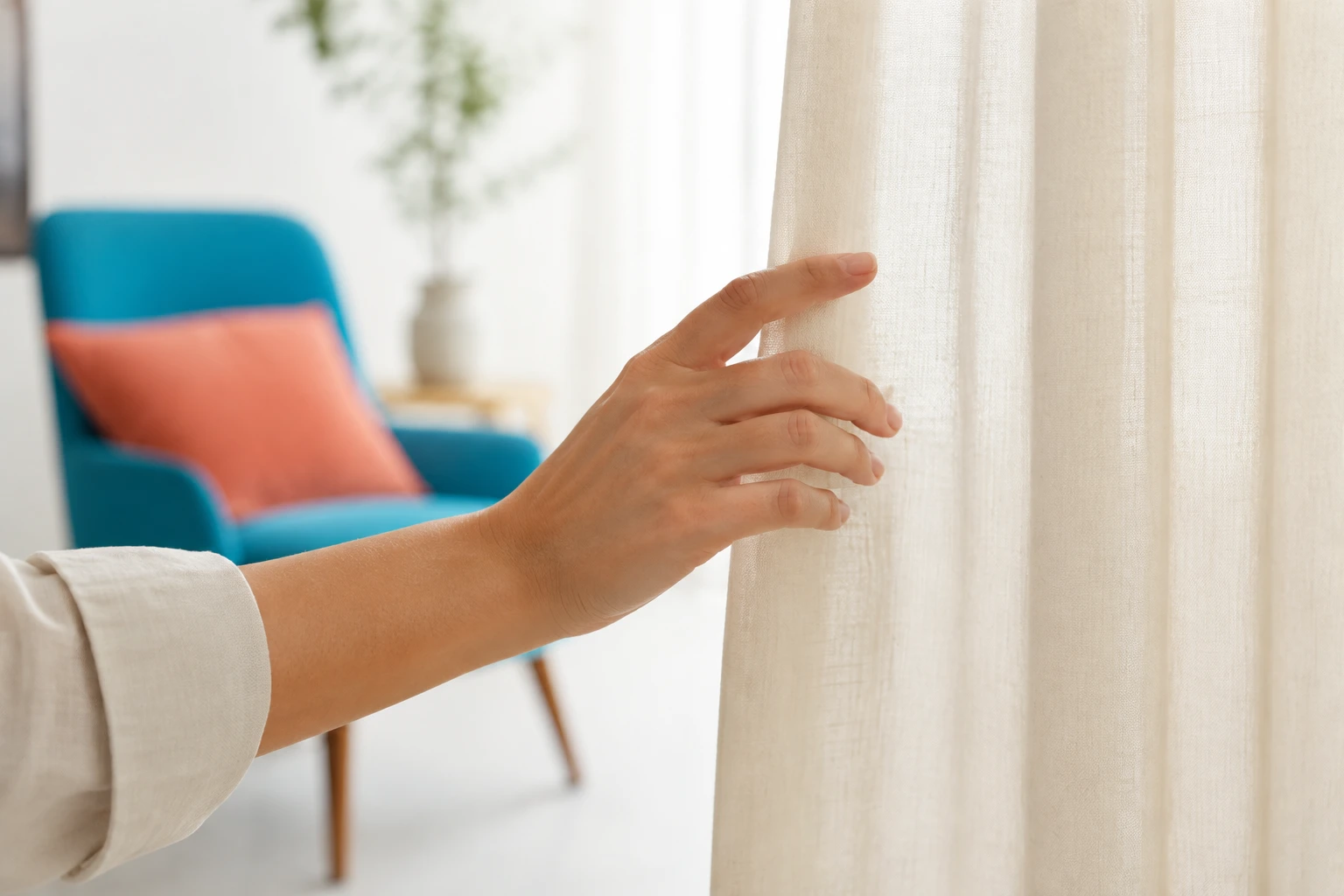
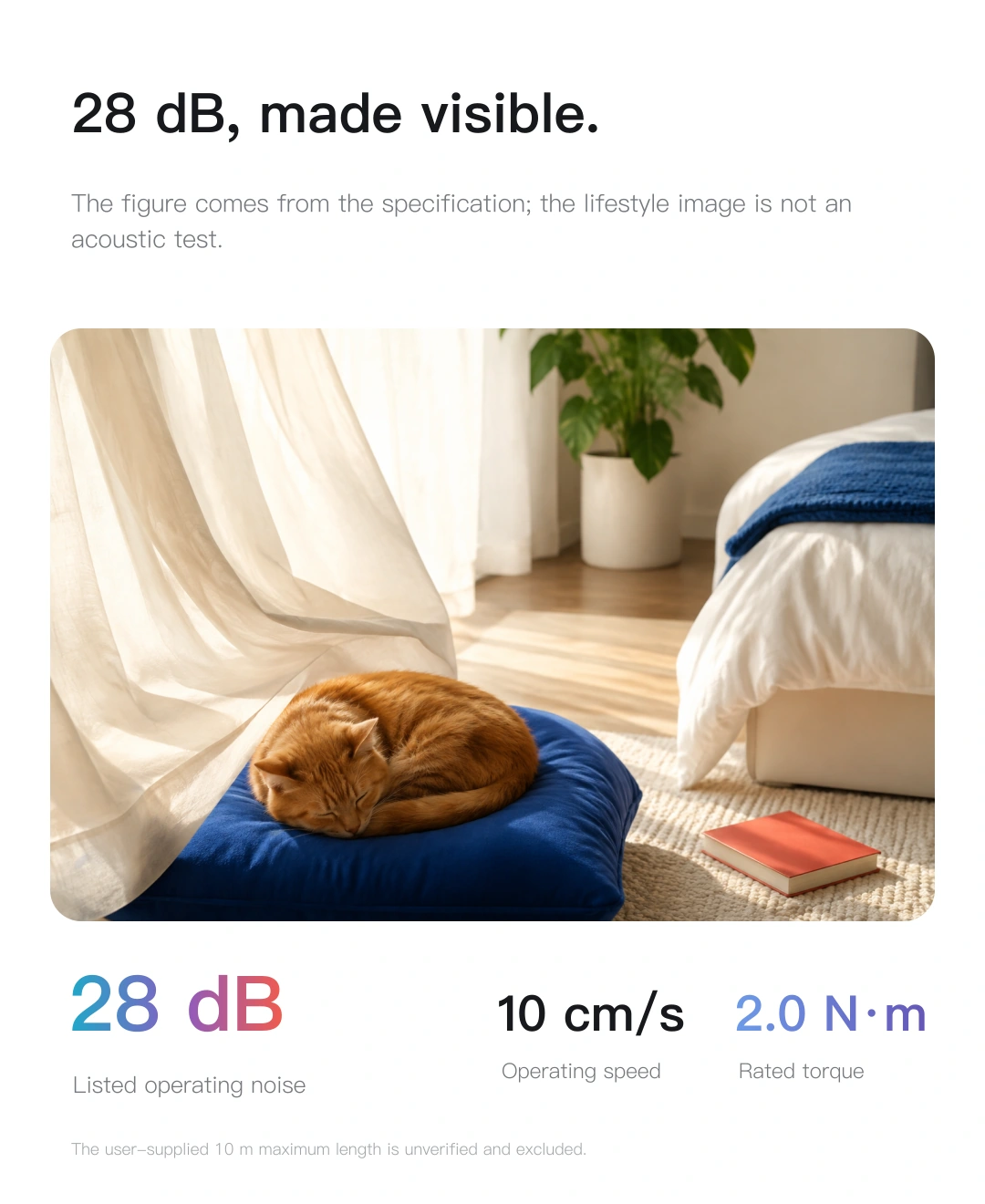
28 dB is the rated operating noise in the specification. Actual noise depends on the track, load and installation. The scene image illustrates a living environment.
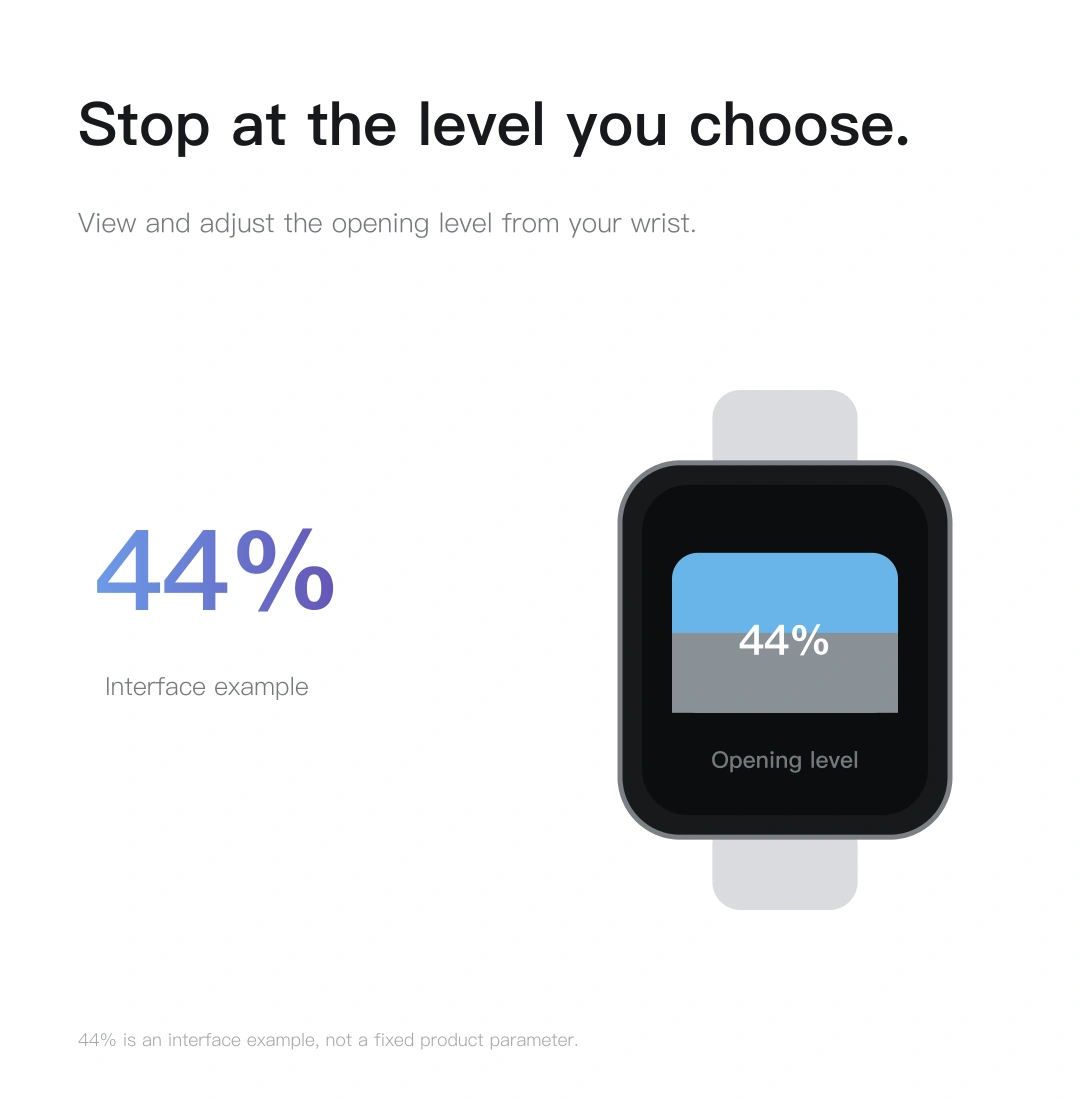
Raise your wrist. Adjust the light.
Swipe up or down on the watch screen.
Open the curtain a little, or a little more,
Light, just as you like it.
The interactive demo below does not operate real devices in your home.
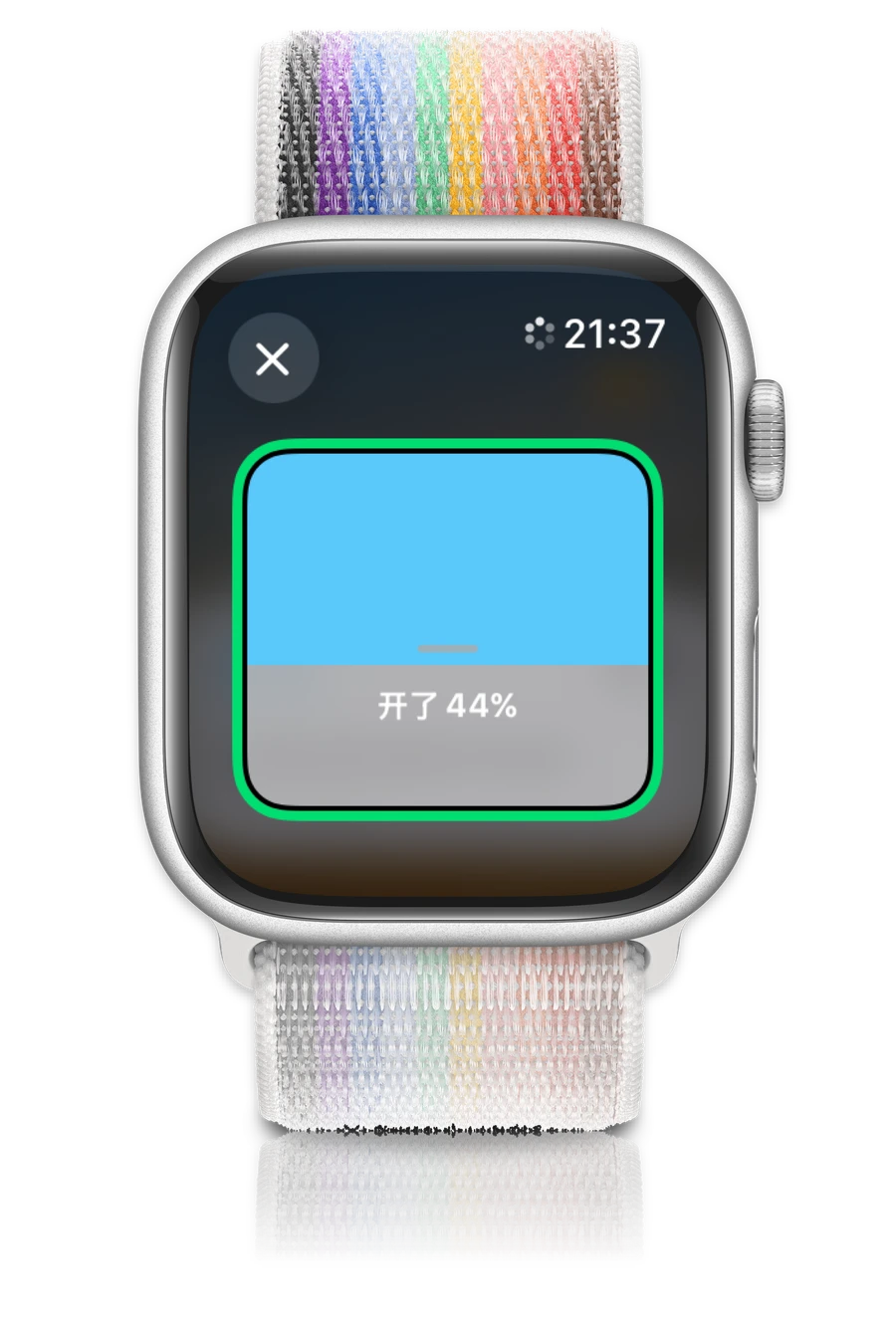
↕ Swipe up or down in the coloured control area
Trackpad / Scroll wheel / Click and drag
Swipe up to open, down to close

Pause at your preferred 44%.
Compact through careful design
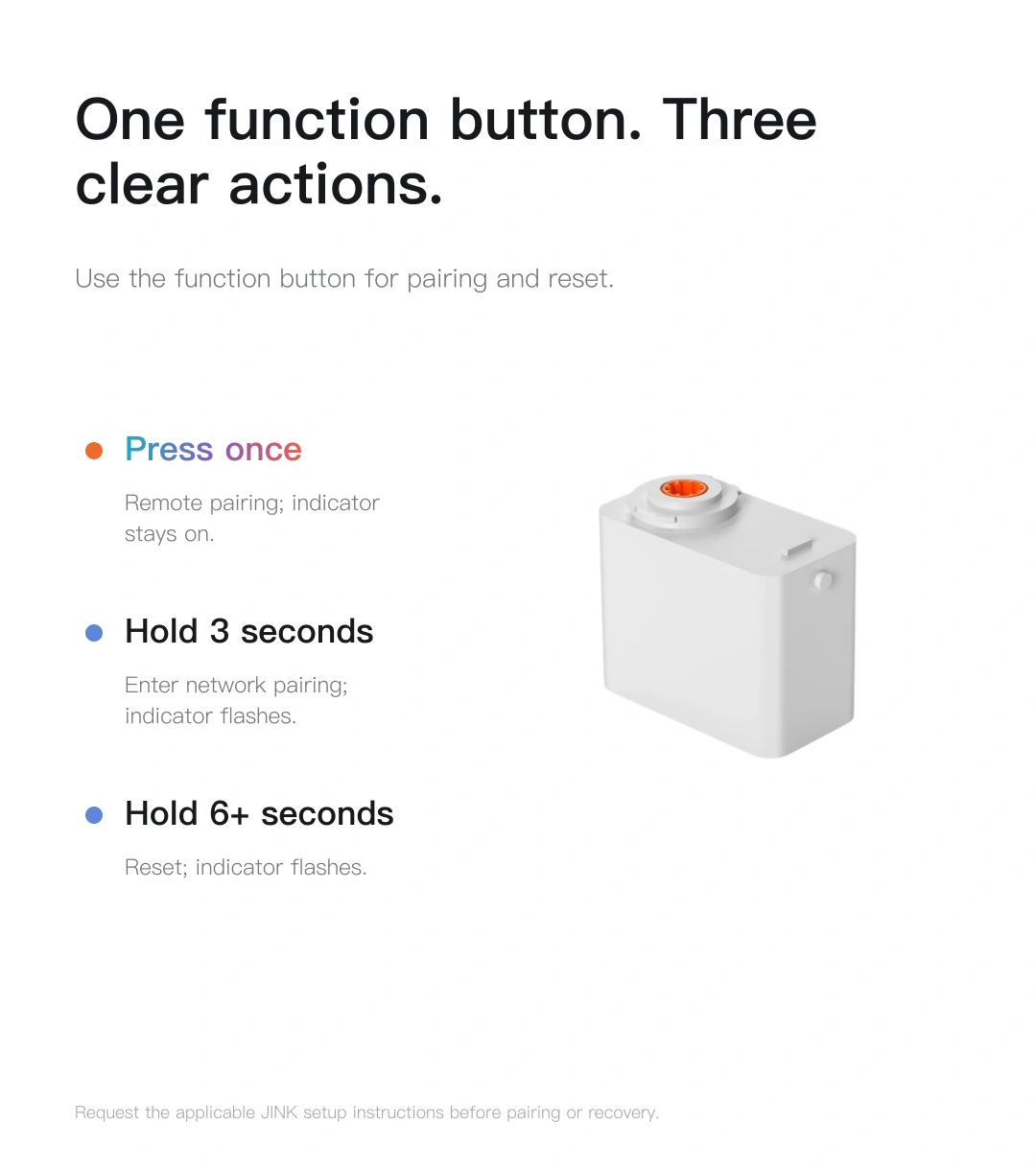
A clean white form.
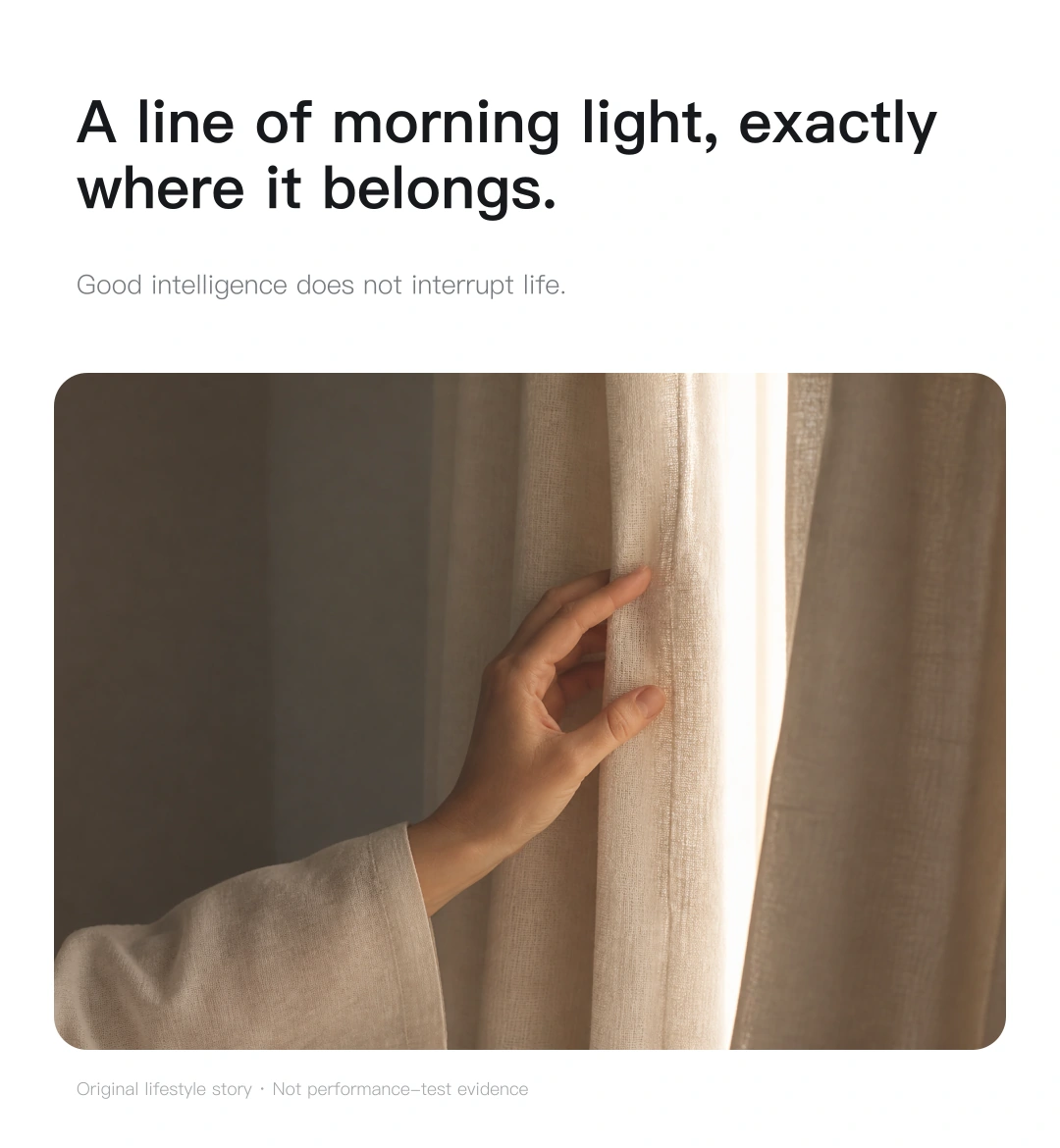
Fitted to a suitable track by the window,
More curtain to see. Less motor to notice.
Quietly part of your day
Stay in the moment. Let the curtains move.
The curtains move quietly,
while life keeps its rhythm.
Values are rated specifications for PM-X-2-2.0N, not measurements of this scene. Operating sound depends on curtain weight, track and installation conditions.

Power with purpose
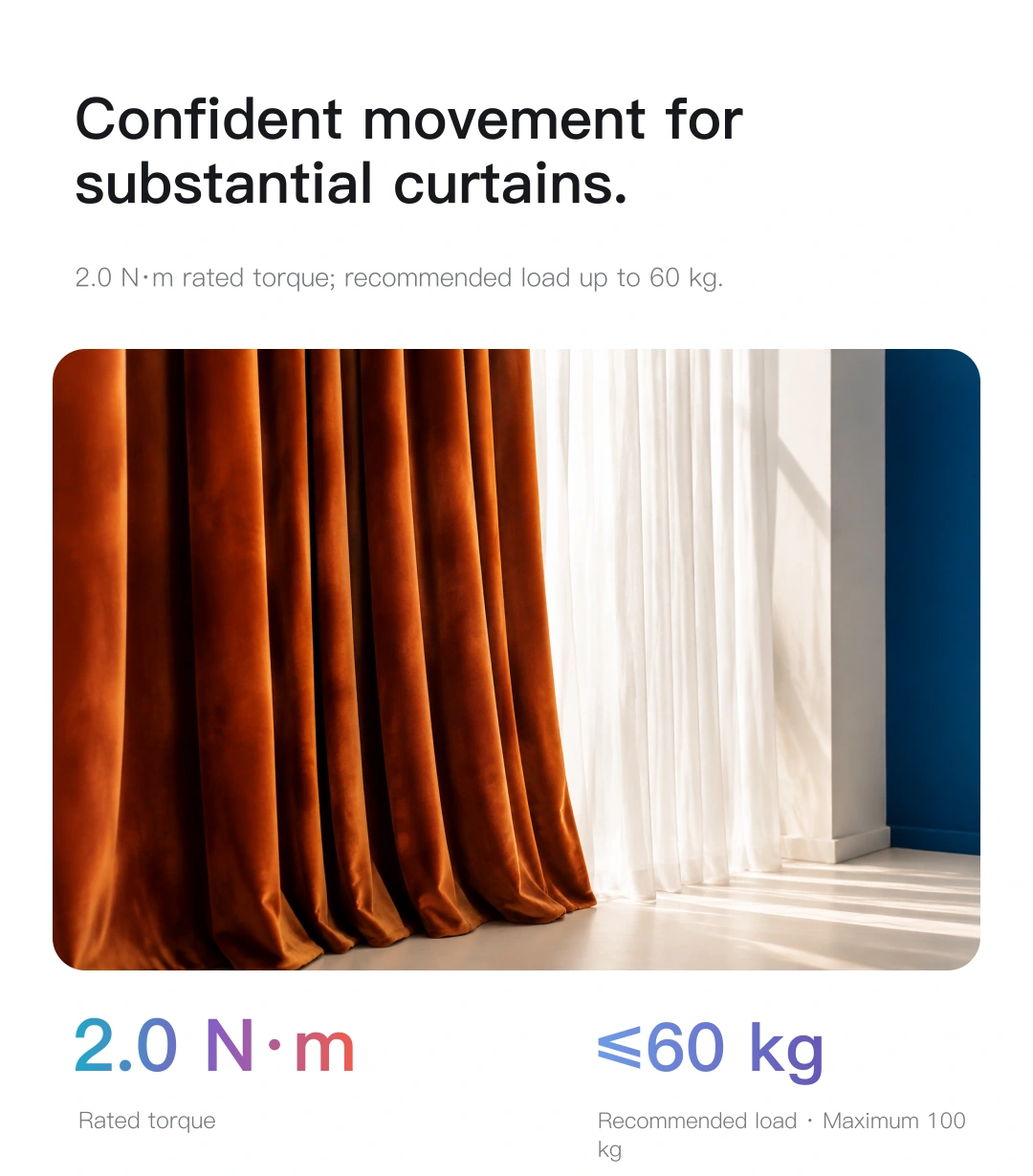
Rated torque of 2.0 N·m provides steady drive for everyday opening and closing with a suitable track and curtain load.
Recommended load is no more than 60 kg. An installer must confirm selection according to track length, bends, resistance and curtain weight.
Make the day your own
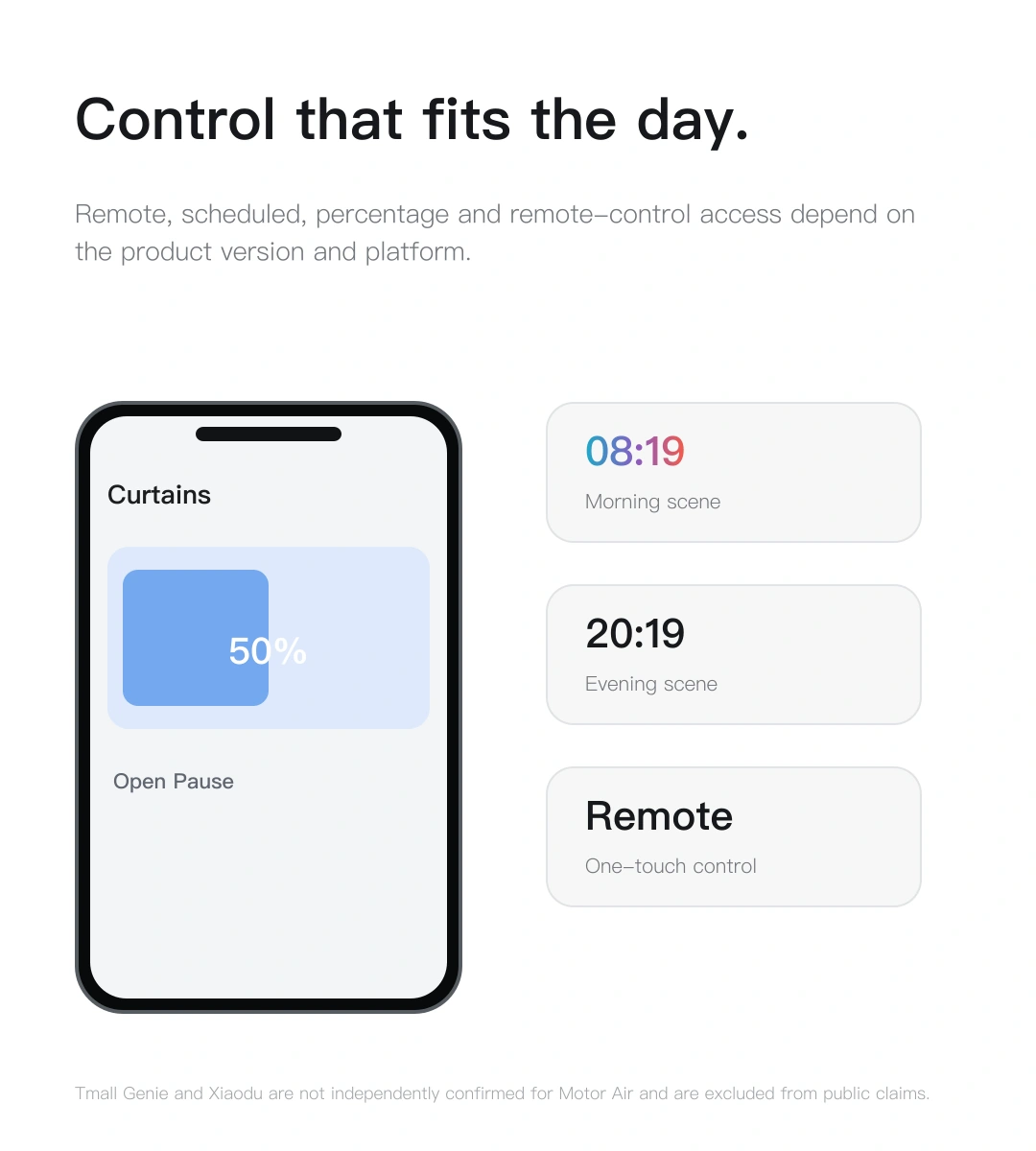
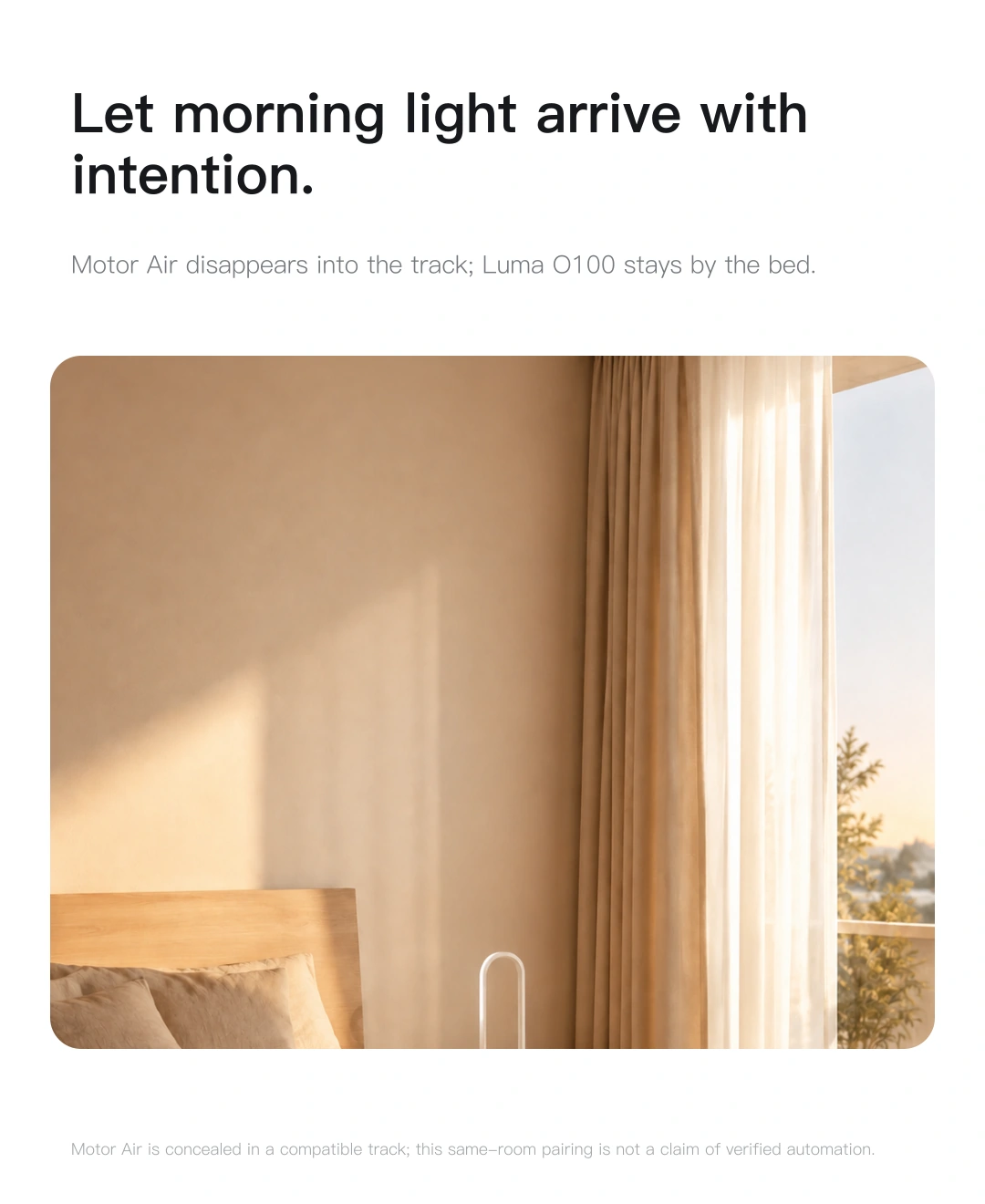
Create a morning scene in a compatible home platform, opening the curtains to welcome the day.
Scenes are examples to create in your chosen platform. Scheduling and lighting automations require compatible hubs and devices.
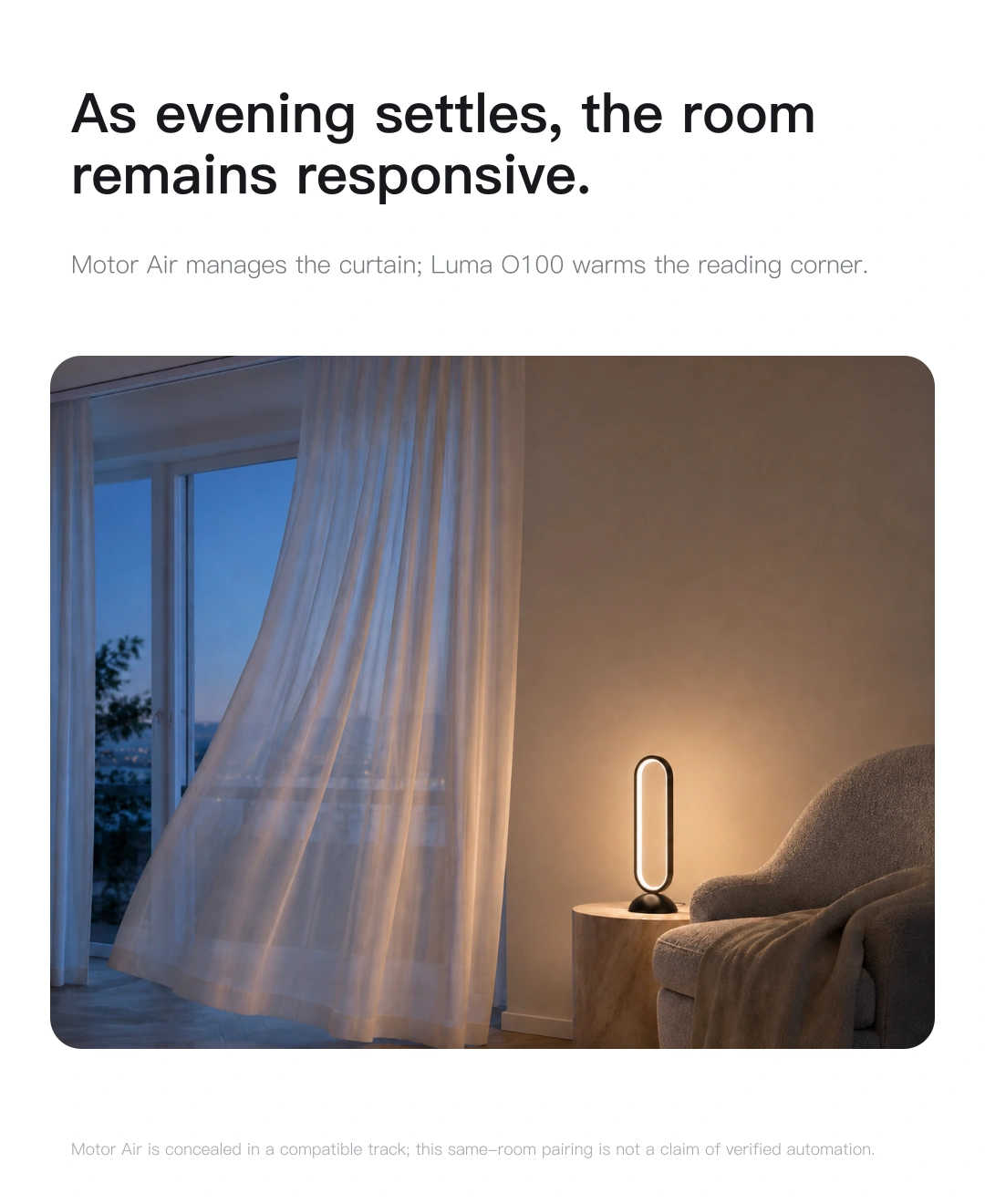
Light throughout your day, with JINK Luma O100 ↗
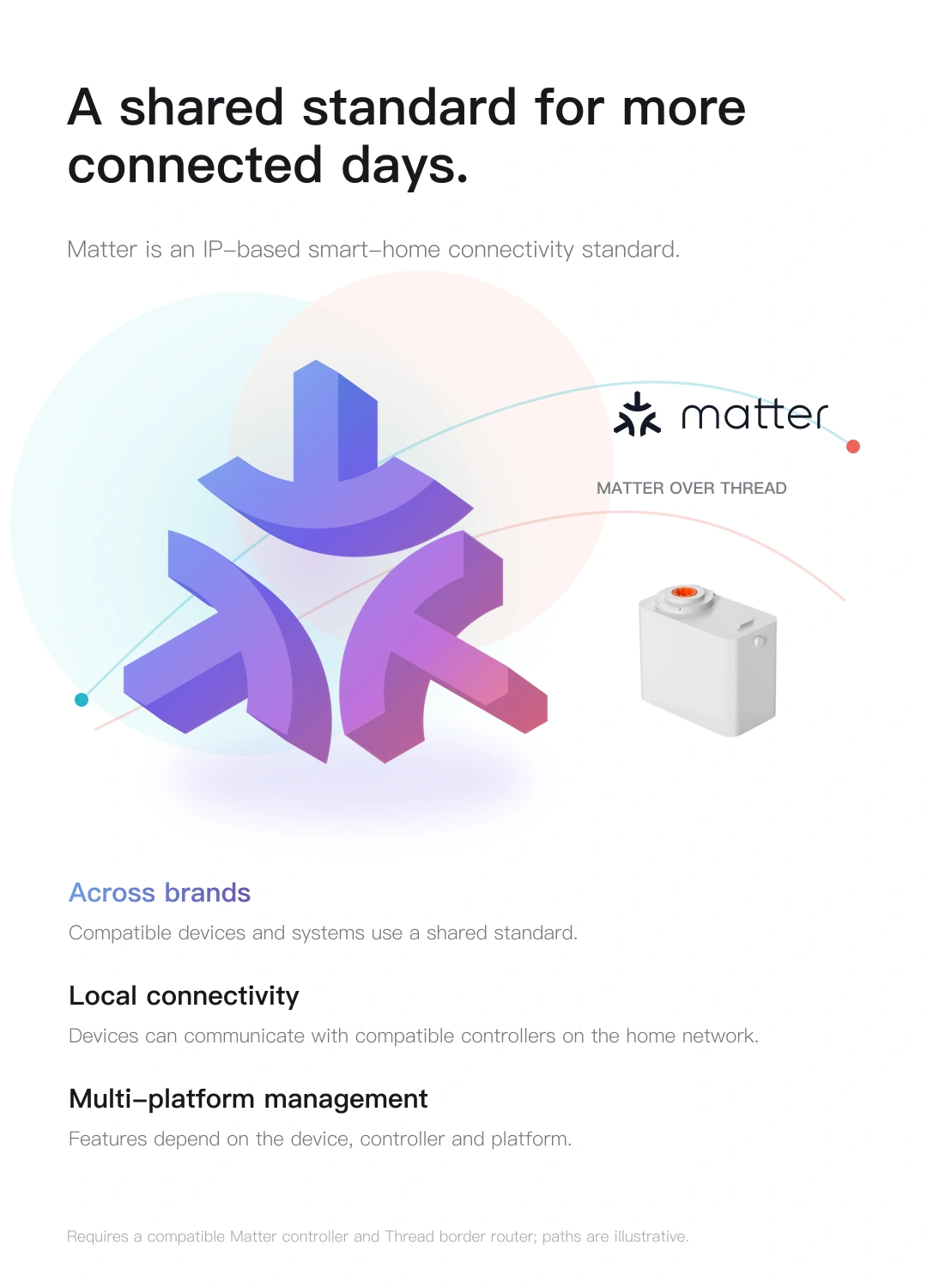
Matter over Thread
Matter is an IP-based smart home connectivity standard.
Motor Air joins a compatible platform through Thread,
Curtain control, naturally part of daily life.
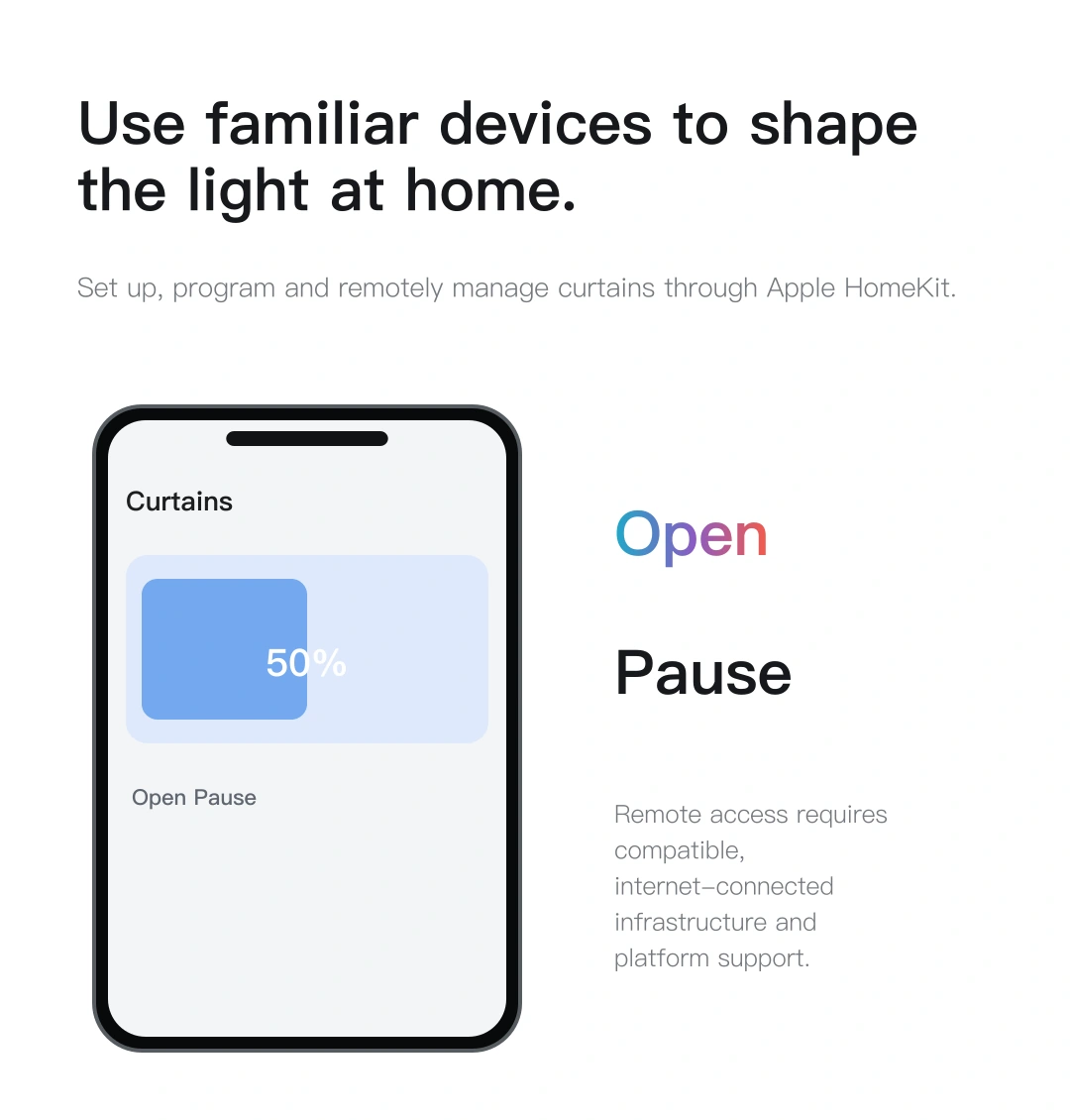
View and control your curtains in Apple Home, or use Siri or Apple Watch. A Matter-compatible home hub and Thread border router are required.
View the platform's official guidance ↗Matter over Thread requires a compatible Matter controller and Thread border router. One device may perform both roles. A phone is typically used for pairing and everyday control.
Remote control, voice control, automation and sharing across platforms depend on platform versions, accounts, networks and device support. The platforms above illustrate the Matter ecosystem; they do not all offer identical functions.
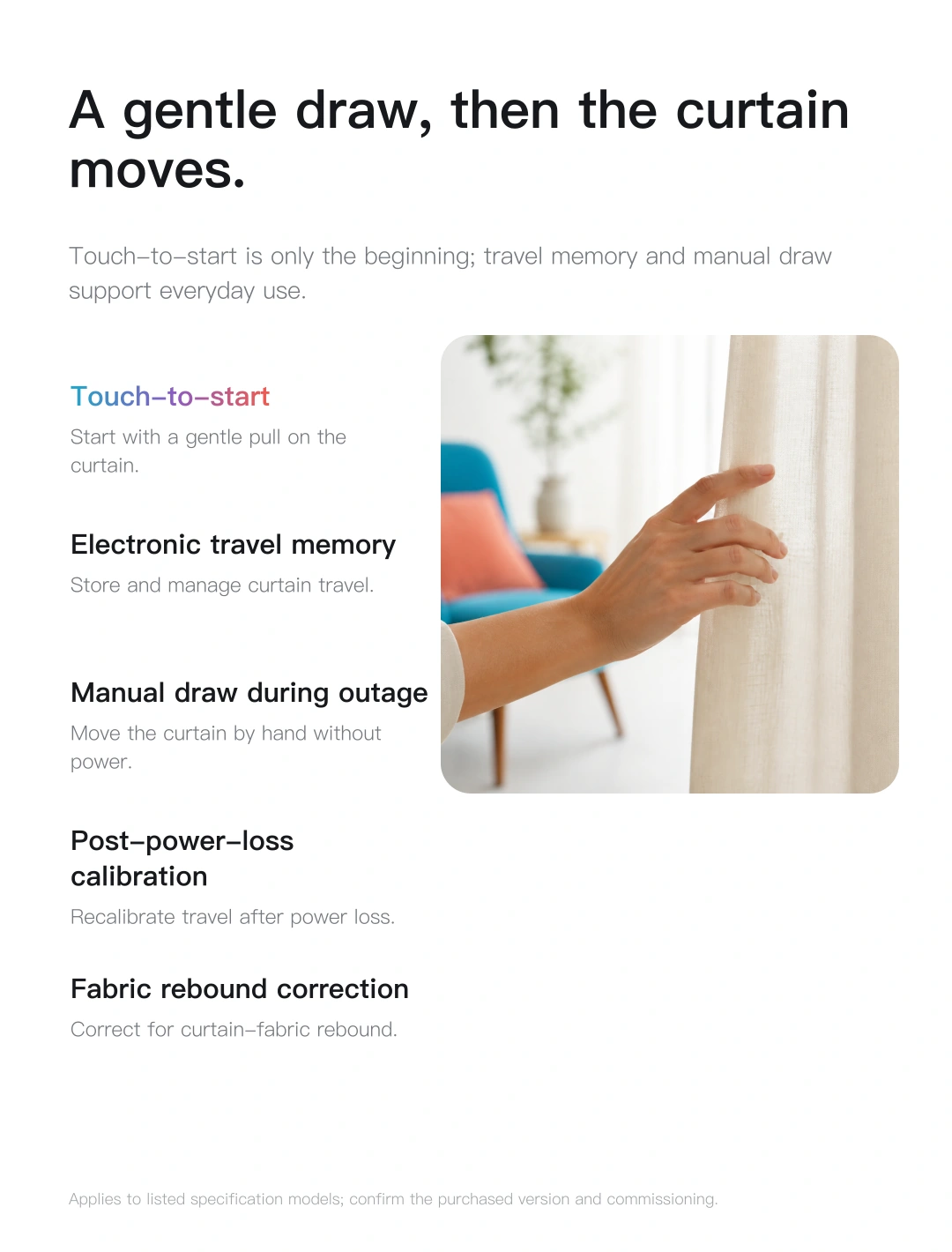
Smart control. Familiar habits.
Gently pull the curtain to start the motor. Everyday control without reaching for a phone.
Once travel limits are set, the motor remembers curtain positions for easier everyday use.
During a power outage, you can still draw the curtains by hand.
A considered installation by the window
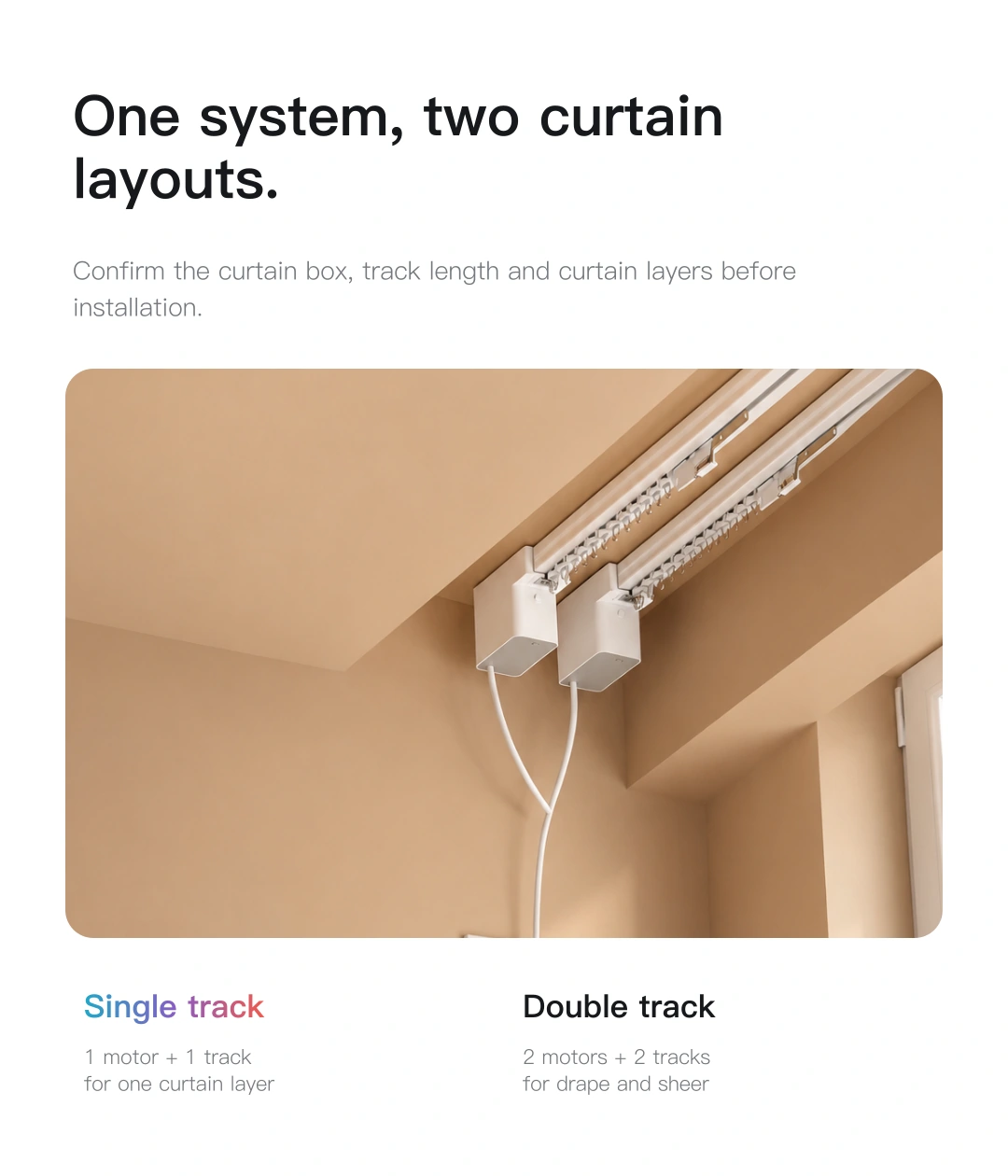
First, choose the track and curtains,
then find the right position for each layer of light.
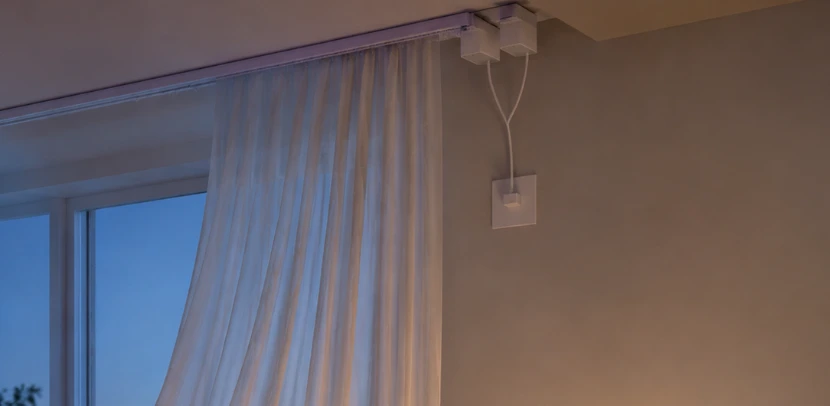
Use one motor per track. For independent control of fabric and sheer curtains, use two tracks with two motors.
Provide a 100–240 V AC supply and check the curtain recess, track connection, load capacity and cable position. Electrical connections and secure mounting must be completed by professionals.
Explore every detail
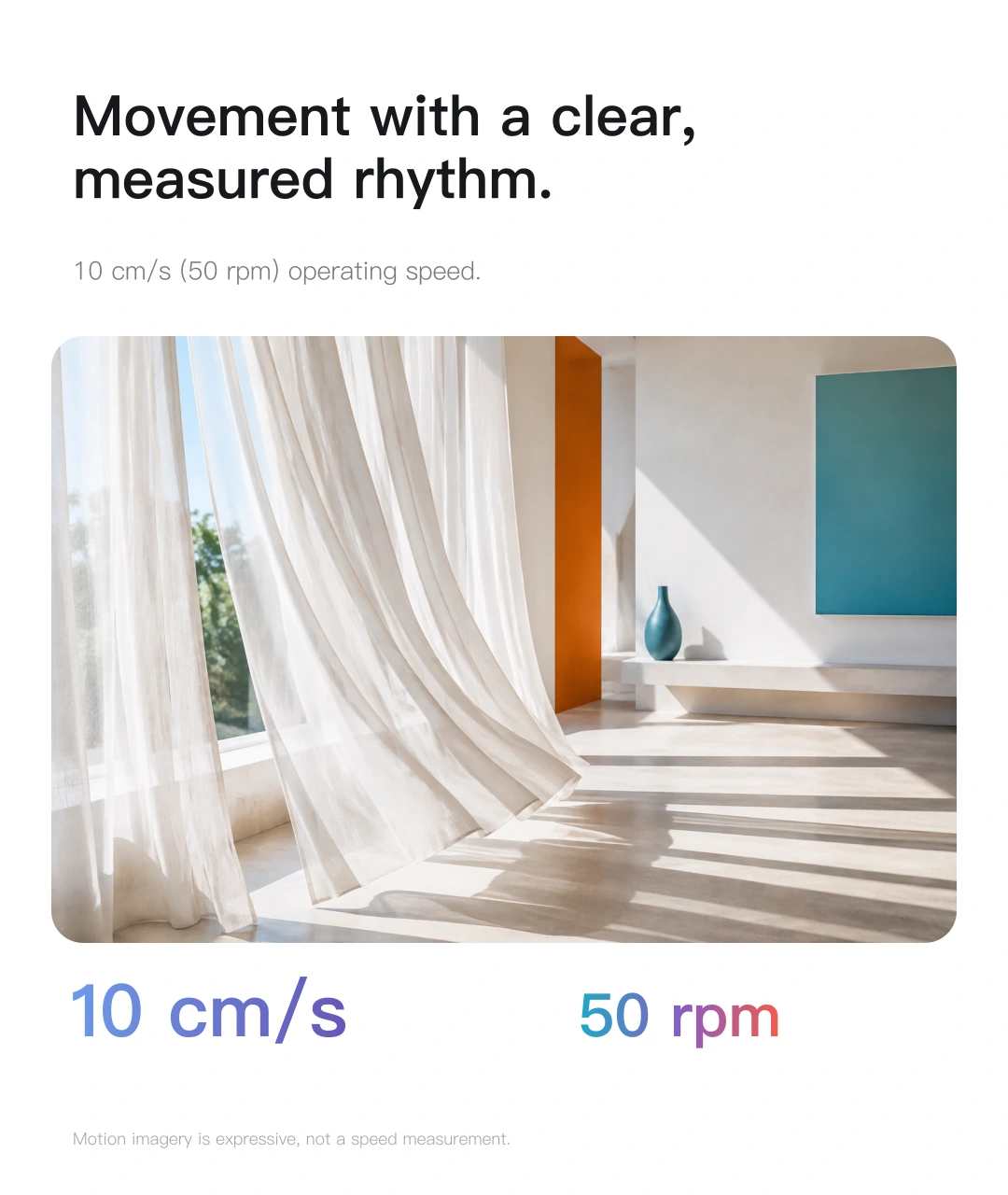
Rated specifications for the PM-X series. Load, speed and noise depend on operating conditions. Follow the supplied instructions for installation and pairing.
Yes. Alongside a watch, you can use supported phone controls, voice or automations, or gently pull the curtain to start it. Each method depends on compatible devices and platform support.
Two curtain layers require two tracks and two motors. In a compatible platform, use supported scenes to group them, or adjust each layer independently.
A compatible Matter controller and Thread border router are required. Ensure they and the pairing phone use the correct home network. Some home hubs can perform both roles.
No. 28 dB is the rated operating noise. Perceived sound depends on ambient noise, curtain weight, track resistance and installation; it does not mean silent operation.
JINK Motor Air Smart Curtain Motor
Final pricing and configuration are confirmed by your sales channel and order.
JINK Motor Air
From adding a device to using it every day.
Install the track, confirm direction and set travel limits before using app controls. Percentage, scheduling and voice functions depend on the platform.
Prepare a compatible Matter controller and Thread border router for this model. One supported device may perform both roles.
 HomeApple Home · Matter connection reference
 Google HomeGoogle · Matter connection reference
 Amazon AlexaAmazon · Matter connection reference
 SmartThingsSamsung · Matter connection reference
For a Matter device already added to another platform, start shared pairing in that platform, then follow the new platform's instructions. Do not factory-reset solely to change apps. This is a connection overview; available controls depend on your device configuration and platform.
Get connection help for this modelResources and downloads
JINK Motor Air Smart Curtain Motor · product overview, selection guides and support.
The product story in sequence. Download the collection to view each image.
White-background product images and detail views for a closer look at form and materials.
Square highlights explaining design and functions.
Portrait scenes and feature guides showing the product in daily life.
Product introduction and selection reference. Check specifications, power and connection requirements for the selected model.
Match the instructions to your model, power version and connection configuration. Brochures and selection references do not replace installation and operating manuals.