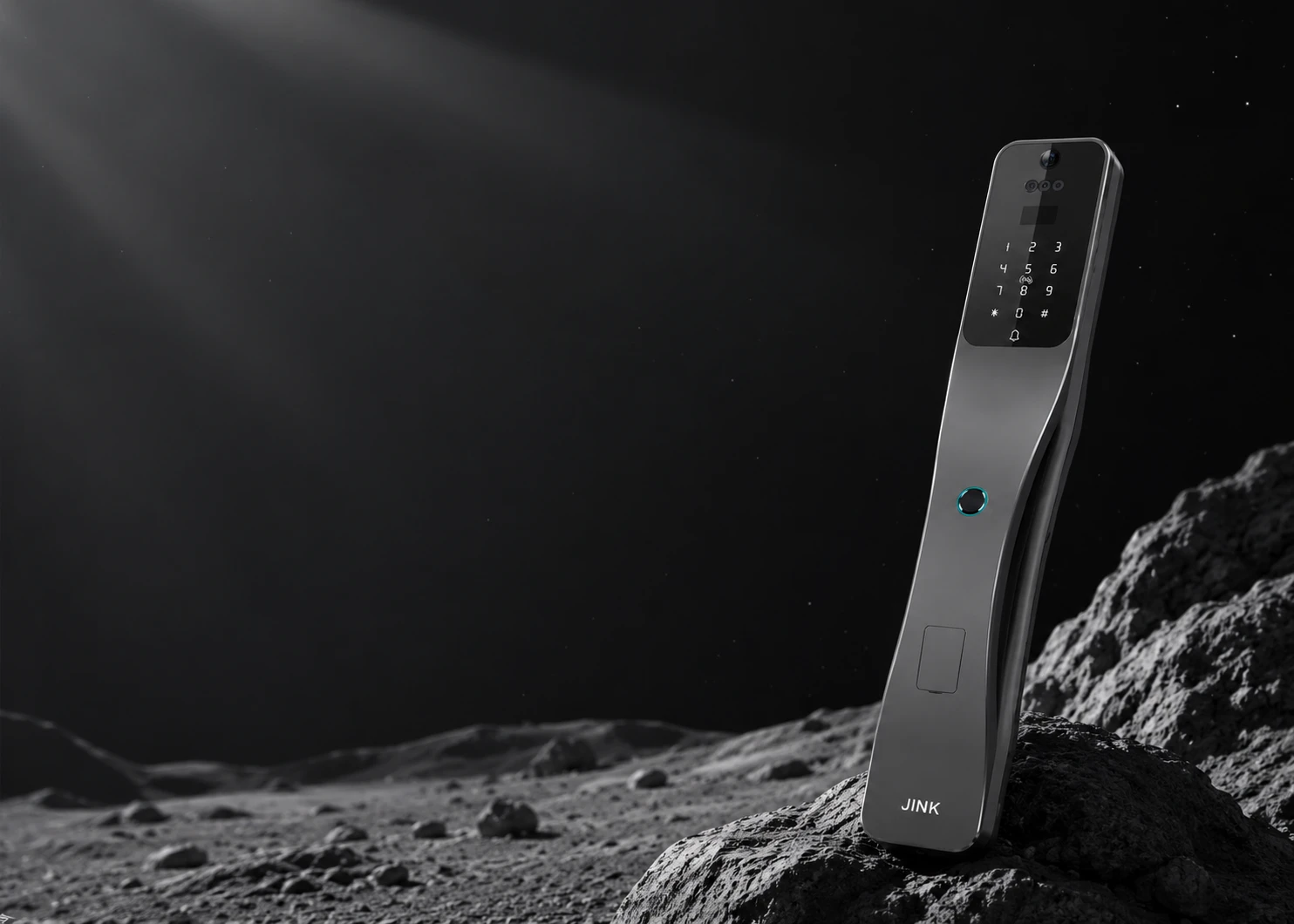
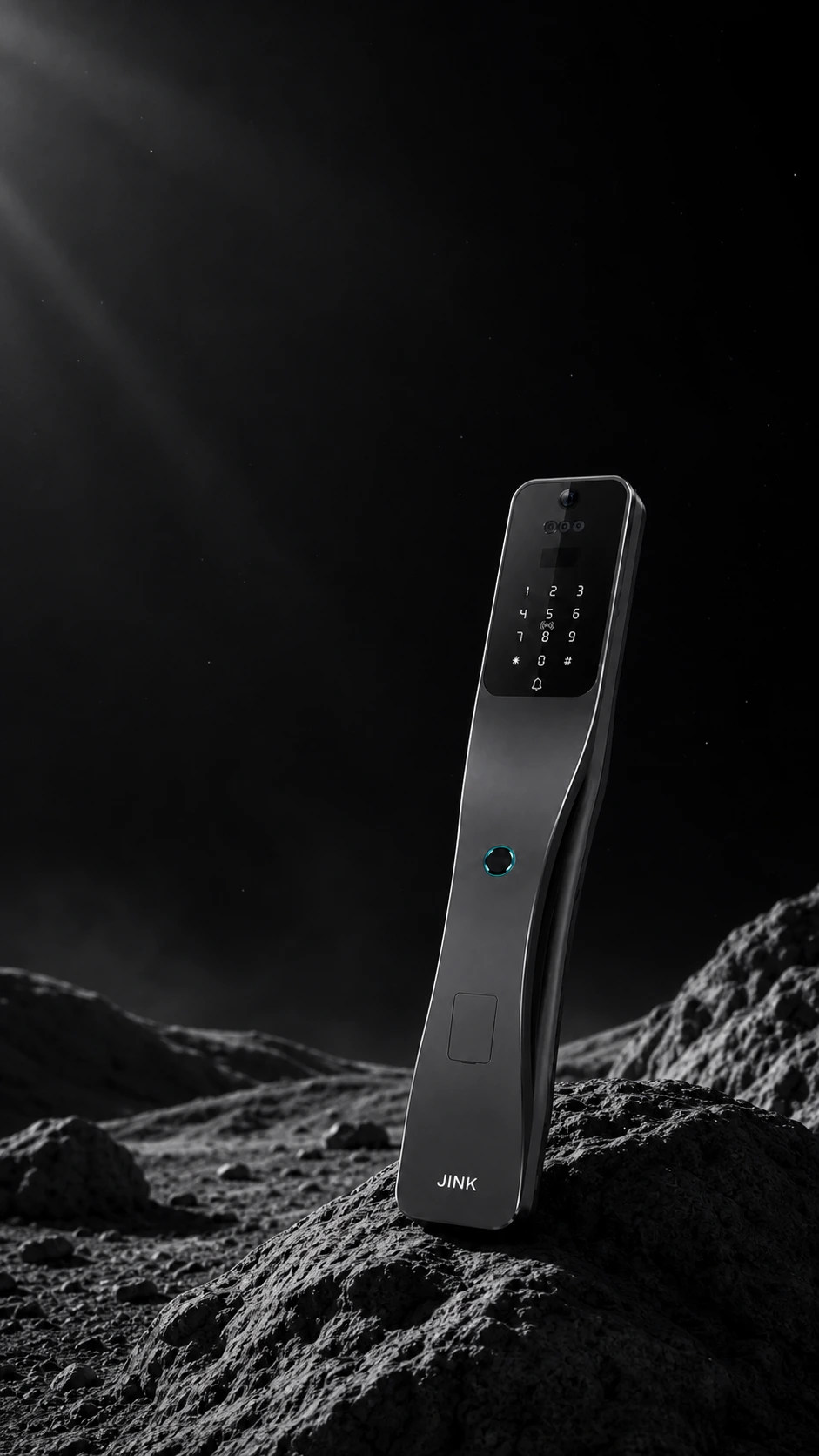
JINK flagship smart lock
Door Lock Pro.
Come home to a familiar response.
From recognizing you to connecting your home.
Make every arrival feel effortless.
The moon rises over the sea; across the world, we share this moment.Zhang Jiuling · Looking at the Moon and Thinking of You
Matter over Thread Apple HomeExplore the Home app
JINK Lock Pro · At a glance
Flagship attention to detail.
Part of every day.
From recognition at the door to control in your hand.
Bring what matters to your door.
3D face recognition
It sees you.
It recognizes you.
Stores up to 100 faces
Matter over Thread
One door.
Connect your home.

App control
Your home’s status.
At your fingertips.
Try swipe-to-unlock on the webpage ↗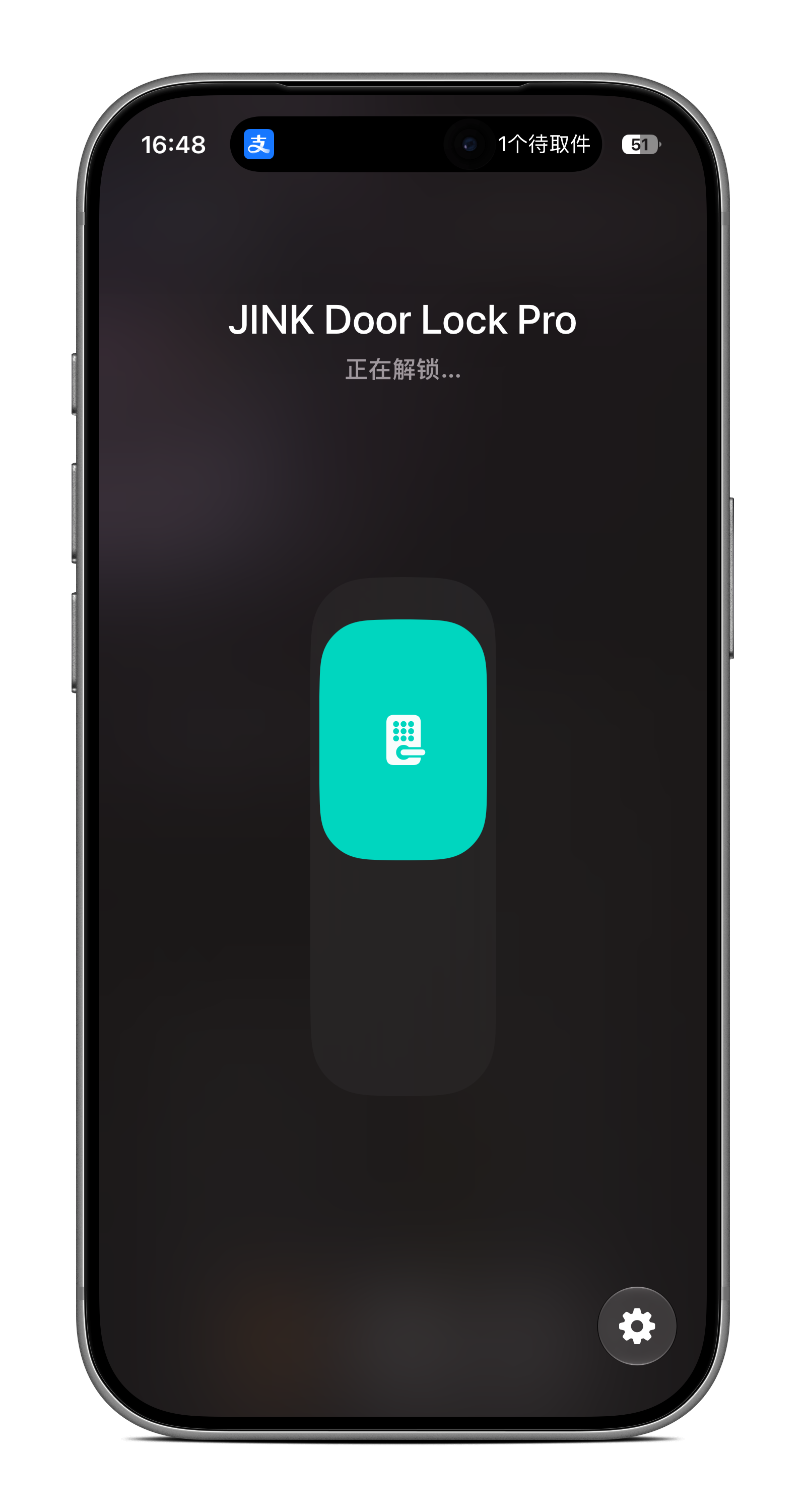
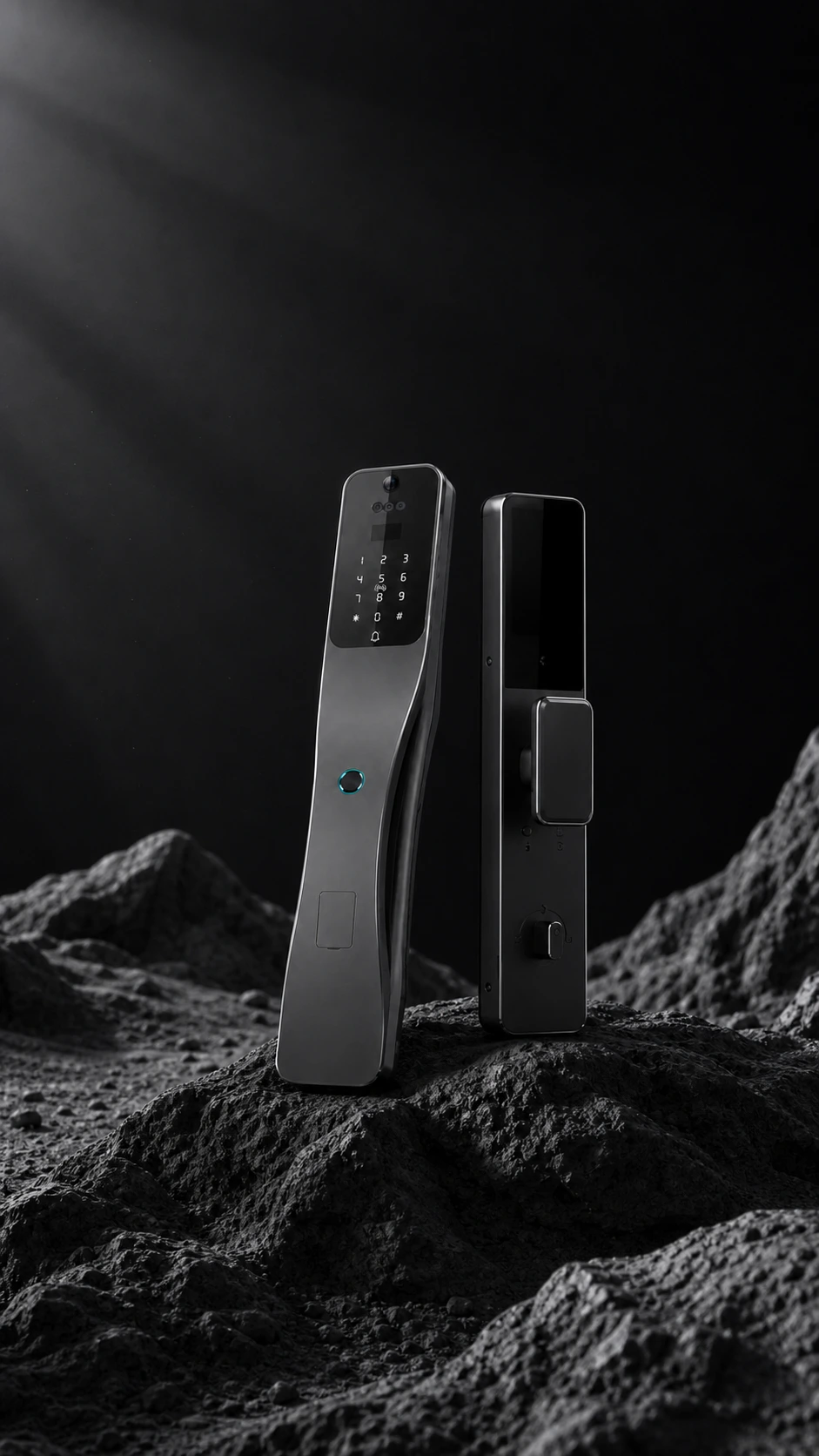
Aluminium alloy enclosure
Feel the finish.
Multiple unlock methods
Your way.
Face · Fingerprint · PasscodeNFC / IC card · App · Mechanical key
Camera · Smart peephole · Video intercom
See who is calling.
Then respond with ease.
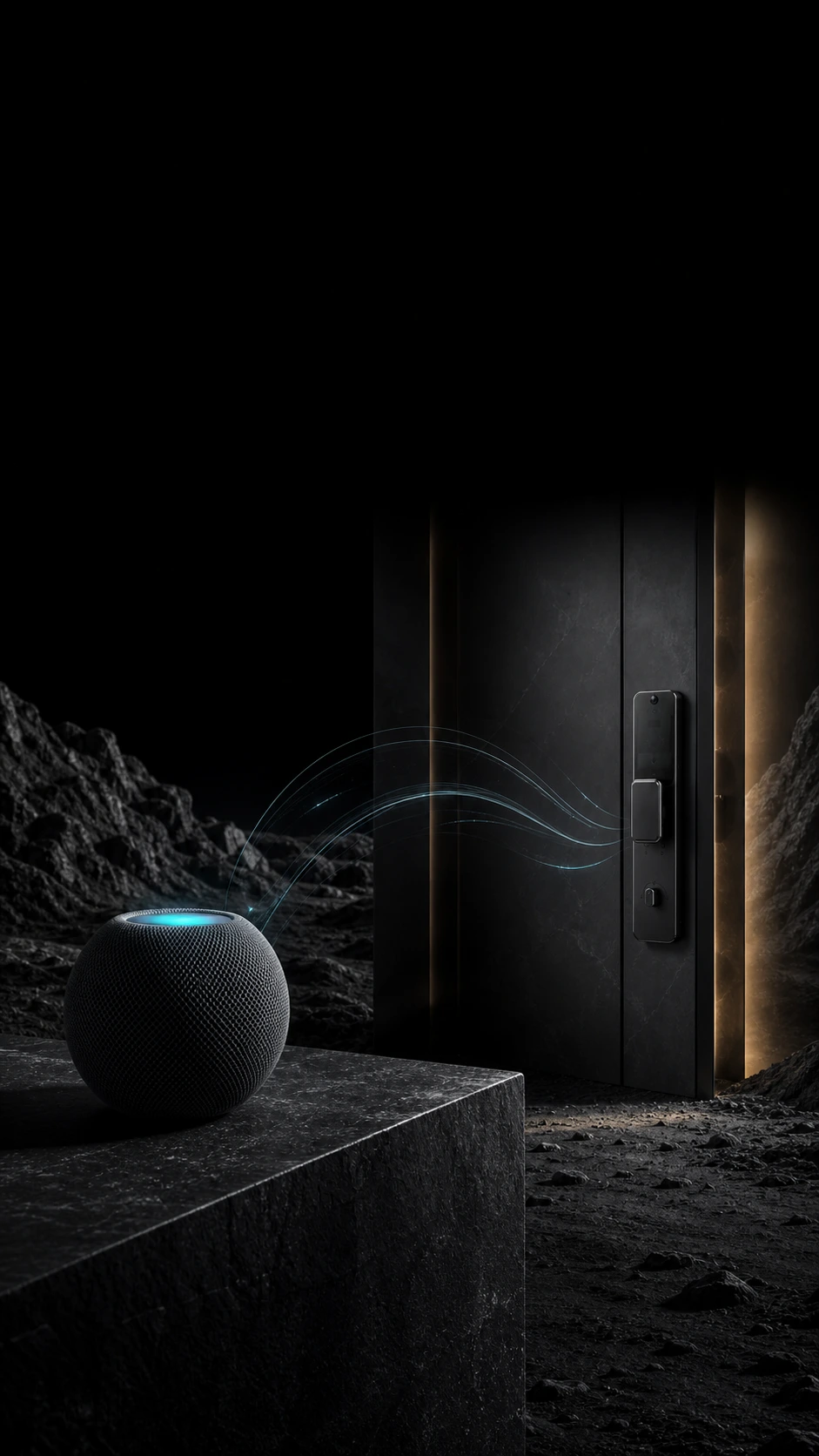
Apple Home · Siri
Just a word.
A natural response.
Everyday power and backup preparation
USB-C
Emergency power · Rechargeable lithium batteryMechanical key for backup access
Door and lock-body selection
Right for your door.
Confirm door thickness, opening direction and hole positions before installation.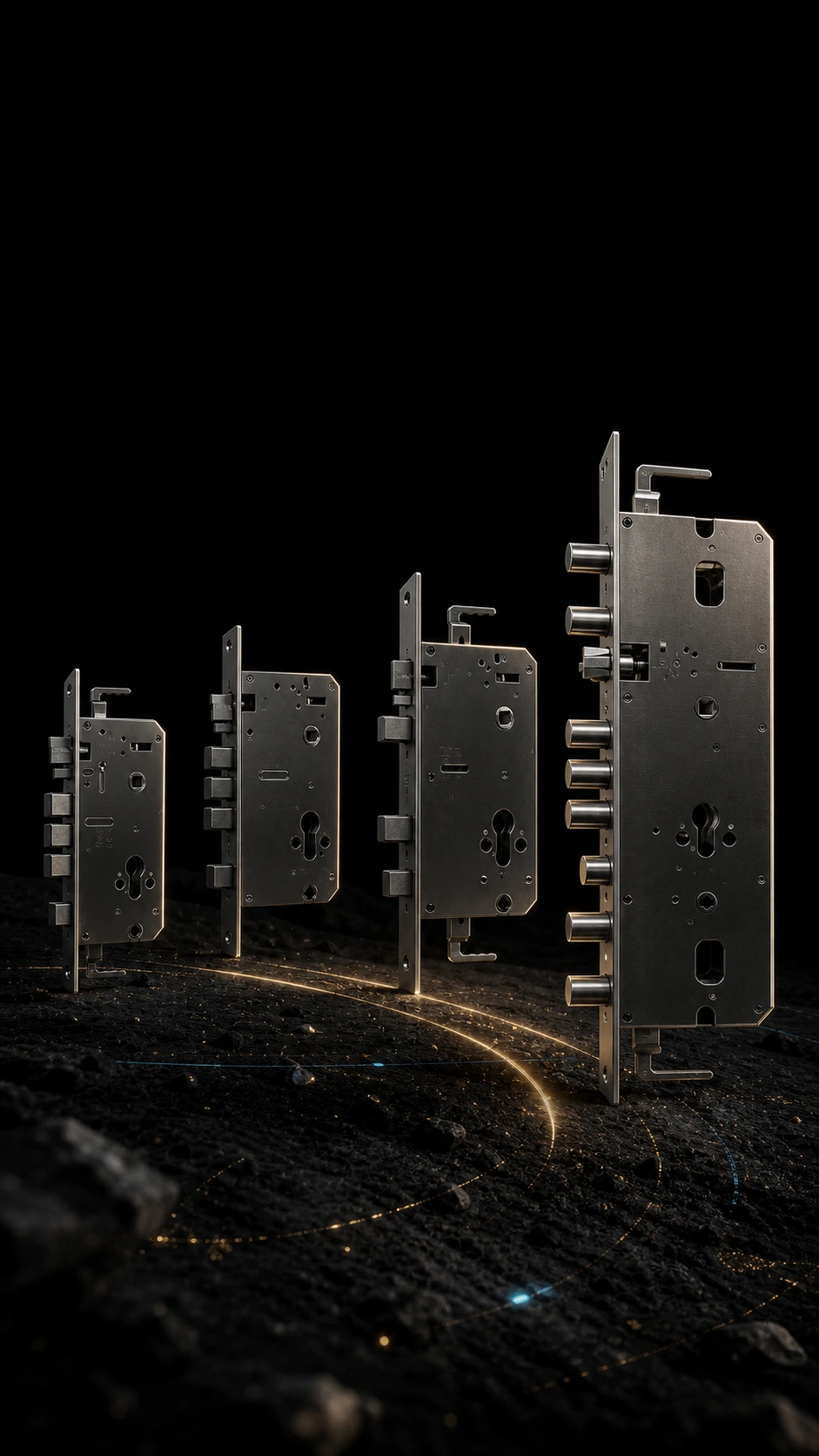
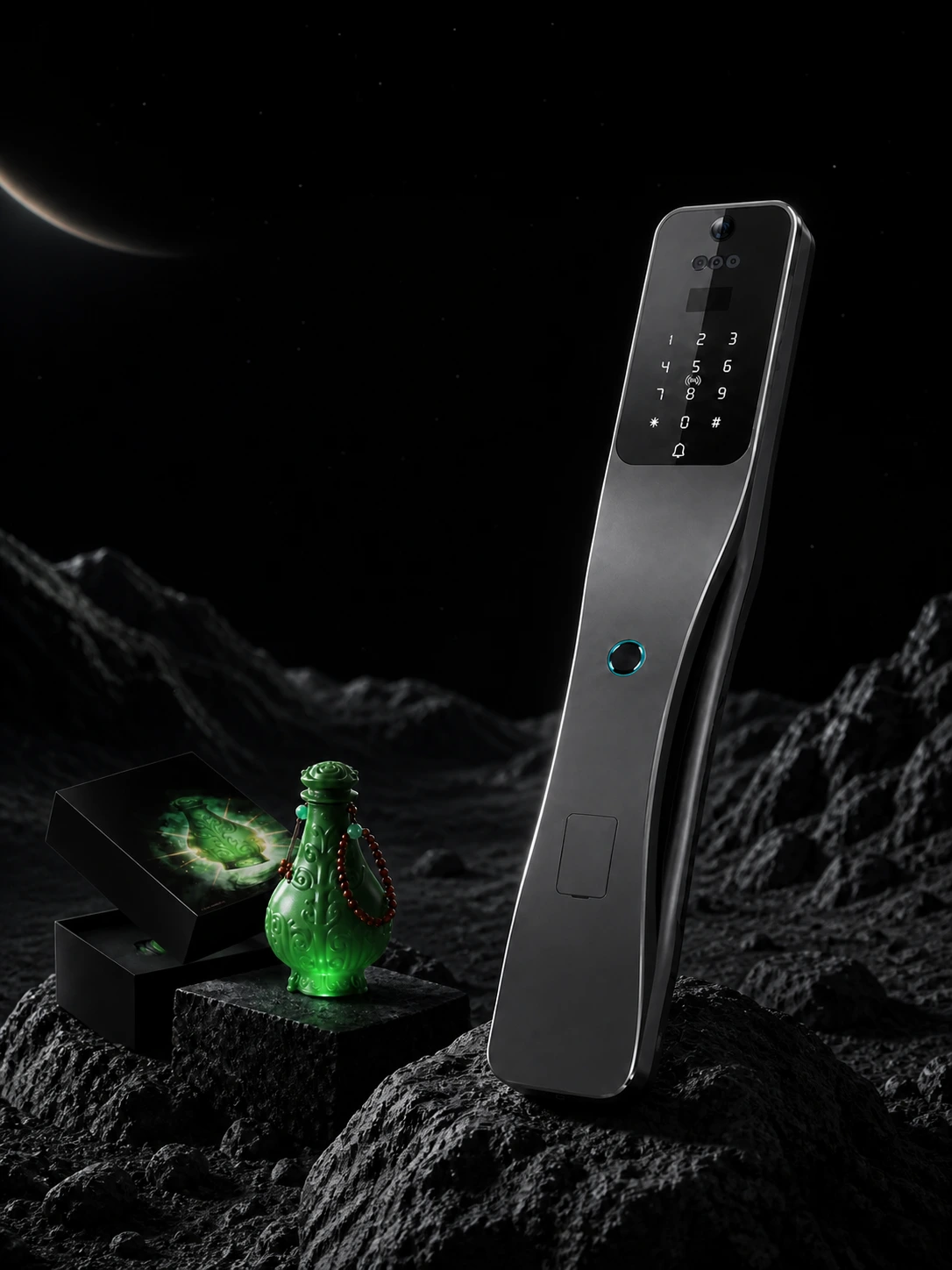
Gift with purchase
A little fun in every opening.
Illuminated contactless door keyPromotional gift · Not an official collaboration
Standard lock controls depend on the compatible platform. Use the relevant app for video, intercom and credential management. See connection, gift and installation details below.
JINK Lock Pro · Interactive experience
A gentle swipe.
Welcome home.
Drag the slider on the phone screen,
Experience a clear, simple opening.
Interactive web demonstration; it does not connect to a real door lock.
This is not a live Apple Home app interface.
Door Lock Pro
Locked
Swipe up to unlock
JINK Lock Pro · Simulated status
Locked.
Swipe up to take the next step home.
Drag upward with a mouse or touch and release at the top. Use ↑ and ↓ to adjust, Enter to confirm and Esc to cancel, or try the button.
Enable JavaScript to use the demonstration. The product description and specifications remain readable below.
JINK · 3D face recognition
With a glance.
Home responds.
Walk up to the door and let a familiar face unlock it. JINK Lock Pro brings 3D face recognition into everyday arrivals, with less searching for keys and a more natural welcome home.
Drag to explore the layers of light points. This feature illustration does not collect facial information.
Register a face before use. Recognition depends on position, obstructions and surroundings. The dot pattern is a conceptual illustration.
JINK · Face capacity
It remembers you.
And remembers the family.
Register each family member’s face so everyone can come home in a familiar way.

Capacity is the number of faces that can be registered, not the number recognized simultaneously.
JINK · Coming home
Hands full of life.
An easier moment at the door.
Dinner, a parcel, a small surprise for someone at home. Recognize a registered face and keep your hands free for everyday life.
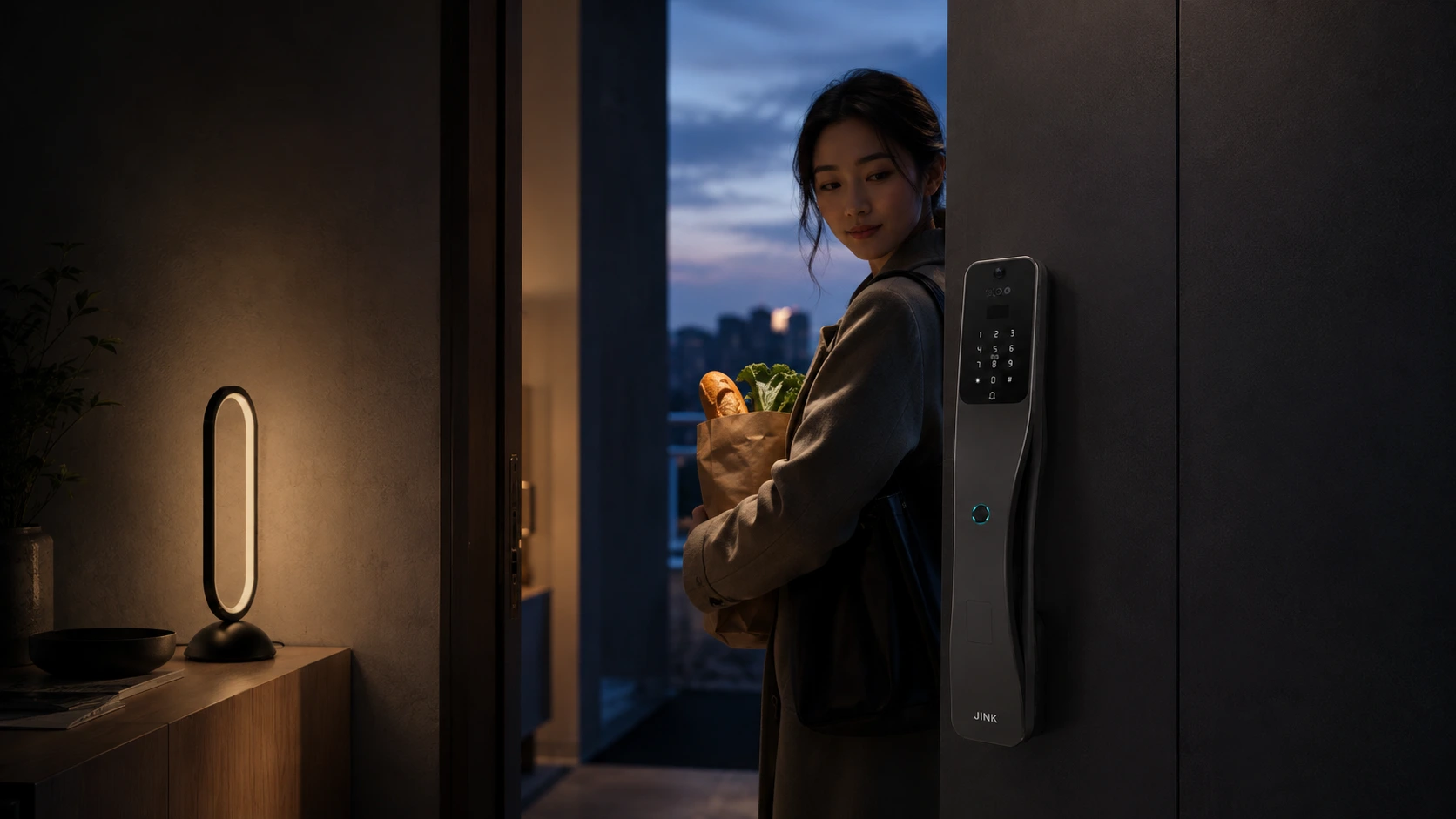
Scene pairing: JINK Luma O100 table lamp. The lamp is a separate product and is not included with the lock.
In the scene · Explore JINK Luma O100 ↗JINK · Fingerprint access
A touch of a finger.
A thoughtful response.
The fingerprint recognition area follows the lock’s flowing lines. Register a frequently used finger to make everyday entry feel natural.
Keep your finger and the recognition area clean and dry during registration and use.
JINK Lock Pro · Multiple unlock methods
Your habits.
A response for each.
A fingertip, a face or a key in your palm.
Choose what fits your everyday life.
JINK Lock Pro · Fingerprint access
One touch. Welcome home.
Fingerprint recognition sits within easy reach, turning a familiar touch into the moment the door opens.
Register your fingerprint before use. Keep your finger and the recognition area clean.
JINK · A view at the door
Beyond the inside of the door.
Know a little more.
An integrated camera and smart peephole provide a view of visitors, helping you see before responding.
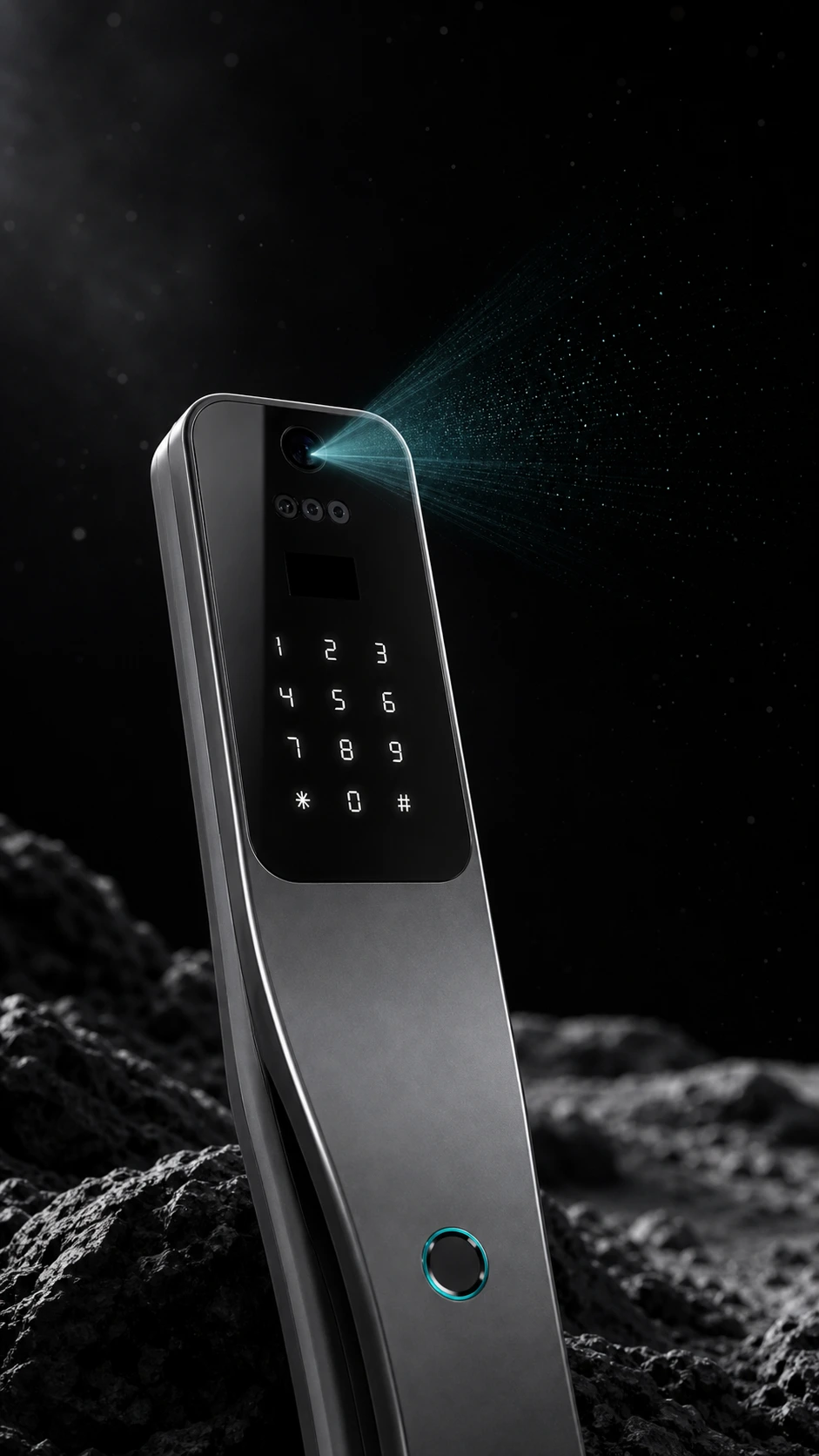
Lighting effects illustrate the feature; they are not actual visible beams. Video access depends on the lock configuration and relevant app.
JINK · Video intercom
See who is calling.
Then respond with ease.
Video intercom connects the visitor outside with life indoors. For remote viewing, use the appropriate app and first confirm your home network and service settings.
Video intercom and remote viewing do not imply that video is available over Matter on every home platform.
JINK · Matter over Thread
One door.
Connect your home.
Matter is an IP-based smart home connectivity standard, giving compatible devices and platforms a common control language. JINK Lock Pro connects through Matter over Thread to become part of your home system.
Explore the Matter standard ↗Standard lock controls and status management depend on platform support. Camera, intercom and credential-management availability may differ.
JINK · Connection requirements
Standard and network.
Each has its role.
Matter defines how compatible devices communicate; Thread provides the network for low-power devices. Prepare both required roles before adding Lock Pro.
Lock Pro
Matter over Thread door lock
Thread border router
Connect Thread to the home IP network
Matter controller
Complete pairing and enable platform-supported lock controls
Network illustration only. It does not search for or pair your devices.
Some home hubs combine both roles. An ordinary Wi-Fi router is not necessarily a Thread border router. Remote access usually also requires internet and platform services.
JINK Lock Pro · Home ecosystem
Use a familiar platform.
Manage the home you know.
Manage your entrance in the Home app.
Prepare a compatible Apple home hub and Thread network. Add the lock in the Home app to use supported standard lock controls and status features.
View the platform’s official setup guide ↗These are examples of Matter-enabled ecosystems. Check device type, software version, home hub and region for each function. Not every platform exposes every feature, and Matter compatibility does not imply Apple Home Key support.
JINK · Apple Home
Just a word.
Make control feel natural.
After adding it to Apple Home, manage compatible lock functions in the Home app and use Siri for supported control requests.
“Hey Siri, lock the door.”
Requires a suitable Apple home hub and Thread network. Unlock commands may require the controlling device to be unlocked or identity confirmed. Available functions follow Apple’s current requirements.
JINK · Actual iPhone interface
Your home’s status.
Clear at a glance.
Find JINK Door Lock Pro in the Home app to view status and use supported lock controls, right where you expect them.
Actual operating screenshot. “Unlocking…” shows the state when captured; the interface may change with system versions.
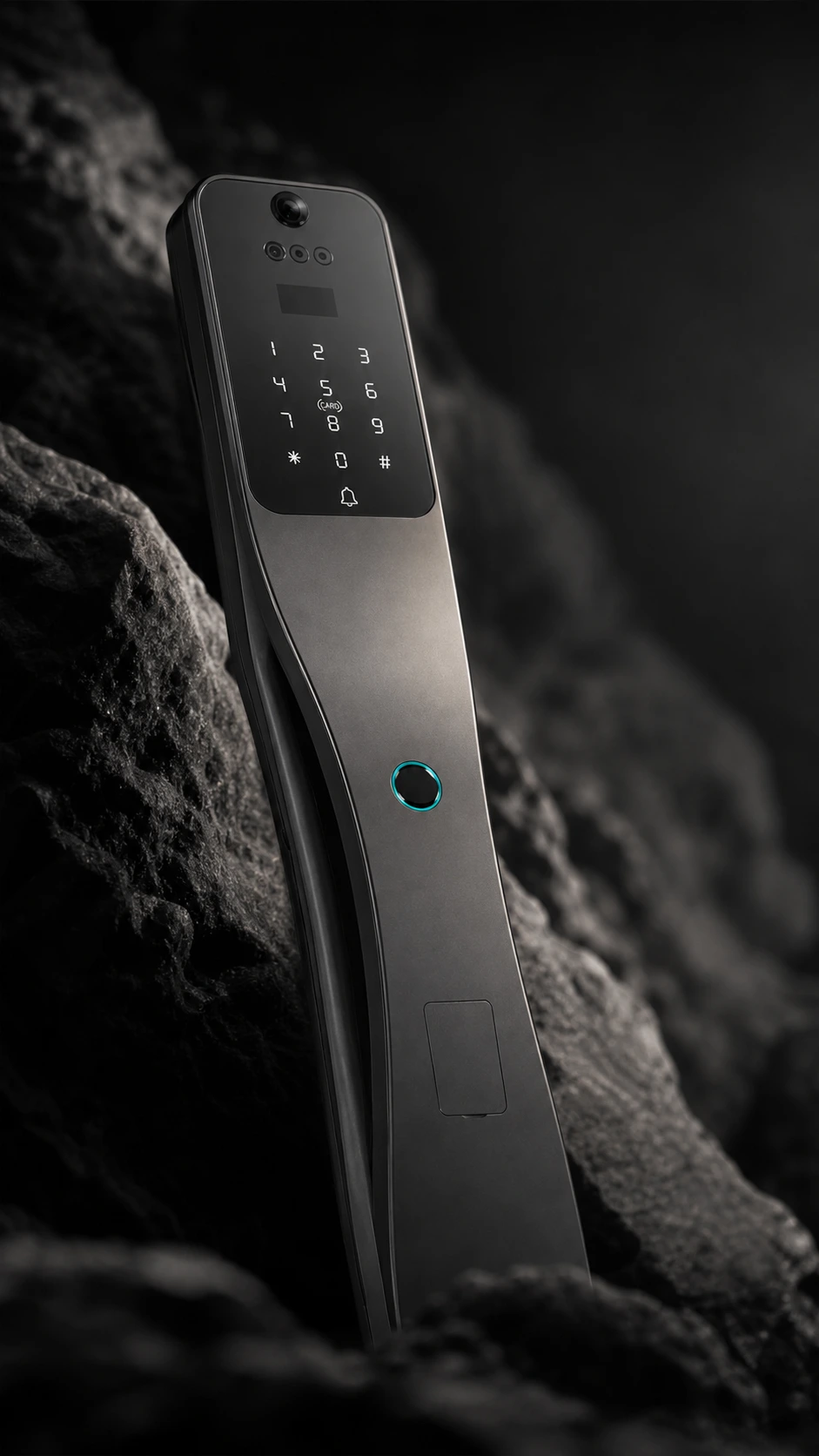
JINK · Form and feel
As light passes,
the lines take on warmth.
An understated black aluminium alloy enclosure complements the entrance. Curves, surfaces and control areas flow together, bringing thoughtful detail to an object you touch every day.
Appearance varies with ambient lighting. Refer to the physical product for colour.
JINK · Lock construction
Details you can see.
Working together, out of sight.
The lock body, mechanical drive and recognition modules work together. During installation, check alignment with the door, bolt travel and secure fastening so every part operates correctly.
Illustration of the interior and exterior panels. Check bolt travel, alignment with the frame and secure fastening during installation. Do not disassemble the lock yourself.
JINK · Lock-body selection
Know your door first.
Then find the right lock.
Lock bodies, backsets and mounting holes vary between doors. Provide photos of your existing lock and door edge, together with measurements, to confirm a suitable Lock Pro installation.
Common lock-body shapes are shown for reference; they do not fit every door directly. Confirm multipoint hooks, door thickness and cutouts individually.
JINK · Power and backup access
Prepared for everyday life.
Ready for the unexpected.
A rechargeable lithium battery provides everyday power. USB-C emergency power and a mechanical key offer options when battery power is low.
Emergency power does not necessarily charge the battery. Use a suitable supply according to the supplied instructions. Keep the mechanical key in a secure place accessible from outside the door.
JINK · DESIGNED AROUND YOUR LIFE
Outside, a day’s journey.
Inside, together.
Technology can do more than open a door. It can make the moment less hurried, bringing you back sooner to a warm meal, a greeting and a life of your own.
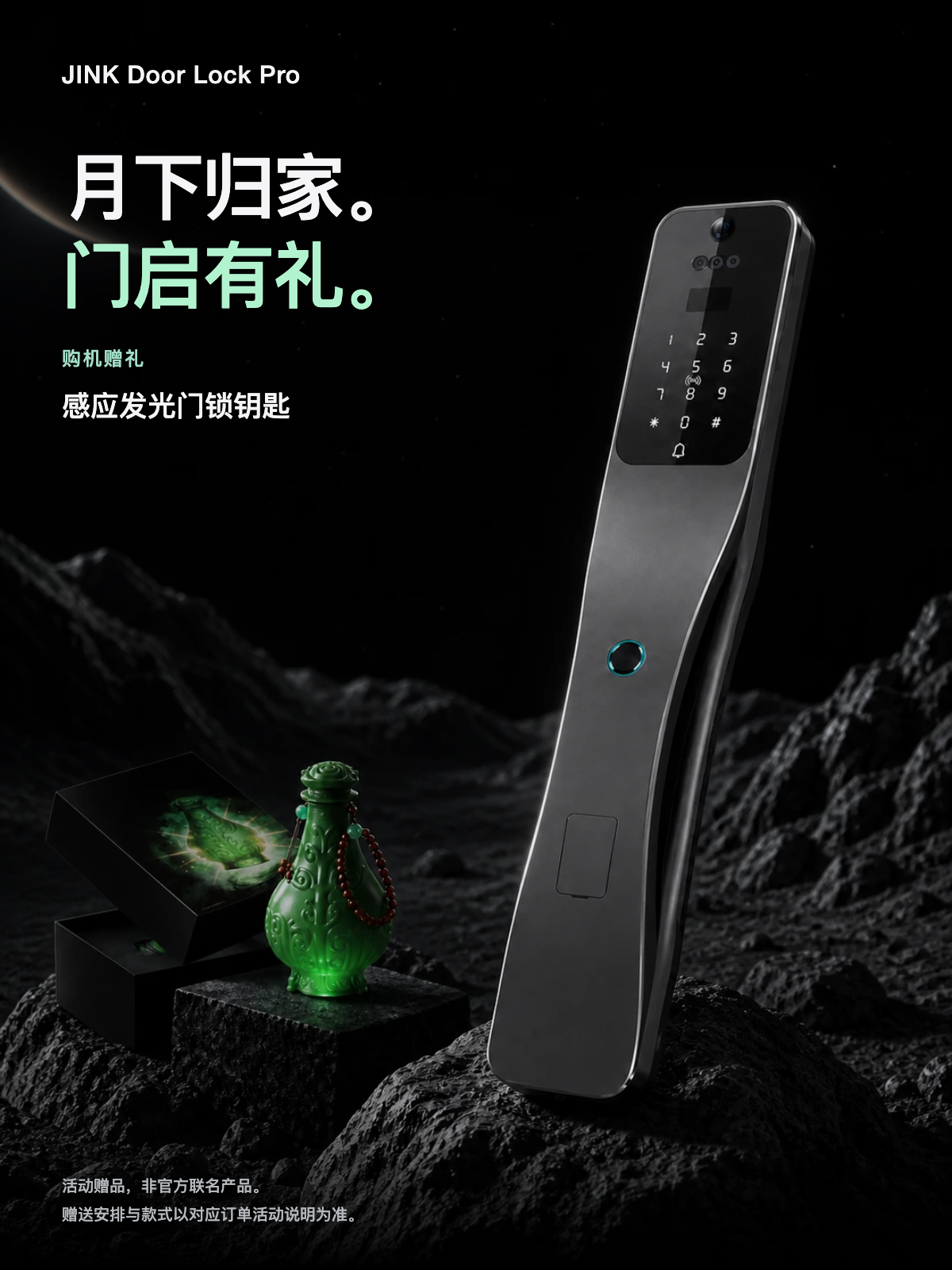
JINK · Gift with purchase
Home beneath the moon.
A gift at the door.
JINK Door Lock Pro
Add a playful touch with the illuminated contactless door key.
Promotional gift, not an official collaboration product. Availability and style follow the promotion terms for your order.
JINK · Included key
A touch of jade green.
In your palm.
Resin craftsmanship gives the bottle-shaped key sculpted texture and a jade-green finish. A beaded chain adds a distinct detail to a key you carry every day.
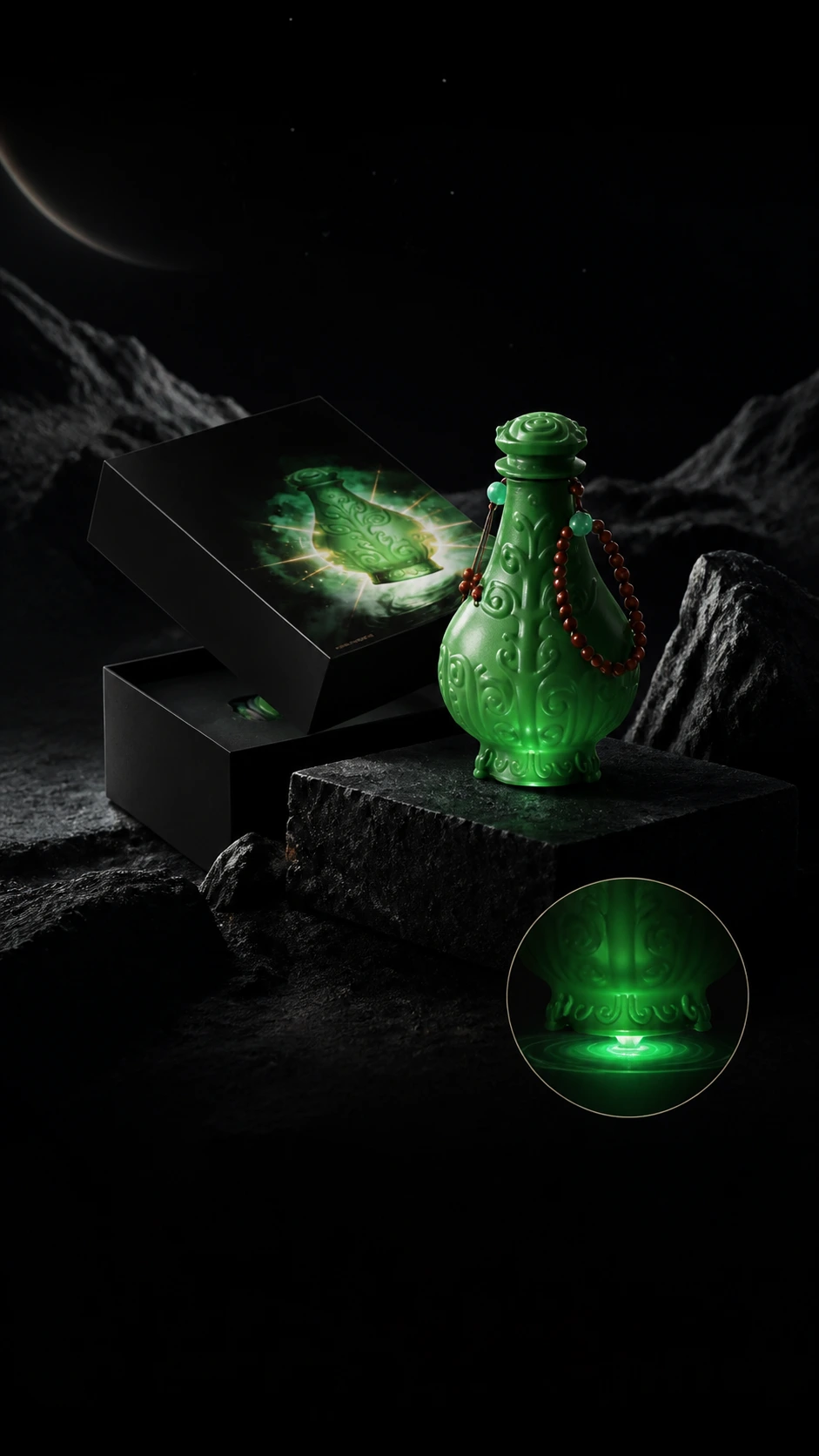
Gift: illuminated contactless door key. Made from resin, not jade.
JINK · Gift packaging
A thoughtful gift.
Neatly kept.
A separate lift-off-lid box keeps the gift neatly stored. Open it and hold a small part of the coming-home ritual.
Packaging and gifts are promotional extras. They do not imply a co-branding, licensing or partnership relationship between JINK and any third-party intellectual property owner.
JINK · Illuminated contactless door key
Bring it close to read.
A little glow.
The sensing area is at the base of the bottle-shaped key. Register it with the lock, then bring it near the specified card reader. Contactless access and a small glow add a playful touch to coming home.
Complete registration and verify unlocking before use. Lighting effects, reading distance and operation depend on the physical key and lock setup. This is not Apple Home Key.
JINK · Downloads and support
Details,
Take a closer look.
Download the illustrated product brochure and high-resolution materials. The brochure is for product presentation and selection; it does not replace the model-specific installation, setup or operating instructions.
Confirm configuration and purchase options ↗ Before installation, provide door photos, lock-body details and dimensions for the service team to check.
JINK Lock Pro
Official suggested retail price. Dealer pricing is shown after dealer sign-in; the original suggested retail price remains struck through. Final transaction price and configuration are confirmed in the order.
JINK Lock Pro
Product specifications
Understand every detail.
| Product type | Flagship smart lock · Residential entrance doors |
|---|---|
| Product name | JINK Door Lock Pro |
| Model | Lock Pro |
| Colour / Main material | Black / Aluminium alloy |
| Smart connectivity | Matter over Thread |
| Connection requirements | Compatible Matter controller and Thread border router |
| Face recognition | 3D face recognition; stores up to 100 faces |
| Unlock methods | Face, fingerprint, passcode, NFC / IC card, app and mechanical key |
| Visual features | Camera, smart peephole and video intercom |
| Everyday power | Rechargeable lithium battery |
| Emergency power | USB-C(Type-C) |
| Installation check | Door thickness, opening direction, lock body, backset, hole positions and cutout dimensions |
| Platform features | Standard lock controls depend on platform support; video and credential management use the relevant app |
| Promotional gift | Illuminated contactless door key; not an official collaboration |
| Dimensions and accessories | Confirm against your order configuration and the relevant engineering drawing |
| Selection check | Before ordering, JINK should confirm the exact version, door thickness, handing, lock body and cut-out dimensions. |
| Configuration data | Unlock methods, communication protocol and platform support depend on the selected SKU / version. |
Functions, lock body, accessories and installation requirements depend on the selected version, order configuration and supplied documentation. Scenes and component effects are illustrative and do not replace engineering drawings.
JINK · www.jinkhome.com