Apple Watch
Raise your wrist.
Find your light.
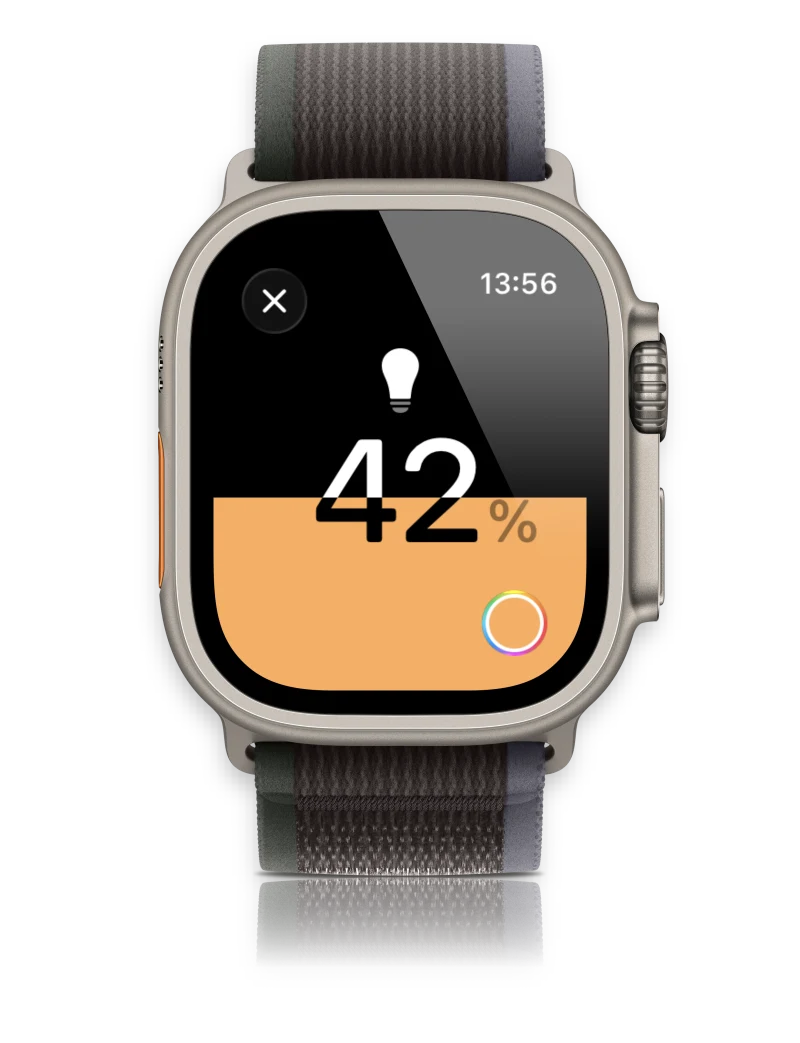
Set up your home on iPhone first. Then open Home on your wrist to control the light or run a scene you have created.


JINK SKY COLLECTION
Sky-inspired light. A fresh perspective on home.
Find your patch of skyNATURE-INSPIRED. THOUGHTFULLY CONNECTED.
From the blue above to the detail in a leaf.
From the changing light of a day to a simple touch on your wrist.
Updated series features. Specifications vary by model and supplied version.
01 / NATURE IS THE STARTING POINT.
The openness above. The life around you.
Bring a little of that feeling home.
02 / RAYLEIGH SCATTERING
When light meets particles much smaller than its wavelength, shorter blue wavelengths scatter more strongly. That helps explain the blue sky—and inspires the Sky story.
A principle illustration, not a product cutaway or measured spectrum. No cloud-video playback is implied. Explore light scattering
03 / COLOUR, CONSIDERED.
The green of a leaf. The red of a tomato. The warmth in a grain of wood. Give everyday things a little more attention.
Colour rendering index
Ra 98 for the updated series; specifications depend on the selected model and supplied version. Image illustrates a natural colour palette.

04 / LIGHT, THROUGH THE DAY.
Adjustable from 2700–6500 K.
Choose your light, or let Apple Adaptive Lighting adjust it through the day.

TRY A DIFFERENT LIGHT.
Find the light that feels right.
Web simulation; this does not control your devices. Times and temperatures are illustrative presets, not Apple’s Adaptive Lighting algorithm.
Enable Adaptive Lighting in the Apple Home app to let compatible lights adjust colour temperature through the day. Requires compatible light firmware, a home hub and supported system software.
How to enable it05 / FAMILIAR DEVICES. A NATURAL FIT.
Add Sky to Apple Home and make it part of your familiar routine.
Apple Watch
Set up your home on iPhone first. Then open Home on your wrist to control the light or run a scene you have created.
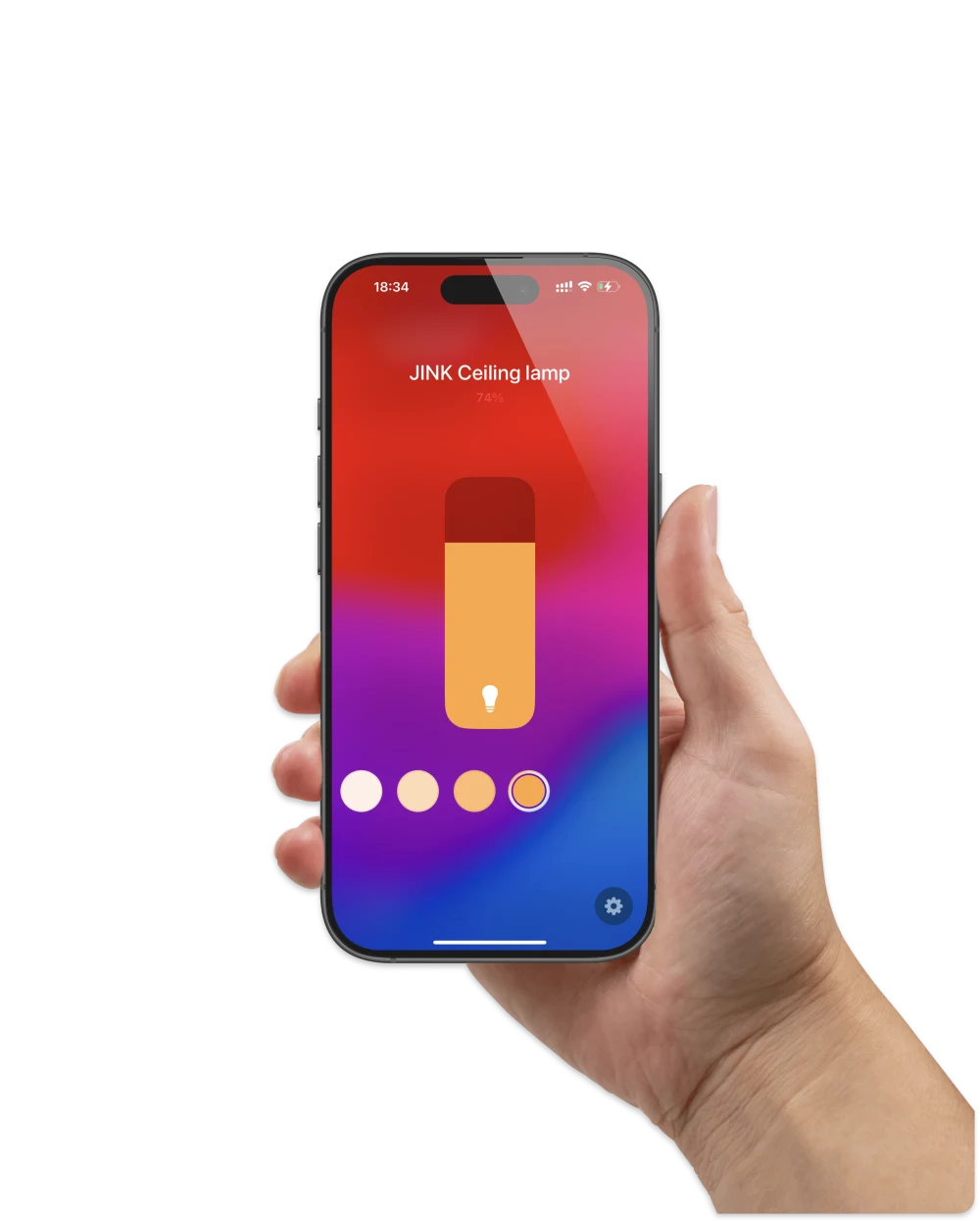
iPhone · Apple Home
Adjust brightness and white temperature, assign the light to a room, then create scenes and automations for your routine.
OR JUST ASK.
Set the room and accessory name in Home, then use them in your request.
Device images reuse JINK control artwork. Screens are illustrative, not captures of the current Sky firmware; interface and controls vary by system and firmware. Apple devices are not included. Apple Watch Home guide
06 / MATTER OVER THREAD
Matter gives devices a shared language.
Thread connects the light to your home network.
Connection tested by JINK
Add the light in Home and assign a room. Control it from iPhone, Apple Watch or Siri. Adaptive Lighting requires compatible light firmware and a home hub.
A compatible Apple home hub and Thread border router. A Thread-enabled home hub may fulfil both roles.
Platform setup guideConnection tested by JINK
Add the light to Google Home to manage it with your home and create your own routines.
A compatible Google Home Matter controller and Thread border router, with the Google Home app.
Platform setup guideConnection tested by JINK
Manage the light with Alexa, use its name in voice commands, or include it in a routine.
A compatible Matter-enabled Alexa device and a Thread border router. Not every Echo provides both roles.
Platform setup guideConnection tested by JINK
Assign Sky to a room in SmartThings and build routines around a time or another device’s state.
A compatible SmartThings Matter hub and Thread border router, with the SmartThings app.
Platform setup guideConnection tested by JINK
Add the light through the Matter integration, then include it in your dashboards and automations.
A configured Home Assistant Matter integration and Matter Server, a Thread border router and the companion app for commissioning.
Platform setup guidePower on and follow the supplied instructions to enter pairing mode. Add a Matter device in your platform and scan its setup code.
For multi-platform use, open Matter sharing in the paired platform, then follow the second platform’s setup flow. Features depend on each platform.
Matter supports local-network control. Remote access, voice and some automations also depend on platform services, a home hub and network availability.
Connection testing is confirmed by JINK and is not a third-party certification claim. Features and requirements vary by platform and firmware; a phone or watch interface does not replace the required home infrastructure.
07 / MAKE ROOM FOR A LITTLE SKY.


AI concept scenes re-created from spatial references, not photographs of completed installations. Assess actual lighting against the model, space and installation.
Start with the location.
Then choose your size and configuration.
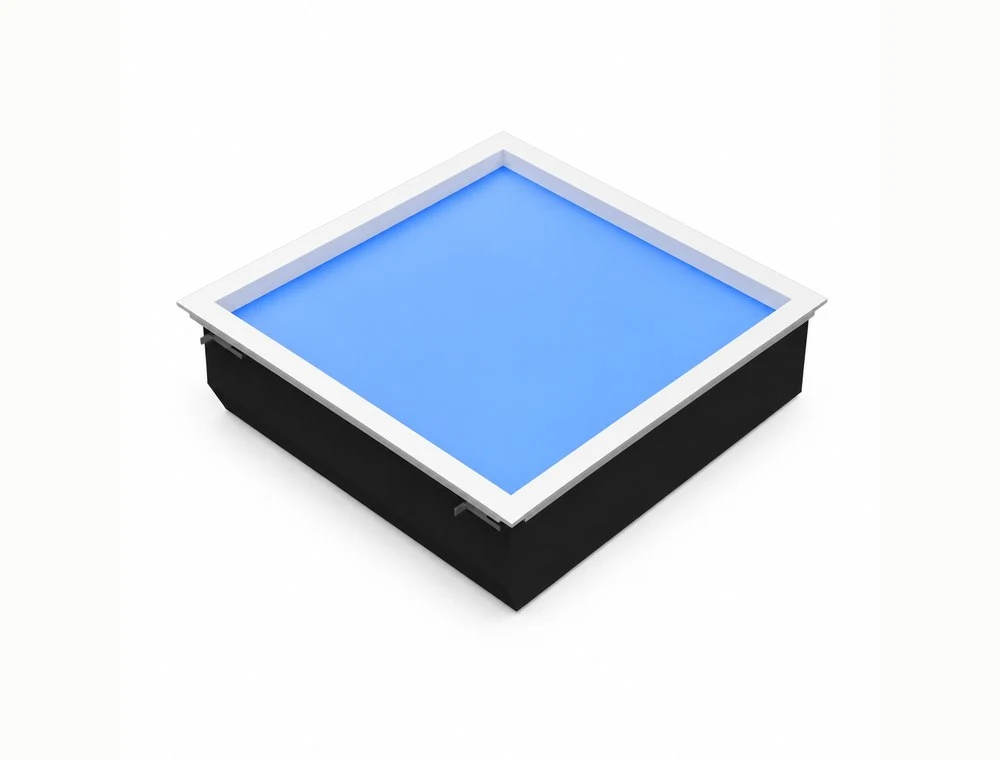
Recessed skylight
A little sky. Built into your ceiling.
For ceilings with space above. Square and rectangular formats bring a patch of blue into the architecture.
| Body size (mm) | Cutout (mm) | Power | Output |
|---|---|---|---|
| 300 × 300 × 150 | 285 × 285 | 36 W | 1000 lm |
| 600 × 300 × 150 | 585 × 285 | 60 W | 2000 lm |
| 600 × 600 × 235 | 585 × 585 | 60 W | 2500 lm |
| 1200 × 300 × 150 | 1185 × 285 | 100 W | 3500 lm |
| 1200 × 600 × 235 | 1185 × 585 | 120 W | 5000 lm |
Check the cutout, ceiling clearance, support and maintenance access. Body height is not the total installation clearance.
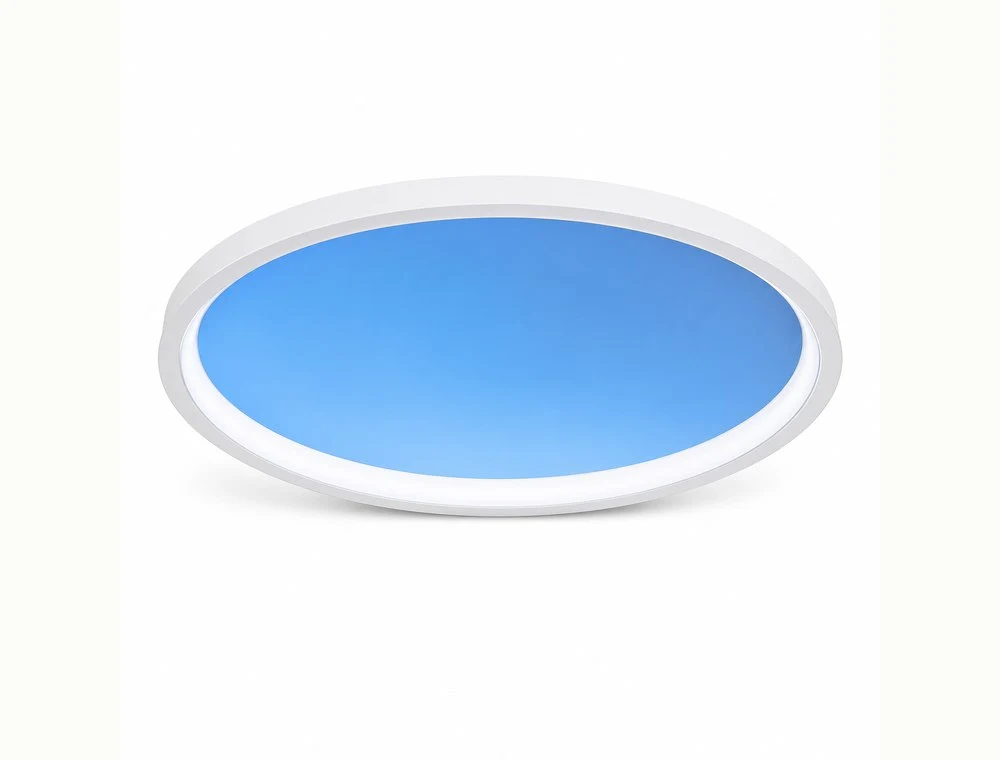
Surface-mounted skylight
A circle of blue, overhead.
A round surface-mounted form with a crisp, light outline. Choose from four diameters to suit your room.
| Body size (mm) | Power | Output |
|---|---|---|
| Ø299 × 70 | 24 W | 1000 lm |
| Ø410 × 70 | 36 W | 1400 lm |
| Ø489 × 70 | 50 W | 1800 lm |
| Ø598 × 70 | 60 W | 2000 lm |
Confirm ceiling support, fixing points and the power connection. Surface mounting still requires suitable wiring and professional installation.
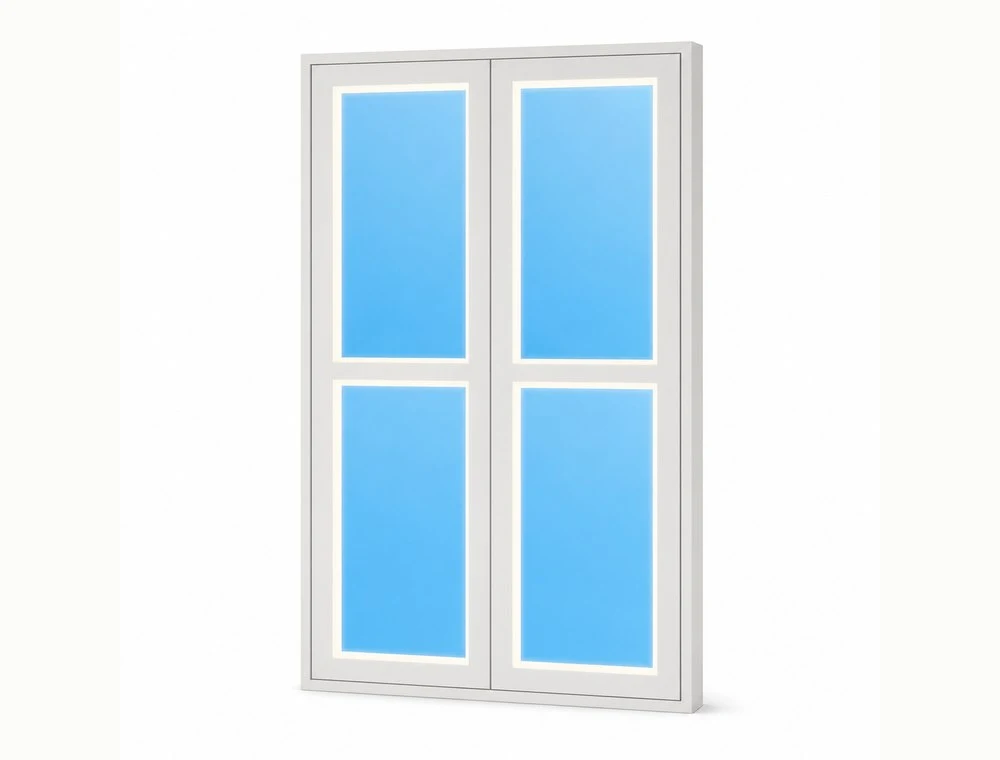
Window-style light
A new outlook for your wall.
Window-like proportions bring a sky-inspired feature to a wall. Different sizes and divisions offer ideas for reading corners, hallways and quiet spaces.
| Body size (mm) | Power | Output |
|---|---|---|
| C-1T · 753 × 423 × 85 | 36 W | 1000 lm |
| F-2T · 753 × 423 × 85 | 40 W | 1400 lm |
| F-4T · 751 × 805 × 85 | 80 W | 2400 lm |
| C-4T · 1355 × 805 × 85 | 144 W | 4000 lm |
| F-6T · 1080 × 805 × 85 | 120 W | 4200 lm |
An indoor window-shaped luminaire. Confirm the mounting method against its actual weight and the wall structure.
Ra 98, 2700–6500 K and Apple Adaptive Lighting describe the updated series. Specifications may vary by model and supplied version; confirm the selected configuration when ordering. See each model for dimensions, power and output.
Start with recessed Dot Sky if your ceiling has space above it. Choose Halo Sky for a visible surface-mounted form, or Dot Sky L100 for a sky-inspired feature on a wall. Check dimensions, support, power and maintenance access before ordering.
The versions shown use Matter over Thread. Setup requires a compatible Matter controller and Thread border router; one device may fulfil both roles. Confirm supported platforms and controls for your exact model and firmware.
Sky imagery conveys the intended atmosphere. The interior is an AI-generated concept, not a measured lighting result. This page does not claim cloud-video playback or daylight tracking. Refer to the selected model for its actual appearance and light output.
Choose options for the product to see your current price. Power, output and installation requirements vary by size. JINK will confirm availability and installation conditions against your selected configuration.
Use Home for manual control, or enable Adaptive Lighting for compatible lights. The slider on this page is an illustration and does not change your lights.
Matter supports multiple administrators. Pair with one platform, then use its sharing flow to add another compatible platform. Features and automations may differ.