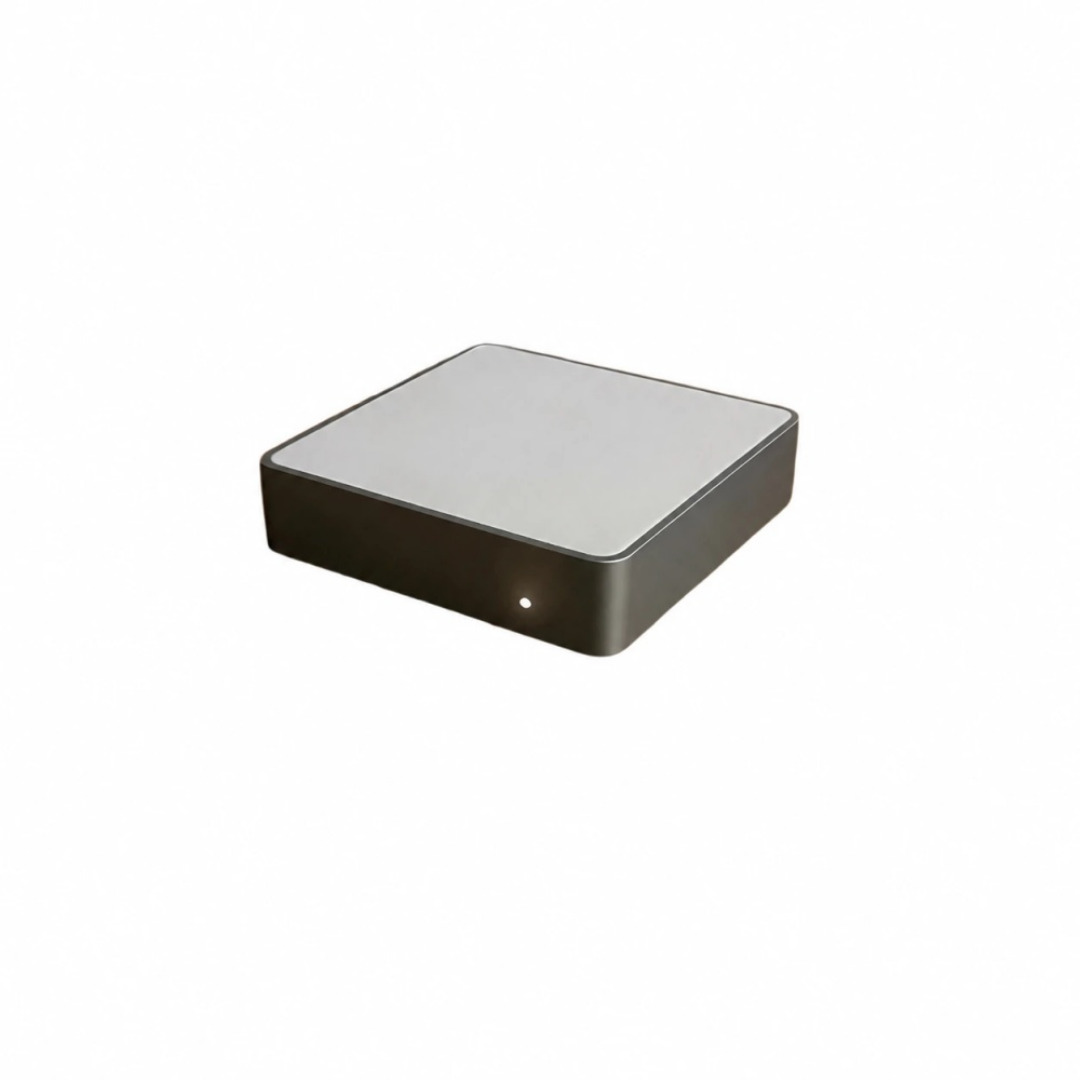
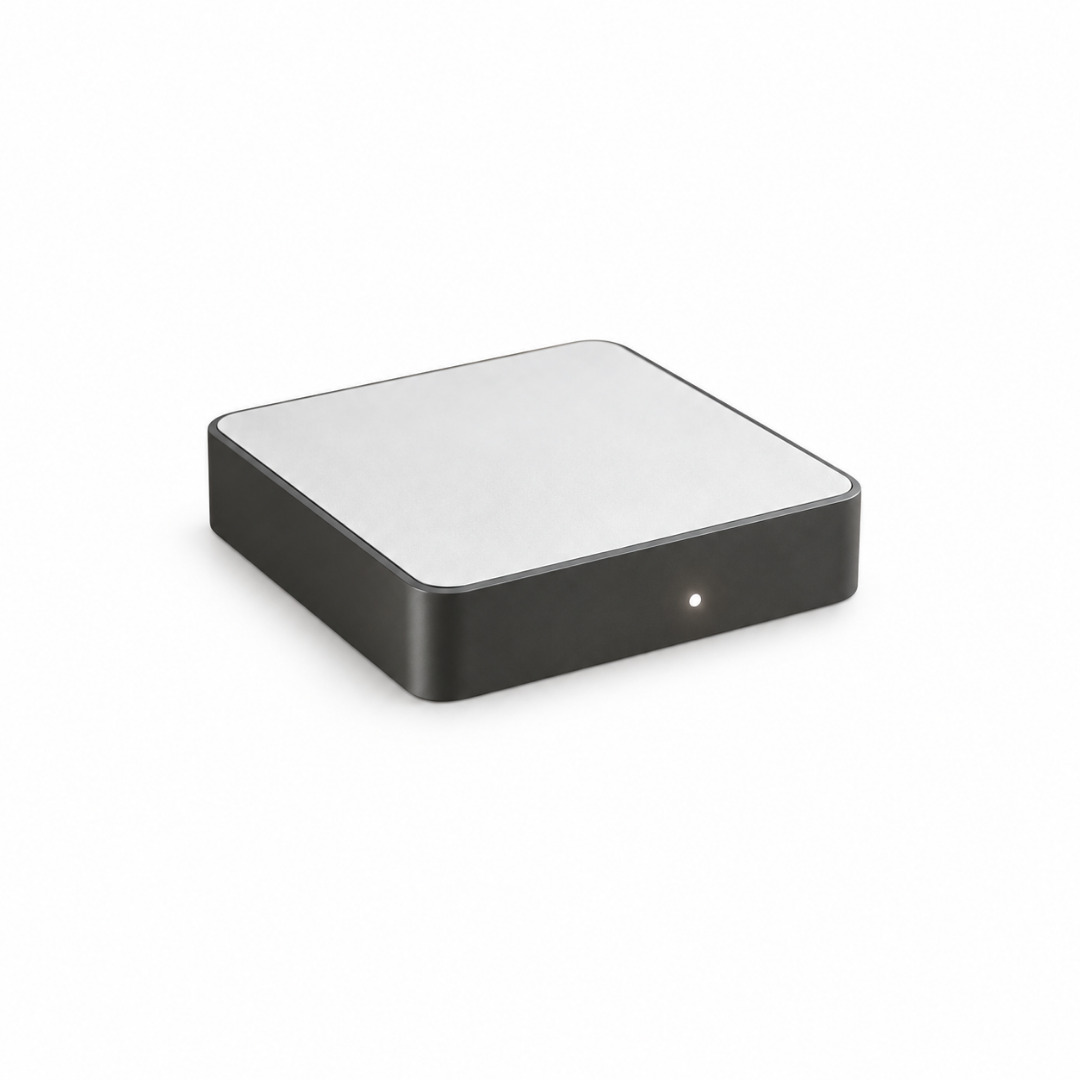
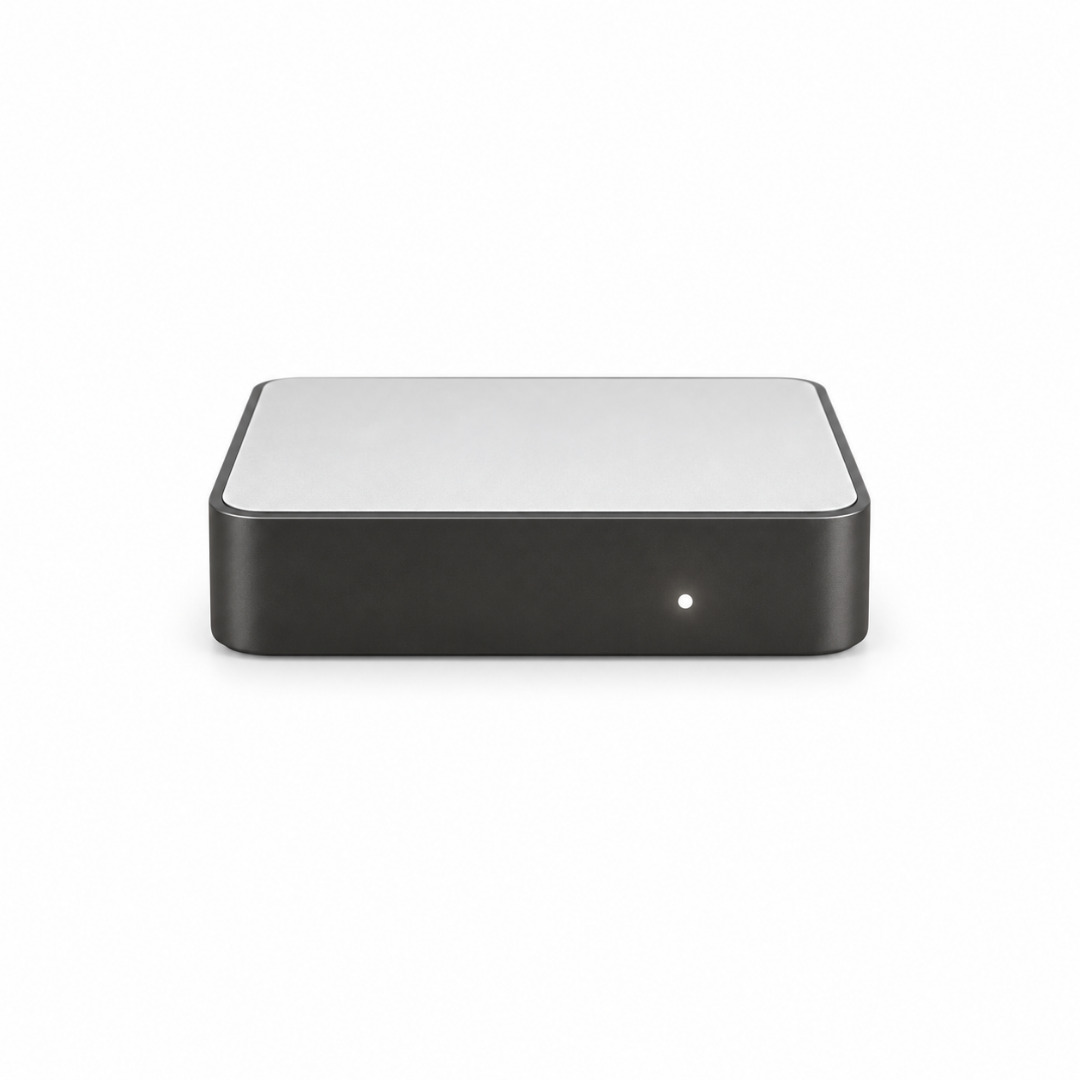
JINK Super Gateway RF / RF-C01
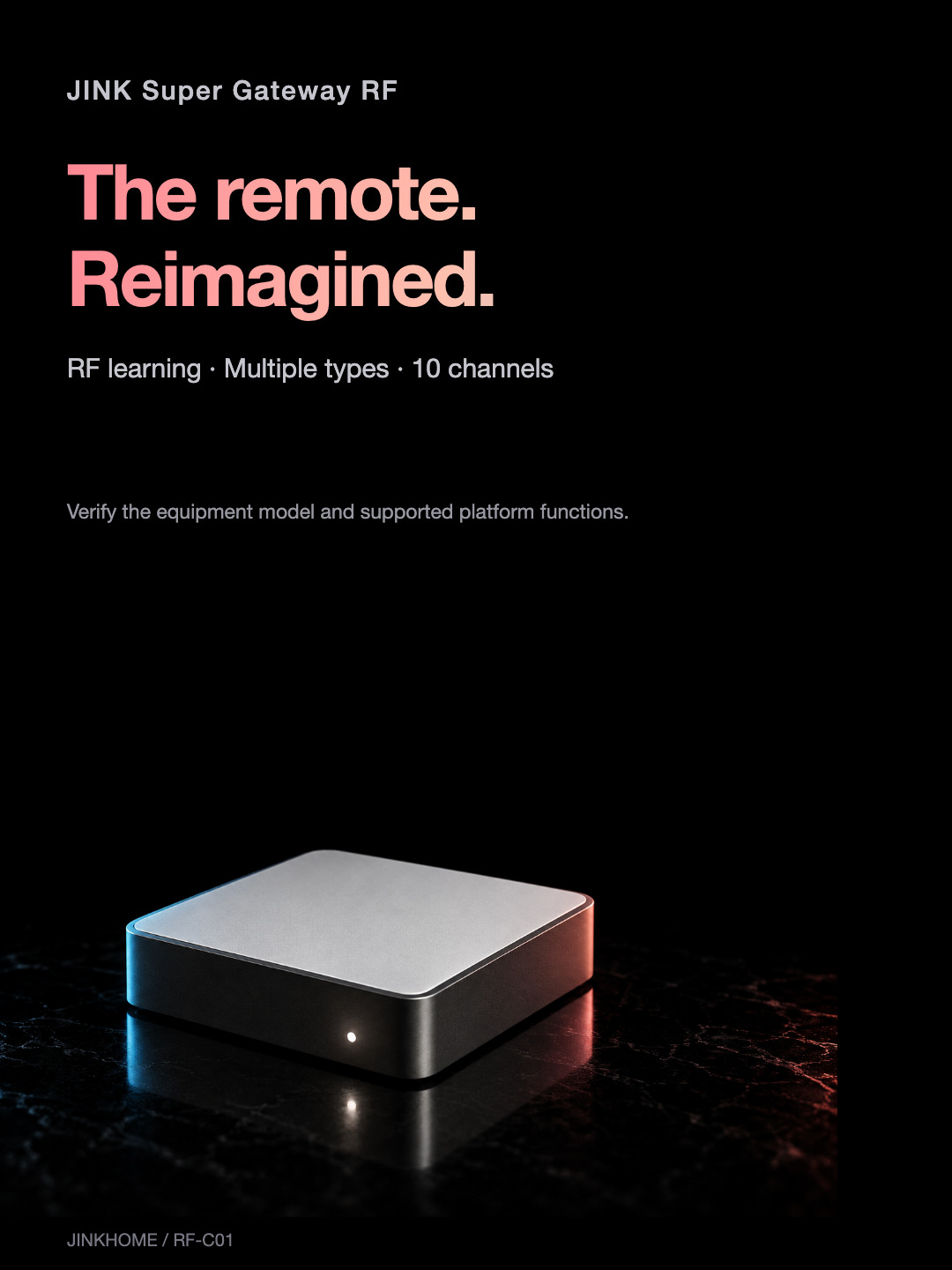
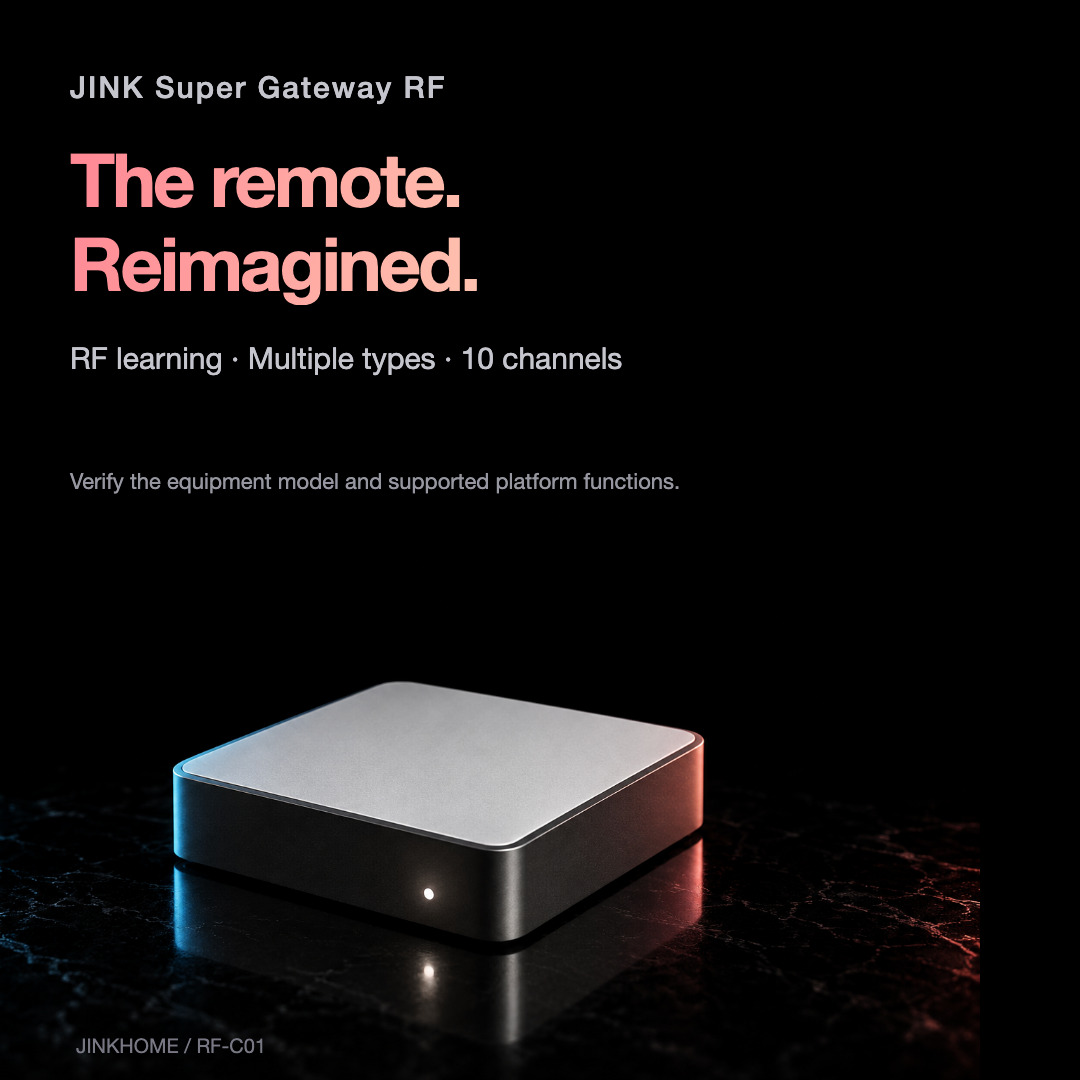
The remote.
Reimagined.
RF remote learning · Multiple device types · 10 channels
315 / 433 MHz · Matter over Wi-Fi
AT A GLANCE
Familiar devices.
New possibilities.

Air and light, considered.
Learn supported fan-light commands

Everyday ease.
Compatible racks, shades and openers
315 / 433 MHz
Dual-band RF; verify every receiver
10 learning channels
Configure device types and actions

Matter over Wi-Fi
2.4 GHz Wi-Fi · USB-C 5V/1A · Compact form
Available controls depend on RF coding, device model, gateway firmware and platform. Remote access and geofencing require the platform’s connected setup.
JINK / EVERYDAY POSSIBILITIES
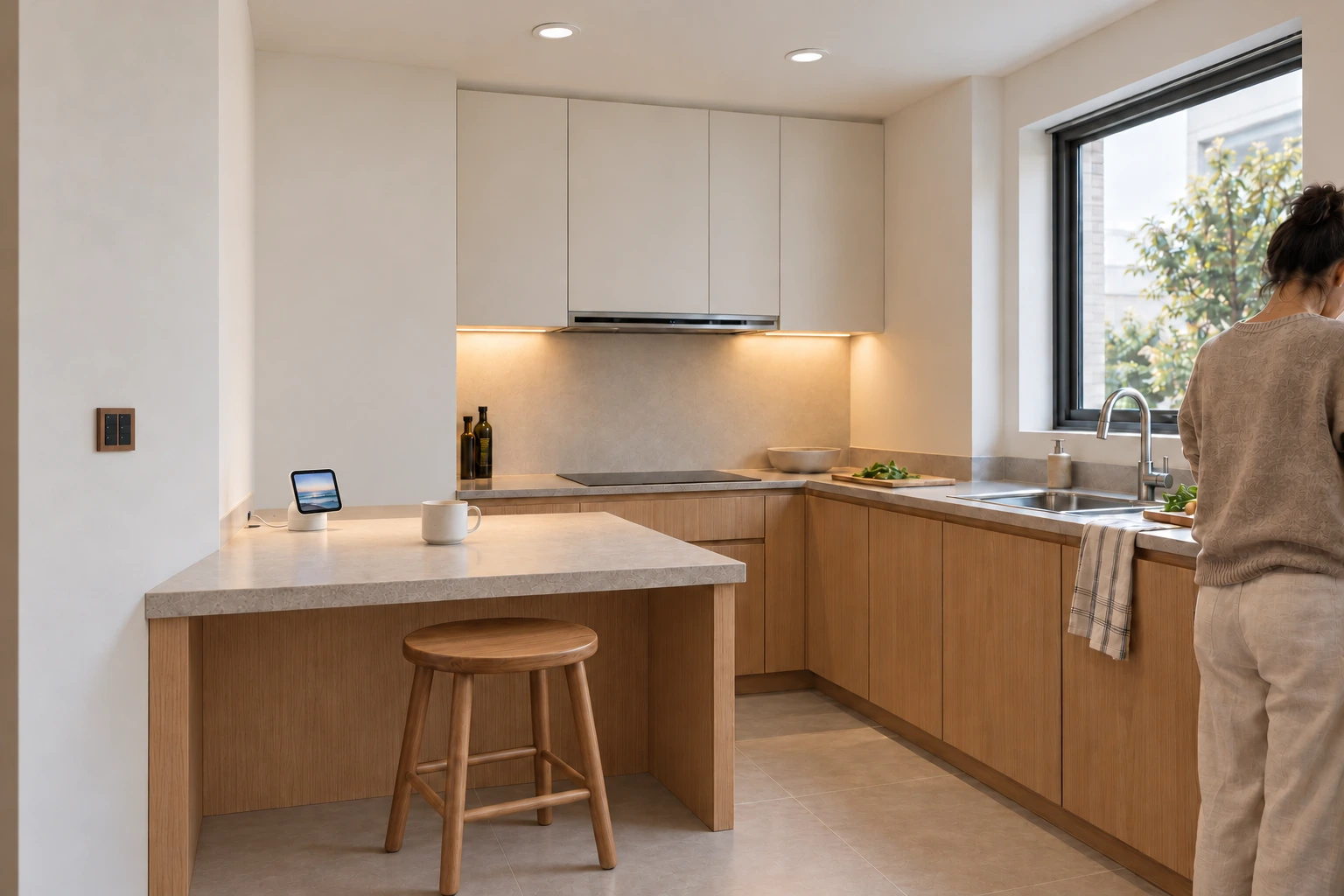
A small bridge. A bigger home.
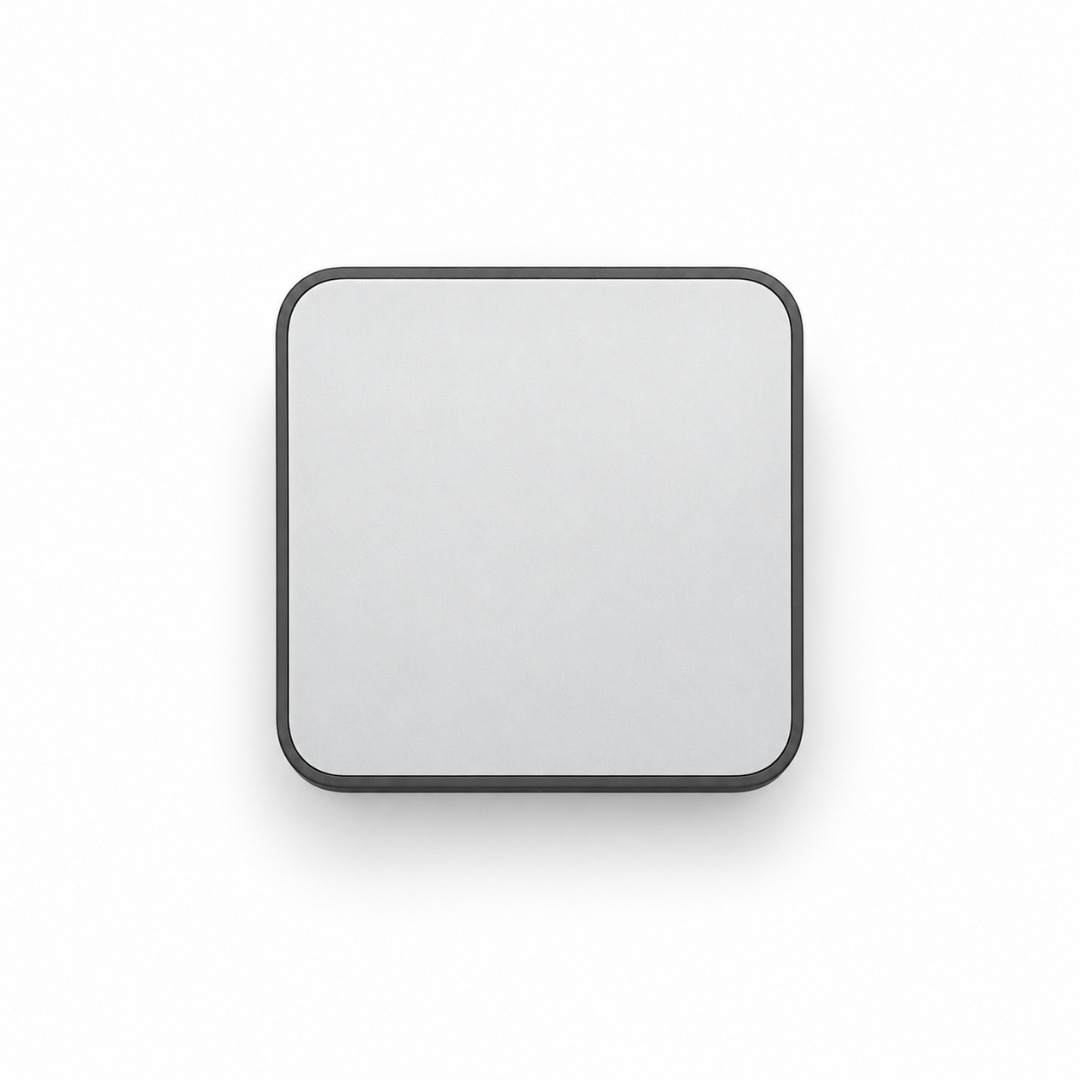
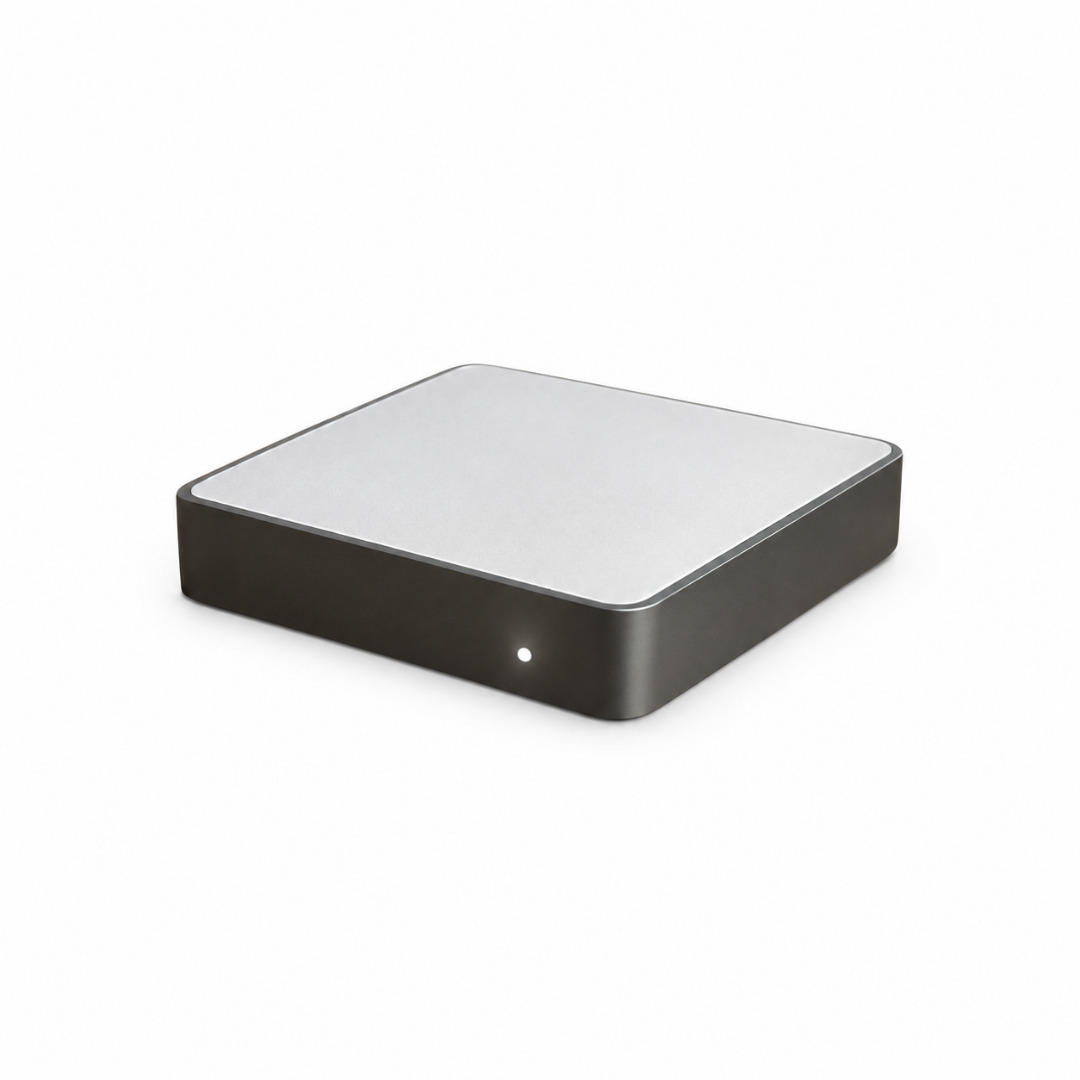
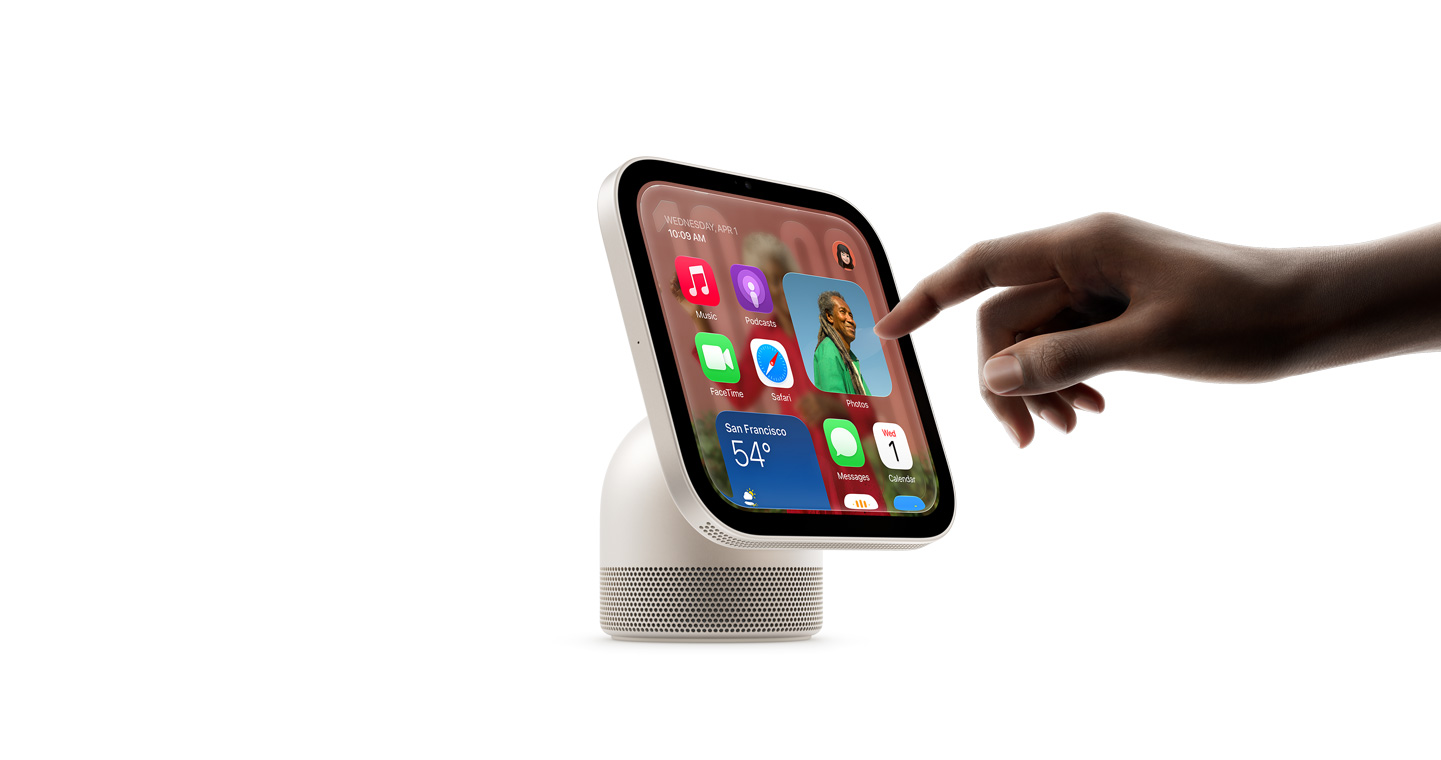
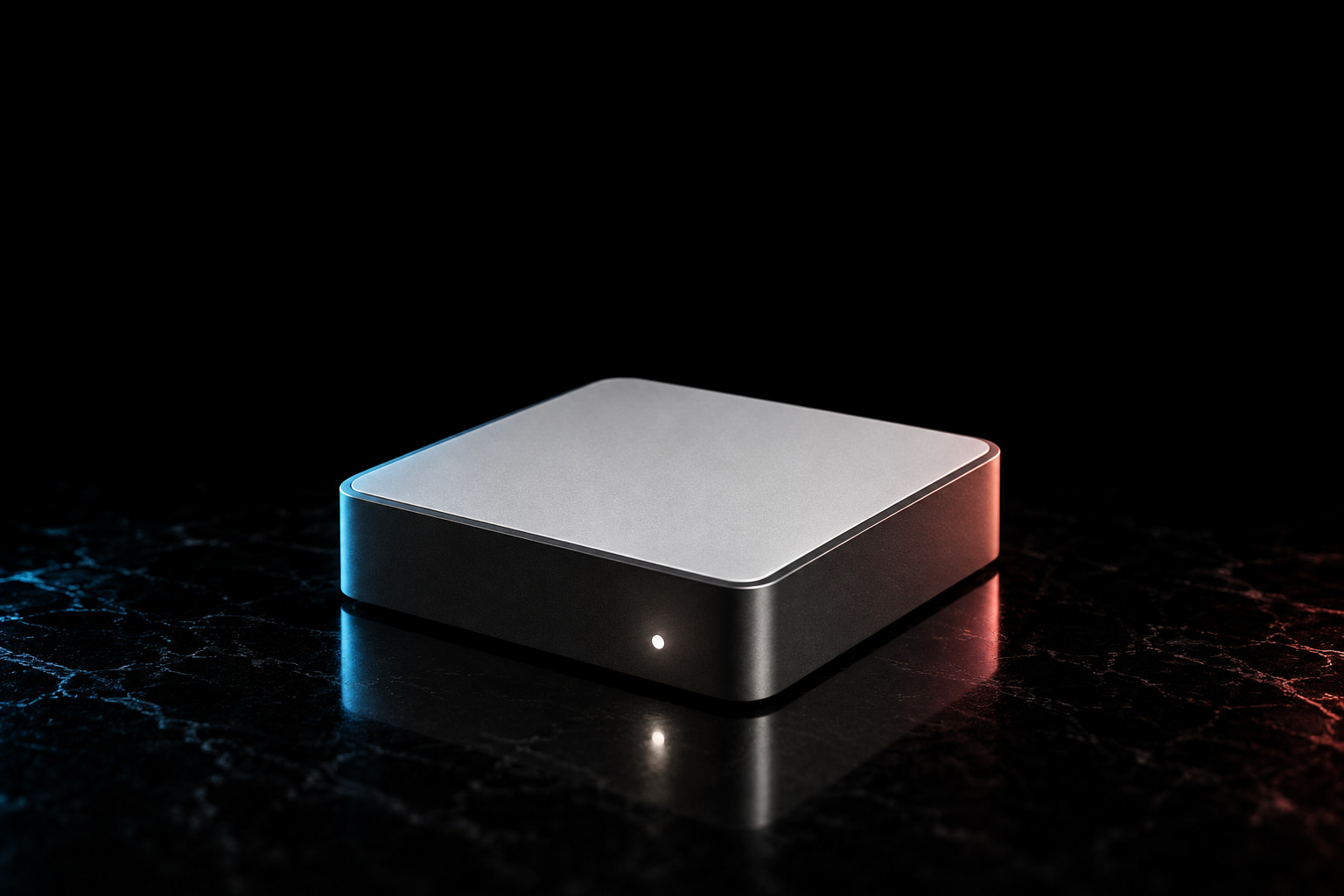
A compact 50 × 50 × 10 mm body with a white-silver top and graphite sides. A quiet addition to a familiar room.
Product appearance referenced from supplied materials; campaign visualization.
JINK / EVERYDAY POSSIBILITIES
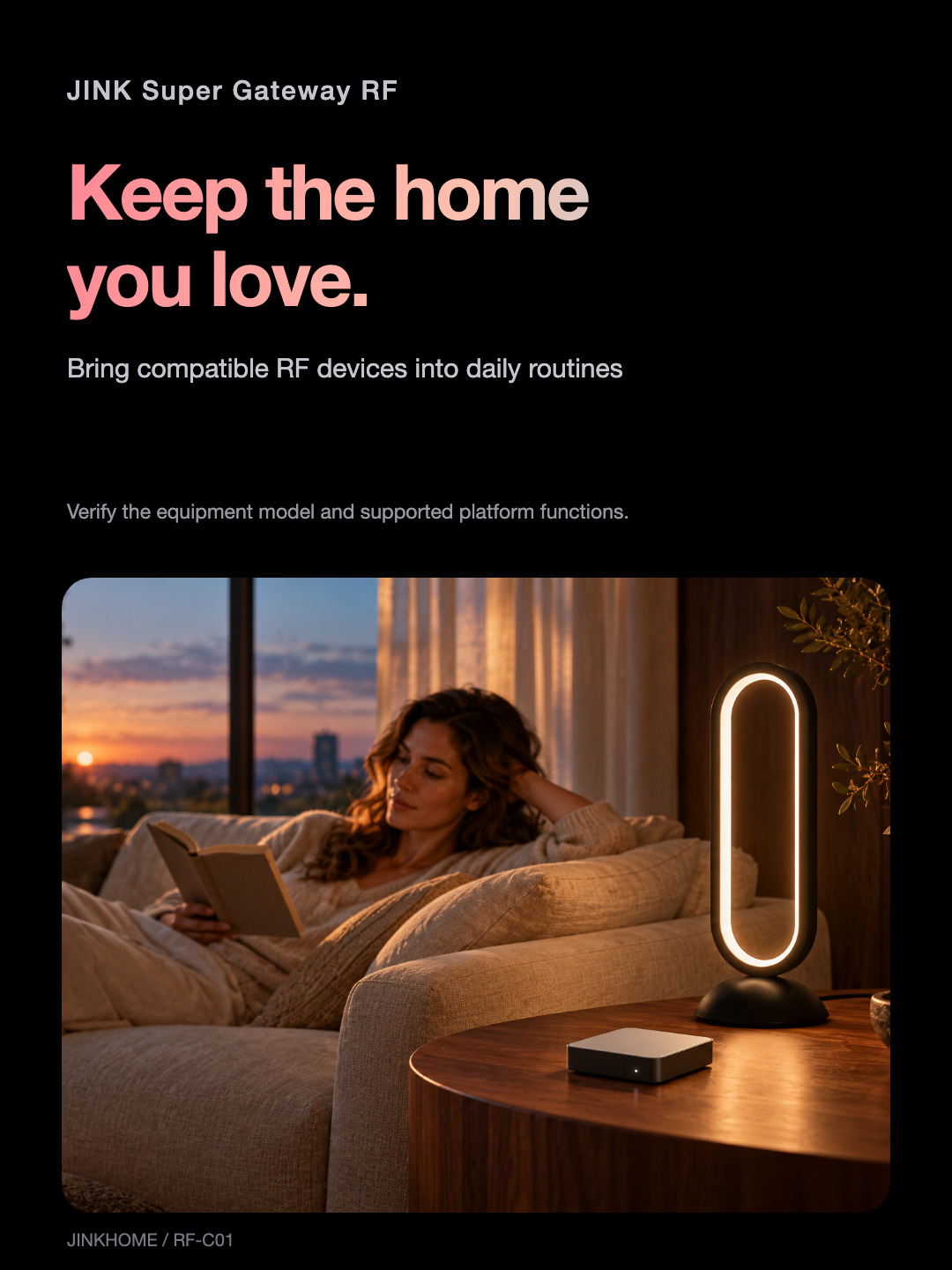
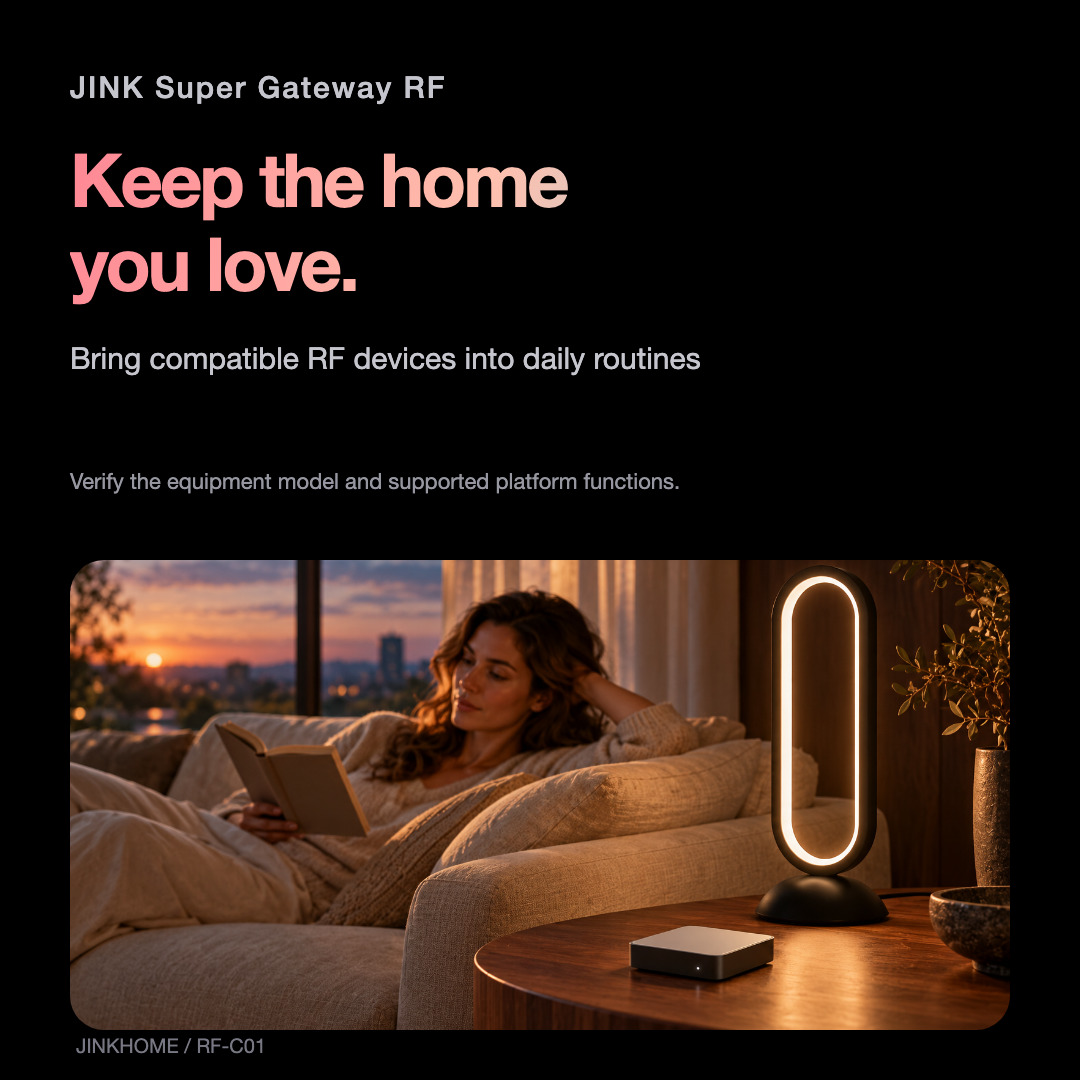
Keep the home you love.
Add smart-home control to compatible RF equipment. Keep the original remote nearby; coexistence depends on the receiving device.
Concept interior; Luma O100 is a furnishing pairing, not an RF-controlled accessory.
JINK / EVERYDAY POSSIBILITIES
Two bands. The right match.
Learn compatible 315 MHz and 433 MHz RF commands. Matching the frequency is only the first step: coding, receiver and firmware configuration also matter.
315 / 433MHz
Universal compatibility is not assumed. Rolling-code or encrypted remotes require specific verification.
JINK / EVERYDAY POSSIBILITIES
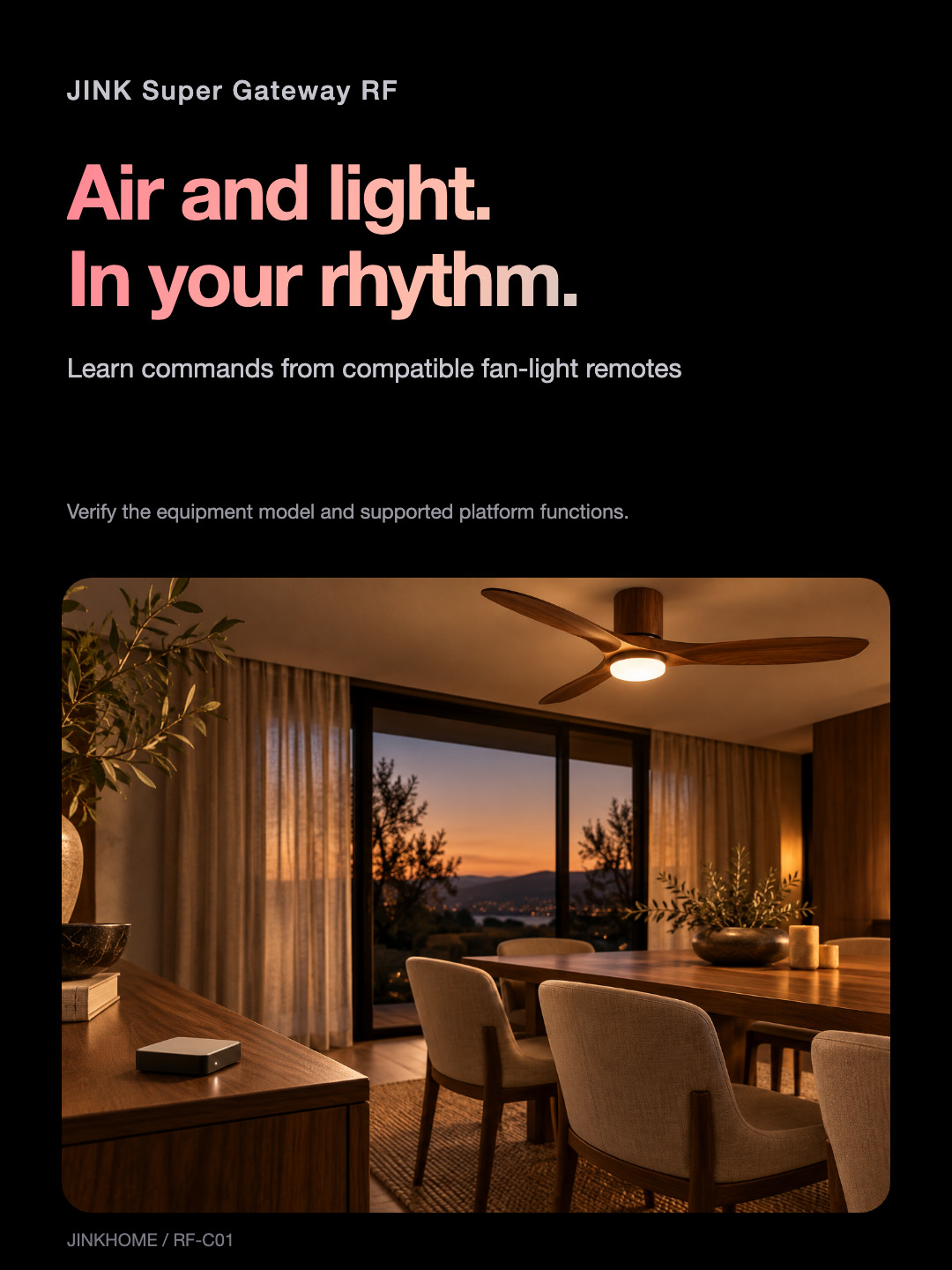
A little air. A little ease.
Learn commands from a compatible fan-light remote and bring its supported controls into daily routines. Available buttons, speeds and lighting functions depend on the equipment and platform.
Illustrative use case; compatibility must be checked for the exact fan-light.
JINK / EVERYDAY POSSIBILITIES
Make room for everyday ease.
Learn lift/lower or other supported commands from a compatible RF drying rack. Retain its own travel, anti-pinch and safety mechanisms, and test each action before use.
Percentage positioning and identical controls are not guaranteed across devices.
JINK / EVERYDAY POSSIBILITIES
Let daylight find its balance.
Control compatible RF curtains or shades with learned open, close and stop commands. Percentage positioning requires a supported device, travel configuration and platform.
Scene illustration; it does not establish measured travel or position feedback.
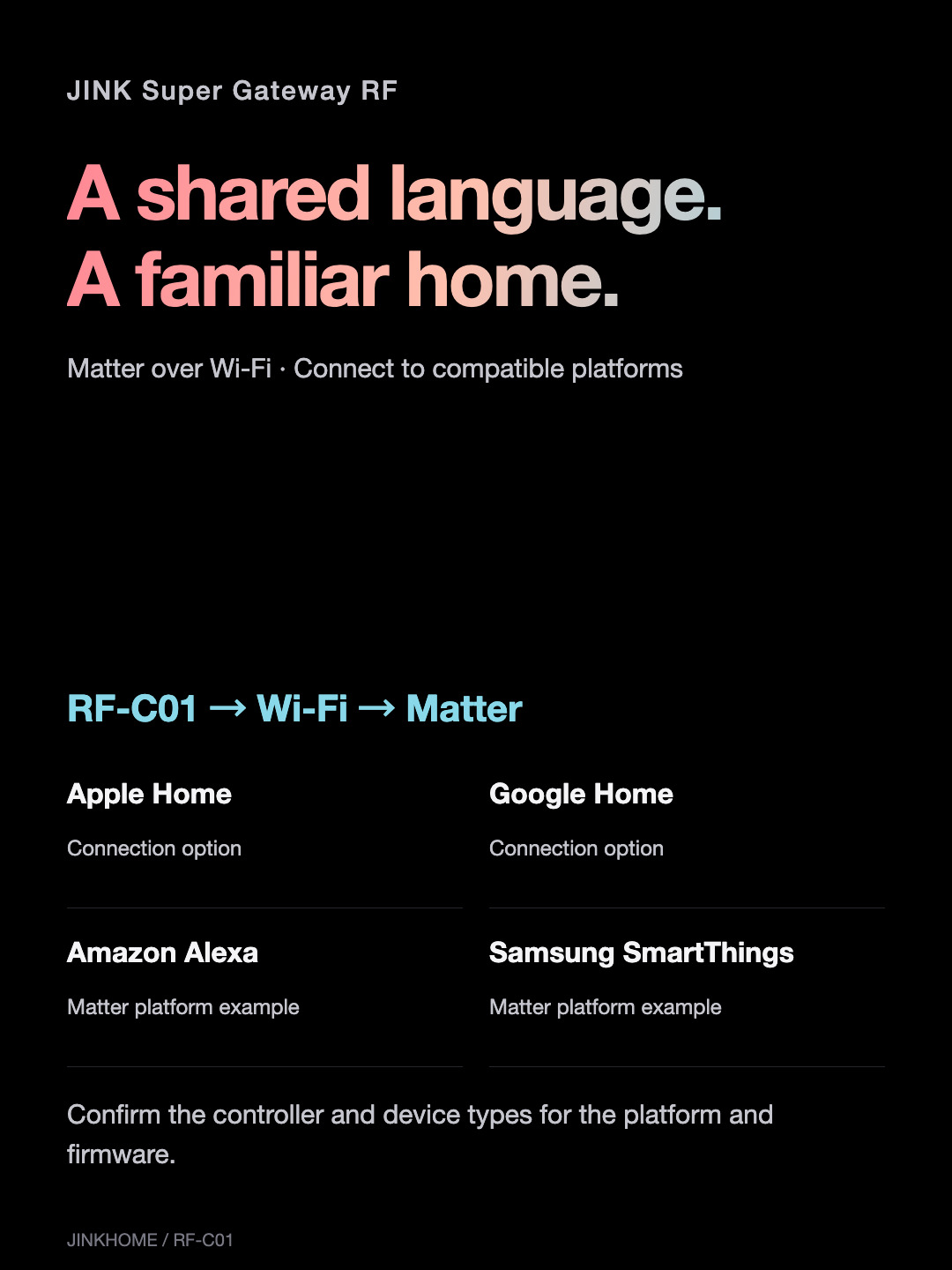
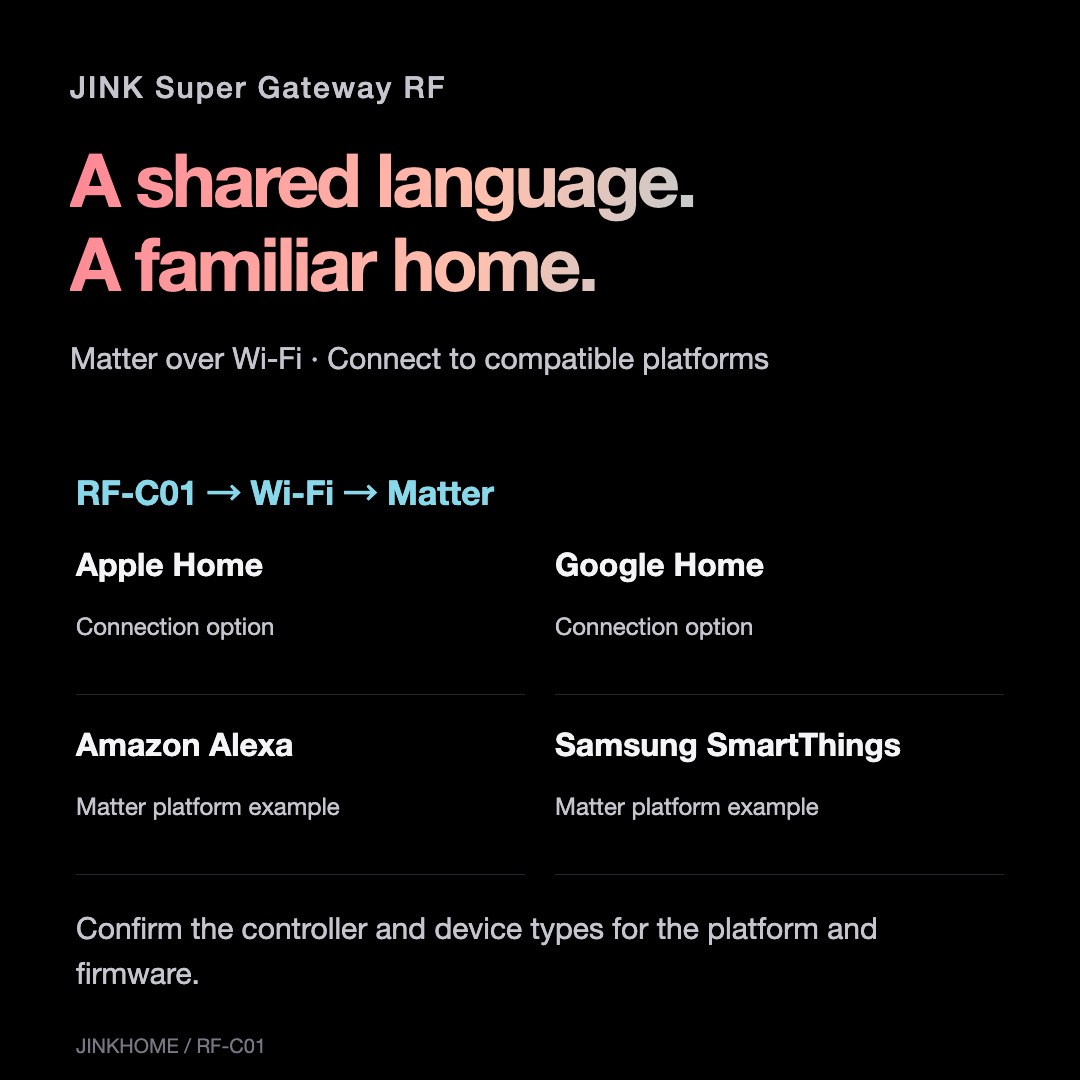
MATTER
A common language. A natural connection.
Matter is an IP-based smart-home connectivity standard: a shared language for compatible devices and platforms. The RF gateway brings verified, learned RF actions into supported smart-home systems.
The deviceA compatible 315/433 MHz RF receiver
The gatewayRF-C01 learns commands and joins 2.4 GHz Wi-Fi
The platformA compatible Matter controller and supported device types
Matter supports local-network communication and multi-platform administration; available functions still depend on the gateway and platform. RF-C01 uses Wi-Fi and has no claimed Thread border-router role.
About Matter ↗JINK / EVERYDAY POSSIBILITIES
Welcome a little fresh air.
Learn open, close and stop commands for a compatible RF window opener. Installation and limits belong to the opener system; keep the travel area clear.

The gateway does not replace weather detection, anti-pinch sensors or the opener’s safety functions.
JINK / EVERYDAY POSSIBILITIES
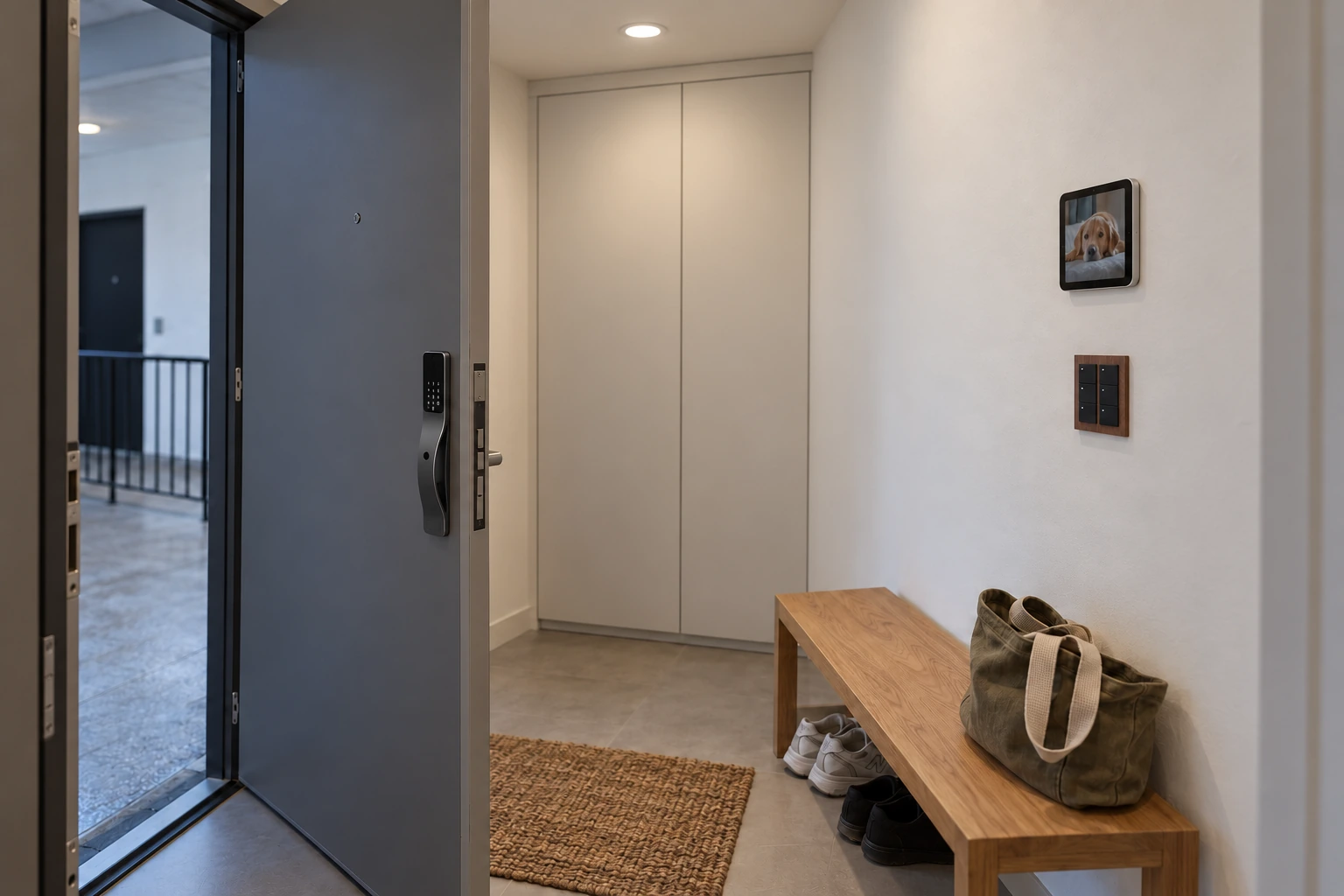
A more considered arrival.
Bring verified RF garage-door commands into your smart home. Check the coding method, door safety and platform device type before creating a routine.
A software state or timed estimate is not proof of physical door position. Keep the opener’s anti-pinch protections.
JINK / EVERYDAY POSSIBILITIES
Let your routine welcome you.
Geofencing is provided by the selected smart-home platform. With the required permissions, network and controller, a routine can trigger verified device actions.
Automatic garage opening requires a separate safety and platform assessment. The gateway has no claimed built-in location sensor.
JINK / EVERYDAY POSSIBILITIES
Range belongs to the real room.
RF range can reach up to 100 m in suitable open-field conditions. Walls, floors, metal and interference change indoor performance. Test every device from the final placement.
100m · open-field reference
Open-field range does not guarantee coverage across a multi-storey home.
JINK / EVERYDAY POSSIBILITIES
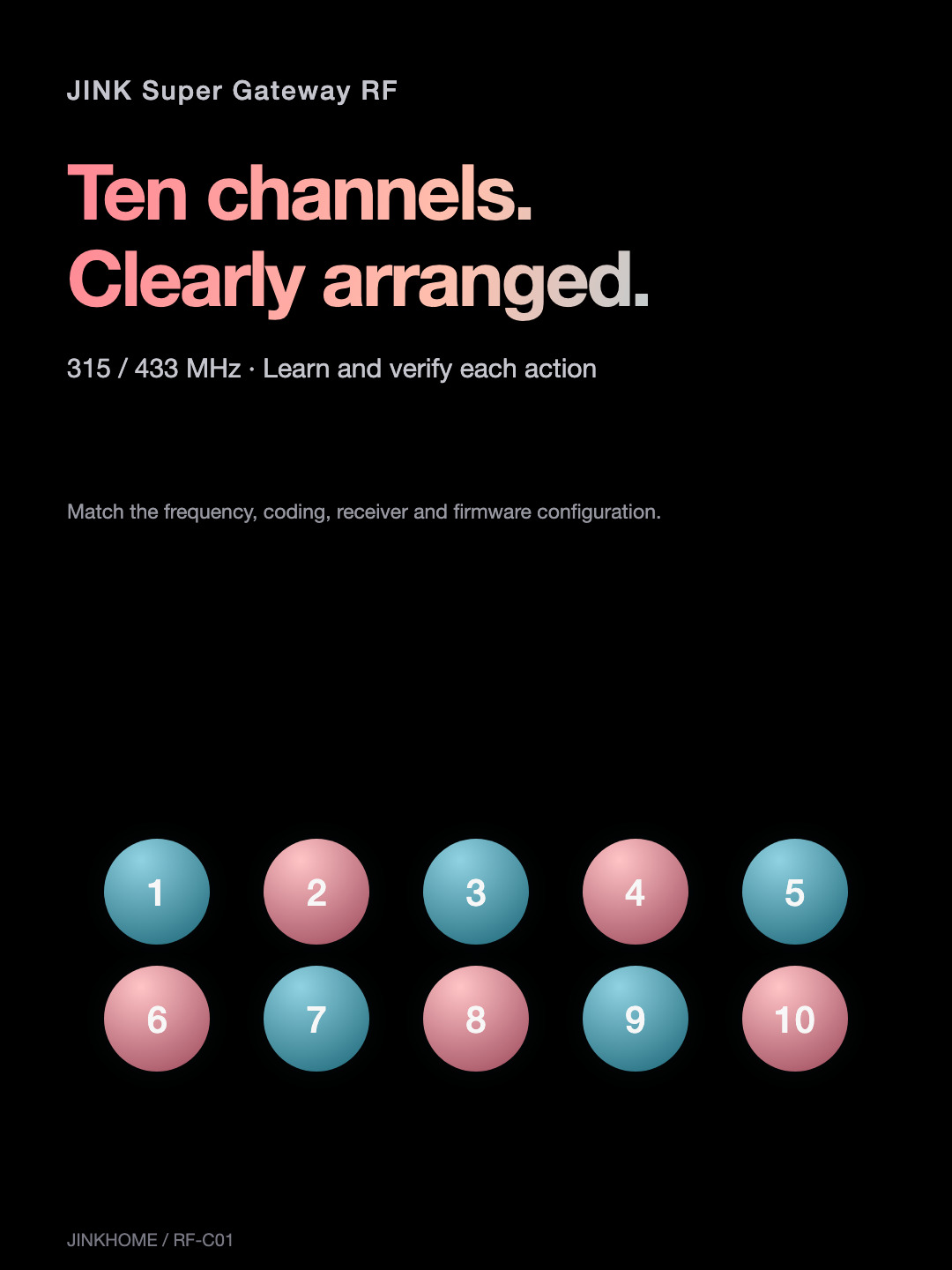
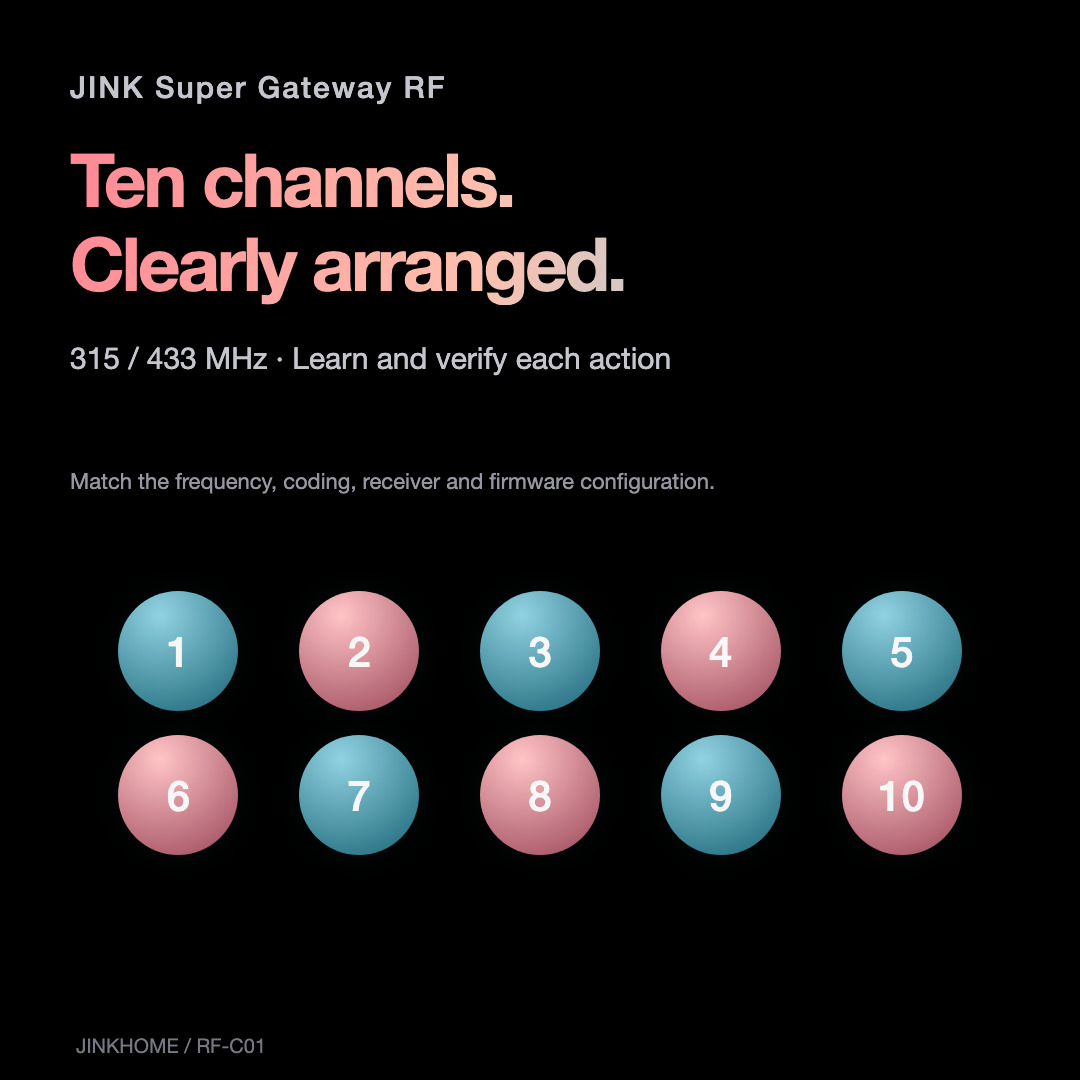
Ten channels. Clearly arranged.
Assign learning channels by receiving device. Record its type, remote actions and room. Send each learned command, confirm the physical response, then build routines.
Ten learning channels do not mean universal device or platform-function compatibility.
JINK / EVERYDAY POSSIBILITIES
Familiar control. A new entry point.
Matter over Wi-Fi connects the gateway to a compatible platform. Exposed device types, controls and displayed states depend on the gateway configuration and platform support.
RF control does not automatically provide physical state feedback. Remote access requires the platform’s connected setup.
CONNECT AND USE
Learn first. Then connect your routines.
Pair with MatterConnect 5V/1A power, follow the standard Matter add-accessory flow, scan this gateway’s pairing code and join 2.4 GHz Wi-Fi.
Learn RF commandsUse the learning interface for your firmware. Select a free channel, device type and action, start learning and press the matching original-remote button.
Verify the responseSend each learned command and observe the receiving device. Test every supported action before adding daily routines.
Pairing follows the standard Matter flow confirmed for this model. Learning menus vary by firmware. Use the model-specific instructions before resetting or clearing learned data.
JINK / EVERYDAY POSSIBILITIES
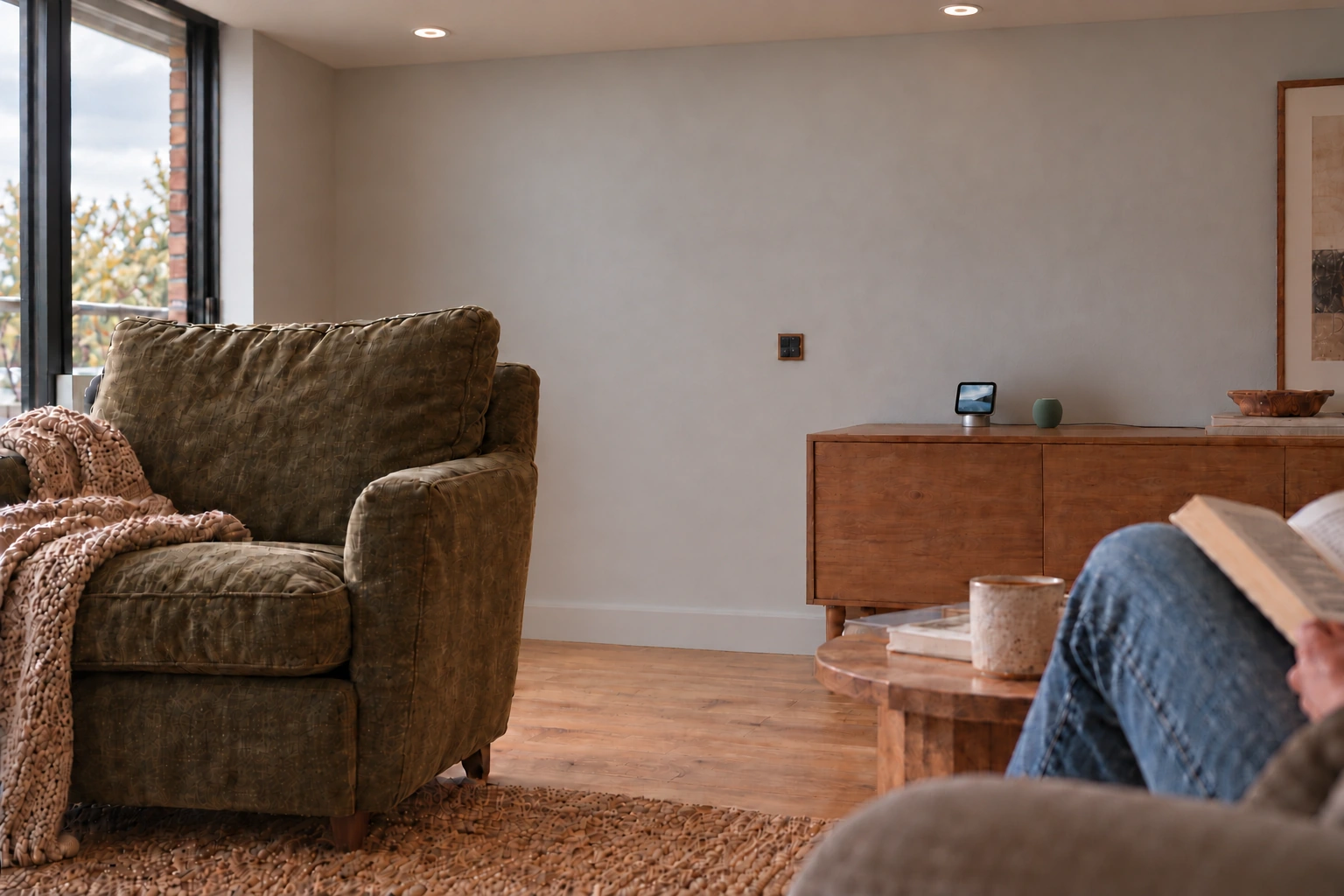
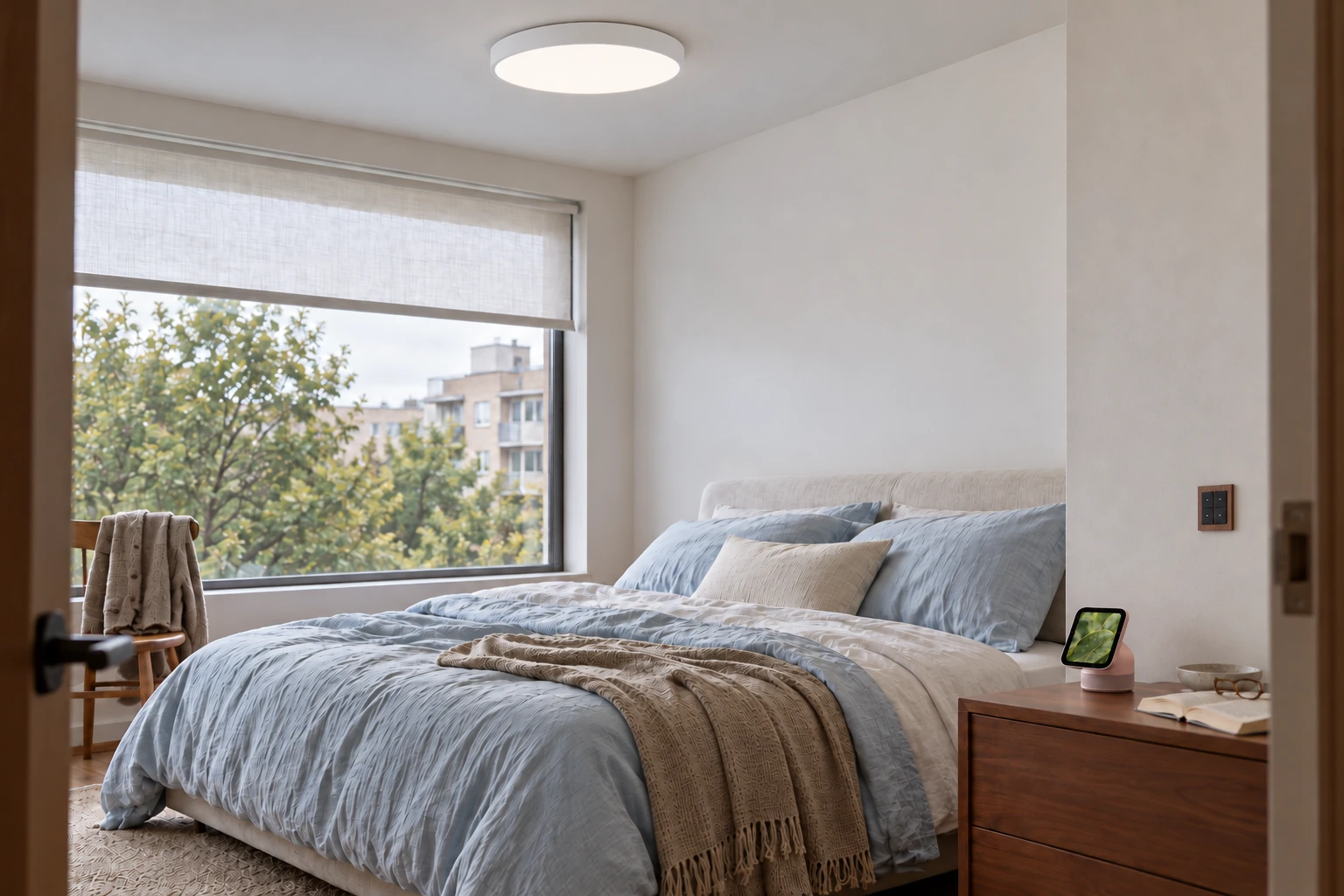
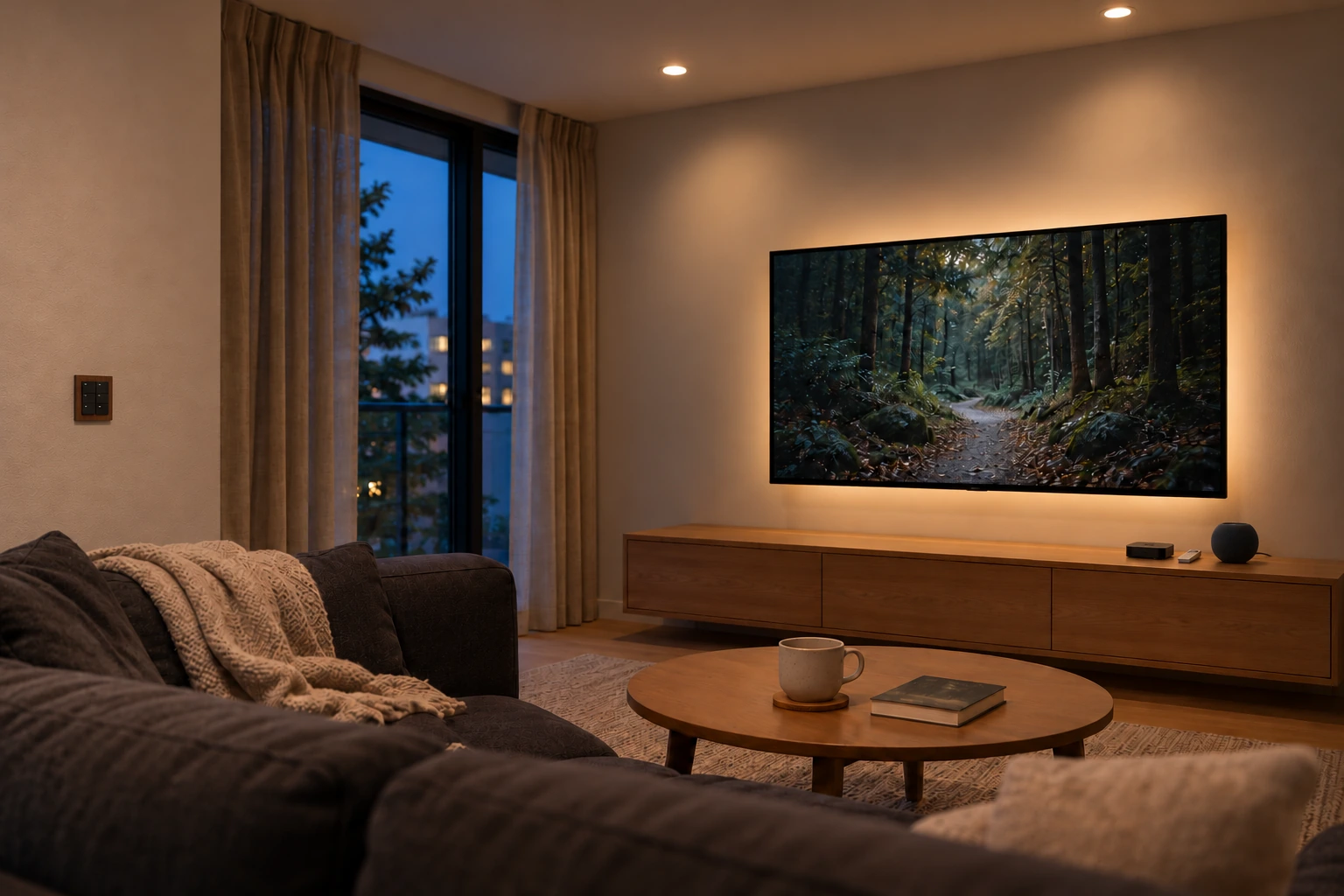
Leave a little time for living.
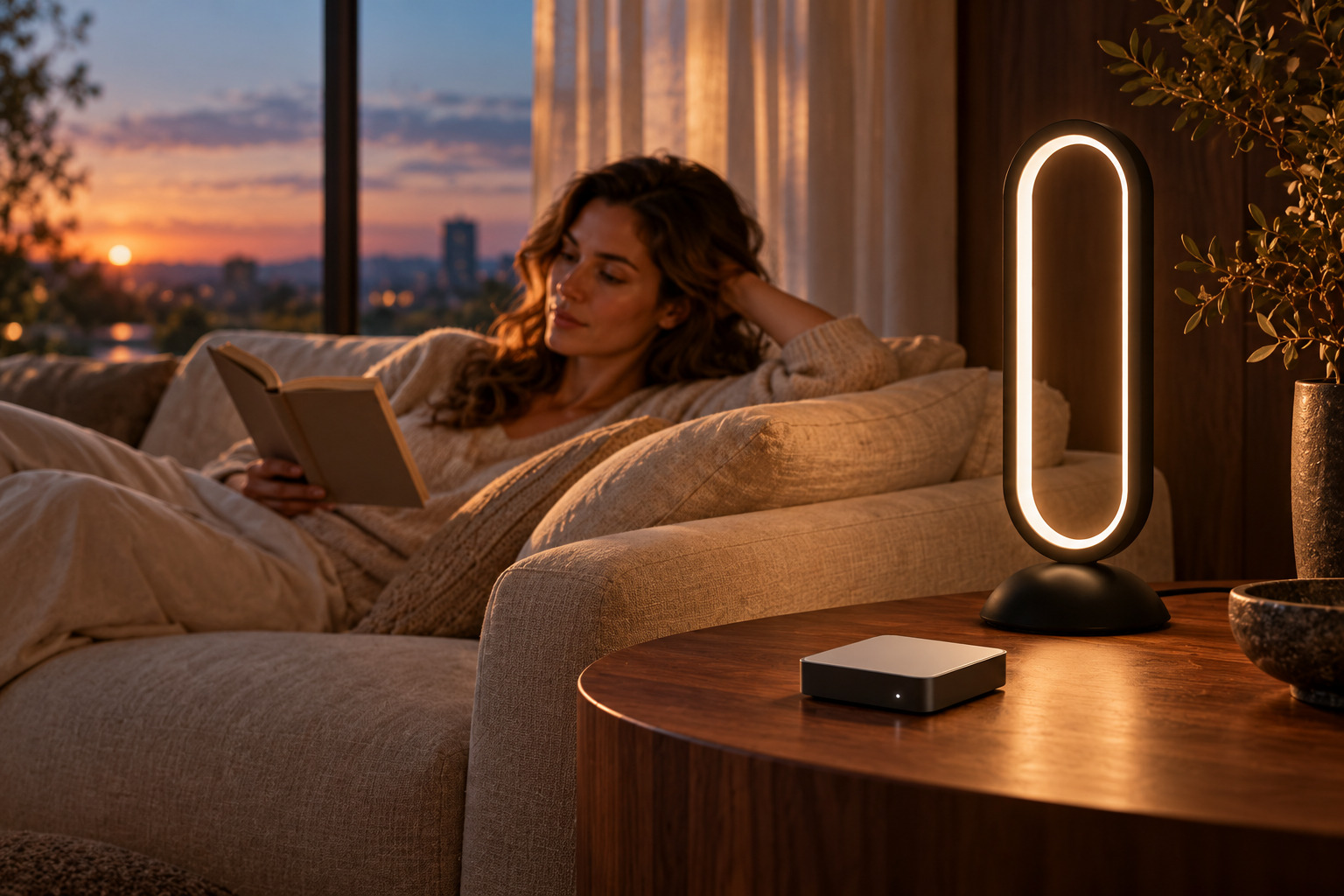
Let control settle into the background, and reading, company and rest take their place. Good smart-home design fits the life you already enjoy.

Original JINK lifestyle expression; concept scene.
RESOURCES AND DOWNLOADS
Everything about it. In one place.
TECHNICAL SPECIFICATIONS
JINK Super Gateway RF
| Model | RF-C01 |
| Network | 2.4 GHz Wi-Fi |
| Protocol | Matter over Wi-Fi |
| RF bands | 315 MHz / 433 MHz |
| Learning channels | 10 |
| Power / connector | DC 5 V / 1 A · USB-C |
| Dimensions | 50 × 50 × 10 mm |
| Operating temperature | -10°C ~ 55°C |
| Open-field RF range | ≤100 m |
| In the box | 1 × RF gateway · 1 × USB cable |
Range is an open-field reference under suitable conditions. Confirm whether a power adapter is included in your package. Learning types include switch, curtain and fan; verify the exact receiver and controls.
JINKHOME
Intelligence, naturally at home.