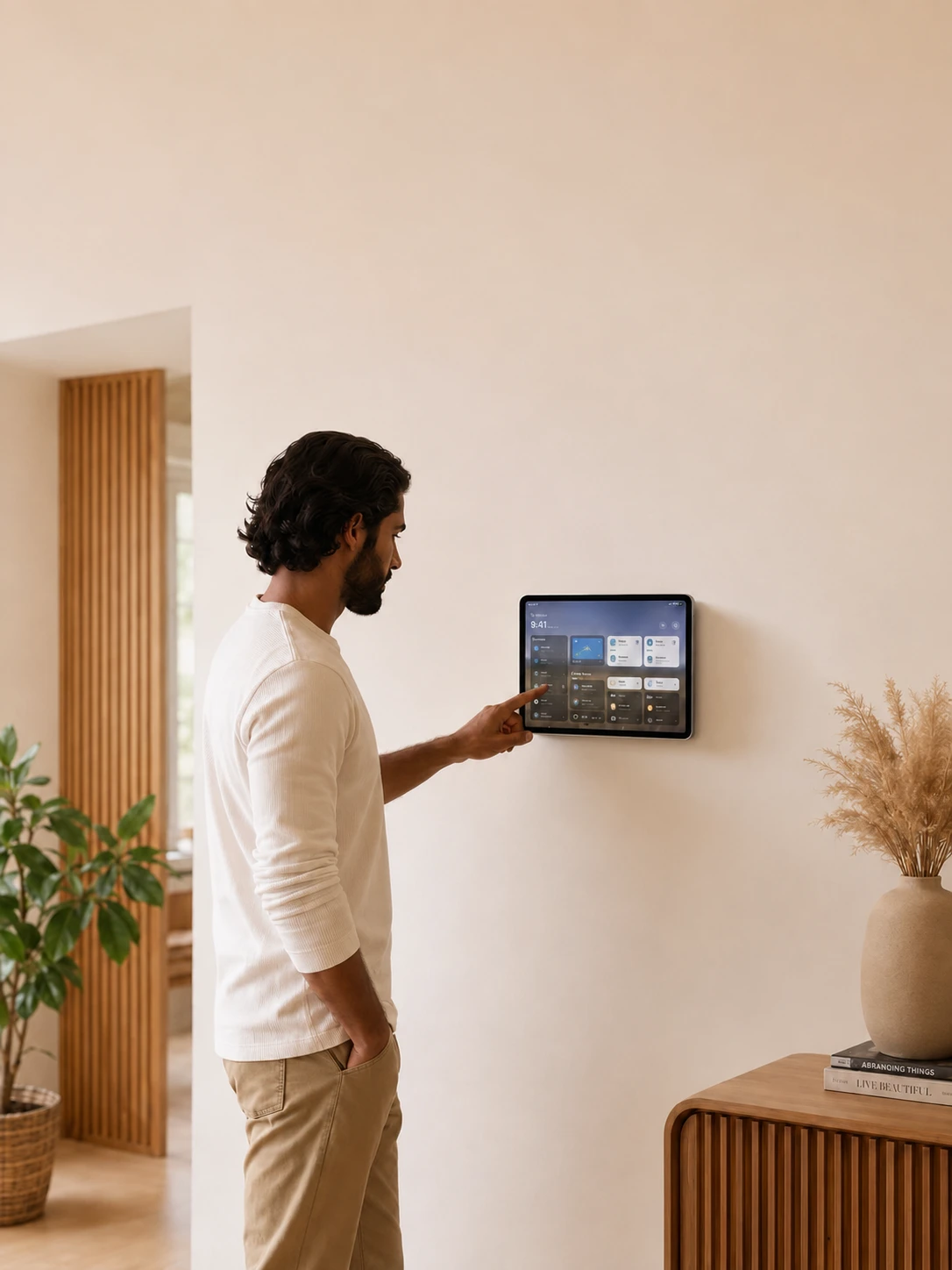
A quick glance on the wall.
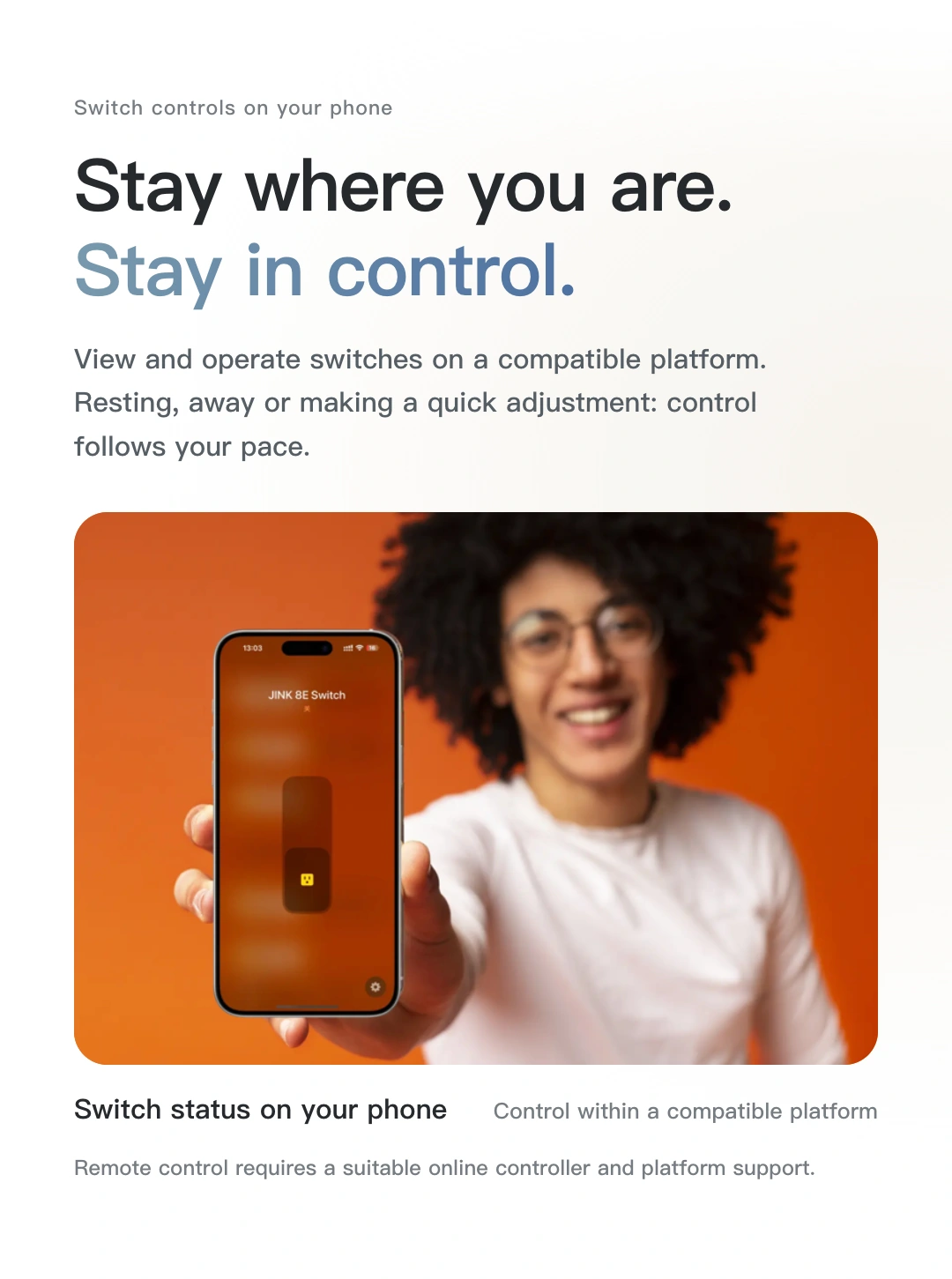
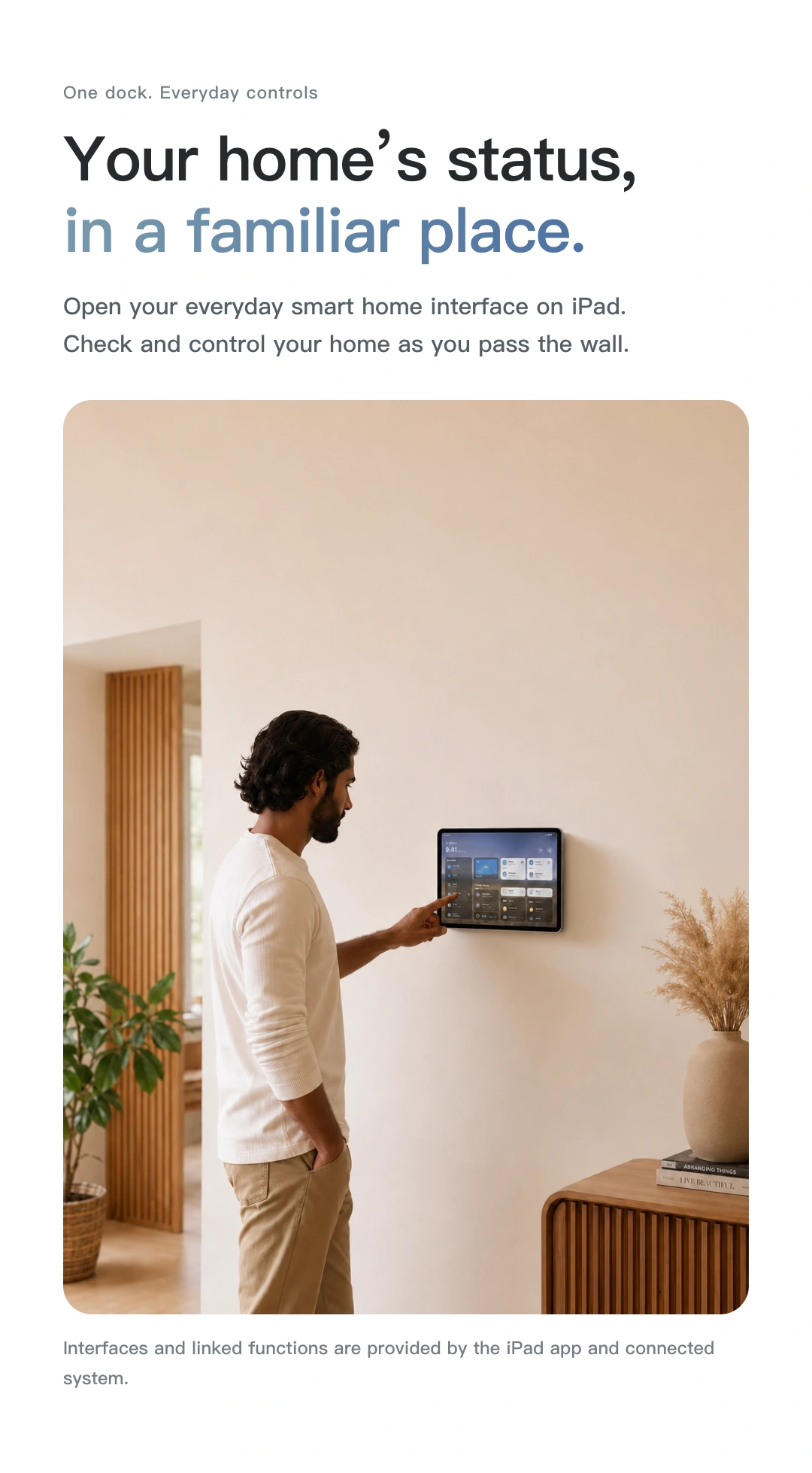
View and operate devices through your configured home app. Put everyday controls where the family can find them.
Shop JINK products
Choose a configuration and quantity, then submit your order for JINK to confirm.
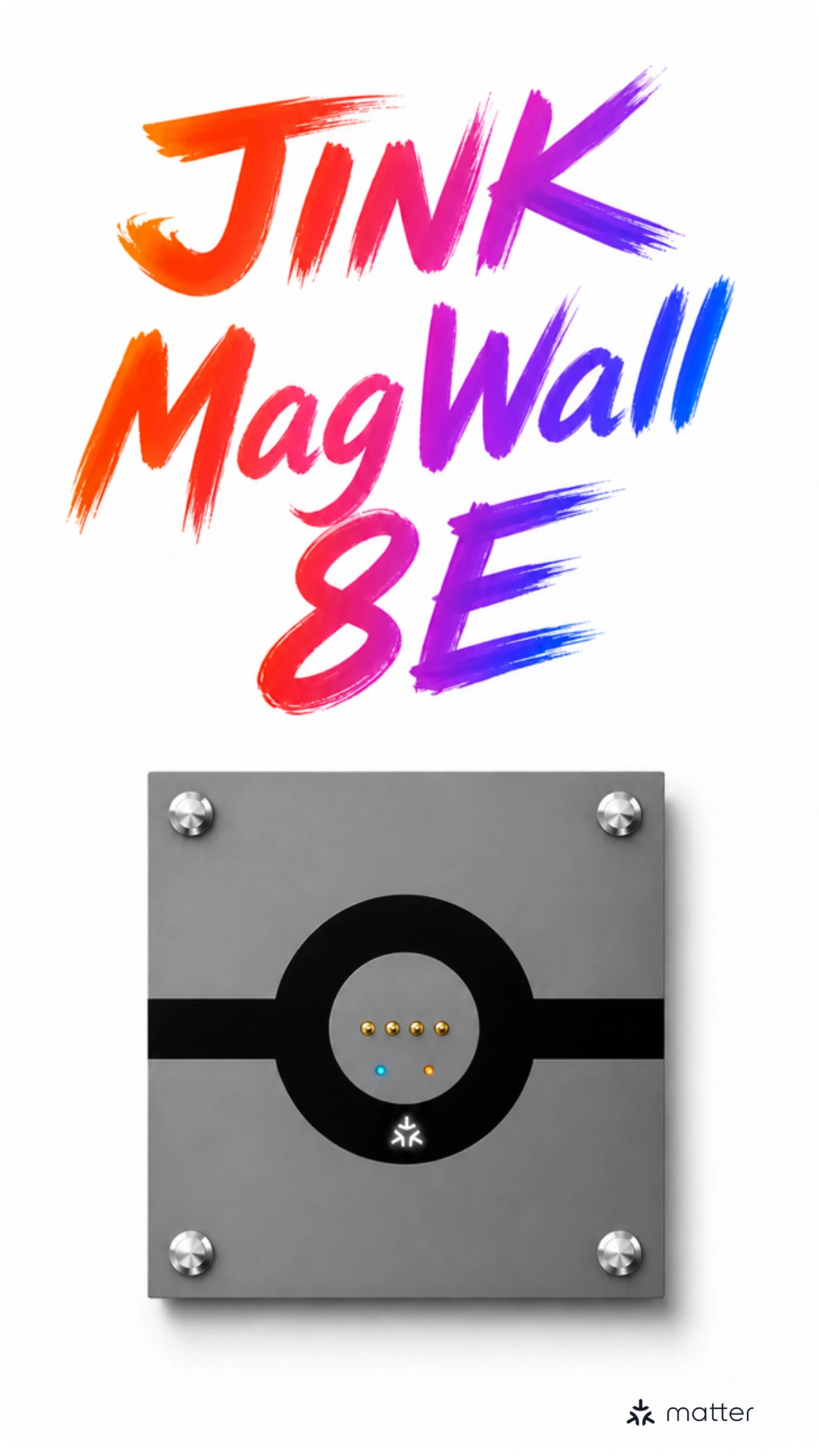
JINK · MagWall 8E
MagSwitch 8E Pro flagship magnetic wall charging switch.
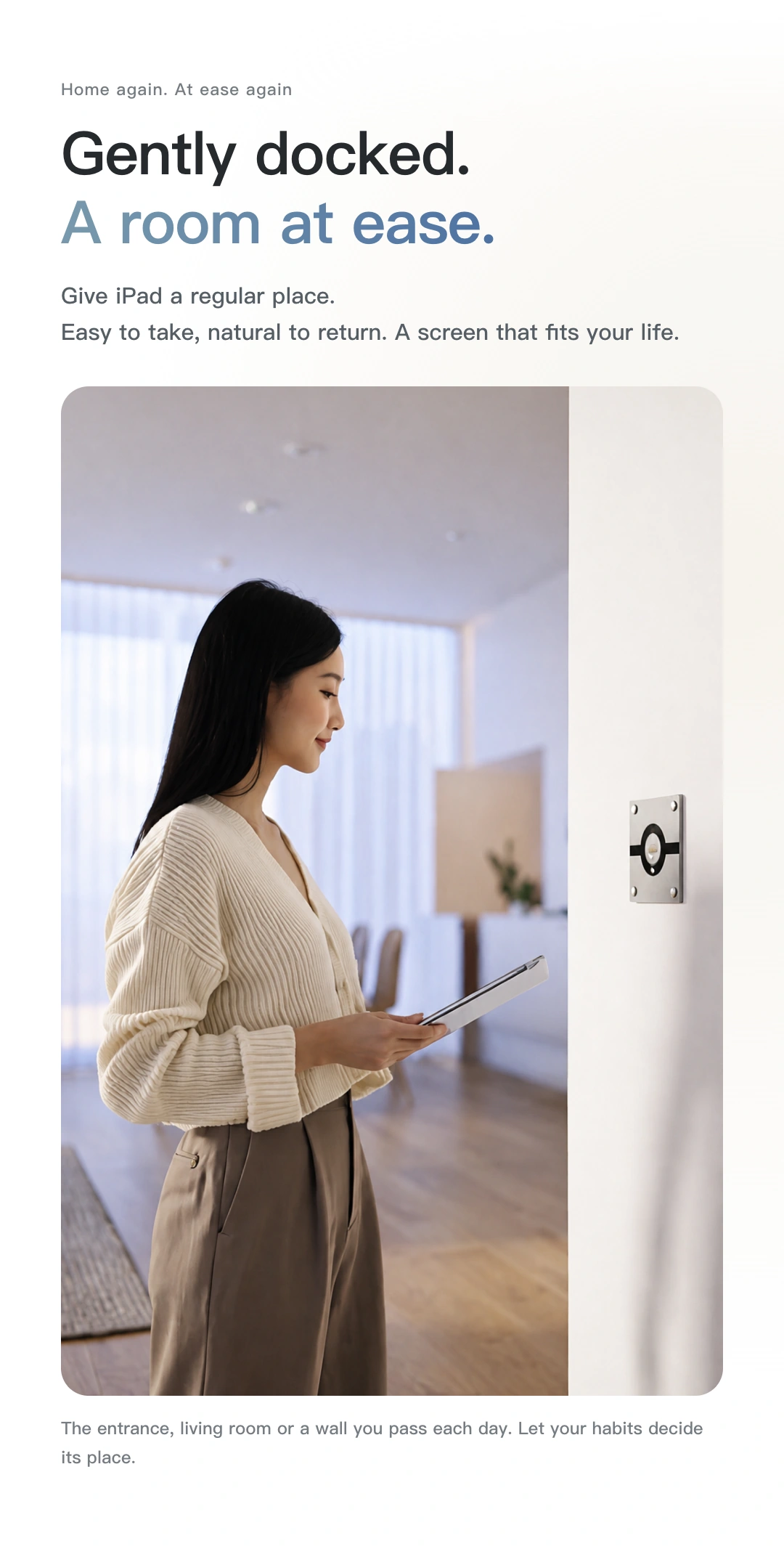
A convenient place for your iPad,
Keep the freedom to pick it up.
Magnetic charging × Matter over Thread
 Apple HomeExplore the Home app
A new place for iPad. A new entrance to home control.
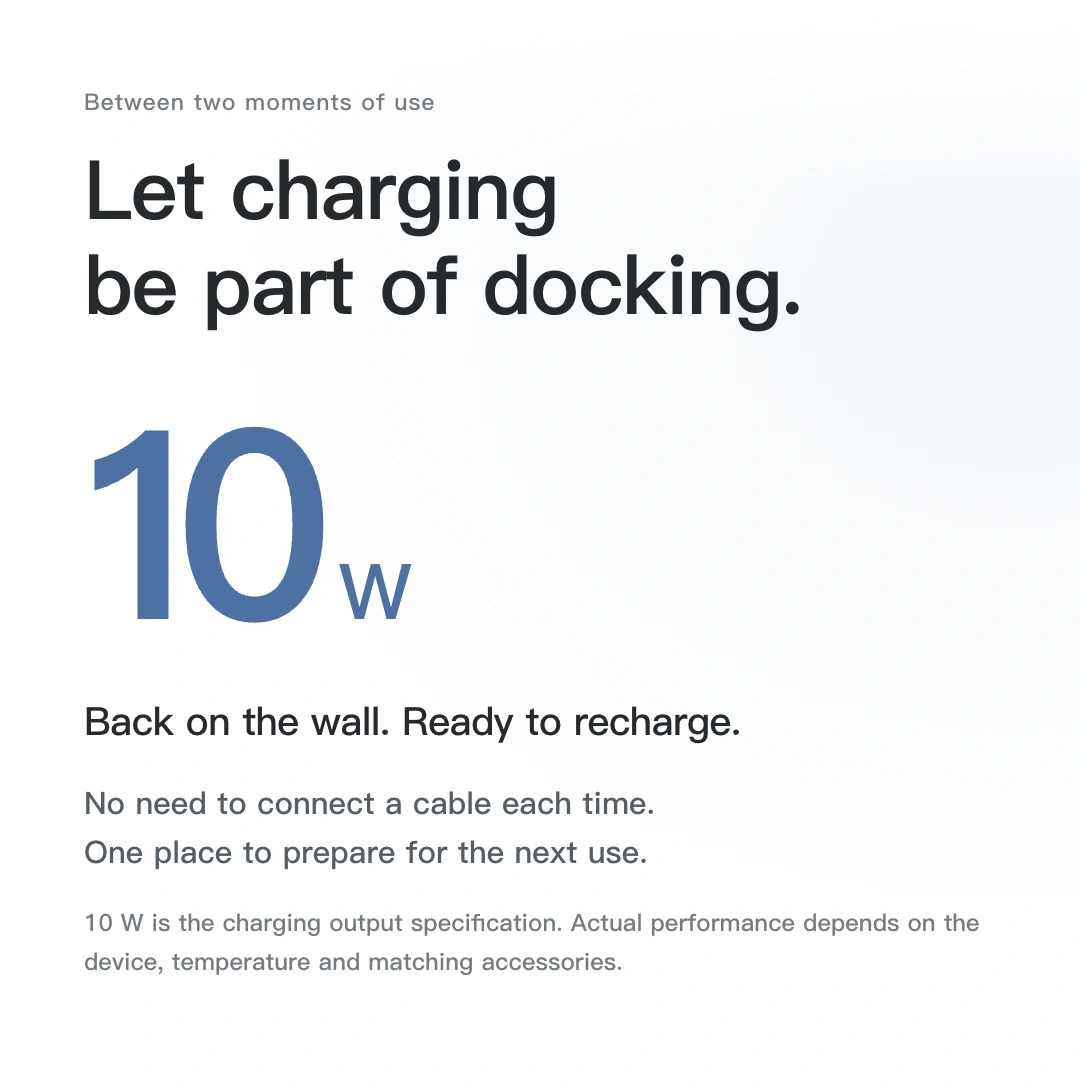
10 W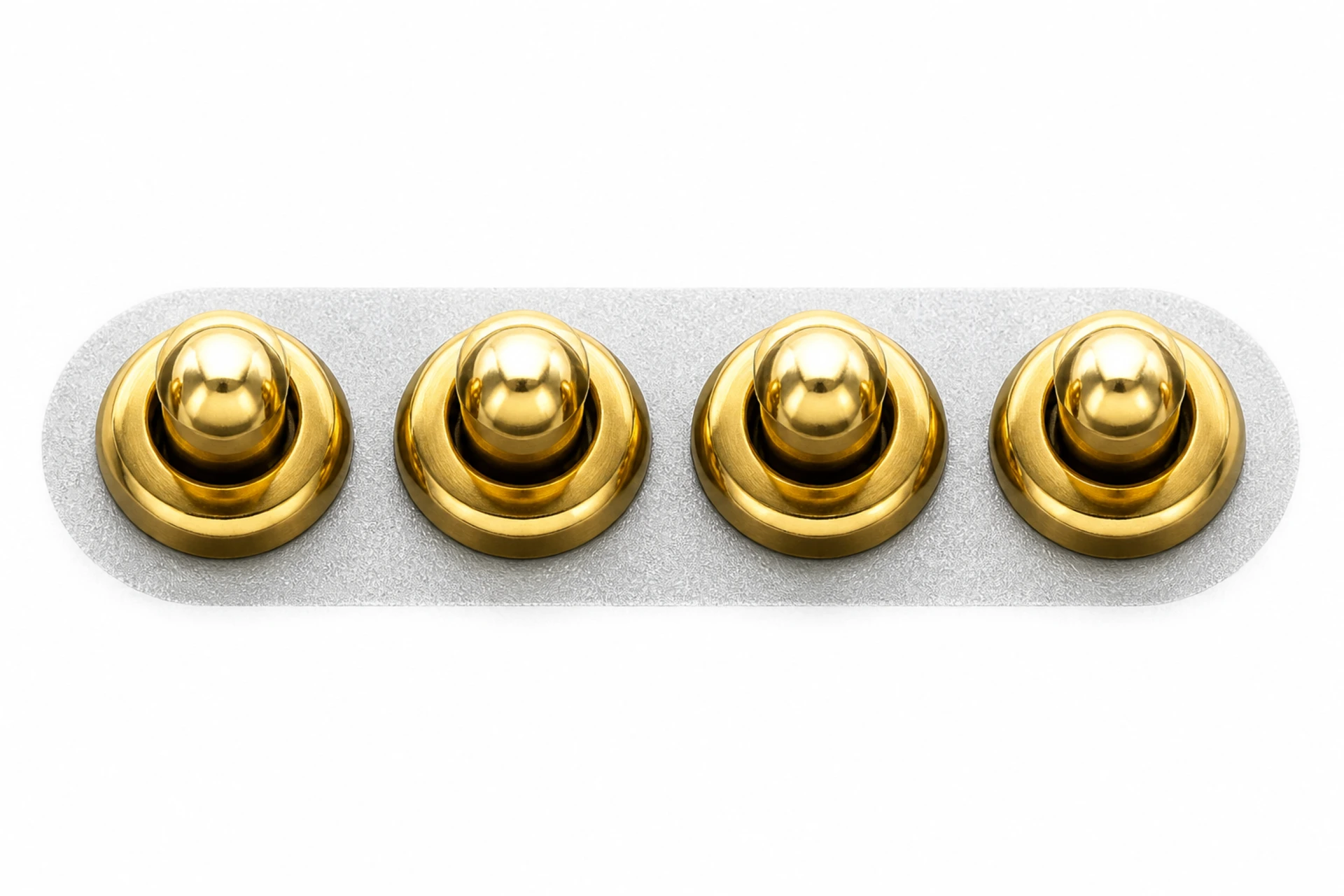 Matter
A smart switch for your compatible platform.
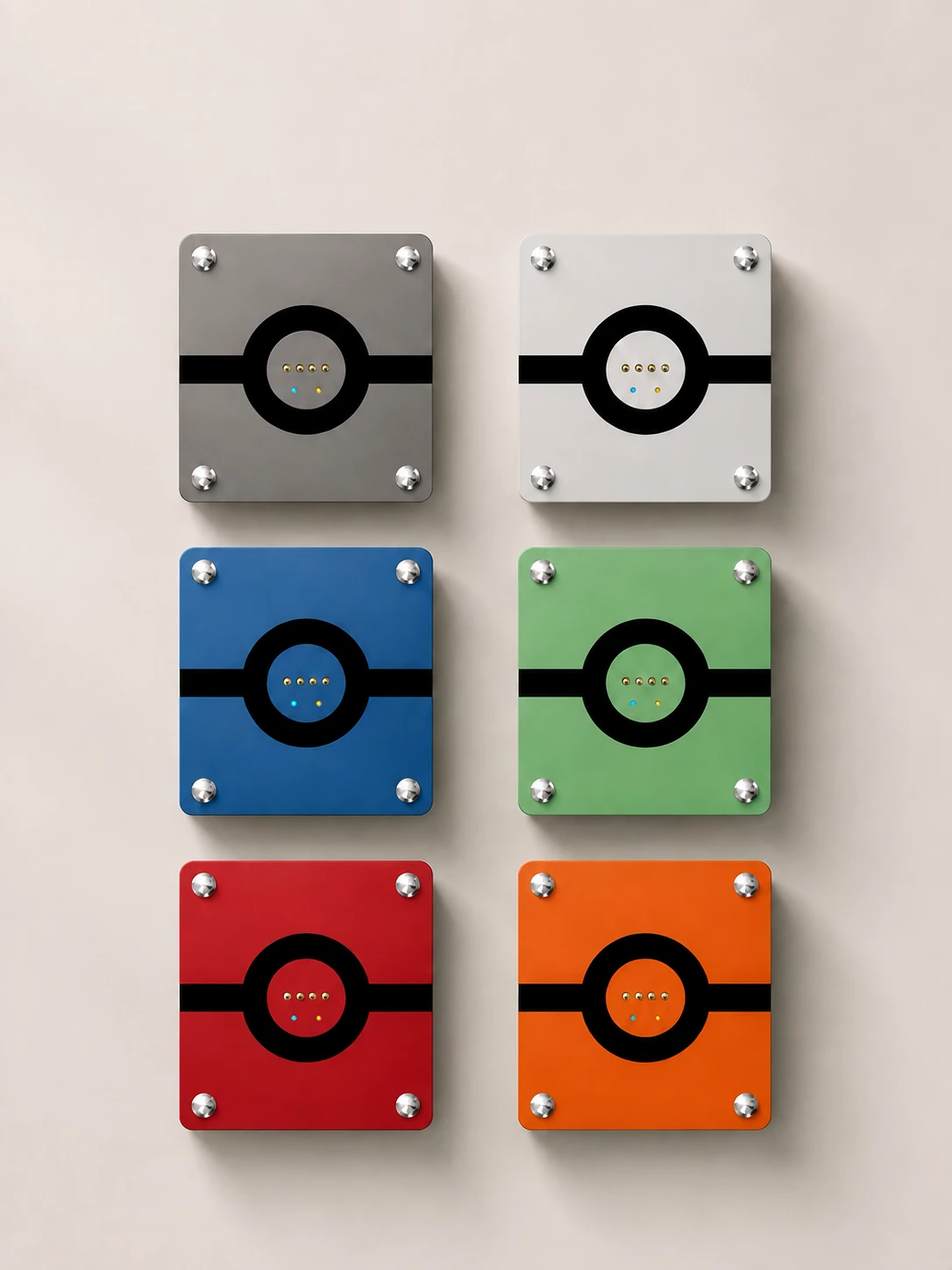
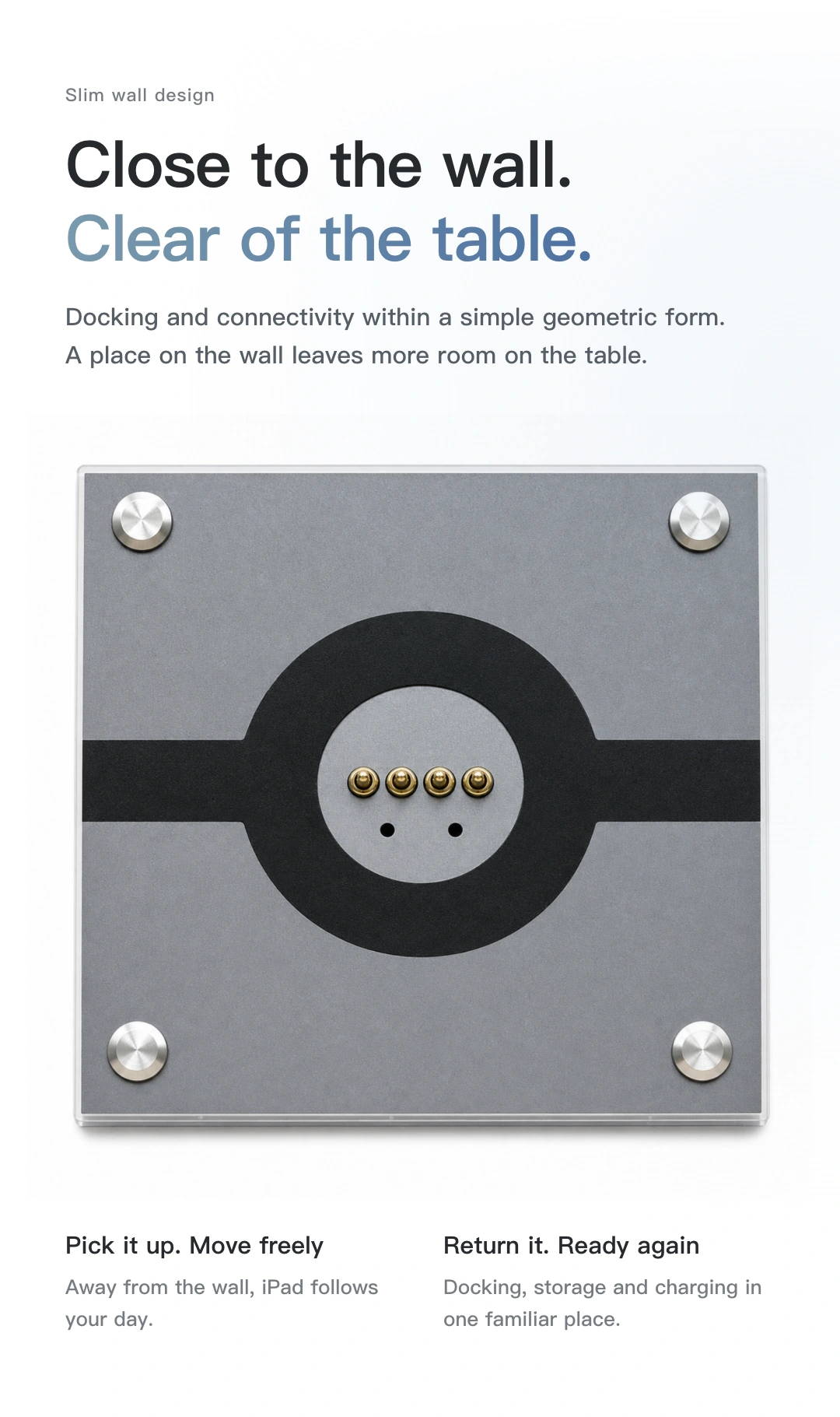
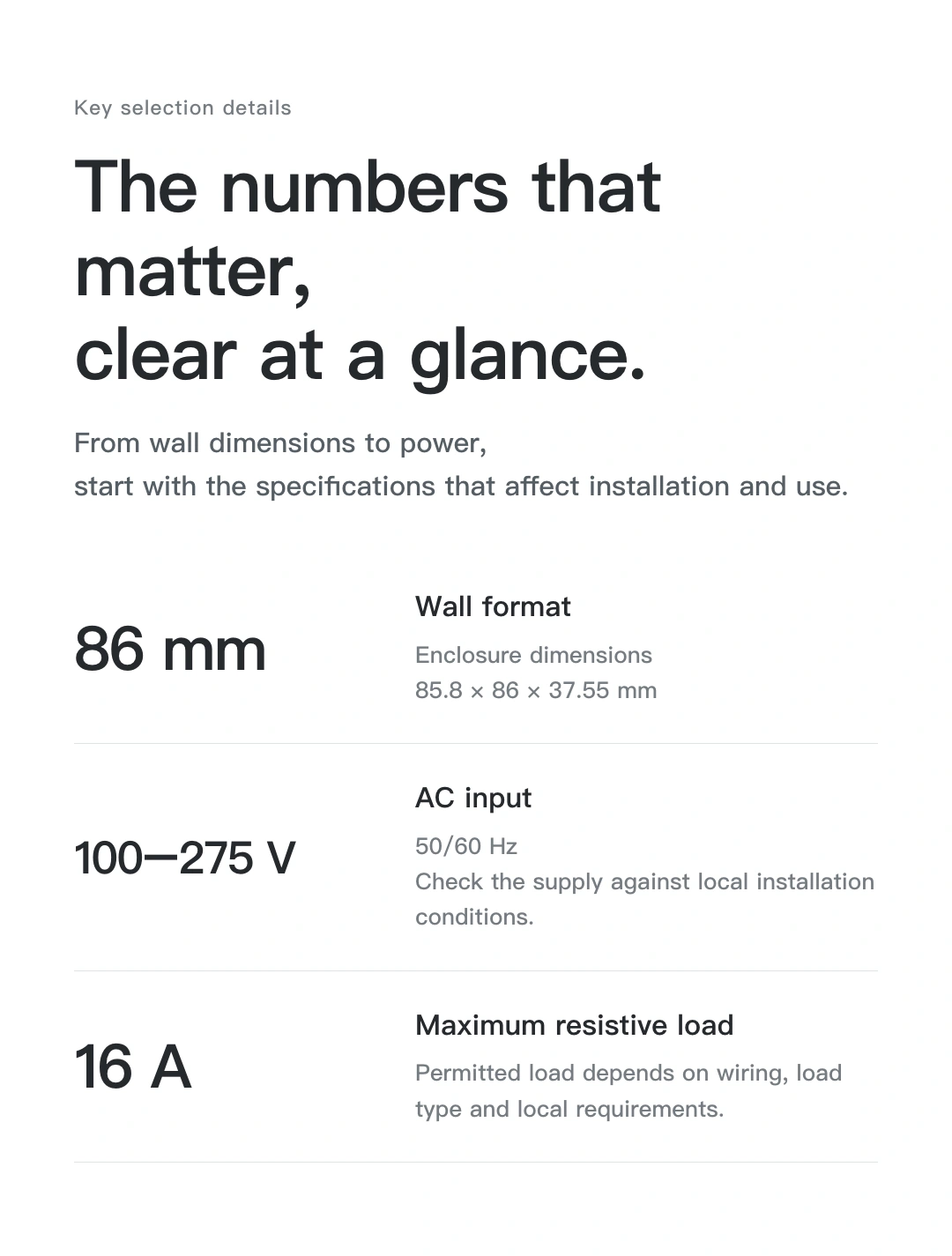
86 mm wall format · Four round corner catches
Hands-on · Dock and remove iPad
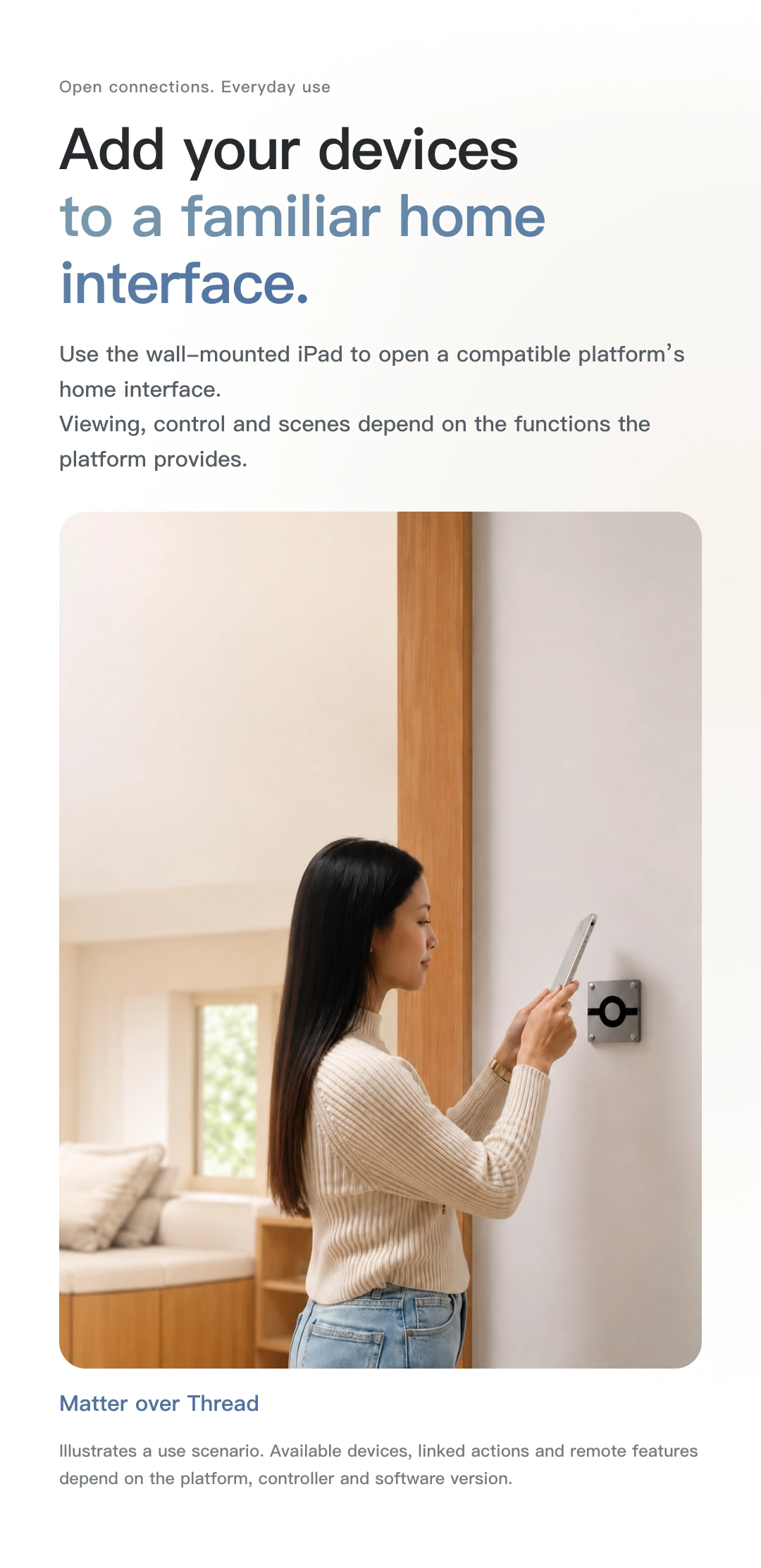
A shared home-control interface on the wall.
Keep reading, browsing and spending time together.
After use, align with the mount and dock it again.
Docking animation is illustrative. The screen shows wallpaper, not an actual app interface. A matching charging backplate is required; iPad is separate. Follow the supplied instructions for handling and installation. The animation is not a guide to applied force or disassembly.
Give your wall room to breathe
A magnetic charging position. A tidy wall.
Your iPad need not stay fixed in a holder,
It need not occupy the table all day.
The 86 mm wall format combines charging and smart switching. The recessed section sits in the mounting box while the panel stays within reach.
Check my installation requirements ↓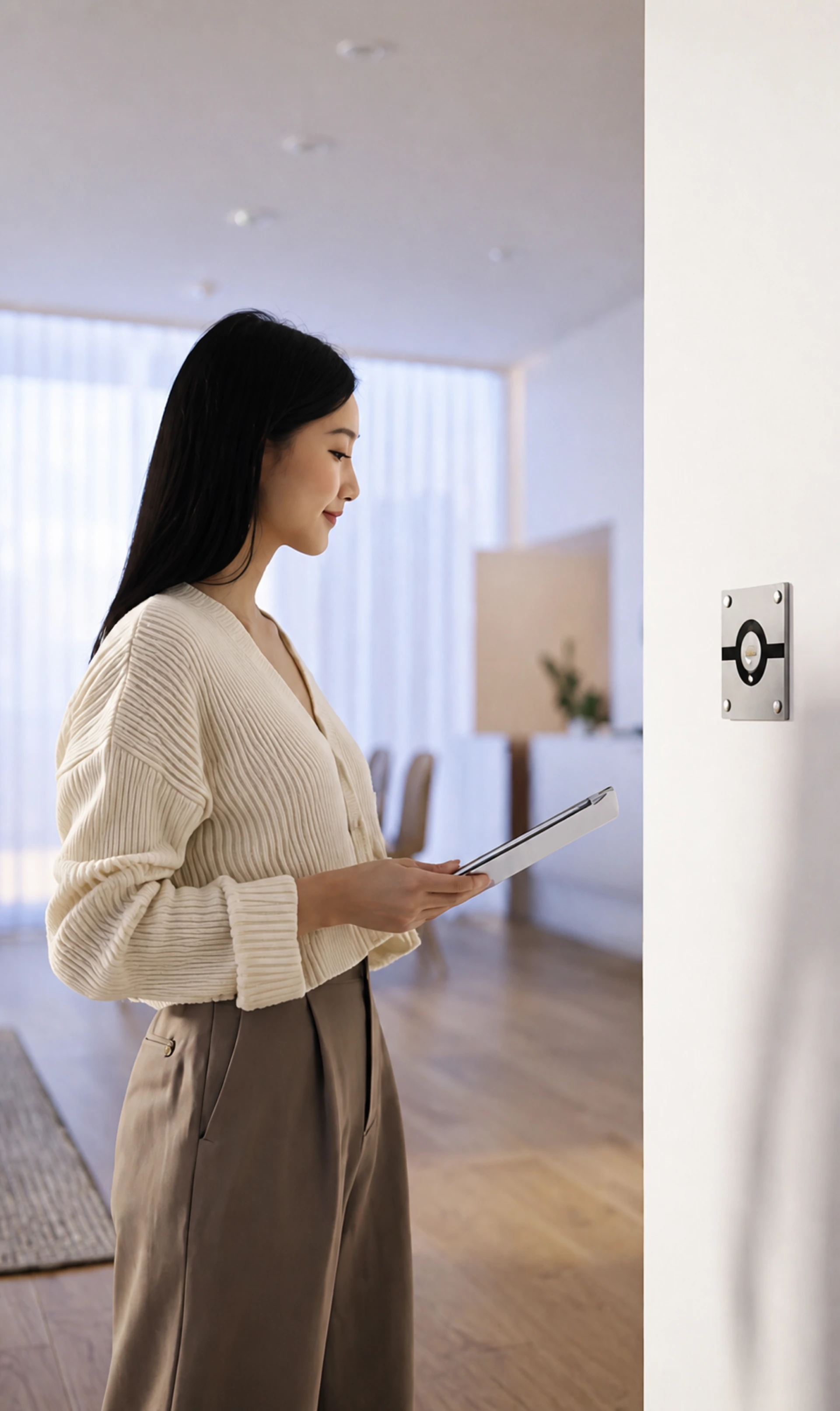
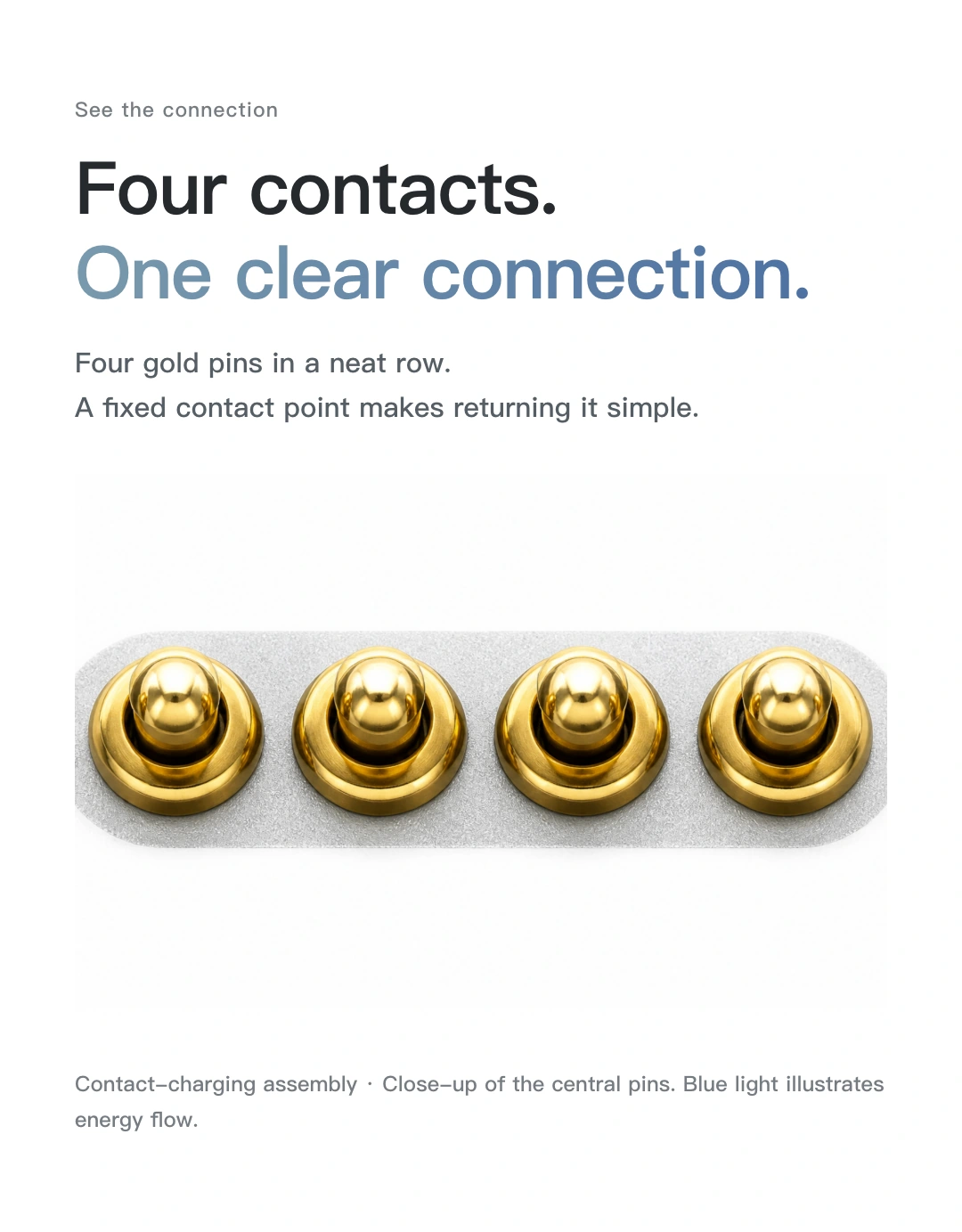
Charging contacts
Four gold pins. A clear connection.
Provides 10 W charging for iPad with the matching backplate.
Back on the wall, back in its familiar place.
Contact-based charging requires the matching backplate. It is not universal Qi or MagSafe wireless charging.
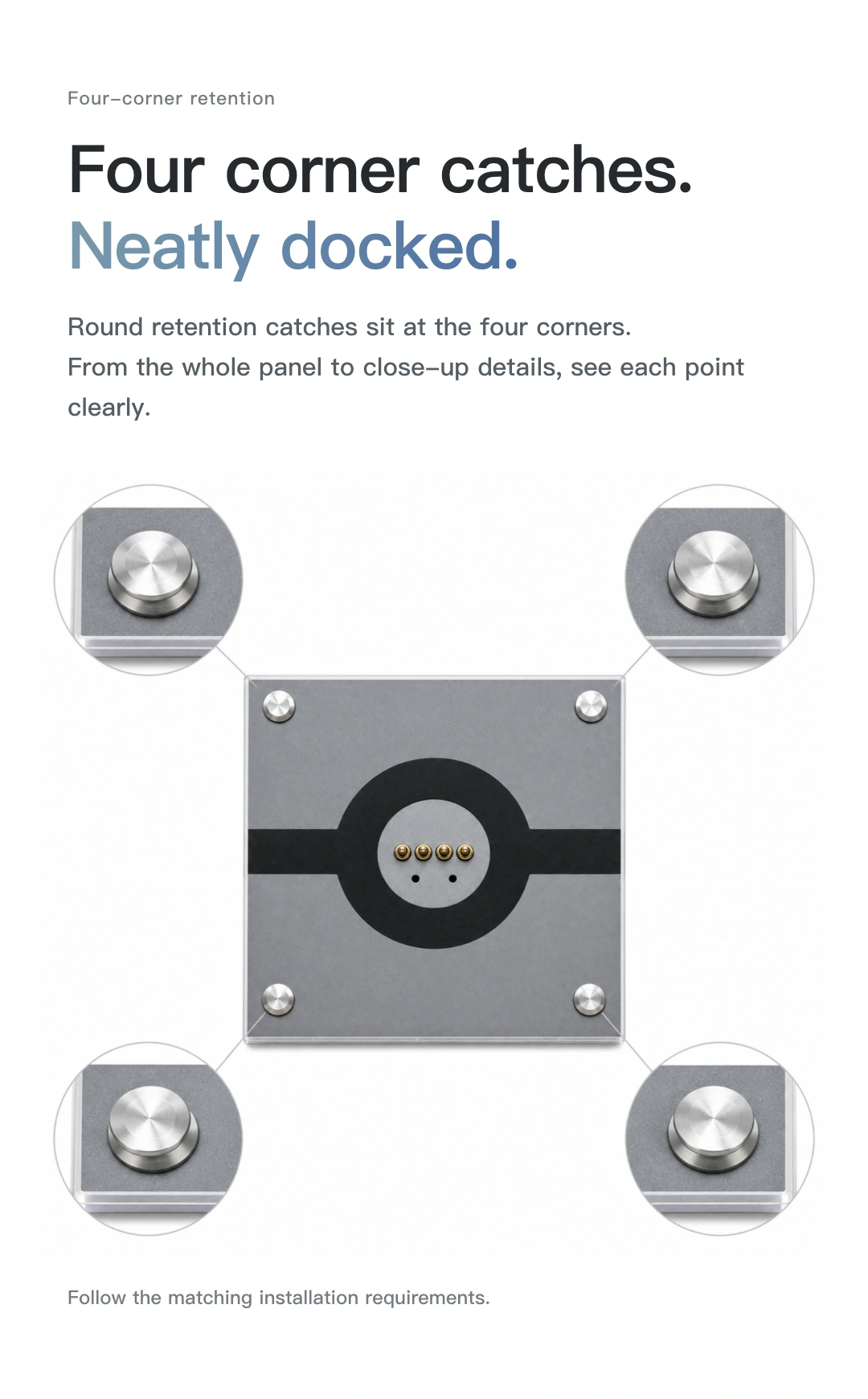
Round corner catches
Round catches at the four corners,
Forms a mounting assembly with the matching backplate.
Click a corner to see its detail.
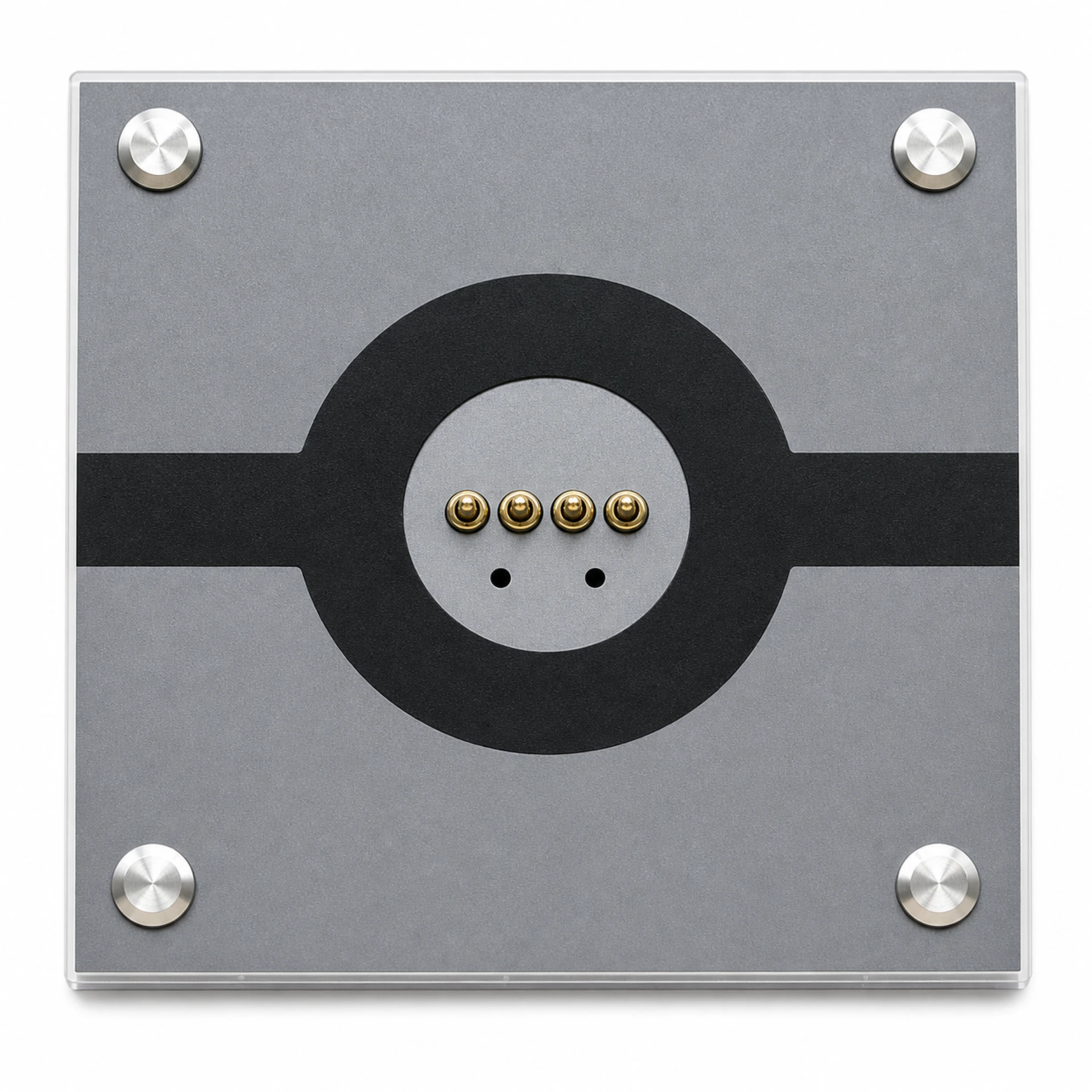
Top left · Round catch detail
Use the matching backplate and installation accessories. The catches do not replace proper fastening or guarantee drop resistance or load capacity.
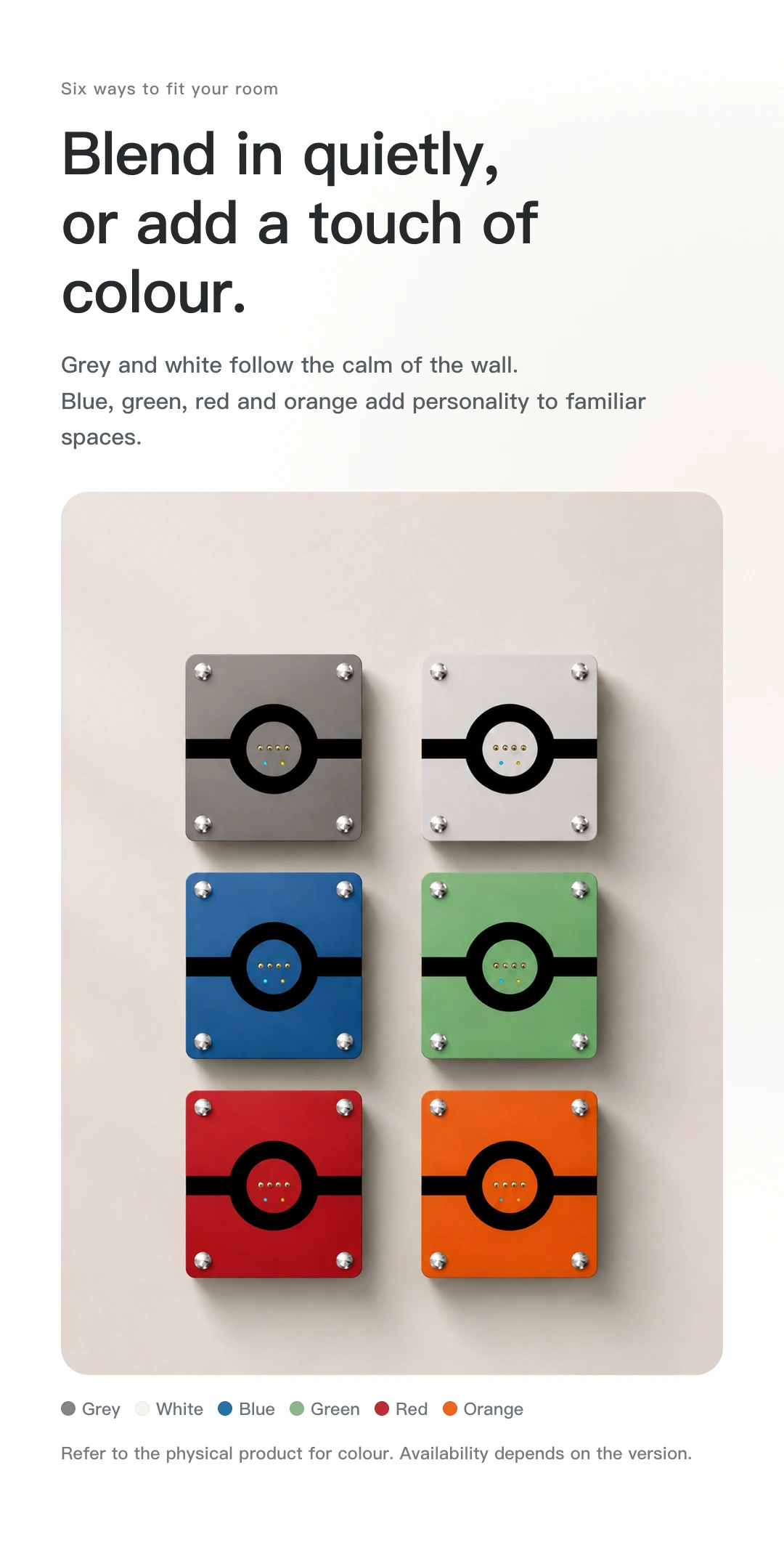
Let colour become a detail of home
Quiet metallic tones bring a considered detail to the wall.
Choose colours according to the available configuration. Screen colours may differ from the physical product.
Enquire about this colour ↗On the wall or in your hand
Arrive home and check its status.
Sit down and return to your story.
One iPad. Many everyday uses.
View and operate devices through your configured home app. Put everyday controls where the family can find them.
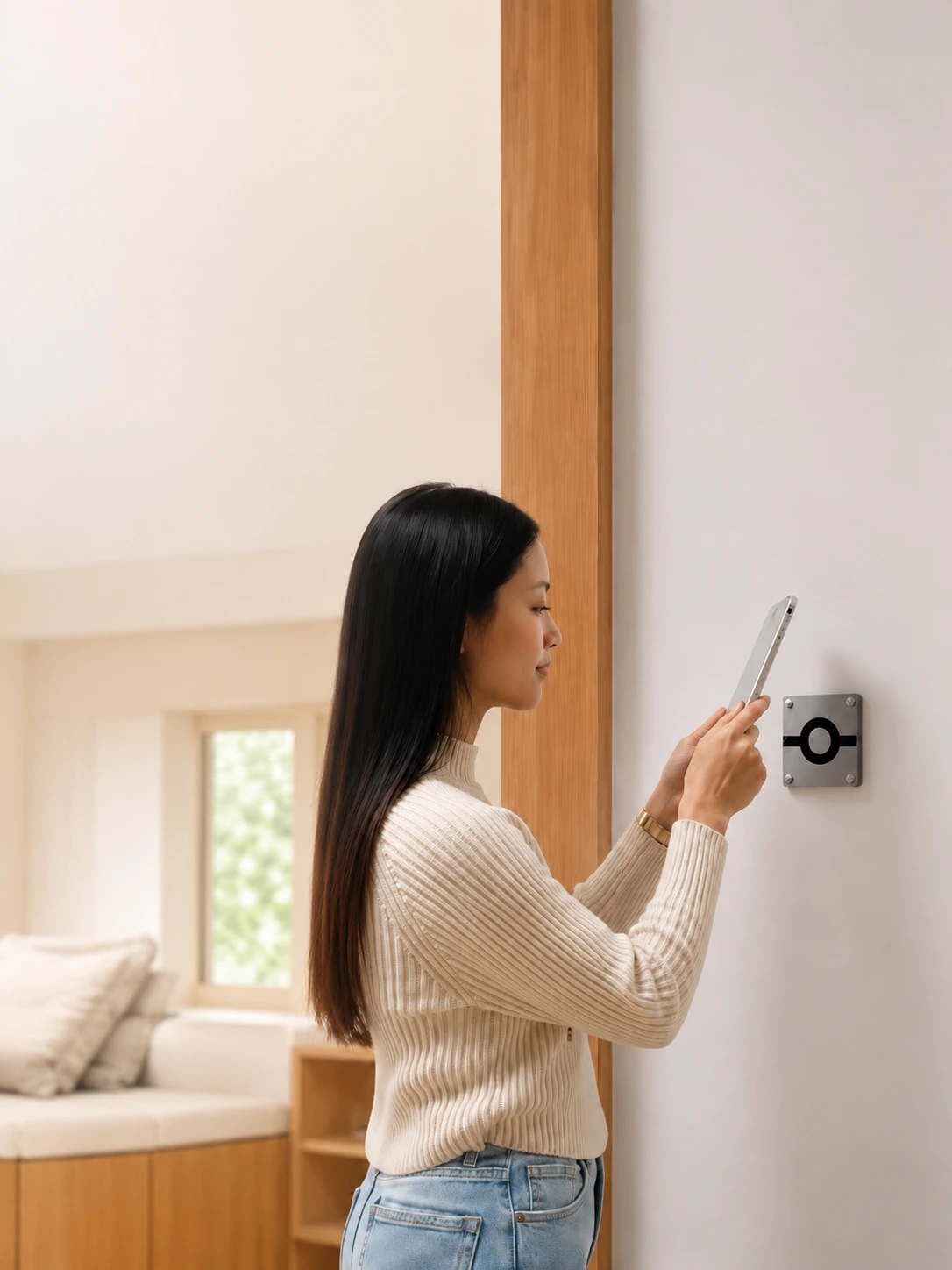
When reading is done, return the iPad to its charging position. A familiar home for it, without keeping it on the wall all the time.
Matter over Thread
The smart switch functions of MagSwitch 8E Pro support Matter over Thread.
Add it to a compatible platform to work with your existing home devices.
The smart switch connects to a compatible Matter system over Thread.
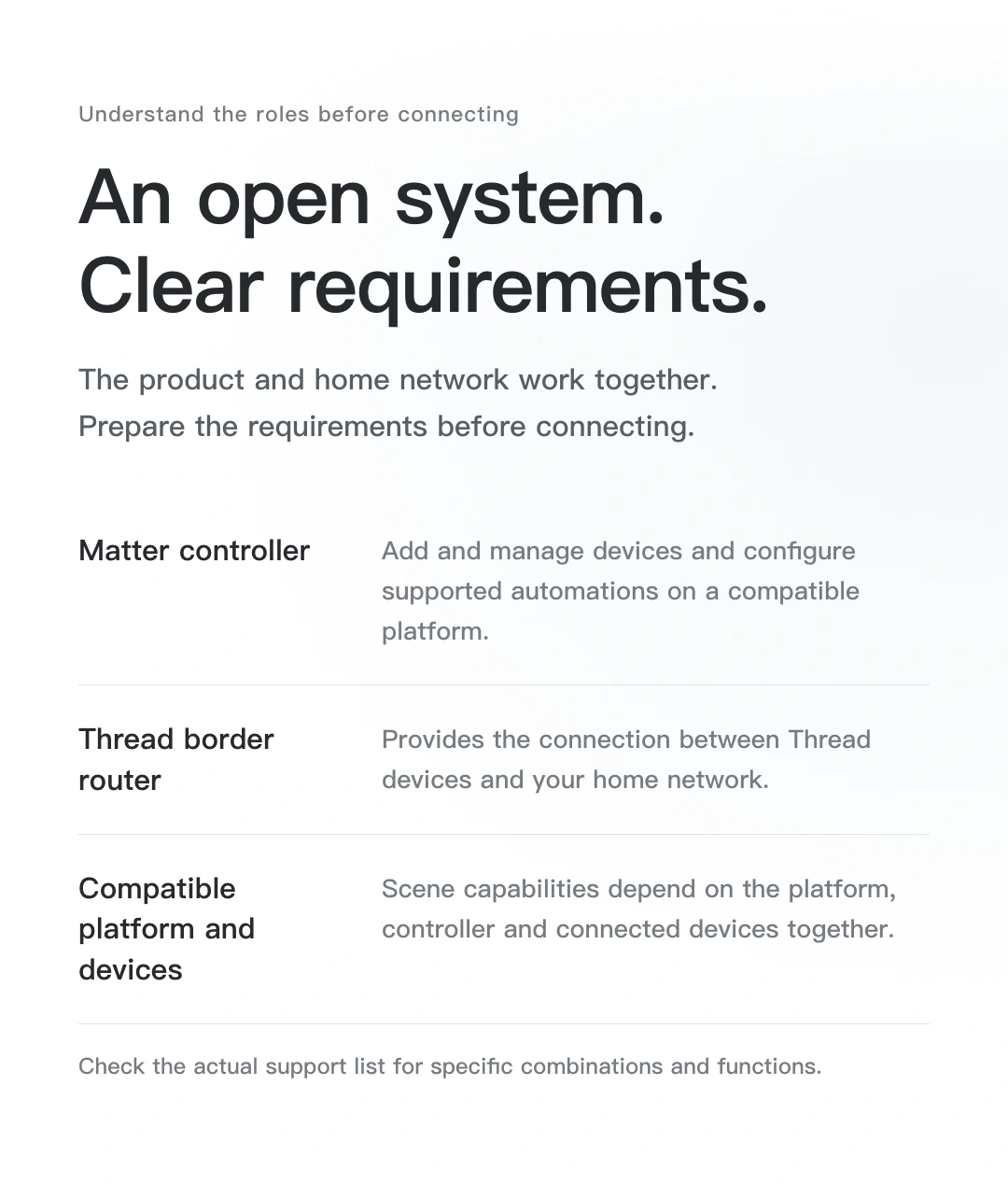
Viewing and control depend on the installed app. Wall mounting alone does not make iPad a Matter controller or Thread border router.
Requires a compatible Matter controller and Thread border router; one supported device may fulfil both roles. Remote access must also meet the platform’s internet requirements.
These are example Matter-supporting platforms. Available device types, operations, automations and remote features depend on the platform and configuration.
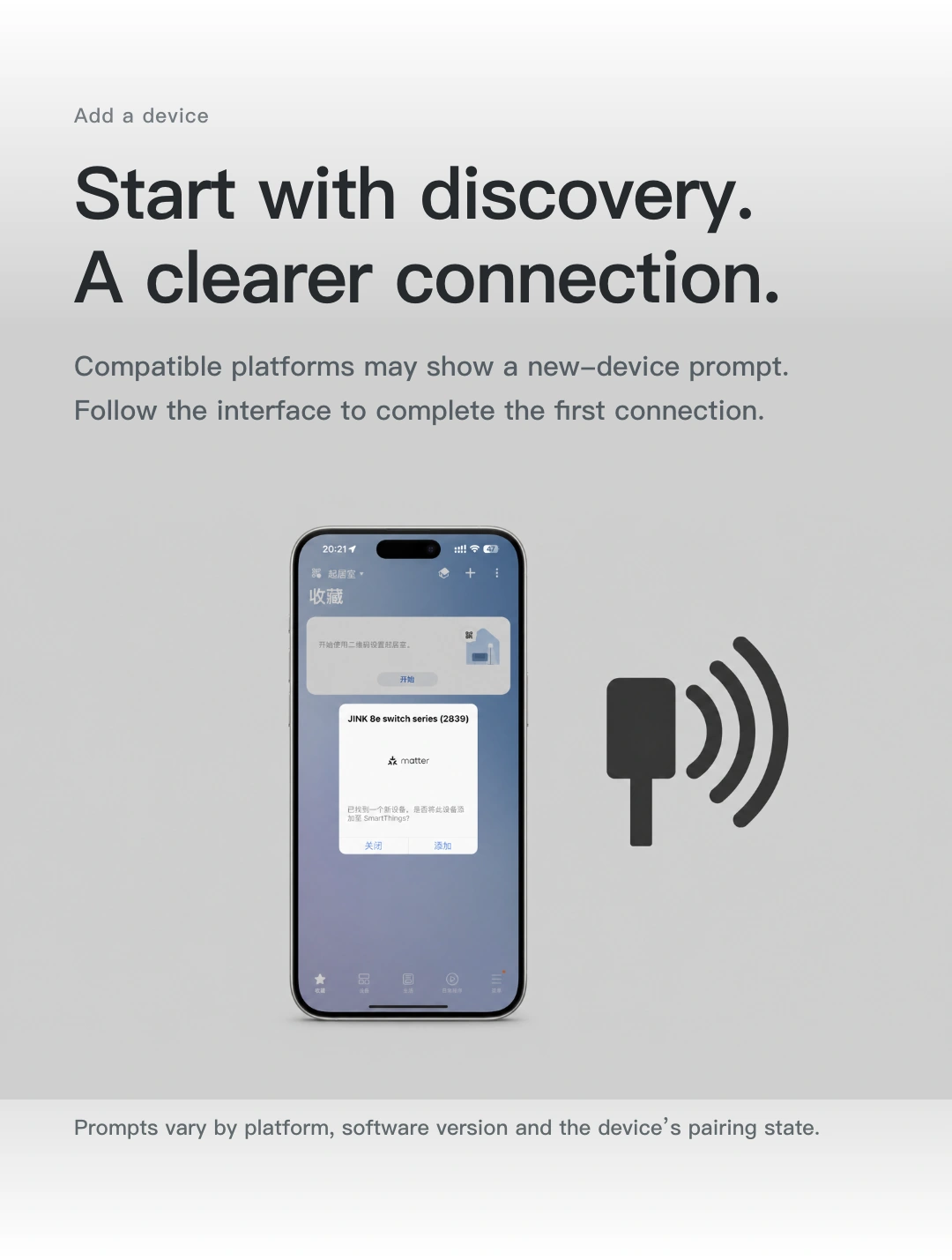
From discovering a device to everyday control
Follow the platform’s steps to add the device,
Bring everyday switch controls to your phone.
For the first connection, enter pairing mode as described in the device instructions and use its setup code. Discovery prompts and interfaces vary by system, app and version.
Explore Matter setup requirements ↗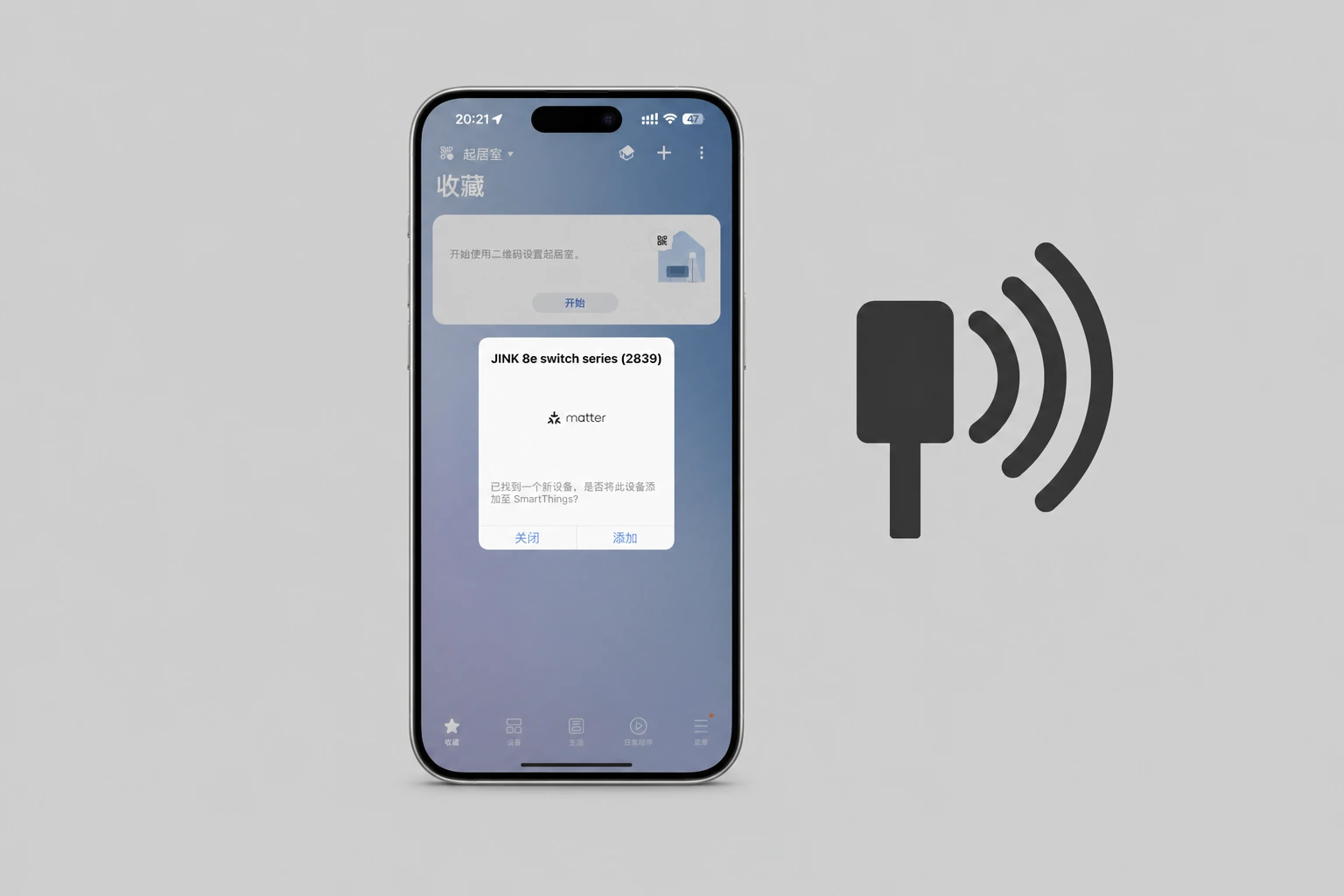
A home story · Time to read
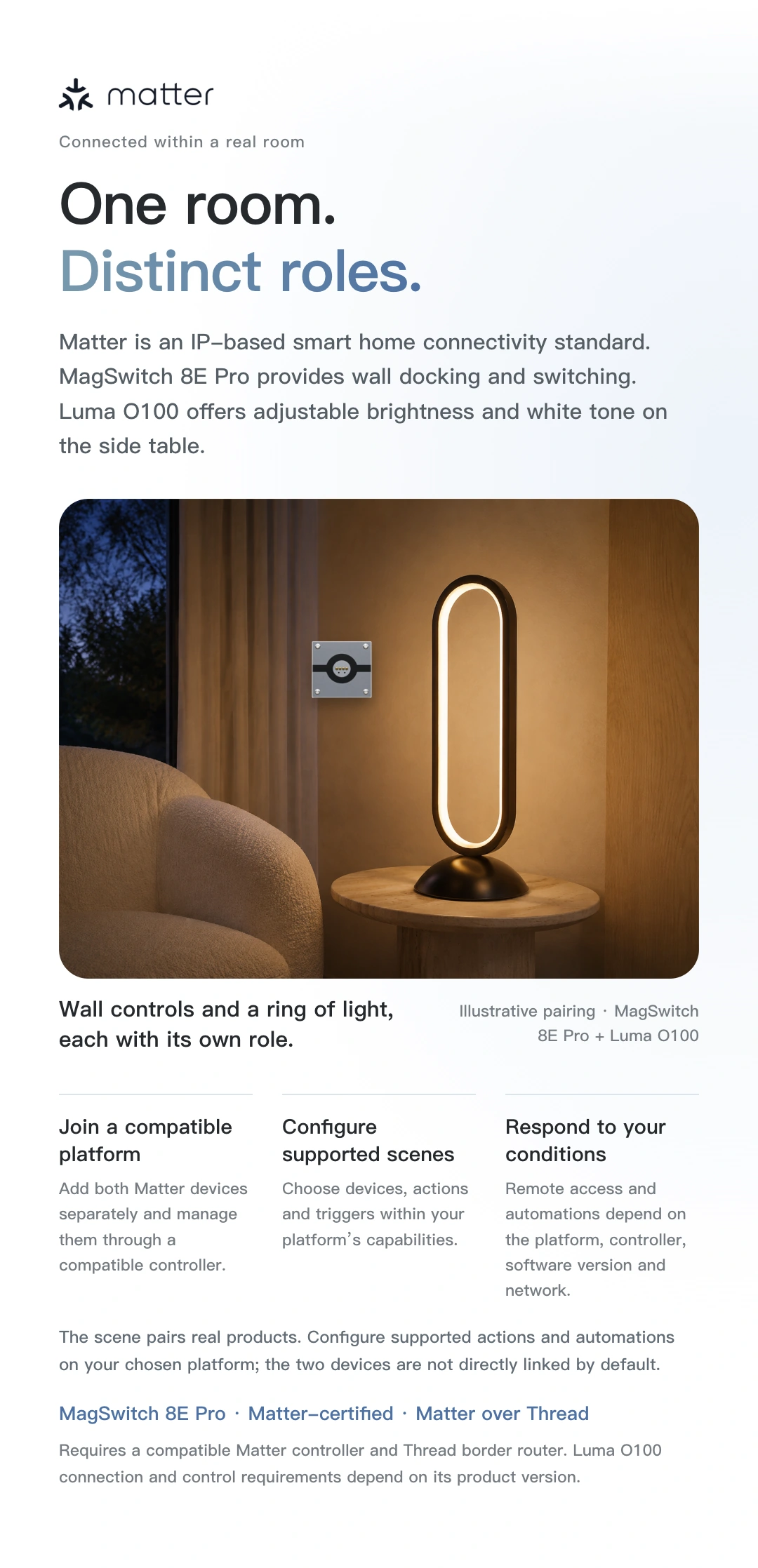
Set a reading scene on a compatible platform,
Use iPad to access supported lighting settings.
Let the busy day recede. Keep a moment for yourself.
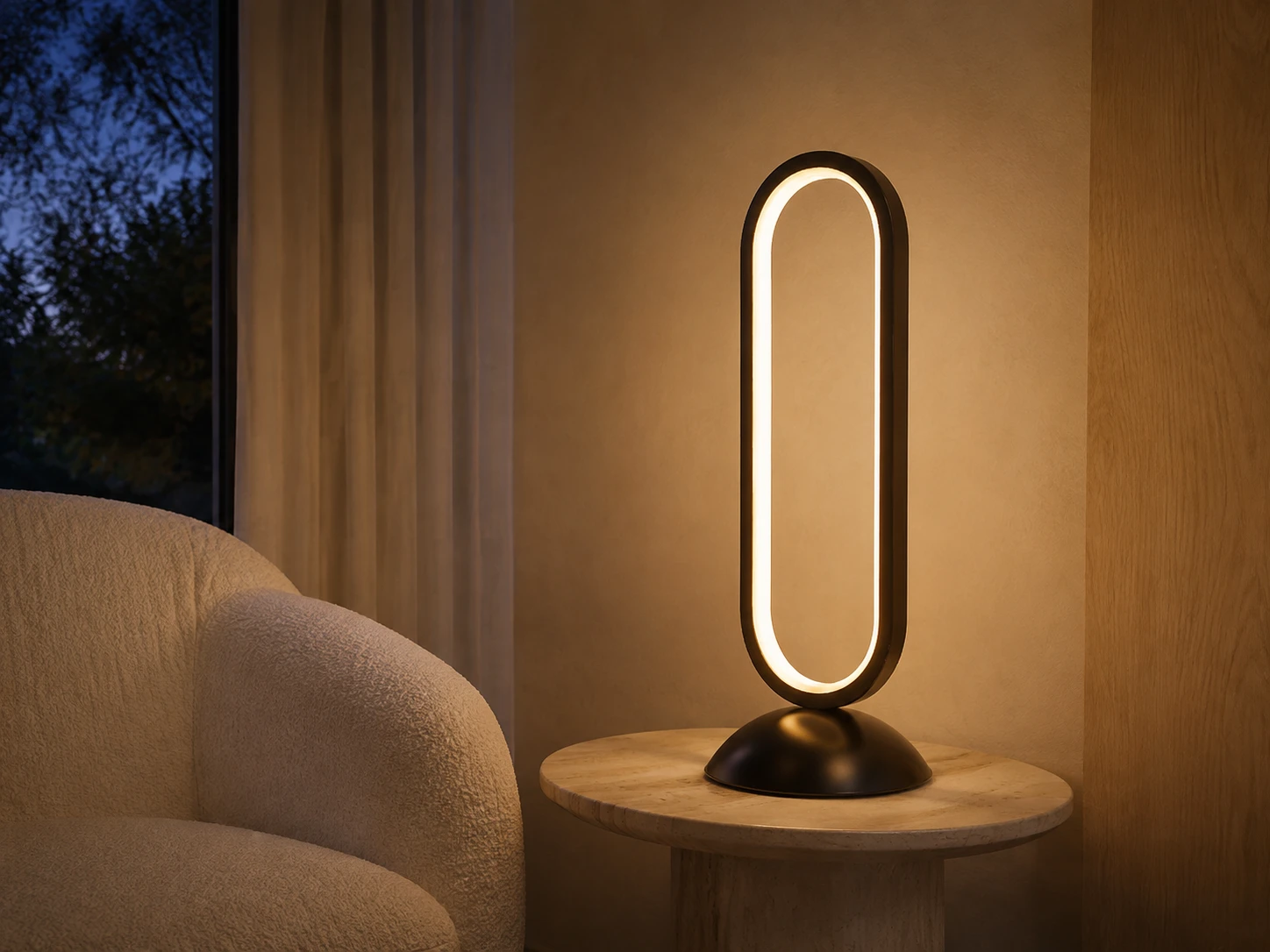
Luma O100 adds a ring of white light to everyday reading.
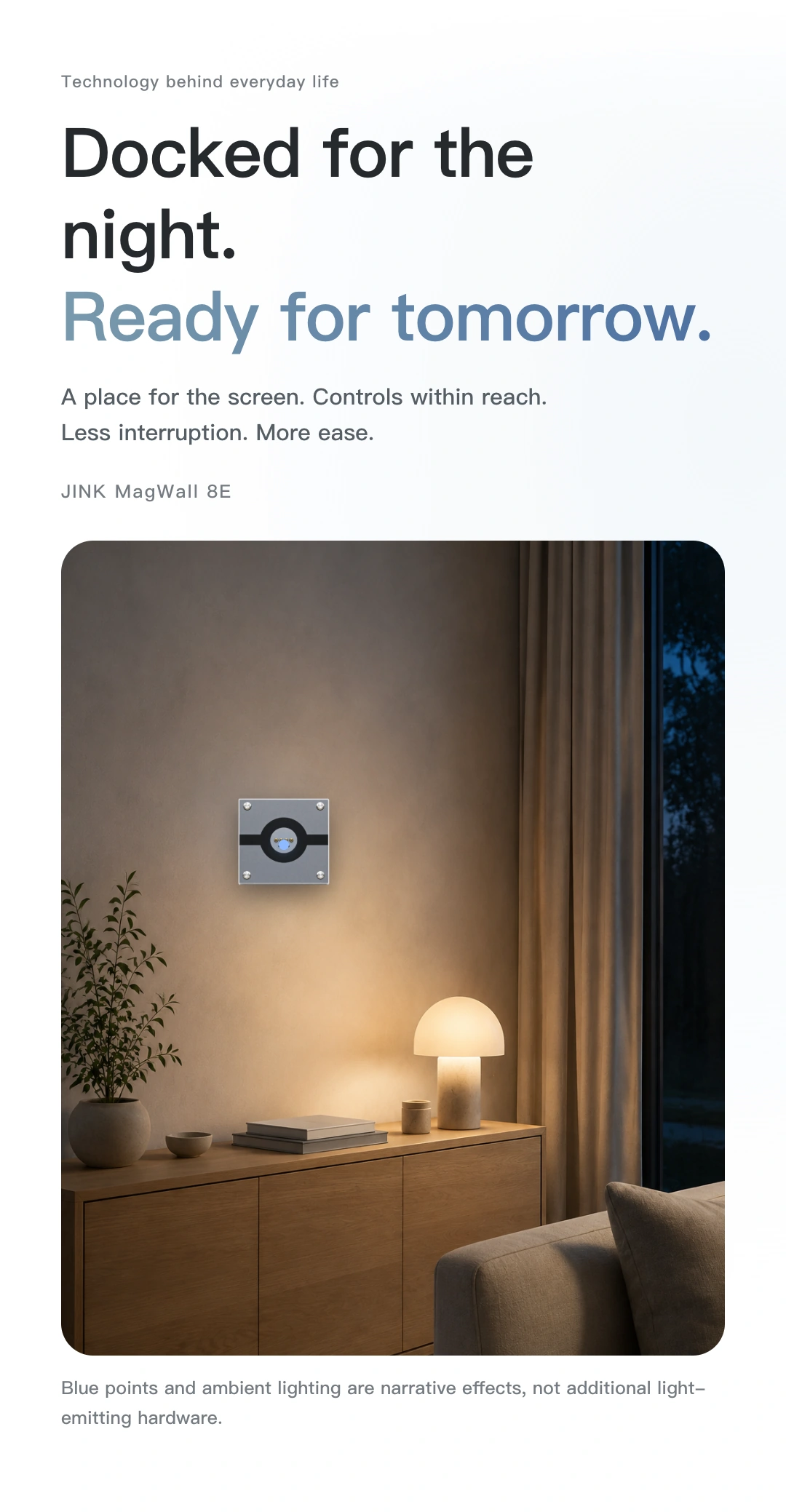
These images illustrate everyday living. Scenes must be configured in advance on a compatible platform with the appropriate devices. Removing or docking the iPad does not automatically trigger them. Refer to each luminaire's documentation for its functions.
Check these before buying
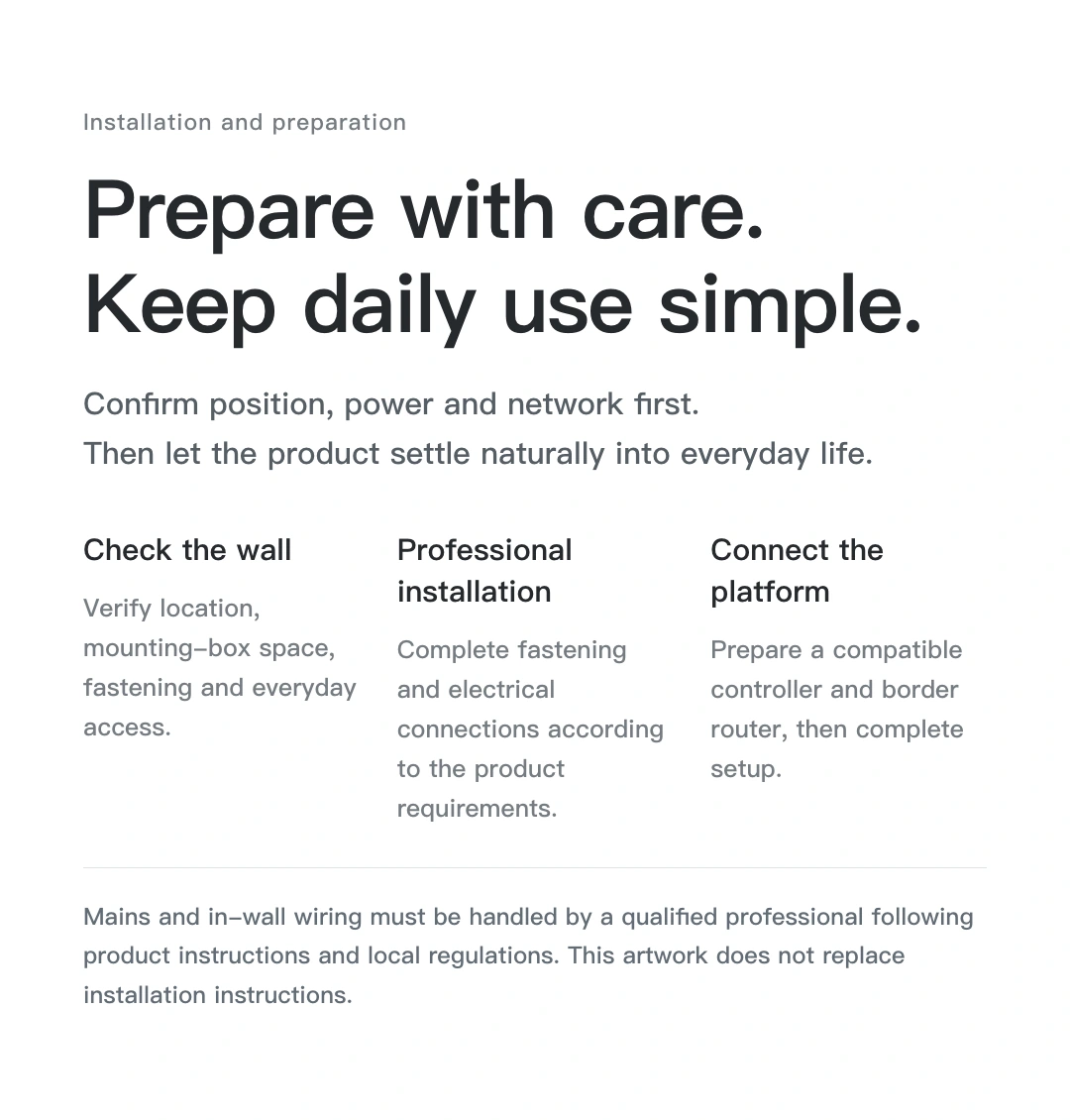
Check the connector, backplate and installation requirements first.
Make a tidy wall part of everyday life.
Check these conditions, then confirm the installation configuration with JINK.
Get compatibility and installation support ↗Supports current USB-C iPad models as of September 2026 with a matching charging backplate. Ask about Lightning connectors, case thickness and special installation combinations first; screen size alone does not establish compatibility.
Magnetic alignment and charging pins connect to the matching backplate for 10 W charging. This is not a universal Qi or MagSafe charging pad.
The iPad is a control interface. Home devices and automations depend on their power supply, network and compatible control system; the iPad does not need to remain on the wall.
This product involves mains wiring. A qualified professional must install it according to the selected version's instructions, product label and local requirements. Check the wall box, wiring and load first. The rated current does not mean every type of load is permitted up to that value.
JINK MagSwitch 8E Pro
Final pricing and configuration are confirmed by your sales channel and order.
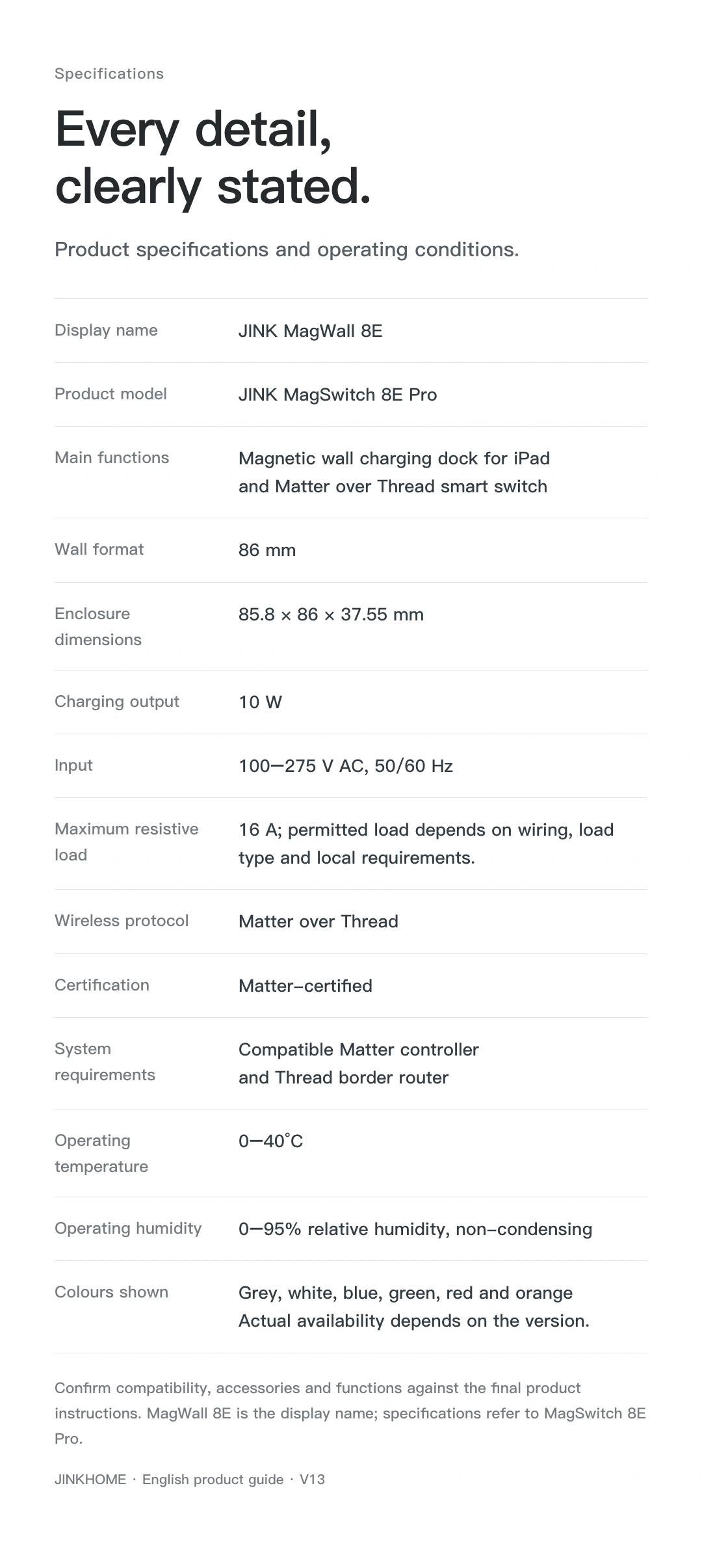
Technical specifications
Before ordering, confirm the connector, backplate, mounting-box depth, wiring and load requirements. Mains installation must be completed by a qualified professional. Refer to the selected configuration’s documents and physical rating label for specifications and suitability.
Contact JINK to confirm the complete setup ↗From adding a device to using it every day.
The smart-switch component joins the network. iPad is an interface and requires the matching charging backplate. Magnetic wall mounting does not turn iPad into a Matter controller or Thread border router.
Prepare a compatible Matter controller and Thread border router for this model. One supported device may perform both roles.
 HomeApple Home · Matter connection reference
 Google HomeGoogle · Matter connection reference
 Amazon AlexaAmazon · Matter connection reference
 SmartThingsSamsung · Matter connection reference
For a Matter device already added to another platform, start shared pairing in that platform, then follow the new platform's instructions. Do not factory-reset solely to change apps. This is a connection overview; available controls depend on your device configuration and platform.
Get connection help for this modelResources and downloads
JINK MagSwitch 8E Pro · product overview, selection guides and support.
The product story in sequence. Download the collection to view each image.
These scene materials use the display name MagWall 8E; specifications refer to MagSwitch 8E Pro. Configure scene automations separately on a compatible platform.
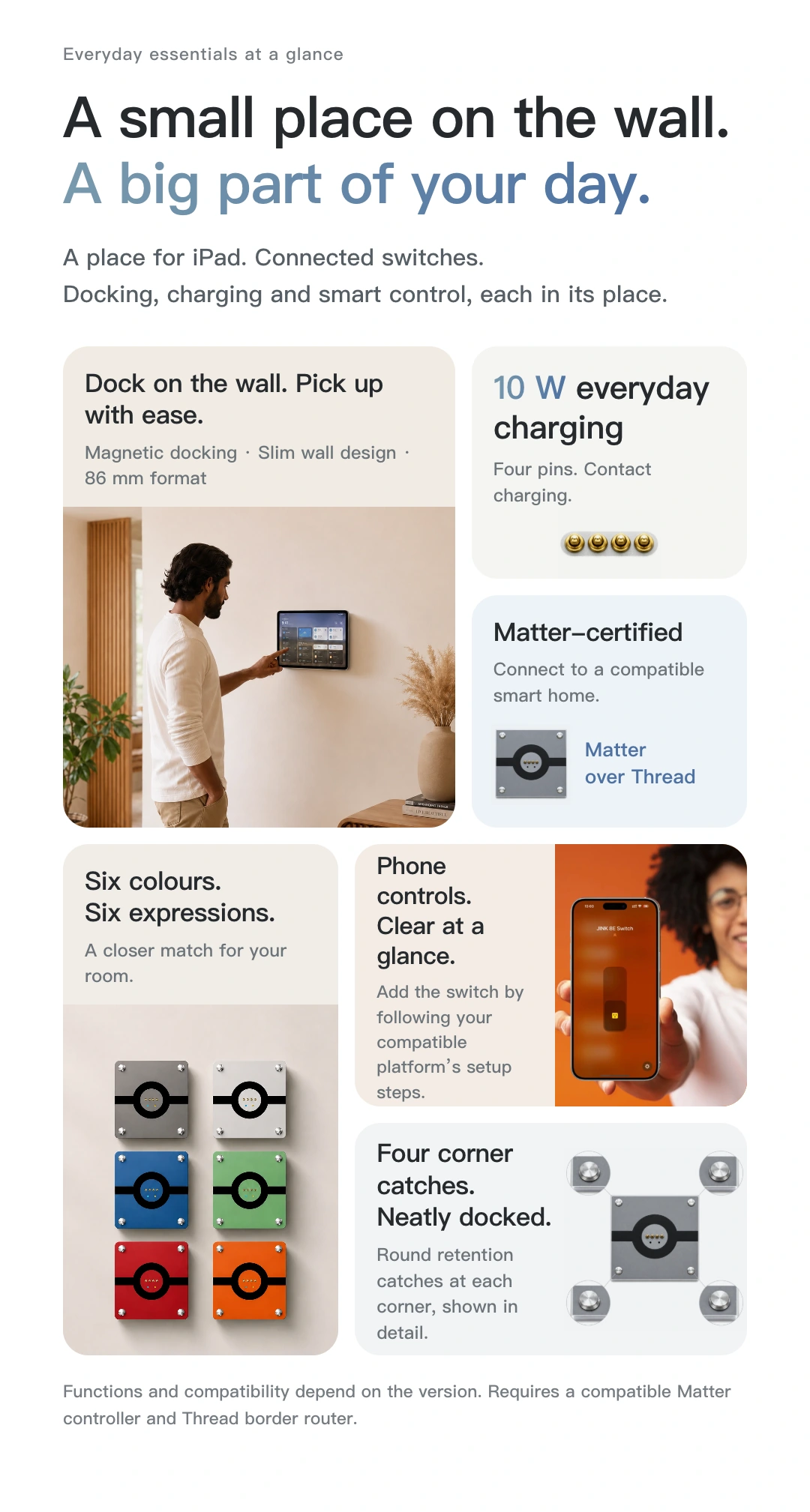
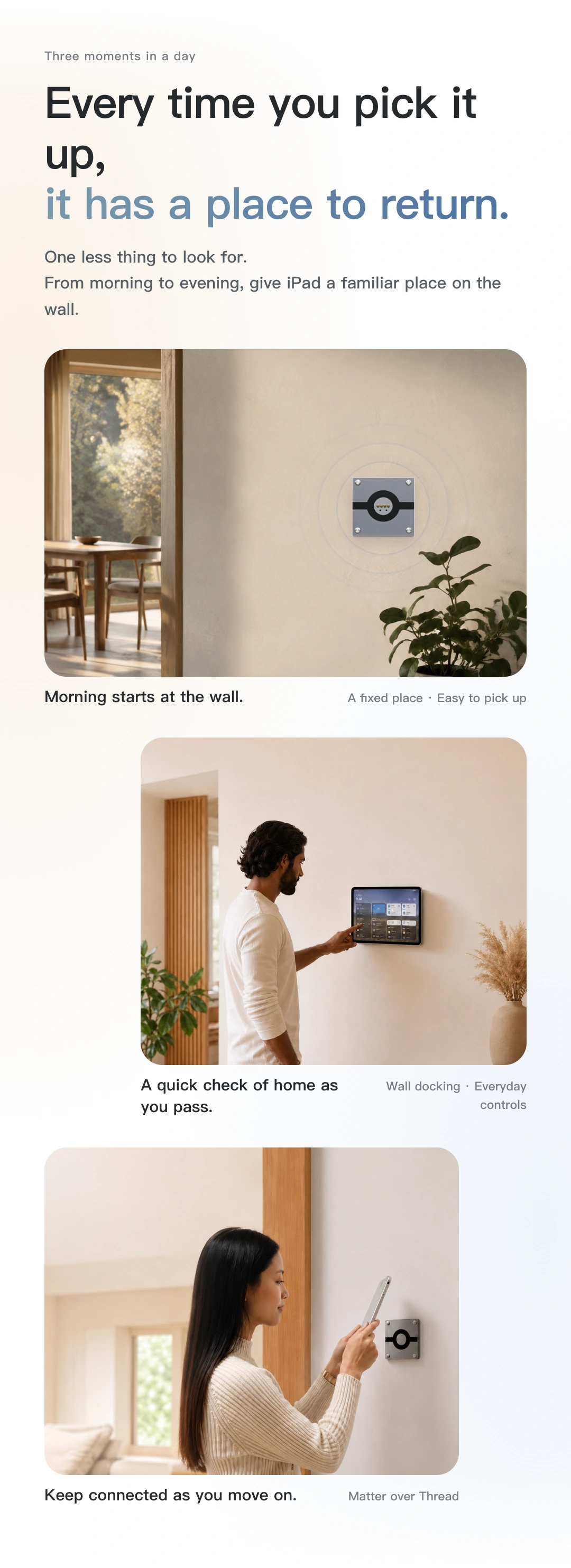
Match the instructions to your model, power version and connection configuration. Brochures and selection references do not replace installation and operating manuals.