Choose a familiar platform.
Manage compatible devices on a Matter-enabled home platform. Multi-Admin also lets you share the same device with another compatible platform.
JINK × Matter
From light to fragrance, let compatible devices
Connect your home on a familiar platform.
 matter
Apple Home
Control compatible devices in the Home app. Remote access and automations require a compatible home hub.
View connection requirementsOne standard. More choice.
Matter is an IP-based smart home connectivity standard. It lets compatible devices from different brands work together on your chosen platform.
Start with a lamp, then add devices gradually. Let your home become smarter at your own pace.
Manage compatible devices on a Matter-enabled home platform. Multi-Admin also lets you share the same device with another compatible platform.
Matter supports local communication over your home network. Remote access, voice control and some automations depend on the platform and network configuration.
Add lighting, controls or ambient products to a new room. Check device type, connection method and platform support before you buy, so every addition fits your setup.
Connections for a more comfortable home
Add compatible lighting and ambience devices to your home platform,
Then create evening scenes around your own routine.
Choose your ecosystem
Apple Home, Google Home, Amazon Alexa and SmartThings support Matter. Check that your platform supports the device type before adding it to your home.

Manage compatible accessories, scenes and automations in the Home app. Remote control and automation require a compatible home hub; Thread accessories also need the appropriate Thread network.
View Apple's setup guide
Add supported Matter accessories to Google Home. Check the compatible hub, Thread border router and home network required by the product's connection method.
Explore Google Home and Matter
Connect supported Matter accessories through a compatible Alexa device. Check voice commands, device types and Thread support for the specific device.
View Alexa support
Add compatible Matter devices in SmartThings. Available everyday controls depend on your hub model, software version and network setup.
View SmartThings connection guidanceSupported device types, functions and service regions vary across platforms. Matter support does not mean every function of every product is available on every platform.
Choose the right connection
First check the communication method in the product documentation. Thread, Wi-Fi and bridged devices need different configurations.
A Thread border router connects Thread devices to your home IP network. A Matter controller manages devices within the platform. One device may perform both roles.
Matter over Wi-Fi accessories connect directly to their supported Wi-Fi network. Matter itself does not require a Thread border router for these devices. Check whether the platform and device require a separate hub.
Some non-native Matter devices can connect to a platform through a compatible Matter bridge. Compatibility and available features depend on the models and device types explicitly supported by that bridge.
This illustrates connection roles, not wiring. Matter controllers, Thread border routers and Matter bridges perform different tasks. Do not judge functions from the word “gateway” alone.
JINK · Matter products
Lighting, wall controls and fragrance bring smart living into your space. Open a product page for its features, connection and installation requirements.
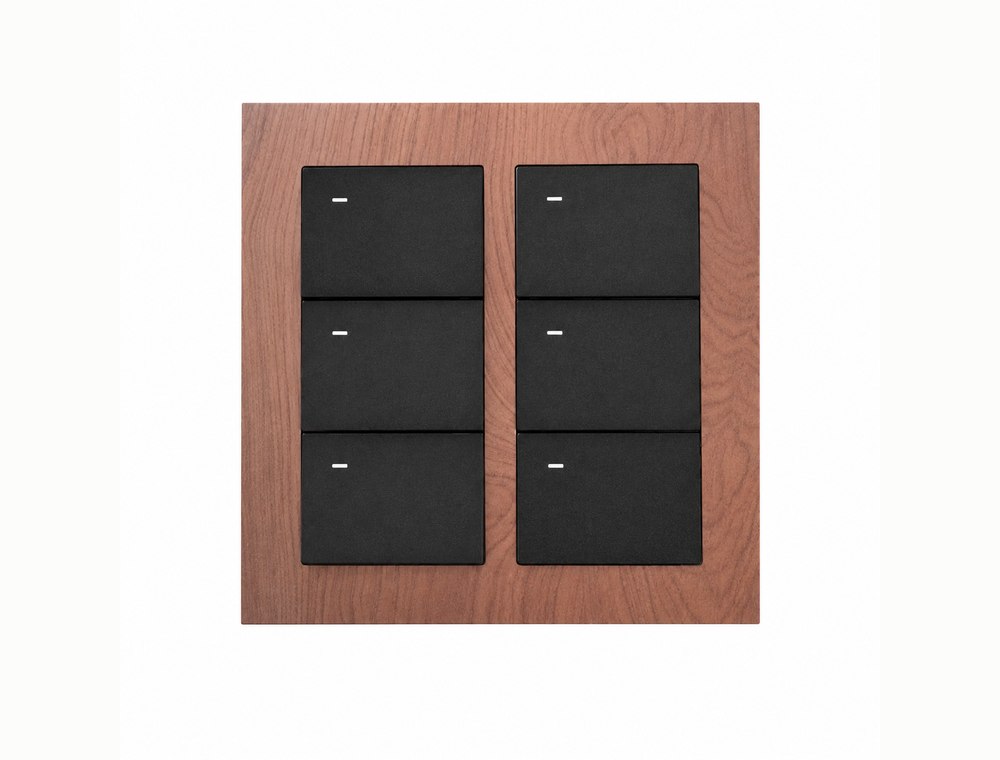
Matter over Thread · Everyday control at a touch
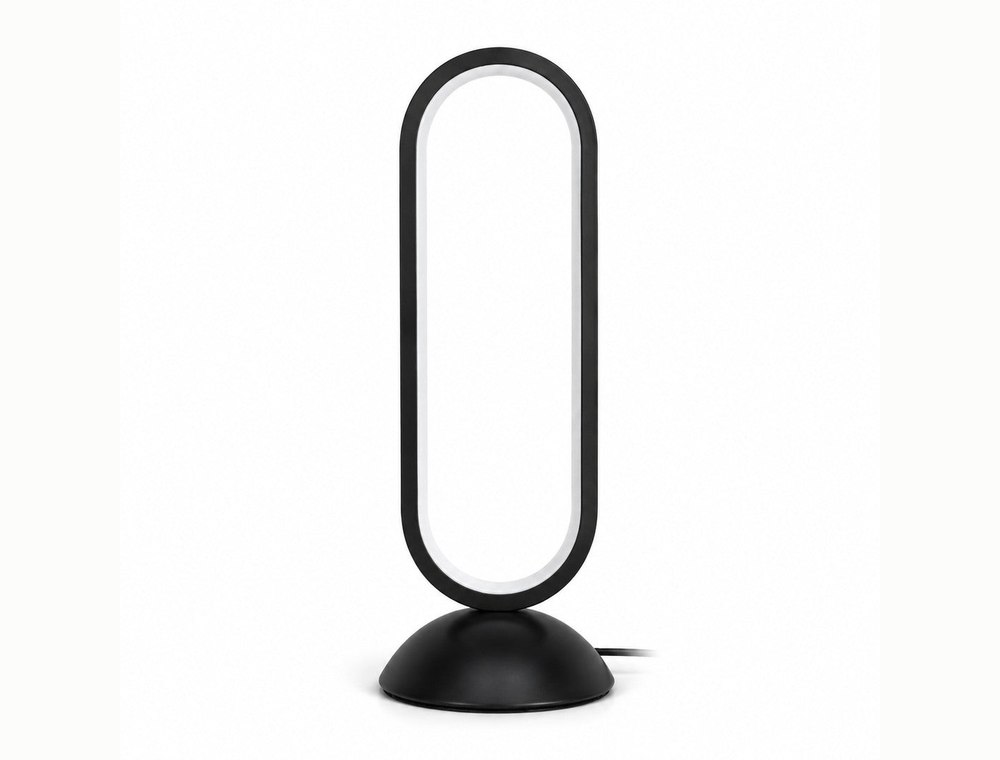
Matter · Brightness and white-light tone
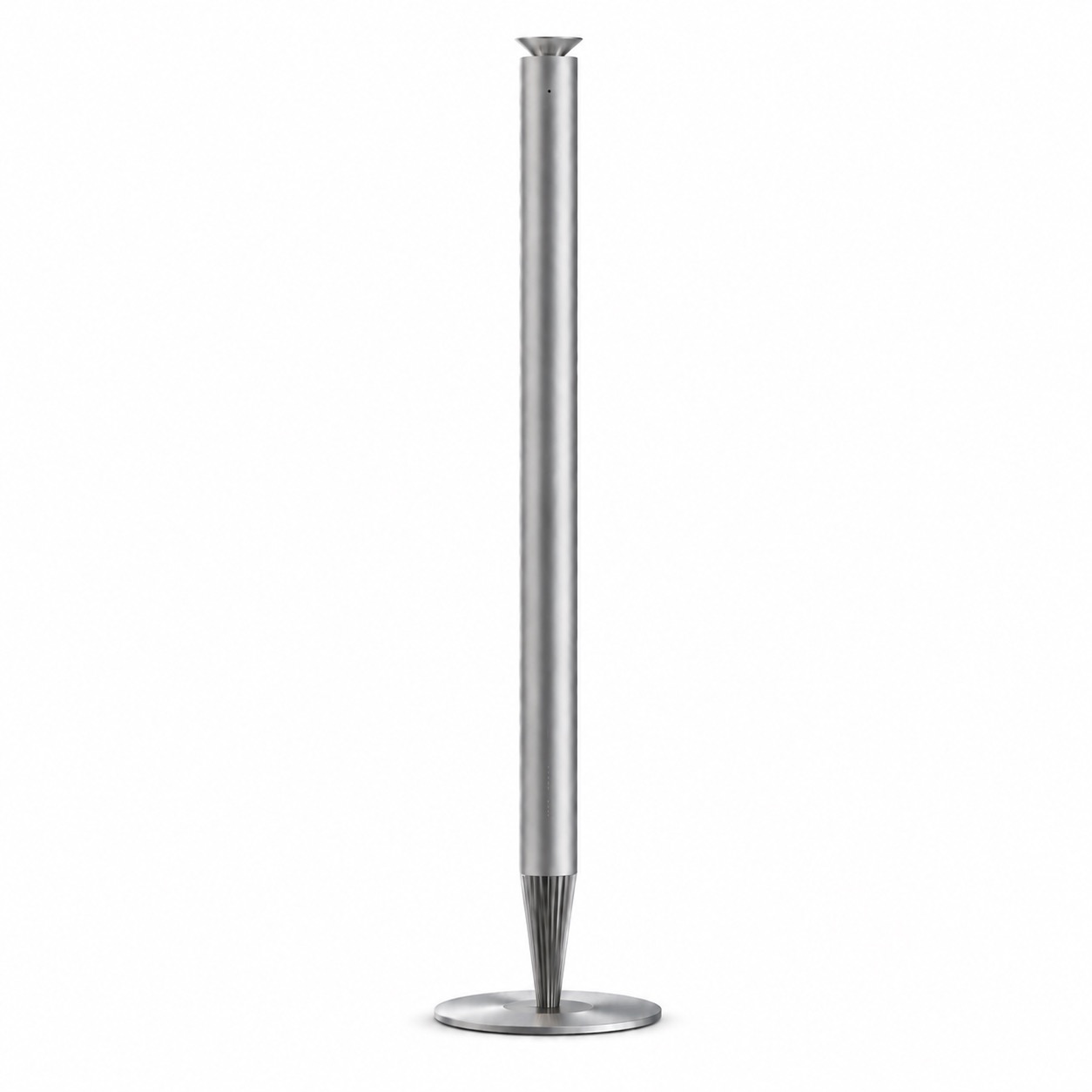
Matter · Fragrance and ambient light
No. Matter is a connectivity standard for devices and platforms. The app you use depends on your chosen home platform and the functions the product provides.
No. Matter over Thread devices need the appropriate Thread network; Matter over Wi-Fi devices connect over Wi-Fi. Both must meet the chosen platform's setup requirements.
Matter supports local communication, but the home network, devices and controller must remain operational. Remote access, cloud voice services and platform-dependent functions may require internet access. Offline automation also depends on the platform and configuration.
Compatible devices with multi-admin support can generate new pairing information in a connected platform, then be added to another compatible platform. Follow each platform's sharing or pairing procedure; available features may differ.
Start with your home
Tell us which platform you use,
Let us help confirm the right products and connections.