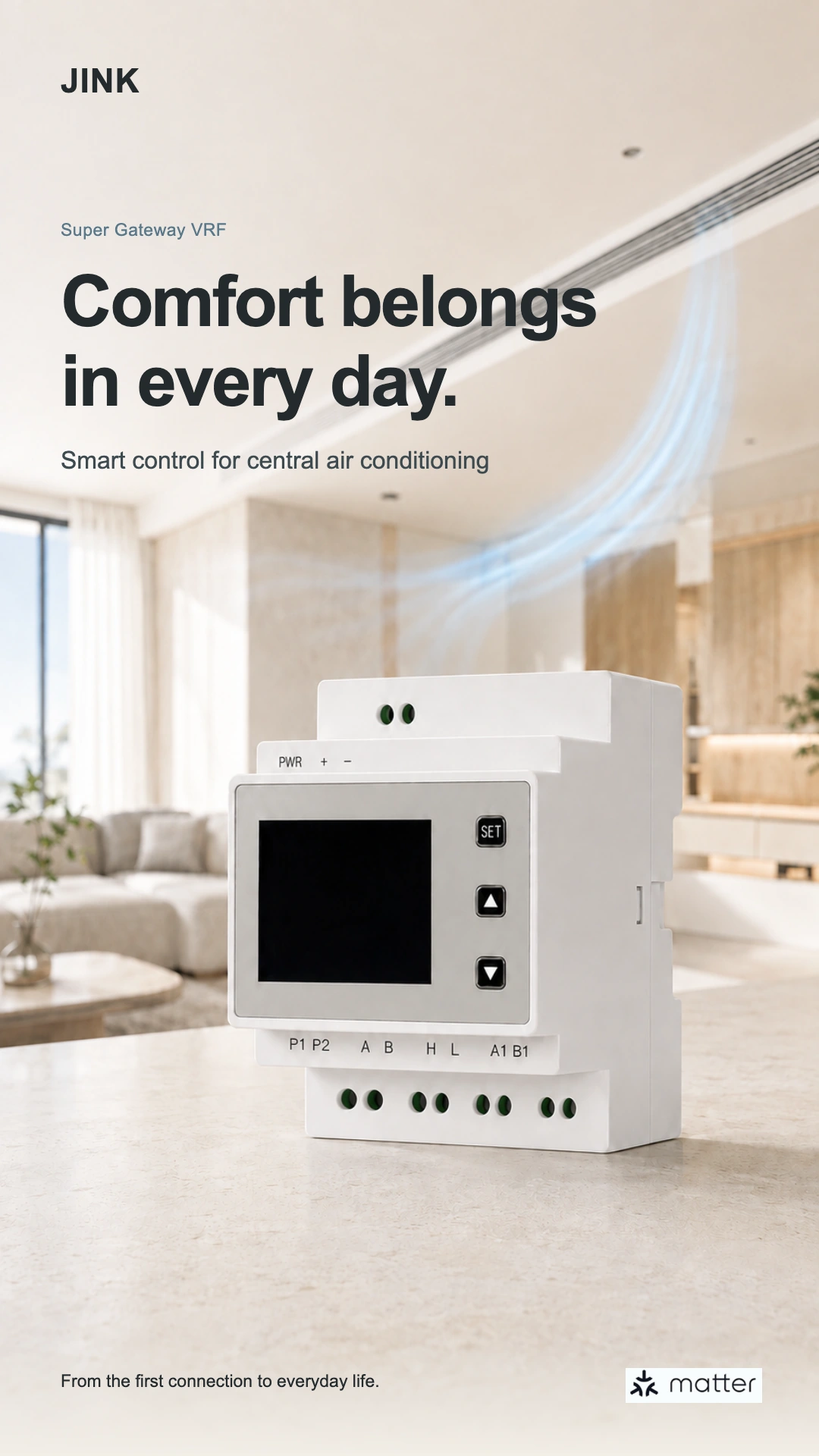
JINK Super Gateway VRF · Flagship central AC gateway
The entire villa.
One sharedA comfortable rhythm.
Synchronize the home. Care for each room.
Let temperature, mode and fan speed reflect different family routines.
Sync all rooms · Room-by-room control · Matter over Wi-Fi

Adjust settings across the home together.
A different temperature for each room.
From a gentle breeze to stronger airflow.
Bring central air conditioning into a familiar home platform.
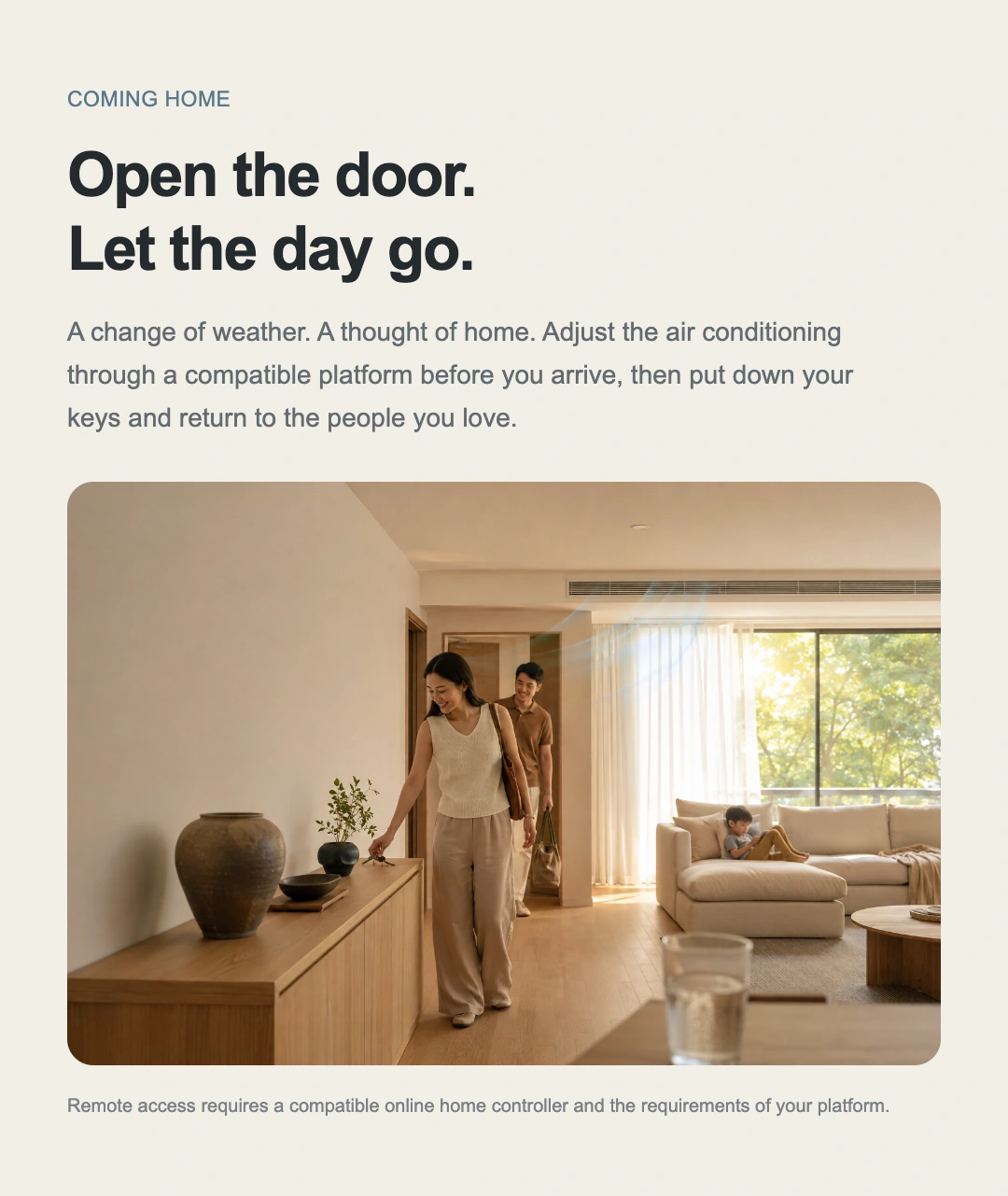
Coming home
The door opens,
Set the day down.
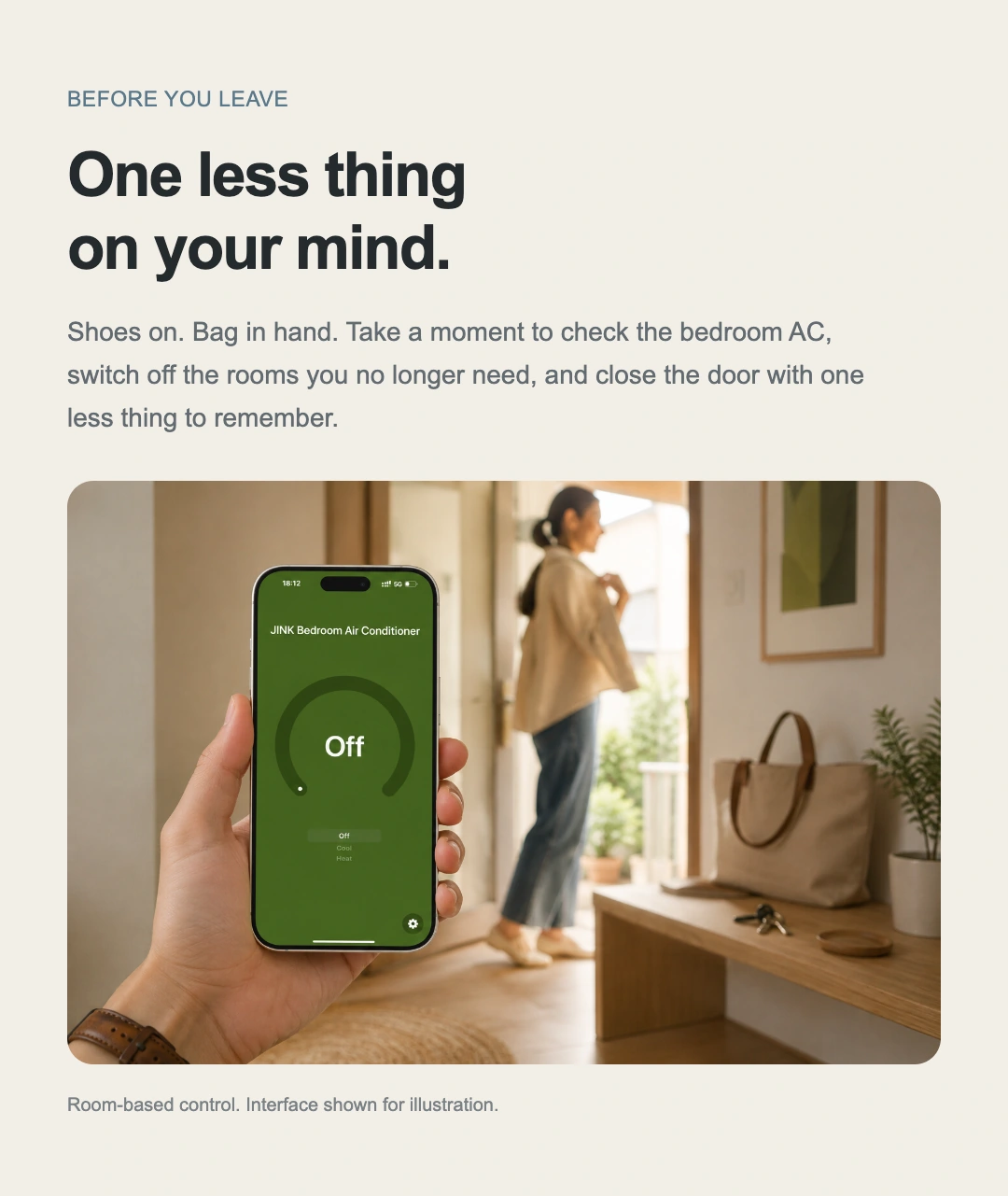
Think about the weather before leaving and the comfort of home before returning. Arrange AC settings for the rooms you use, so you can put down your keys and greet the family.
Try the villa’s coming-home scene ↗Remote access requires a compatible online home controller and must meet the platform’s requirements.

Your entire home, at your command.
Turn a fingertip’s movement
carried through every outlet.
Choose a room, then adjust set temperature, mode and fan speed.
Enable whole-home sync to make all six spaces respond together.

This interaction is a local simulation and does not connect to real AC units. The six rooms form an example villa; airflow colour, speed and reach illustrate changes in operation.

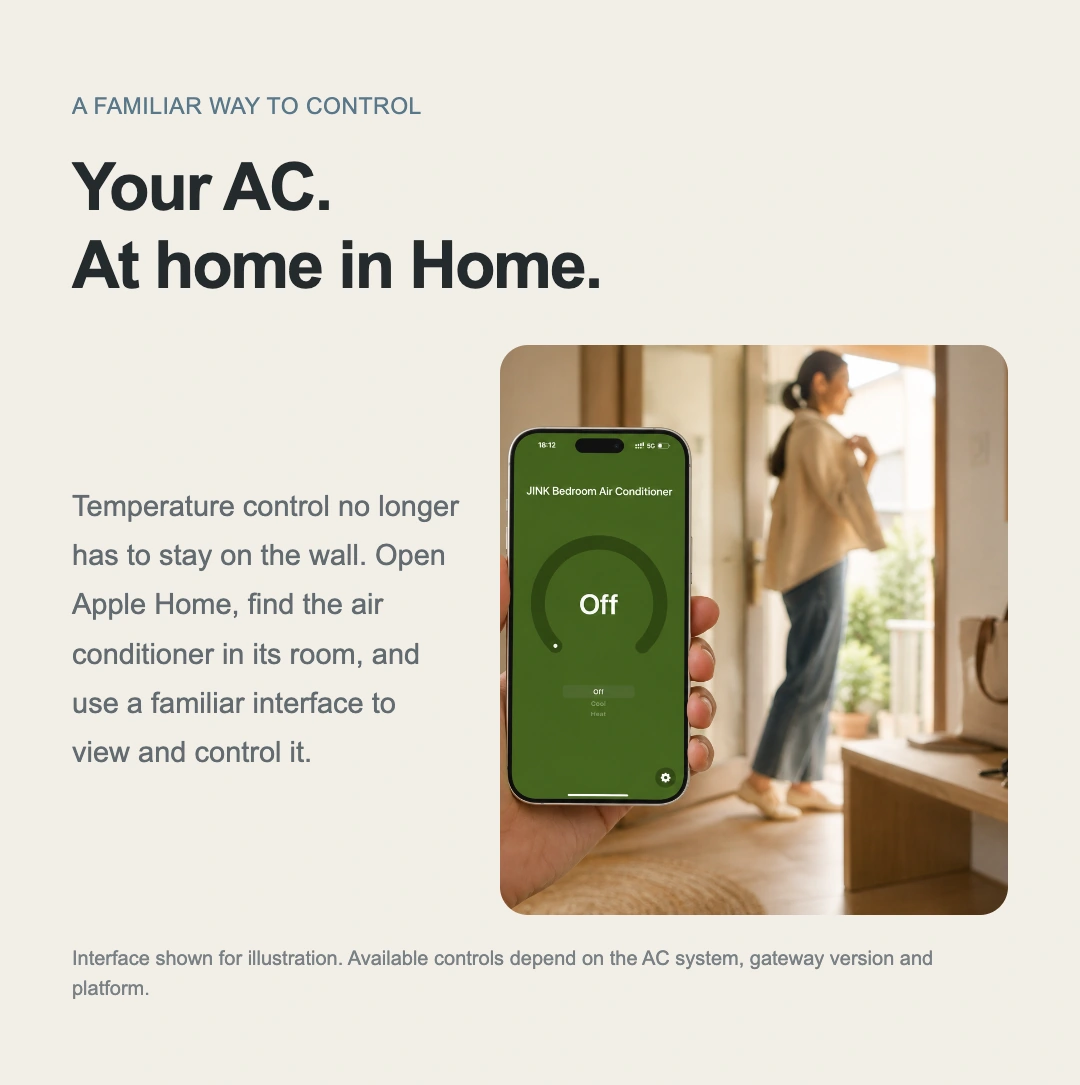
Your familiar home interface
The AC on your wall,
And on your phone.
Main bedroom AC. 19.5°. Cooling.
Clear controls beneath each room’s name.
View and adjust power, set temperature and operating mode. Match indoor units to real rooms so AC and other home devices share an everyday control point.
Available controls and temperature feedback depend on the AC system and platform.
Shared family use
Put control
Right where you need it.
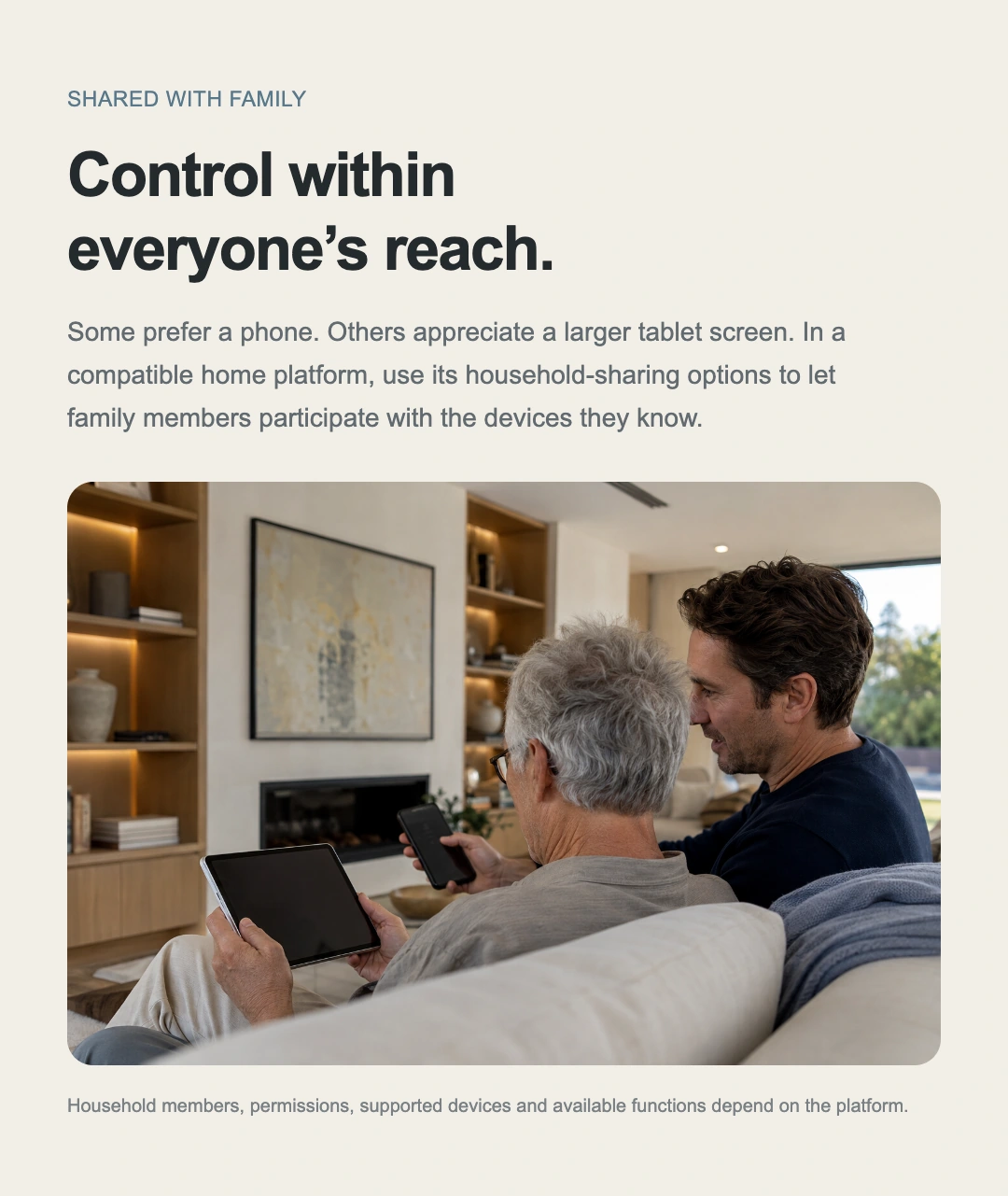
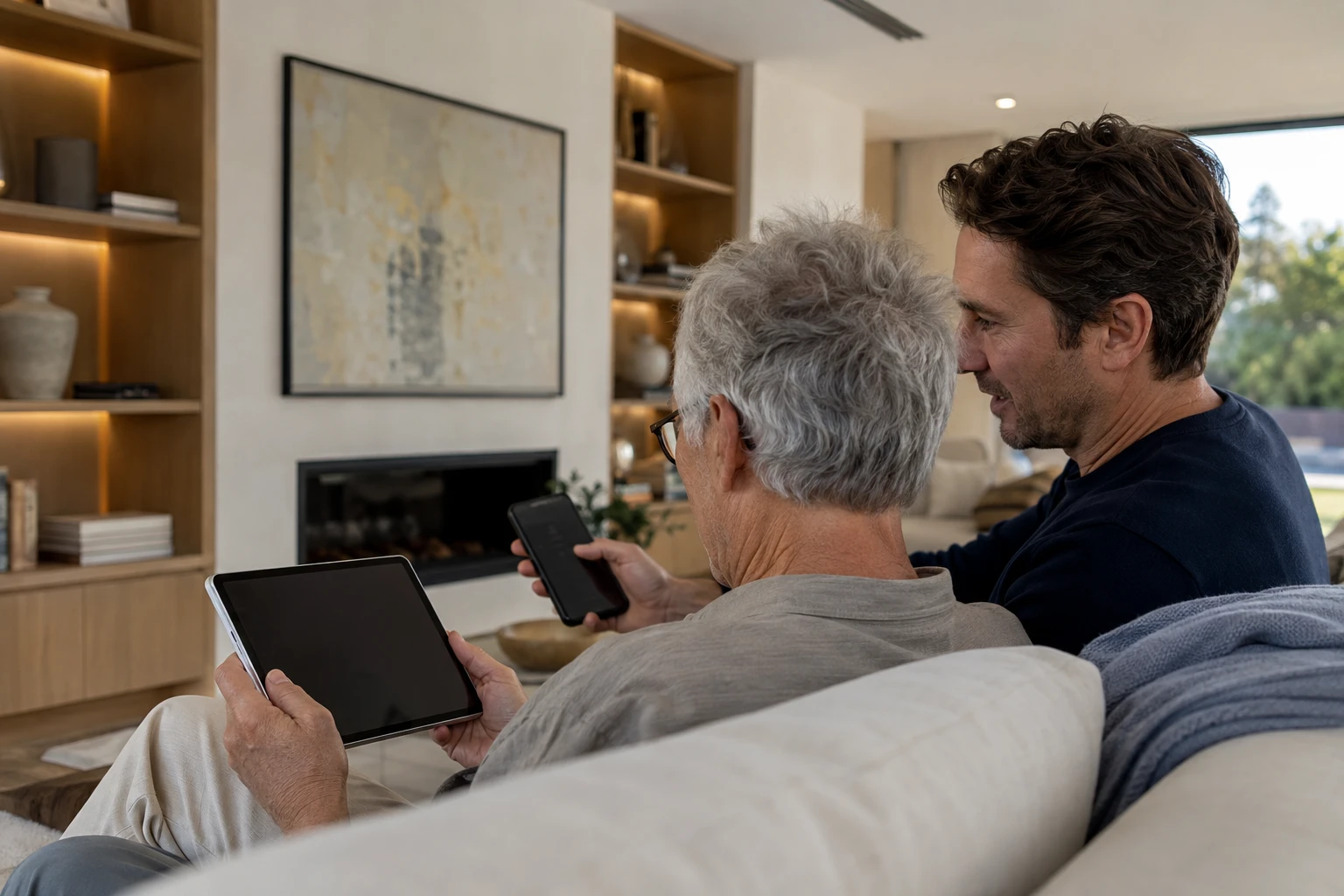
Some prefer a phone; others prefer the larger view on a tablet. Use the compatible platform’s home-sharing options so family members can find their room’s AC on a familiar device.
Family membership, permissions, supported devices and available functions depend on the platform.
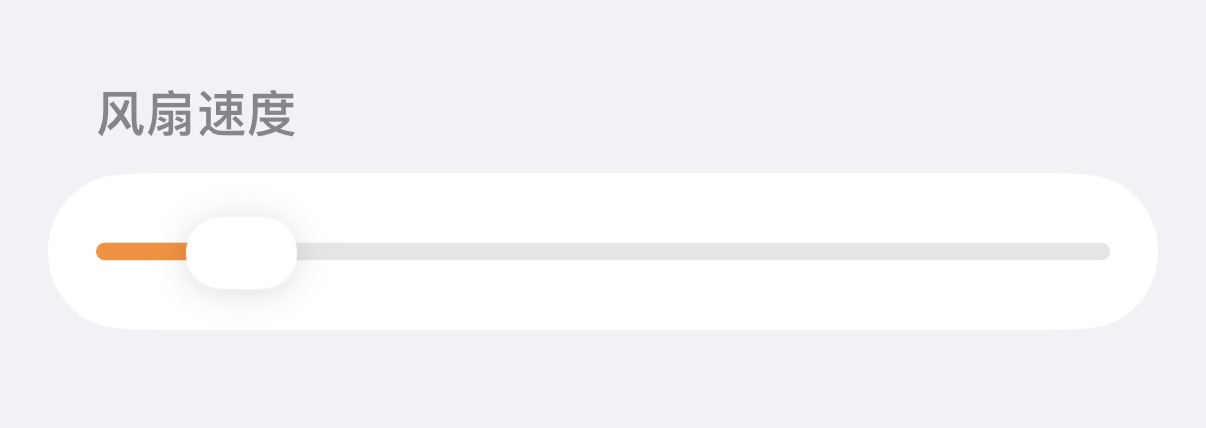
A balance of gentle and strong
Let the air
suited to you.
Bring the room to a comfortable feel when guests arrive.
Set a gentler airflow when it is time to rest.
Slide to find a rhythm that feels right.
Compact construction for on-site use
Settle the equipment in,
Give space back to living.
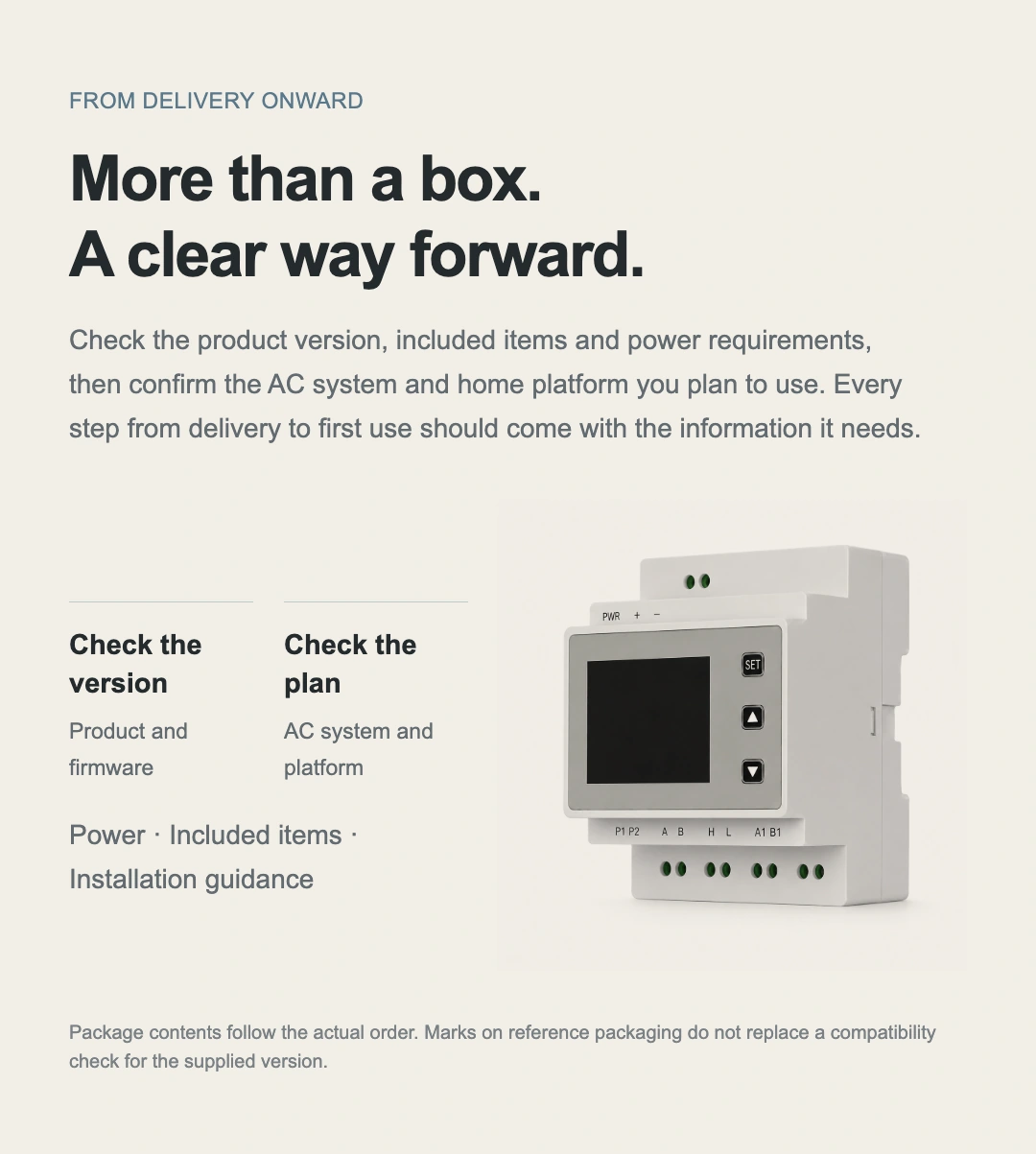
The stepped enclosure, raised display panel and lower catch
Give wiring and on-site controls their own space.
Allow room for wiring, cooling and servicing before installation.
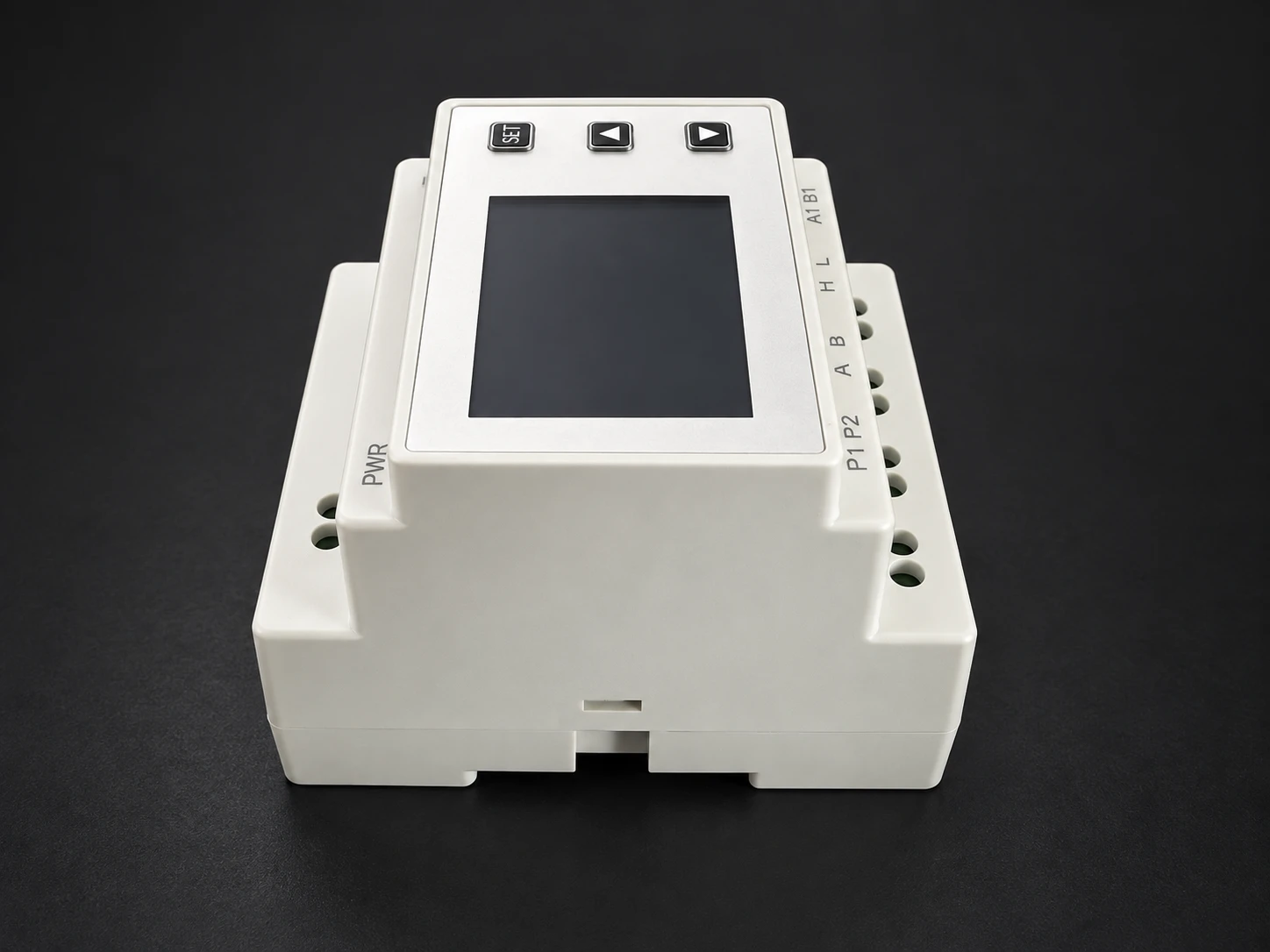
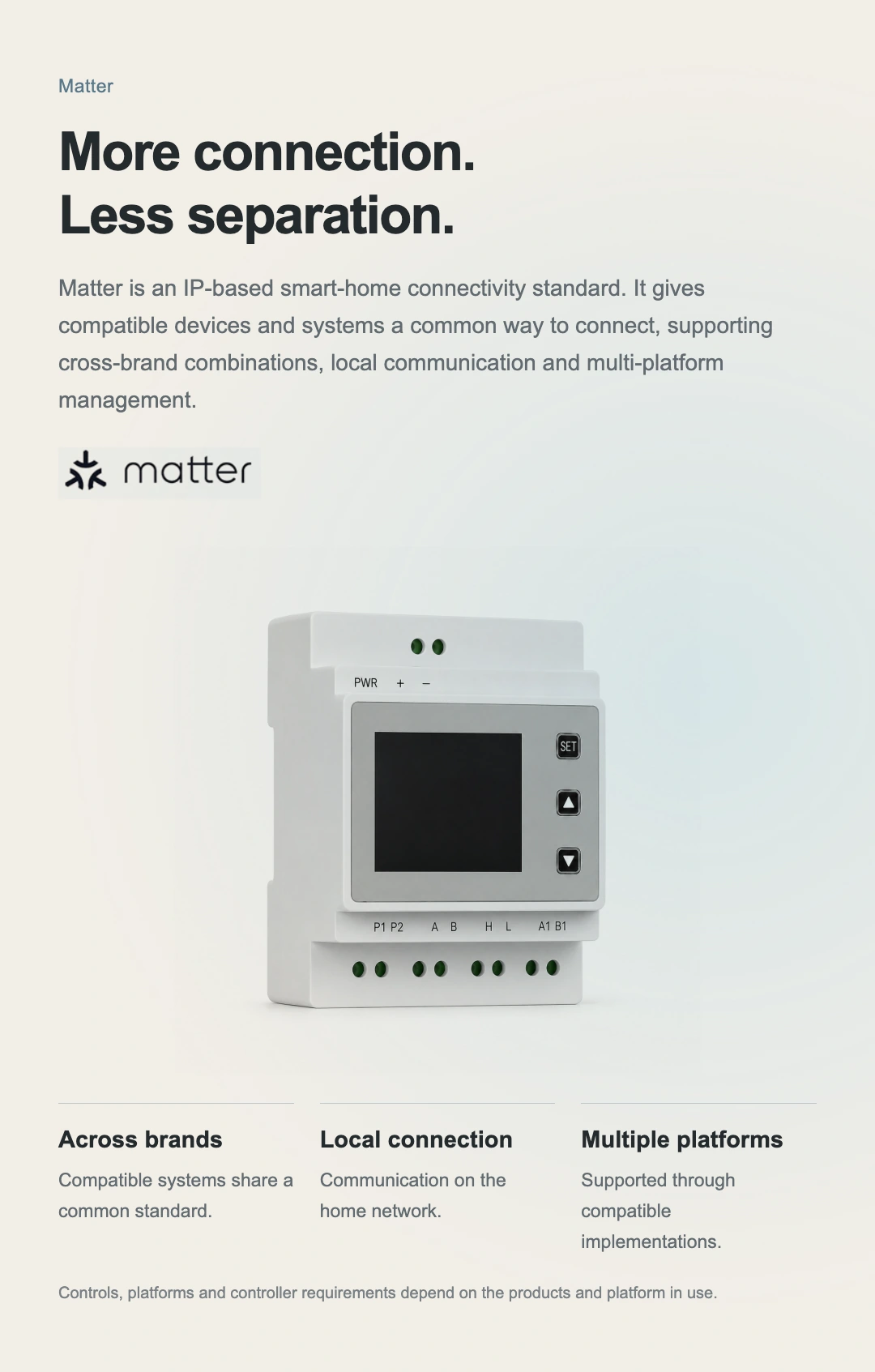
The stepped enclosure separates the faceplate, terminals and base. Check the dimensions and cable routing before choosing an installation position.
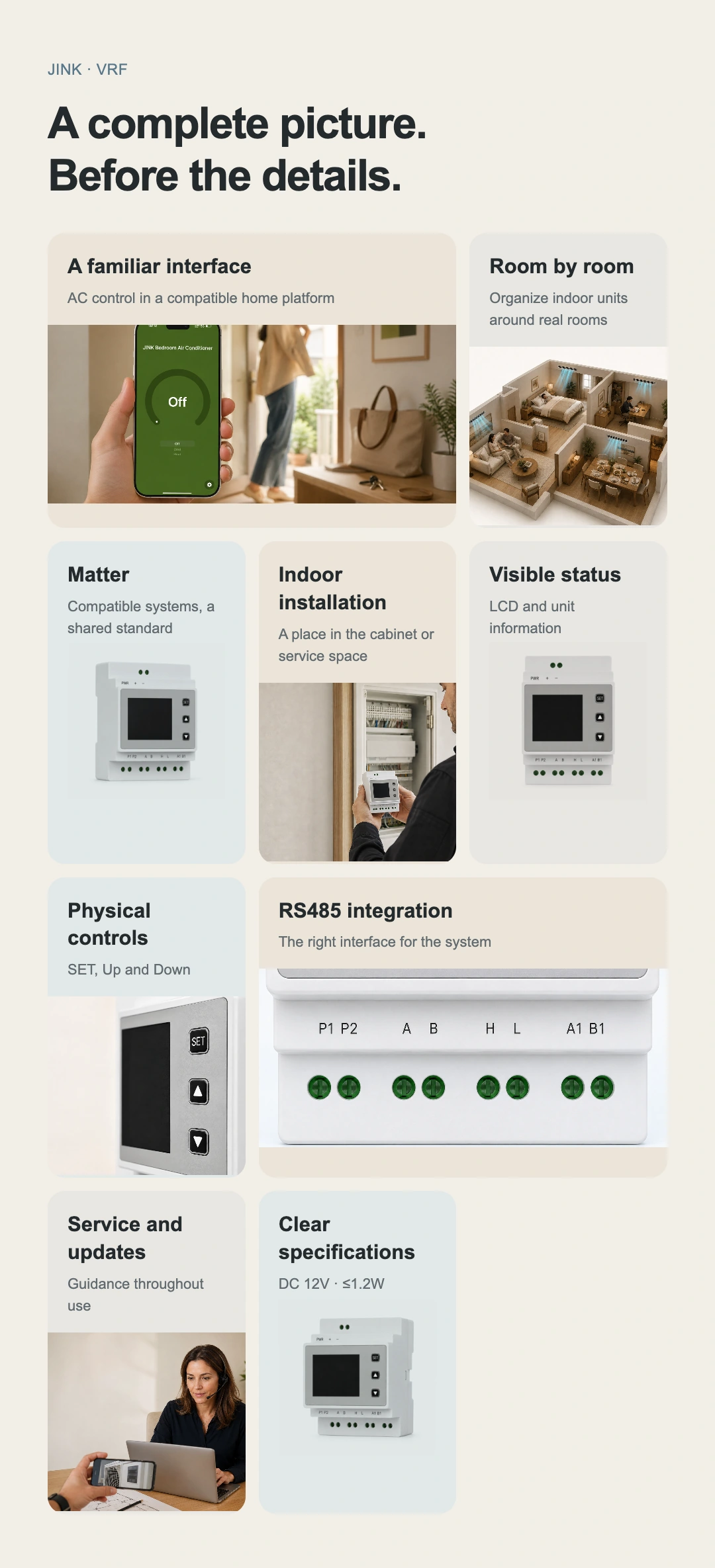
LCD status display
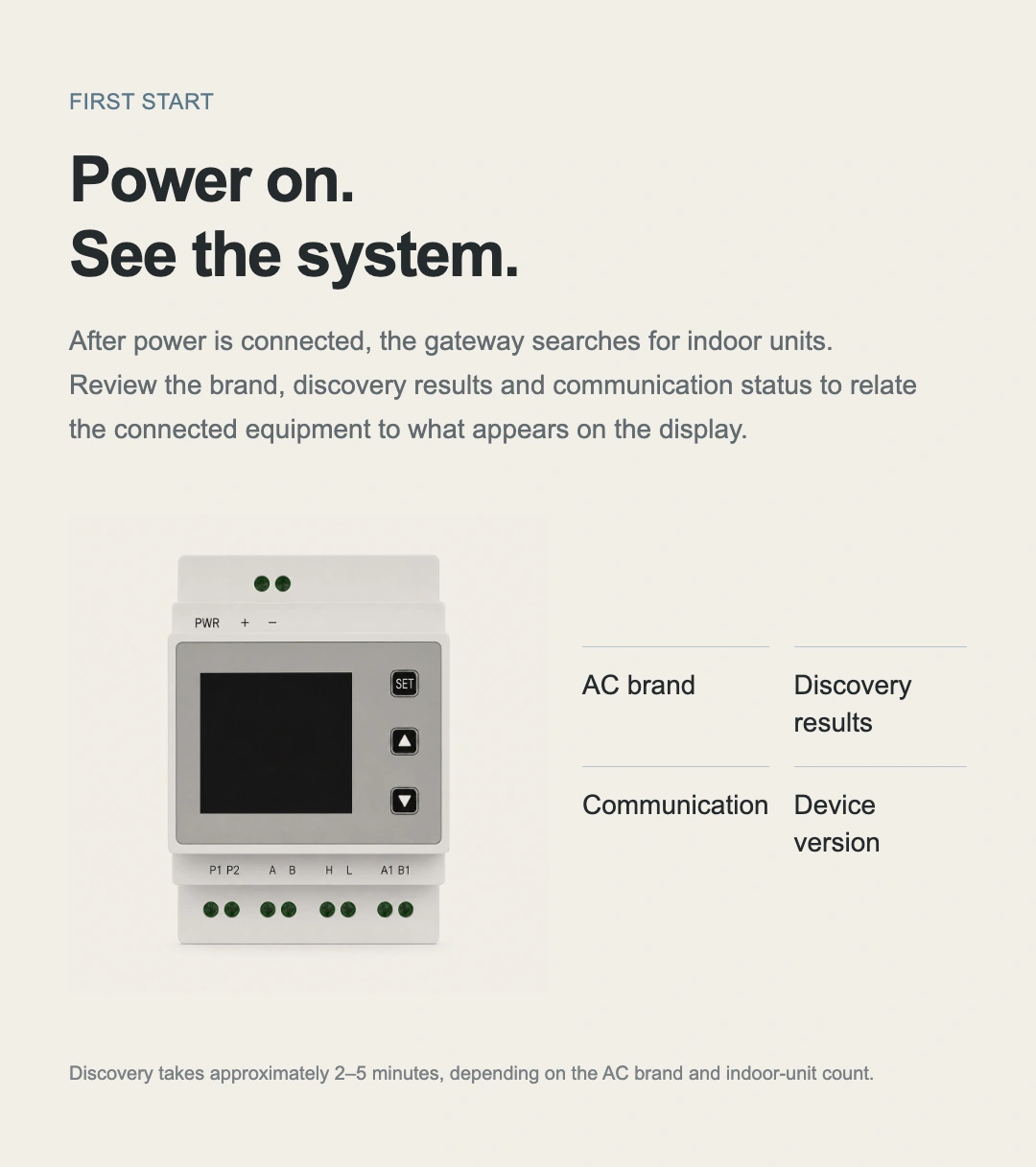
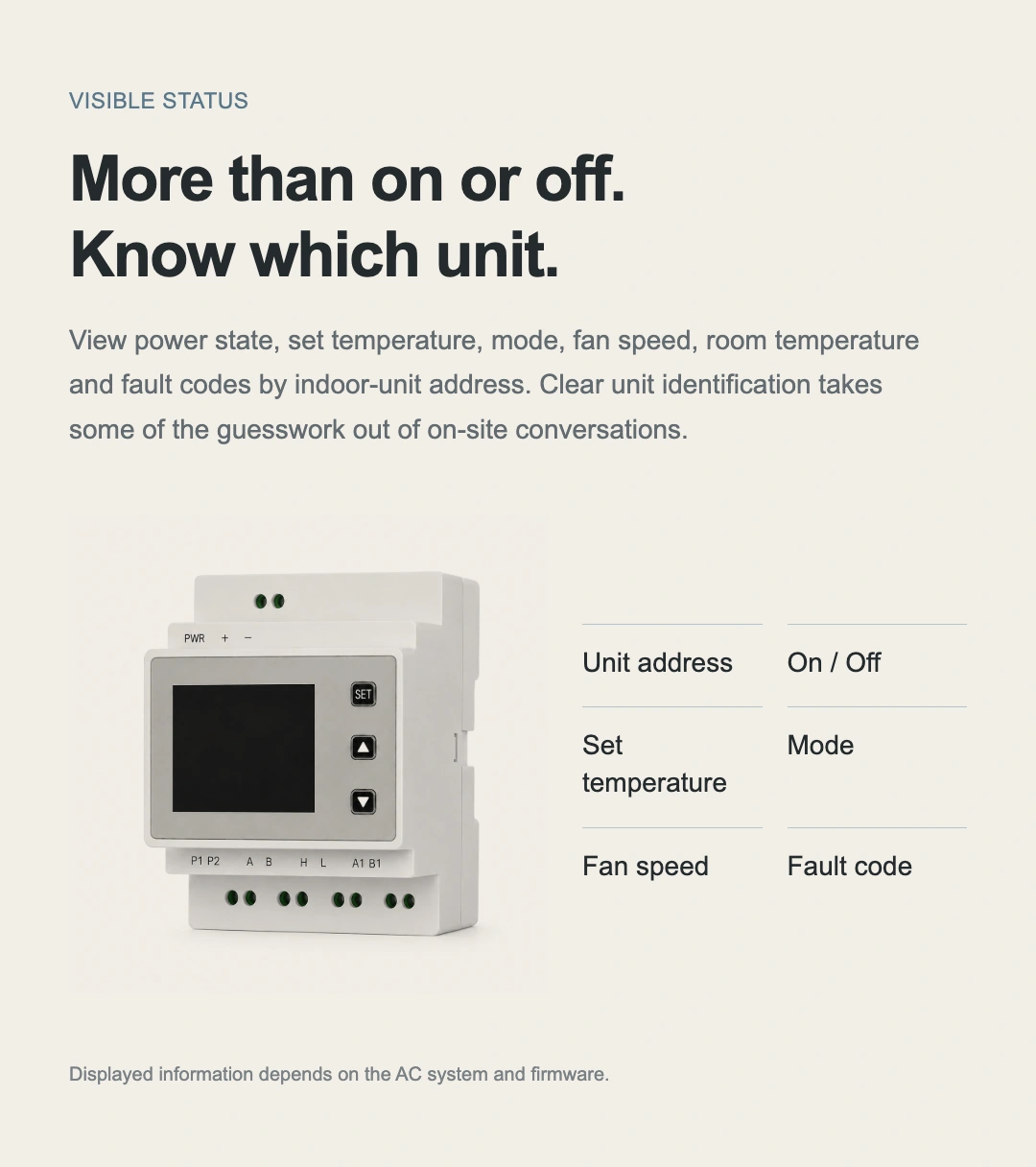
View brand, indoor-unit address, operating status and available fault information to support on-site commissioning.
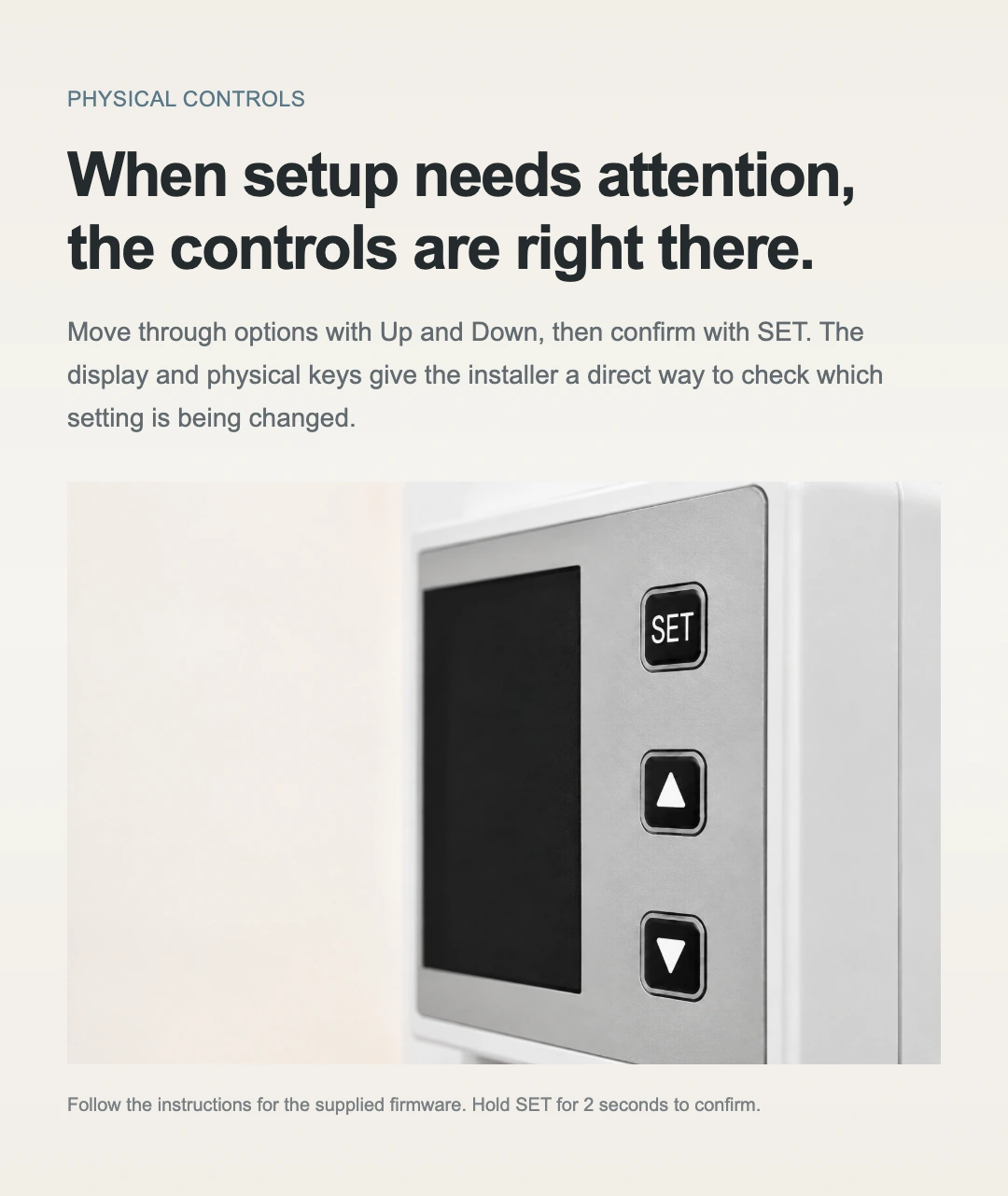
SET and Up/Down buttons
Navigate menus and settings, then hold SET to confirm. Follow the instructions for your device firmware.
Indoor DIN-rail mounting
Install in a suitable control enclosure or protected service-access location. Connect power and communication wiring according to the specific model.
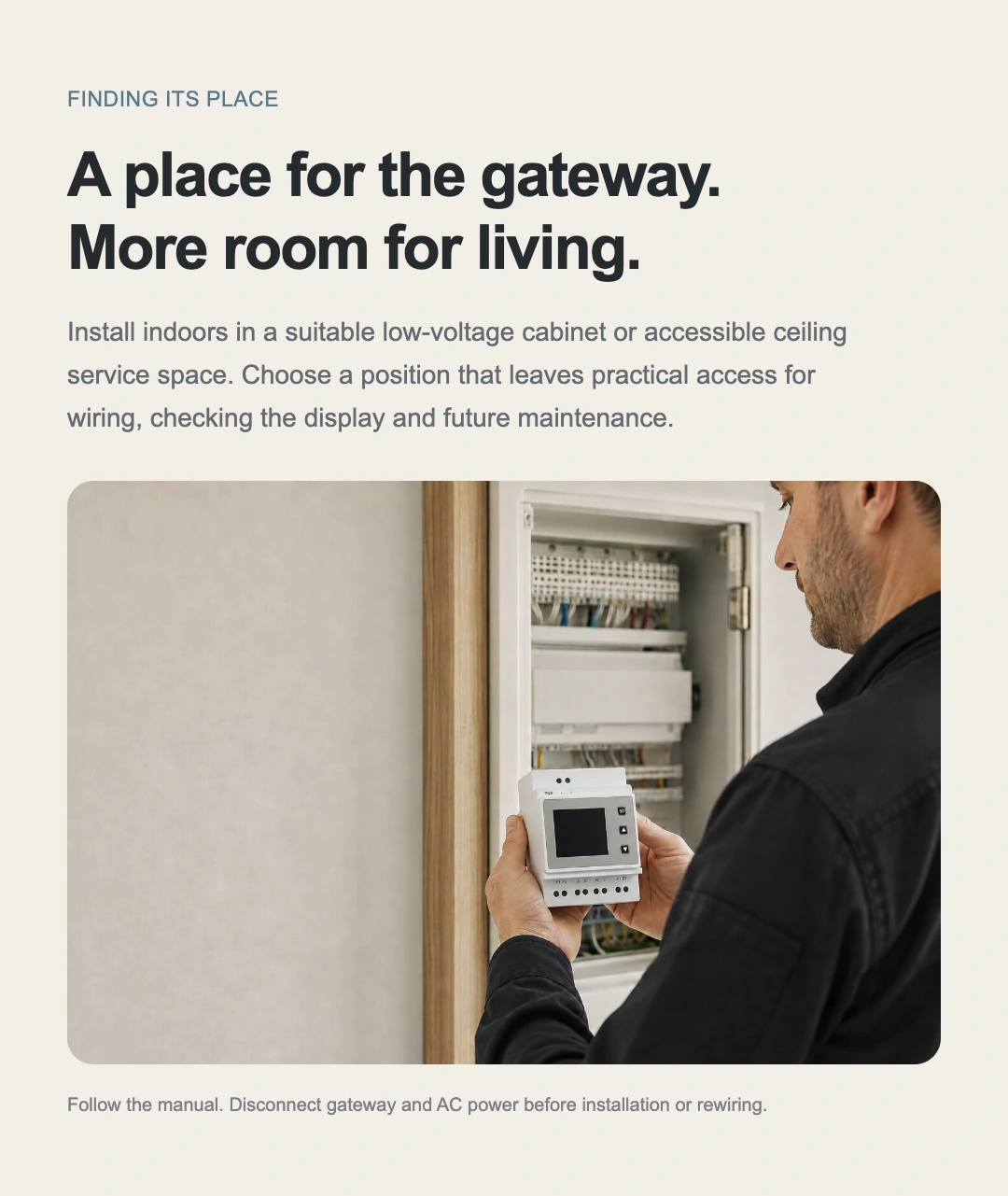
Installation position
Tucked into the space,
Bring comfort into view.
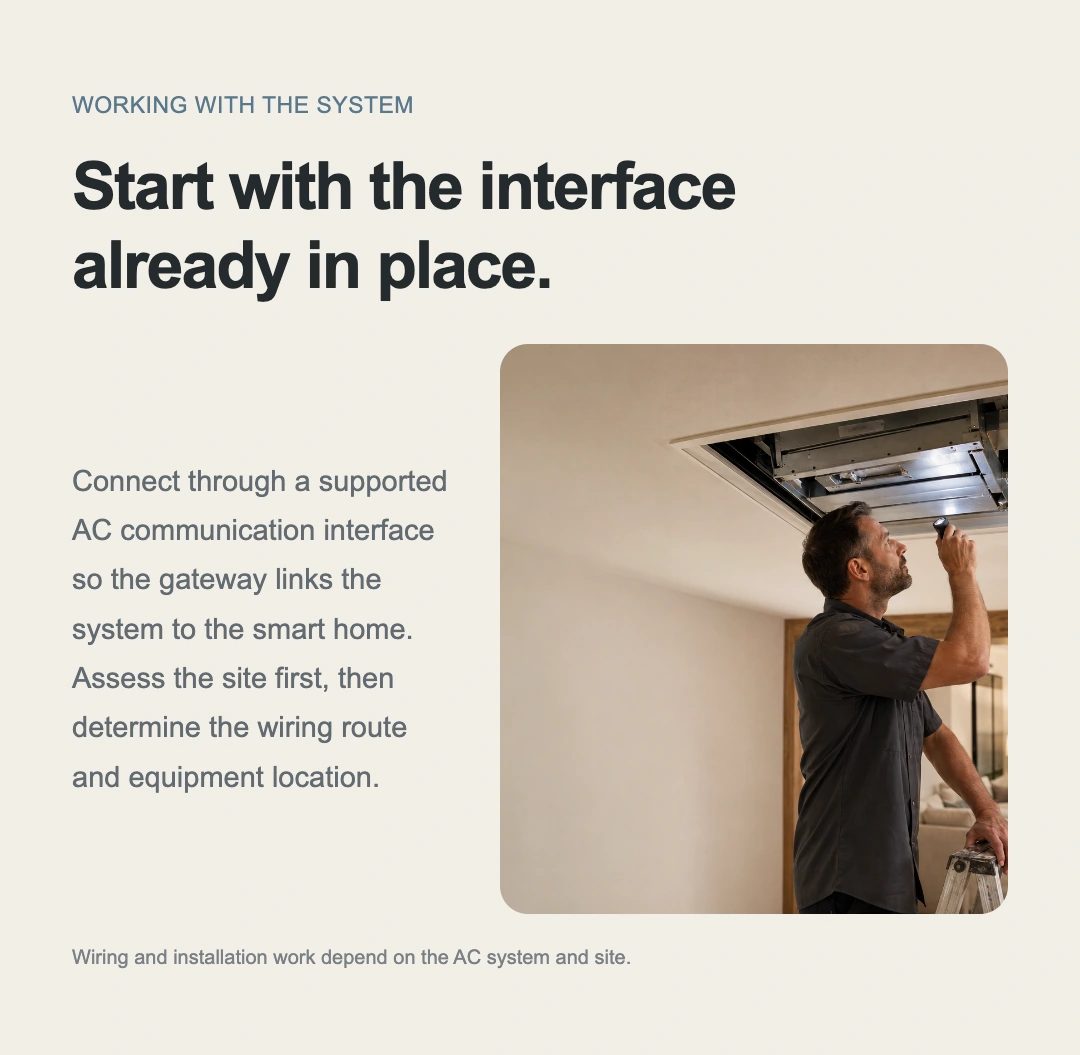
Choose a suitable indoor low-voltage control enclosure or ceiling service space. Position the gateway for accessible wiring, viewing and maintenance. Use the compatible AC communication interface to connect the existing system to the home platform.
Explore wiring and system compatibility ↗Disconnect power to both the gateway and air-conditioning system before installation or rewiring. Installation method and work required depend on the HVAC system and site.
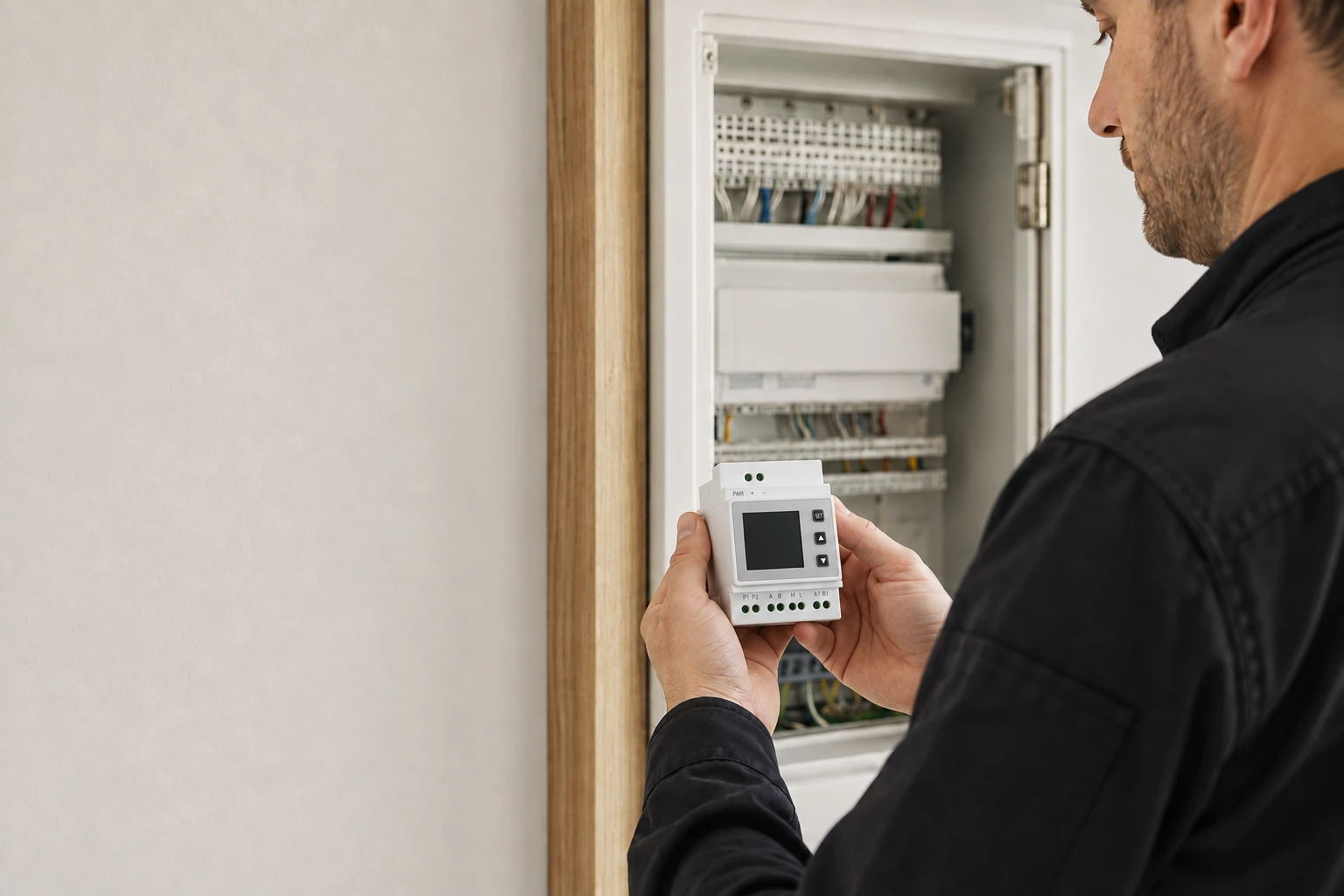
Matter · A common language for devices
One AC system.
part of everyday life.
Matter is an IP-based smart home connectivity standard. VRF connects supported AC systems to compatible platforms, aligning the rooms in your controls with the rooms in your home.
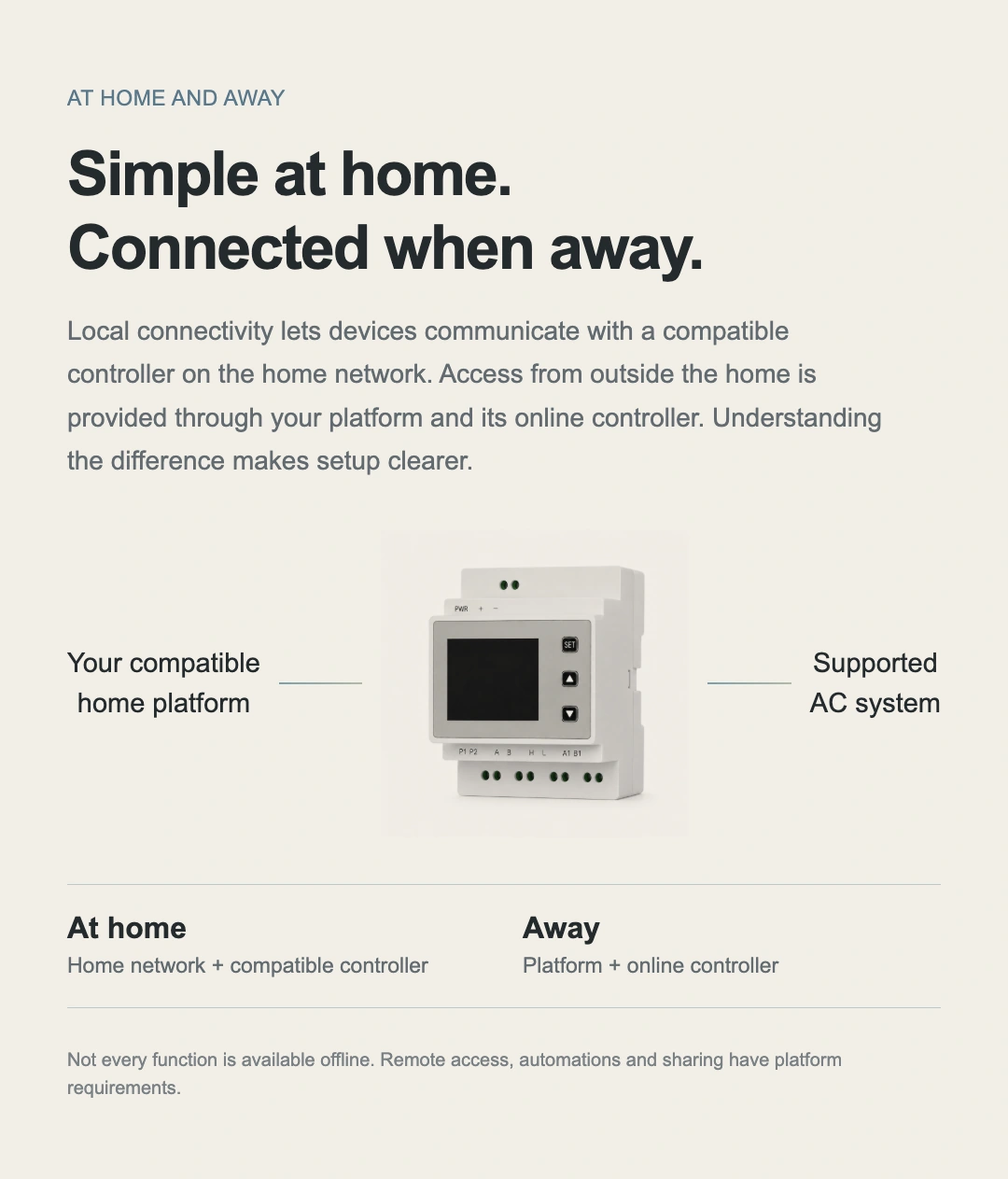
At home: local communication
Communicates over the home network with a compatible controller. The device, controller and network must remain operational.
Away: access with the required setup
Remote control requires a compatible online home controller and support from the chosen platform.
Use the functions your platform supports
Power, mode, fan-speed, sharing and automation capabilities depend on the product version and platform. Mi Home is not supported.
Clear status after commissioning
More than knowing whether it is on,
and which room it belongs to.
Check discovered indoor units, then match their addresses to rooms.
Operating information provides a clearer starting point for troubleshooting.
LCD makes on-site information visible.
From initial discovery to indoor-unit status, the display brings installation information together. Check units individually by address to identify the right room and device.
Three buttons, right on the device.
Use Up and Down to change options, then hold SET for approximately two seconds to confirm. Follow the applicable firmware instructions for menus and procedures.
Available information and controls depend on the AC system and gateway firmware.
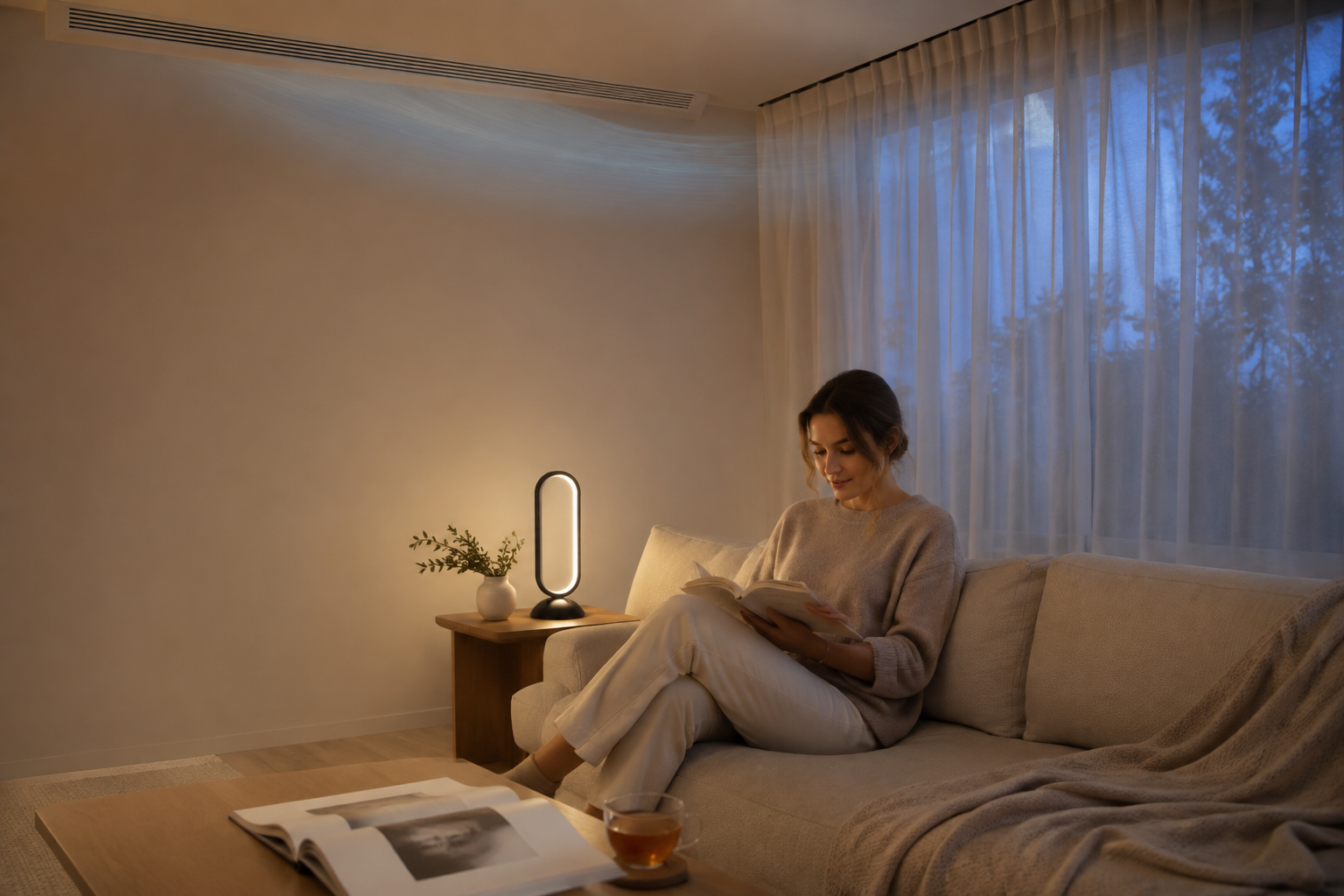
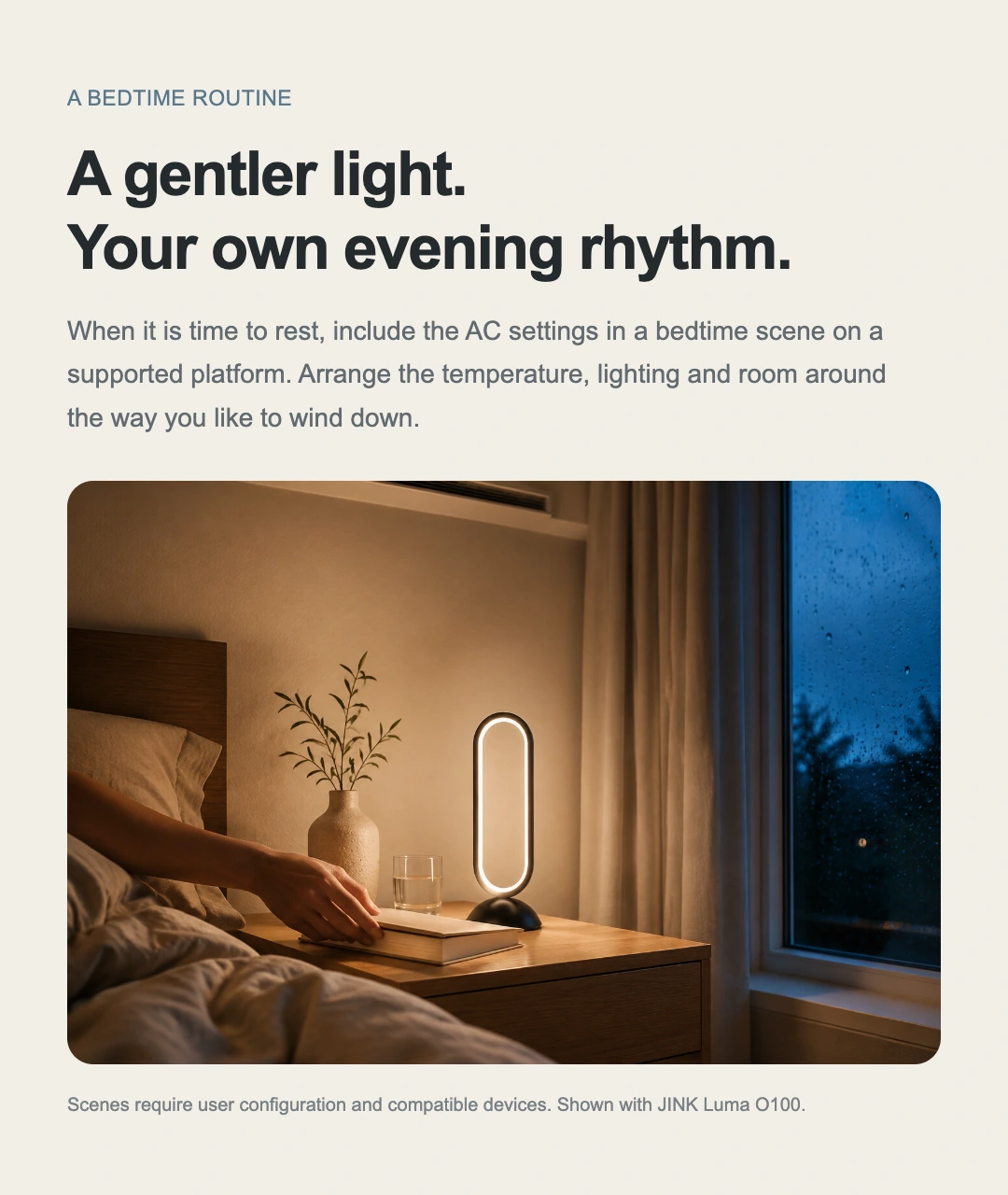
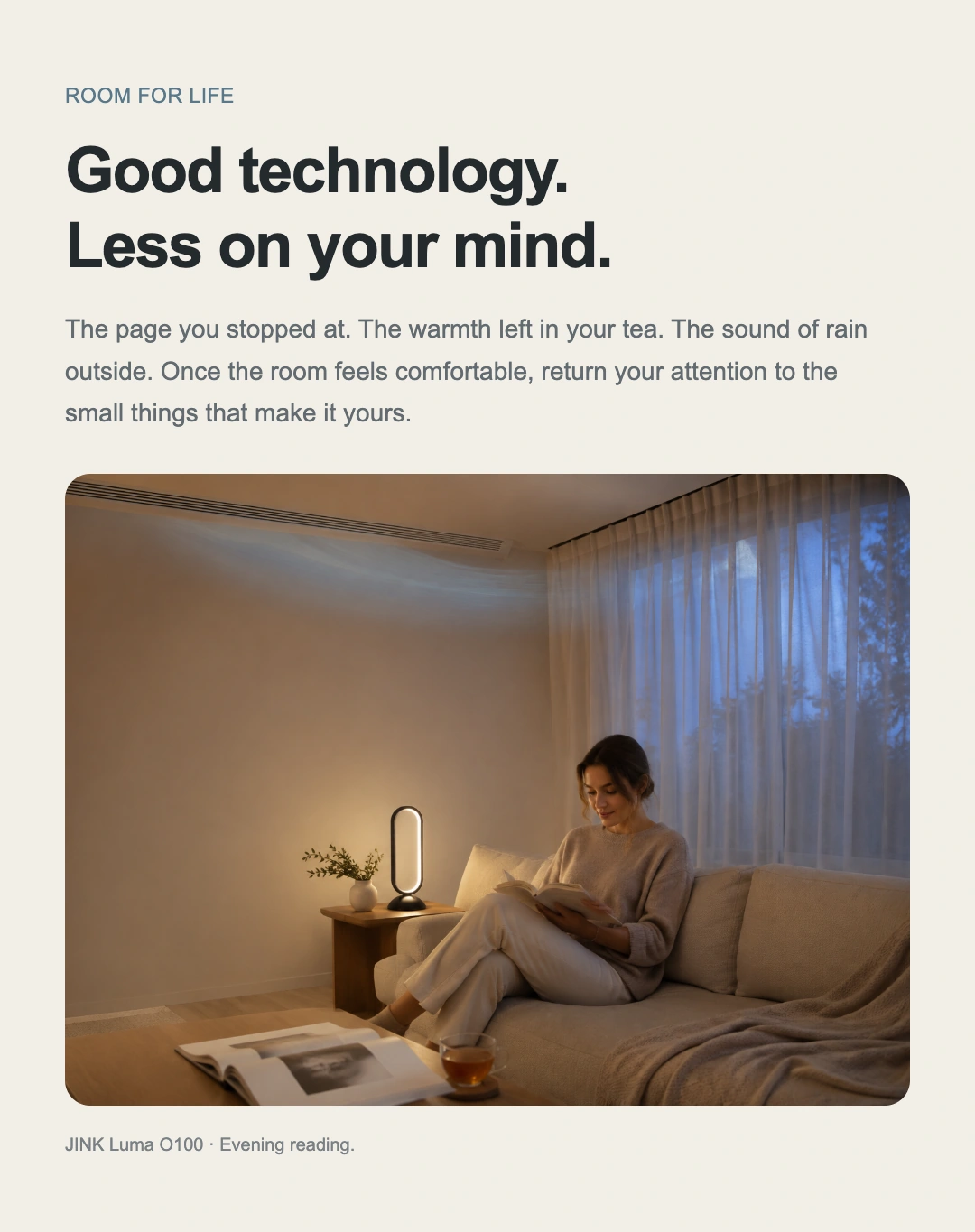
Comfort you need not keep thinking about
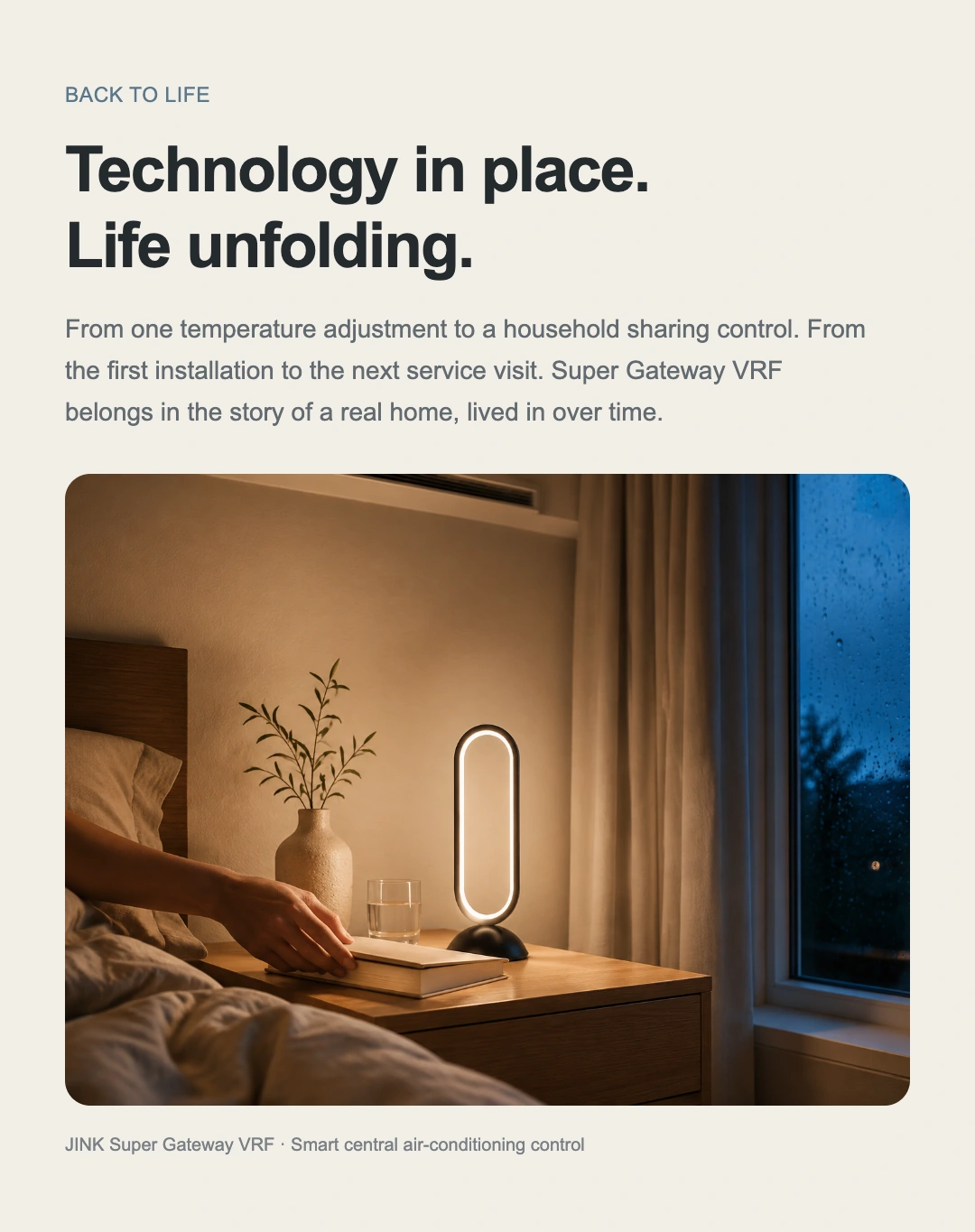
A few pages of a book,
Slow the evening down.
Combine AC settings and lighting in a compatible platform’s bedtime scene, so the room follows your evening routine.
Try the bedtime scene ↗Luma O100 in the scene ↗Scenes must be configured in advance with compatible devices. The table lamp is a scene pairing and is not included with the gateway.
Across brands · Comfort for one home
Different AC brands,
The same effortless control.
Find your AC brand and view the connection reference.
Select a brand to explore its connection to JINK VRF.
Connection reference
Daikin
Different series within one brand may use different interfaces. Provide the full model number and terminal photos, and confirm compatibility before installation.
Check my AC model ↗From selection to everyday use
Before connecting,
Understand the system first.
Brand, full model, single- or multiple-outdoor-unit setup and communication-terminal photos,
for clearer compatibility checks and installation planning.
Confirm your AC system
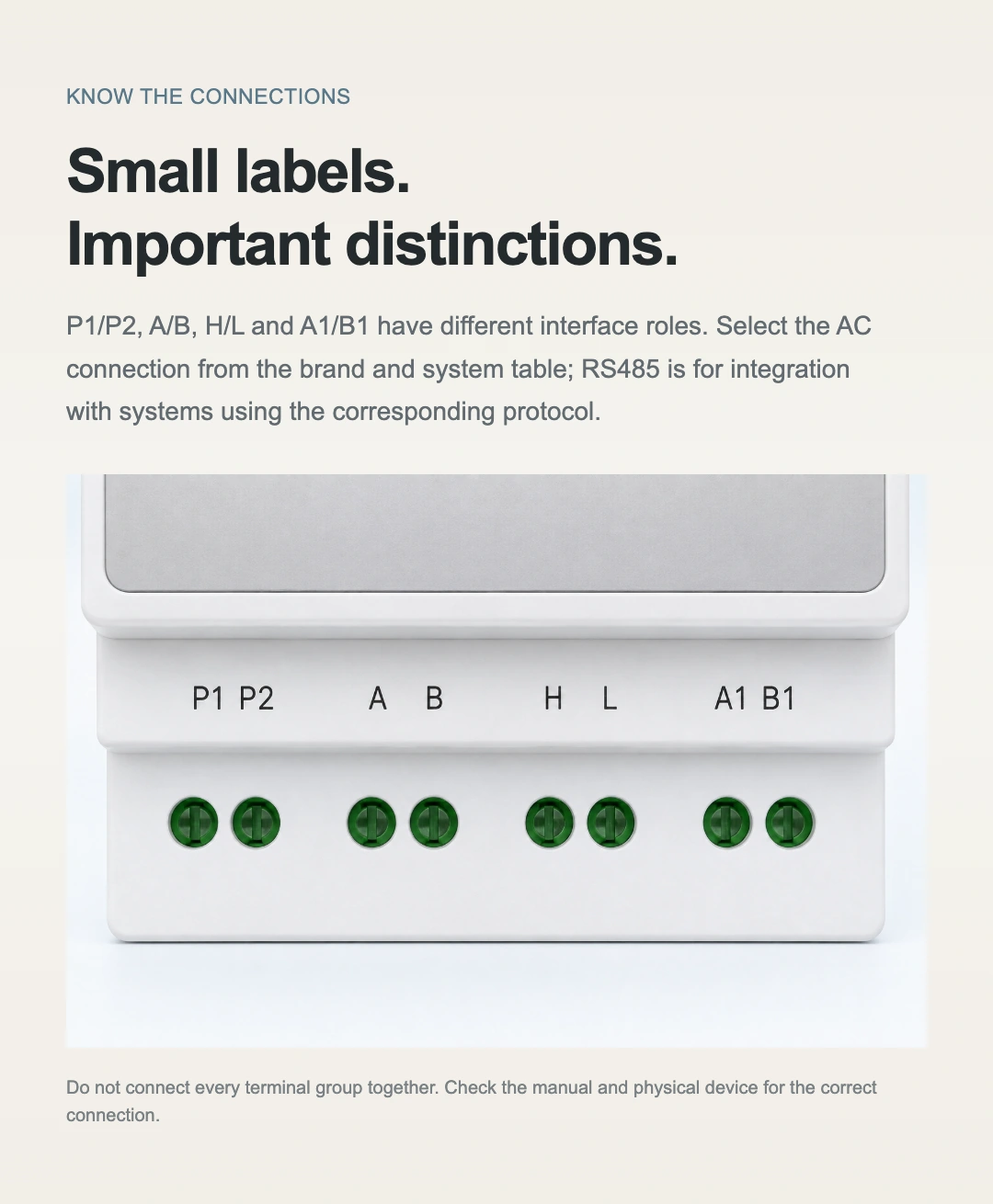
A single brand may use different buses and product series. Select the interface for the exact model.
Correct terminals. Correct supply.
Have a qualified professional wire the device with power disconnected. Use a suitable DC 12 V supply and allow service access.
Find indoor units and match them to rooms
Indoor-unit discovery usually takes approximately 2–5 minutes. Then check unit count, addresses, status and control responses.
Bring useful information to support
If an issue occurs, record the indoor-unit address, fault code and firmware version, then contact support.
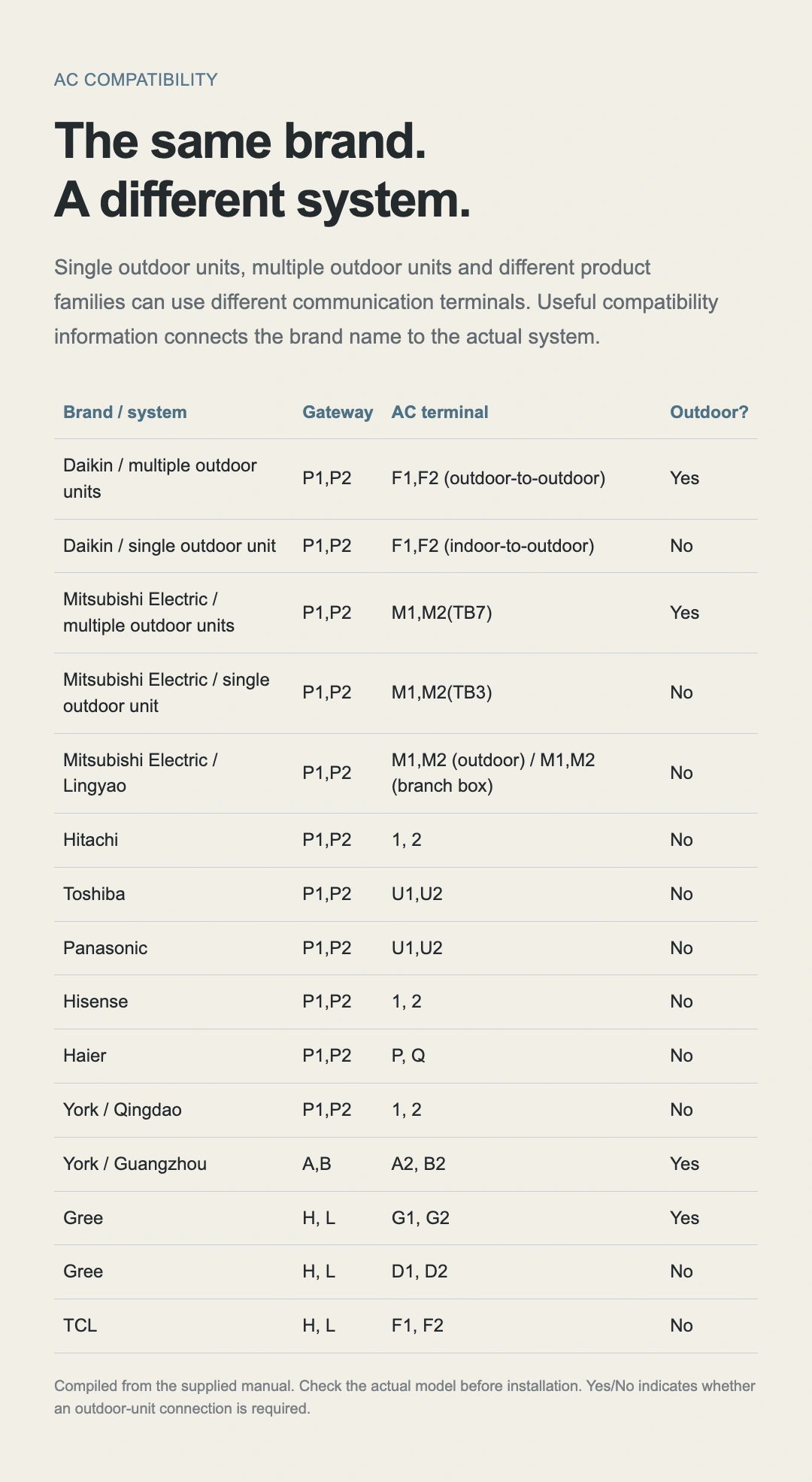
View brand and wiring compatibility tables
Use with the exact AC model and its installation instructions. This is not universal wiring guidance for every model of the same brand.
| Brand / System | Gateway terminals | AC terminals | Outdoor-unit connection required |
|---|---|---|---|
| Daikin — multiple outdoor units | P1,P2 | F1, F2 (outdoor–outdoor) | Yes |
| Daikin — single outdoor unit | P1,P2 | F1, F2 (indoor–outdoor) | No |
| Mitsubishi Electric — multiple outdoor units | P1,P2 | M1,M2(TB7) | Yes |
| Mitsubishi Electric — single outdoor unit | P1,P2 | M1,M2(TB3) | No |
| Mitsubishi Electric — Lingyao | P1,P2 | M1, M2 (outdoor unit); M1, M2 (branch box) | No |
| Hitachi | P1,P2 | 1,2 | No |
| Toshiba | P1,P2 | U1,U2 | No |
| Panasonic | P1,P2 | U1,U2 | No |
| Hisense | P1,P2 | 1,2 | No |
| Haier | P1,P2 | P,Q | No |
| York — Qingdao | P1,P2 | 1,2 | No |
| York — Guangzhou | A,B | A2,B2 | Yes |
| Gree | H, L | G1,G2 | Yes |
| Gree | H, L | D1,D2 | No |
| TCL | H, L | F1,F2 | No |
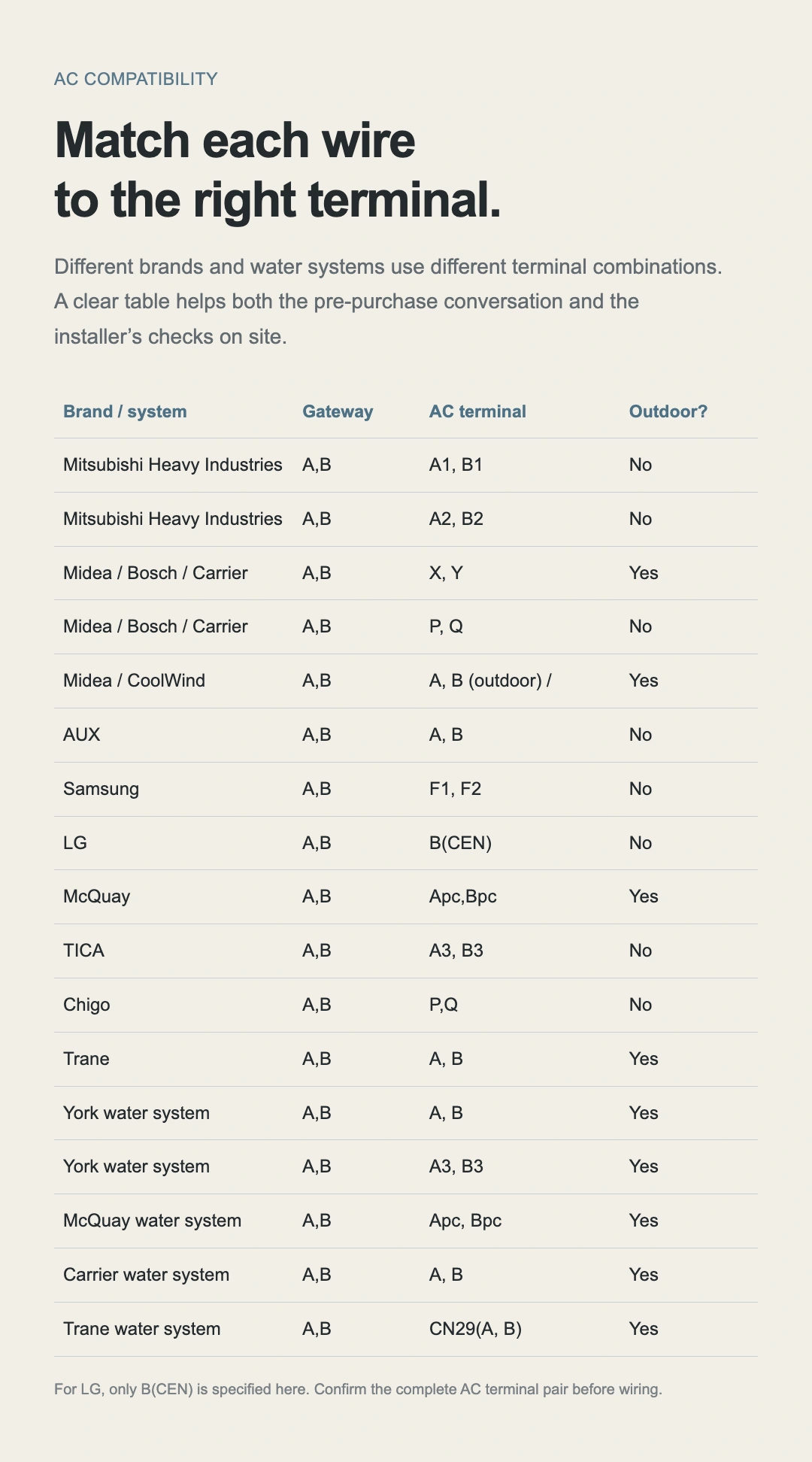
| Brand / System | Gateway terminals | AC terminals | Outdoor-unit connection required |
|---|---|---|---|
| Mitsubishi Heavy Industries | A,B | A1,B1 | No |
| Mitsubishi Heavy Industries | A,B | A2,B2 | No |
| Midea, Bosch, Carrier | A,B | X,Y | Yes |
| Midea, Bosch, Carrier | A,B | P,Q | No |
| Midea — CoolWind | A,B | A, B (outdoor unit) | Yes |
| AUX | A,B | A,B | No |
| Samsung | A,B | F1,F2 | No |
| LG | A,B | B(CEN) | No |
| McQuay | A,B | Apc,Bpc | Yes |
| TICA | A,B | A3,B3 | No |
| Chigo | A,B | P,Q | No |
| Trane | A,B | A,B | Yes |
| York hydronic system | A,B | A、B | Yes |
| York hydronic system | A,B | A3、B3 | Yes |
| McQuay hydronic system | A,B | Apc、Bpc | Yes |
| Carrier hydronic system | A,B | A、B | Yes |
| Trane hydronic system | A,B | CN29(A、B) | Yes |
For LG, confirm the full terminal pair against the specific AC model before wiring. “Yes/No” indicates whether connection to the outdoor unit is required.
Does it support Mi Home?
Mi Home is not supported. Choose a Matter platform supported by this device and check the controller and network requirements.
How do whole-home sync and room control differ?
Whole-home sync adjusts connected AC units together; room control adjusts individual indoor units. Available controls, grouping and mode combinations depend on the AC system, gateway firmware and home platform.
Is the webpage airflow based on measurements?
This is an interactive demonstration. Airflow colour, speed, reach and setpoints illustrate functions. They are not measurements of airflow volume, noise, cooling speed or temperature-control accuracy.
Can the Ethernet port connect directly to the network?
The Ethernet port on this version is reserved. Follow the actual Matter over Wi-Fi setup and operating instructions.
Troubleshooting
Describe the issue,
Then find the next step.
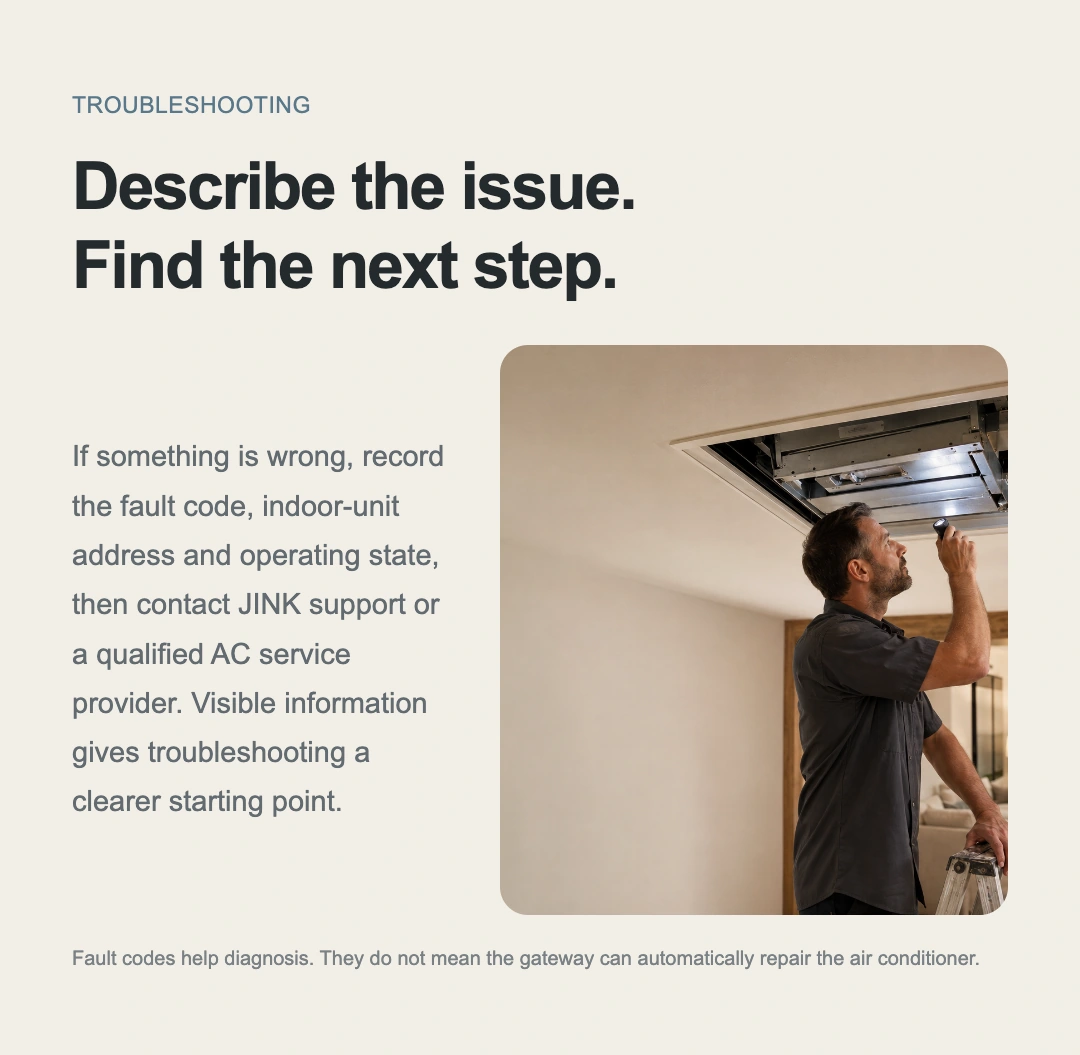
If temperature does not change as expected or a room shows an issue, record the indoor-unit address, fault code and current state. Share these with JINK support or a qualified AC service provider to begin troubleshooting.
Fault codes assist diagnosis. Maintenance and servicing must be performed by appropriately qualified personnel.
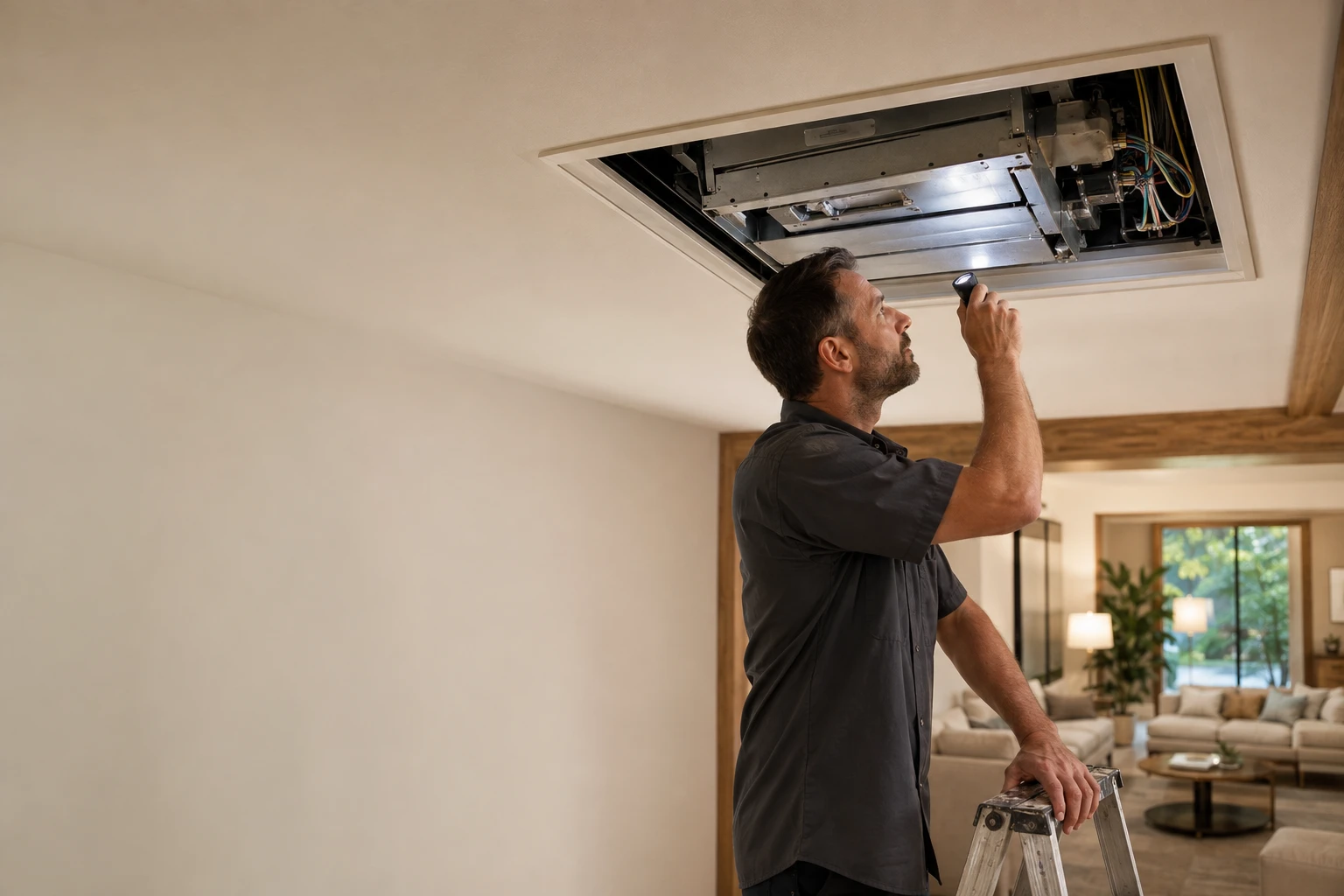
Before and after purchase
Wiring, setup and operation,
Clear guidance, step by step.
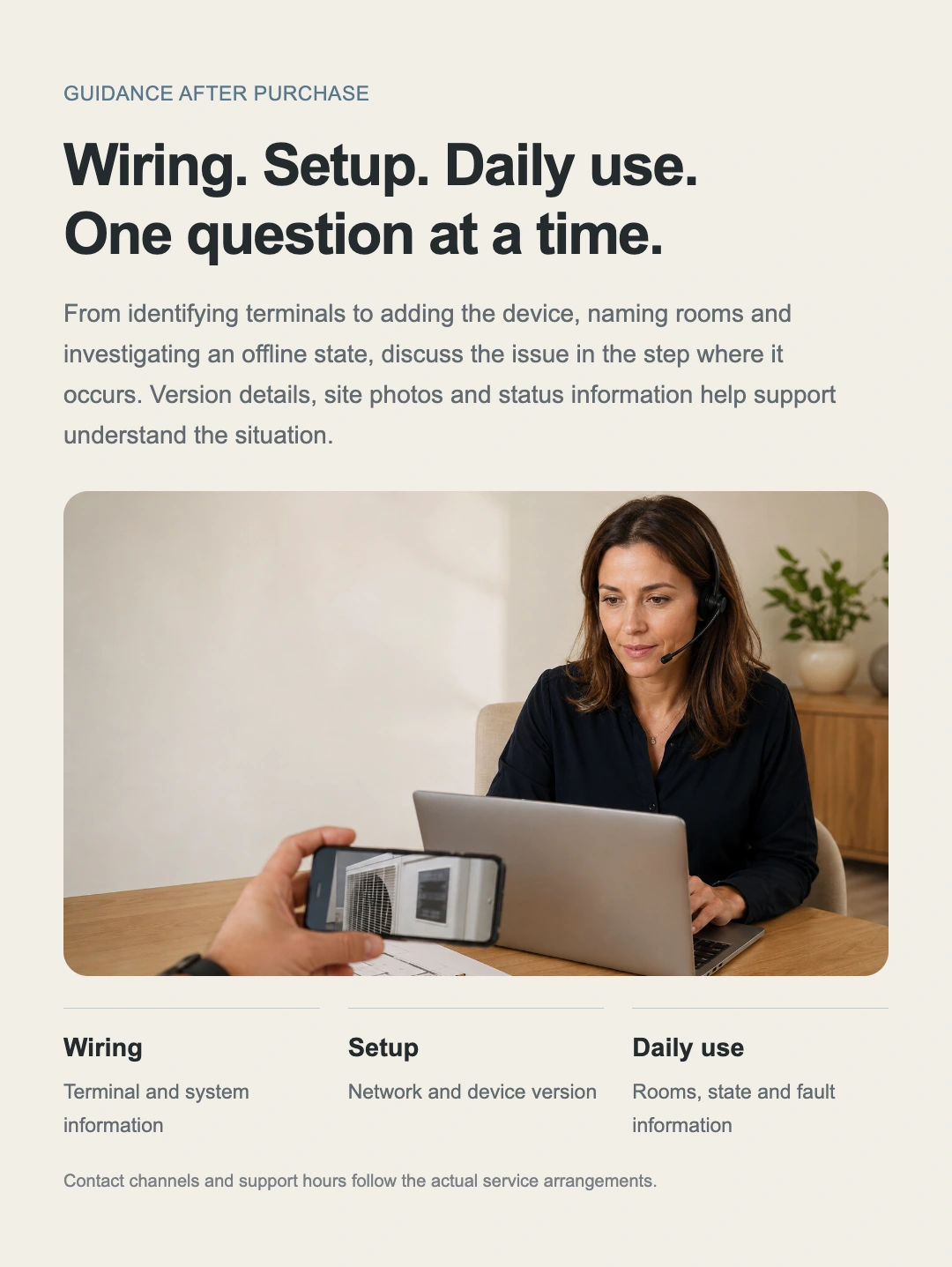
Before buying, confirm the brand, full model and single- or multiple-outdoor-unit setup. Check terminals during installation and name rooms after connection. If an issue arises, share the device version, on-site photos and display status with support.
Get product support ↗
From delivery to years of use
Once installed,
The story continues.
Receive the product and check the configuration
Confirm product version, accessories, power supply and the intended AC system. Included items follow the actual order.
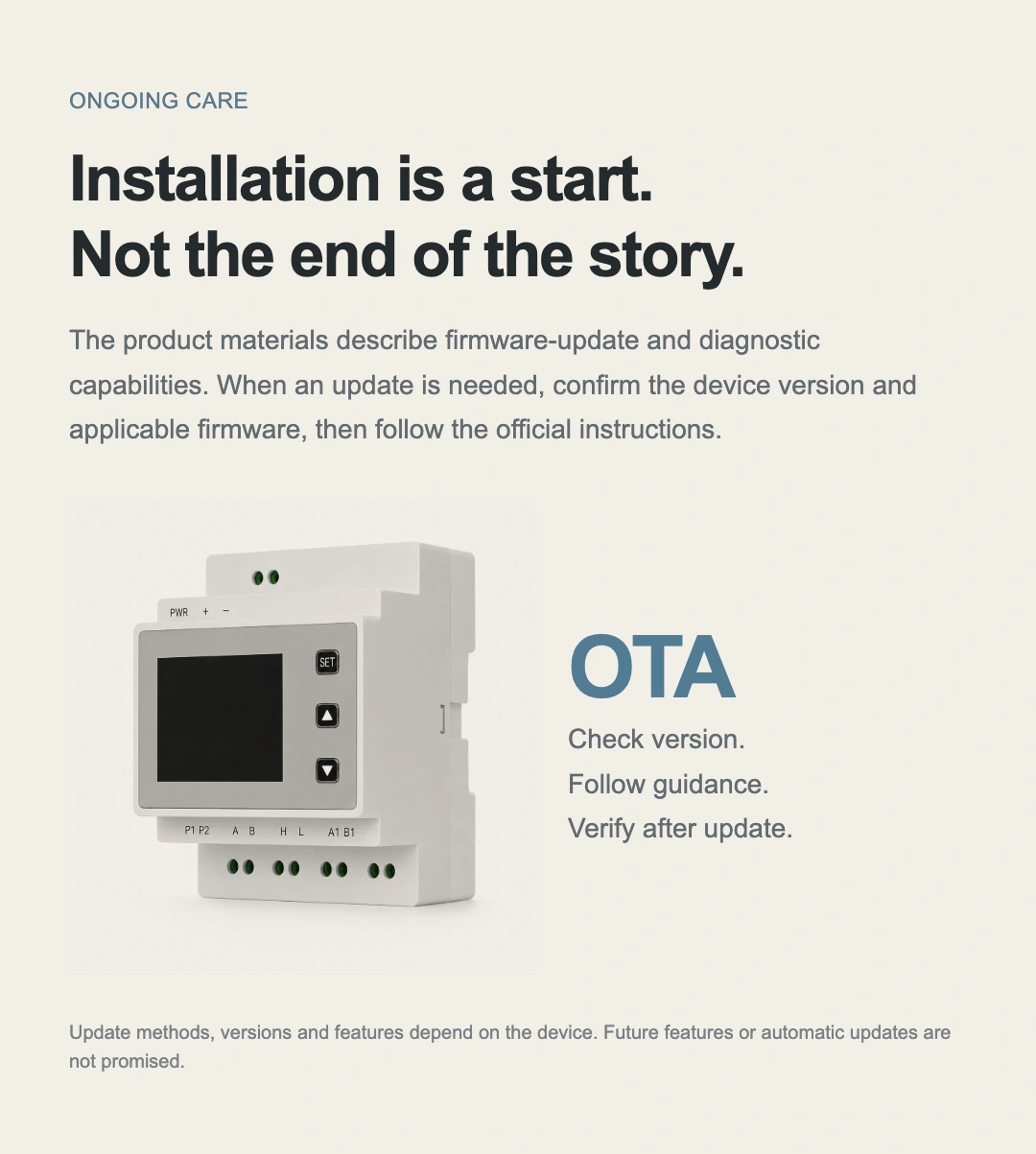
Check the version before updating
Select suitable firmware through the device’s supported update route and official instructions, keeping maintenance clear and traceable.
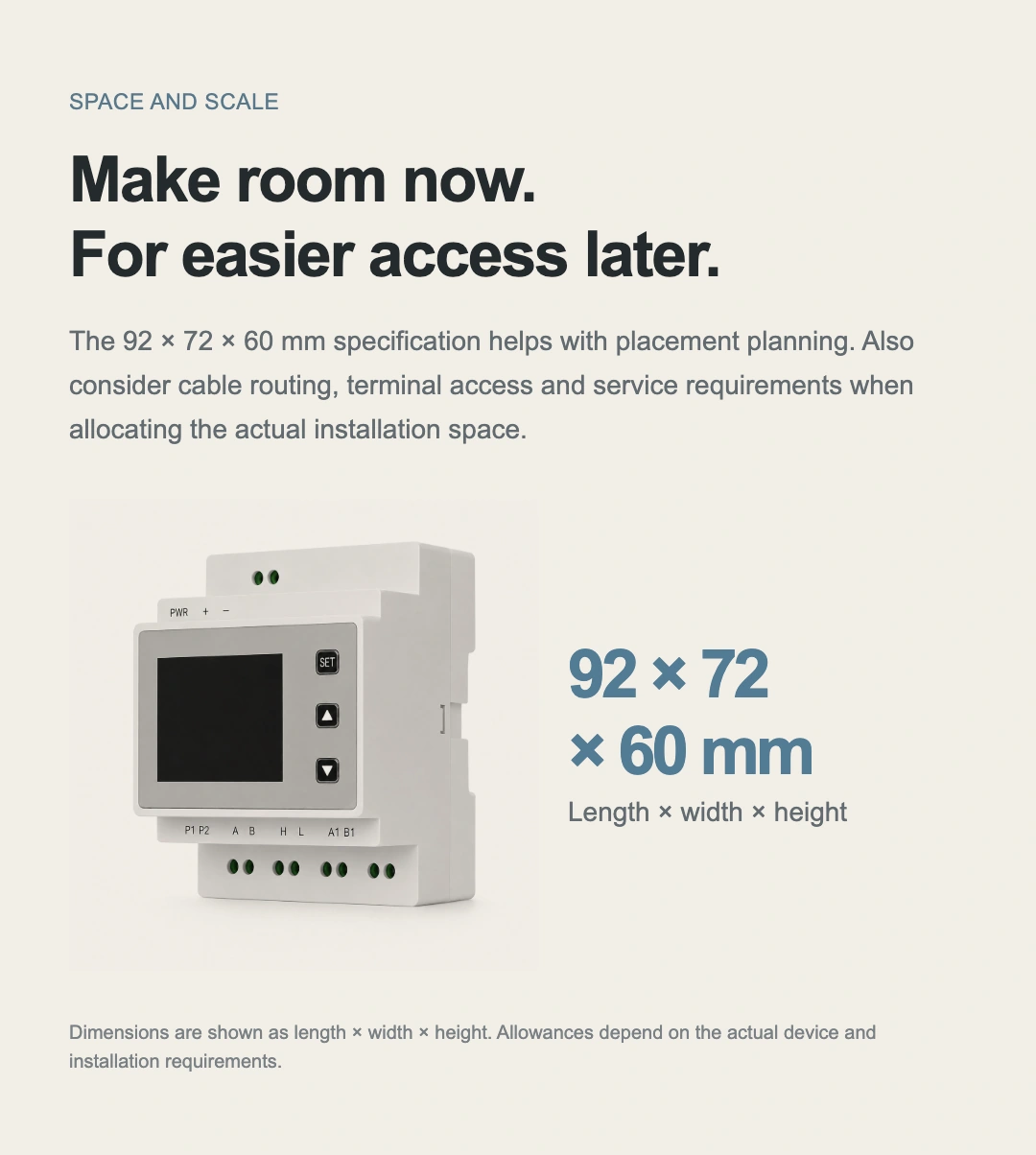
Room for installation. Room for ease.
Beyond the 92 × 72 × 60 mm enclosure, allow space for cables, terminal access and future servicing.
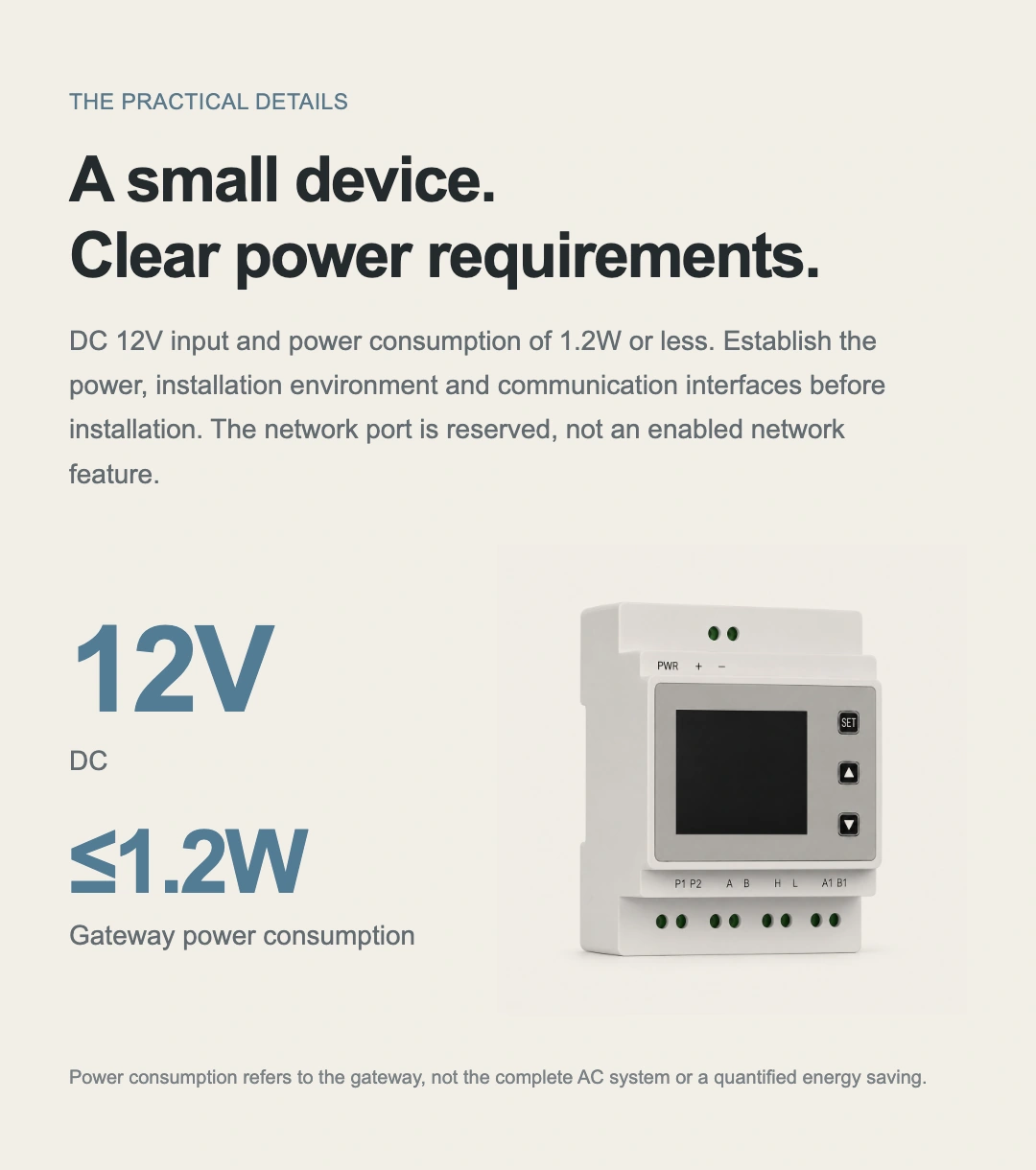
Clear supply requirements. A low-power gateway.
Use a power supply that meets the specified requirements.
JINK Super Gateway VRF
Final pricing and configuration are confirmed by your sales channel and order.
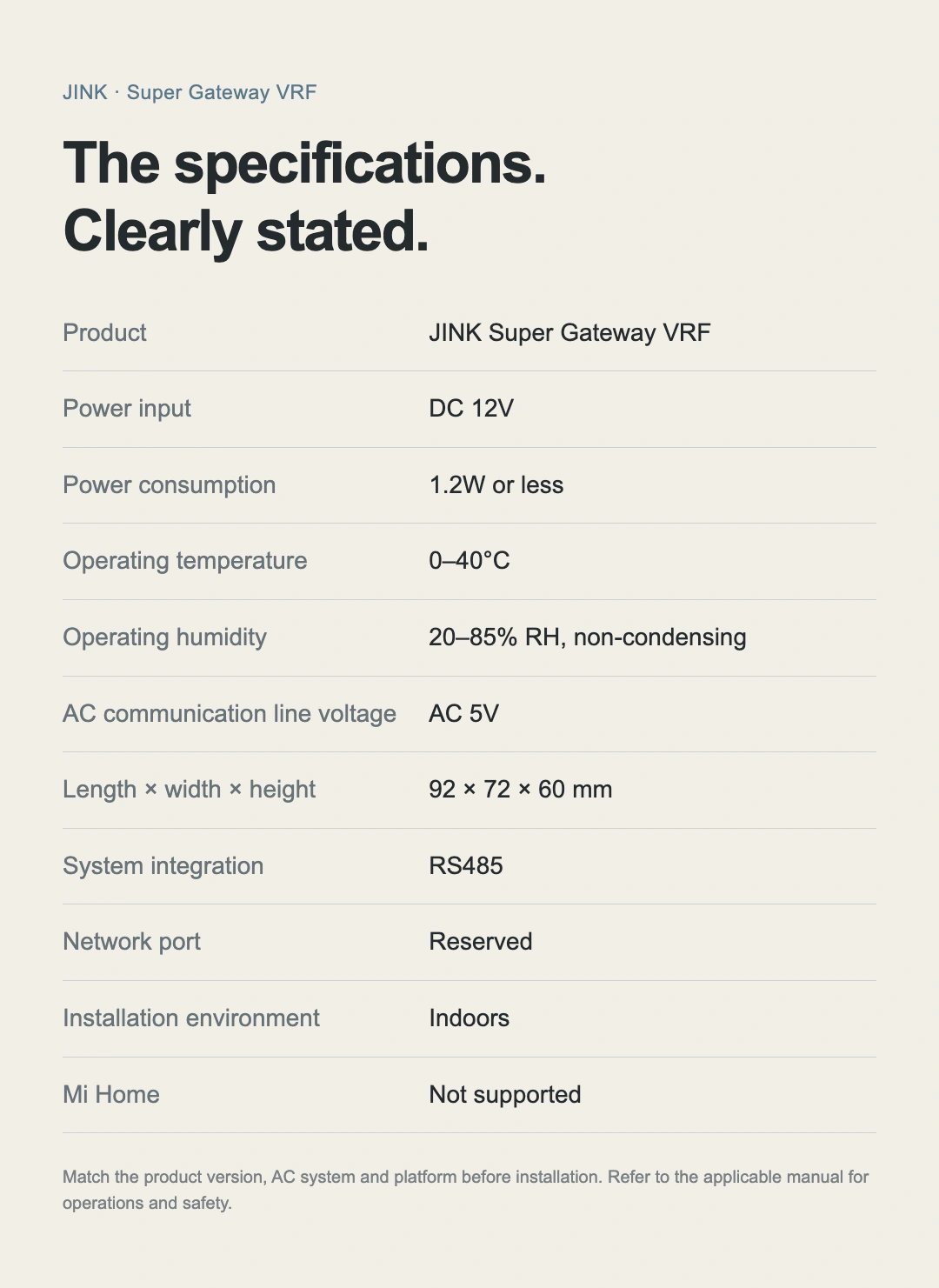
D02 · Specifications
Understand every specification.
Plan every step with confidence.
Confirm a plan for my villa ↗- Product name
- JINK Super Gateway VRF
- Model
- D02
- Home connectivity
- Matter over Wi-Fi
- Power input
- DC 12 V
- Power consumption
- ≤ 1.2 W
- Overall dimensions
- 92 × 72 × 60 mm
- Operating environment
- 0–40°C · 20–85% RH, non-condensing
- Voltage between AC communication wires
- AC 5 V
- System interface
- AC communication terminals · RS485
- On-site controls
- LCD · SET / Up / Down buttons
- Installation method
- Indoor DIN rail
- Mi Home
- Not supported