JINK · Flagship smart lighting driver
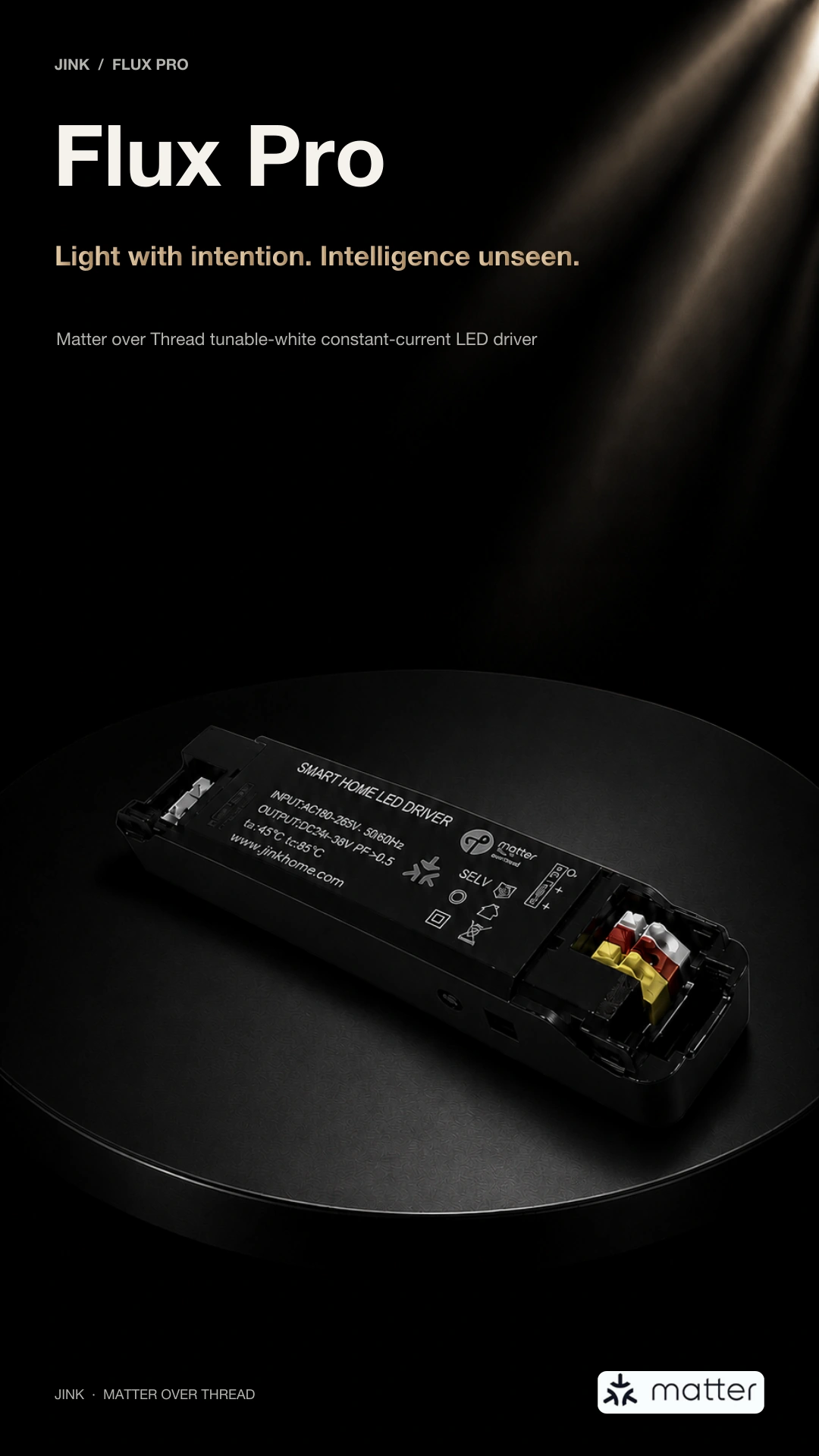
Flux Pro
Light in balance.
Intelligence, out of sight.
Technology, quietly behind the light.
Let brightness, white tone and a gentle fade-in
express your home.
Matter over Thread · Tunable-white constant-current dimming


Good light,
Many expressions.
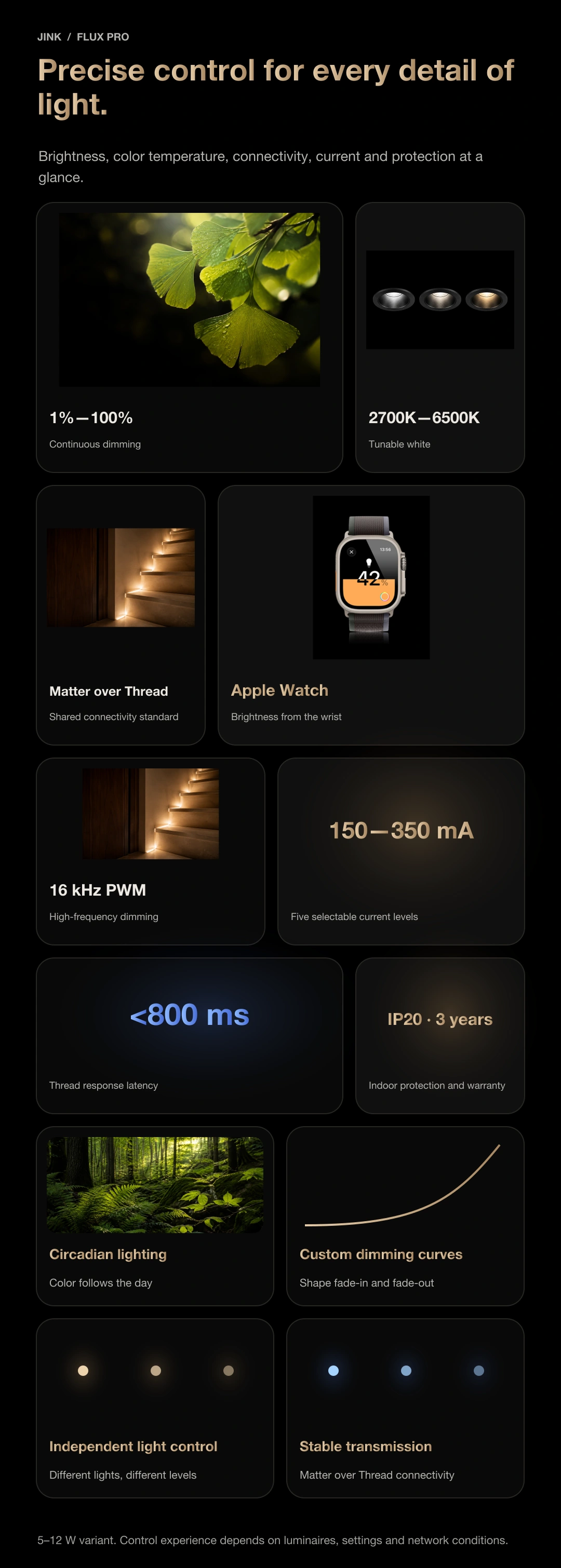
Brightness, white tone, transitions and connectivity.
From the driver behind the fixture,
to the moments that make a home.
JINK Flux family · The choice behind the light
with the same quiet ease.
More than one shape of light.
Some light falls on a book; some washes a wall. Some sits inside a track; some follows the architecture. Different Flux driver formats suit different luminaires. Find the place for the light, then choose its driver.
Installation positions and light paths are conceptual, not dimensional drawings. Switching only changes this webpage.
Flux Pro
The right light
starts with the right match.
For constant-current luminaires with different power requirements. Confirm the LED rated current, operating voltage and power, then select the corresponding Flux Pro version.
Selection focus: constant-current requirements and power version
Explore the lighting story ↓Flux Pro · Constant-current lighting at different power levels
The scale of light
need not limit its subtlety.
A downlight at the entrance can gently light the way home. Living-room lighting considers both people and space. An accent in front of an artwork draws attention to details worth seeing.
These luminaires can require different power levels, LED currents and operating voltages. Choose the corresponding Flux Pro power version to match the constant-current light source, rather than expecting every luminaire to use the same driver.
Wattage is only one selection criterion. The same power can come from different voltage and current combinations. Brightness and lighting results also depend on luminaire efficiency, optics, installation height and room materials. Consider them together.
Explore constant-current settings and power ↗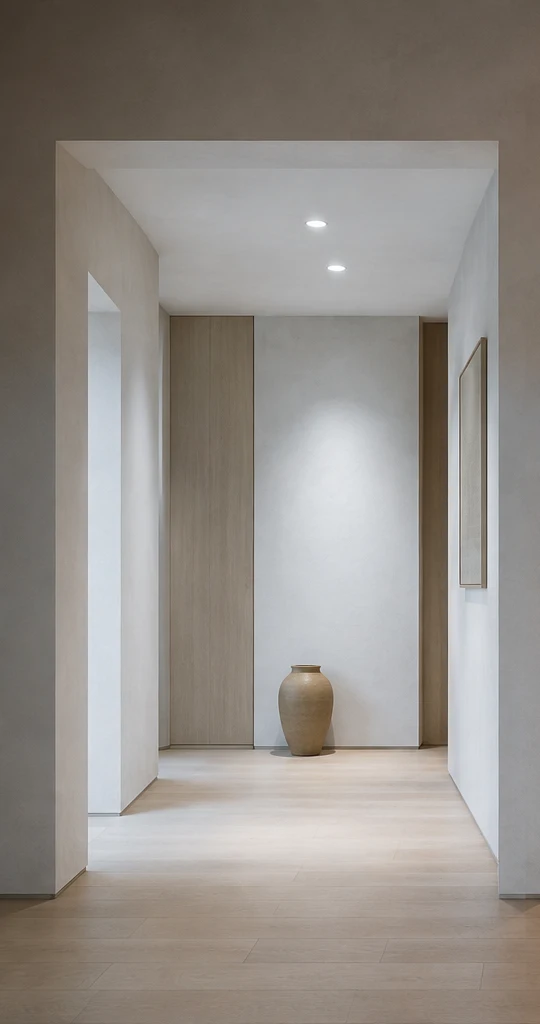
Ambient lighting that opens up the room.
Start with how the room will be used. Select the load and driver alongside luminaire output, quantity and placement. More watts cannot replace a complete lighting design.
Accent lighting that holds your attention.
Use a constant-current luminaire with suitable optics to illuminate wall textures, artworks or a tabletop. Luminaire optics determine beam width; the driver provides matched electrical output and dimming.
Different versions. The same care in selection.
The product photography, five constant-current settings and specifications below apply to the 5–12W version. Check rated output, body dimensions and installation conditions separately for other power versions.
Flux Pro Ord · Surface downlights and bedside pendants
Bring light
closer to everyday life.
A luminaire can be part of the architecture or a quiet everyday object. Flux Pro Ord serves applications such as surface downlights and bedside pendants, bringing driver selection into the same decision as luminaire installation.
A surface downlight for everyday moments.
Changing shoes at the entrance, walking along a corridor, choosing clothes by a wardrobe. A luminaire can remain visible while bringing order through a clear shape and directed light. With Ord applications, consider driver space, wiring, cooling and service access alongside the fitting and its location.
A bedside light that slows the evening.
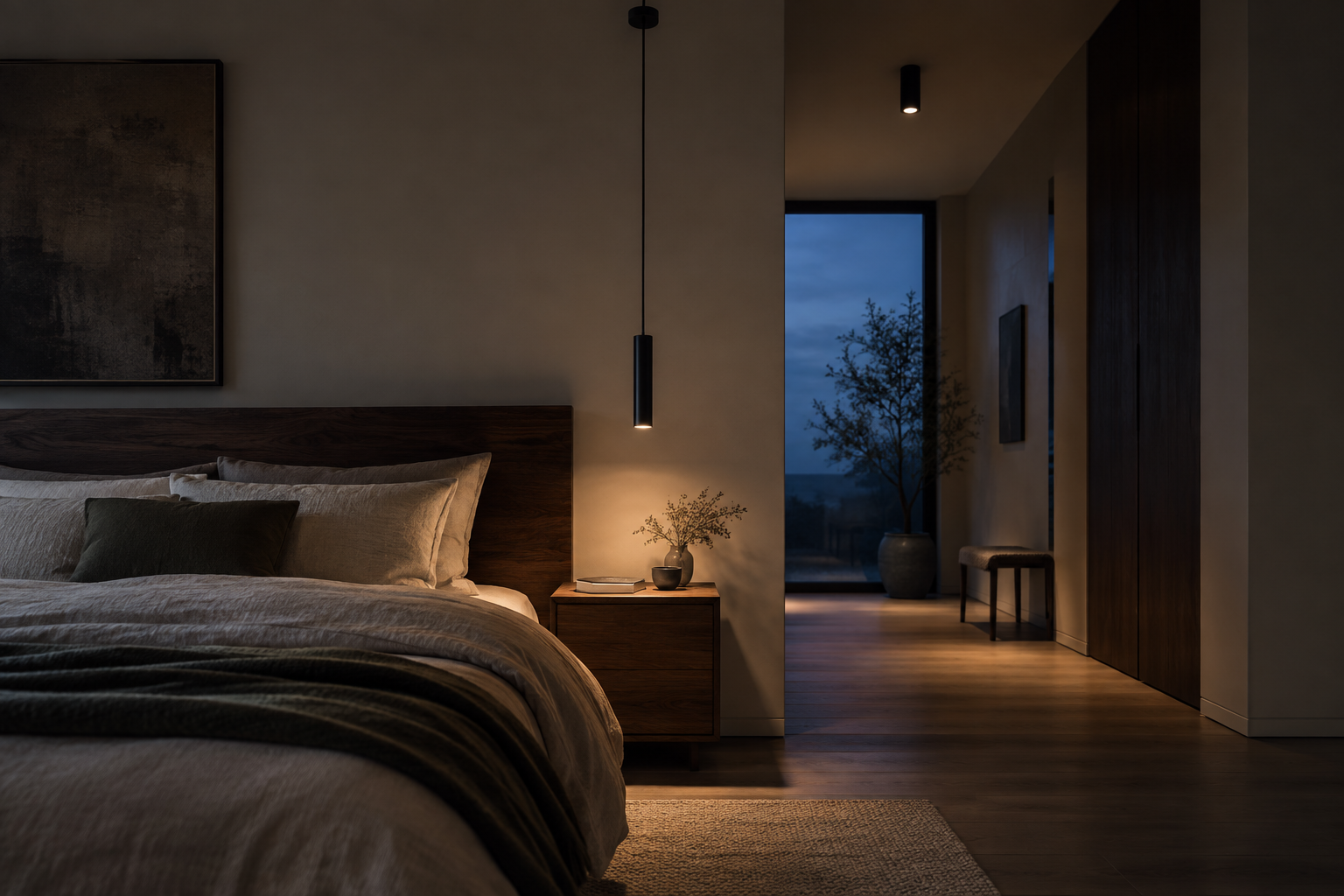
Turn a page, set down a cup, and watch the blue outside deepen. A pendant brings light from the ceiling to the book in your hands, freeing the bedside surface. Select a bedside pendant compatible with Ord and place illumination where it is needed, giving the bedroom gentle layers of light.
Concept interior for lighting inspiration. Ord placement depends on the luminaire structure. Check light-source requirements, driver dimensions, cooling and dimming compatibility before selection.
Flux Nano · Inside 48V magnetic track luminaires
The track leaves a line.
Intelligence inside the luminaire.
You see a quiet line across the ceiling and light falling on a wall or table. Flux Nano fits inside a 48V magnetic track luminaire, keeping the driver part of the lighting system rather than an additional object in the room.
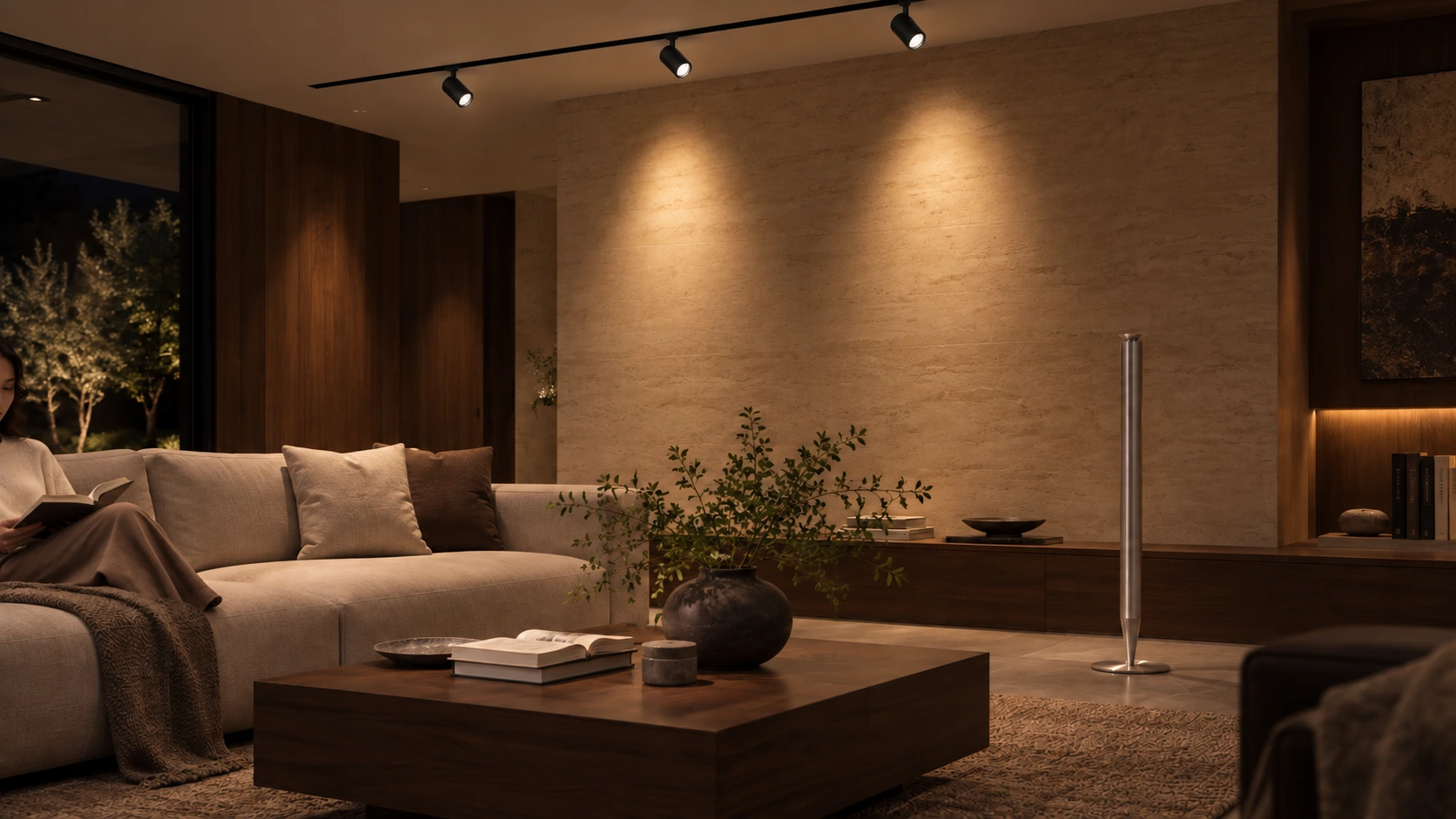
One track. More than one expression.
Light the sofa and table when friends visit, or draw attention to a book and a touch of greenery when alone. Choose the track luminaire for the space, then check that its internal driver and light source are matched. The optics and arrangement determine where the light falls; the driver works inside.
48V describes the track supply.
This does not mean Nano delivers a fixed 48V to every LED, or that the track itself provides smart control. Confirm light-source electrical requirements, dimming functions, installation dimensions and controls for the selected Nano version and luminaire.
Concept track-lighting interior. This does not mean every pictured luminaire has been verified with Flux Nano. A600 is a separate scene accessory. Disconnect power before adjusting, wiring or installing luminaires and follow the relevant instructions.
Flux · 24V constant-voltage LED strips
Light that extends beyond a point.
giving a space room to breathe.
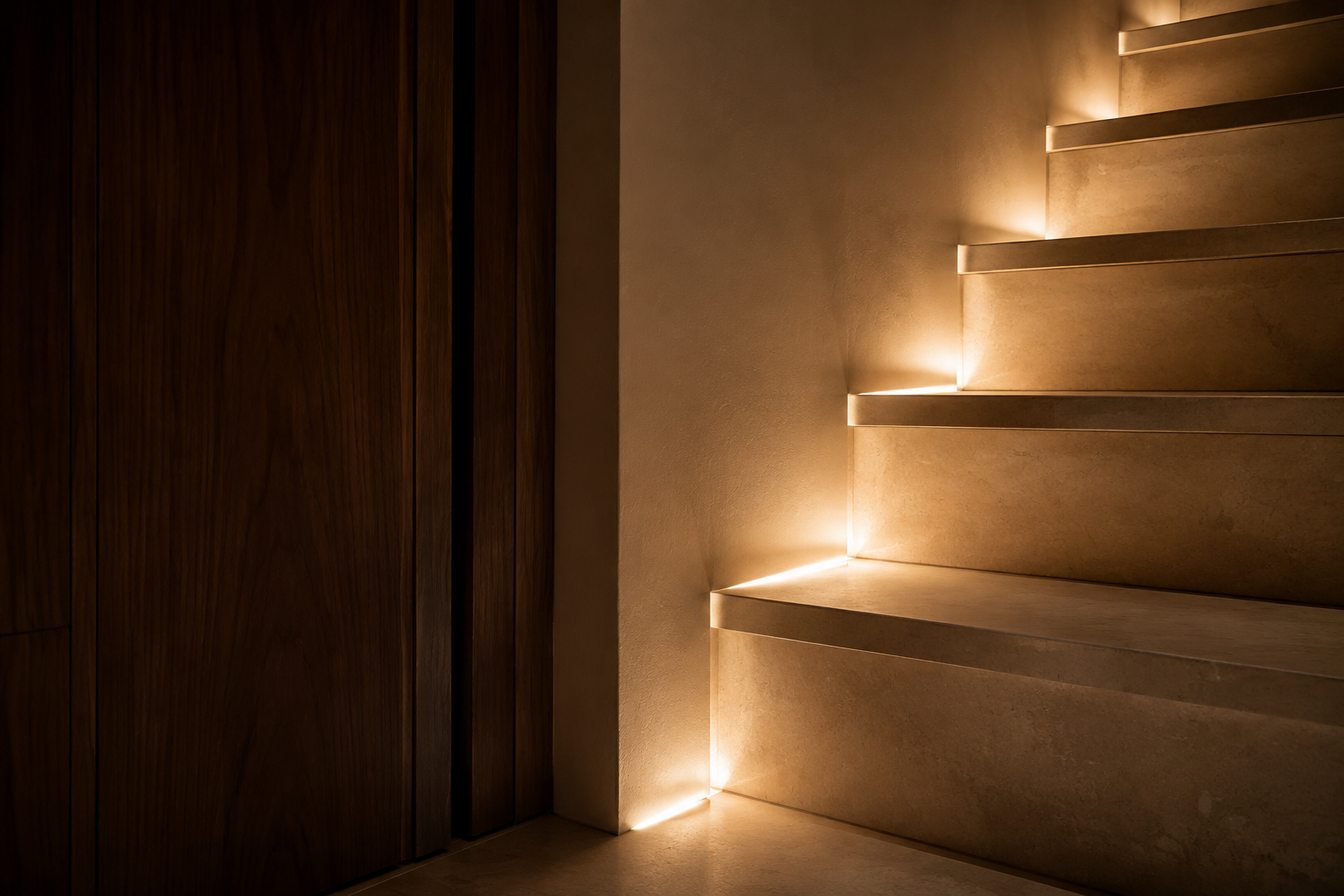
Around a ceiling corner, along a shelf, beneath a bed or at a cabinet edge, a line of light brings gentle definition. Flux serves 24V constant-voltage strips, placing linear light within the architecture.

See the light. Let the fitting recede.
LED strips recede into coves, profiles or furniture, leaving continuous indirect illumination. Light reveals the texture of a wall and gives the space a lighter feel. Concealed lighting still needs suitable space for the driver, wiring, cooling and future maintenance.
Different lengths. Different loads.
From a bookshelf to a ceiling recess, strip power per metre and installed length together determine total load. Match the Flux version to the 24V rated voltage, output channels, total power and current per channel, then plan supply distance and voltage drop. A shared 24V rating does not make all strips and control channels interchangeable.
Concealed linear lighting · Webpage simulation
A little light
for a favourite corner.
Move the slider to explore concealed lighting. The percentage is a webpage brightness simulation, not a measured Flux dimming range. Confirm actual functions for the selected version and strip.
From the light you want to the driver it needs
One home.
Let every kind of light find its place.
Four application types, not four interchangeable power supplies. Check the luminaire supply and installation before choosing controls and atmosphere. The right match comes first.
| Driver | Intended applications | What to check | Explore more |
|---|---|---|---|
| Flux Pro | Constant-current luminaires with different power requirements | Rated current, operating voltage, power version and tunable-white light-source matching | Constant-current selection ↓ |
| Flux Pro Ord | Surface downlights, bedside pendants and related applications | Internal structure, driver space and electrical matching | Product details ↗ |
| Flux Nano | Built into 48V magnetic track luminaires | Track supply, internal luminaire space and light-source requirements | Product details ↗ |
| Flux | 24V constant-voltage LED strips | Strip voltage, channels, length, total load and supply distance | Product details ↗ |
Identify the light source.
A constant-current LED or a 24V constant-voltage strip? A surface-mounted fitting or a driver inside a 48V track luminaire? Lights can require very different drivers.
Check the installation.
Leave enough room for the driver and wiring, and check cooling, service access and wireless communication. A small body does not replace checking dimensions and installation conditions.
Plan your everyday scenes.
Plan brightness, white tone and scenes around the functions of the specific model and your home platform. Flux Pro side-button reset, DIP switches and specifications do not automatically apply to other family members.
Light lab · Web simulation
The light of this moment,
is yours to choose.
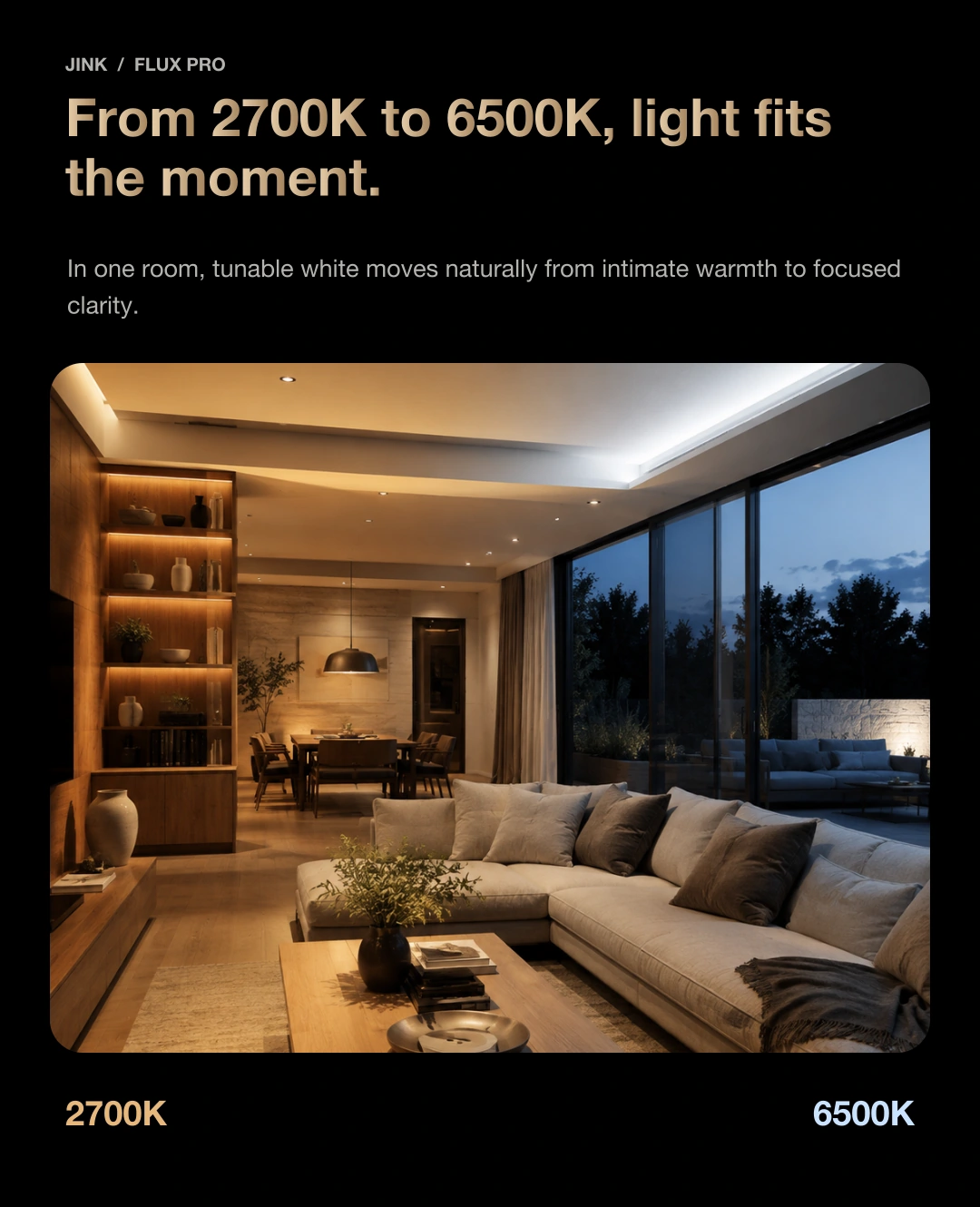
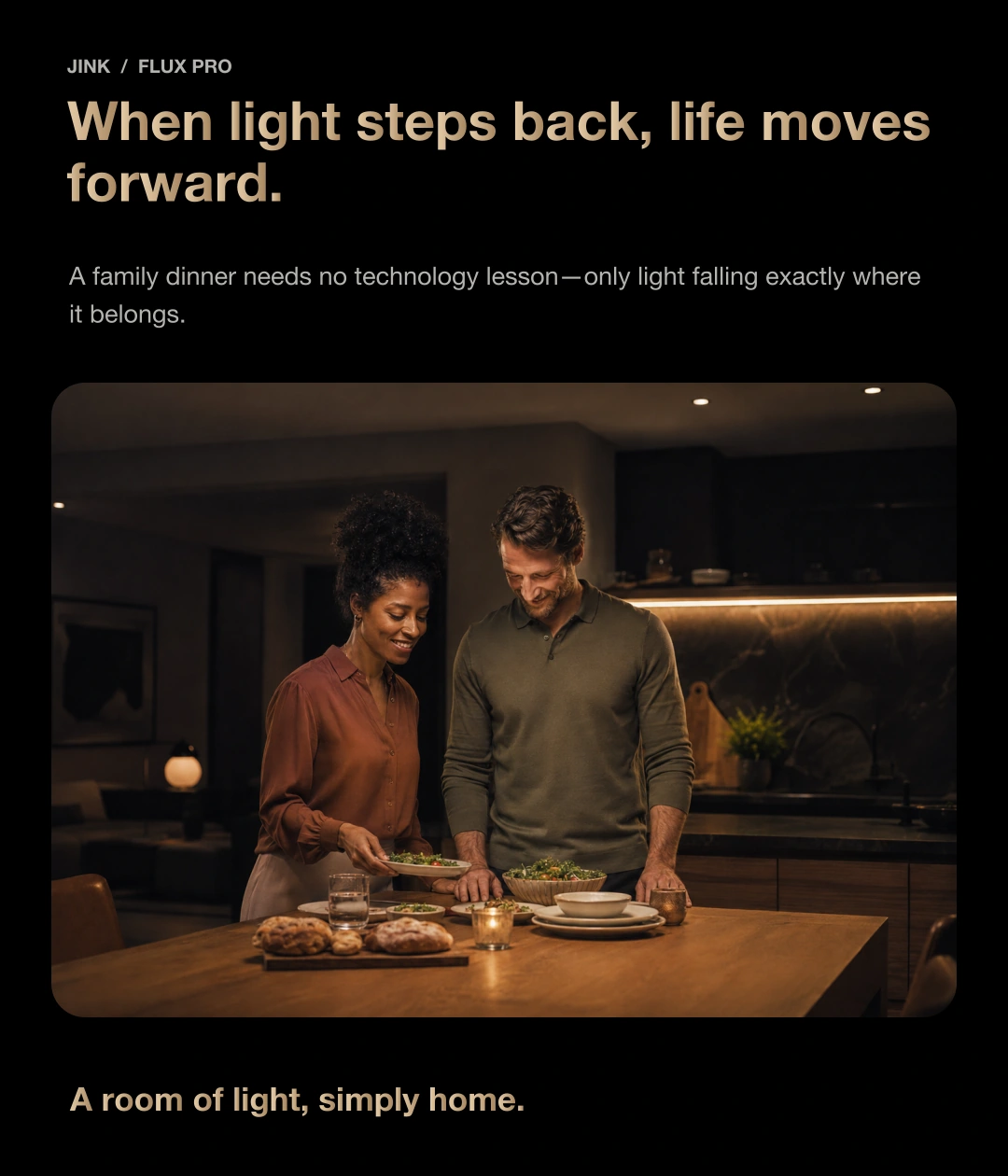
Adjust brightness and white tone to see light change across walls, wood and leaves. Warm for dinner, clear for reading: a different light for every moment.

Find the light you love, and stay a little longer.
Light throughout the room.
at your fingertips.
Screen simulation only; it does not control real devices. Actual colour and brightness depend on the matched fixture, installation and display. This is a tunable-white driver, not an RGB driver.
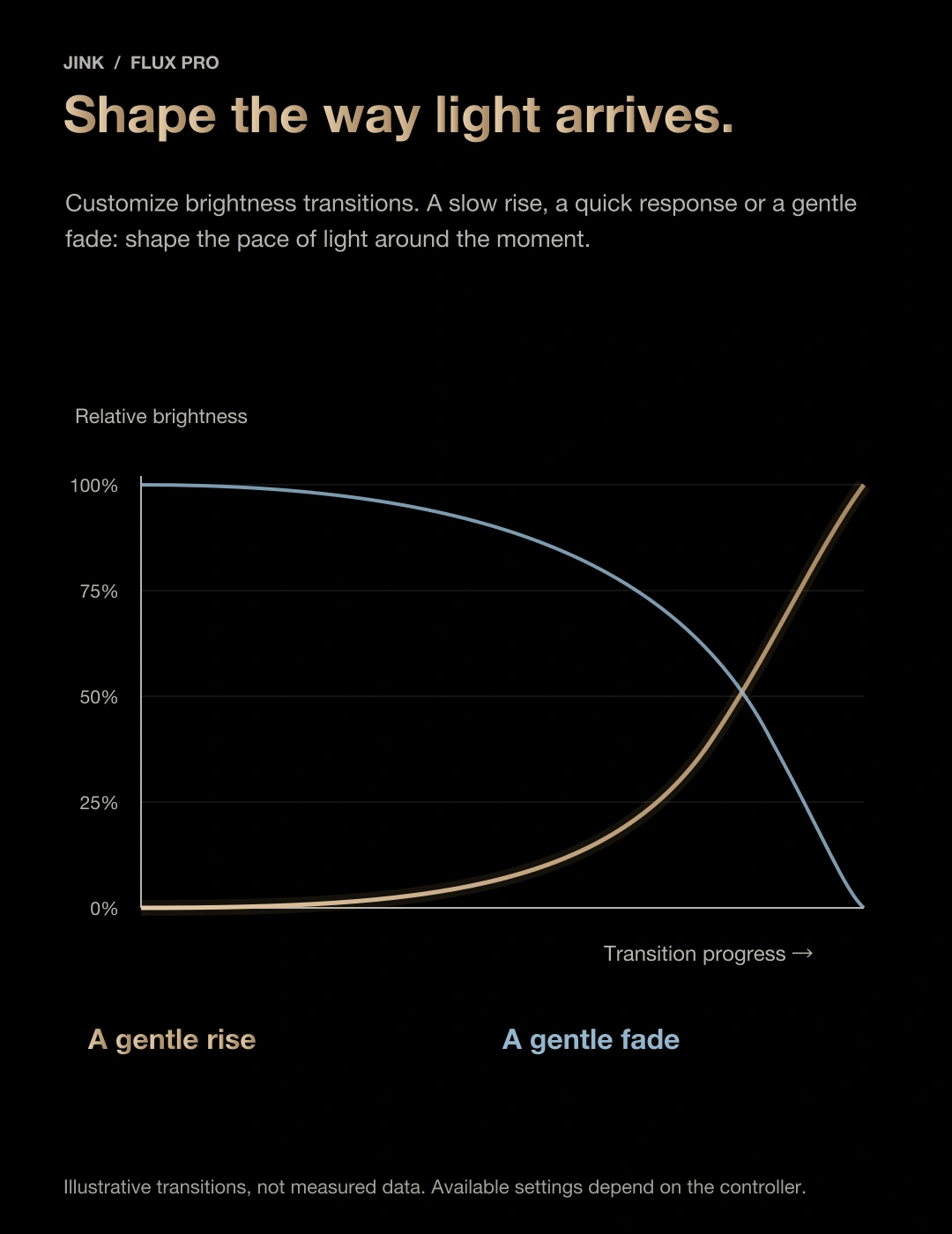
Custom dimming curve
A gentle arrival.
as light gradually arrives.
From a quiet glow, the wall’s texture gradually comes into view. Let light arrive gently and fade softly, at a pace that suits your day.

Curves and durations are for this web demonstration only. They are neither measured performance curves nor confirmed device settings. Actual transition options depend on the device and platform.
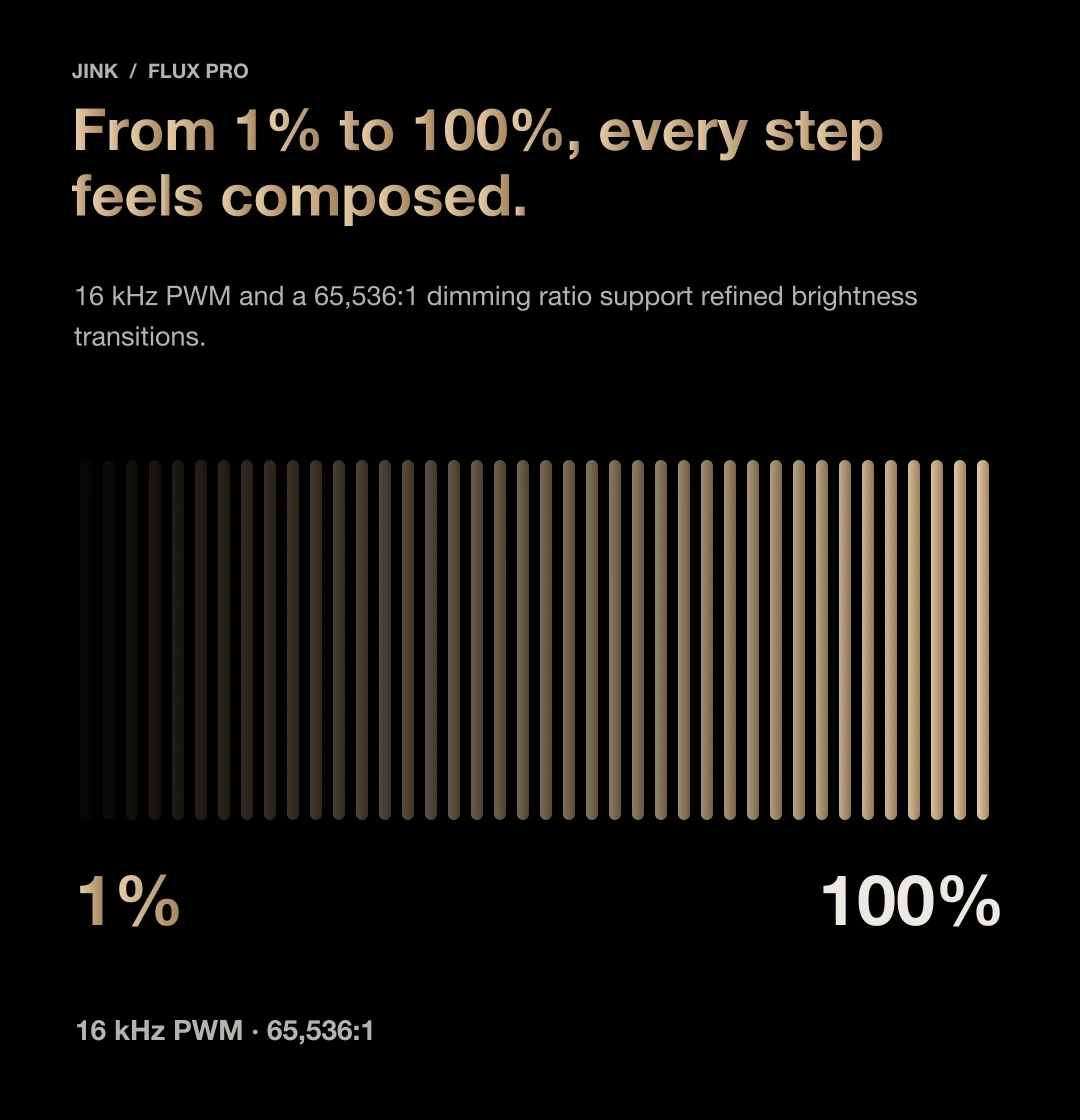
Finer changes in brightness.
Low-light performance depends on the selected LED light source.
Lighting through the day
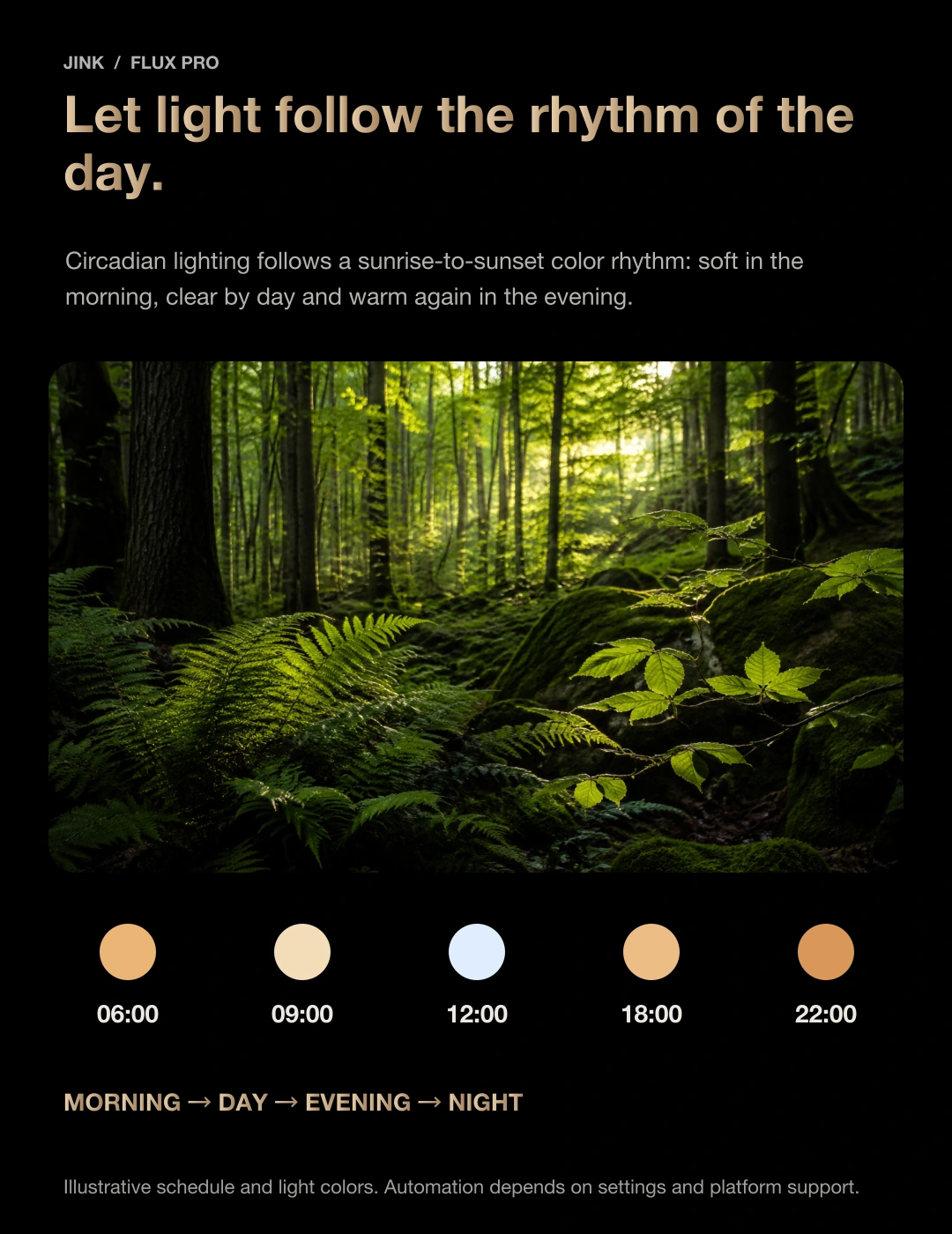
Let the day’s light
follow your own rhythm.
Wake gradually, keep daytime clear, then return to warmer light in the evening. Schedule white tone and brightness around your routine.

06:00
Wake gently with the light.
3000 K · 35%
Example daily routine. Schedule and rhythm settings must be configured on a platform that supports them; the webpage time is not sent to real devices.
Independent light control
One light.
Perfectly balanced.
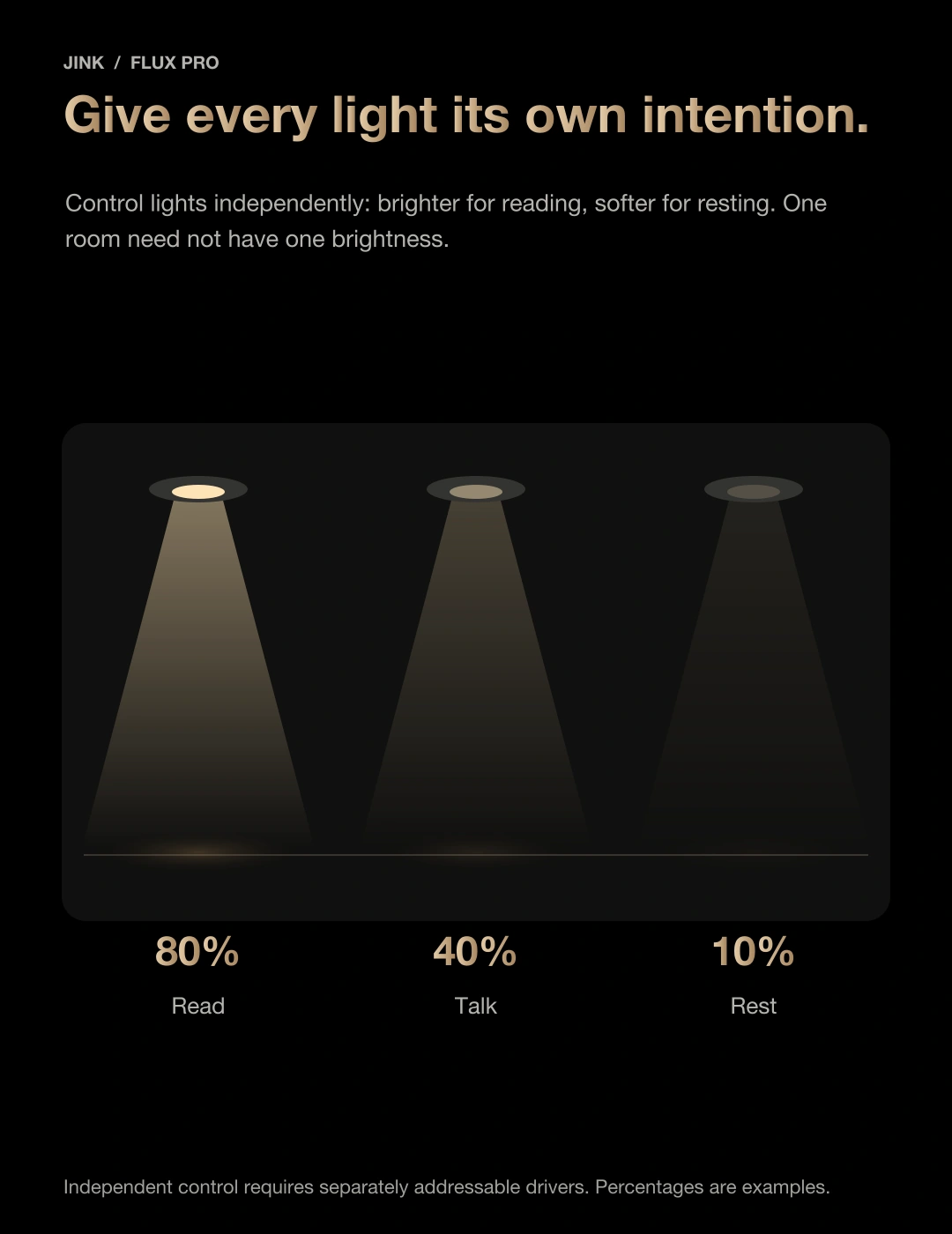
Give each light a purpose. Keep the desk clear, the wall soft and a quiet glow in the corner. The whole home need not brighten at once.
Click a fixture to try independent switching. Each independently controlled light requires its own suitable driver. This illustration does not mean one Flux Pro independently controls three lights. Match each LED source to its driver.
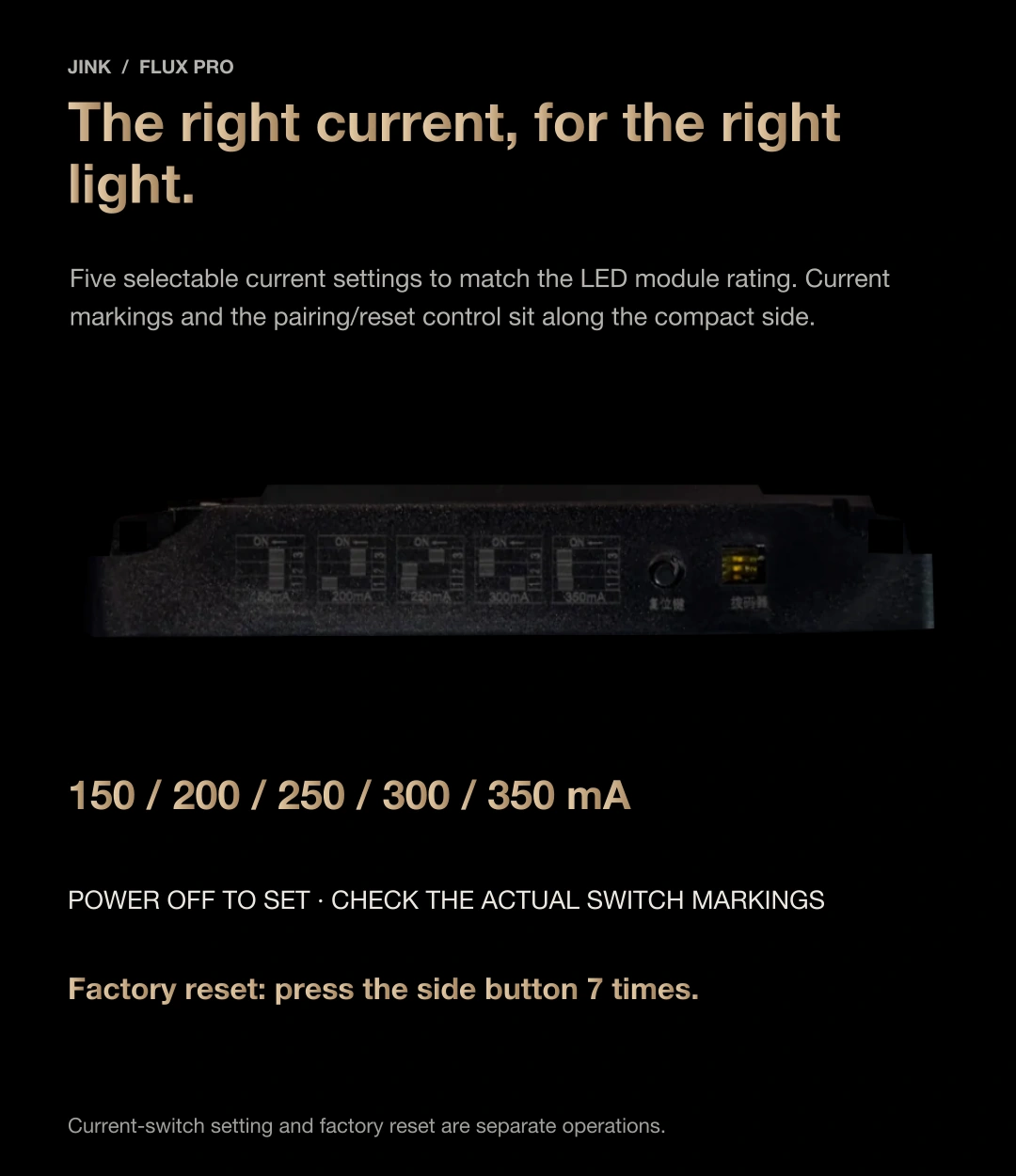
Side DIP switch · 5–12 W version
Match your light,
It starts with current.
The DIP switch selects the constant-current setting required by the LED. Power depends on current and operating voltage; these are not fixed-wattage settings.
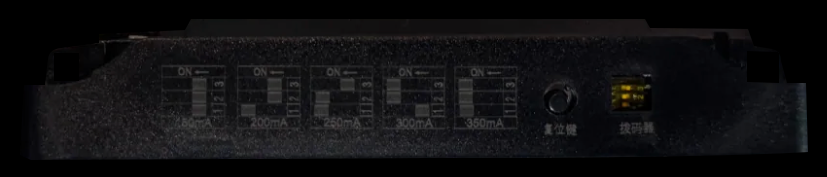
Select a current setting to understand the power relationship.
Select a current setting here to try the calculation; this does not remotely change the DIP switch. Follow the physical device’s printed ON/OFF combinations. Disconnect power and have a qualified professional make adjustments.
W
Within the 5–12 W range. Check the LED’s rated current and operating voltage as well.
The calculated value is not a guarantee of rated output. Do not increase current to make an incompatible LED brighter. If the power falls outside the version’s range, choose a different LED and driver combination.
factory reset
The side button.
Seven presses. Factory settings.
Use the round button on the side,
Use the round button, not the DIP switch on the right.
Learn its position and the number of presses here.
Click the round button in the image or select “Simulate one press” on the right.
This demonstration only counts presses. It cannot connect to, remove or reset devices in your home.
Ready to try: press the side button seven times.
To reset the physical device, press the side button seven times; do not hold it for seven seconds. Reset only when needed, and avoid touching input/output terminals or exposed wires.
Precision behind the light.
Connections made clear.
A clear, open space.
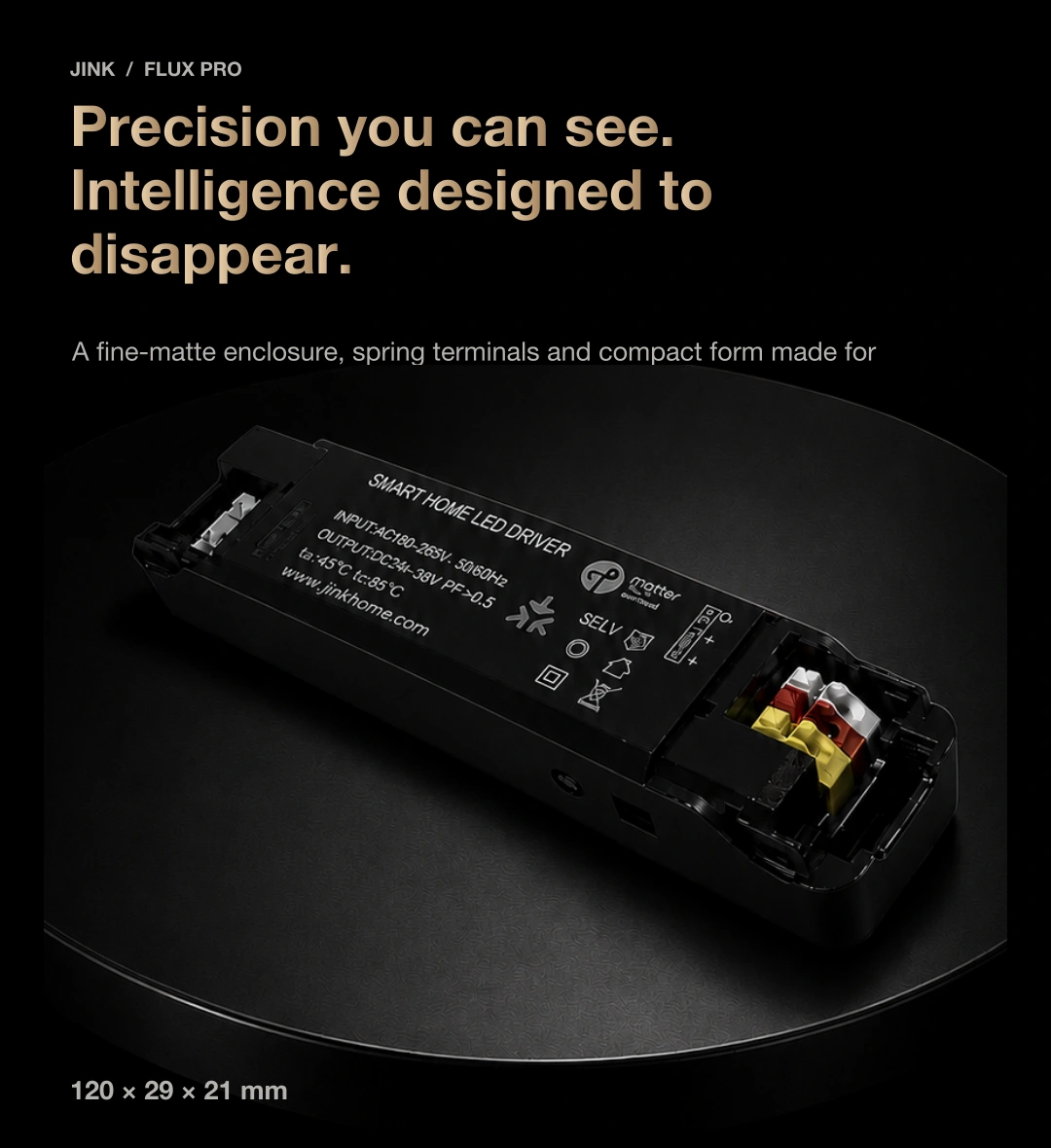
A compact body, clearly separated terminals and side controls. Plan the fixture, electrical connections and service space together, leaving room above the ceiling and in everyday life.
A partner for constant-current LEDs
For compatible single-white or tunable-white constant-current LEDs. This is not a general constant-voltage supply for connecting arbitrary 24 V LED strips.
120 × 29 × 21 mm
Dimensions shown are for the 5–12 W version. Do not assume other power versions use the same enclosure.
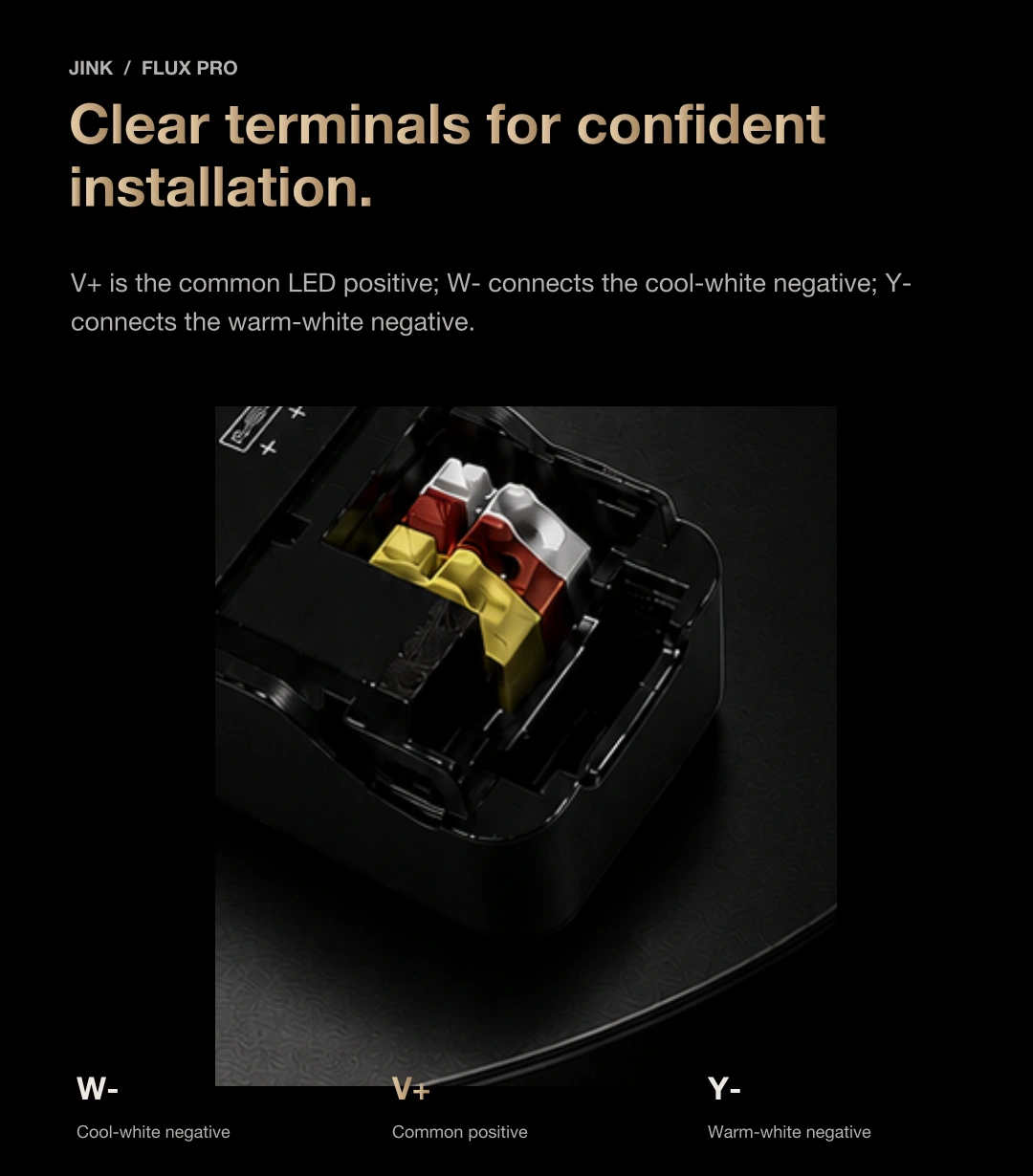
Separate outputs for warm and cool white
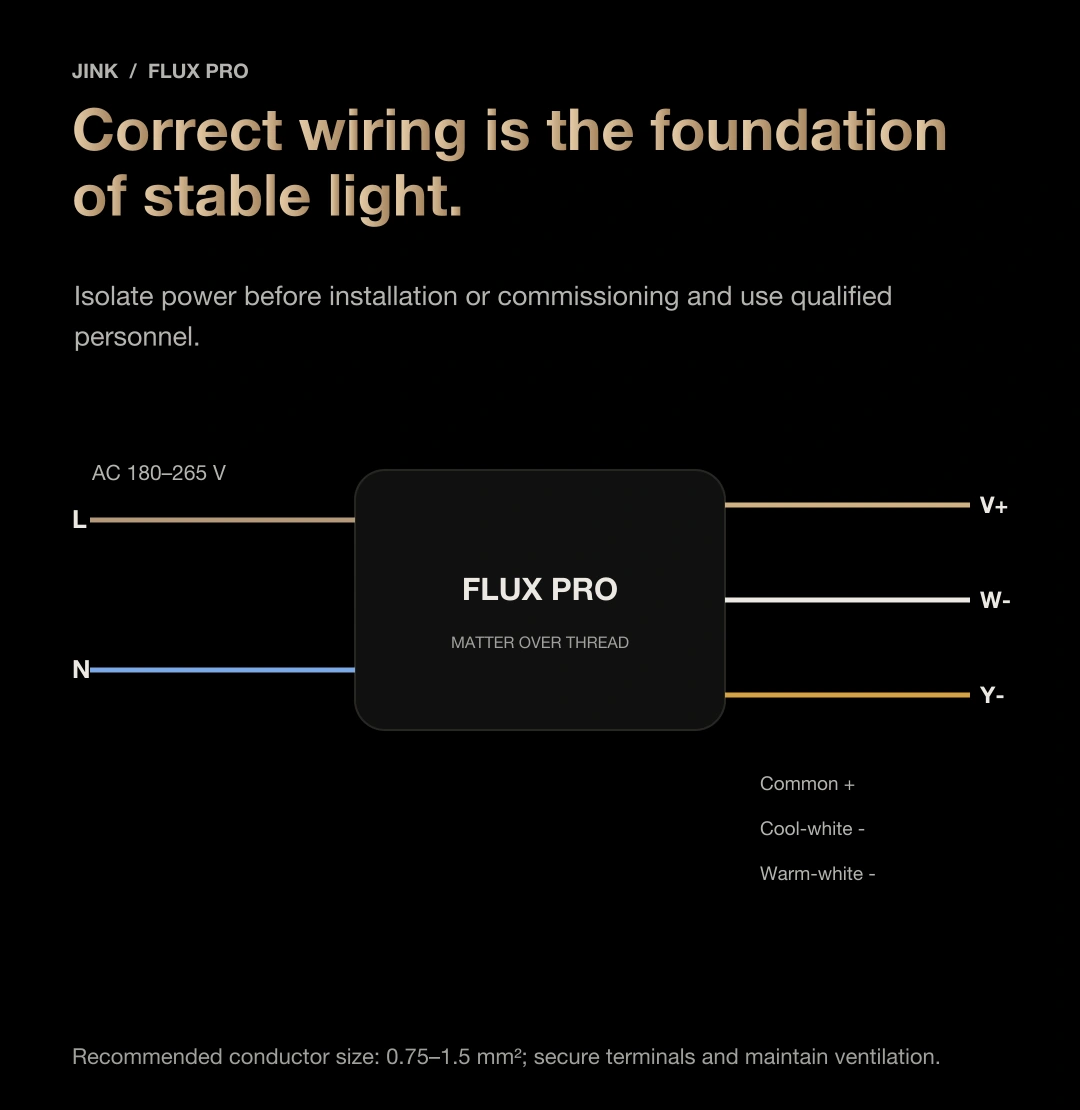
V+ is common positive, W− is cool-white negative and Y− is warm-white negative. Verify terminal labels against the relevant wiring documentation; do not wire by colour alone.
iPad · Home lighting control
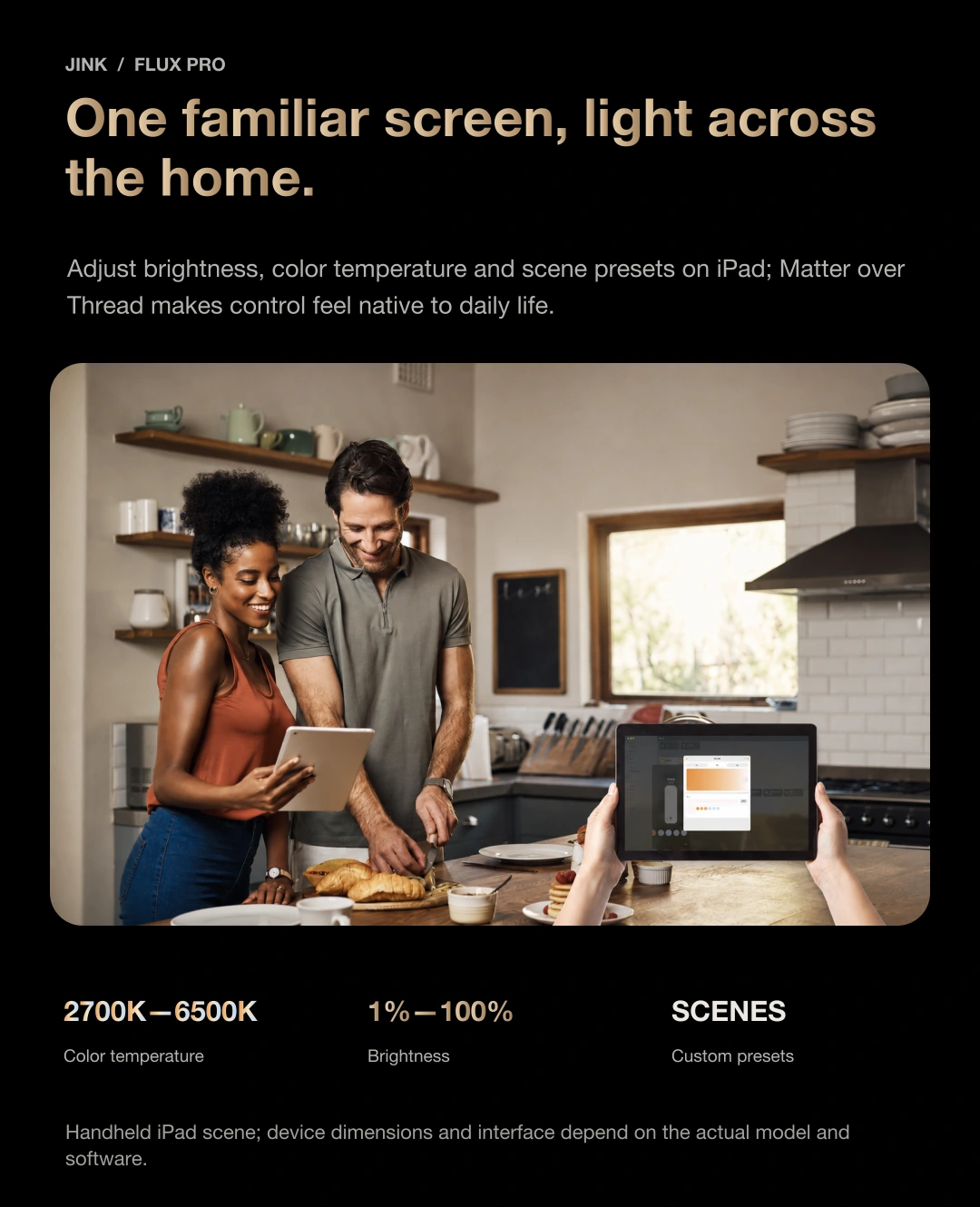
A familiar screen.
Light for the whole home.
Adjust brightness, white tone and scene presets from your everyday screen. Leave warm light for dinner and clear light for reading.

Control through a compatible home platform and network. The iPad is an interface; it does not replace the required Matter controller and Thread border router.
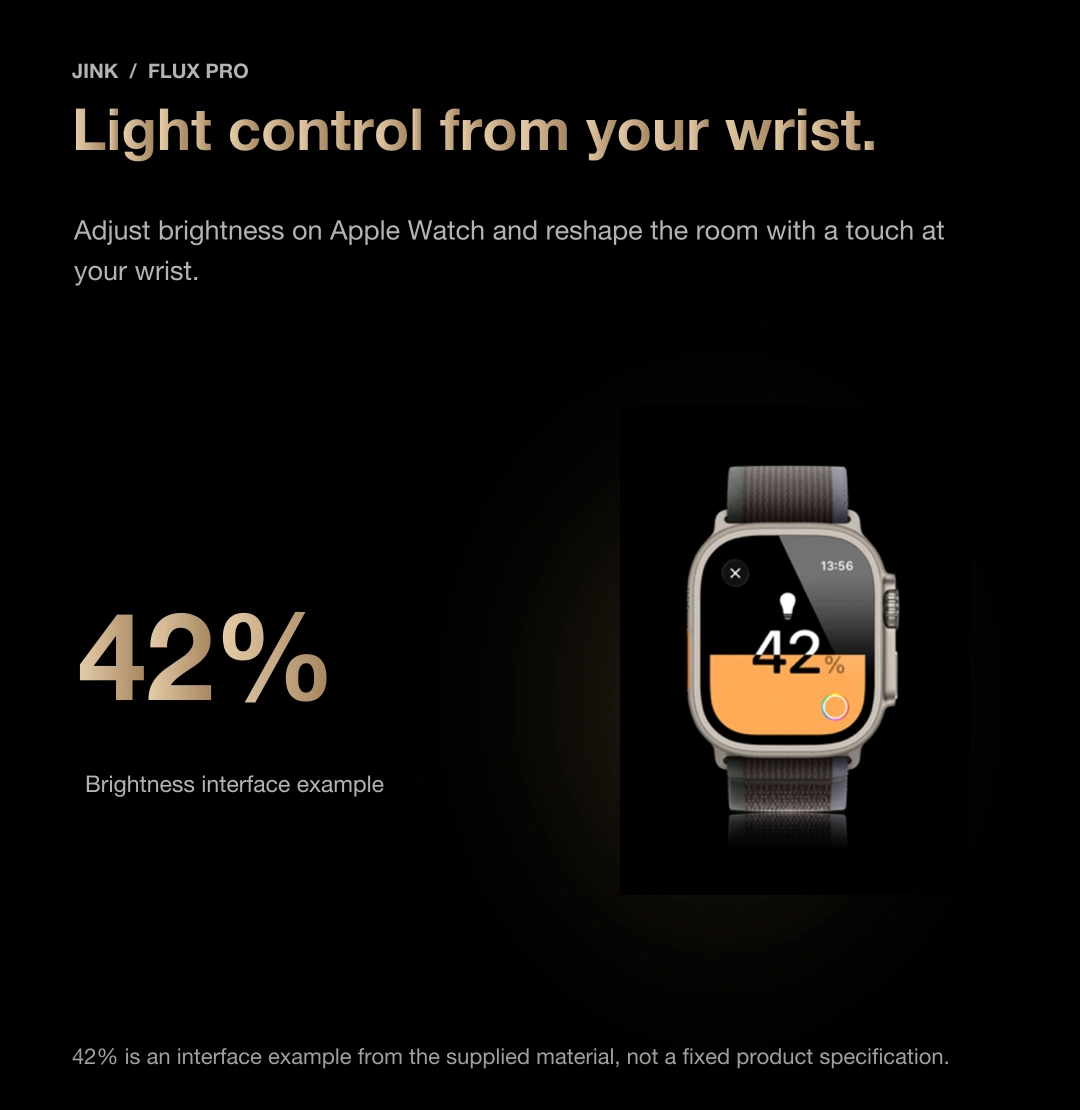
Apple Watch · Light control on your wrist
Stay comfortable.
Find your favourite light.
At a favourite page, raise your wrist and soften the light. Keep reading in comfort.
Use wrist controls through a supported home platform. The watch is not a Thread border router; 42% is an example interface value.
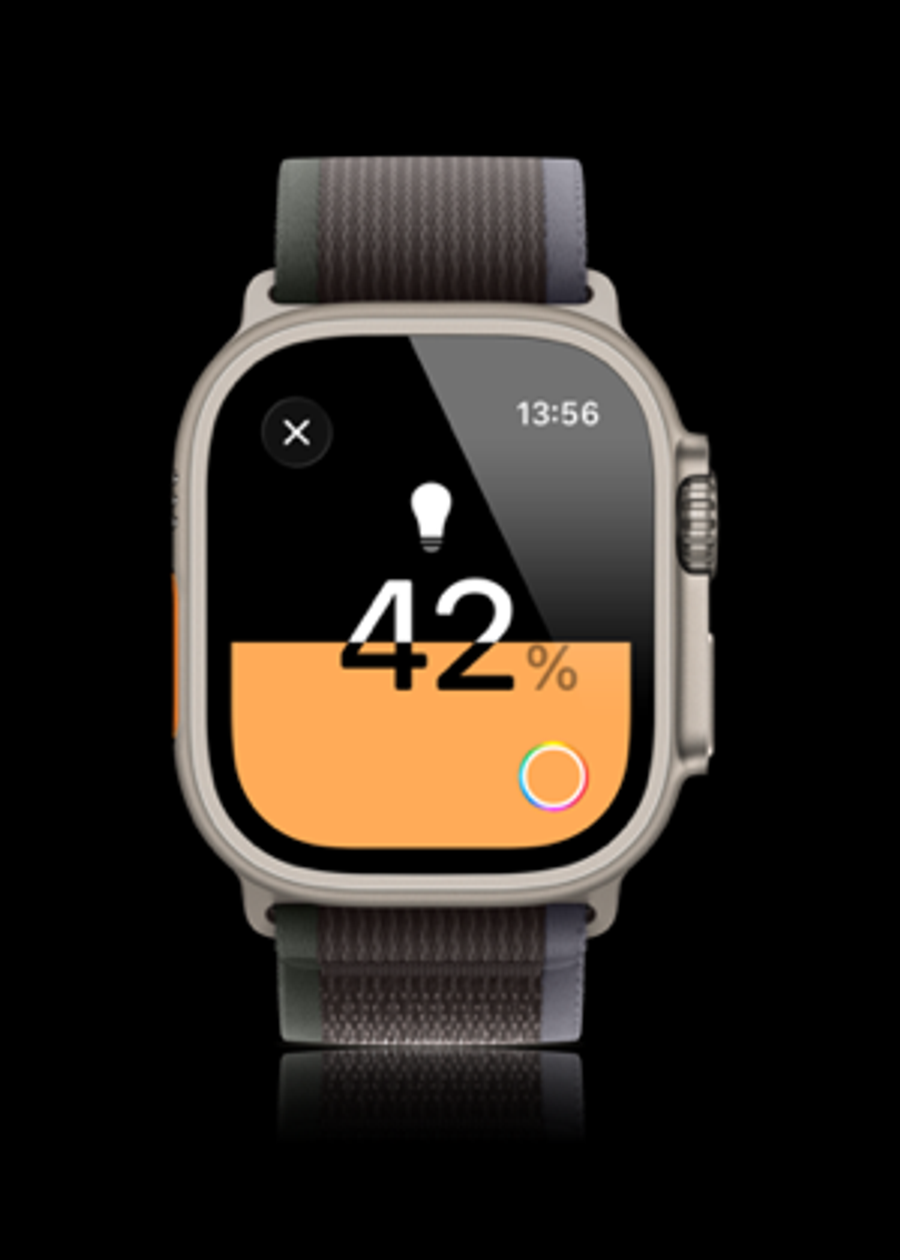
At the heart of JINK · Open connectivity
Matter。
Bring light into your home.
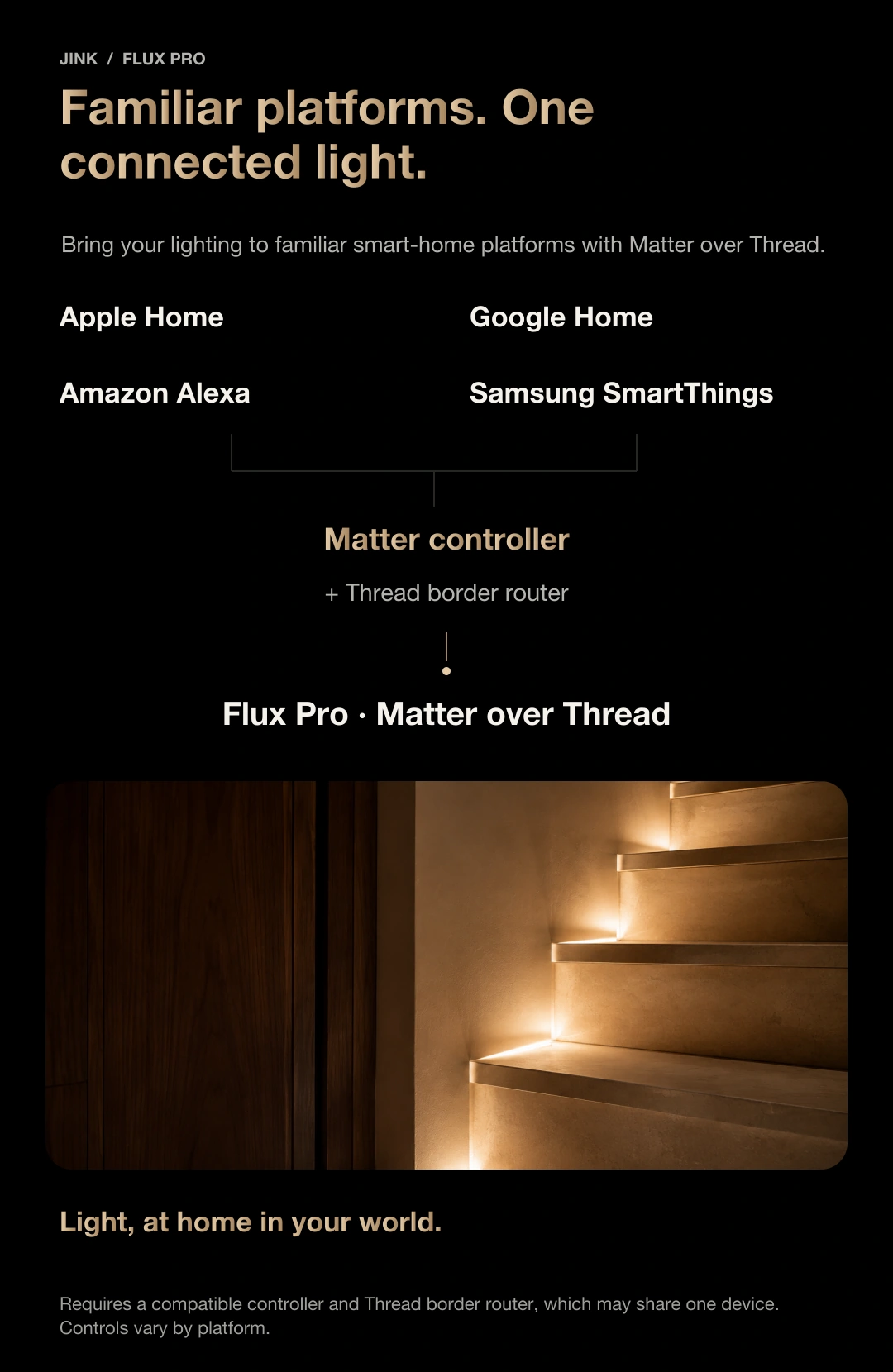
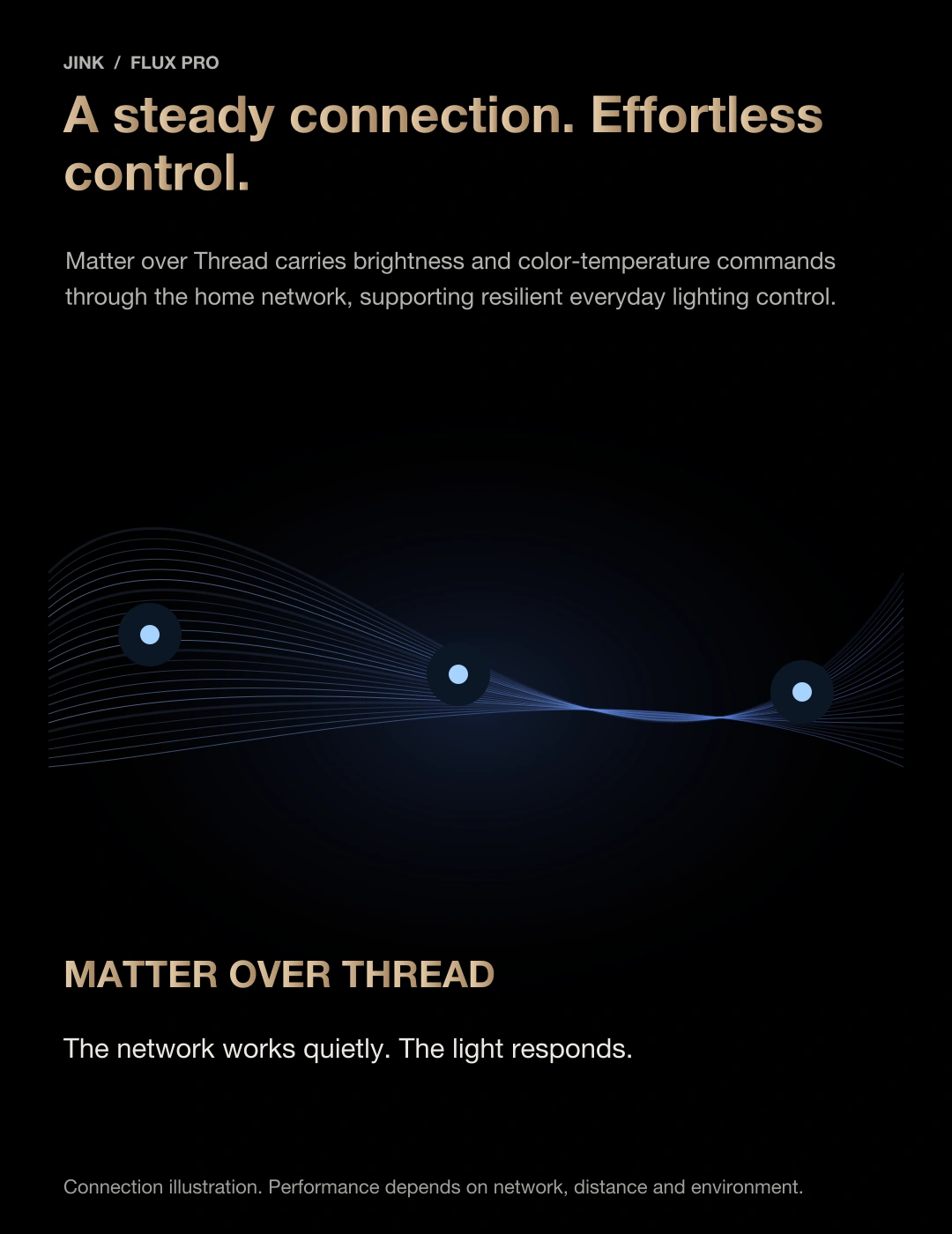
Matter is an IP-based smart home connectivity standard. Flux Pro uses Thread to connect your lighting driver to compatible ecosystems, so you can keep your preferred controls.
border router
Make lighting part of everyday life with the Home app.
Add Flux Pro to a compatible Apple Home setup to manage supported lighting functions in the Home app. A suitable home hub and Thread network are required.
Explore Apple Home ↗Your platform sends the command. Flux Pro turns it into light.
Connection illustration only; it does not connect to real devices.
Choose a compatible platform
Apple Home, Alexa and SmartThings are supported ecosystem options. Google Home is shown as an example Matter platform; available device types and functions depend on platform support.
Prepare your Thread network
A compatible Matter controller and Thread border router are required; both roles may be integrated in one device. Remote access also requires a suitable online hub and platform configuration.
Connect multiple platforms
Matter’s multi-admin feature lets a device join multiple compatible platforms. Sharing options, scenes and available controls vary by platform.
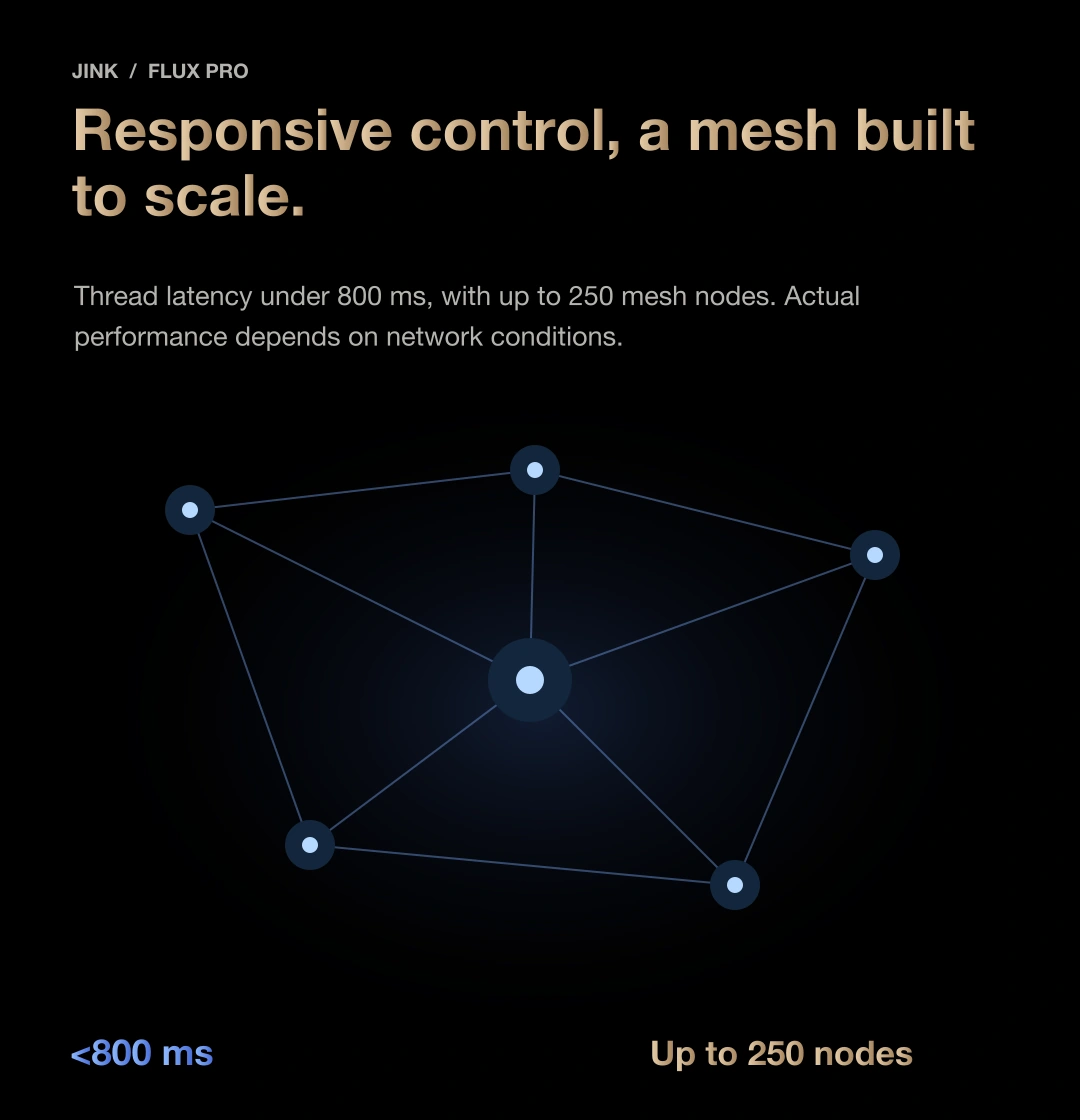
Thread mesh network
Connections throughout the home.
Light that responds gently.
Commands travel through your home’s Thread network. Position the driver with wiring, ventilation and wireless reception in mind, planning the system and room together.
Thread response latency
Maximum supported mesh network size
Reliable performance starts with a complete plan.
Actual response and network capacity depend on the controller, device mix, distance, obstructions and interference. Avoid enclosing the driver in metal that restricts wireless communication.
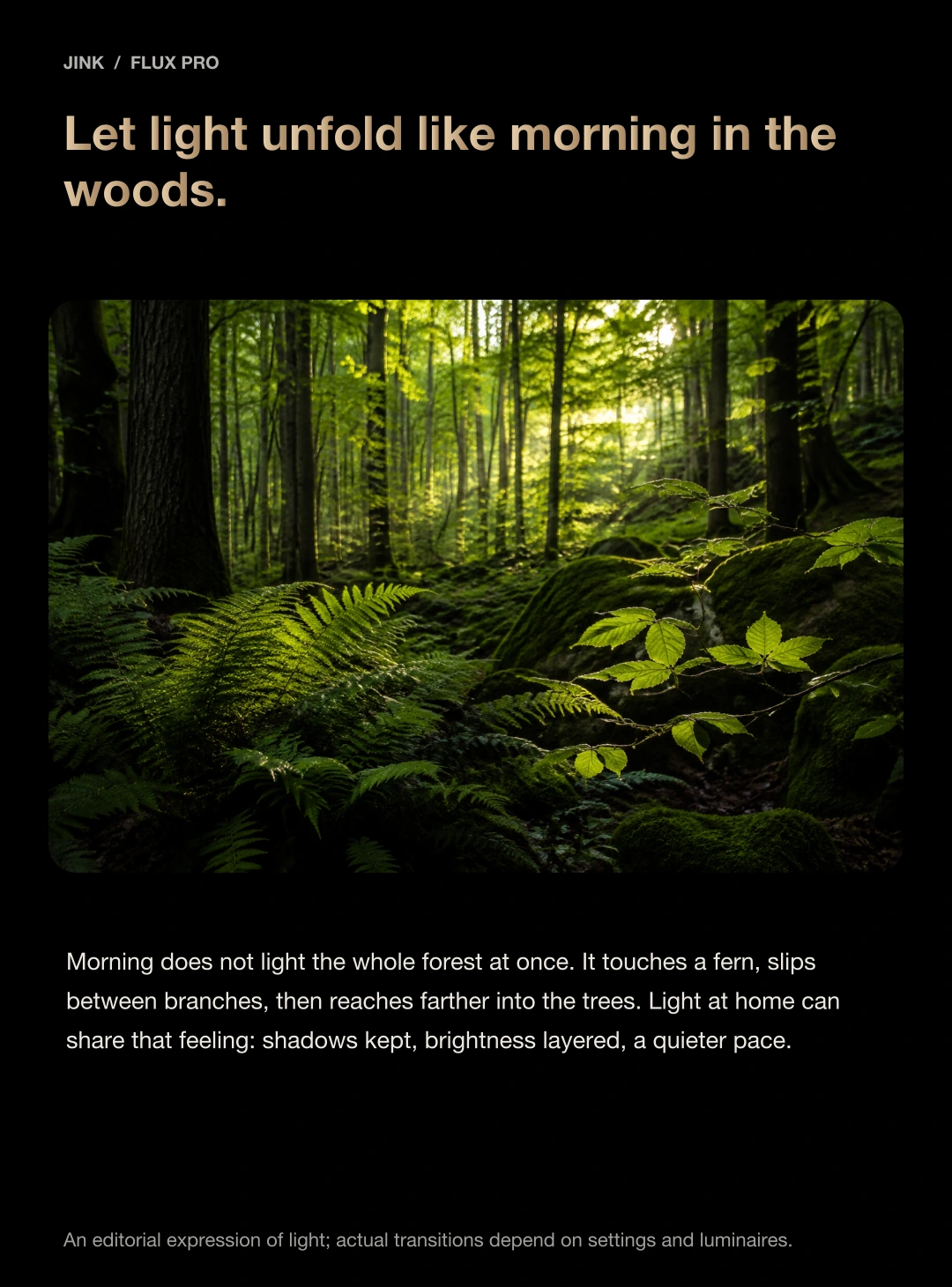
Leave a little light for nature.
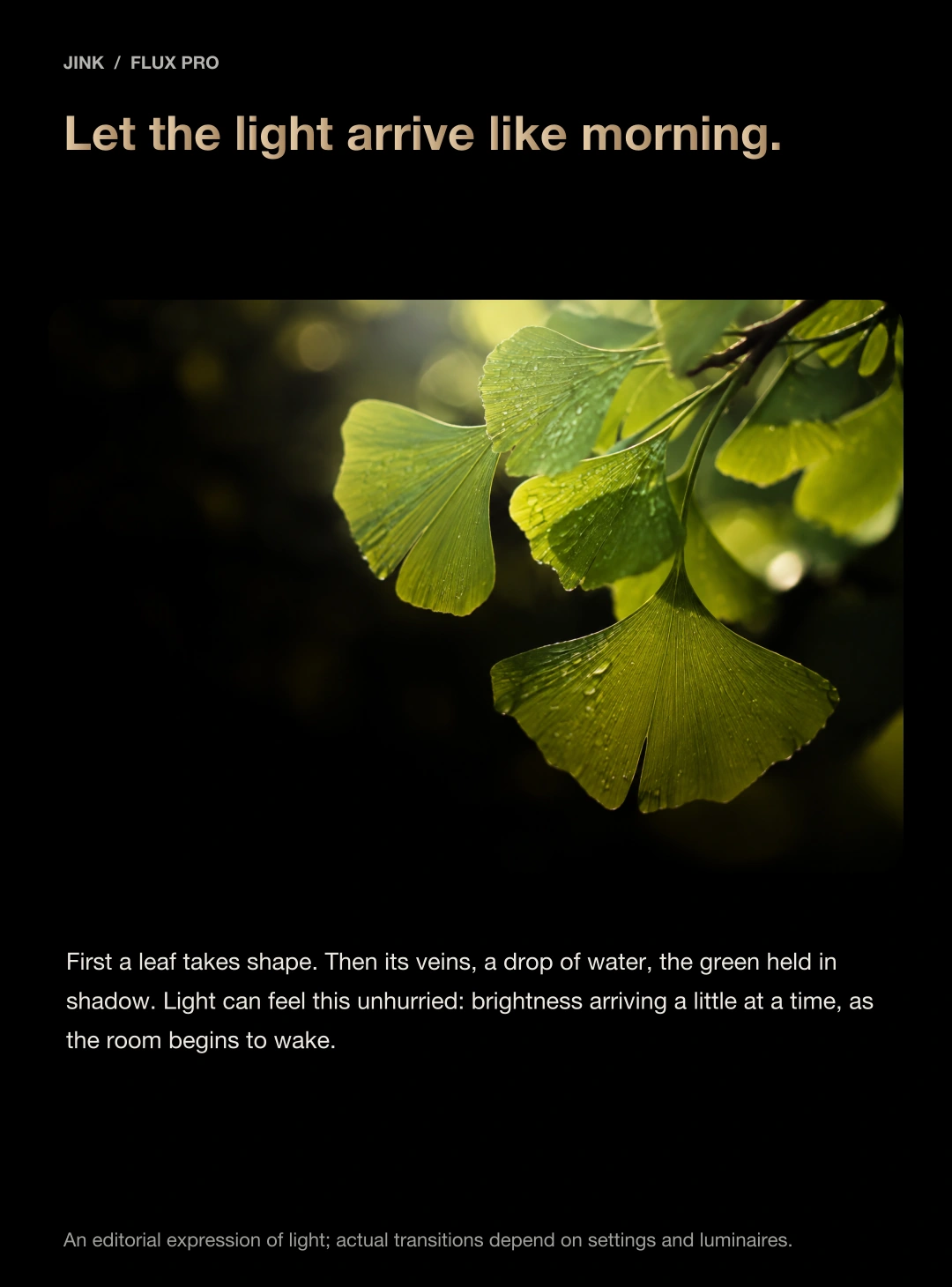
See the layers of a leaf.
Bring everyday details into view.
A green leaf, a grain of wood, a page waiting to be turned. Light quietly brings the things you love into view.

Make room for life with JINK.
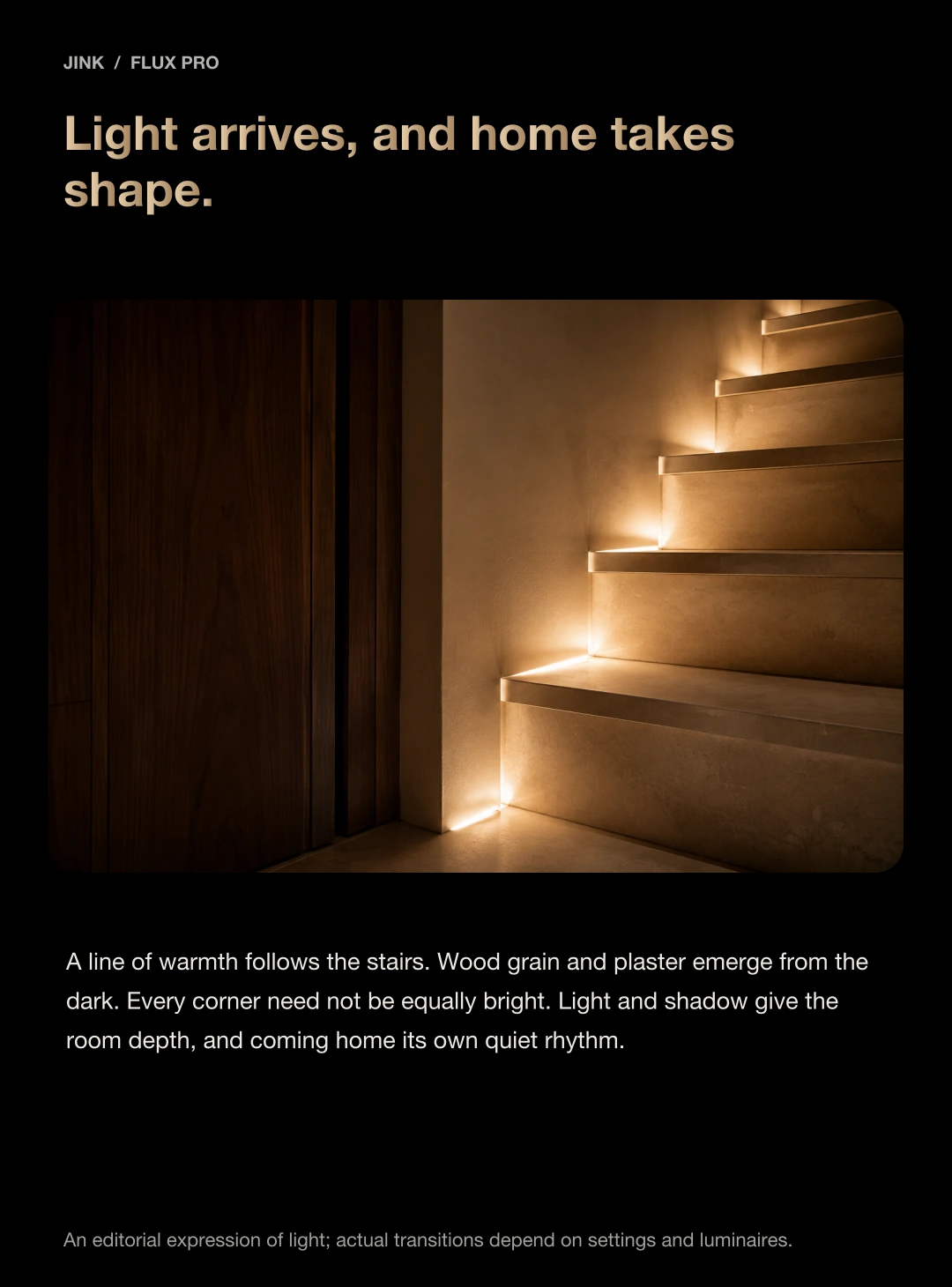
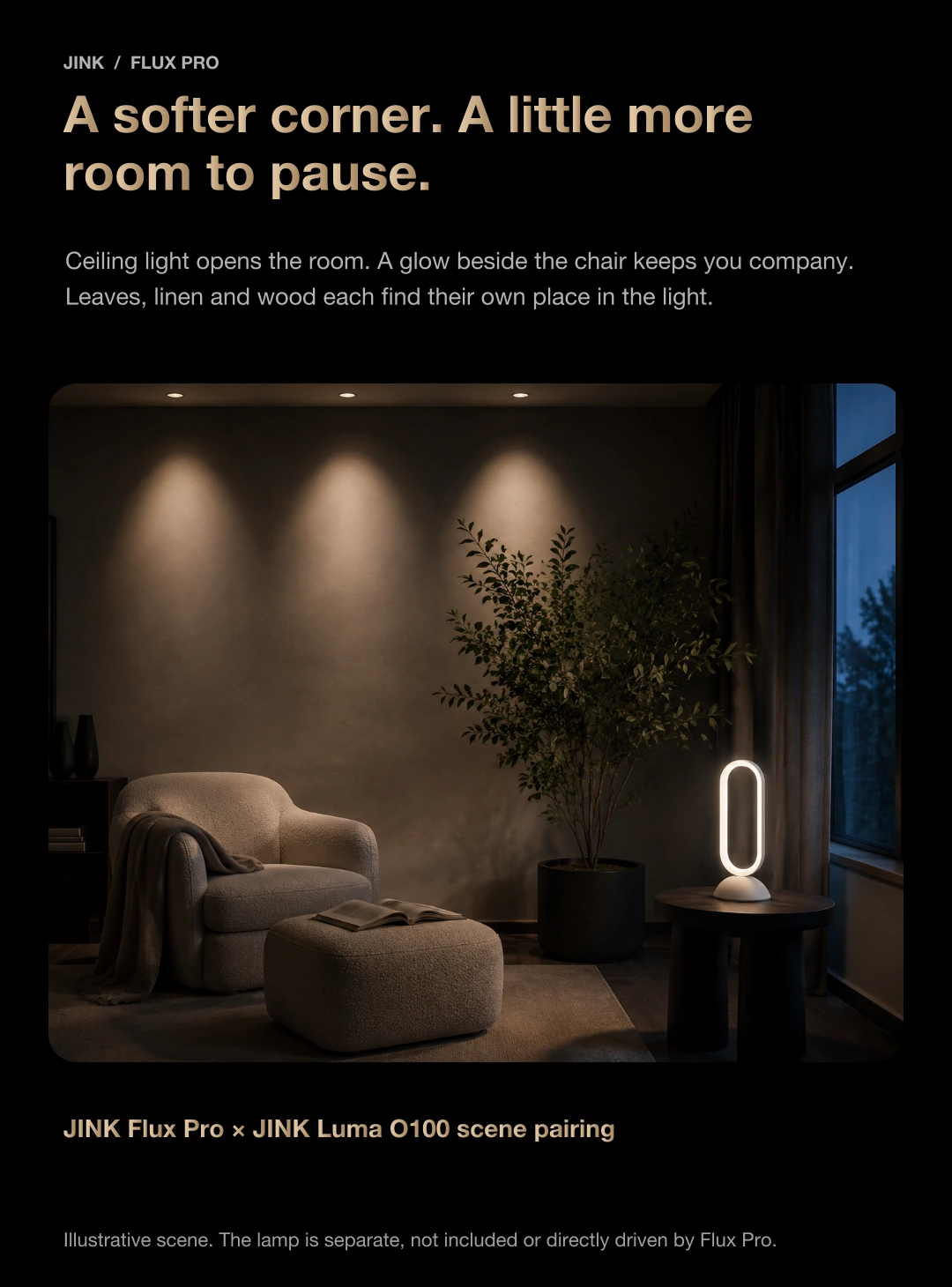
Light for architecture.
Gentle light, close at hand.
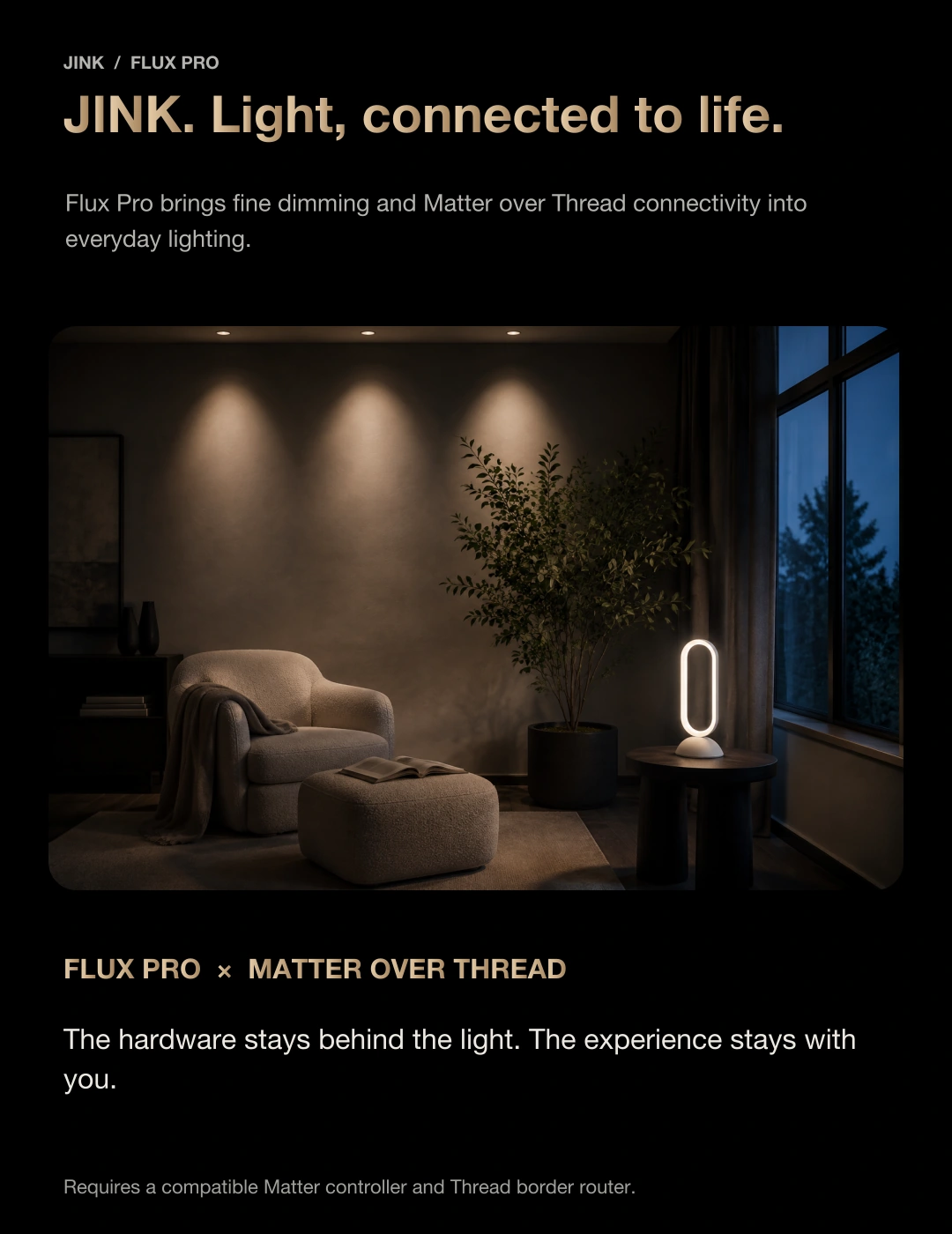
Flux Pro sits behind a compatible fixture, while Luma O100 stands beside your reading chair. Each light plays its part, adding depth and balance to the room.

Luma O100 is a separate product. It is neither driven directly by Flux Pro nor included with the driver.
Make good light work.
Plan the installation
Considered throughout.
Match electrical specifications before planning the location and network. Have a qualified professional complete mains wiring, output connections and DIP-switch adjustments using the applicable documentation.
Disconnect power before installation or adjustment
Disconnect the input supply and verify it is de-energized before wiring or changing DIP settings. Match the LED’s rated current and operating voltage to the driver version. Never plug, unplug or alter wiring while powered.
Allow room for cooling and servicing
IP20, for dry indoor environments. Keep heat-dissipation areas clear and avoid locations exposed to water, damp or excessive temperatures.
Protection features do not replace correct installation
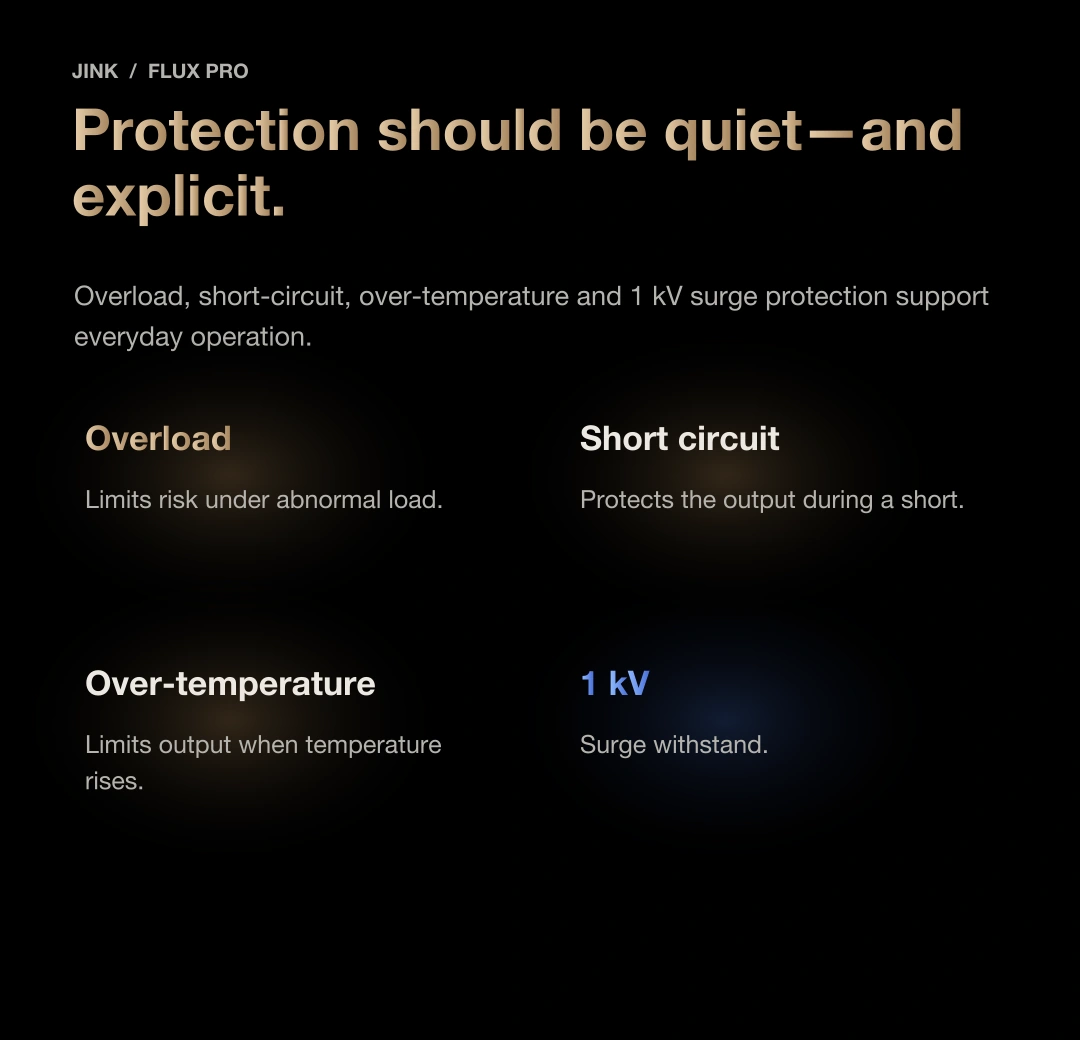
Overload, short-circuit and overtemperature protection, with 1 kV surge immunity. Installation conditions, wiring and the selected model's operating requirements must still be met.
Before you choose,
What else would you like to know?
Does the DIP switch set power or current?
The DIP switch selects constant-current output. The 5–12 W version offers 150 / 200 / 250 / 300 / 350 mA. Estimate LED power as operating voltage × current. The LED’s rated current and voltage must match the driver’s power range; wattage alone is insufficient.
Do I hold the button to restore factory settings?
Press the round side button seven times to restore factory settings; do not hold it for seven seconds. The DIP switch on the right selects output current. This webpage only counts simulated presses and cannot reset a real device.
Can one driver control three lights independently?
The multi-light demonstration shows independent control with a suitable driver for each light. One Flux Pro does not independently control three fixture circuits. Design wiring and load quantity to meet electrical requirements.
Can it power any downlight, spotlight or LED strip?
Match the rated current, operating voltage and power of the constant-current LED source. Tunable-white control also requires a compatible light source and wiring. Constant-voltage strips and non-tunable luminaires must not be assumed compatible.
Can a phone, iPad or watch replace a Thread border router?
A screen displaying controls is not necessarily a network hub. Set up a compatible Matter controller and Thread border router, then use the lighting functions supported by your chosen platform.
Where can I get wiring and operating documents for my version?
Share your driver version, LED specifications and home platform. We can help identify the appropriate wiring, selection and installation documents.
Contact JINK product support ↗Use and support
Make every interaction
with a clear basis.
This page provides selection guidance and demonstrations for the 5–12 W version. Share your driver version and LED specifications to request the correct wiring or installation documents.
JINK Flux Pro Smart LED Driver
View suggested retail prices by configuration
| Models and configurations | Suggested retail price |
|---|---|
| 15-30W(36V)128*40*28Mm | US$ 42.66 |
| 25-40W(36V)138*42*23Mm | US$ 44.14 |
| 40-60W(36V)210*42*22Mm | US$ 55.95 |
| 5-12W(36V)120*29*21Mm | US$ 38.23 |
| 70-100W(36V)310*42*23Mm | US$ 69.23 |
Final pricing and configuration are confirmed by your sales channel and order.
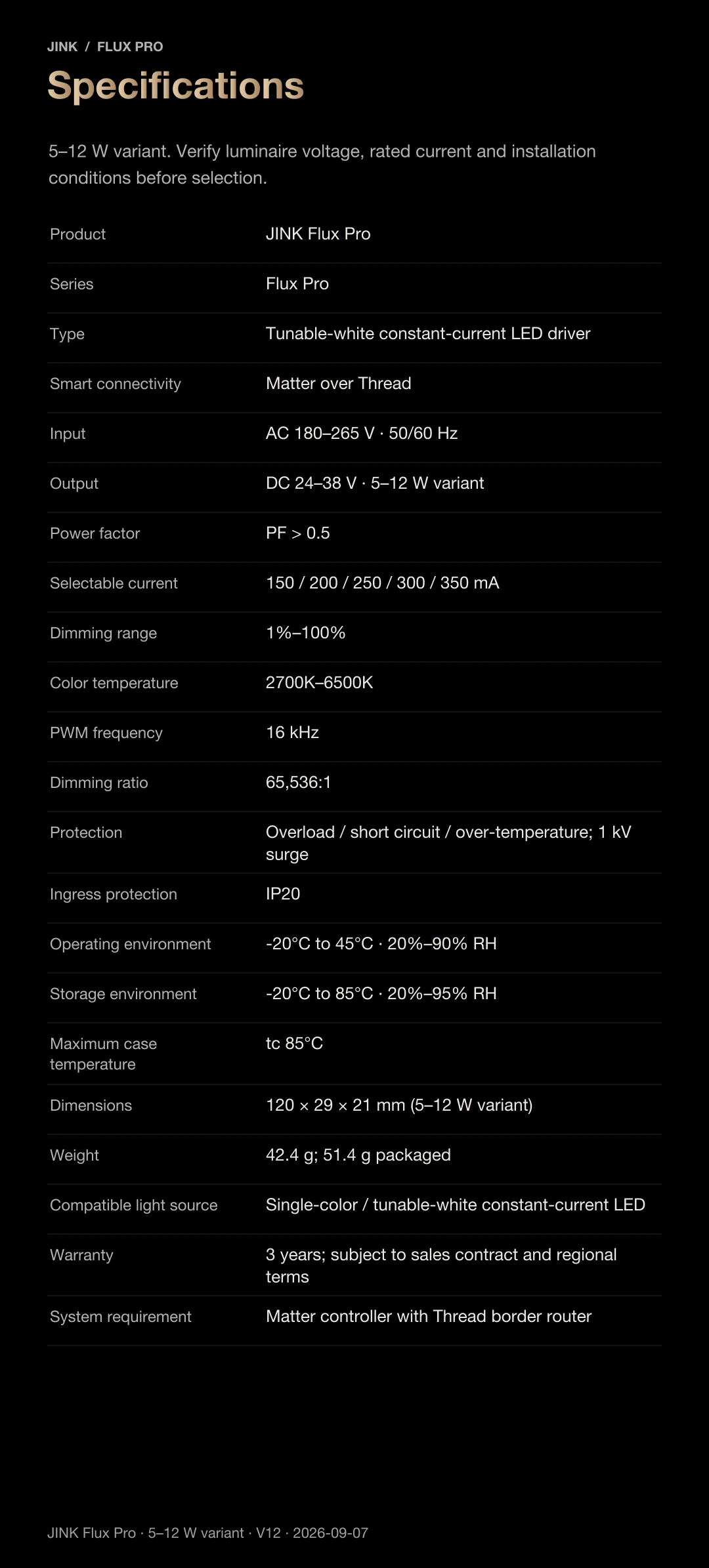
5–12 W version · Specifications
Every specification,
helps you choose.
The appearance and electrical details shown here are for the 5–12 W version. Confirm dimensions, output and installation requirements separately for other power versions.
- Product name
- JINK Flux Pro
- Product type
- Tunable-white constant-current dimming driver
- Connectivity
- Matter over Thread
- Required home setup
- Matter controller and Thread border router
- Input
- AC 180–265 V · 50/60 Hz
- Output / Version
- DC 24–38 V · 5–12 W
- Constant-current setting
- 150 / 200 / 250 / 300 / 350 mA
- Power factor
- PF > 0.5
- Dimming range
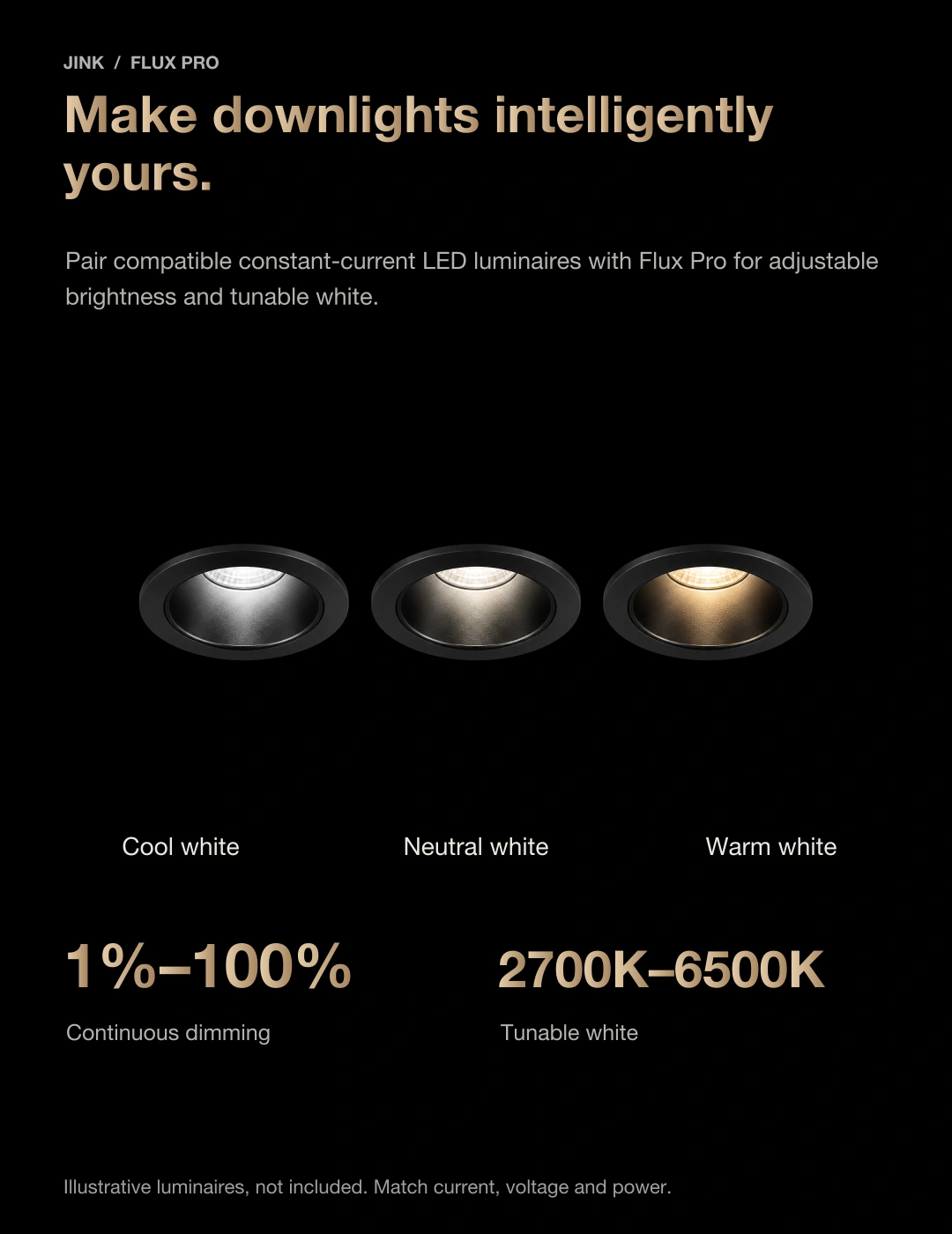
- 1%–100%
- White colour temperature
- 2700–6500 K · Requires a compatible tunable-white LED
- PWM frequency / Dimming ratio
- 16 kHz / 65,536:1
- Protection
- Overload / Short-circuit / Overtemperature · 1 kV surge protection
- Ingress protection
- IP20
- Operating environment
- −20°C to 45°C · 20%–90% RH
- Storage conditions
- −20°C to 85°C · 20%–95% RH
- Maximum case temperature
- tc 85°C
- Overall dimensions
- 120 × 29 × 21 mm · 5–12 W version
- Weight
- 42.4 g · 51.4 g including packaging
- factory reset
- Press the round side button seven times
- Warranty
- 3 years · Subject to the sales contract and regional terms