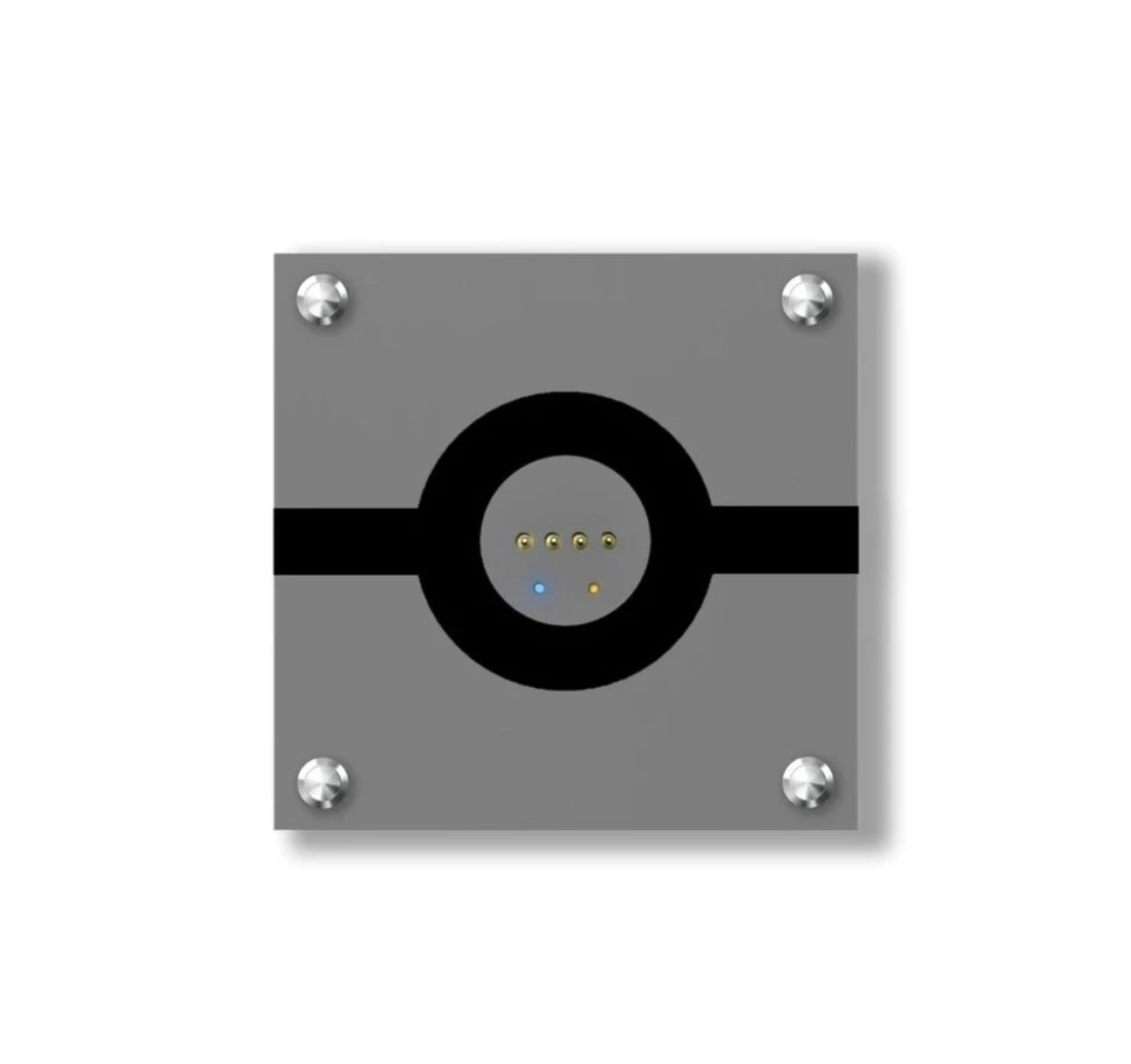
MagSwitch 8E Pro
magnetic wall charging switch
Return your iPad to its wall mount for charging and home control. The smart switch functions connect through Matter over Thread.
Explore this productJINK × Thread
A switch. A curtain. A beam of light.
Thread connects compatible devices in a low-power mesh network.
See the connection
Select a JINK product and see how a message reaches it.
Move the pointer to change the viewpoint, or try switching paths.
Border router → Router node 1 → MagSwitch 8E Pro
MagSwitch 8E Pro
Return your iPad to its wall mount for charging and home control. The smart switch functions connect through Matter over Thread.
Explore this productInteractive network illustration, not live device status. Router nodes represent Thread devices capable of forwarding messages. A JINK product's actual network role depends on its model and firmware. Path switching requires an available alternative link; power, distance and building conditions affect performance.
Meet Thread
Nodes with routing capabilities connect to one another, providing multiple communication paths. End devices communicate through their parent node.
Thread uses low-power IEEE 802.15.4. Some battery-powered end devices sleep to conserve energy, while nodes that forward messages stay online.
A Thread border router connects Thread to IP networks such as Wi-Fi or Ethernet, enabling communication with compatible home controllers.
Thread + Matter
Thread provides the network connection; Matter provides the application standard for compatible devices to communicate. Matter over Thread products need a compatible Matter controller and Thread border router. One supported device can provide both functions.
Explore the Matter ecosystemStart with JINK
Explore these Matter over Thread products.
Check the exact configuration and platform support before purchase.
Magnetic wall charging and smart switching
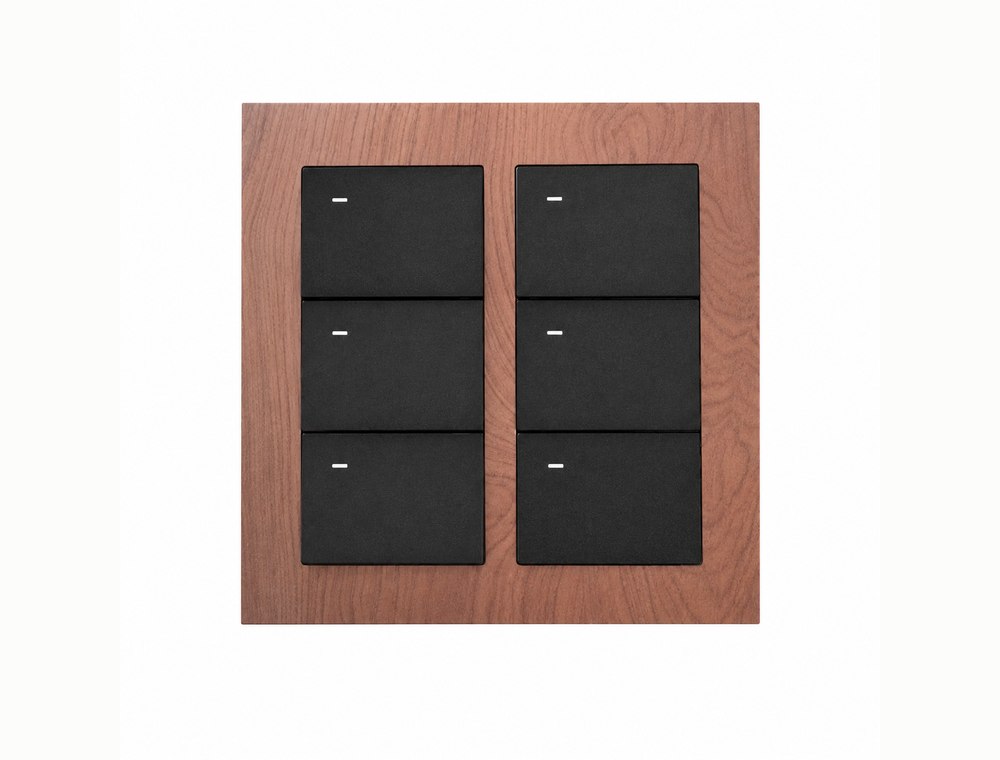
smart wall switch
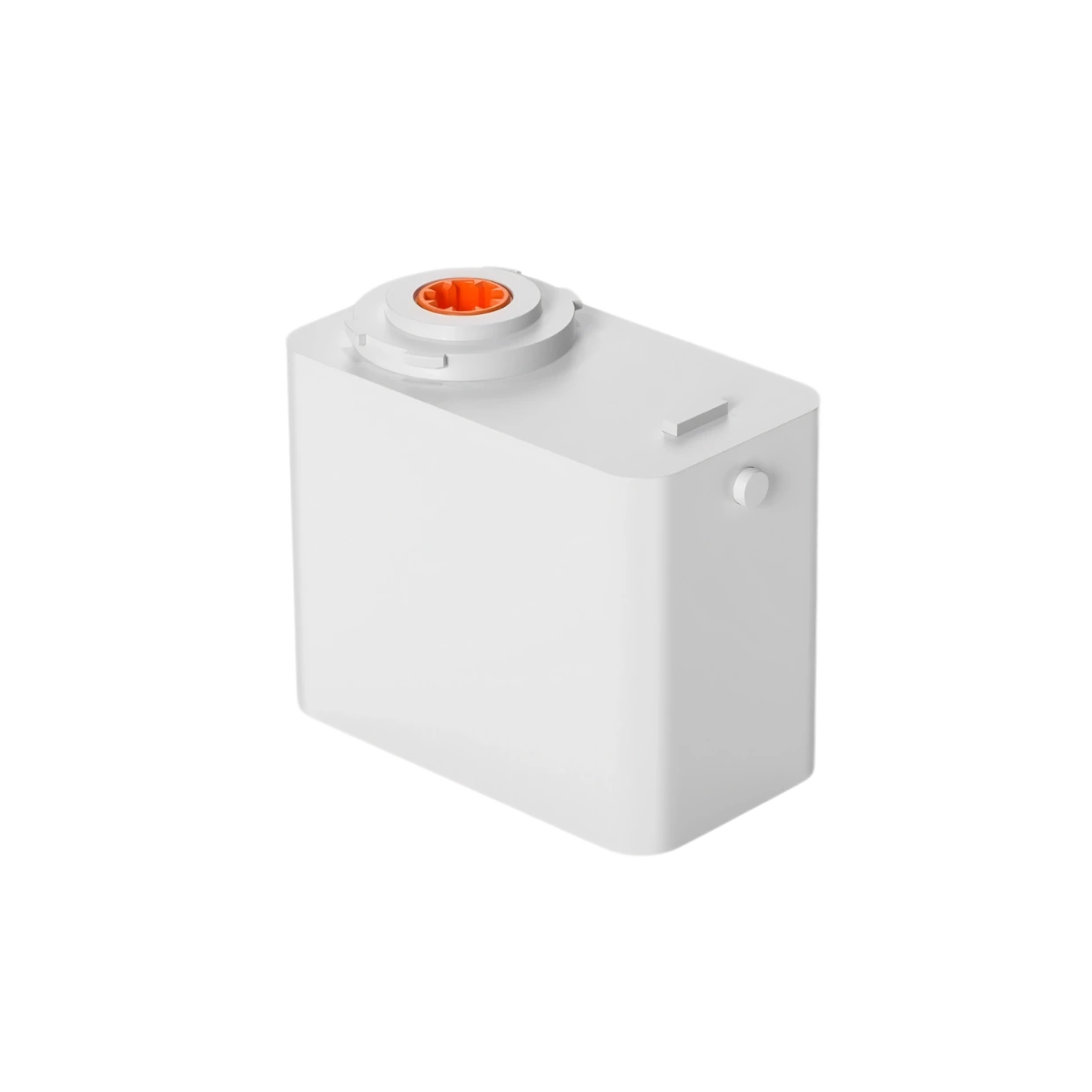
smart curtain motor
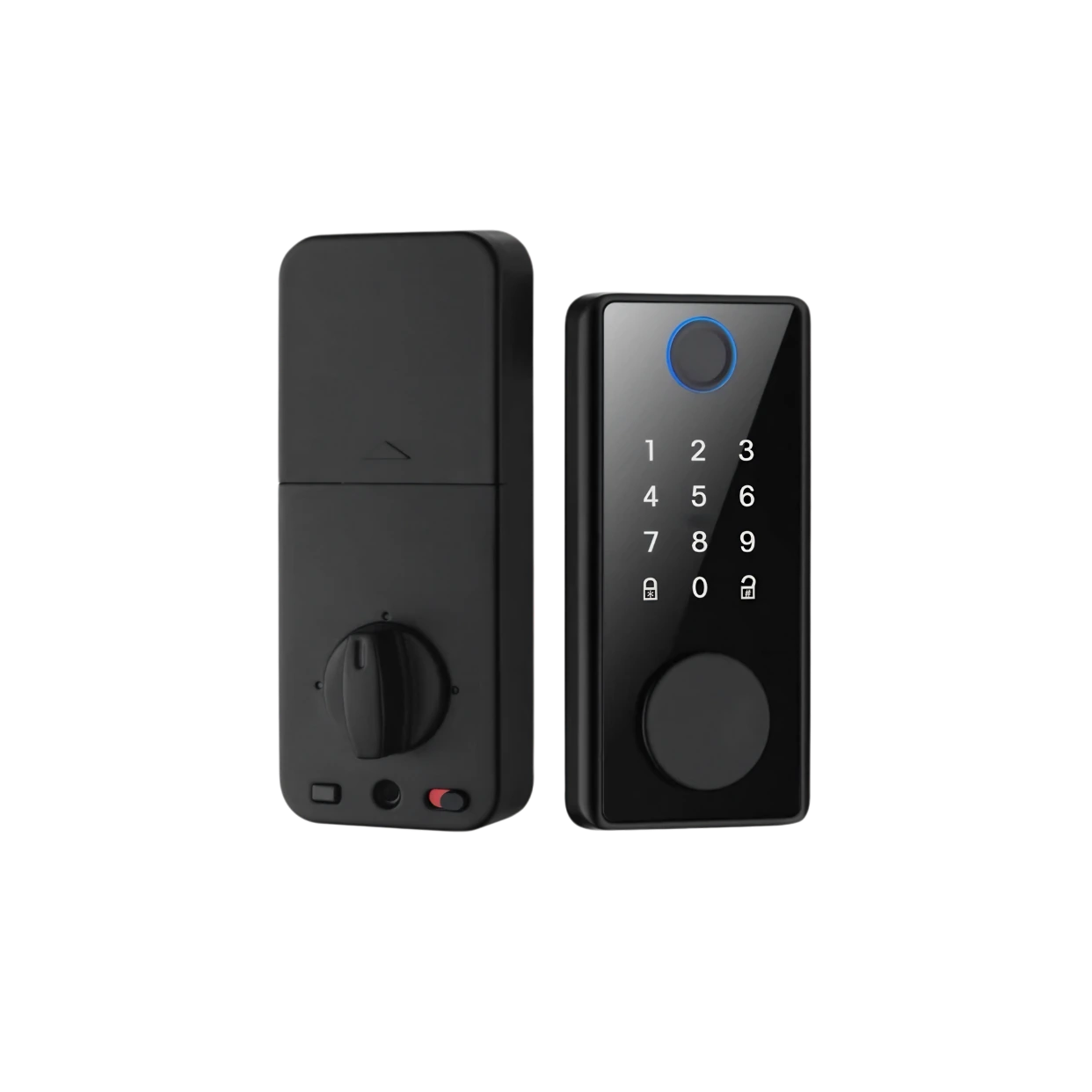
smart lock
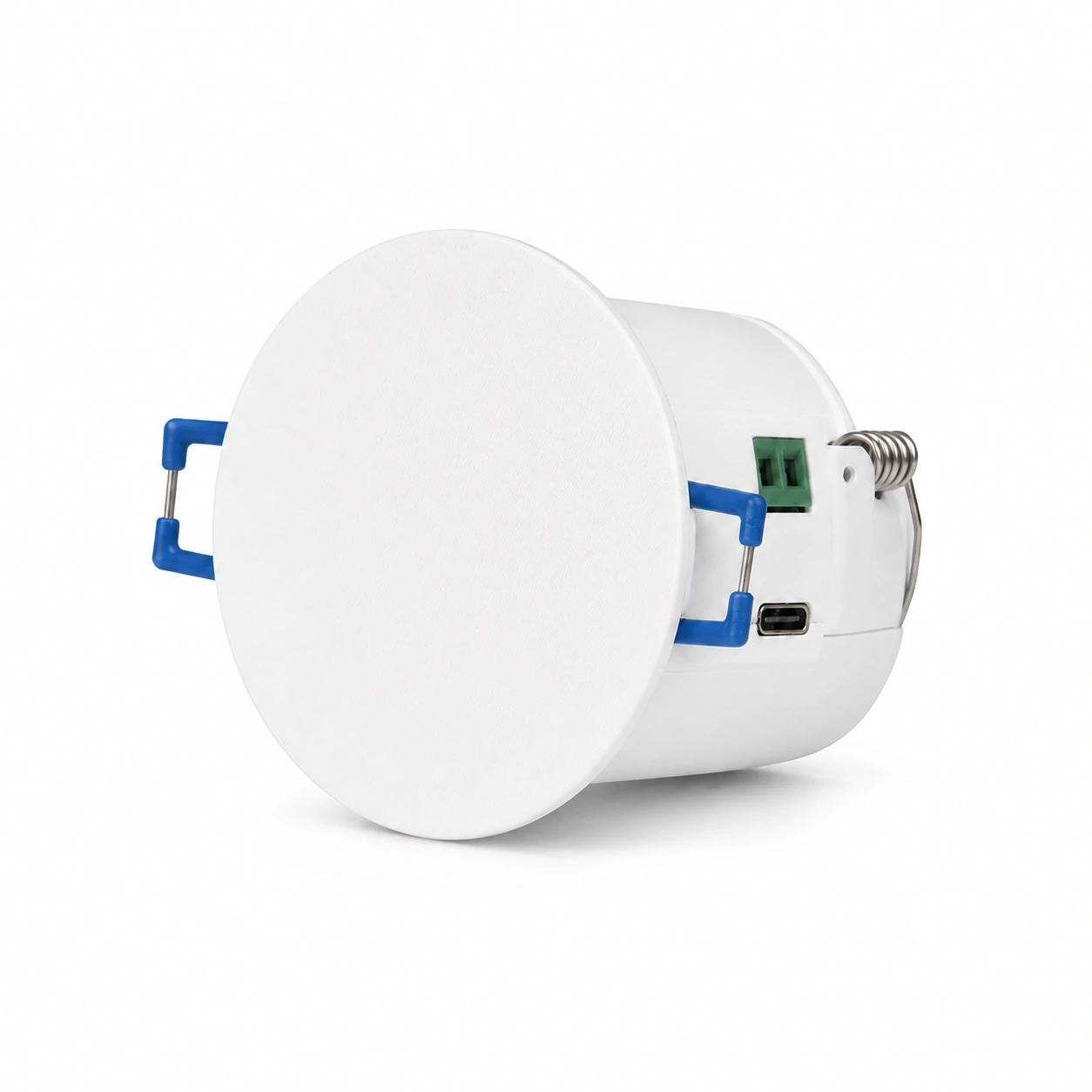
mmWave · Recessed ceiling sensing
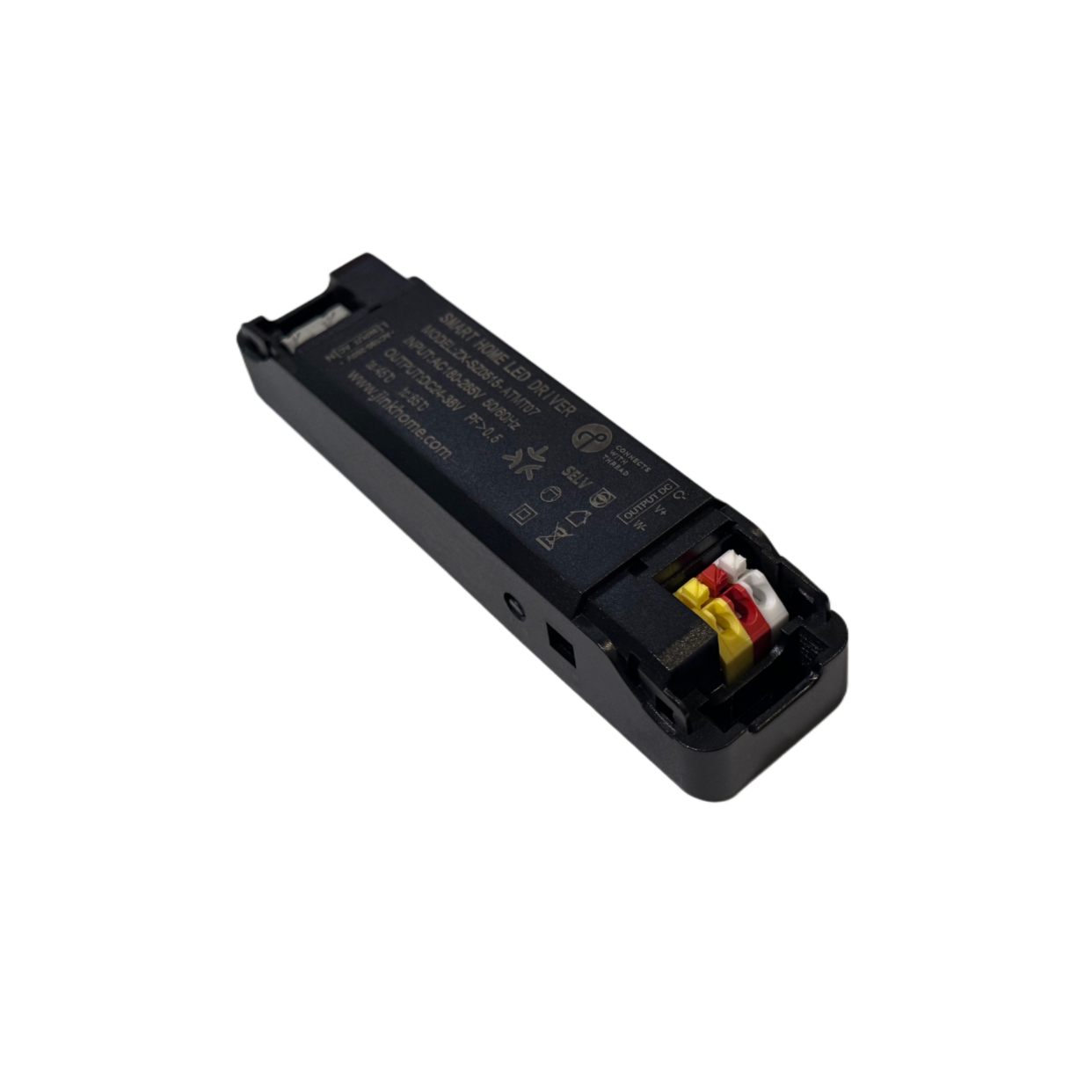
Smart lighting driver
Your device must explicitly support Thread border routing. A Wi-Fi-only router cannot provide Thread connectivity by itself. Matter products must also meet your home platform's controller requirements.
Not every device forwards messages. End devices do not forward traffic for other devices; only capable devices acting as routers participate in mesh forwarding. Mains power alone does not establish that a model has this capability.
A mesh network can adjust its path when an alternative reachable link remains available. A device may still disconnect if it loses power or has no reachable alternative. This demonstration explains the principle and does not represent switching speed in a real home.
Magnetic mounting and charging provide a place to use your tablet; they do not turn an iPad into a Thread border router. Your home still needs a supported controller and border router.
Learn how it works:Thread Group · OpenThread device roles guide
Start with one. Connect more.