Shop JINK products
Confirm your configuration and add it to your bag.
Choose a configuration and quantity, then submit your order for JINK to confirm.
 Apple HomeExplore the Home app
presence and environmental sensing
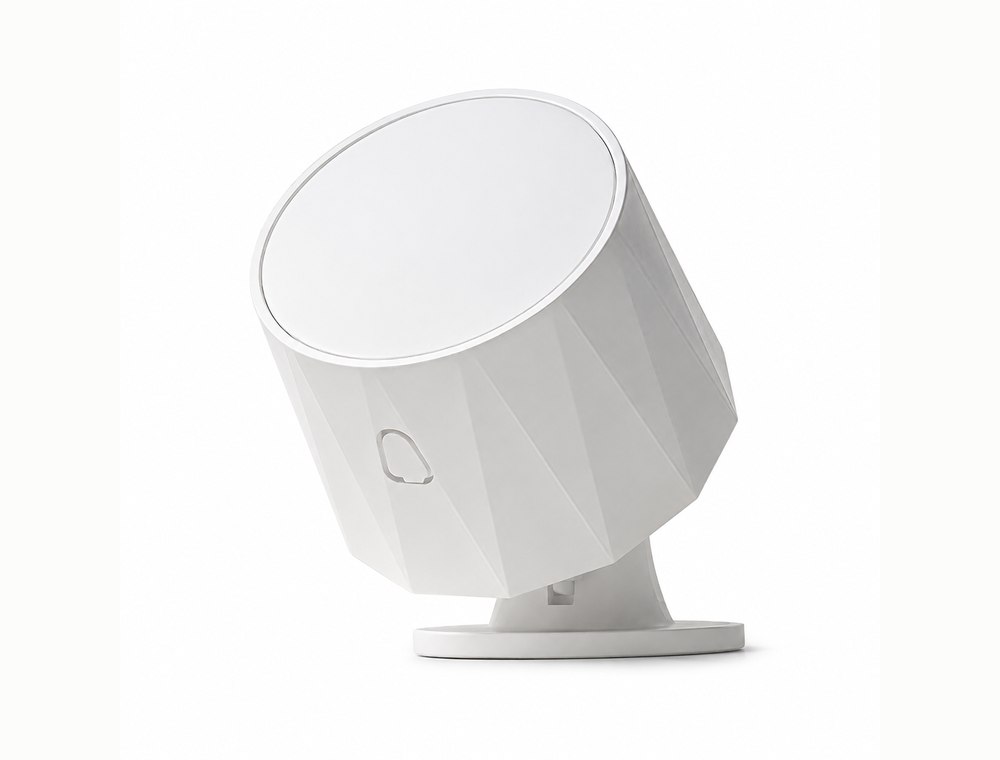
JINK 5-in-1 presence sensor
Know someone is there. Understand the room, too.
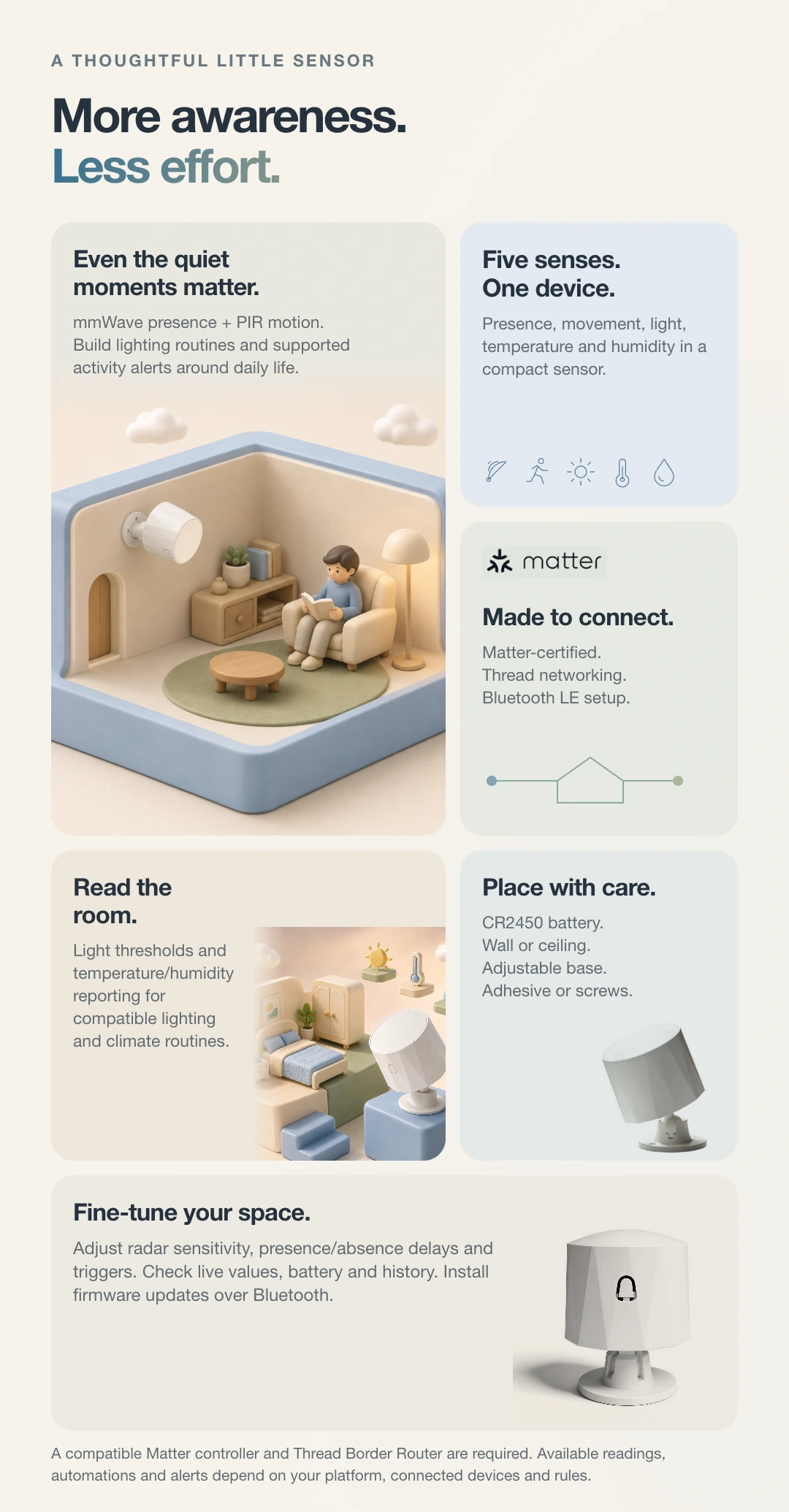
JINK 5-in-1 presence sensor combines millimeter-wave, PIR, light, temperature and humidity sensing in one compact device, providing room information for lighting and environmental automations.
JINK 5-in-1 presence sensor
Contact JINK to confirm the suggested retail price for your configuration.
More thought for everyday life.
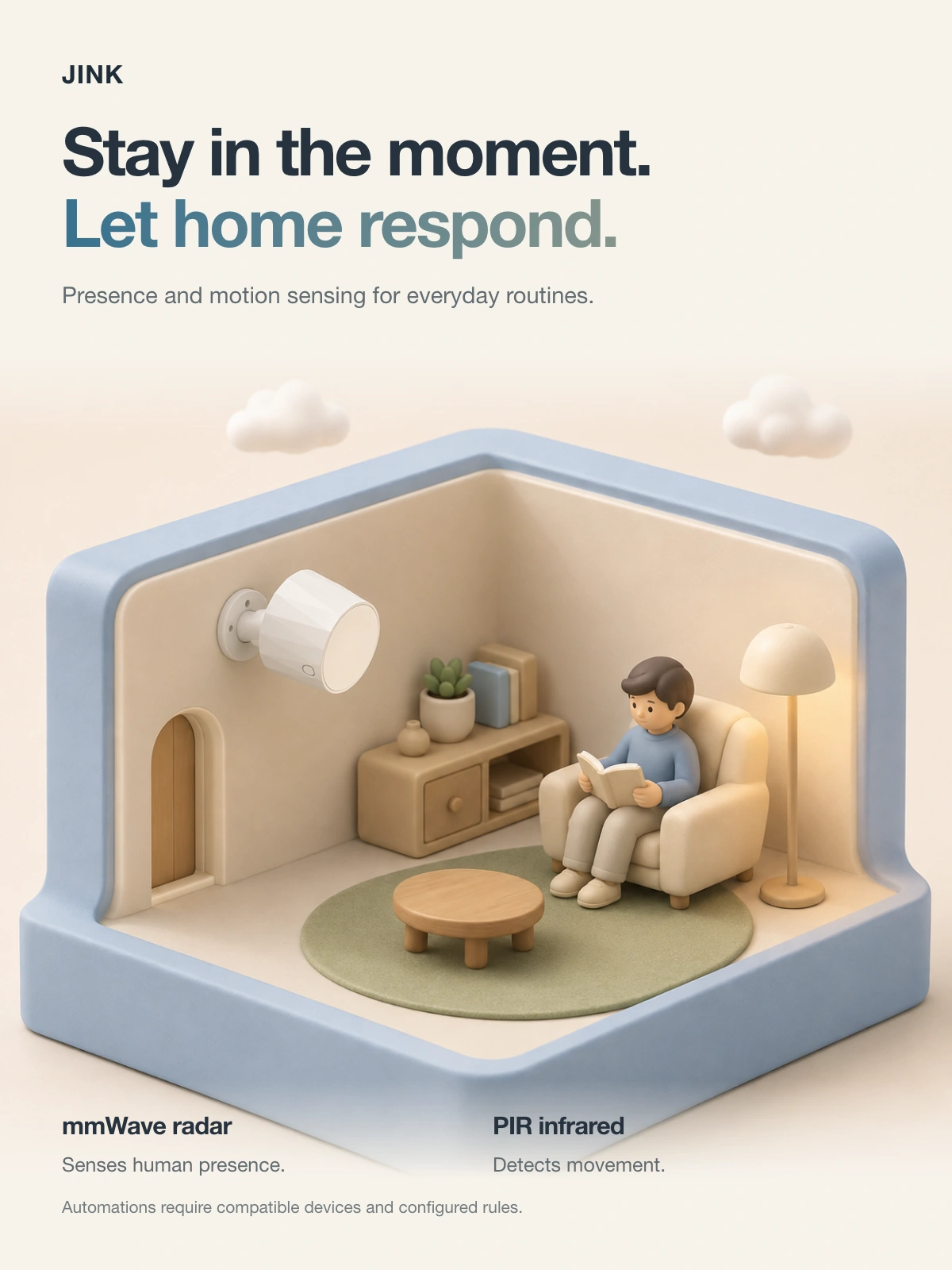
Presence and motion, sensed separately
Millimetre-wave radar senses human presence; PIR detects motion. The corresponding states are available to compatible platforms.
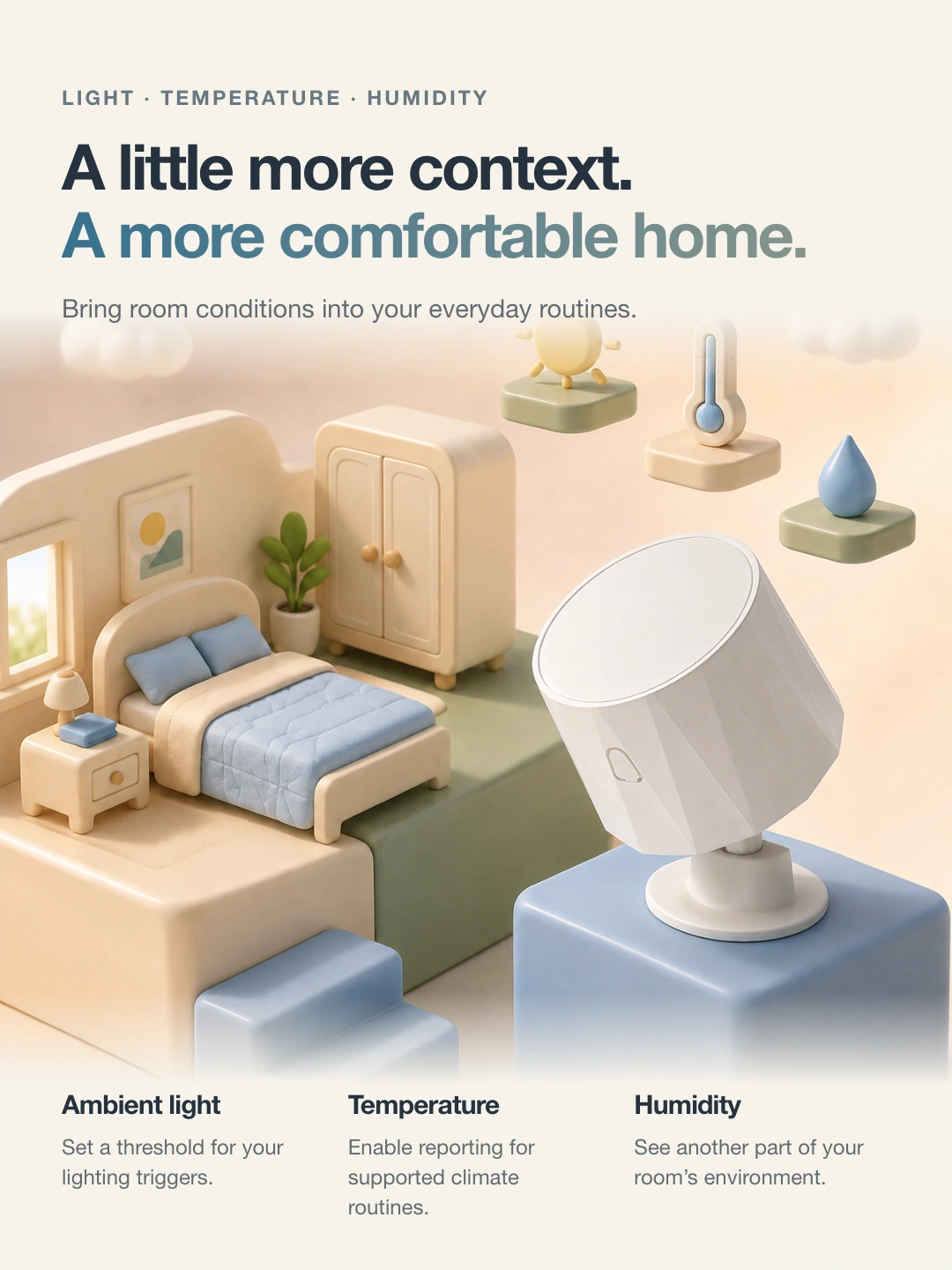
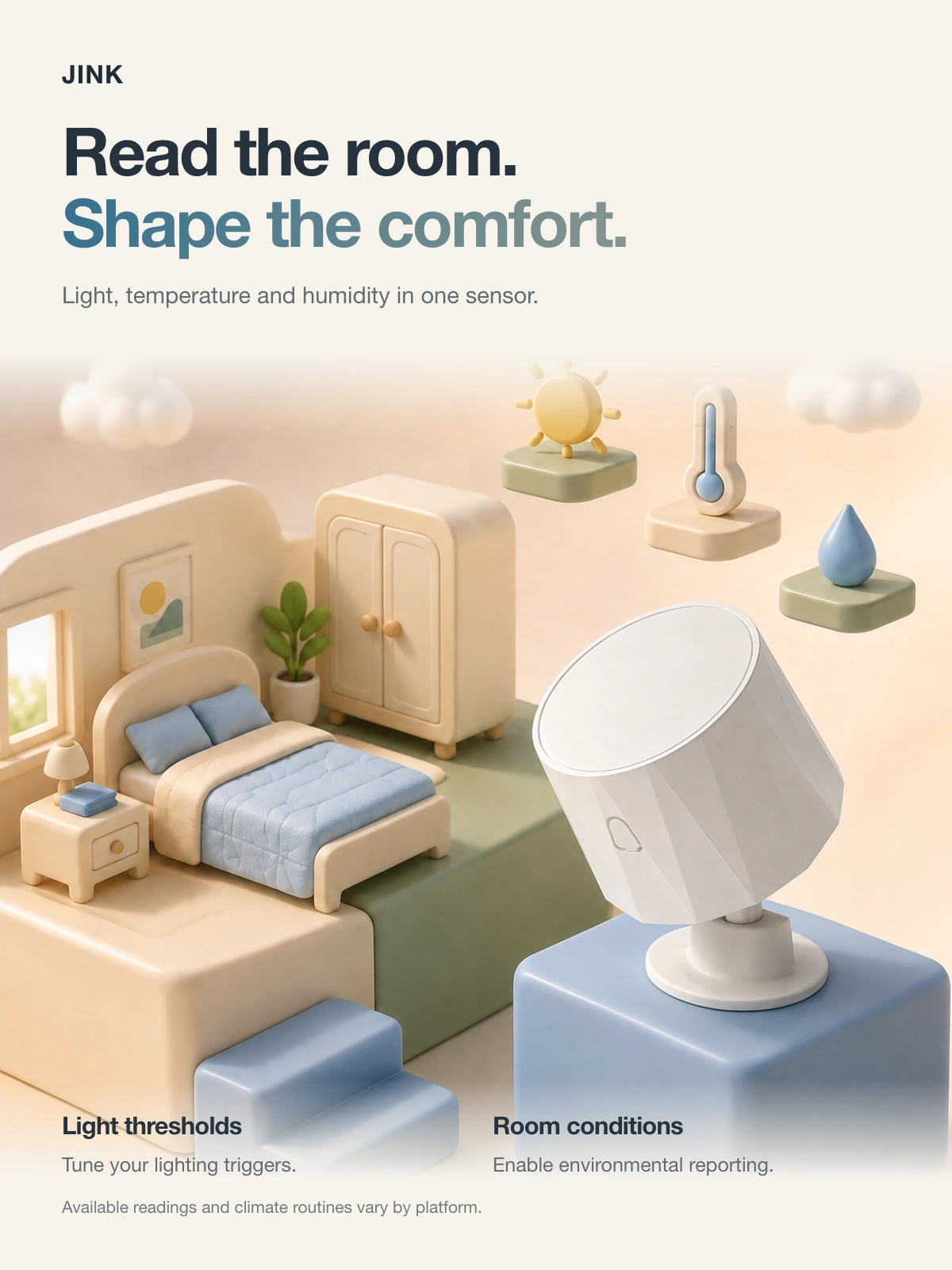
Understand the room environment
Measures light, temperature and humidity. Displayed readings and available automation conditions vary by platform.
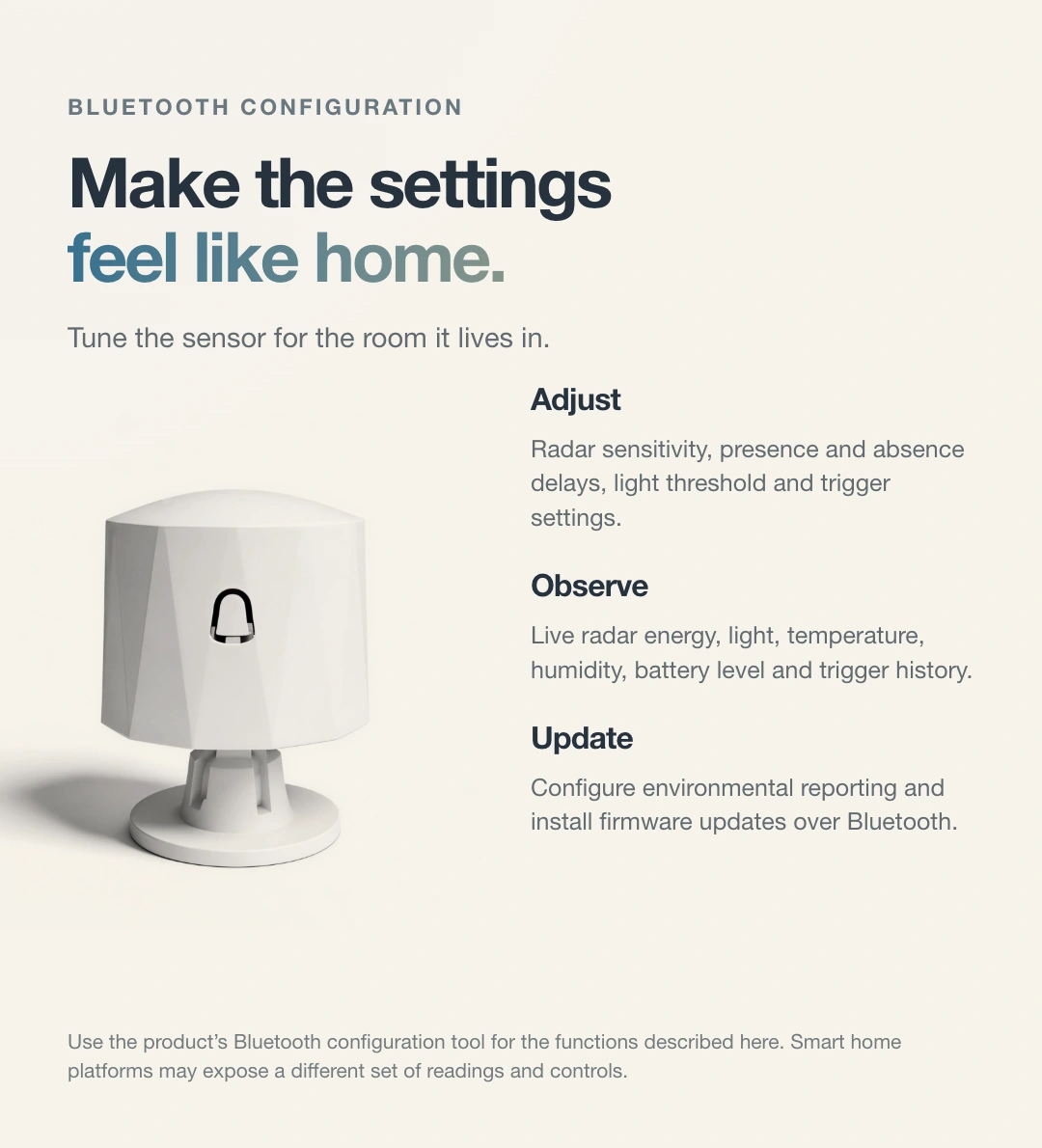
Adjust for the room
The Gerlsair app supports radar sensitivity, presence and vacancy delay settings. Perform a walk test after installation.
Design · Functions · Life
Take your time to explore every detail.
JINK 5-in-1 presence sensor · product story



Details and scenes
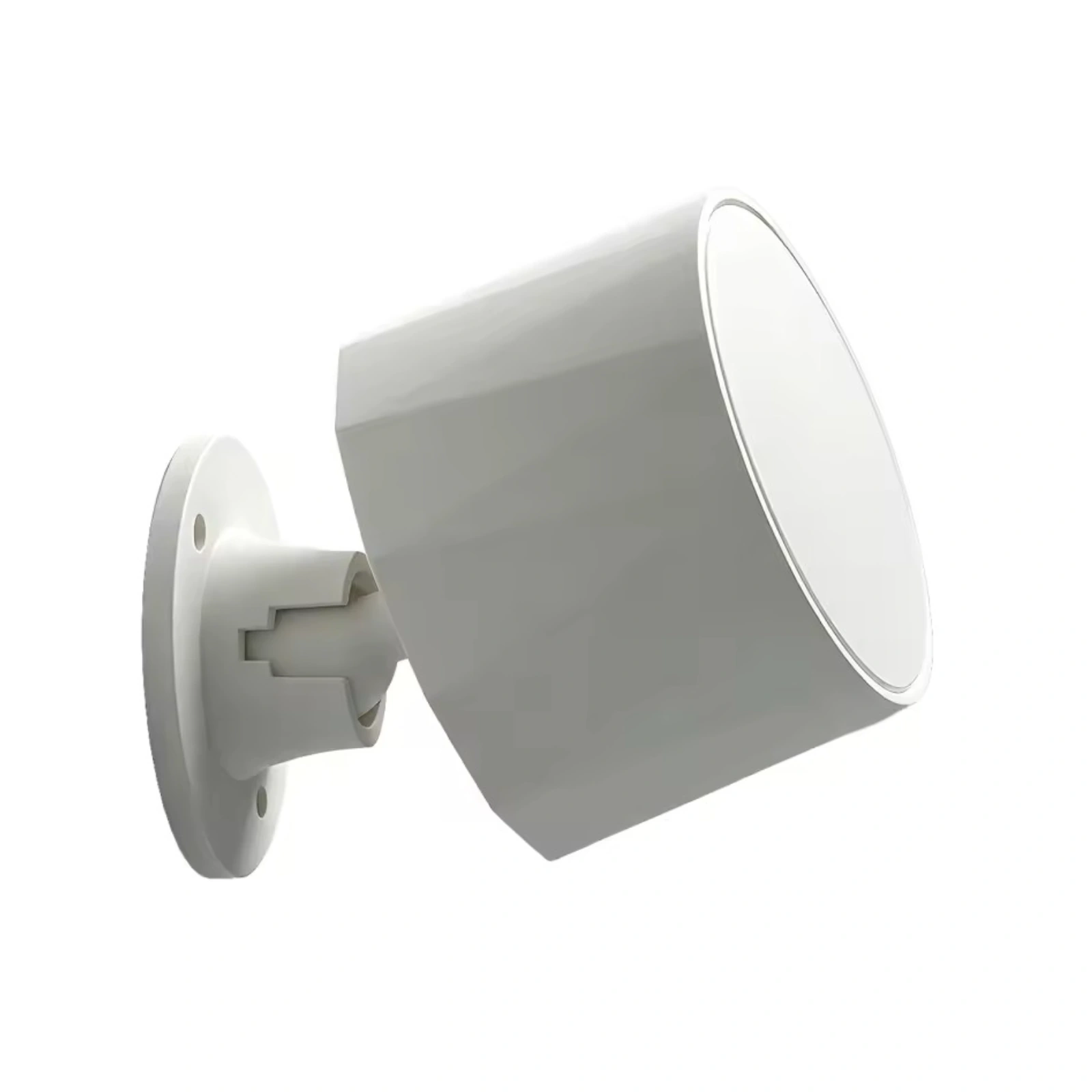
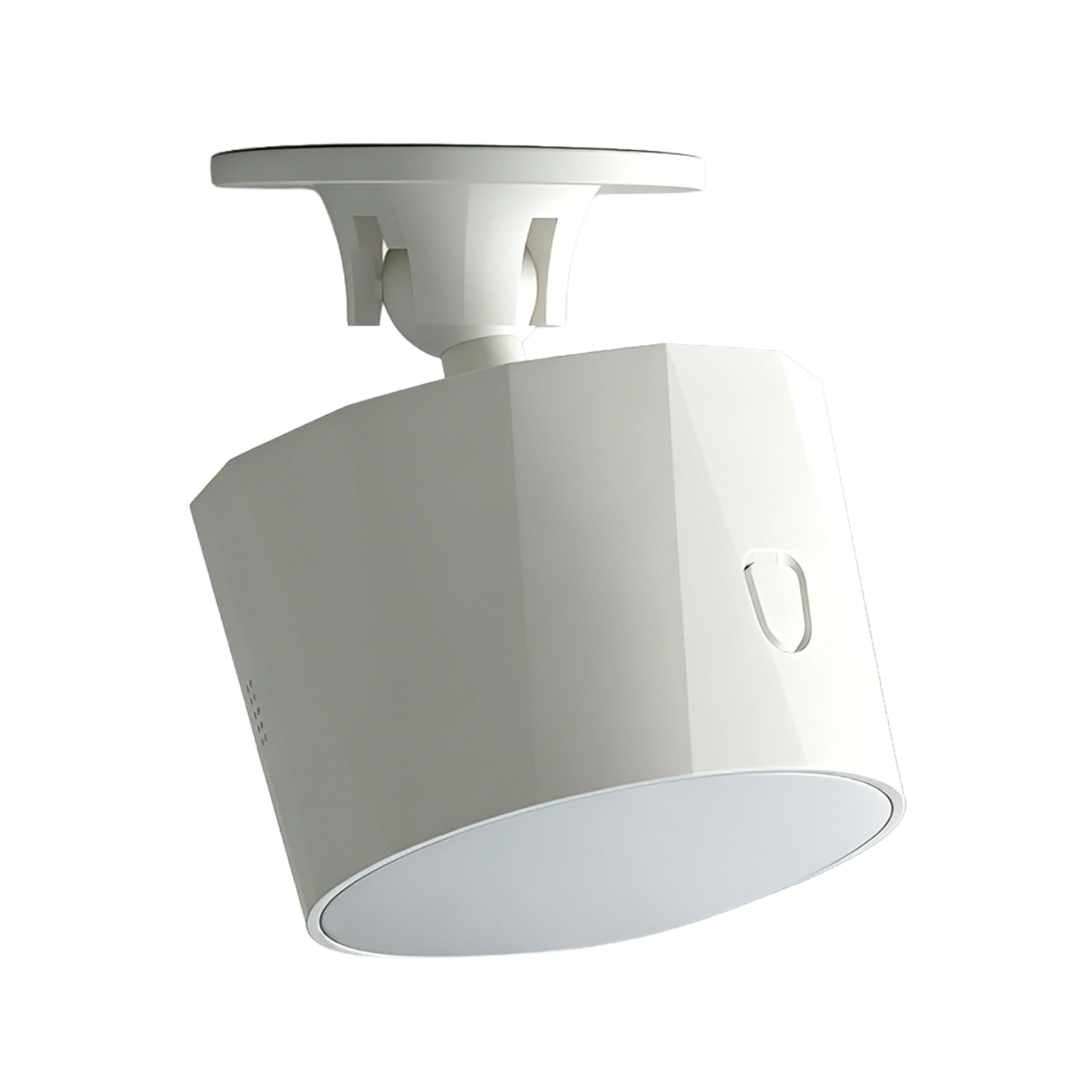
Explore the product from different angles and see its design and functions in use. Click an image to enlarge it. Configuration depends on the selected model.
Product details5 images
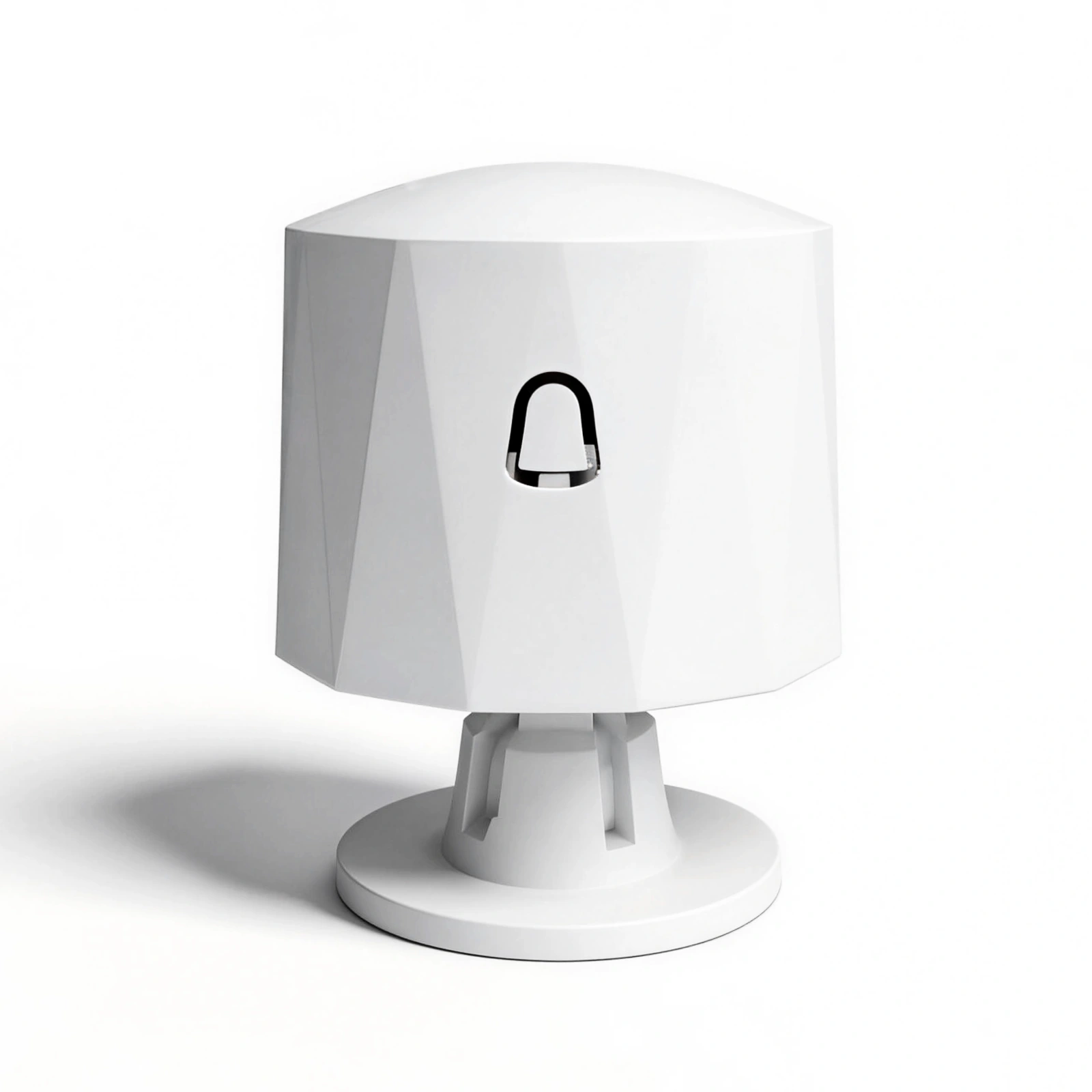
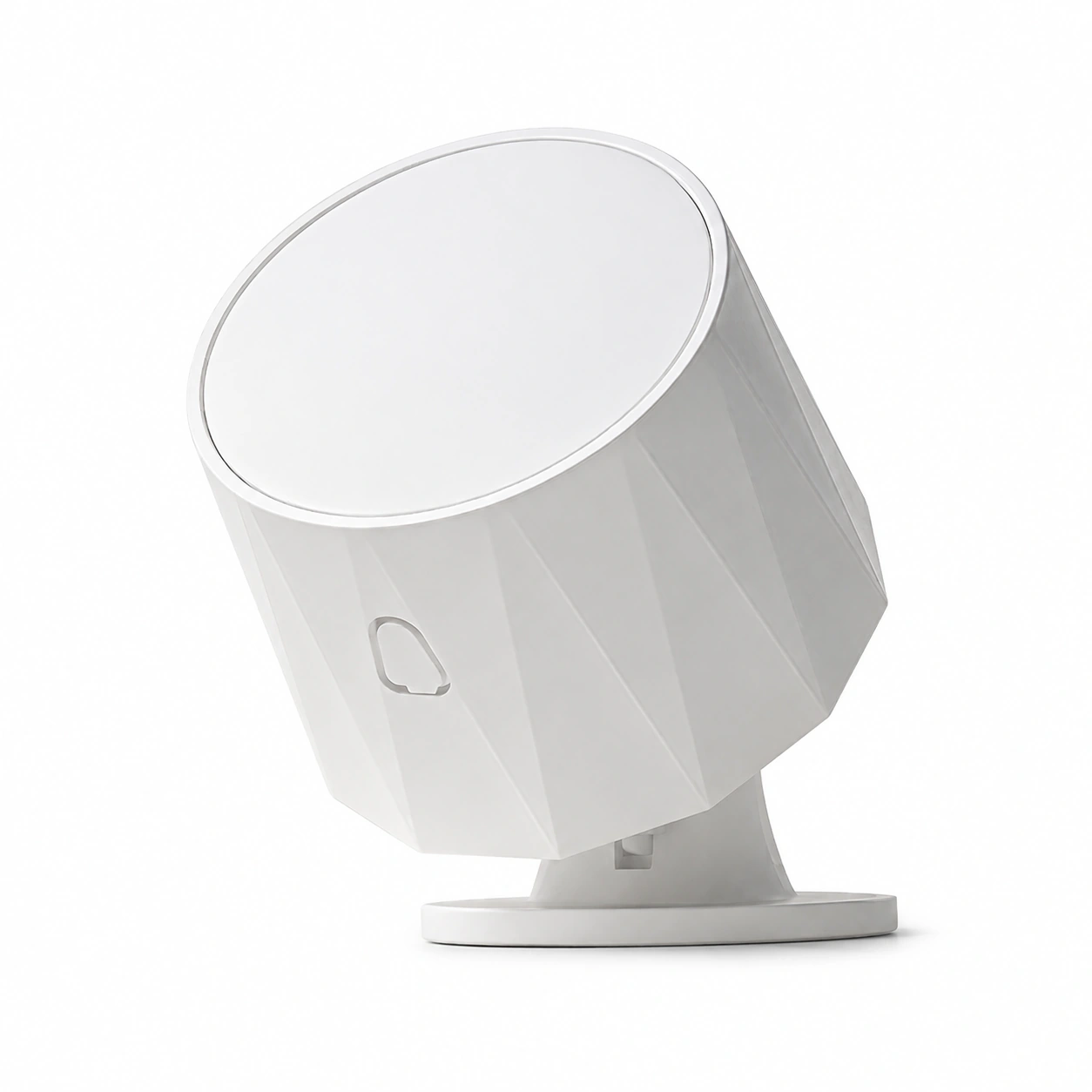
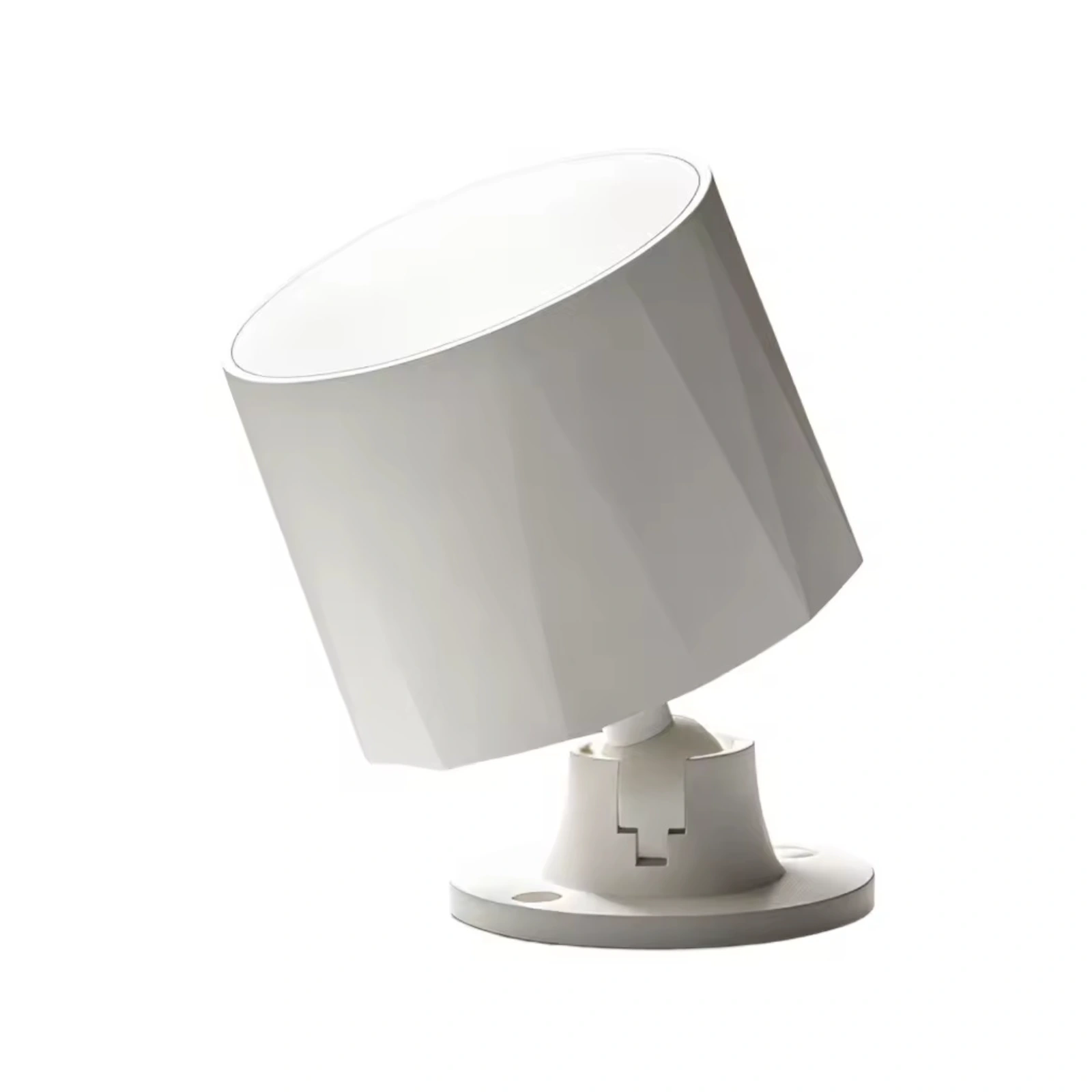
Highlights5 images

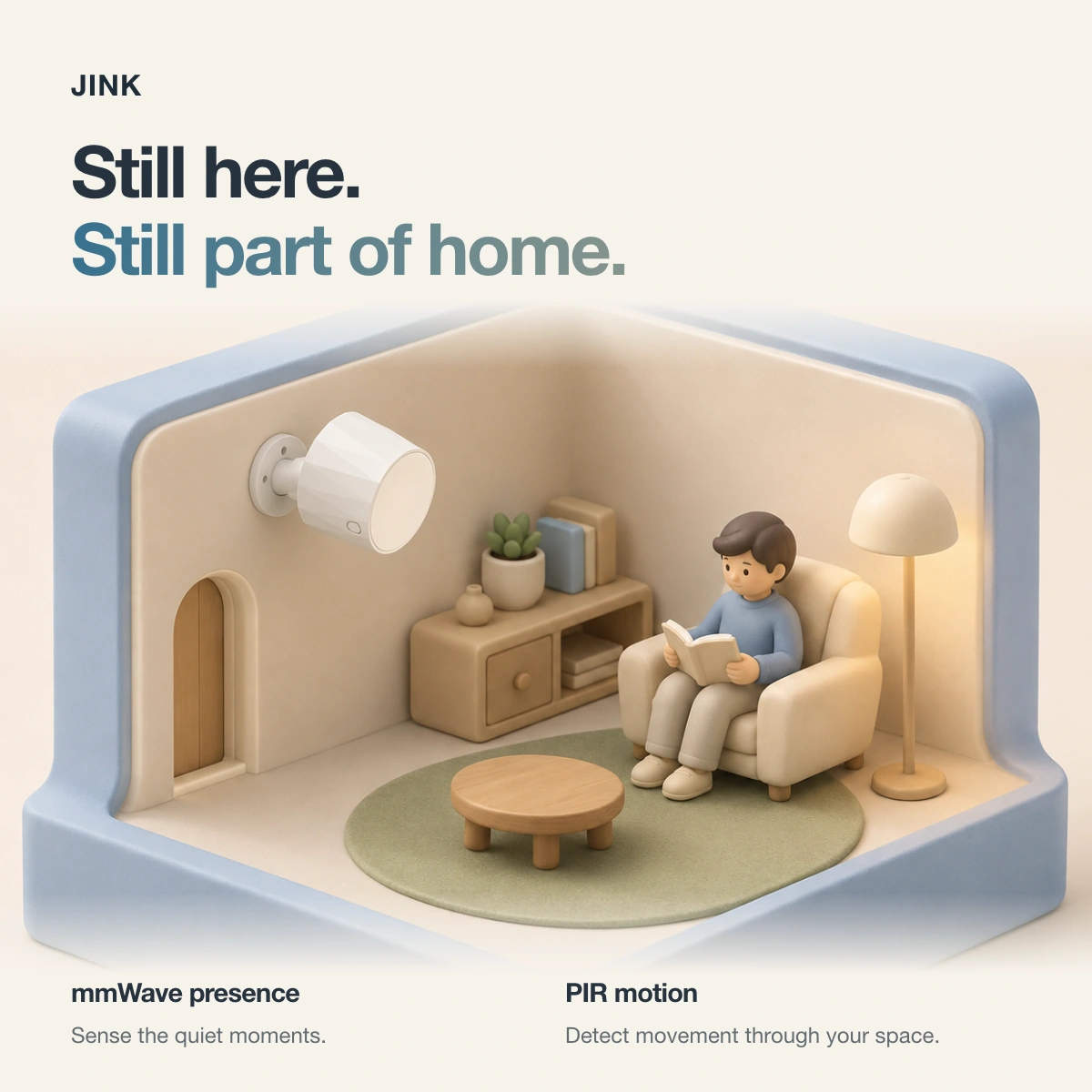



Scenes & features5 images

Selection reference
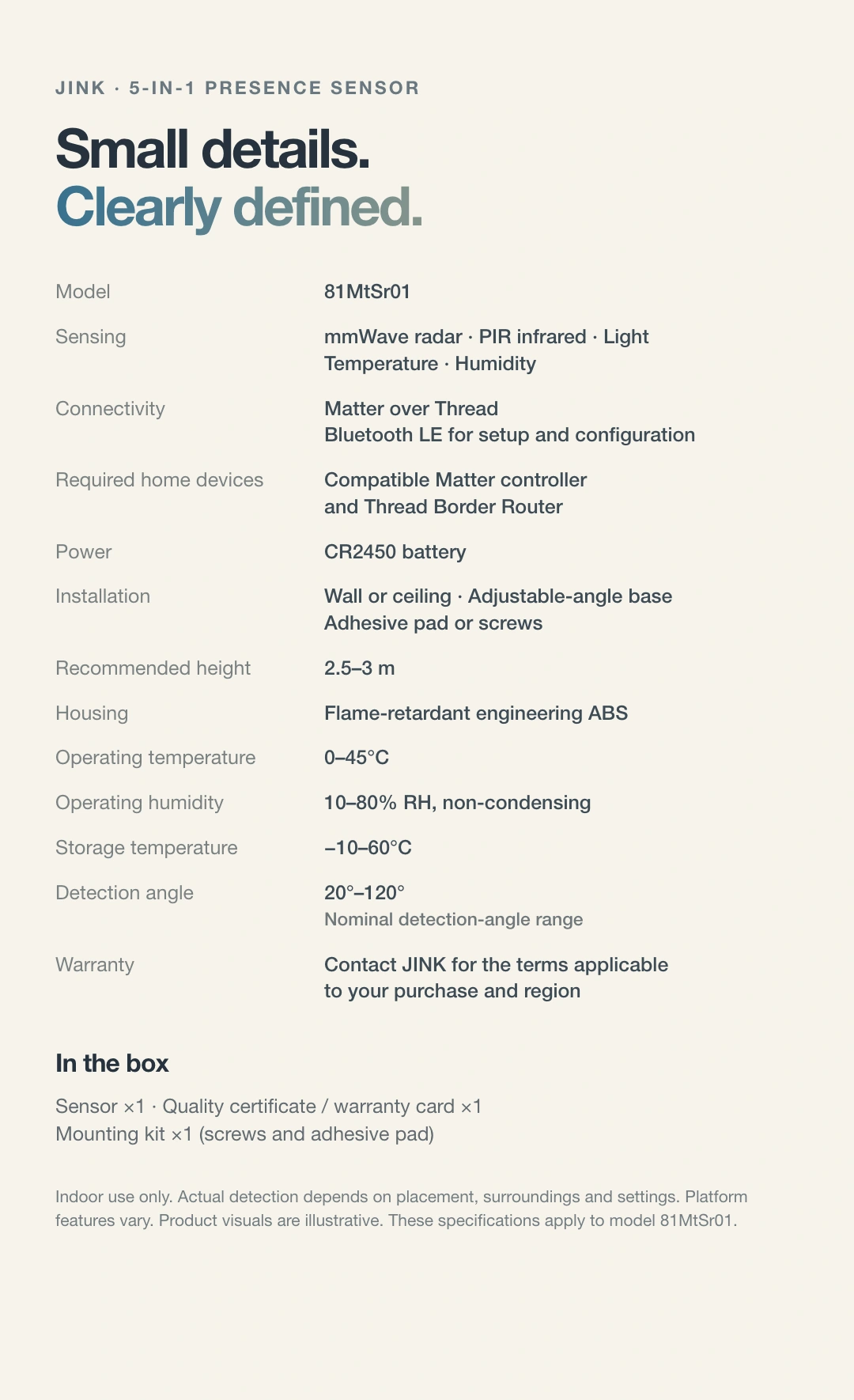
Technical specifications
| Model | 81MtSr01 |
|---|---|
| Sensing | Millimetre-wave radar, PIR, light, temperature and humidity |
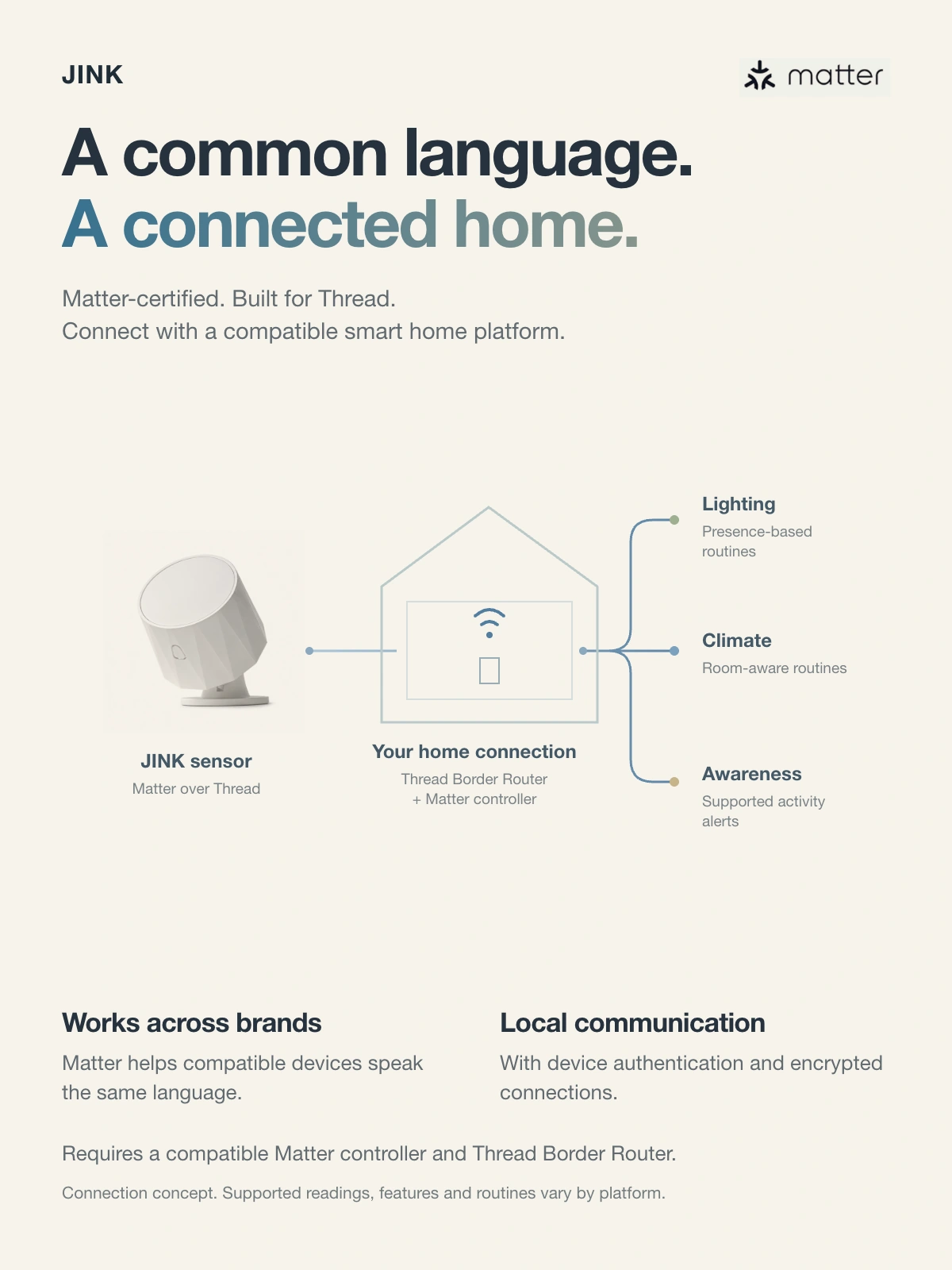
| Connectivity | Matter over Thread; Bluetooth LE for pairing |
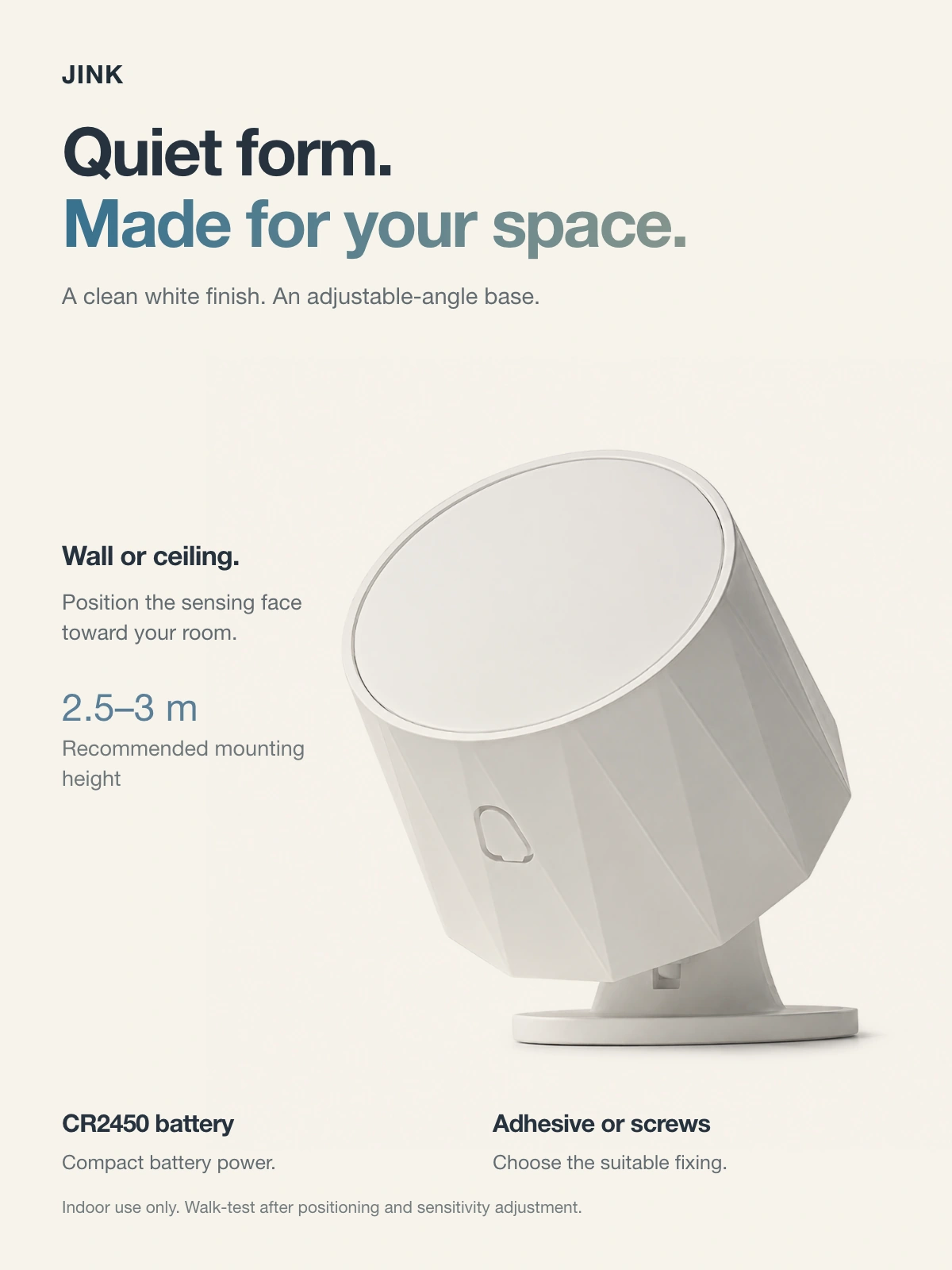
| Power | CR2450 battery |
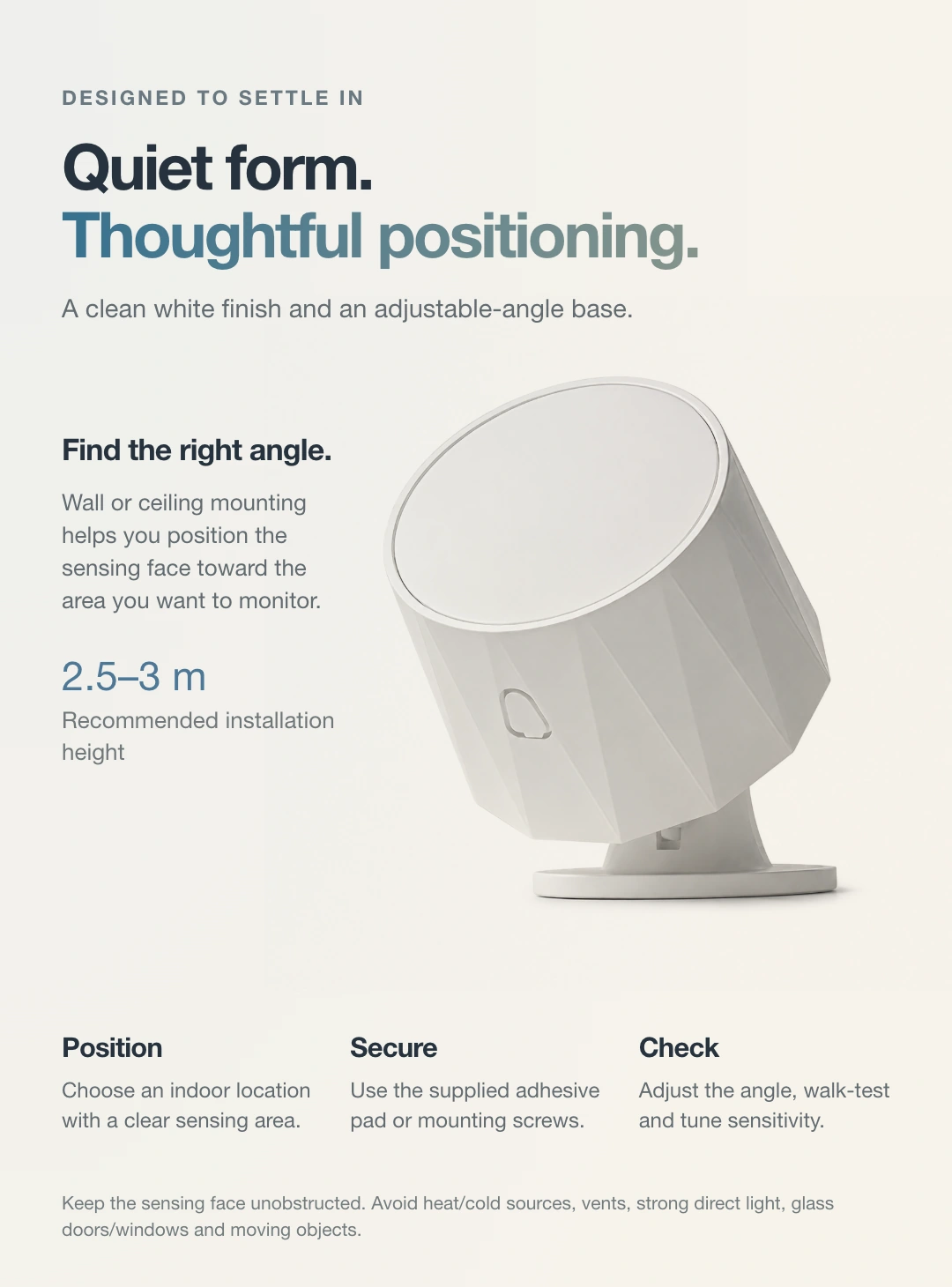
| Installation | Wall or ceiling; adhesive or screws; angle-adjustable base |
| Recommended mounting height | 2.5–3 m |
| Operating environment | 0–45°C; 10–80% RH, non-condensing |
Before purchase and installation
Indoor use only. Requires a compatible Matter controller and Thread border router. Automation requires compatible devices and configured rules. Keep away from vents, heat and cold sources, strong direct light and objects that interfere with detection.
Check the installation information for your model. For help choosing products, share the product names, quantities, room dimensions and smart home platform.
Downloads & support
Manuals & resources
Choose resources for your product model and version.
Selection references and operating instructions are listed separately.
Share your product model and hardware version so we can help you find the correct installation, pairing and operating instructions.
Keep exploring
View related products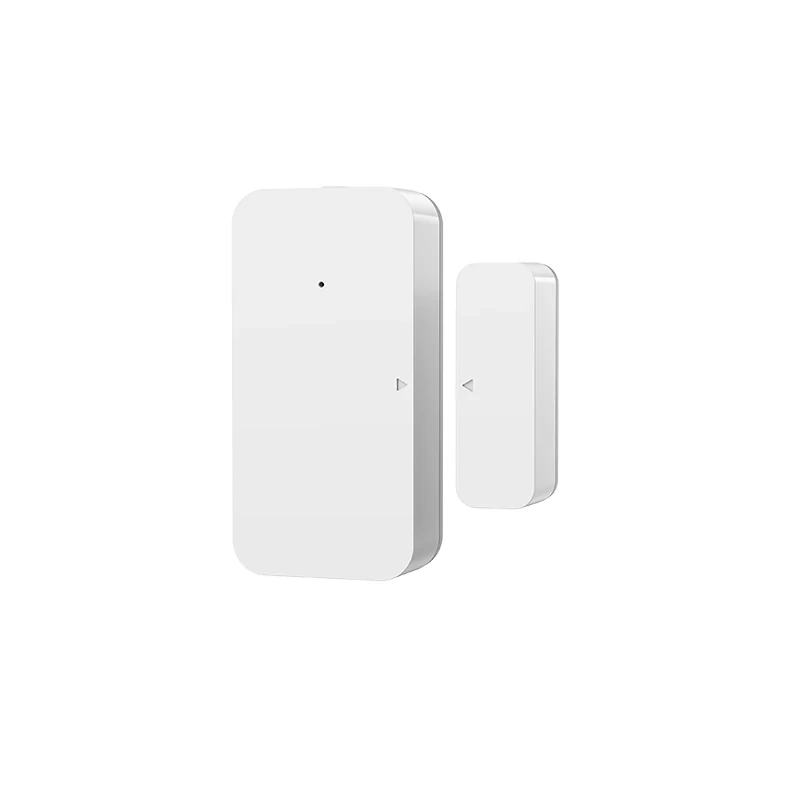
JINK door and window sensor MIR-MC500
Door and window opening detection
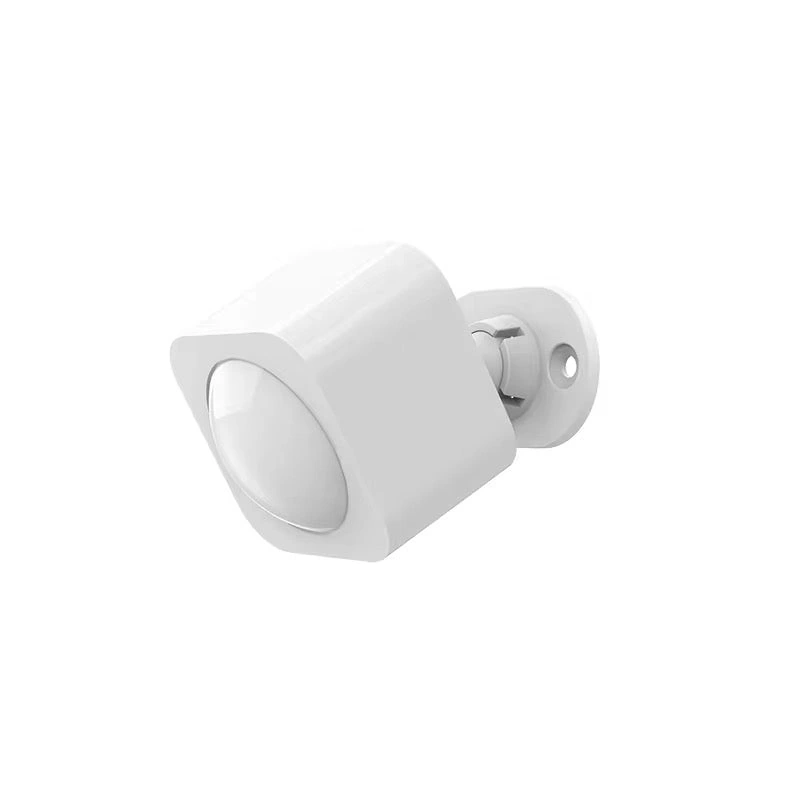
JINK PIR Motion Sensor
MIR-IR500-MT · Infrared motion sensing
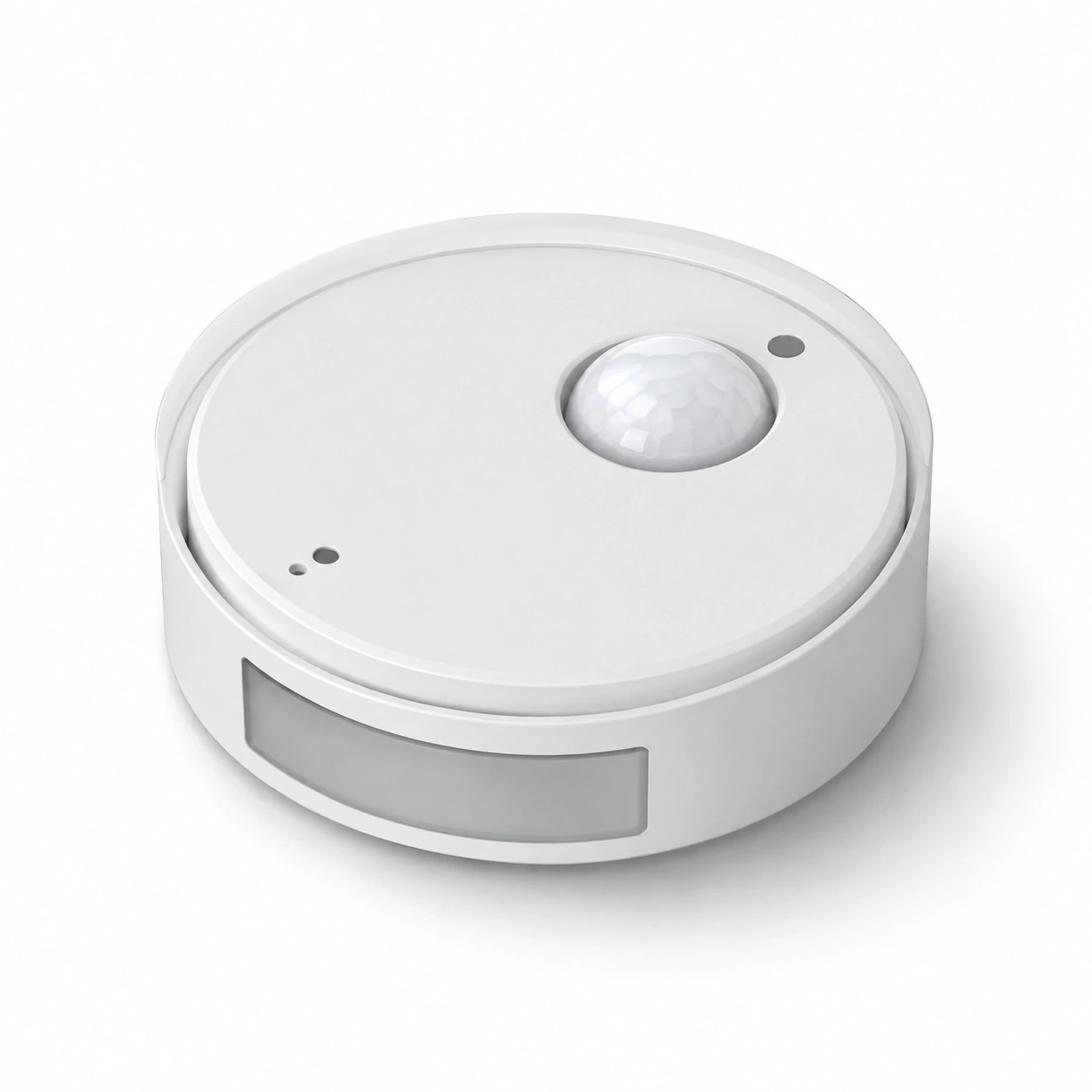
JINK presence sensor
Indoor occupancy sensing
Featured apps
From adding a device to using it every day.
After adding the sensor to a room, check which readings your platform displays. Presence, motion, light, temperature and humidity may not all be available on the same platform.
Prepare a compatible Matter controller and Thread border router for this model. One supported device may perform both roles.
 HomeApple Home · Matter connection reference
For a Matter device already added to another platform, start shared pairing in that platform, then follow the new platform's instructions. Do not factory-reset solely to change apps. This is a connection overview; available controls depend on your device configuration and platform.
Get connection help for this model