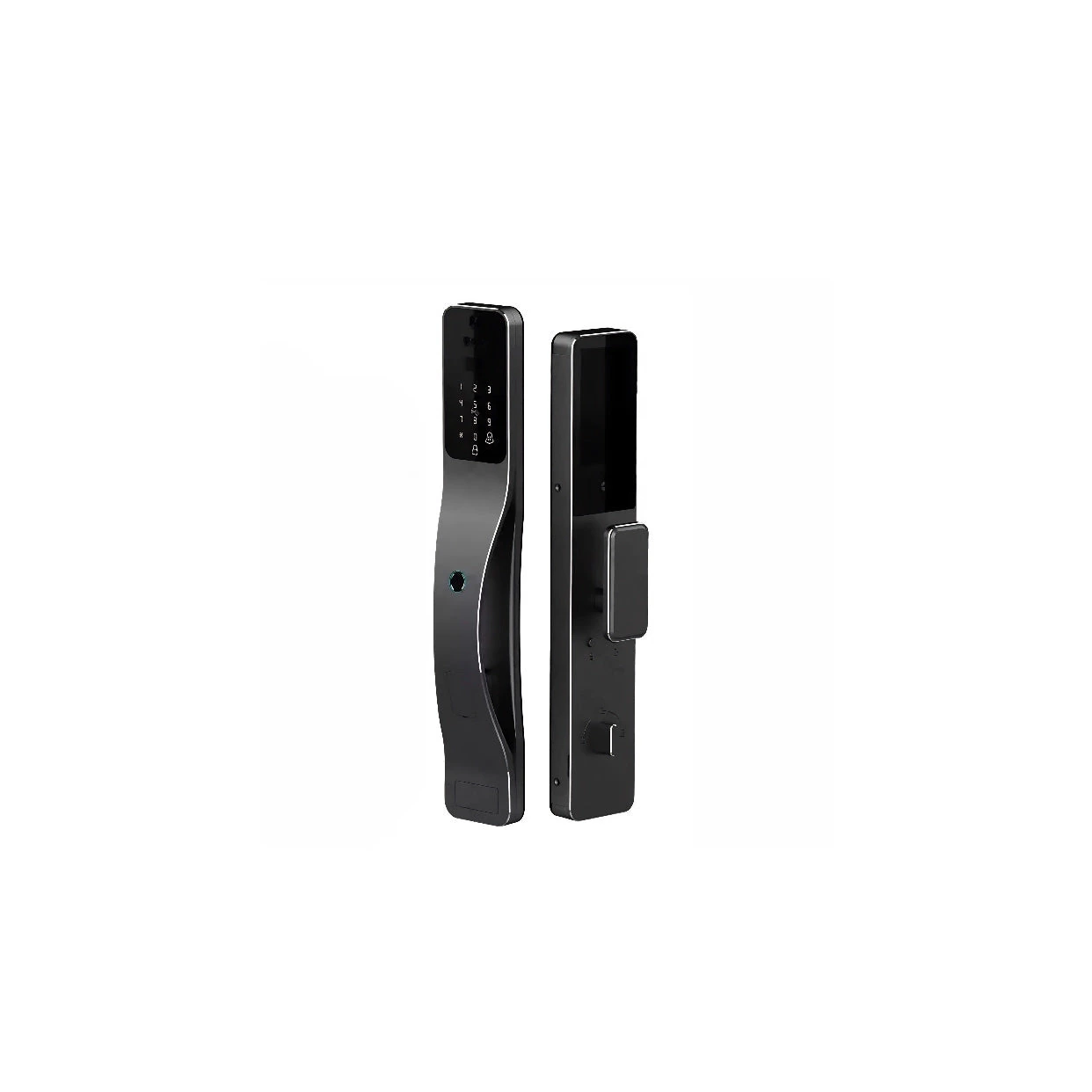
Pre-installation reference · English PDF
B100 Product and Pre-installation Guide
Check door, lock-body and platform requirements. This guide does not replace the installation and operating instructions supplied with the product.
 Apple HomeExplore the Home app
smart lock
A clearer view of the way home.
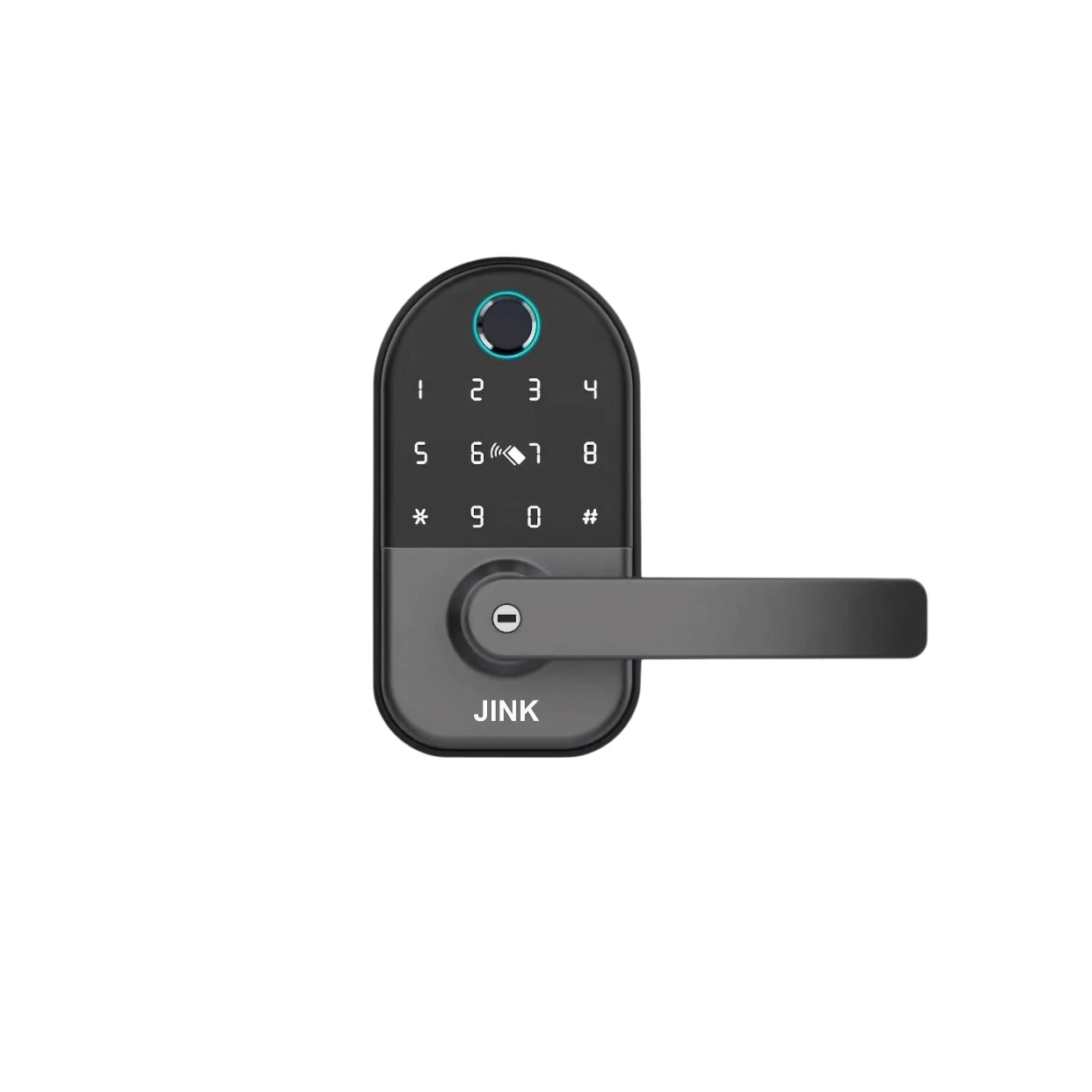
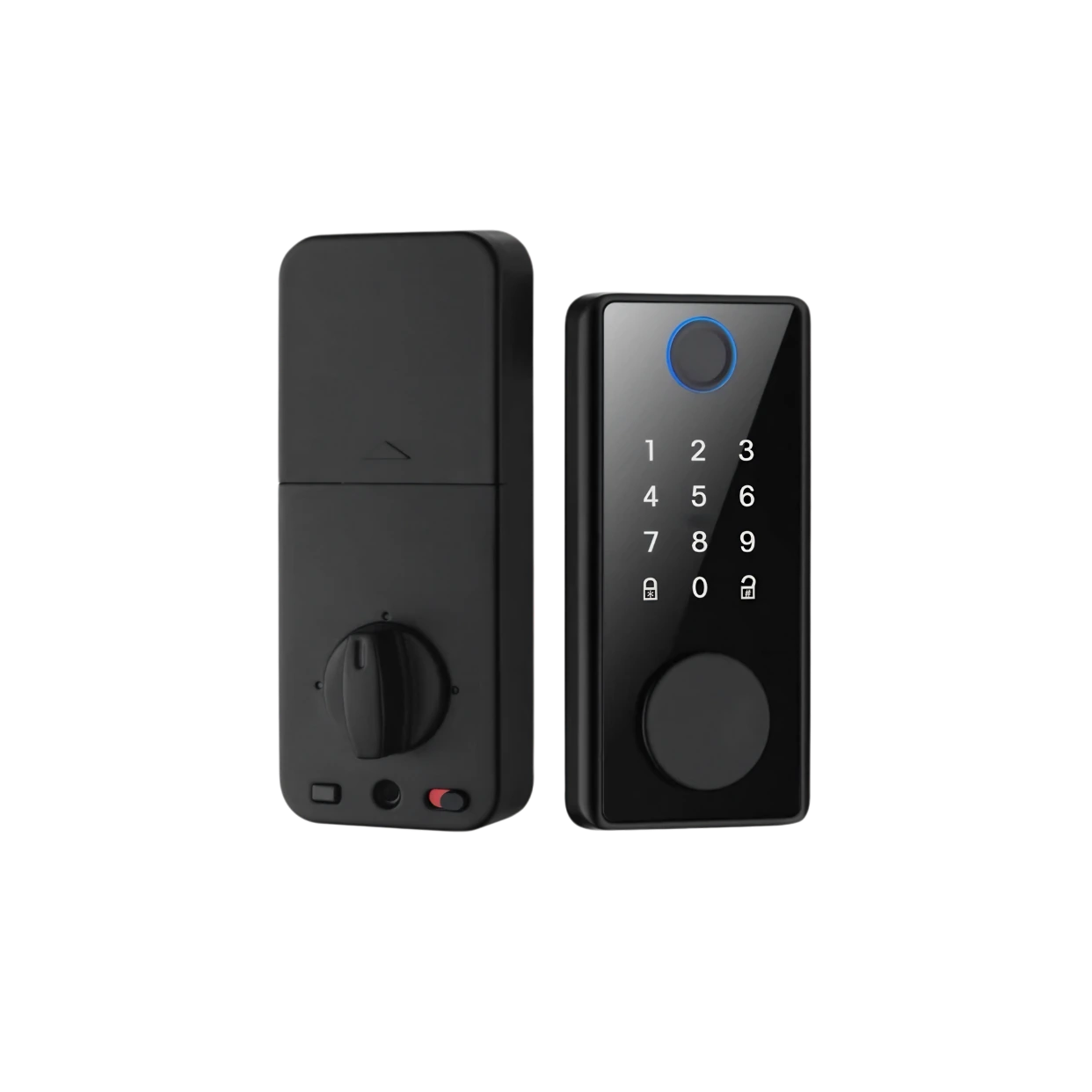
JINK B100 smart lock offers smart lock control and multiple access configurations for compatible doors and latch mechanisms. Choose the version using the door thickness, handing, cutouts and lock body drawings.
JINK smart lock B100
Official suggested retail price. Dealer pricing is shown after dealer sign-in; the original suggested retail price remains struck through. Final transaction price and configuration are confirmed in the order.
Recommended door thickness: 35–55 mm. Also check the lock body, backset and mounting holes before installation.
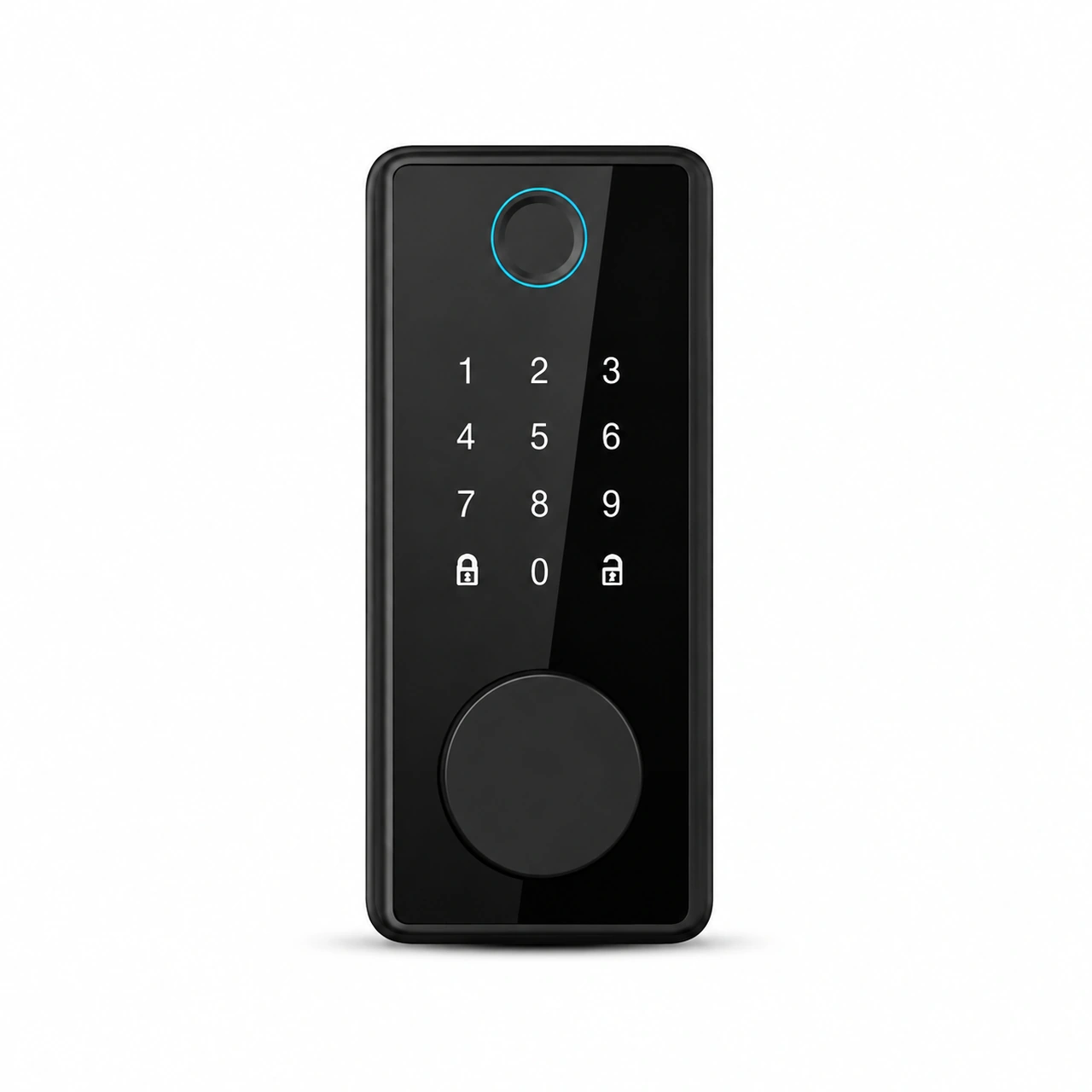
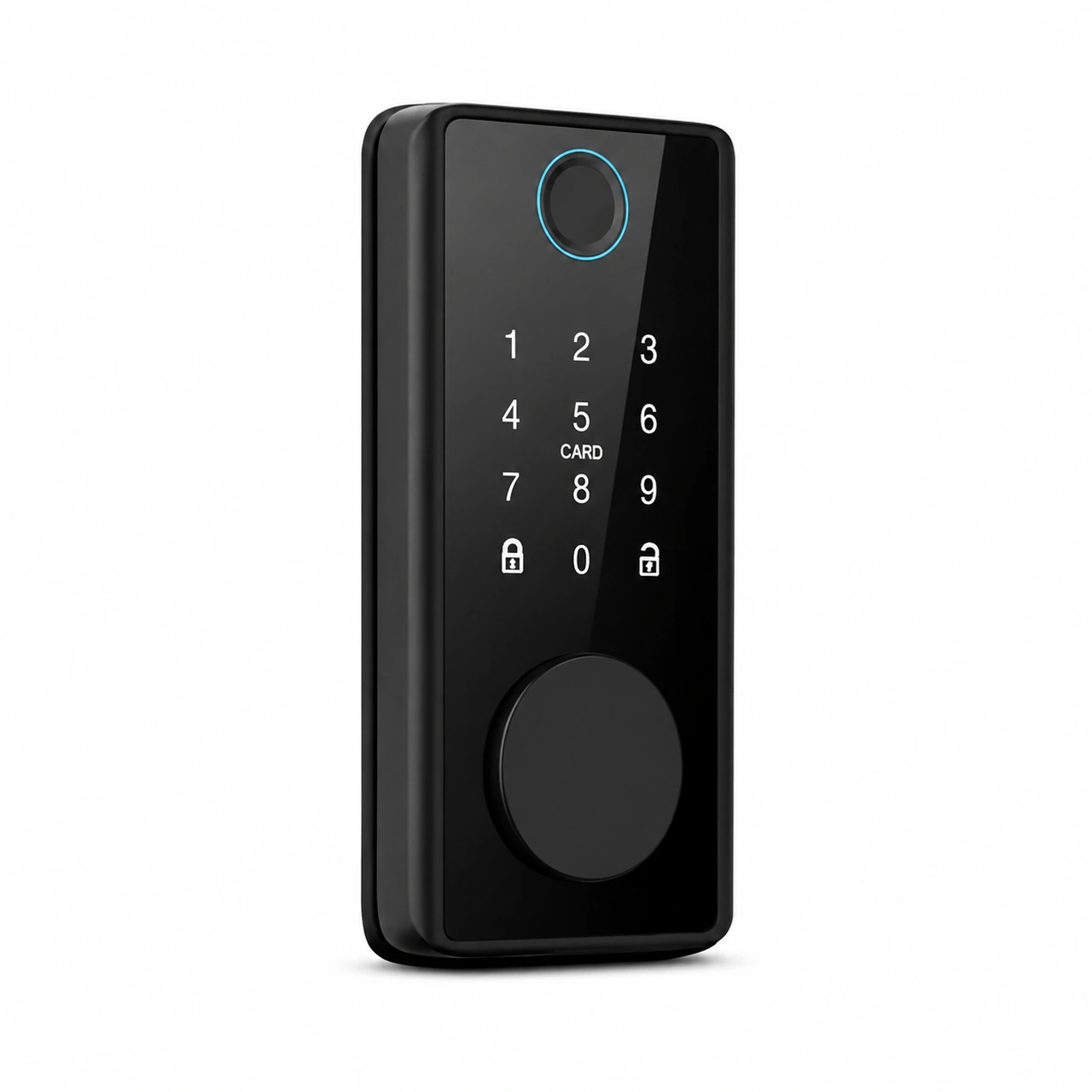
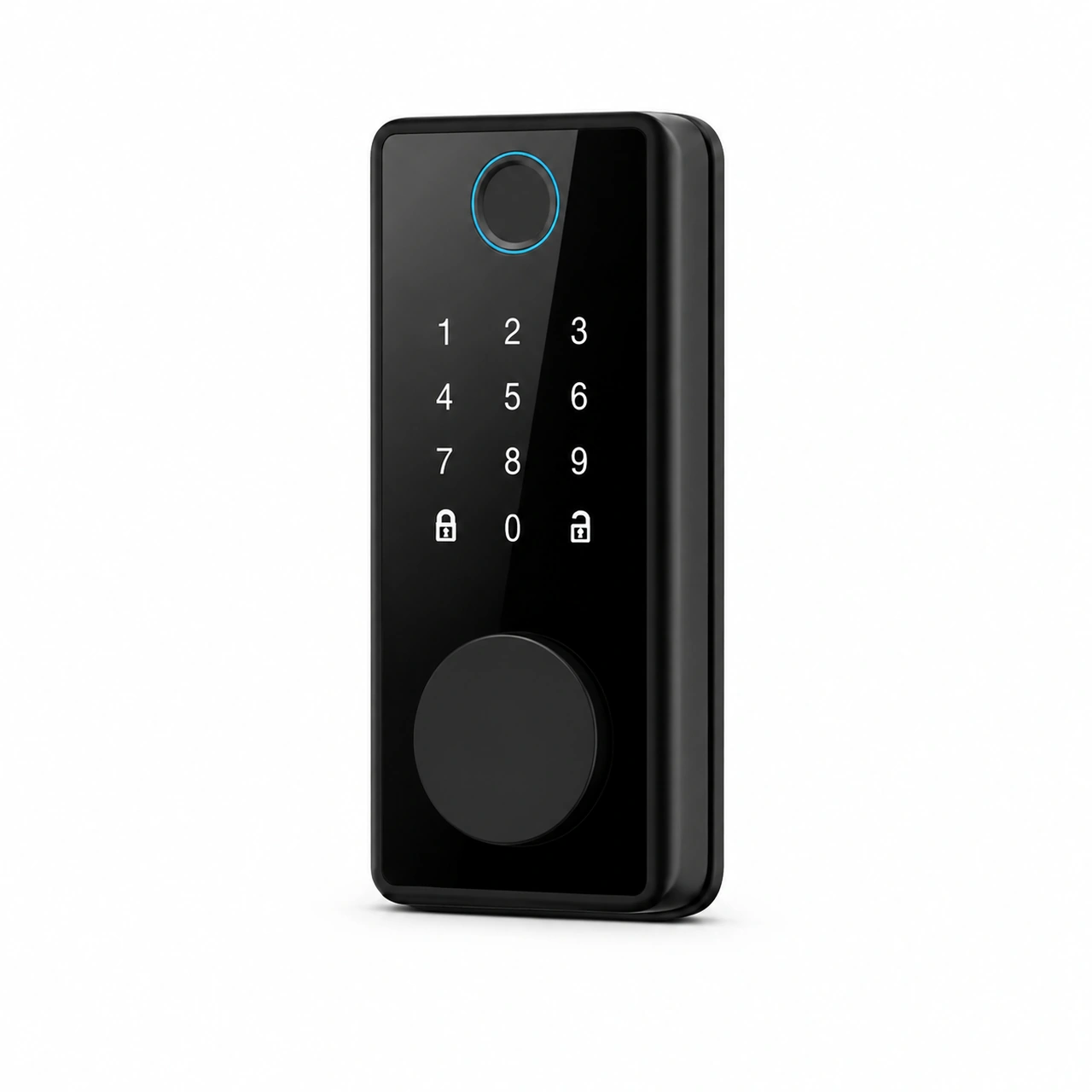
Available options include fingerprint, passcode, card or mechanical key. Check the app and exact configuration for your selected version.
Control the lock through a compatible system. Advanced unlocking methods and passcode management may be provided separately by the product or platform.
Design · Functions · Life
JINK smart lock B100 · product story
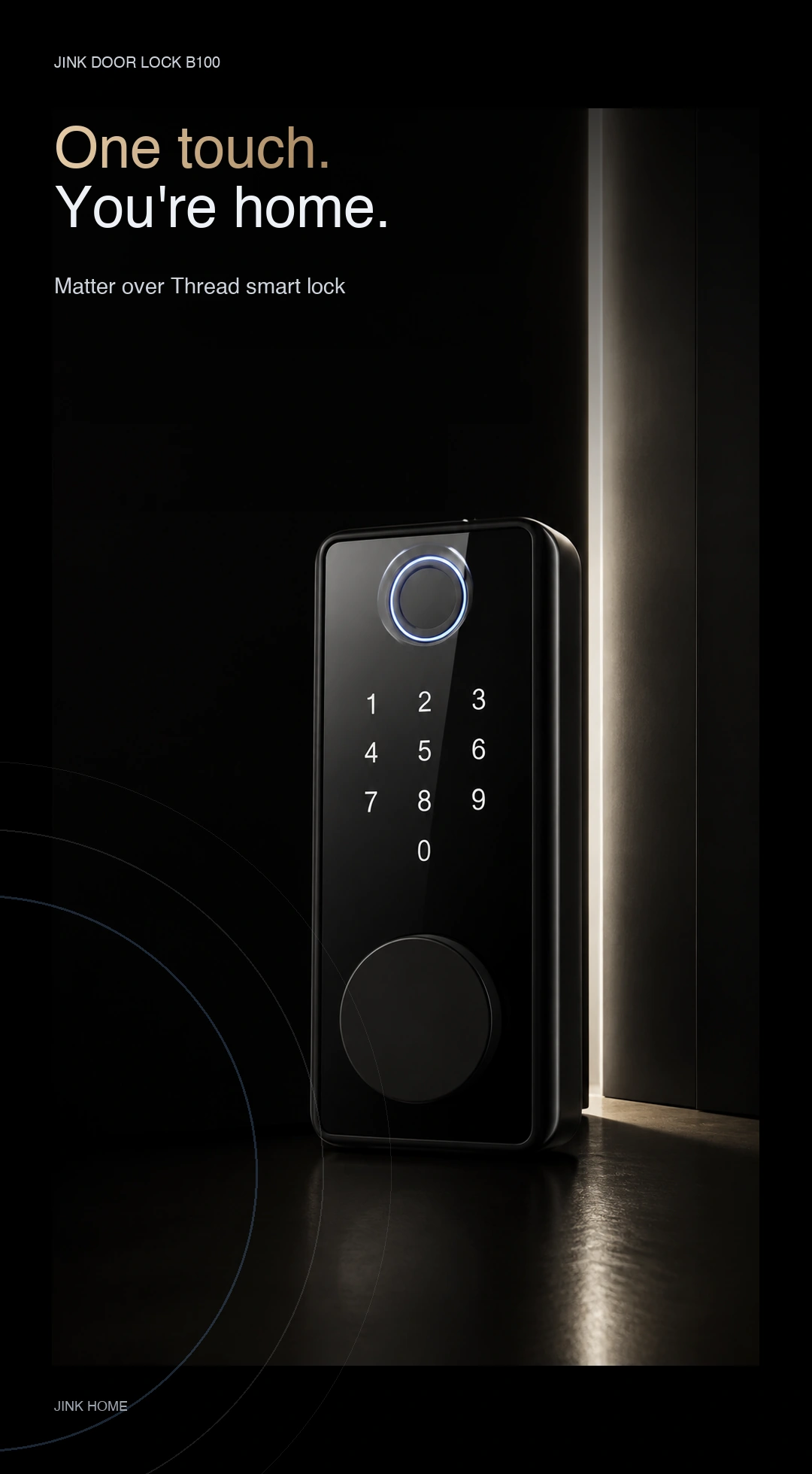
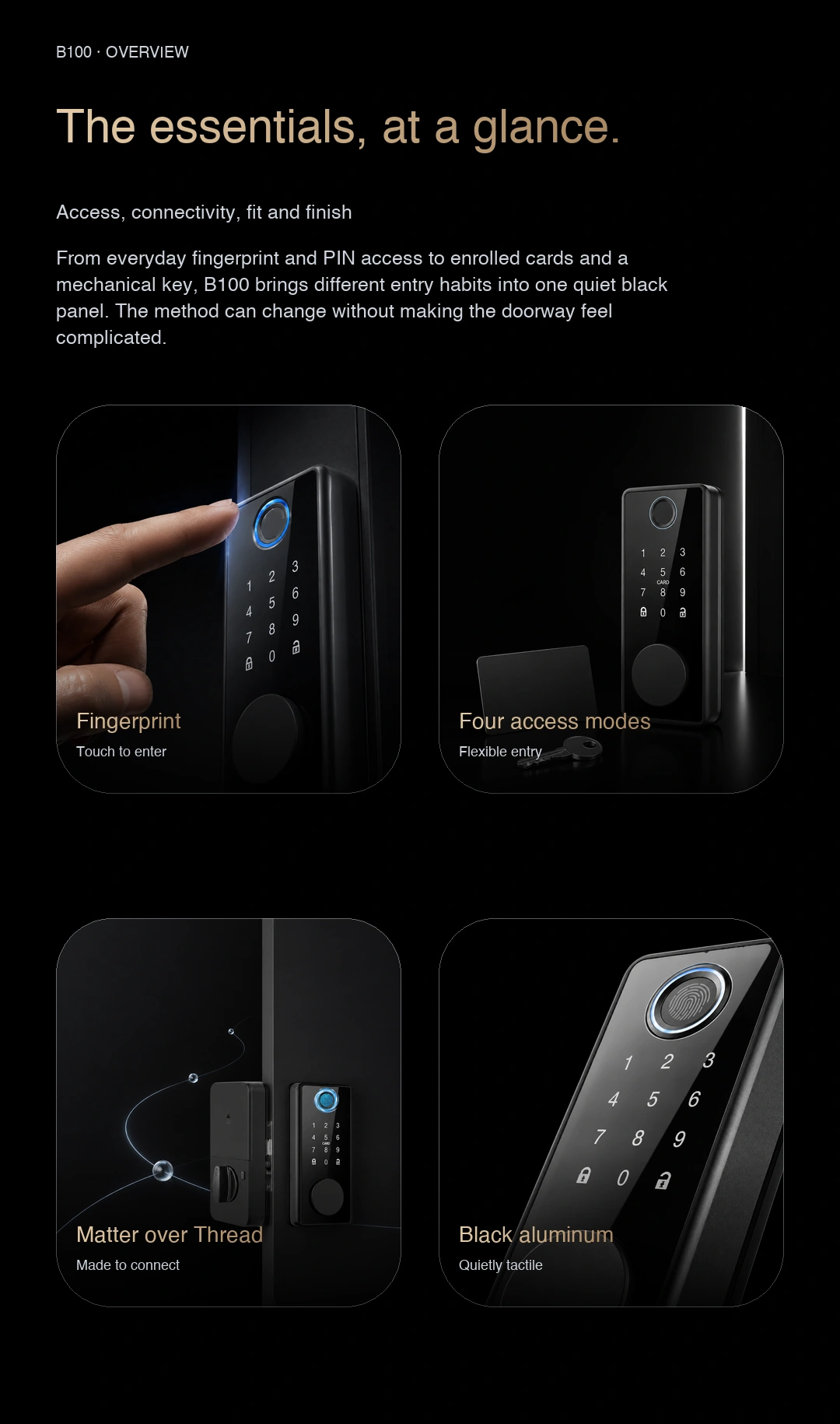
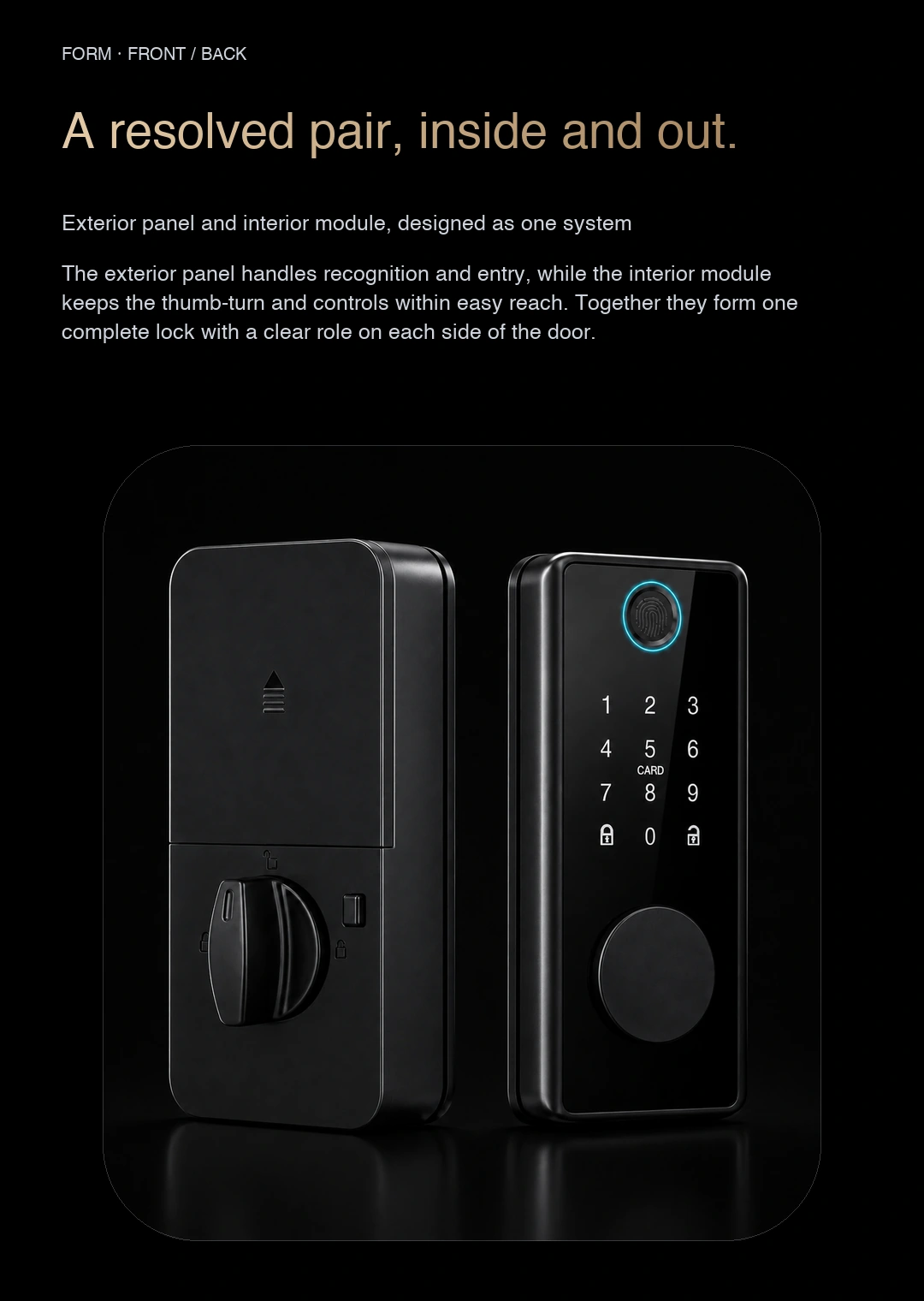
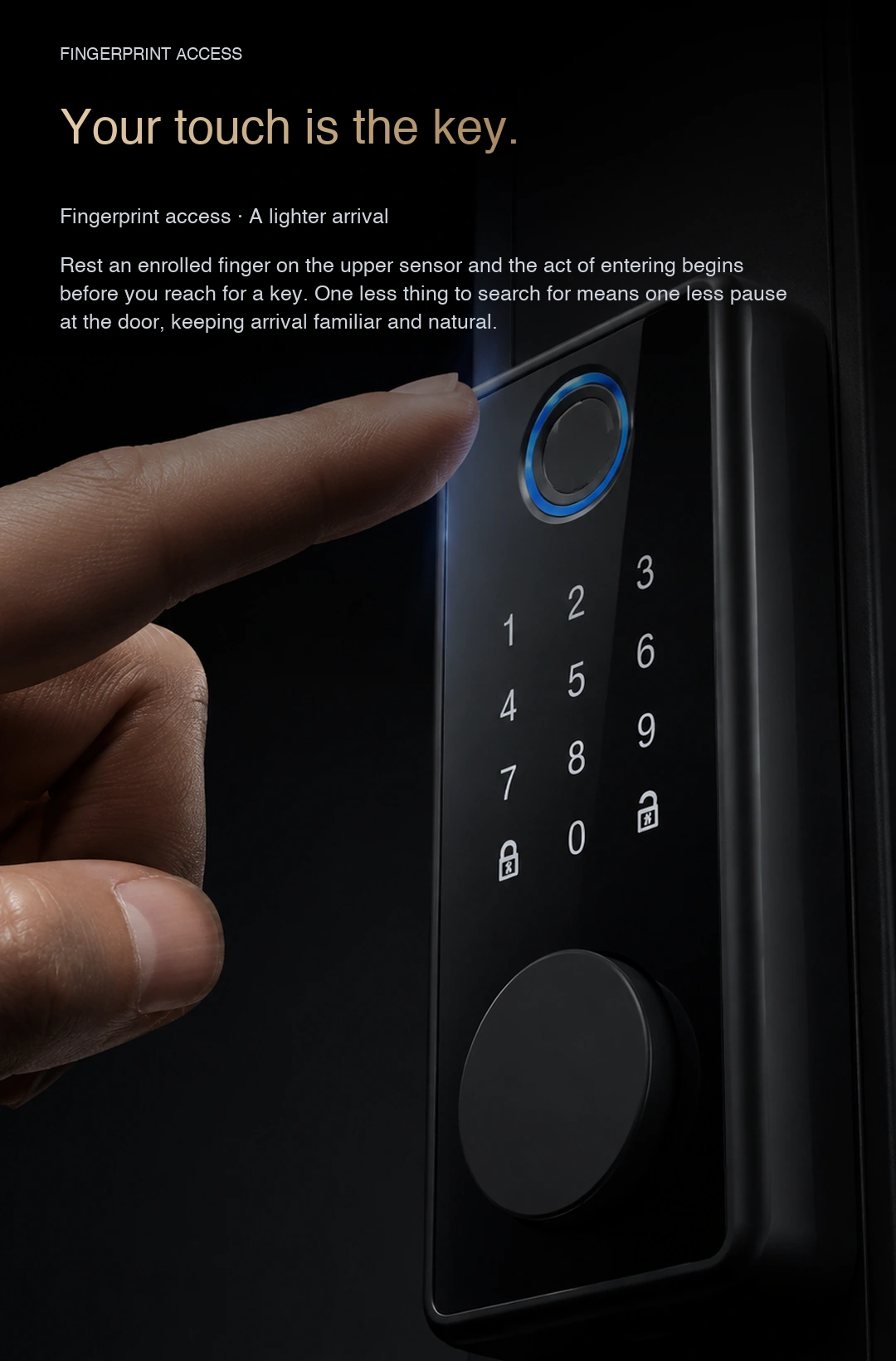
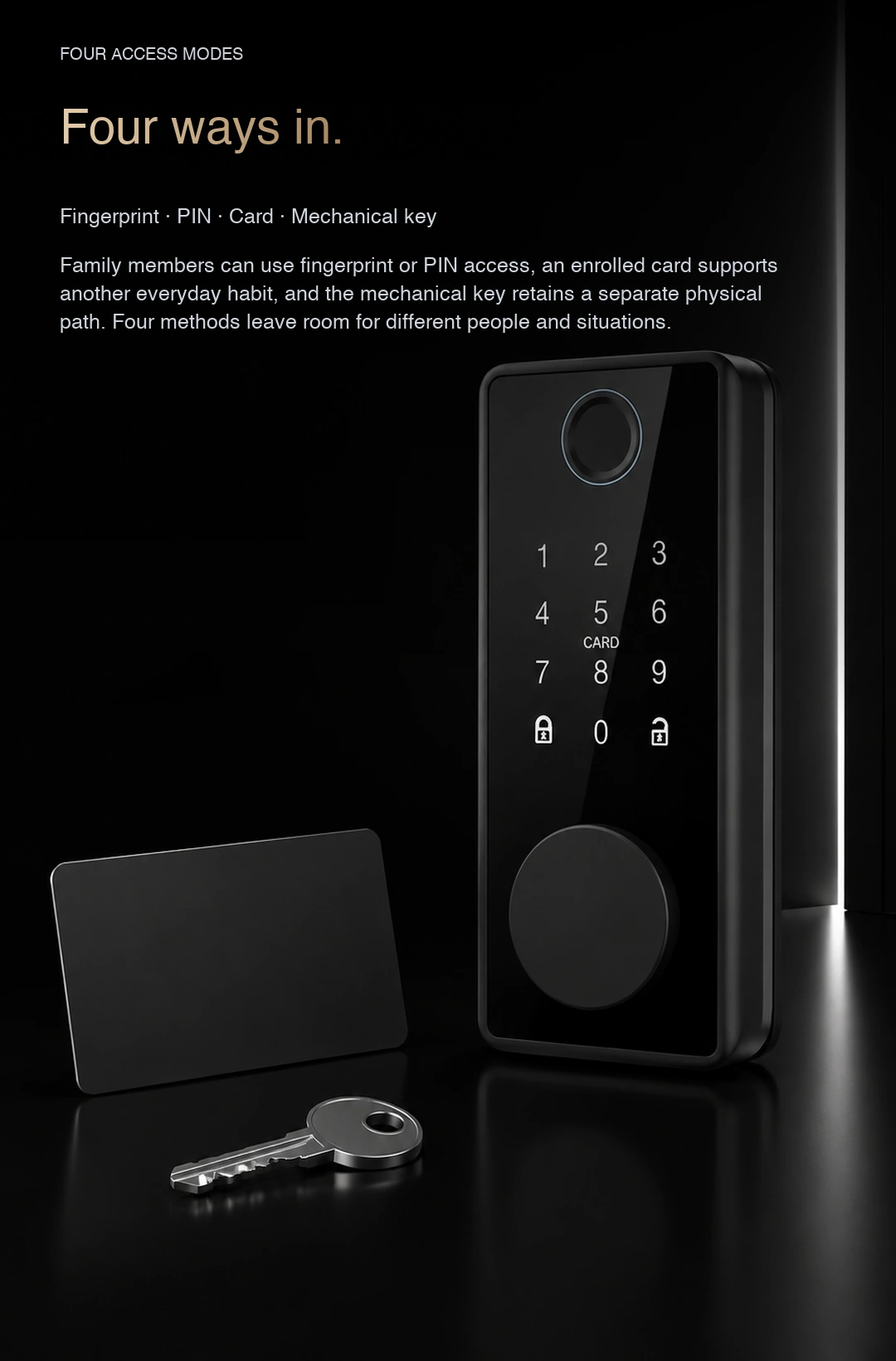
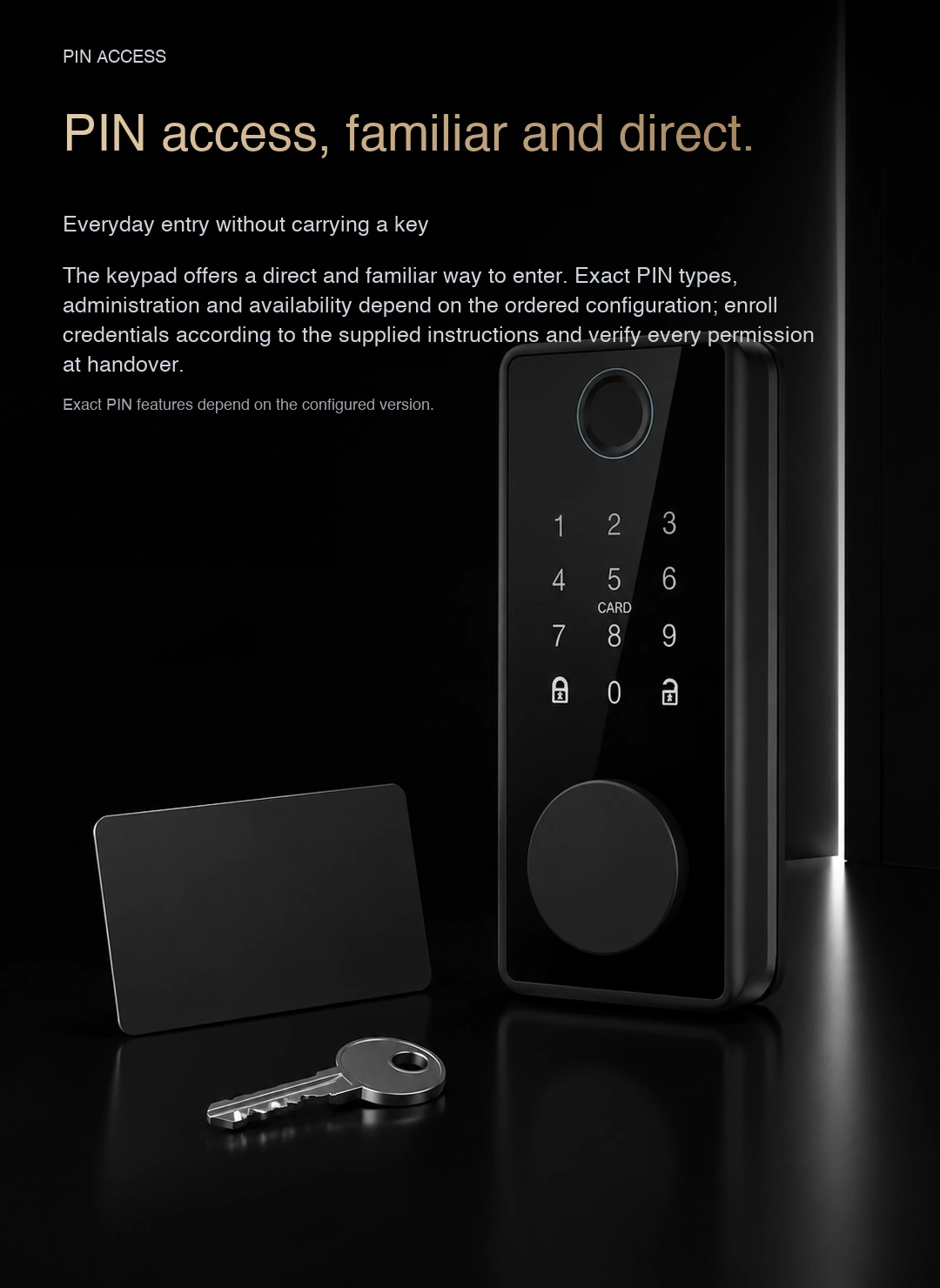
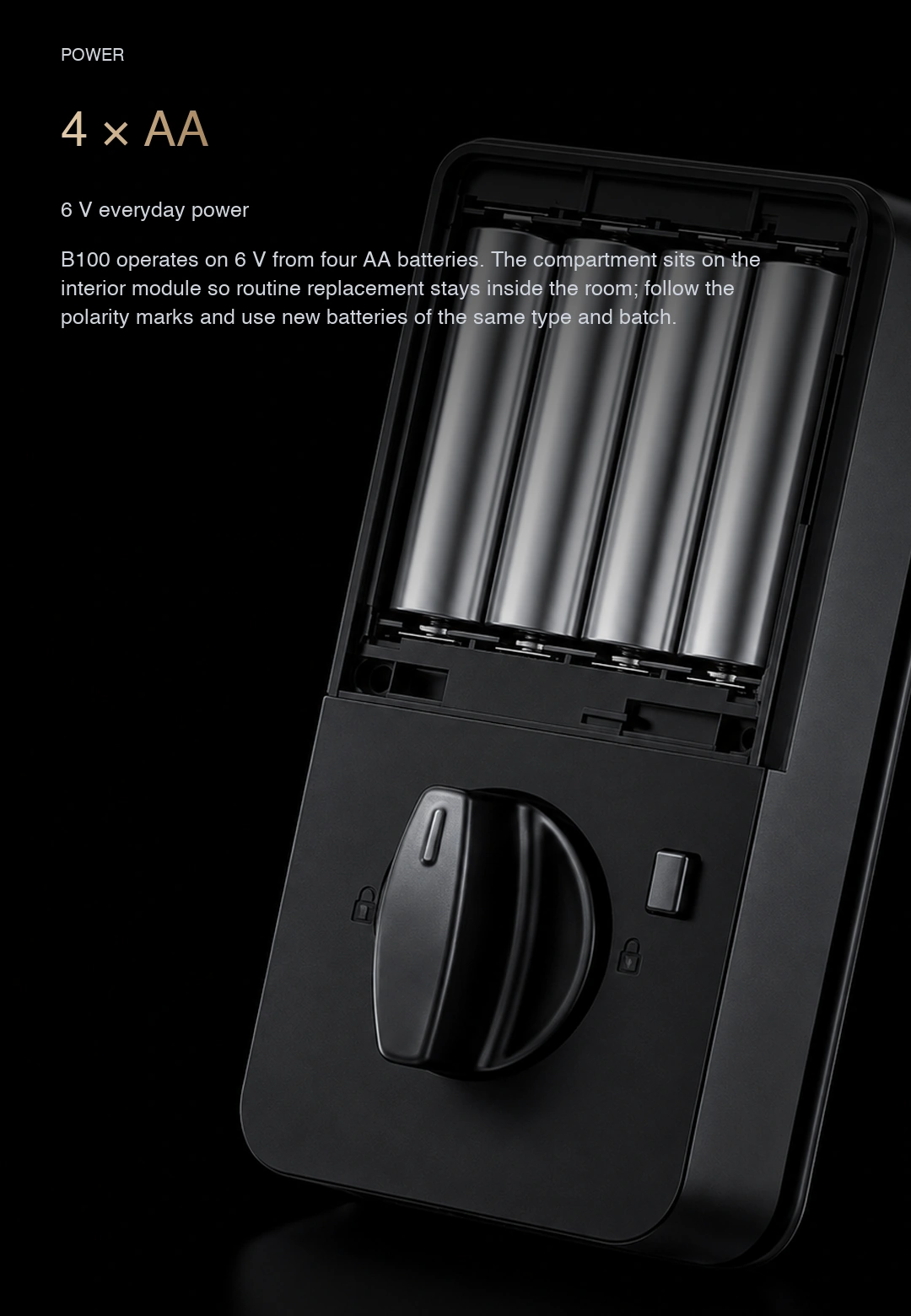
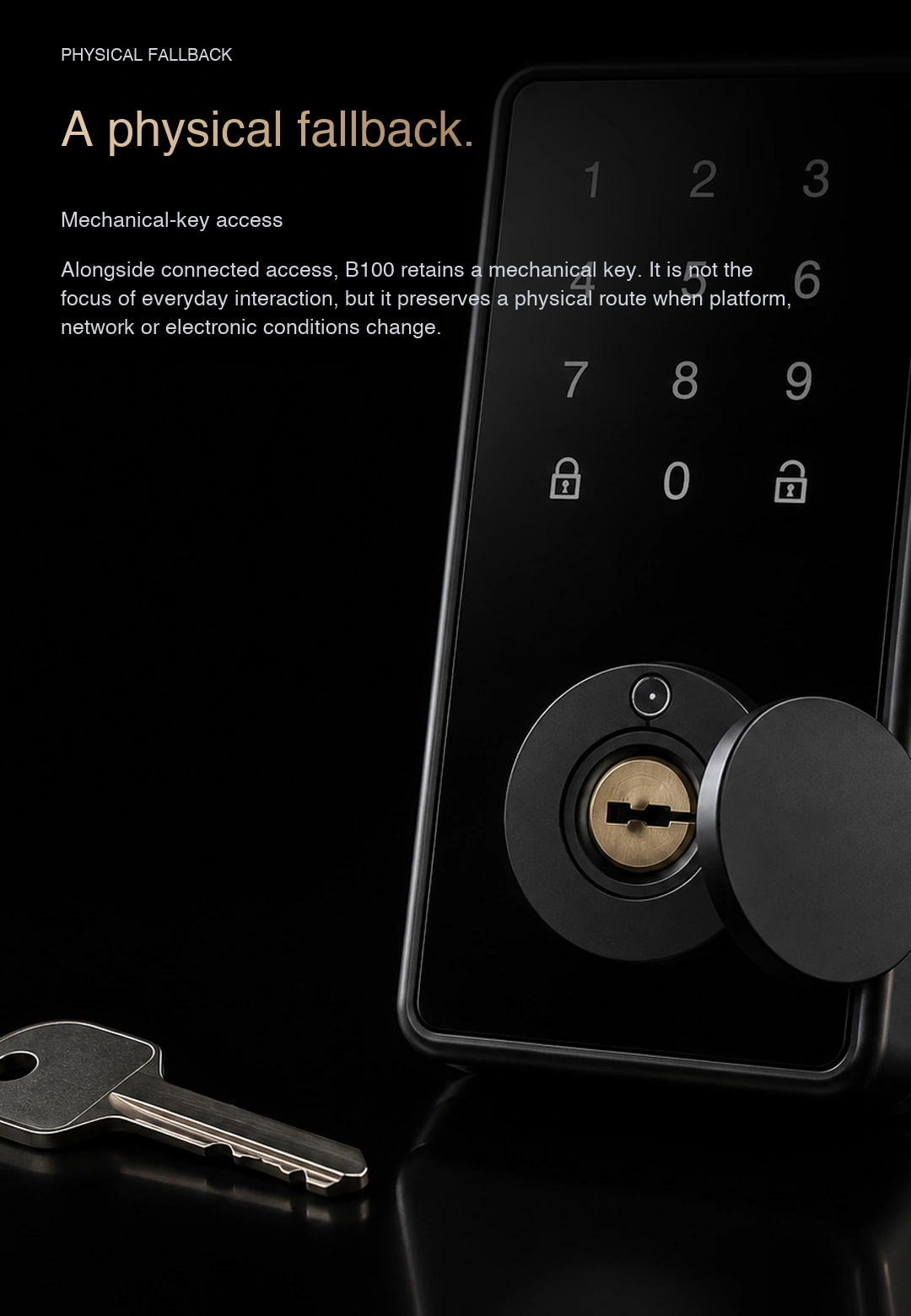
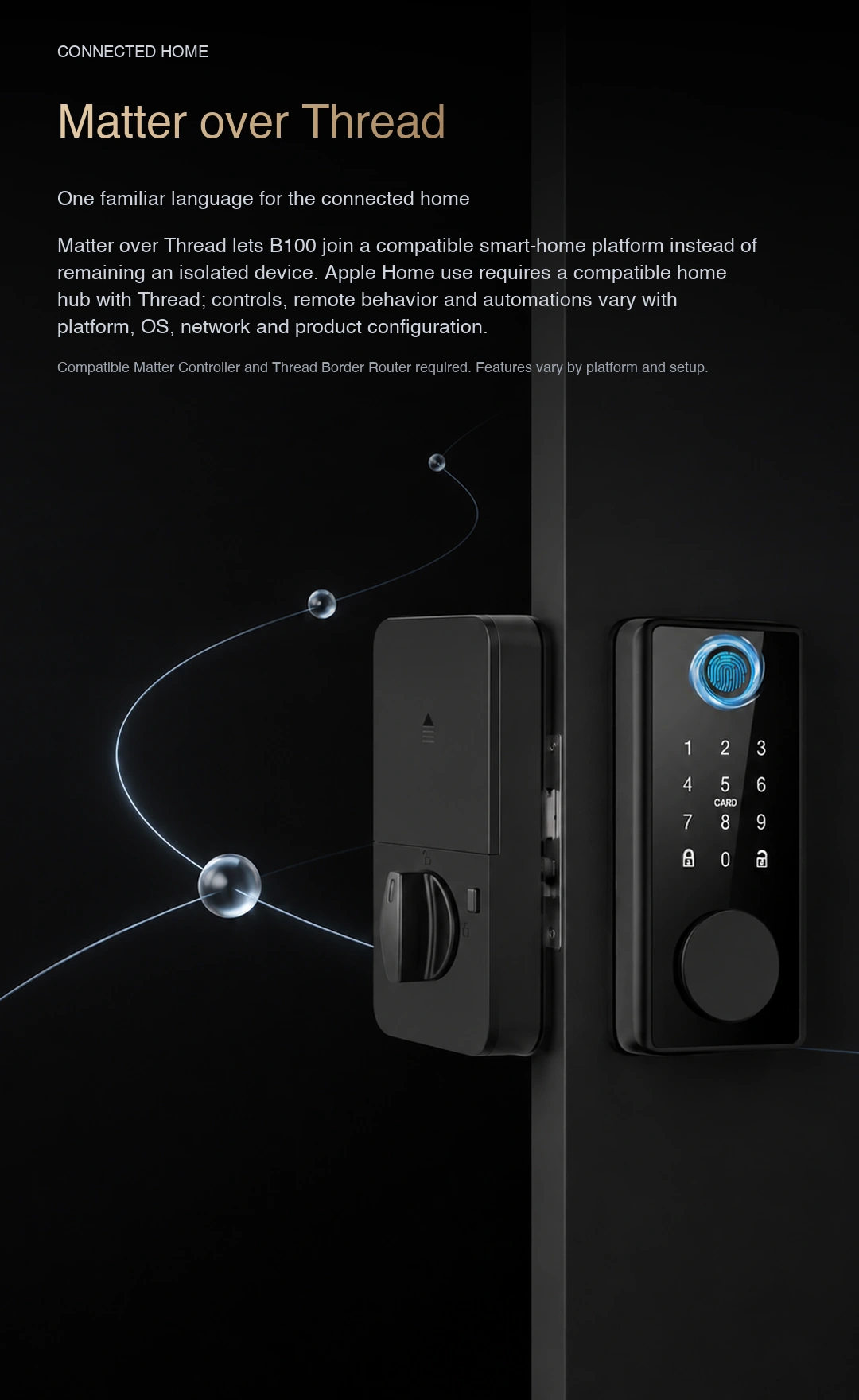
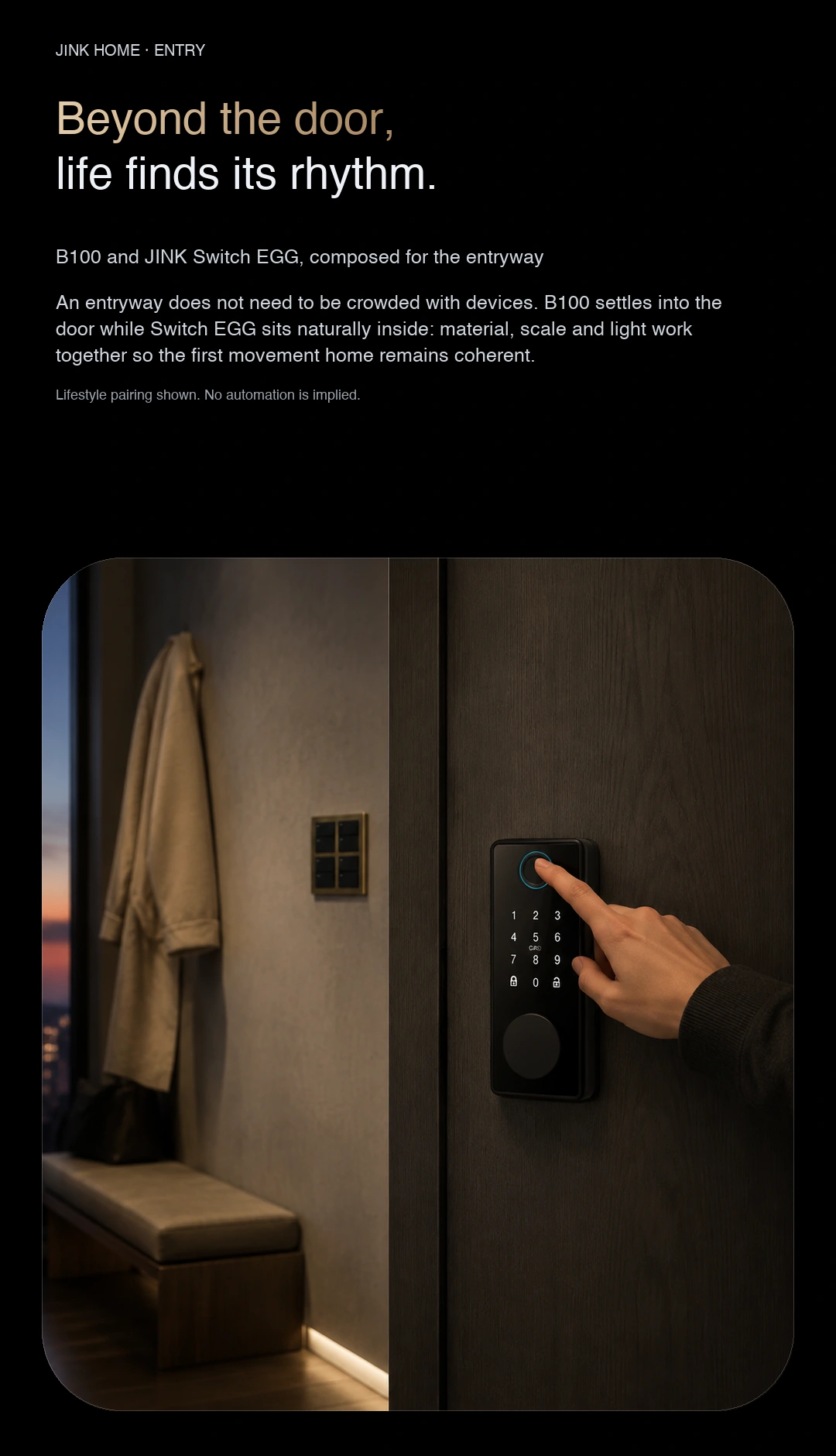
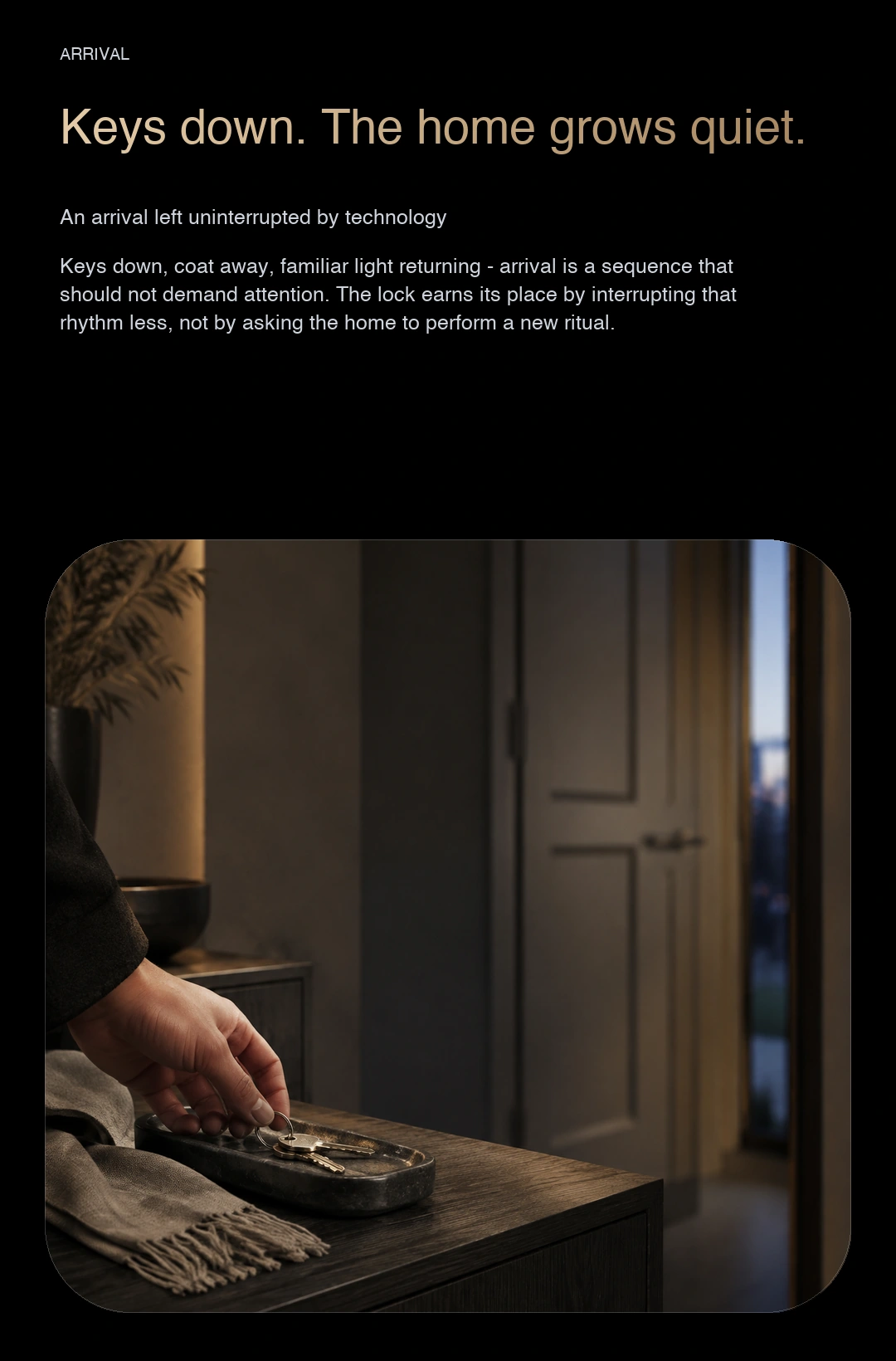
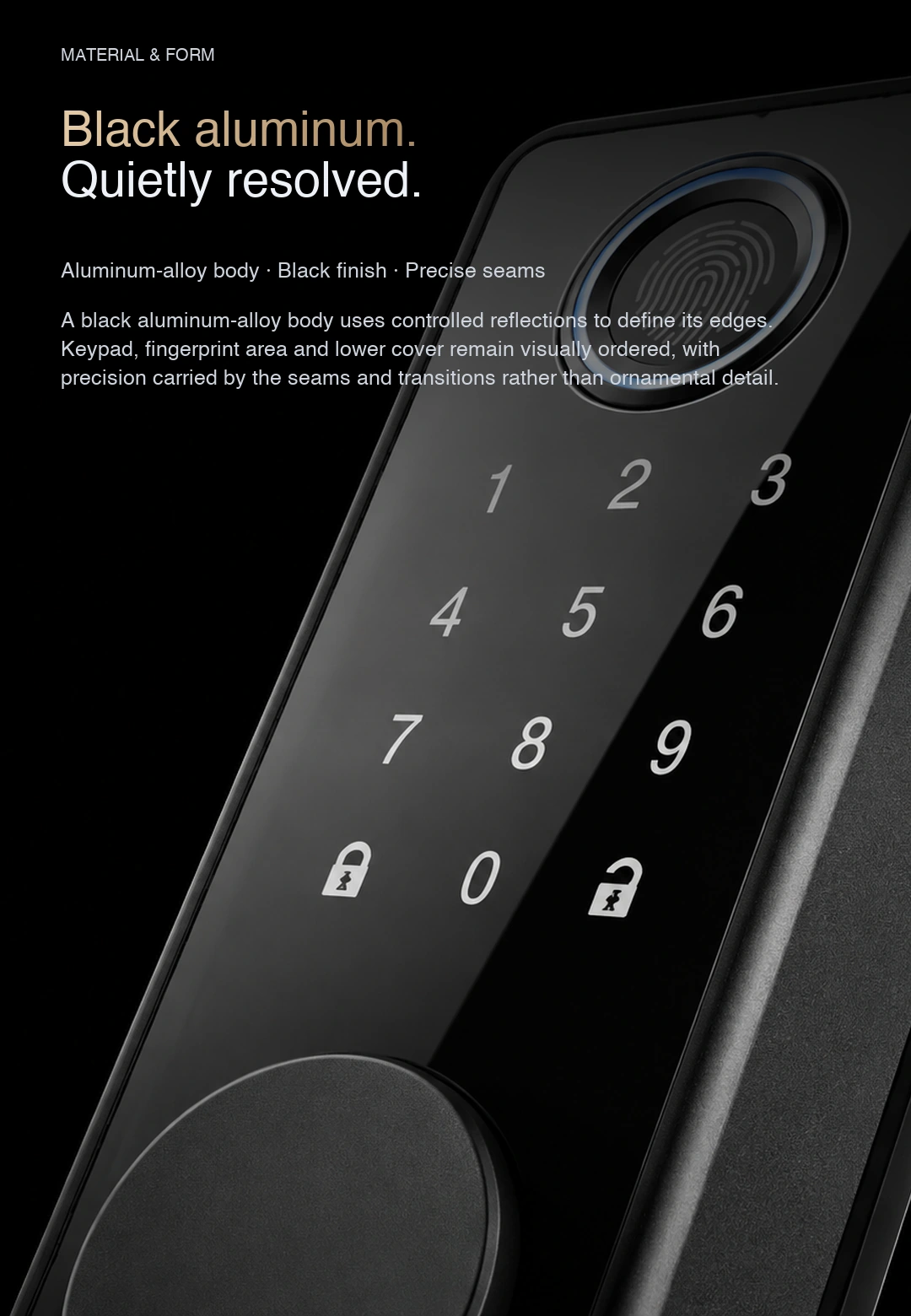
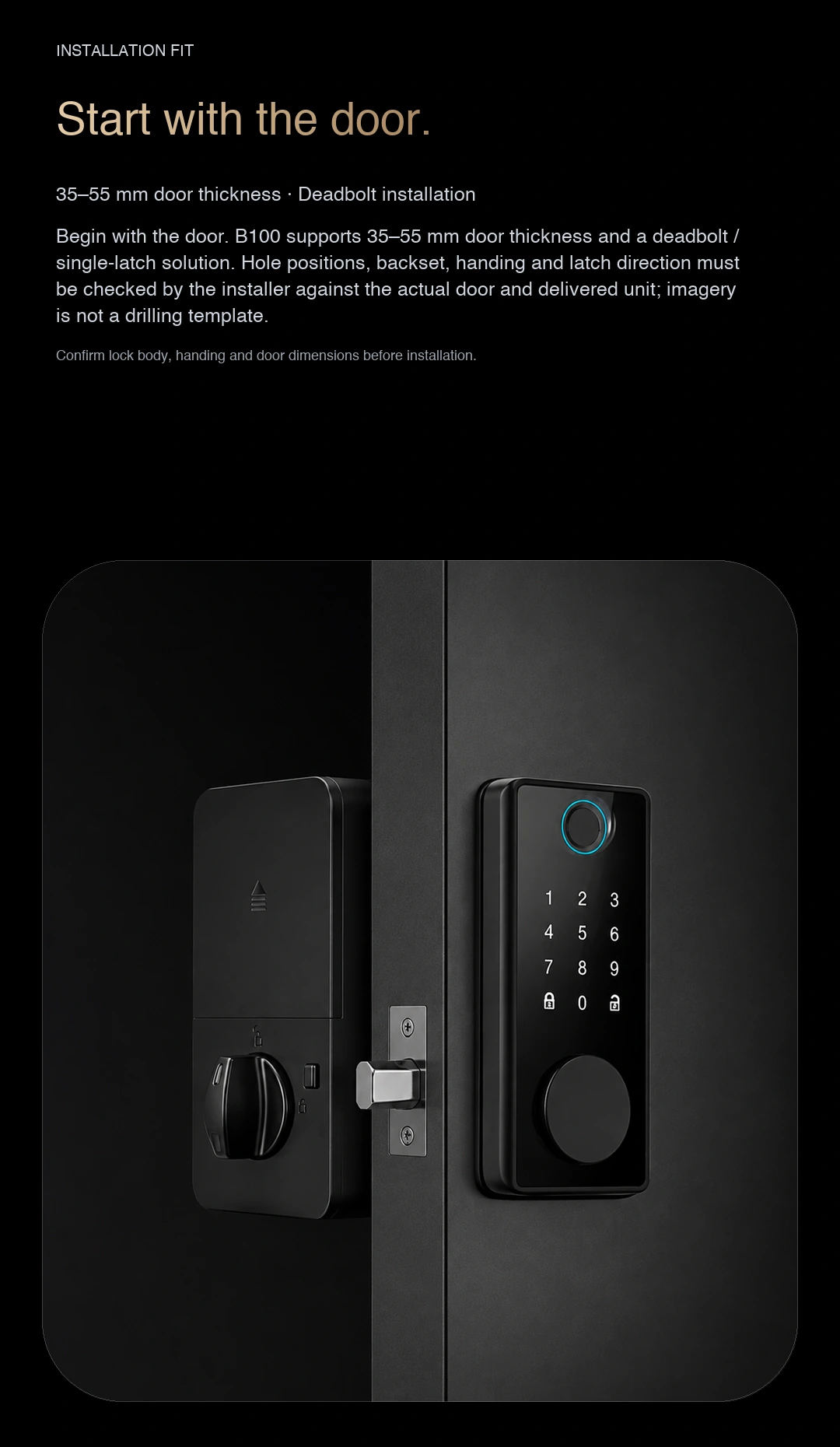
Explore the product from different angles and see its design and functions in use. Click an image to enlarge it. Configuration depends on the selected model.
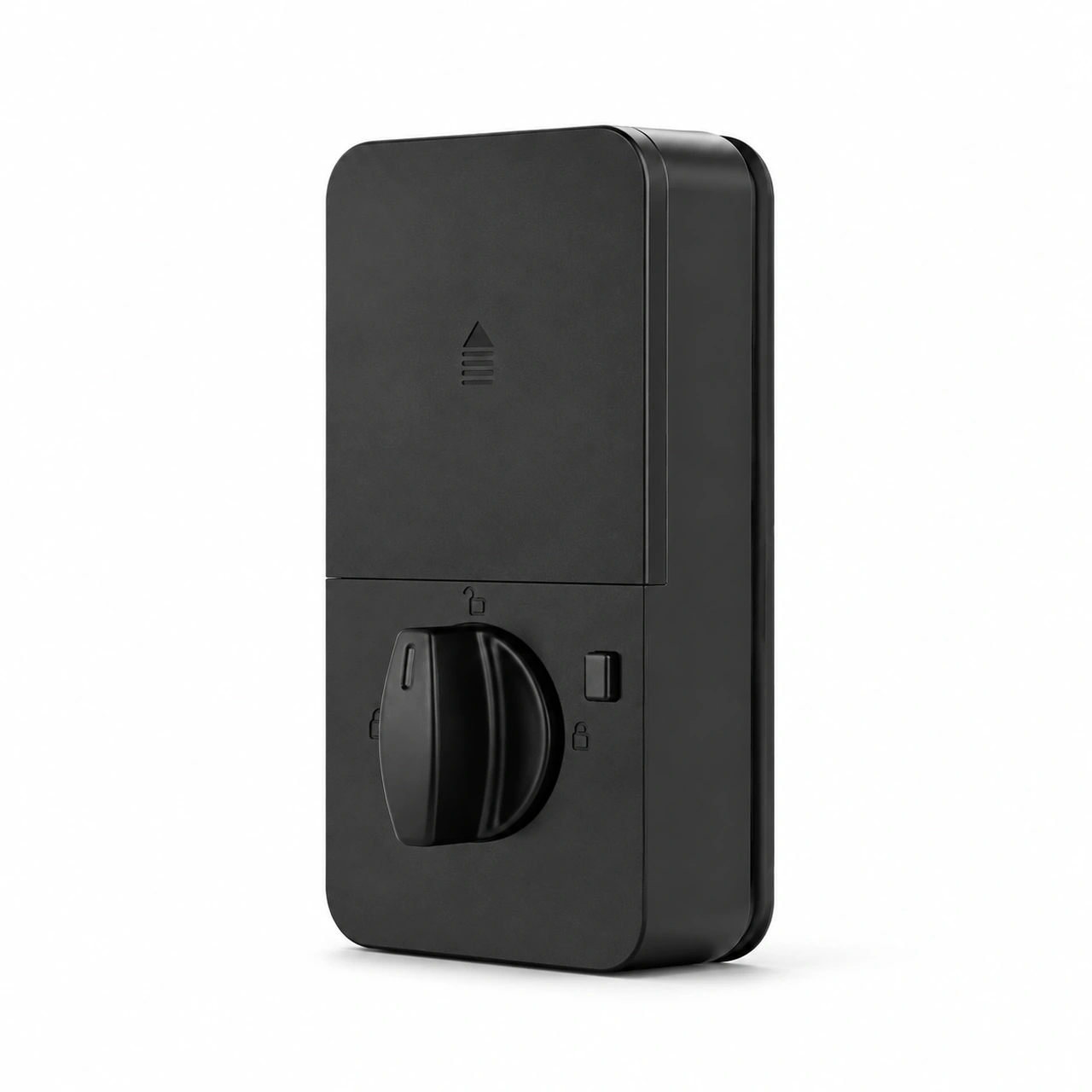
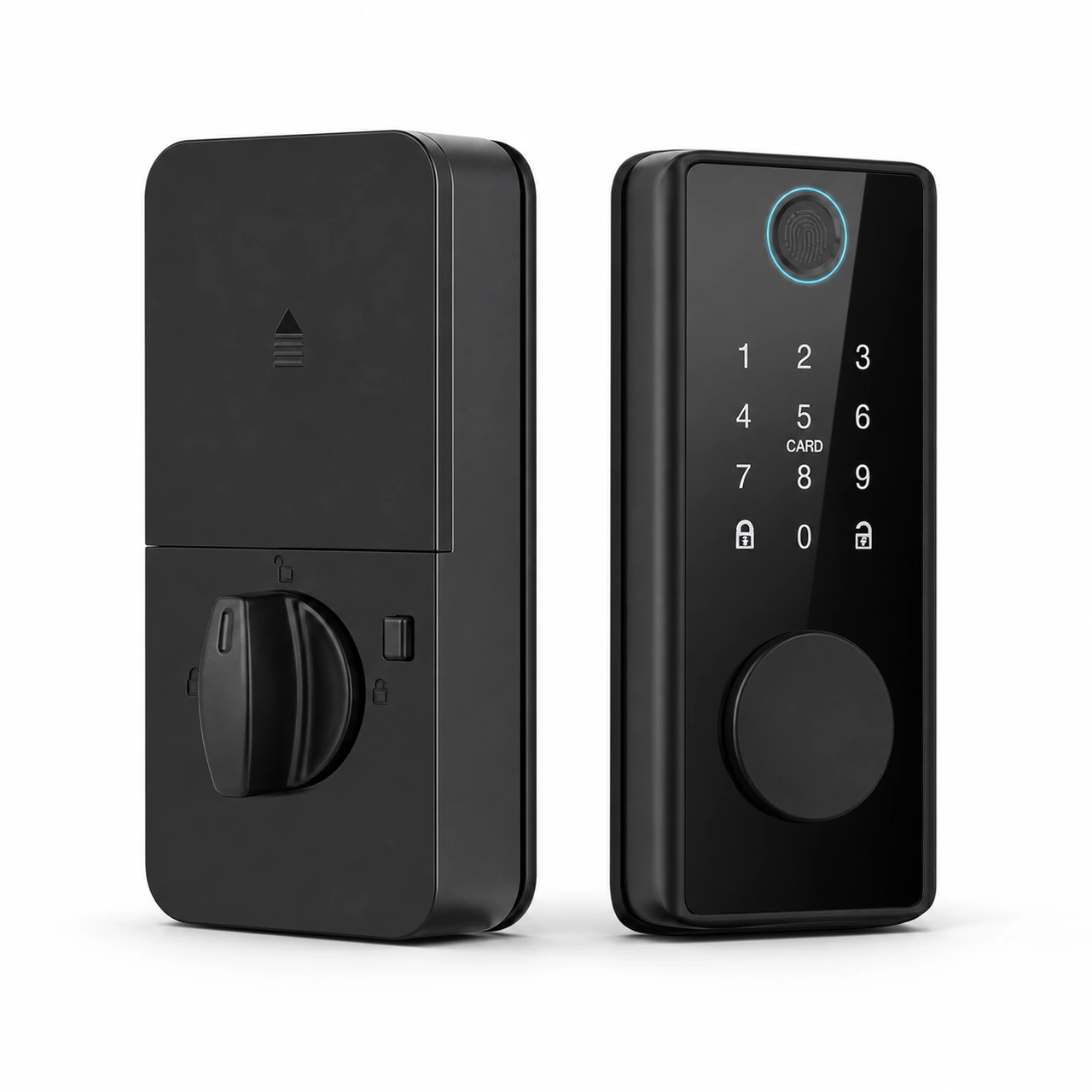
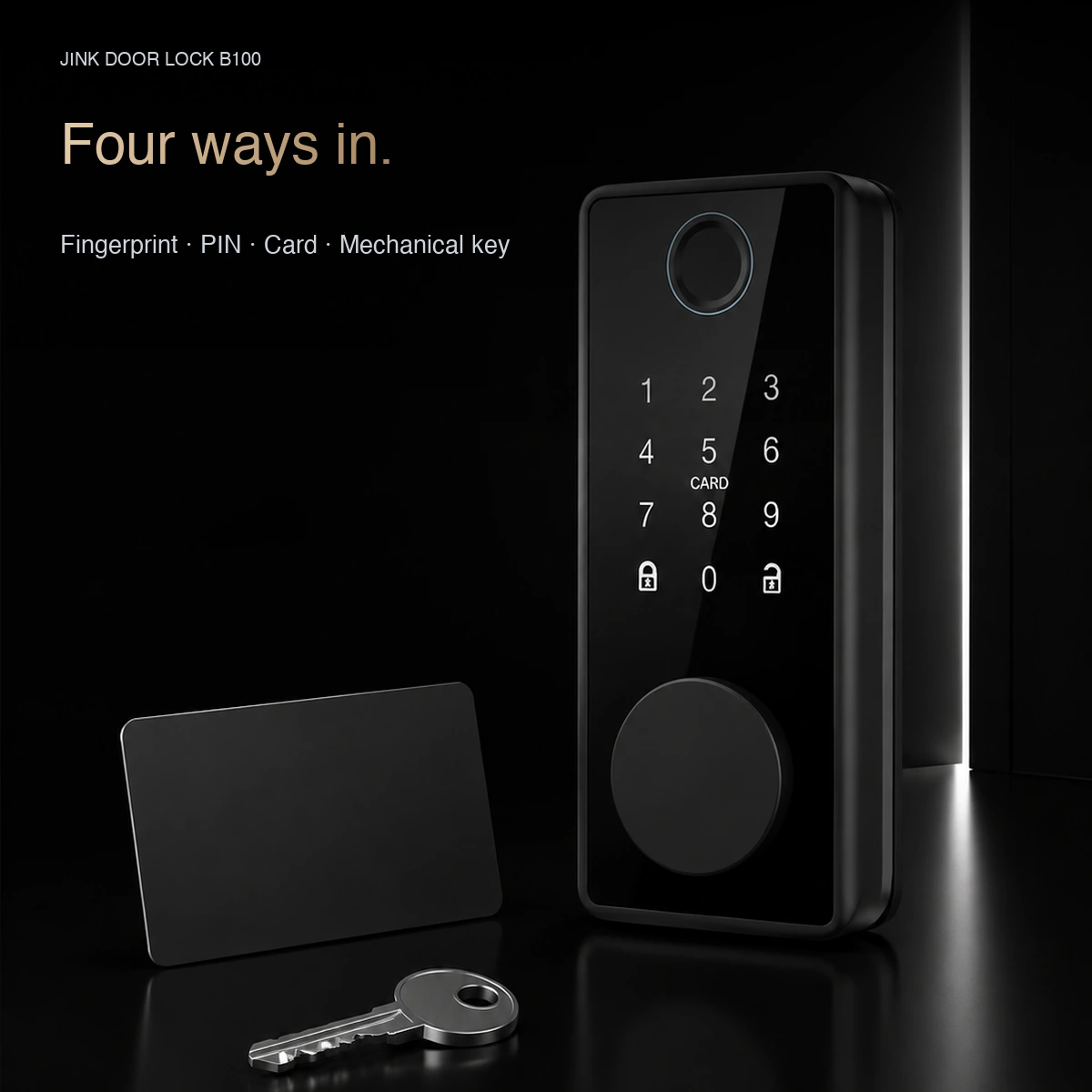
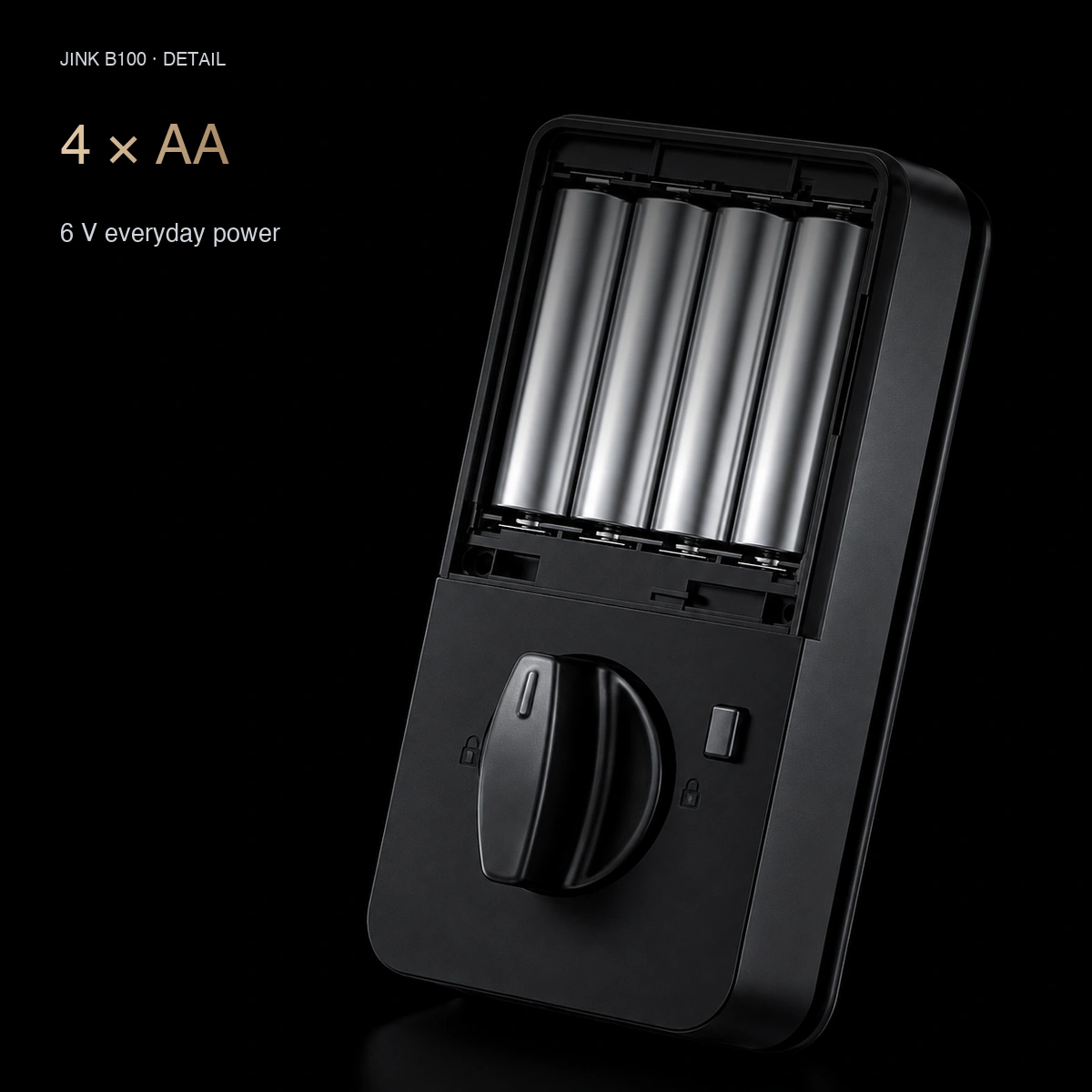
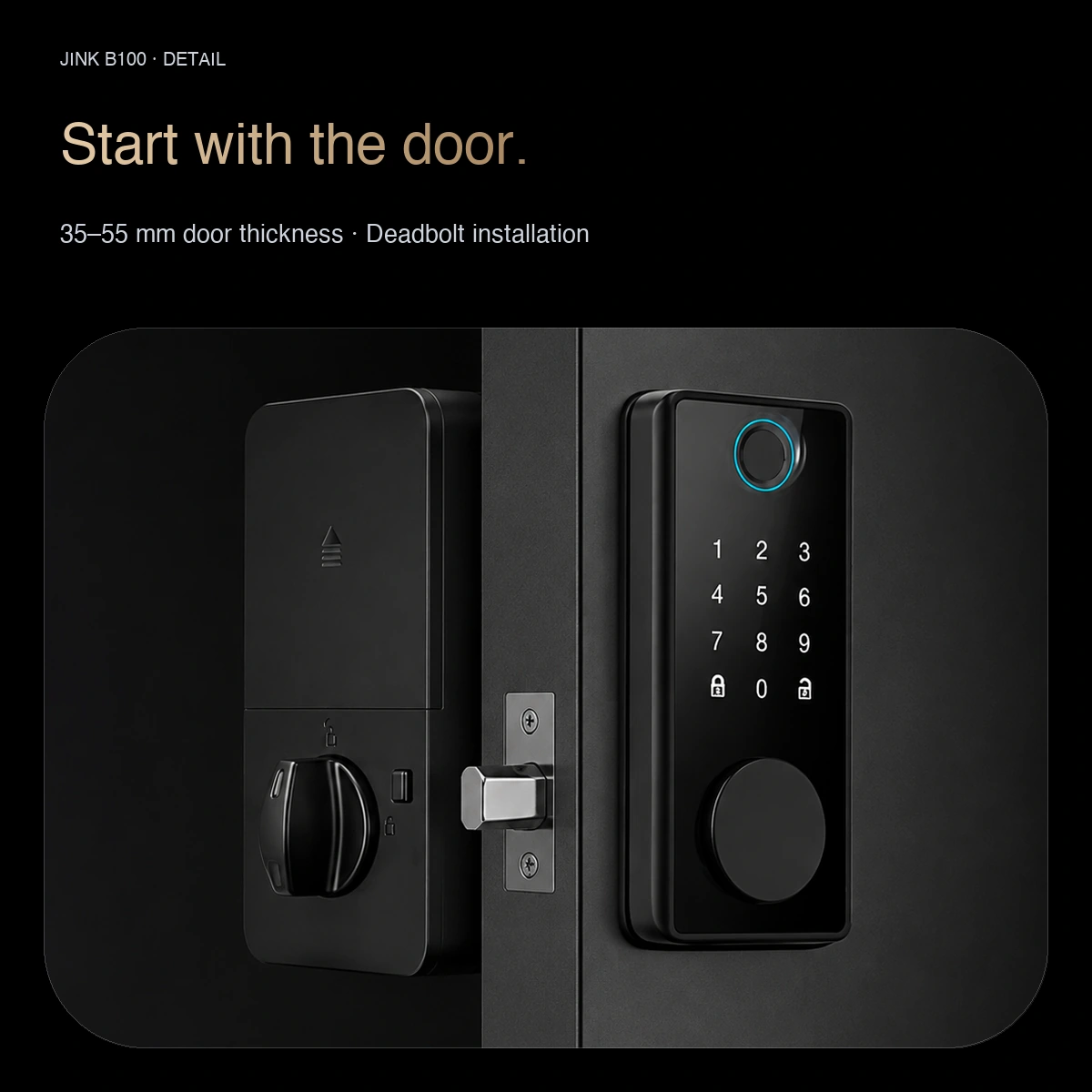
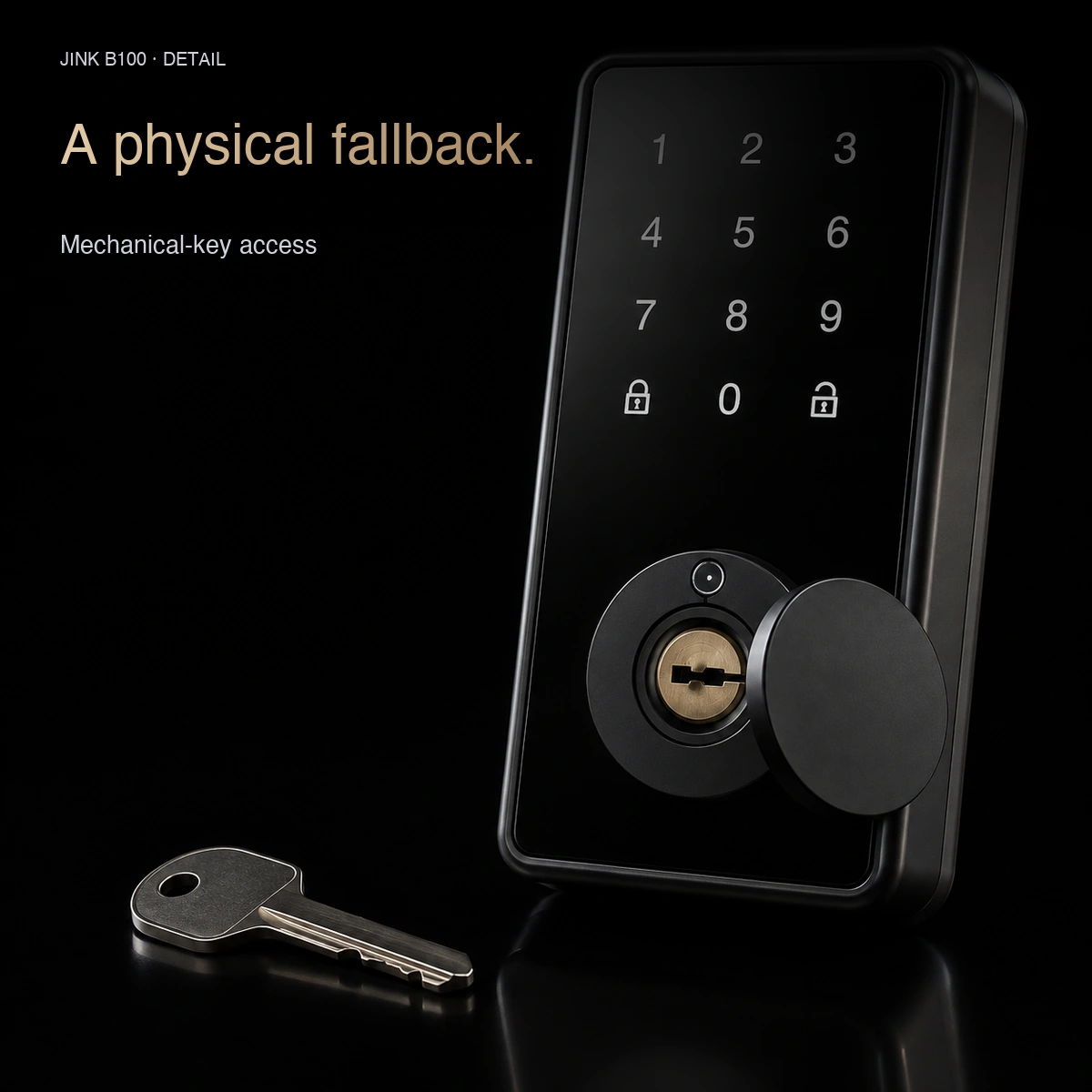
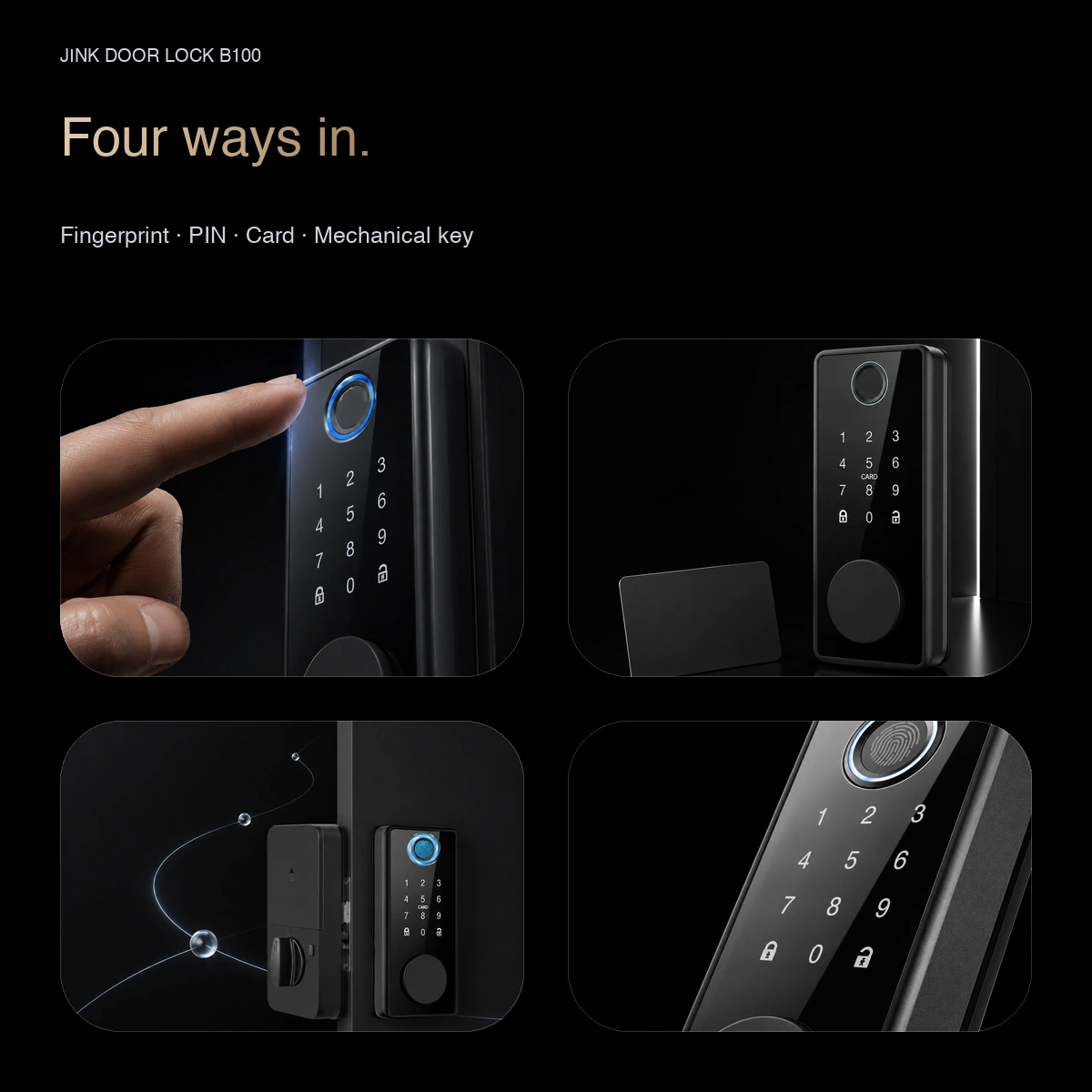
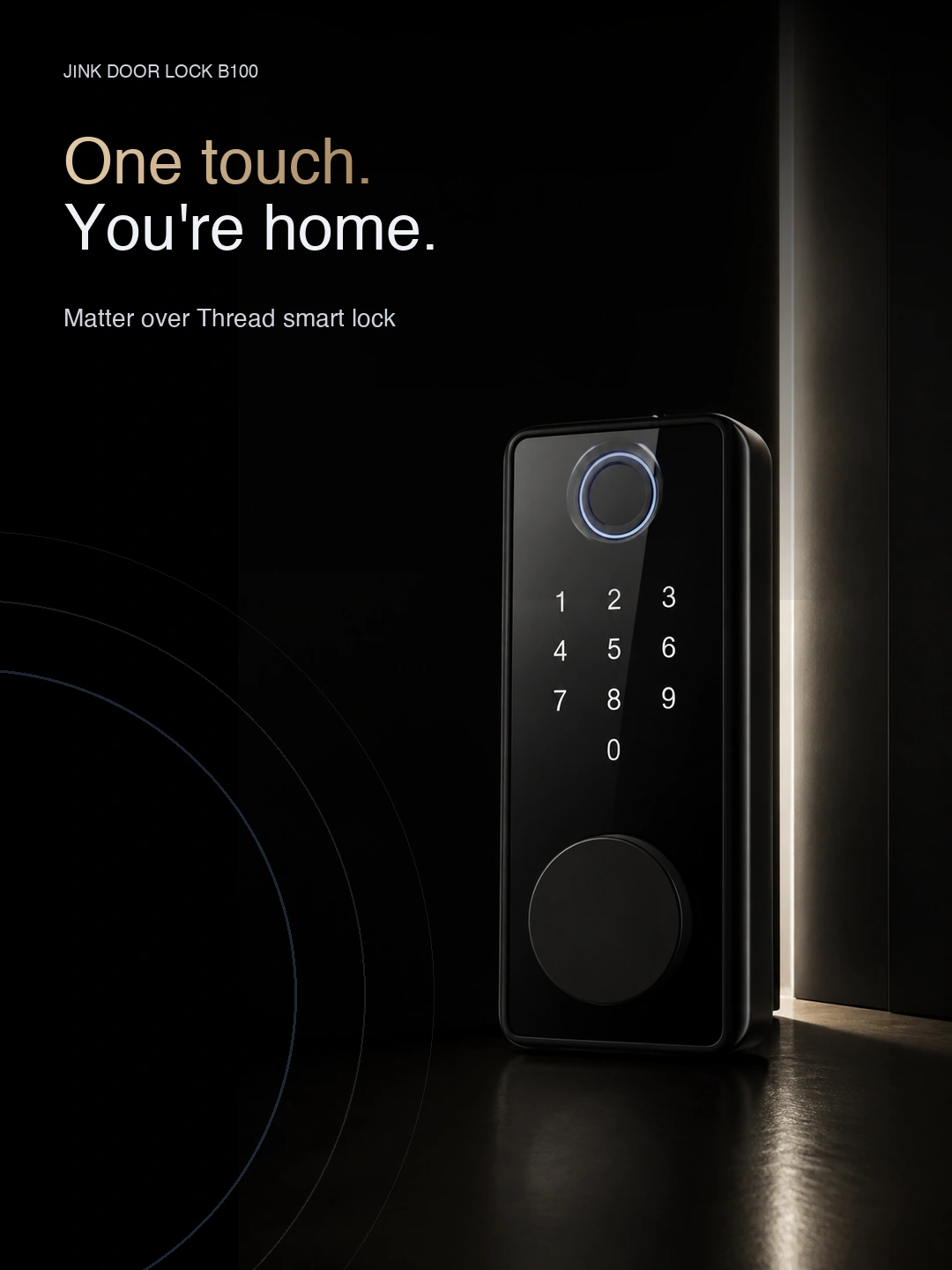
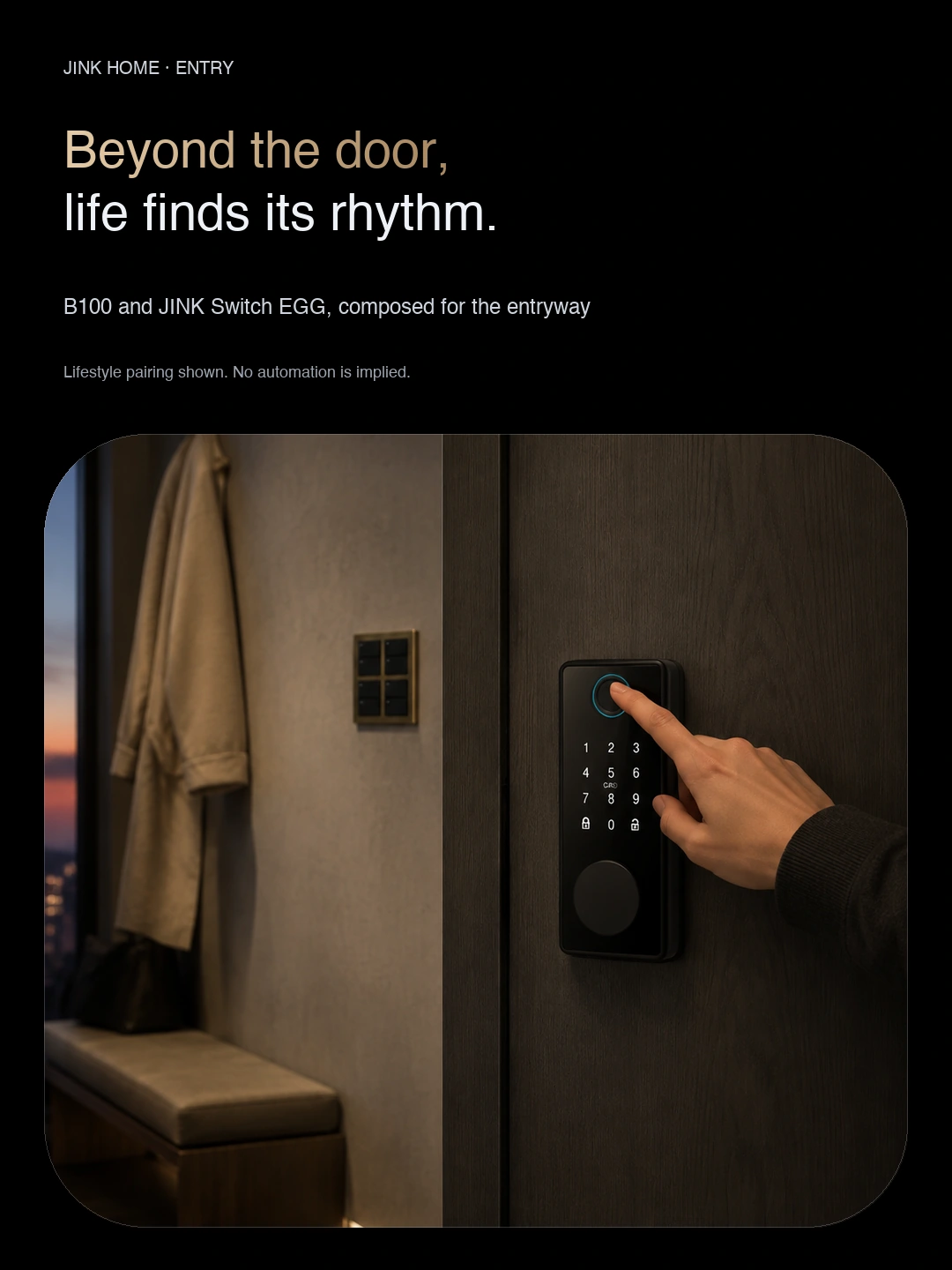
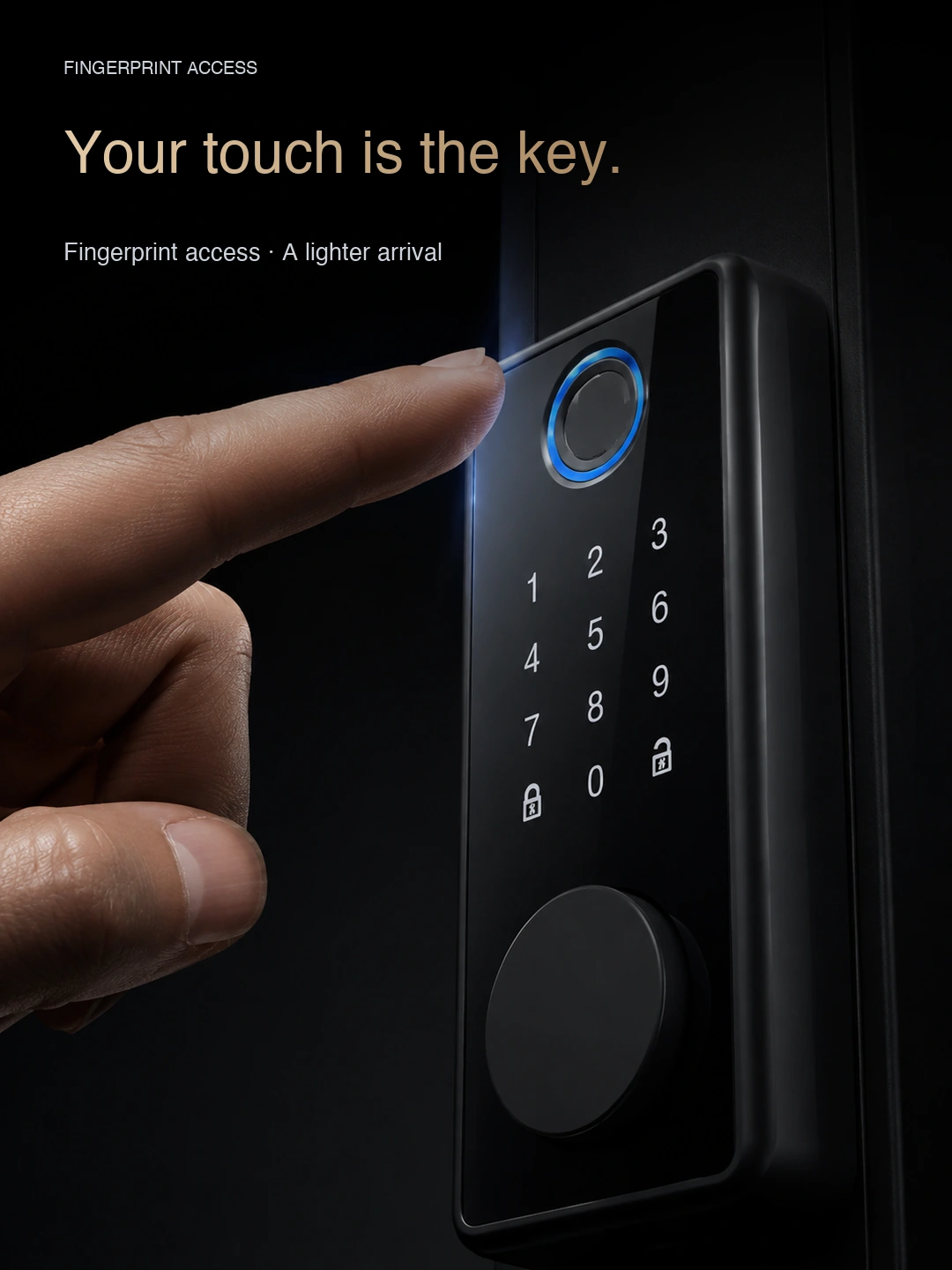
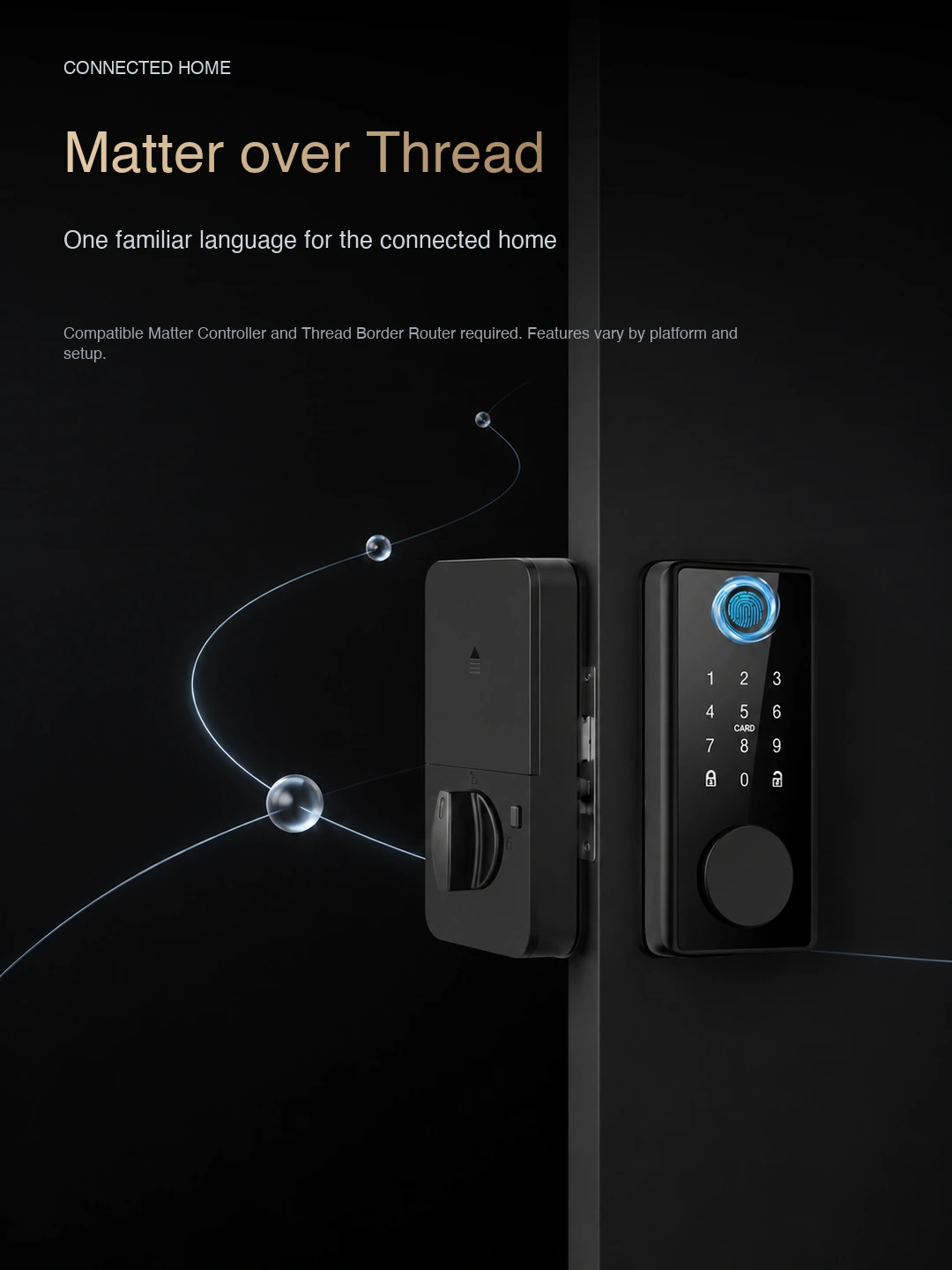
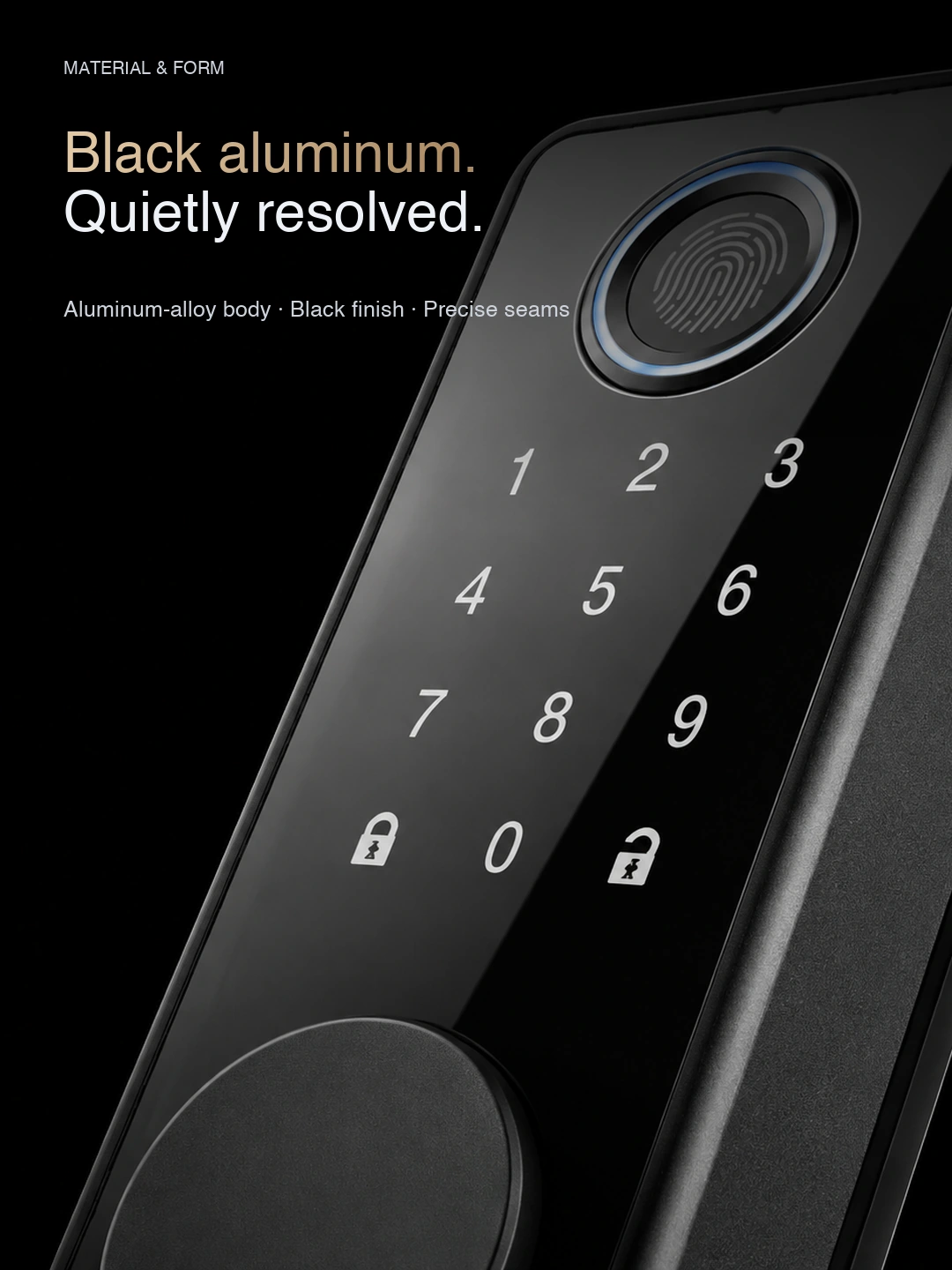
Selection reference
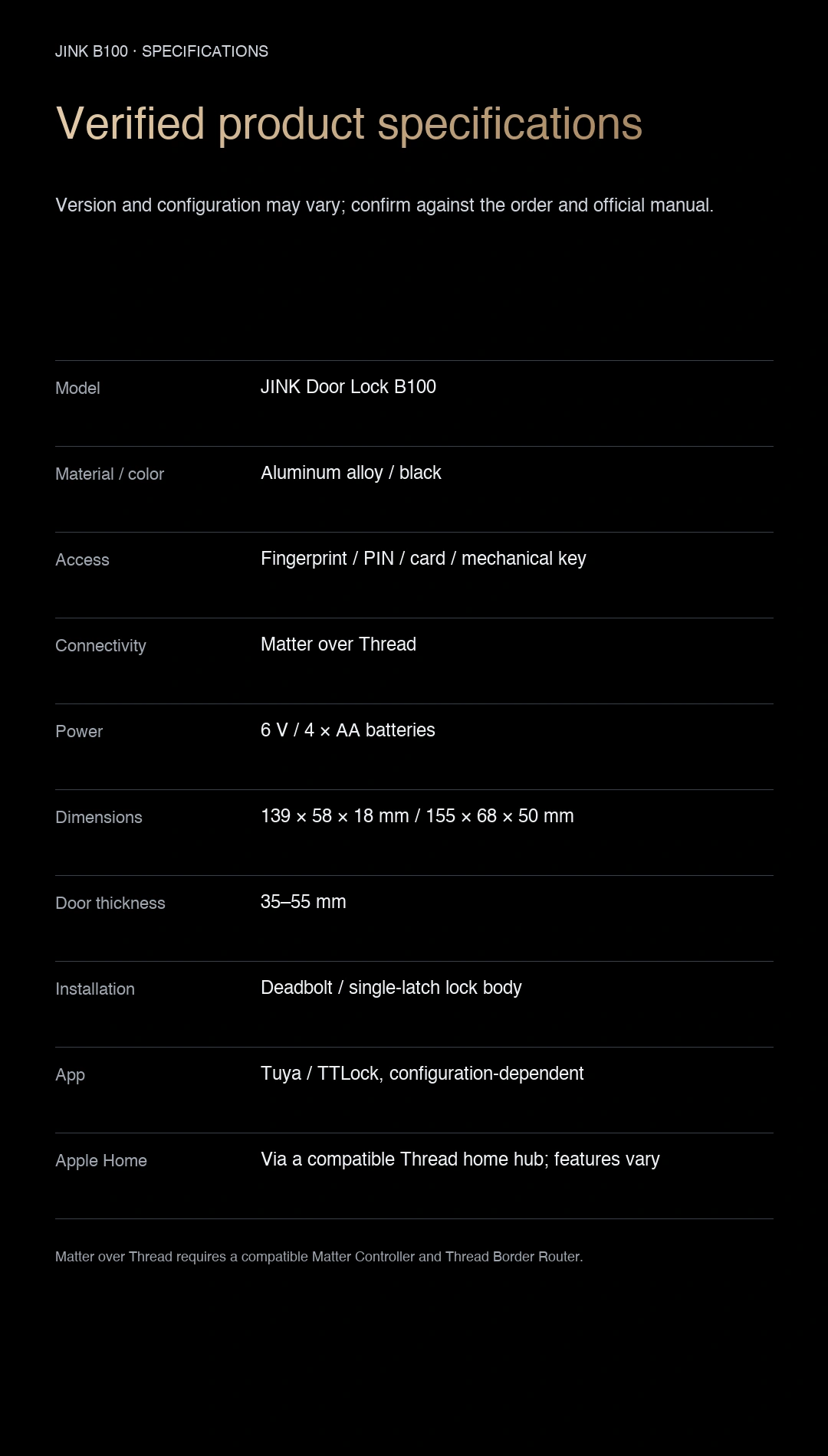
| Model | B100 |
|---|---|
| Material / colour | Aluminium alloy / Black |
| Compatible door thickness | 35–55 mm |
| Power supply | 6 V, four AA batteries |
| Connectivity | Matter over Thread |
Requires a compatible Matter controller and Thread border router. Matter lock control does not automatically include features such as Apple home key. Before purchase, provide door, cutout and lock-body dimensions to confirm hardware and unlocking options.
Check the installation information for your model. For help choosing products, share the product names, quantities, room dimensions and smart home platform.
Downloads & support
Choose resources for your product model and version.
Selection references and operating instructions are listed separately.
Pre-installation reference · English PDF
Check door, lock-body and platform requirements. This guide does not replace the installation and operating instructions supplied with the product.
From adding a device to using it every day.
Complete lock installation, door handing and latch calibration first. Confirm standard lock control and status in the app separately from on-device features such as guest codes and fingerprints.
Prepare a compatible Matter controller and Thread border router for this model. One supported device may perform both roles.
 HomeApple Home · Matter connection reference
For a Matter device already added to another platform, start shared pairing in that platform, then follow the new platform's instructions. Do not factory-reset solely to change apps. This is a connection overview; available controls depend on your device configuration and platform.
Get connection help for this modelShop JINK products
Choose a configuration and quantity, then submit your order for JINK to confirm.