JINK MIR-IR500-MT PIR motion sensor user manual
9 pages: Matter setup, 90° / 8 m detection planning, adhesive and screw installation, self-test and troubleshooting.
Shop JINK products
Choose a configuration and quantity, then submit your order for JINK to confirm.
 Apple HomeExplore the Home app
MIR-IR500-MT · Infrared motion sensing
Sensing movement, welcoming you home.
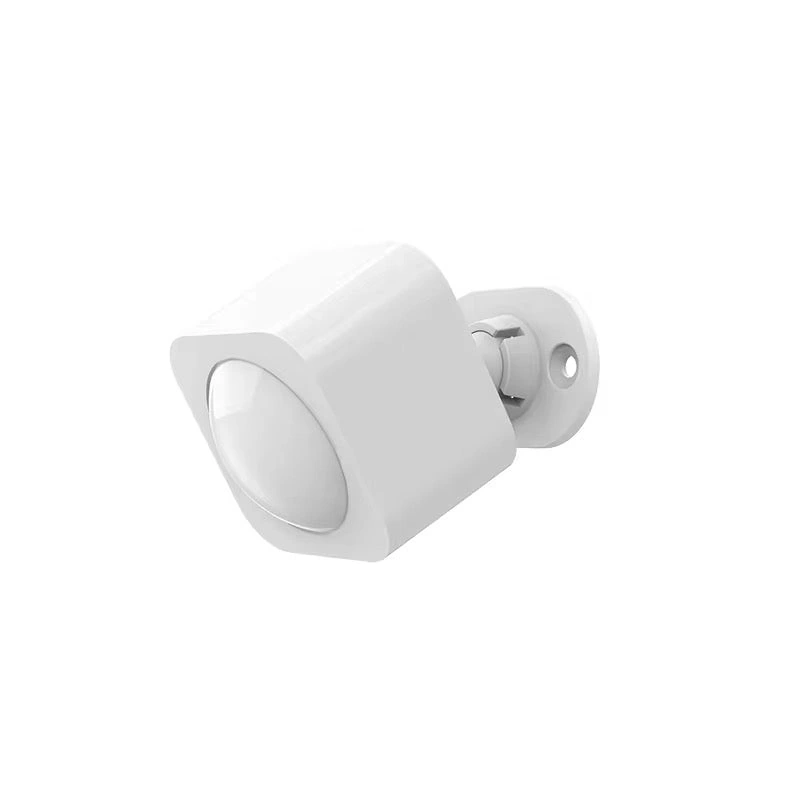
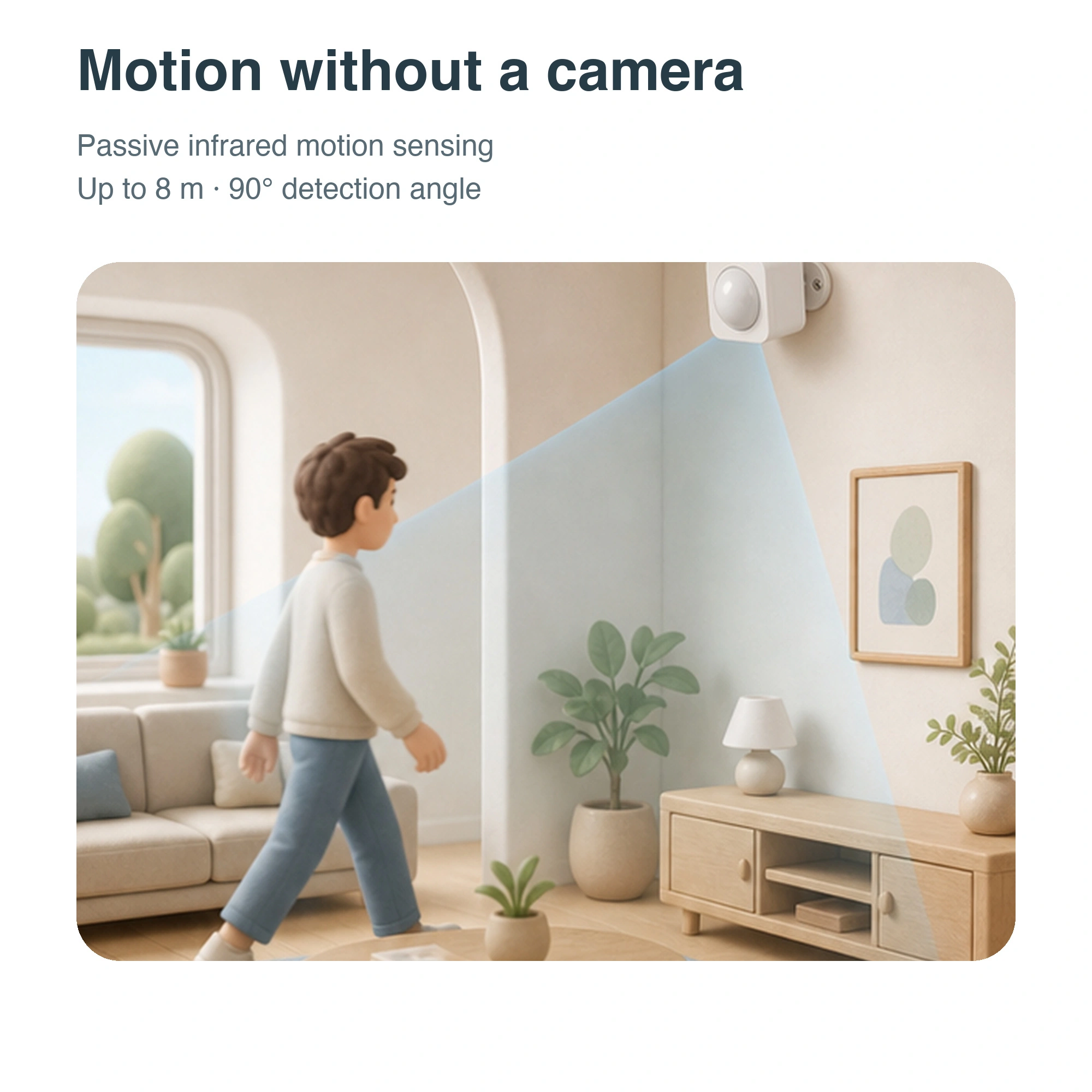
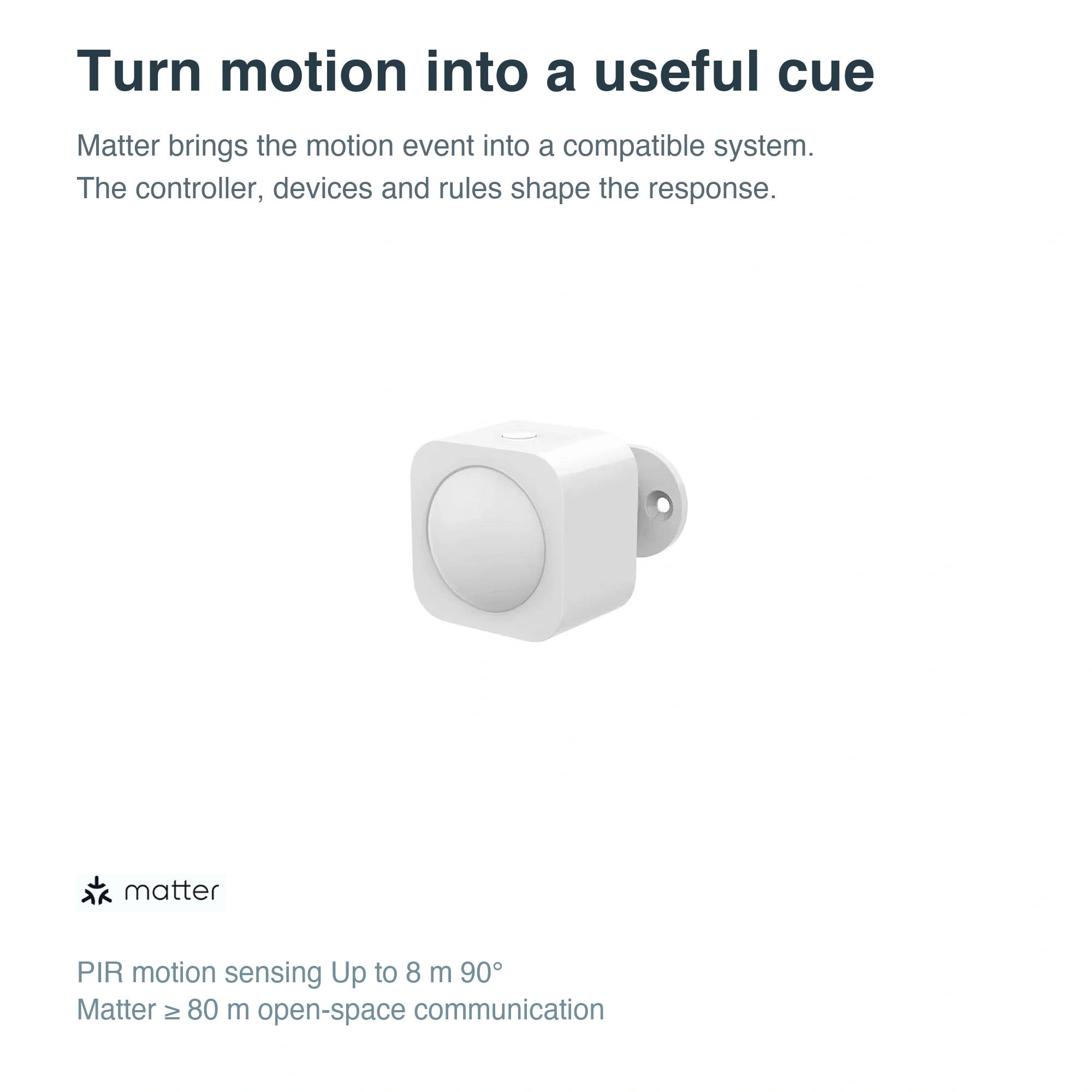
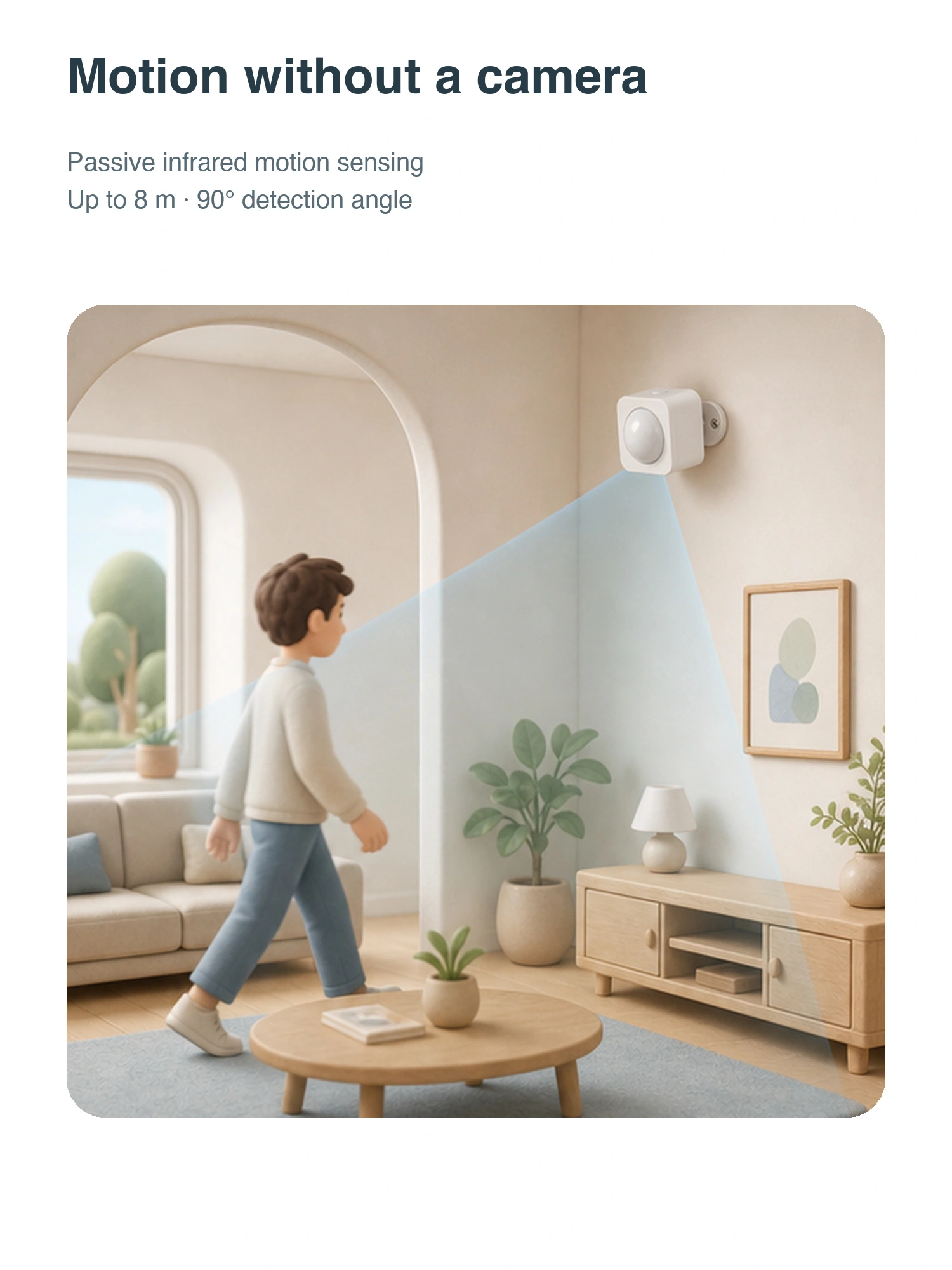
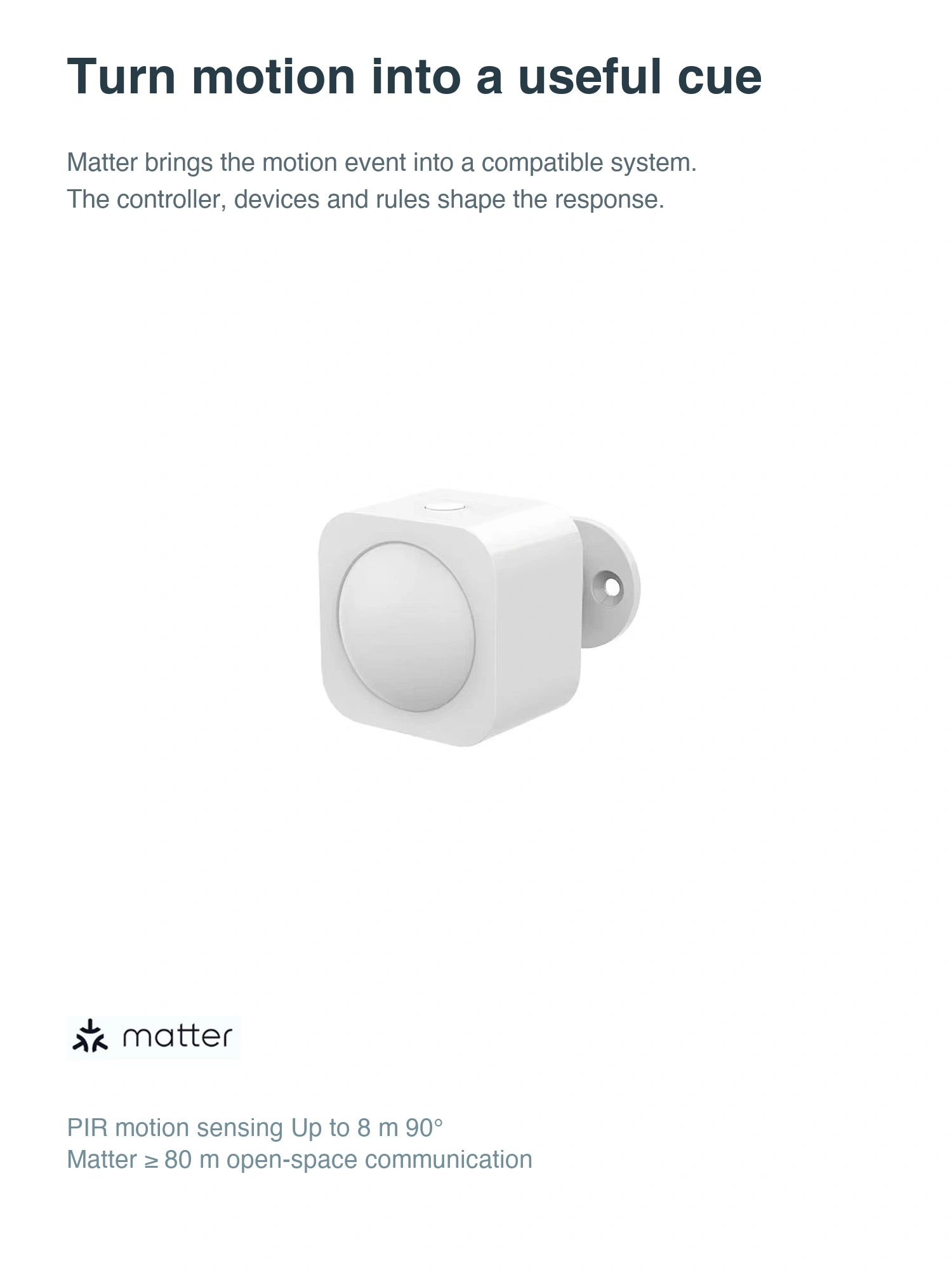
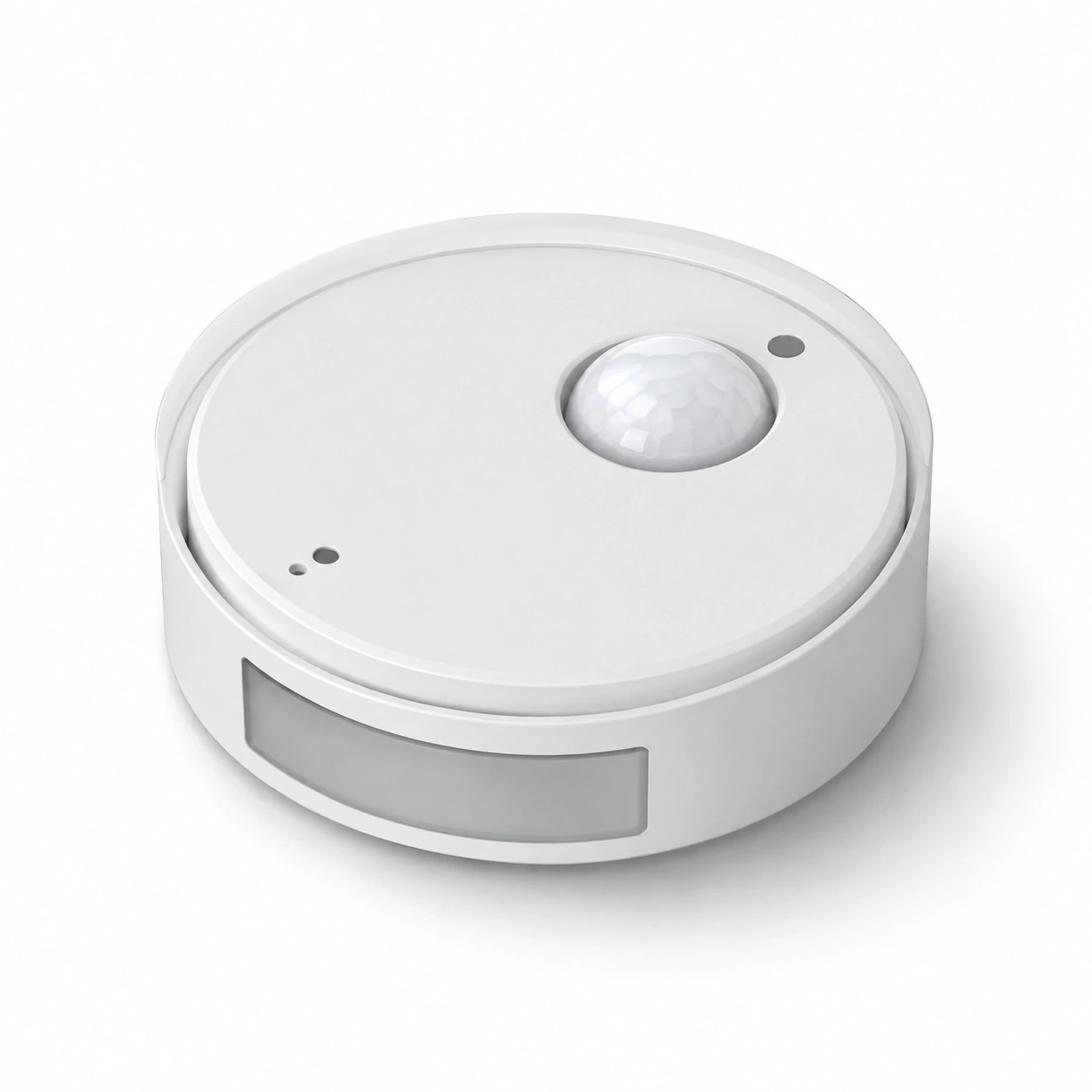
JINK PIR motion sensor detects movement using passive infrared and sends motion information to compatible Matter systems. Plan automations around entryways, corridors and walk-in closets.
JINK PIR Motion Sensor
Final pricing and configuration are confirmed by your sales channel and order.
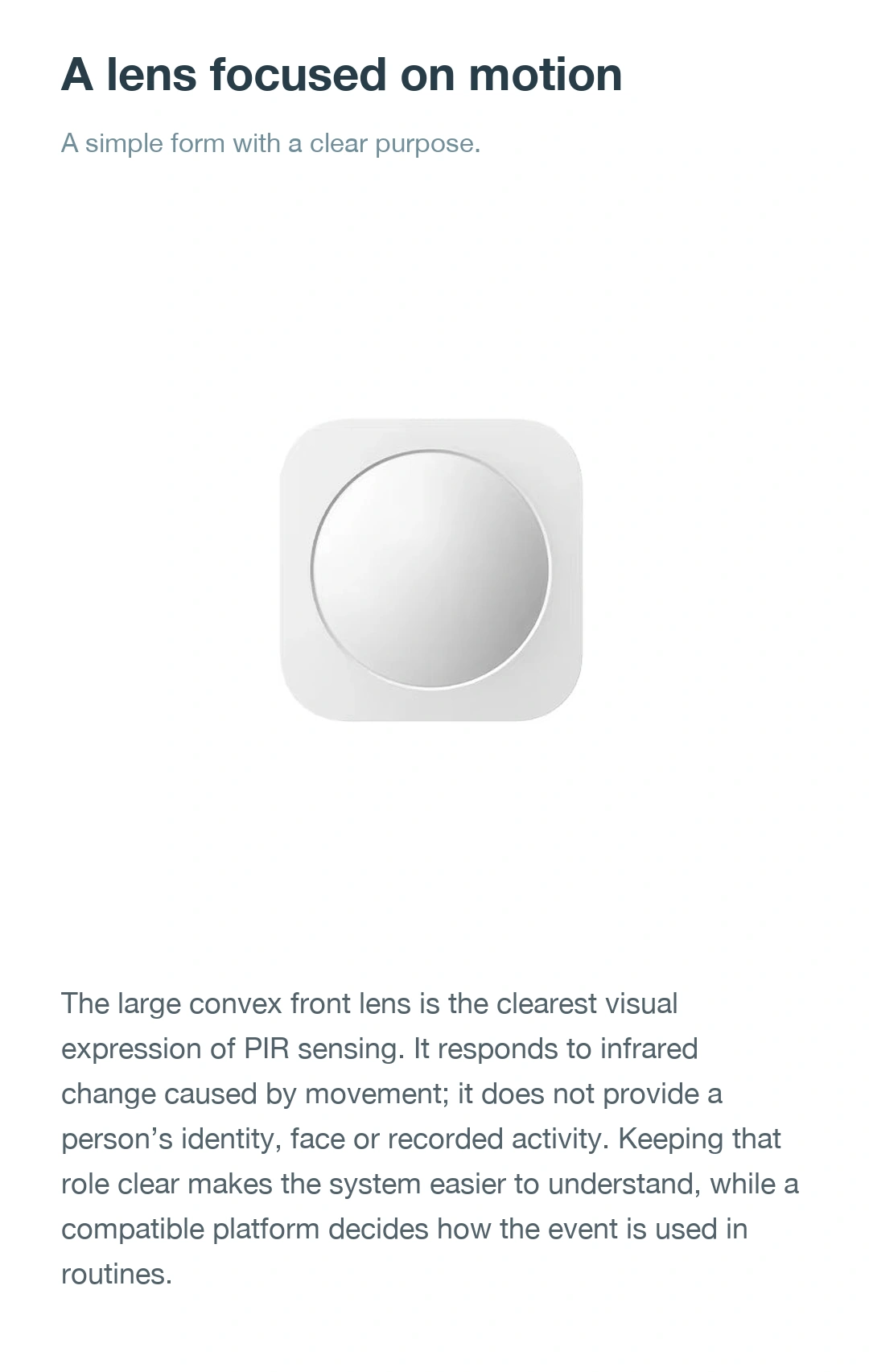
Uses passive infrared sensing to detect movement in areas people pass through.
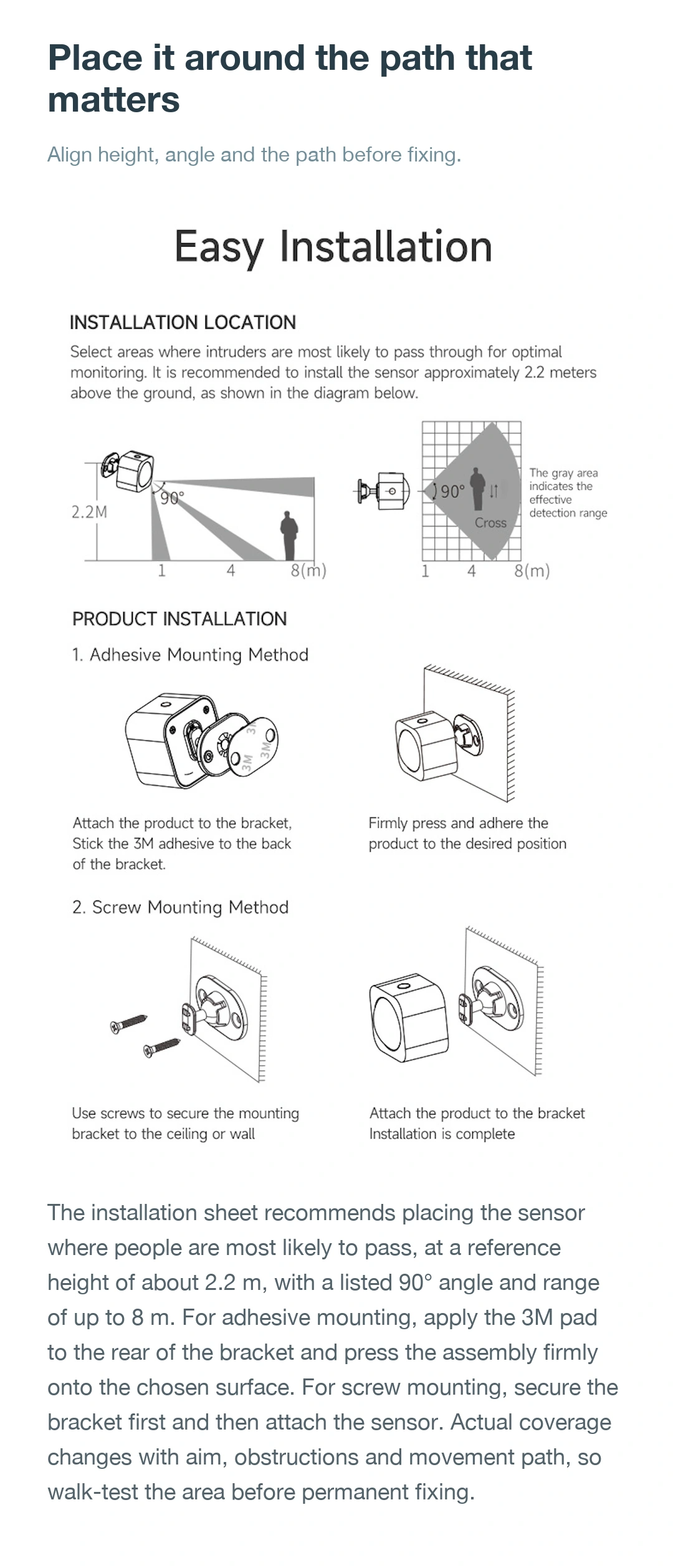
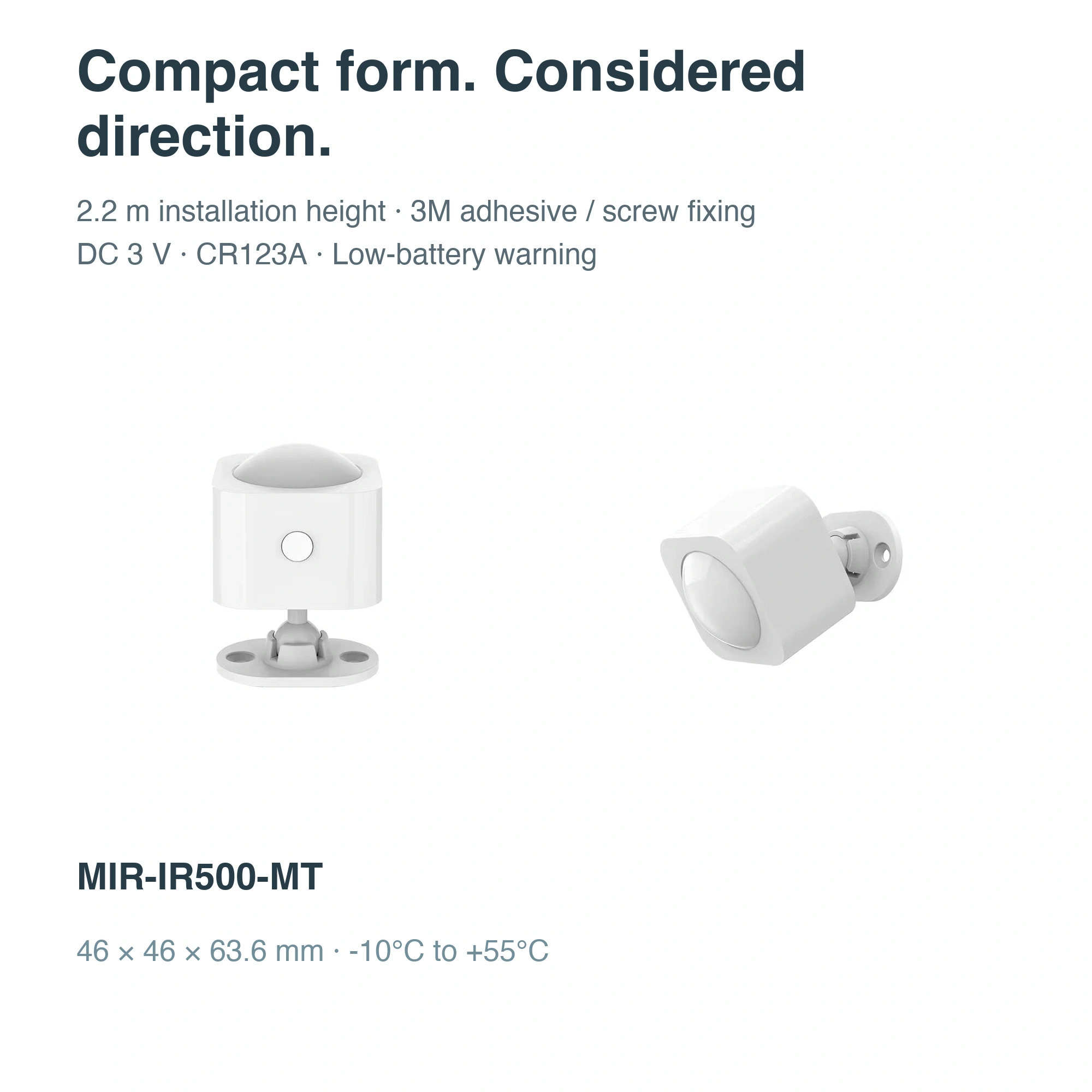
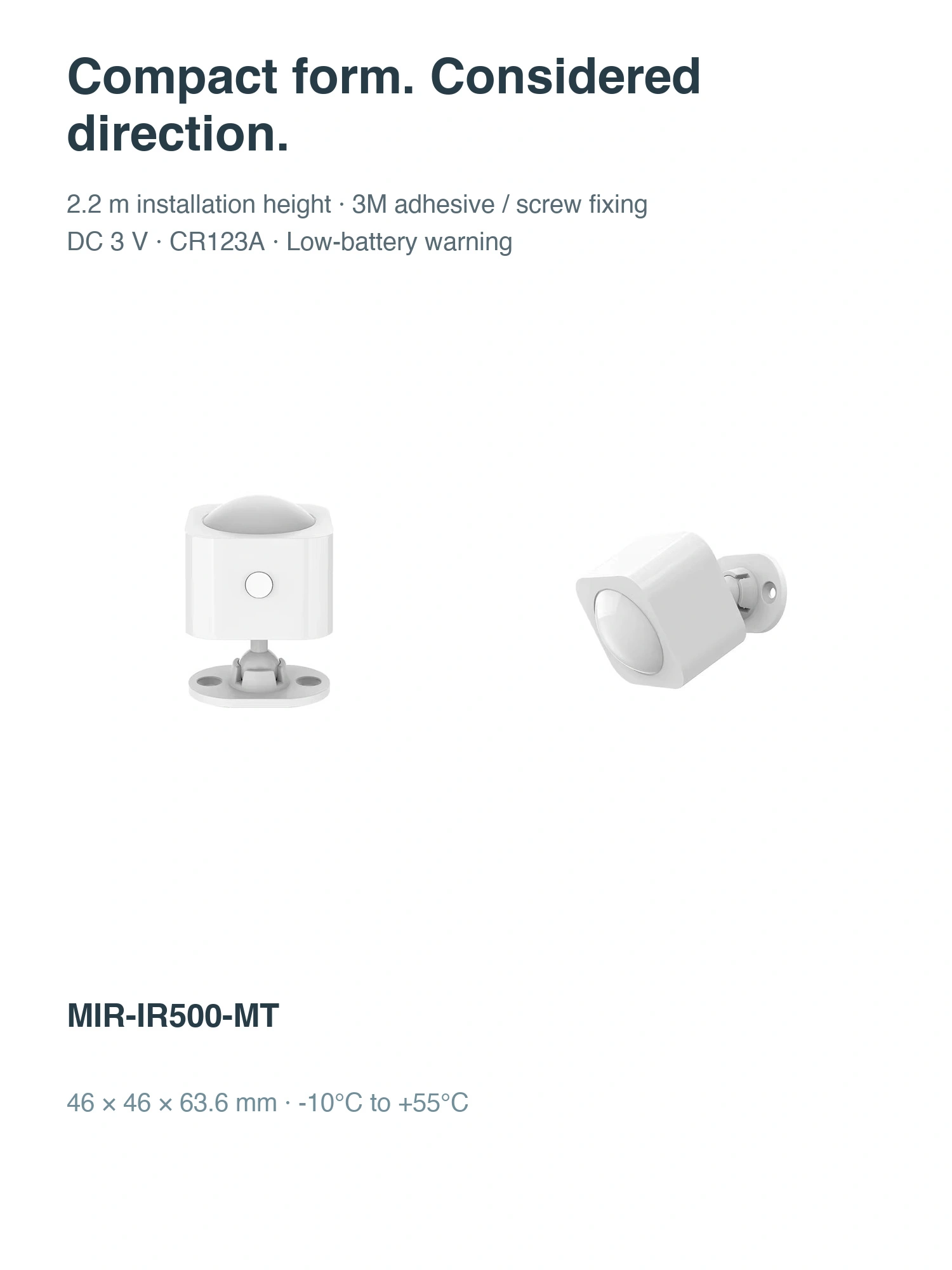
Nominal maximum 8 m、90° detection angle,recommended height 2.2 m;walk-test horizontally after installation。
Uses a CR123A battery and supports low-battery alerts.
Design · Functions · Life
JINK PIR Motion Sensor · product story

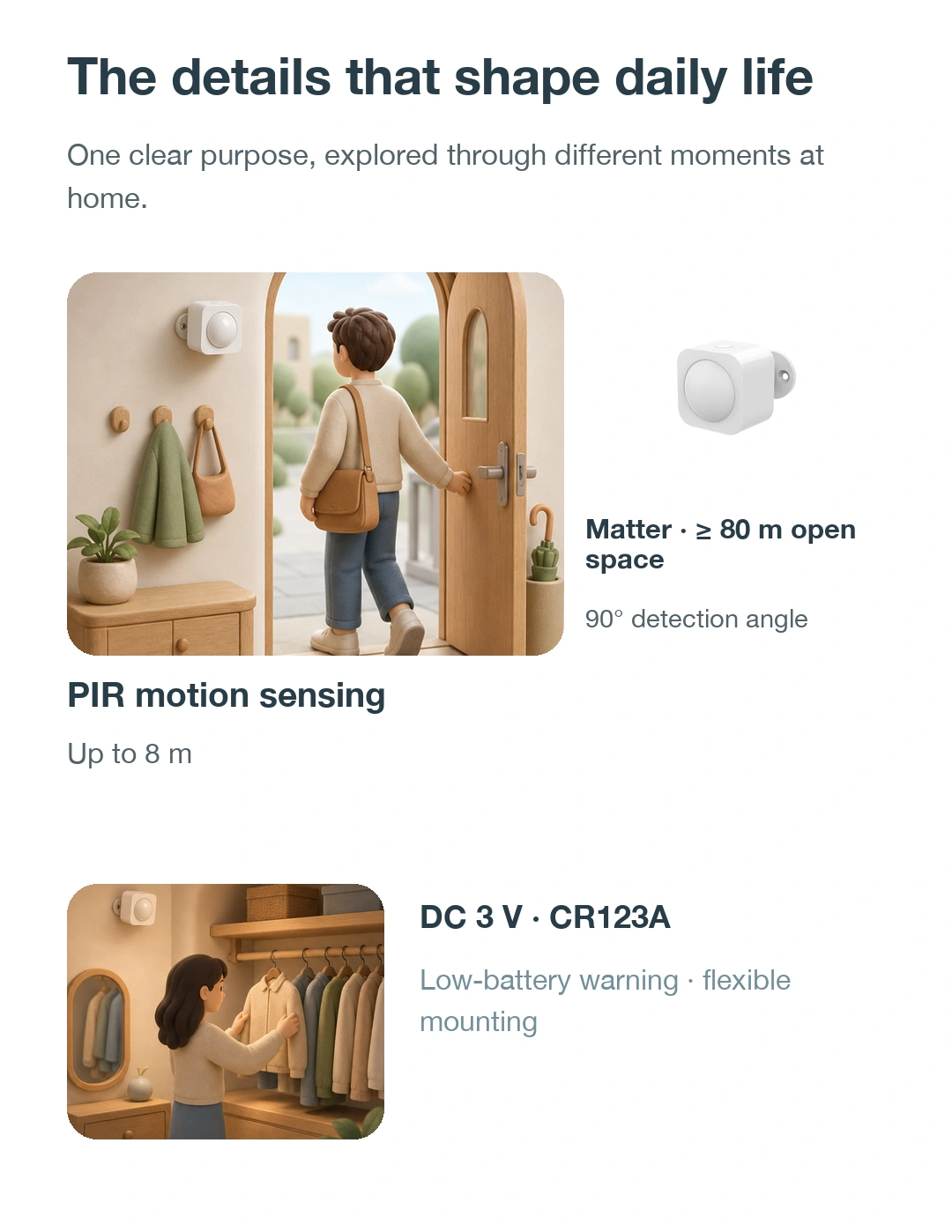
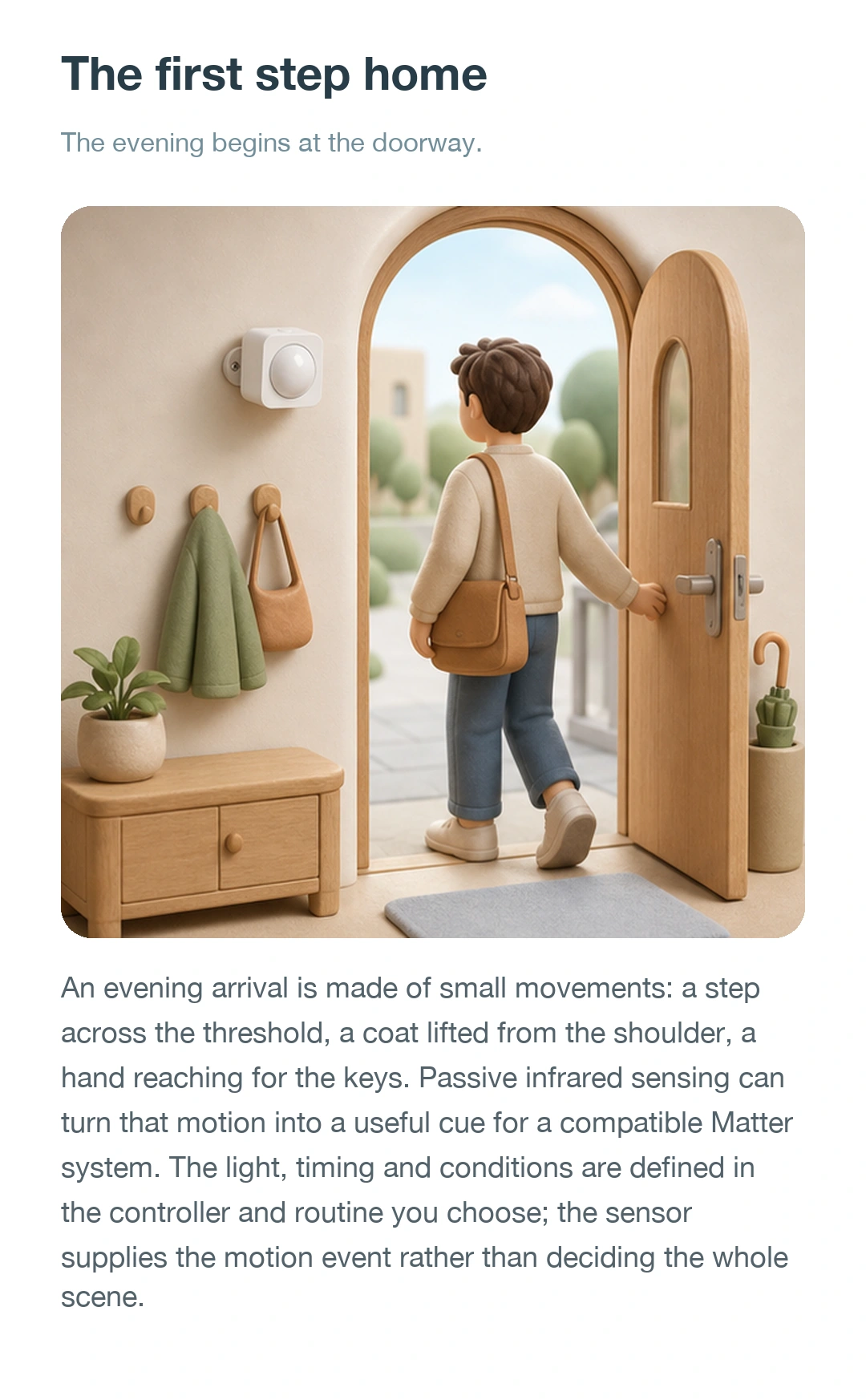
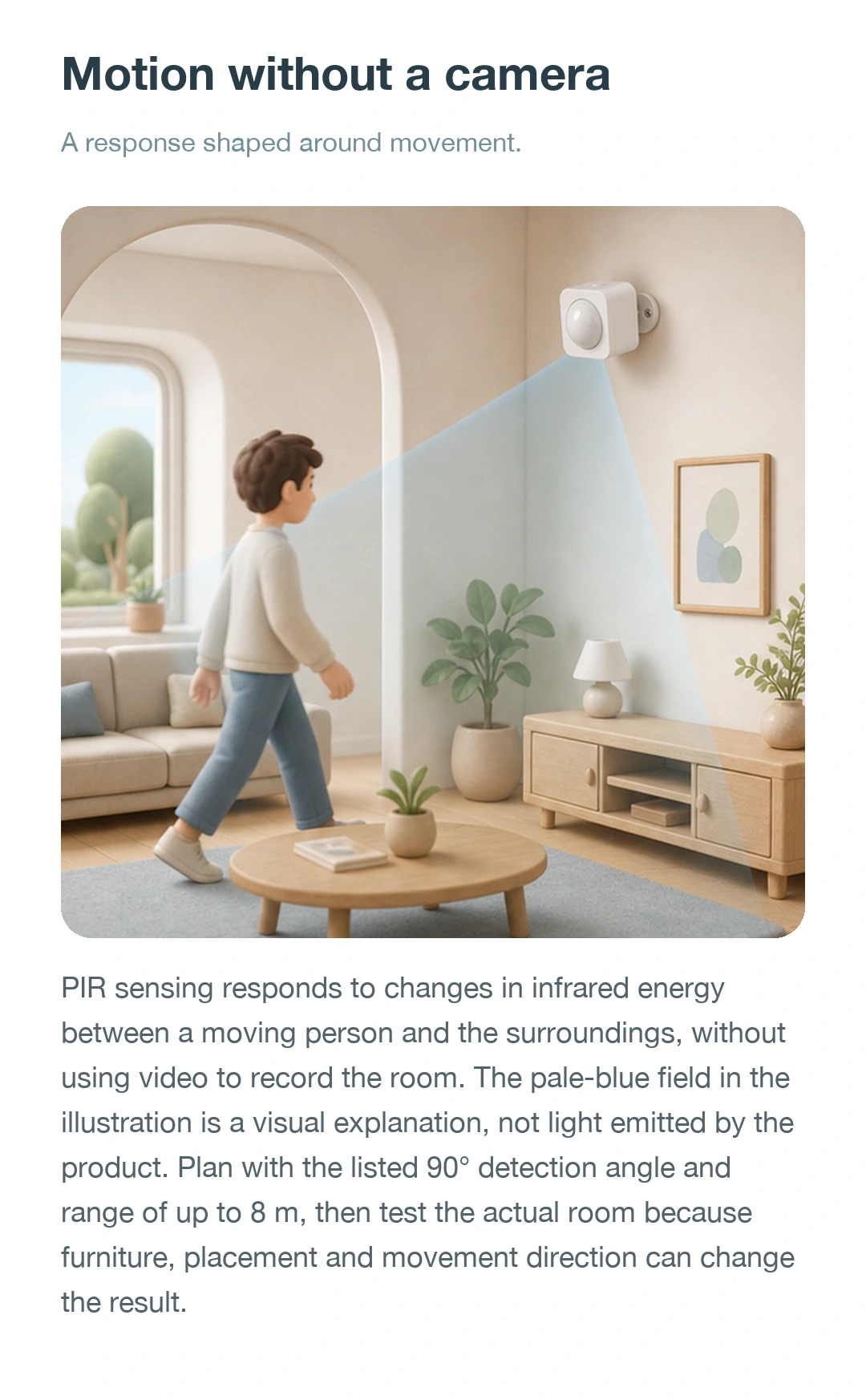
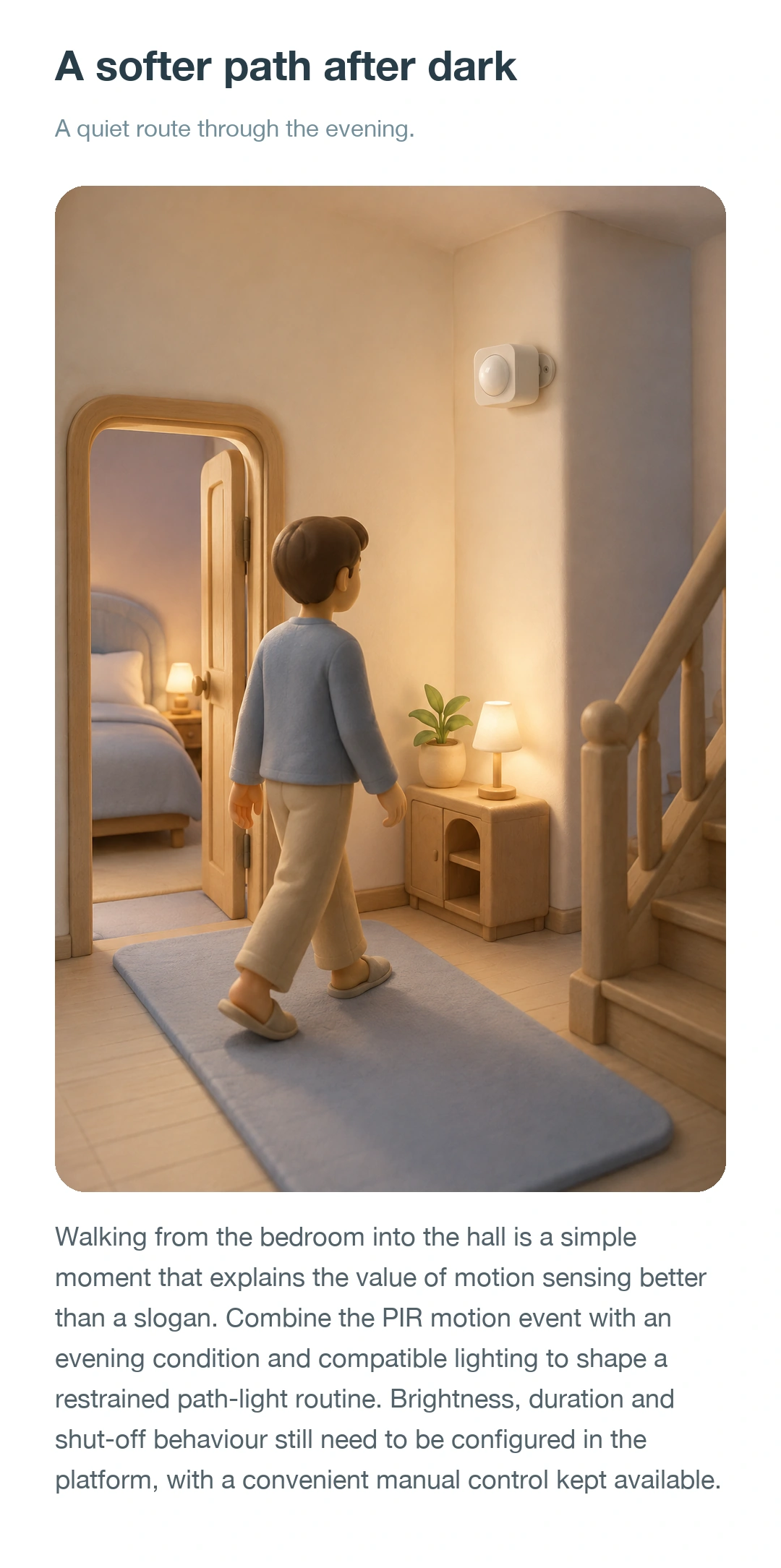
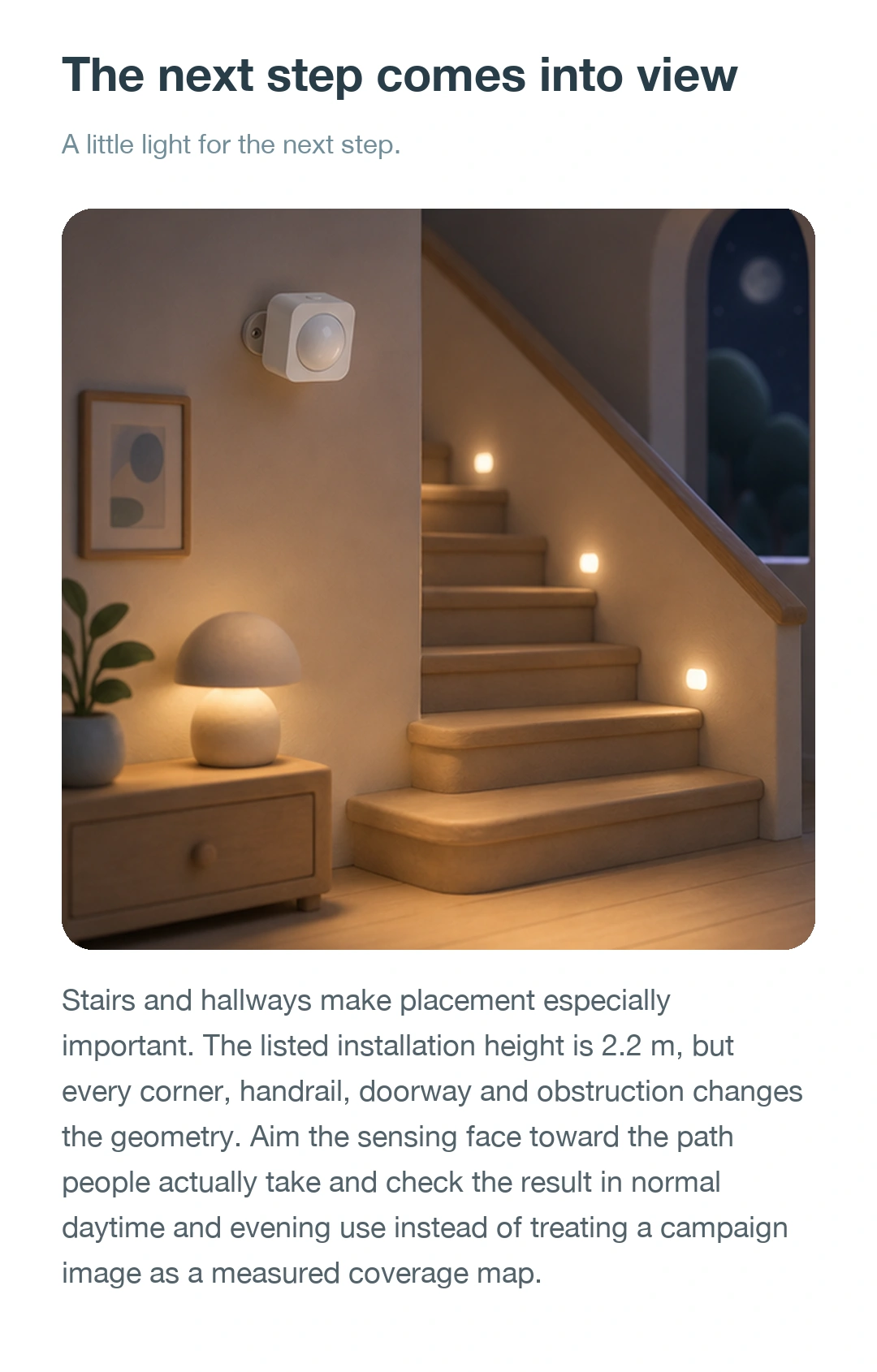
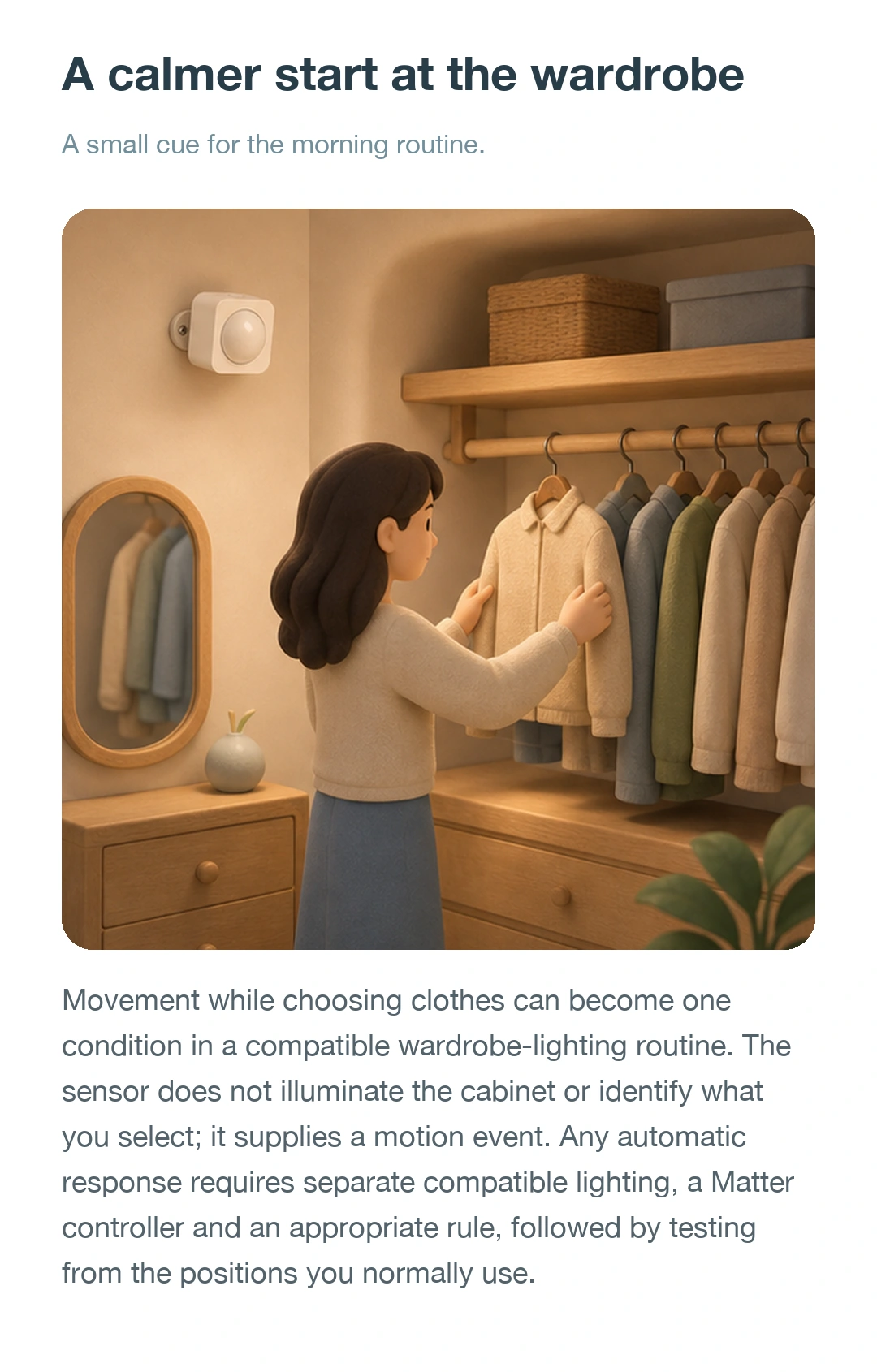
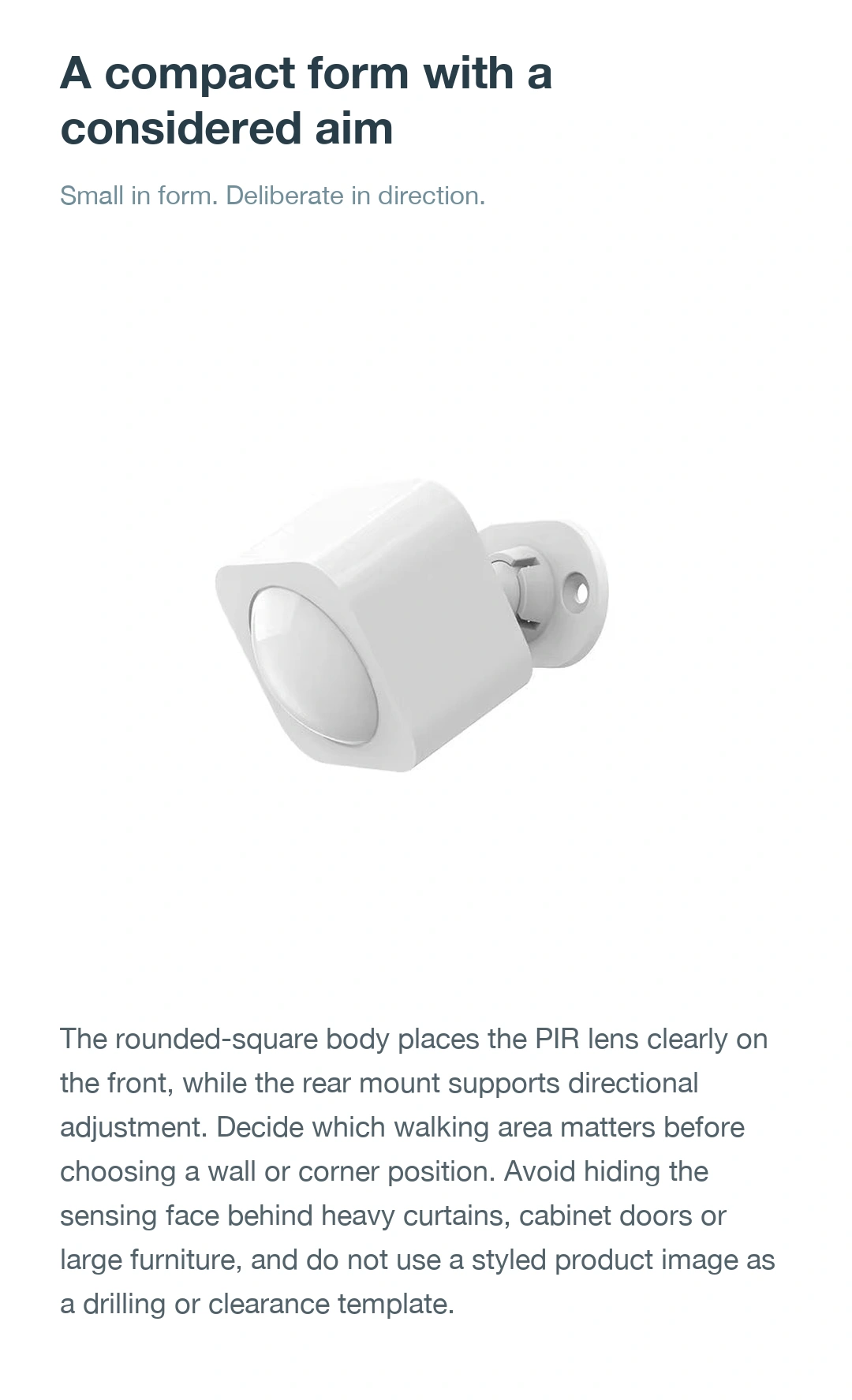
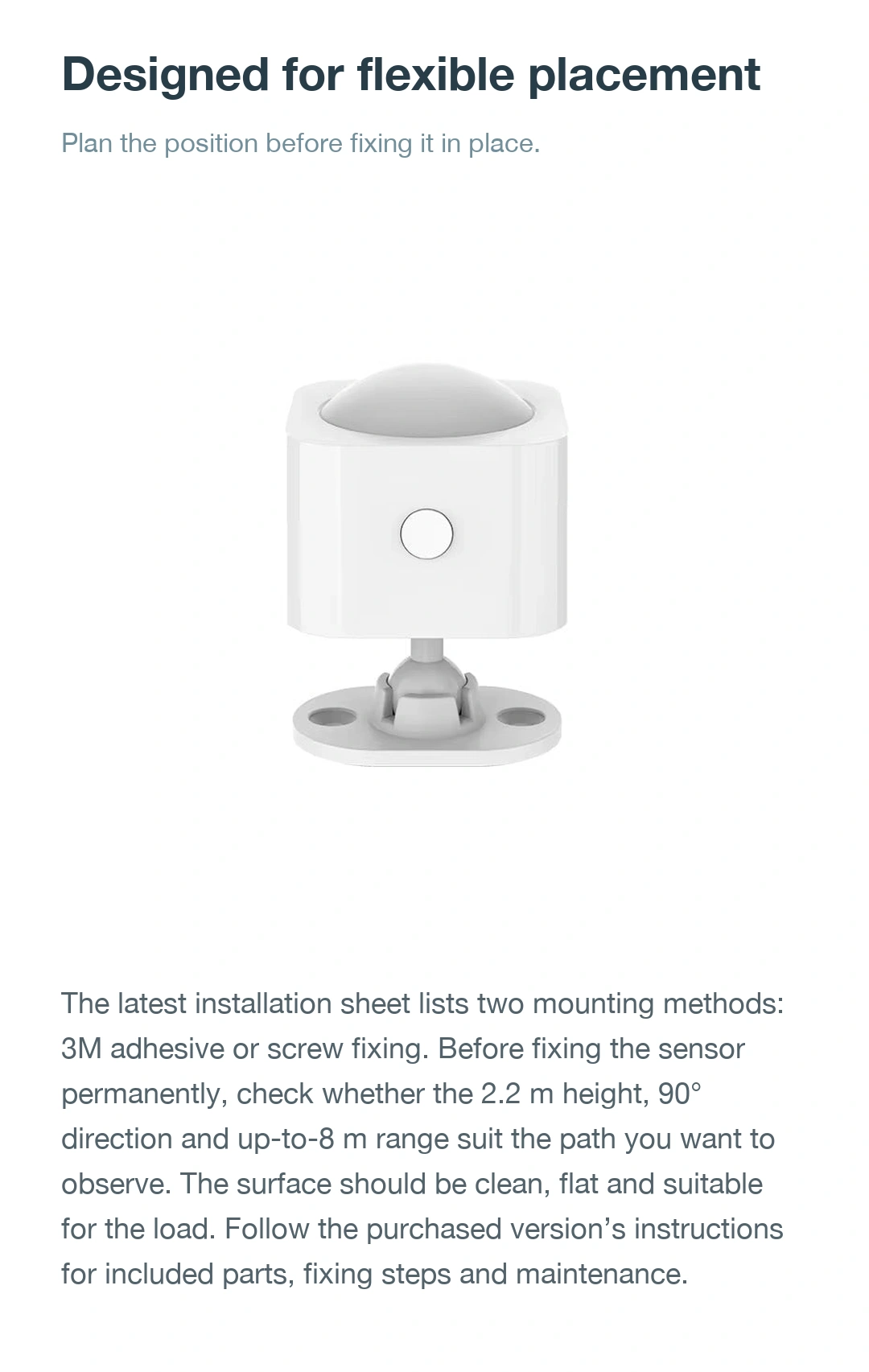
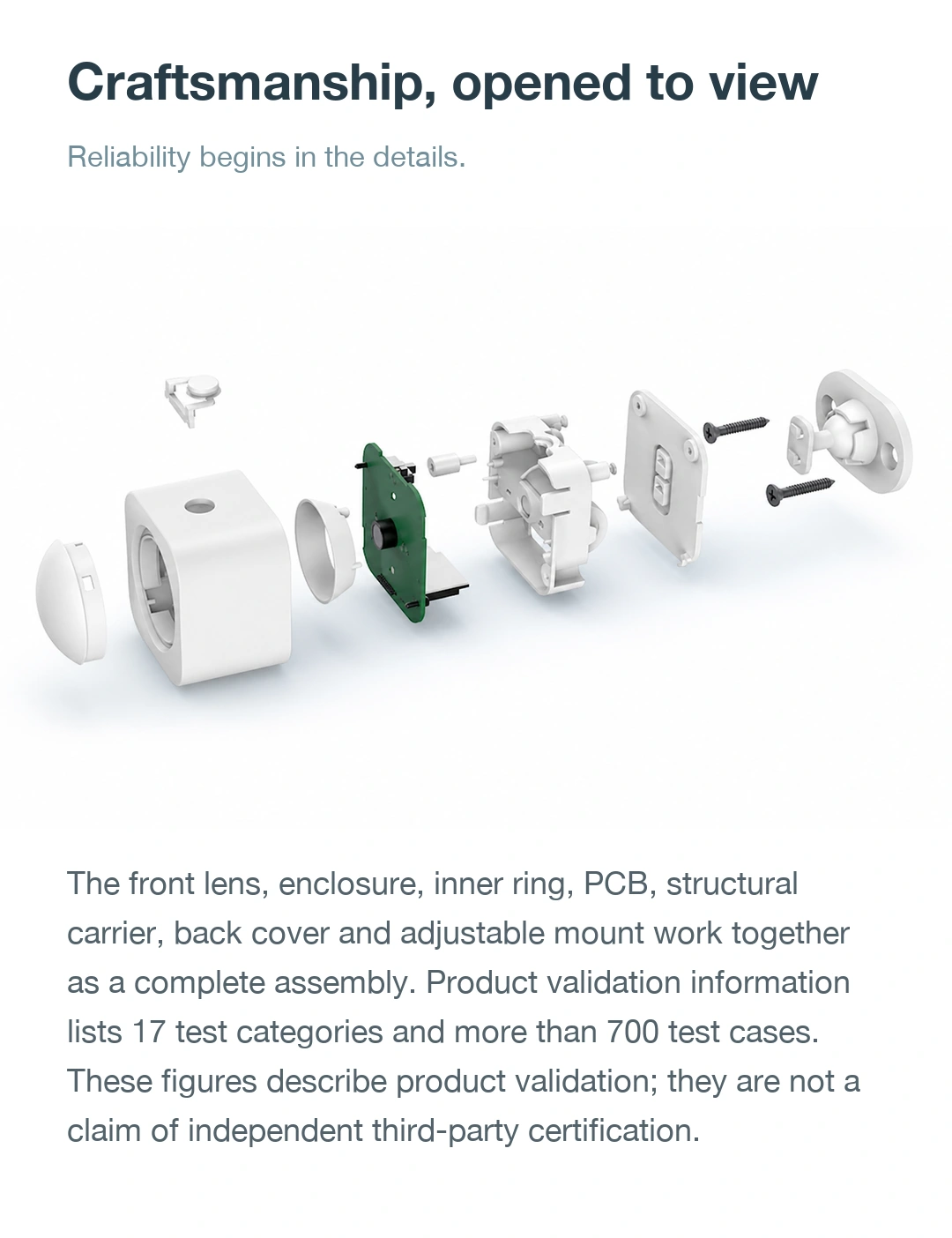
Explore the product from different angles and see its design and functions in use. Click an image to enlarge it. Configuration depends on the selected model.

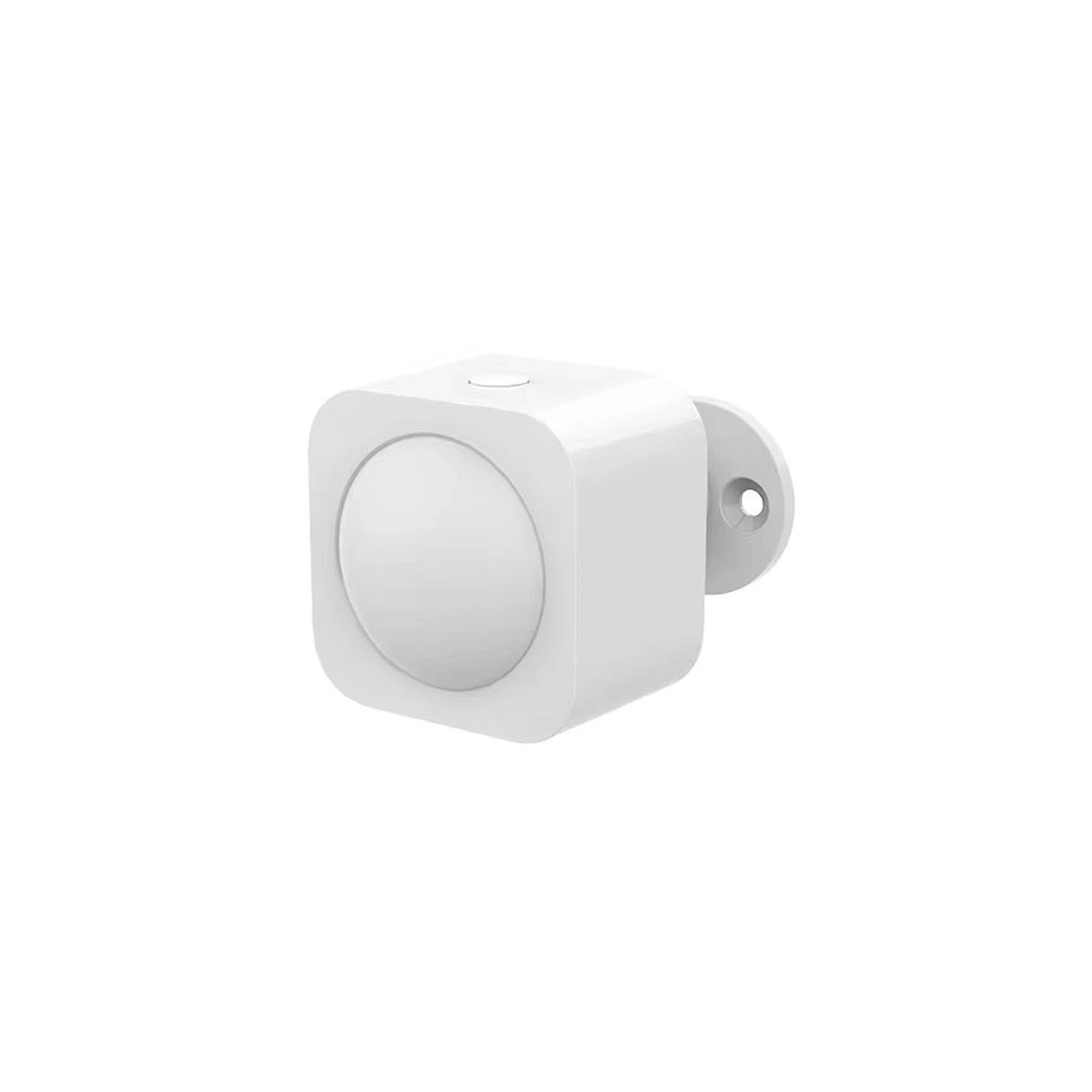
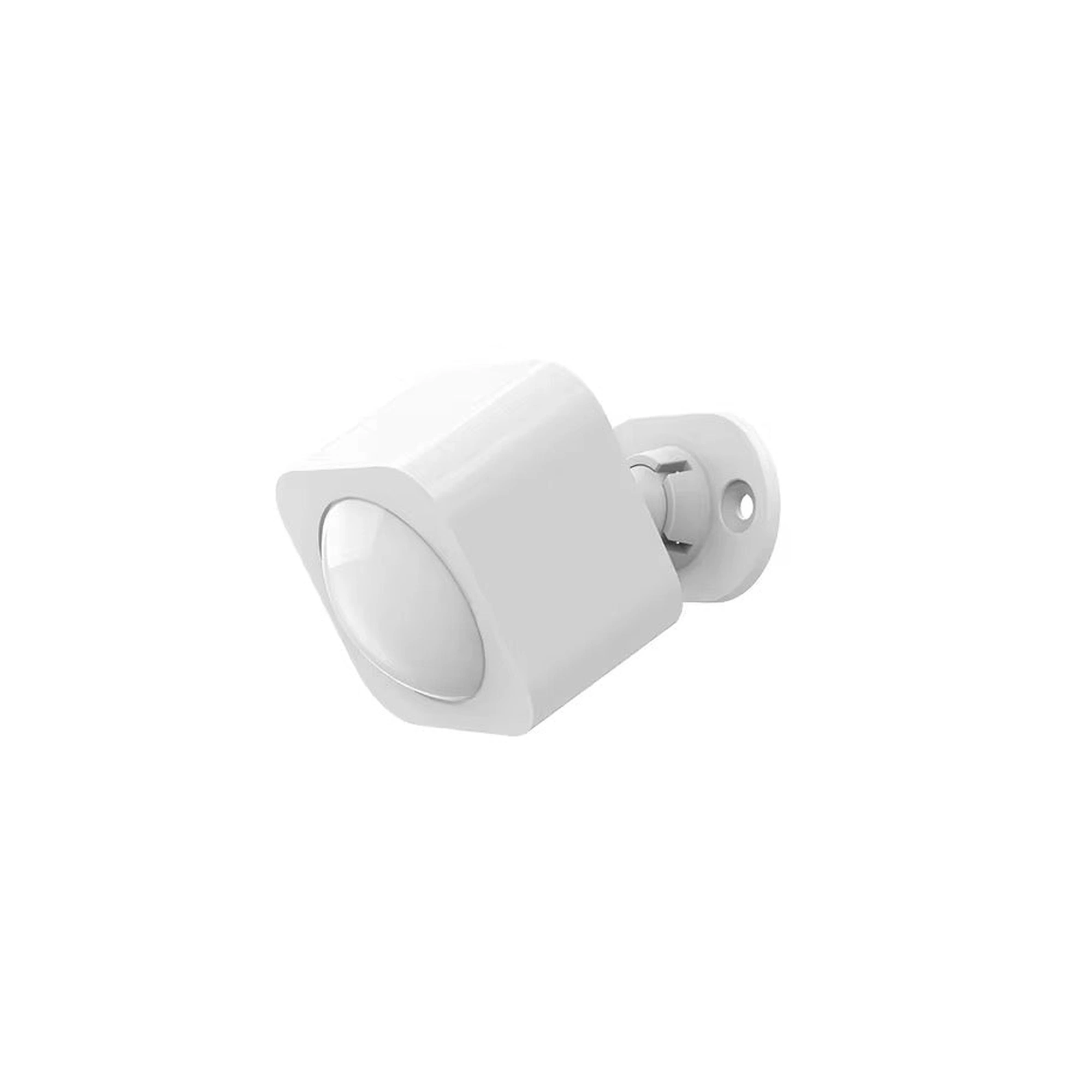
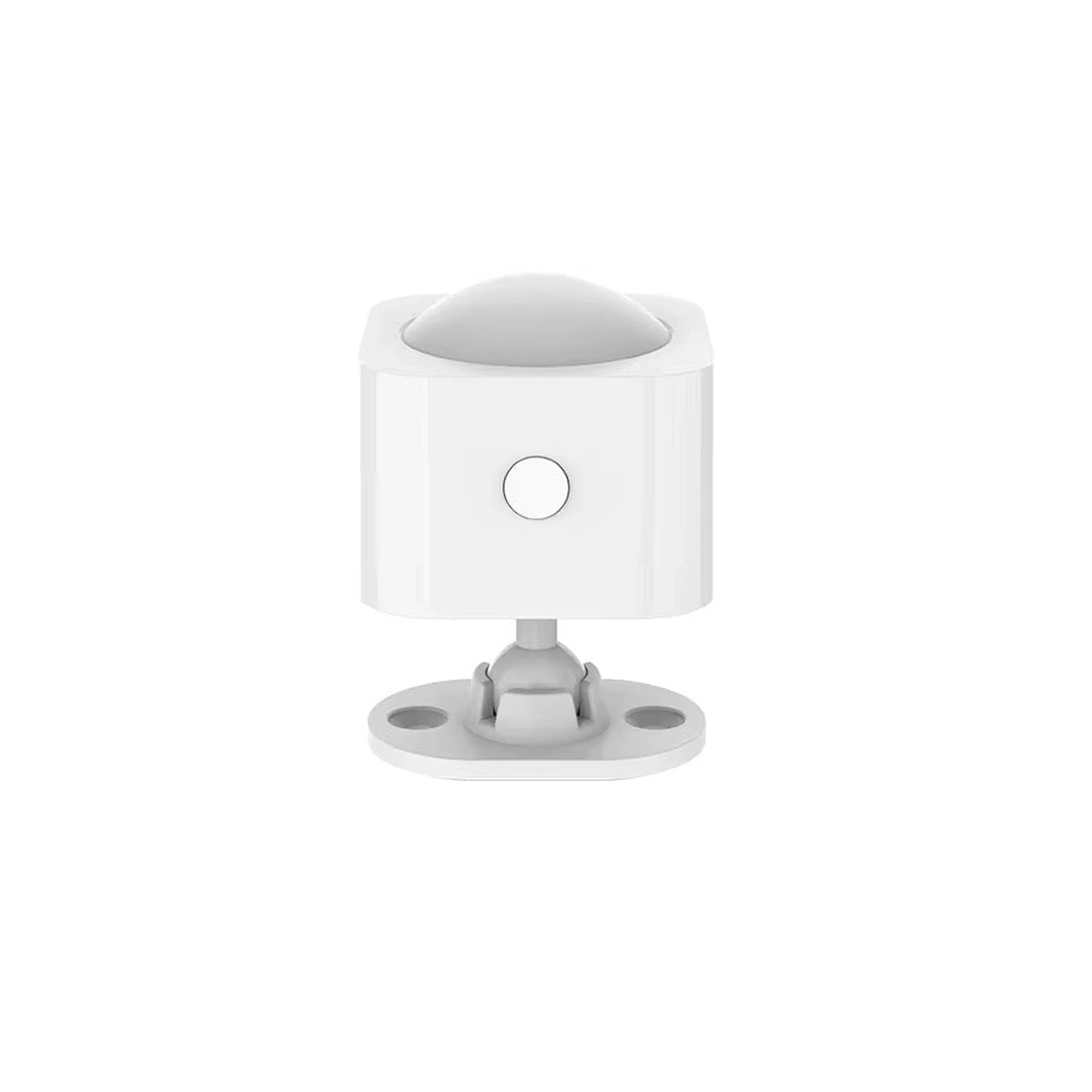
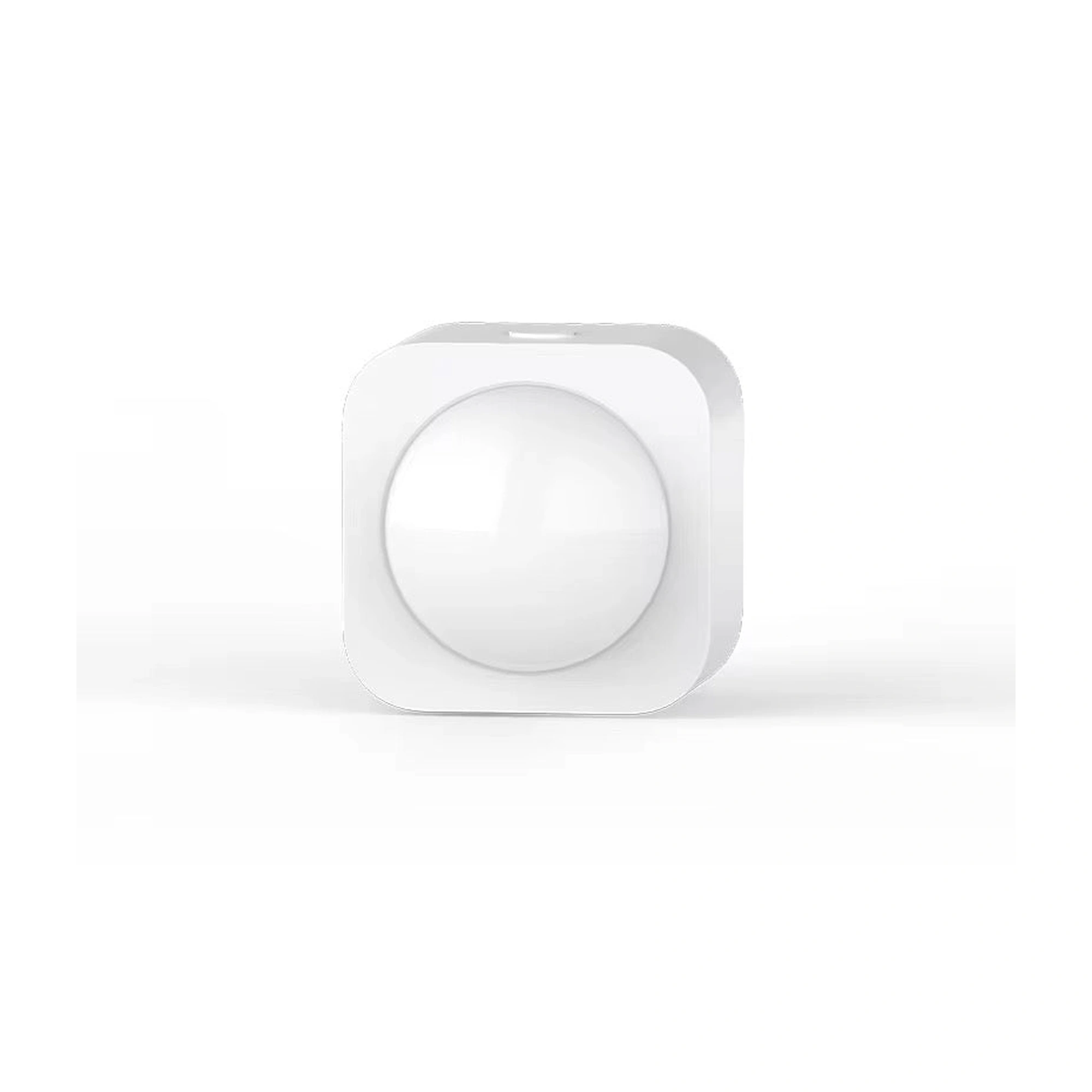




Selection reference
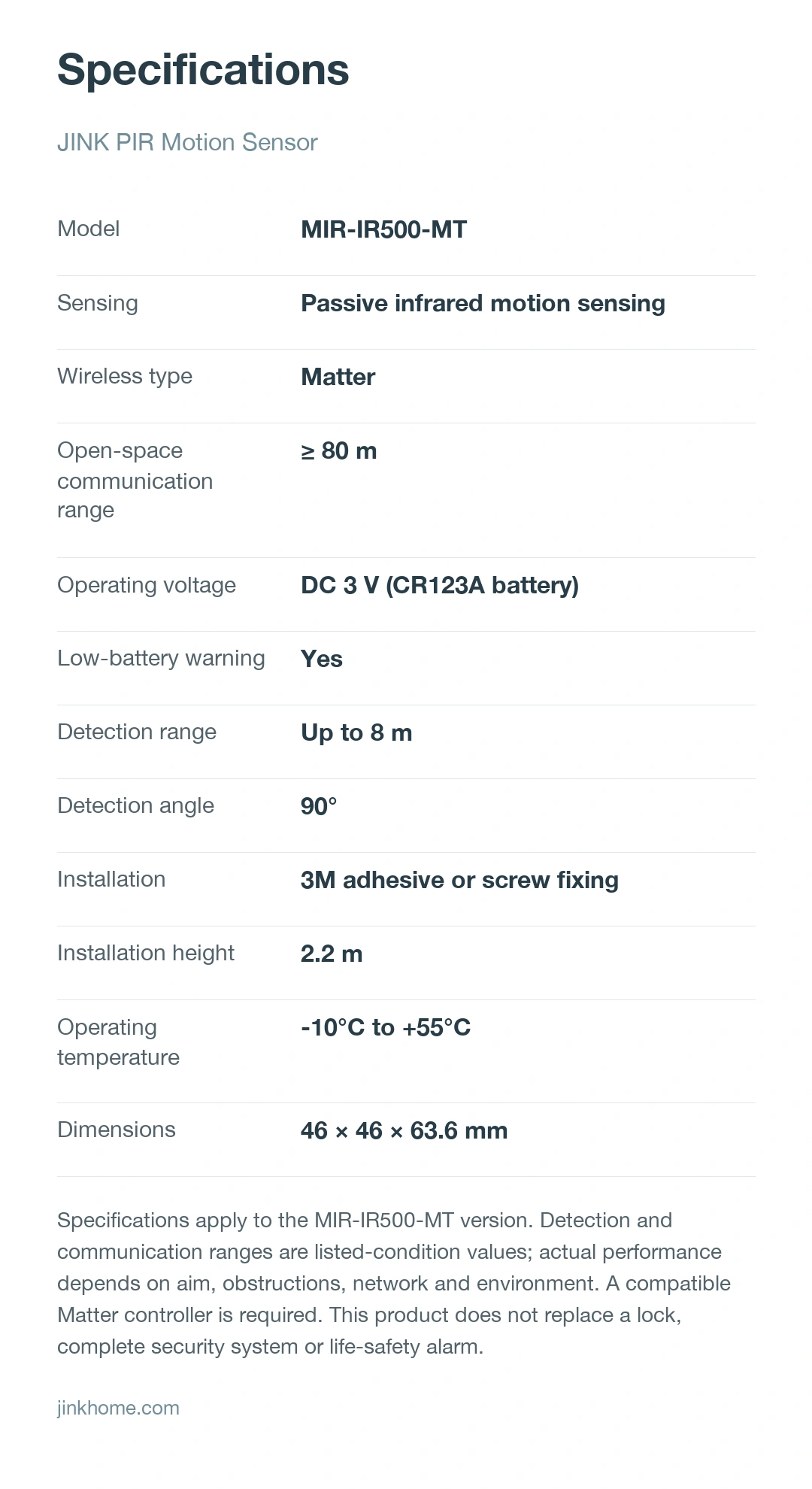
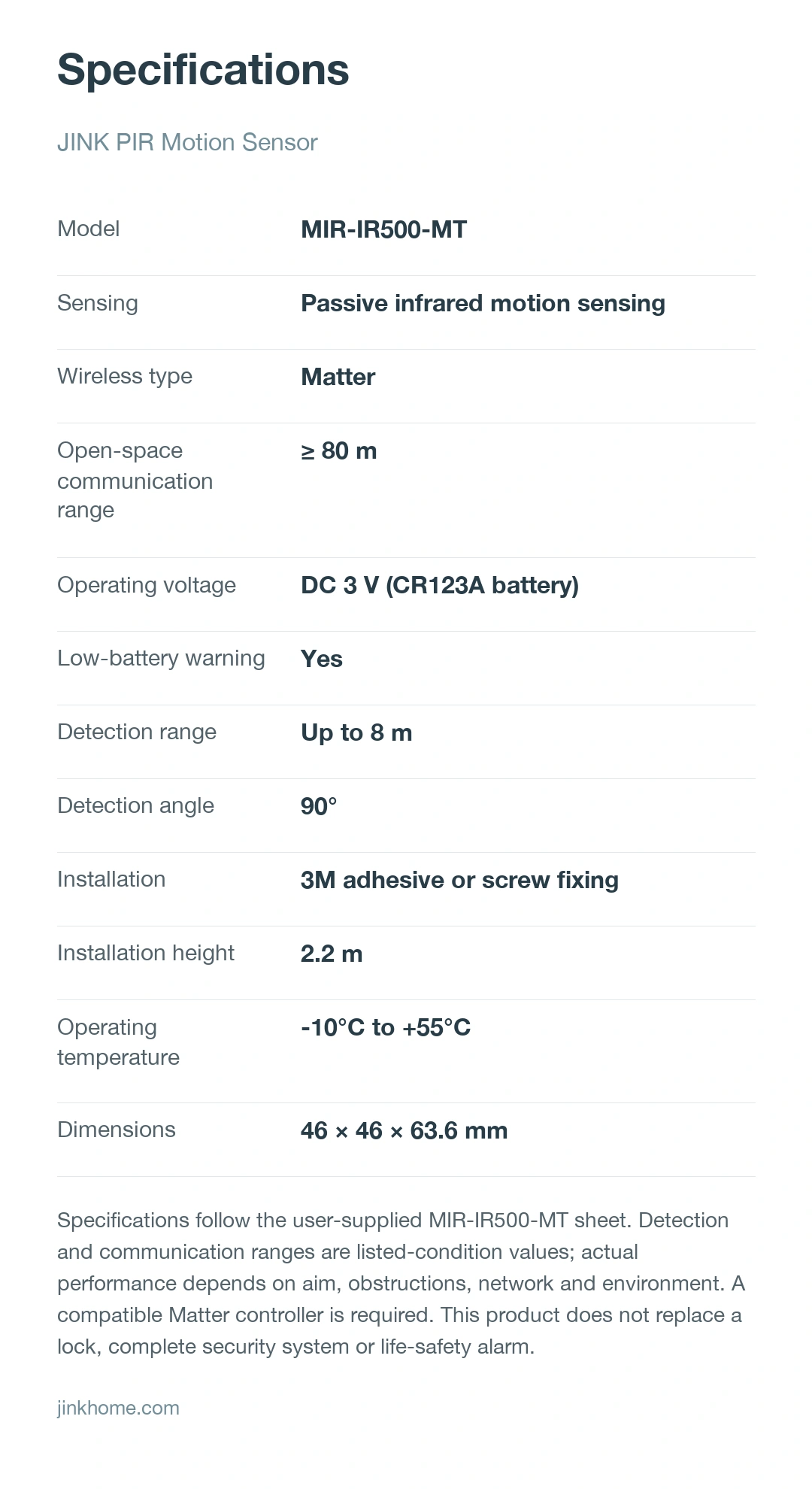
| Model | MIR-IR500-MT |
|---|---|
| Sensing technology | PIR passive infrared motion sensing |
| Wireless type | Matter |
| Operating voltage | DC 3 V(CR123A battery) |
| Low-battery alert | Support |
| Detection range | Up to 8 m |
| Detection angle | 90° |
| Installation method | 3M adhesive or screw mounting |
| Recommended mounting height | 2.2 m |
| Operating temperature | -10°C to +55°C |
| Product dimensions | 46 × 46 × 63.6 mm |
Automation requires a compatible Matter controller, Thread border router and end device. Indoor use only; avoid direct sunlight, obstructions and locations near air conditioners, fans, refrigerators, ovens or other sources of rapid temperature change.
Check the installation information for your model. For help choosing products, share the product names, quantities, room dimensions and smart home platform.
Downloads & support
Choose resources for your product model and version.
Selection references and operating instructions are listed separately.
Share your product model and hardware version so we can help you find the correct installation, pairing and operating instructions.
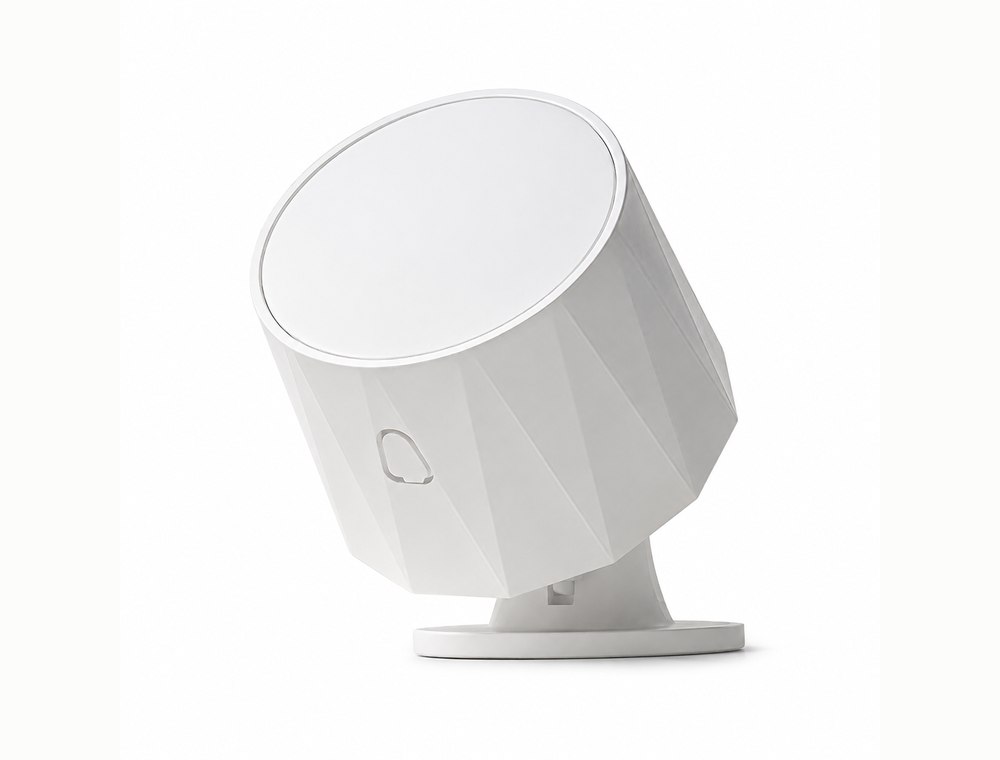
presence and environmental sensing
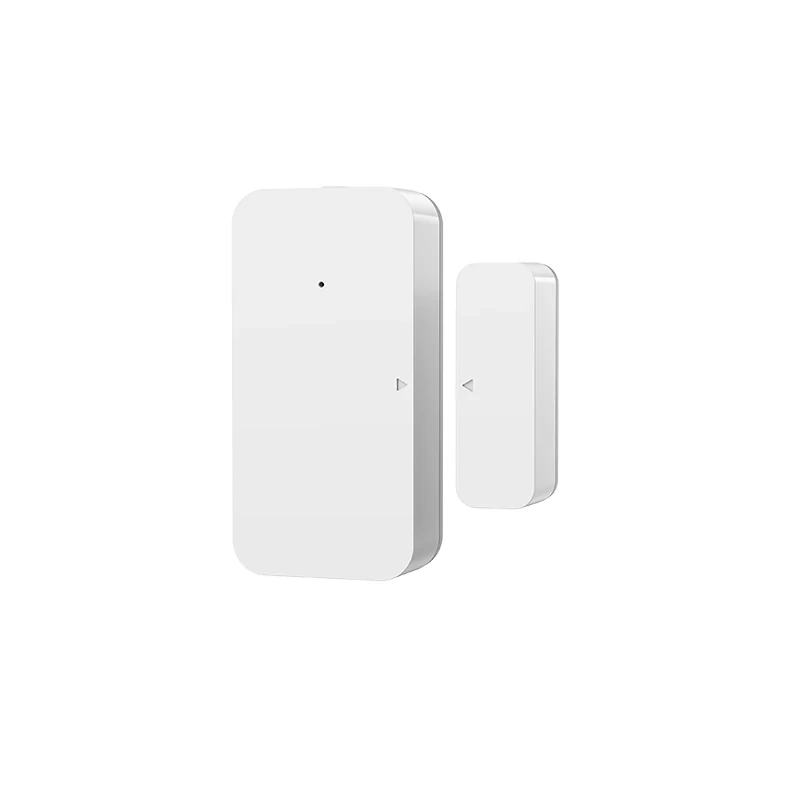
Door and window opening detection
Indoor occupancy sensing
From adding a device to using it every day.
This model supports Matter. Check the network type and sensor features available on your device version and platform. Automation requires separately configured triggers and compatible devices to carry out actions.
Confirm the device’s network type, device type and platform support first. For a Thread version, prepare the required Thread network and border router.
 HomeApple Home · Matter connection reference
For a Matter device already added to another platform, start shared pairing in that platform, then follow the new platform's instructions. Do not factory-reset solely to change apps. This is a connection overview; available controls depend on your device configuration and platform.
Get connection help for this modelResources and downloads
JINK PIR Motion Sensor · product introduction, selection materials and support。
9 pages: Matter setup, 90° / 8 m detection planning, adhesive and screw installation, self-test and troubleshooting.
Match the instructions to your model, power version and connection configuration. Brochures and selection references do not replace installation and operating manuals.