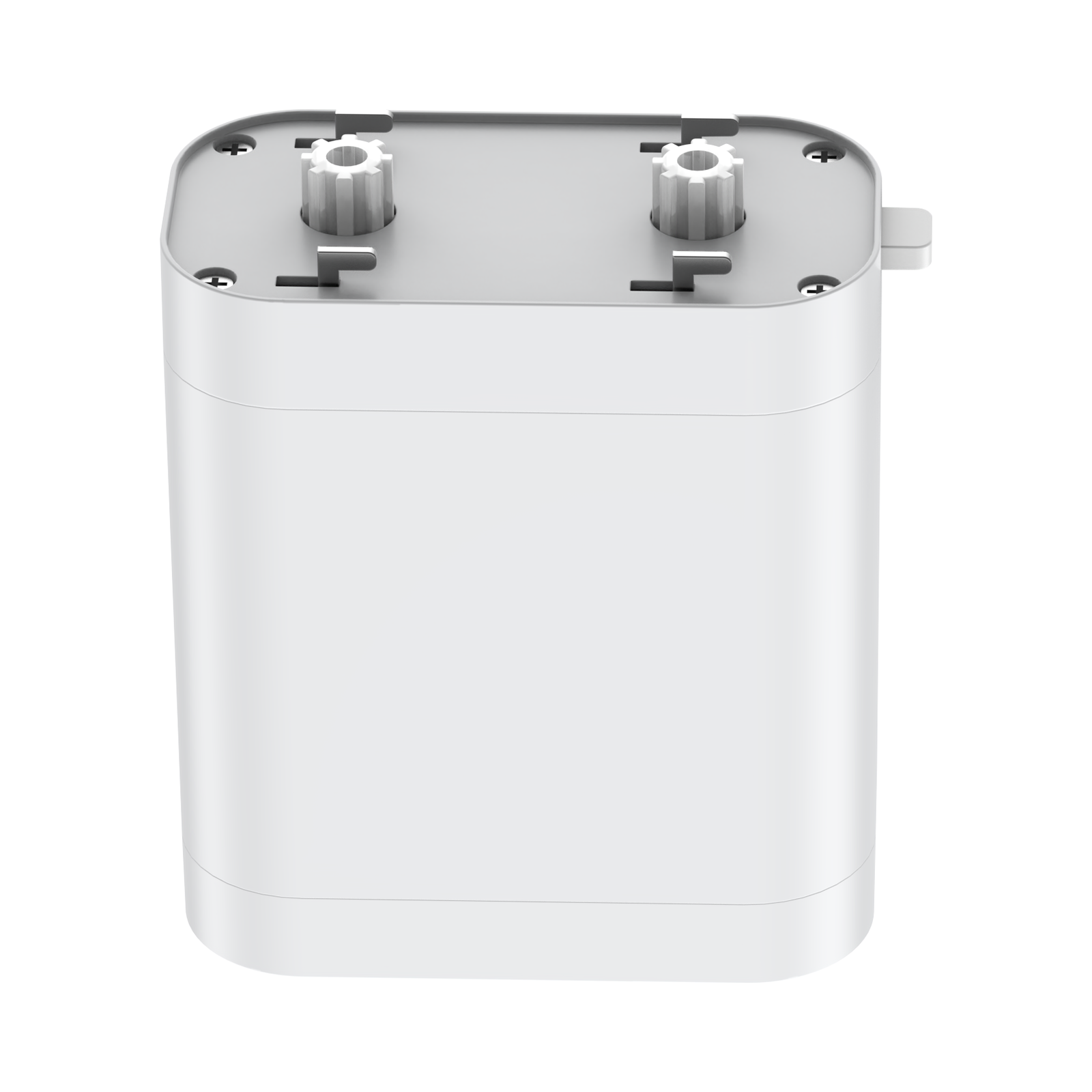
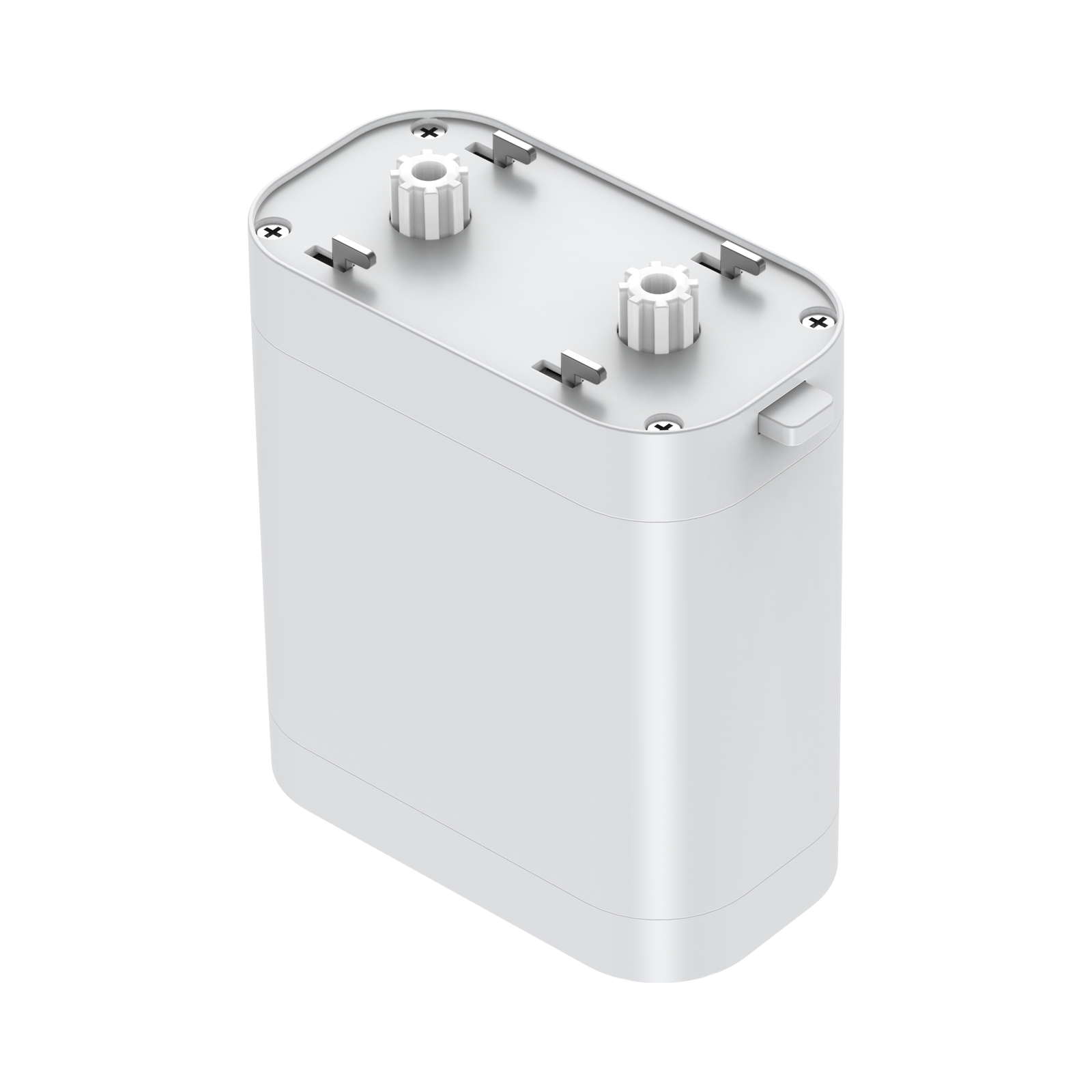
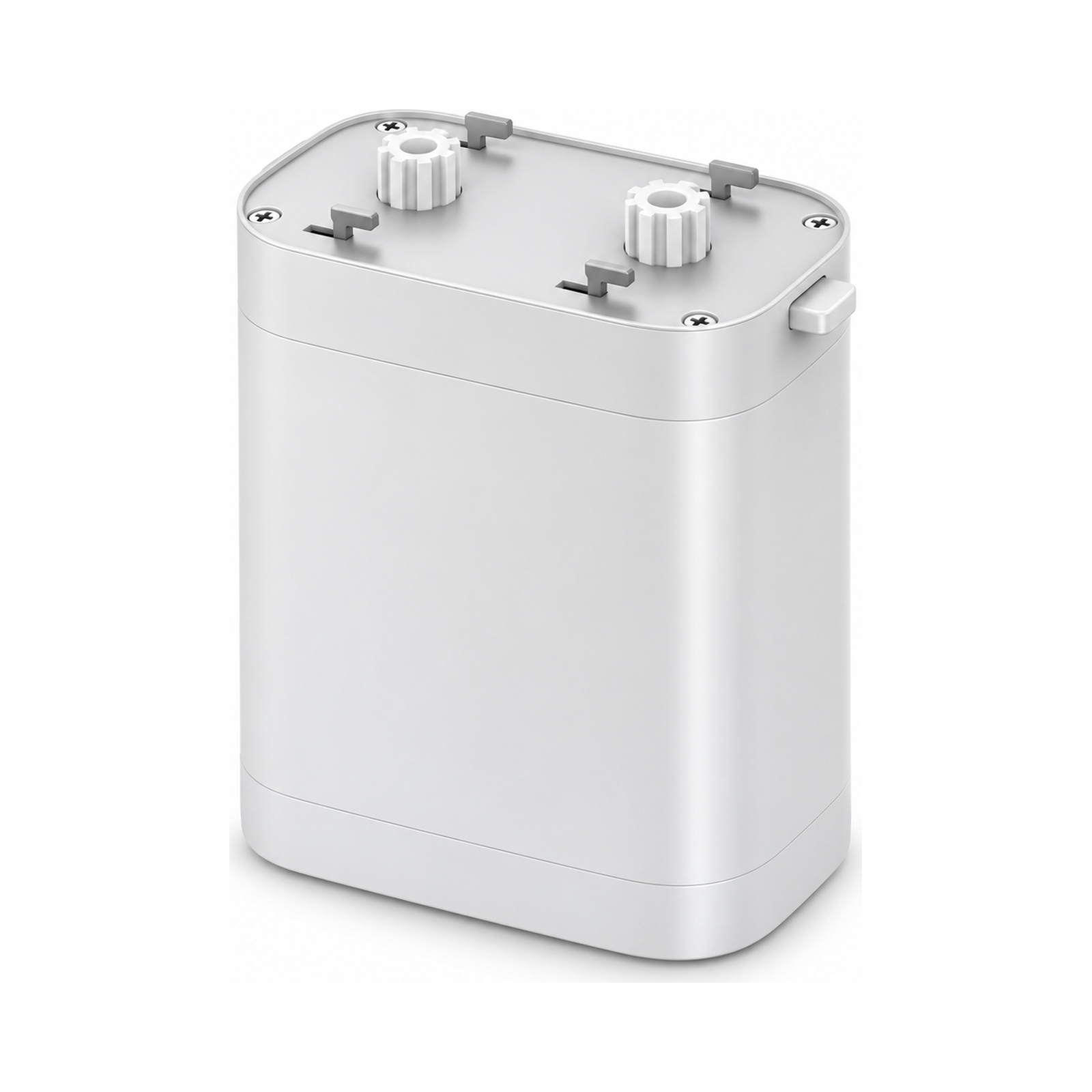
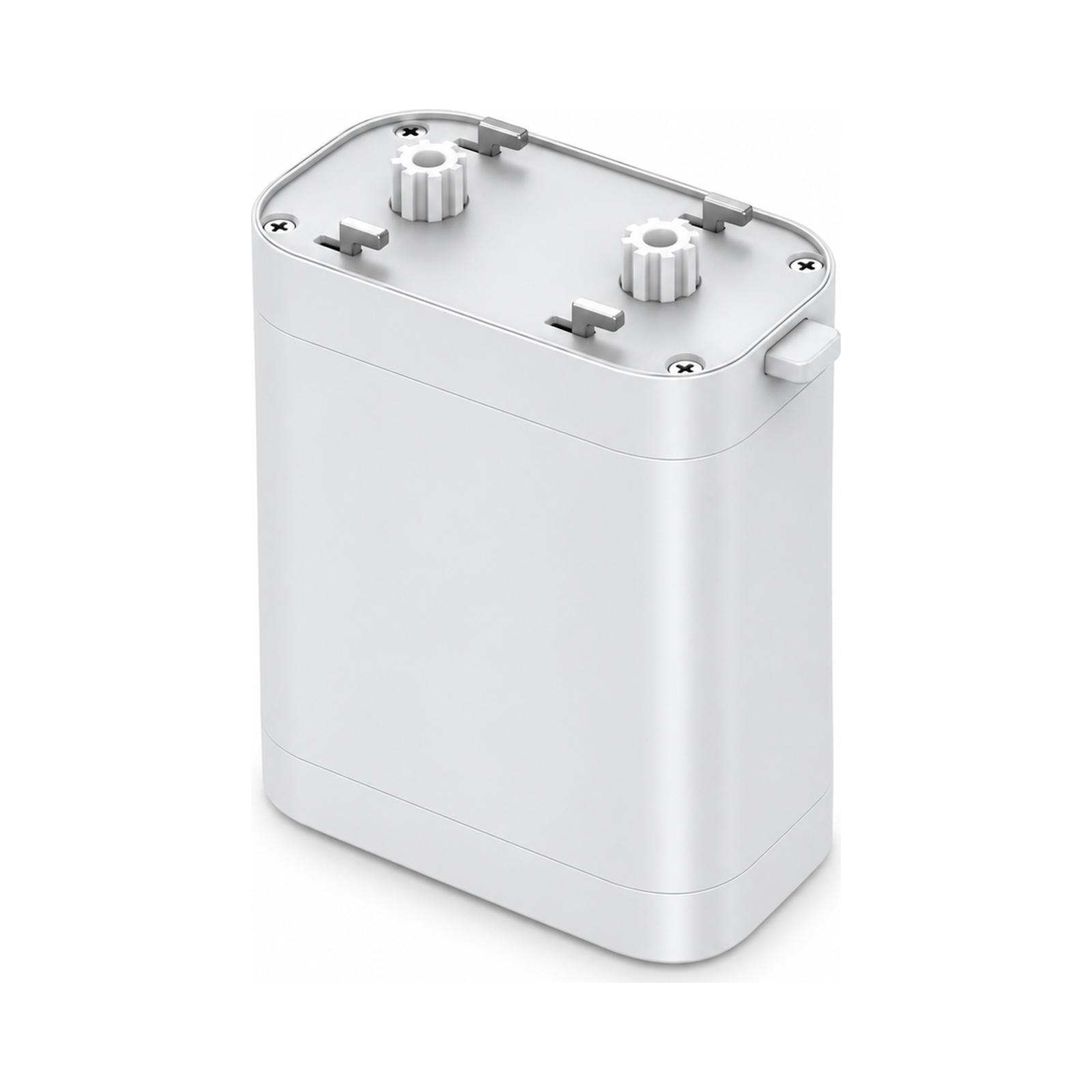
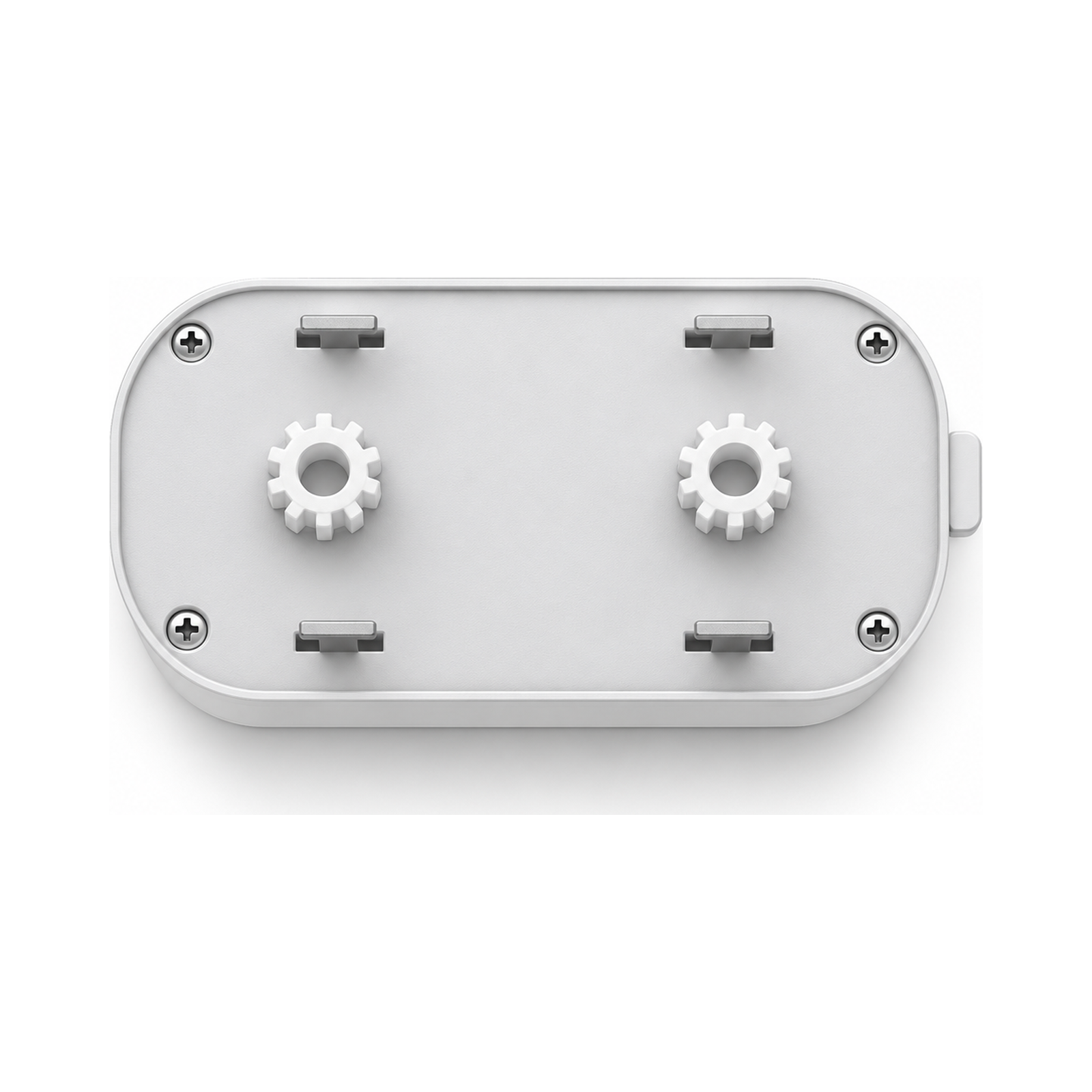
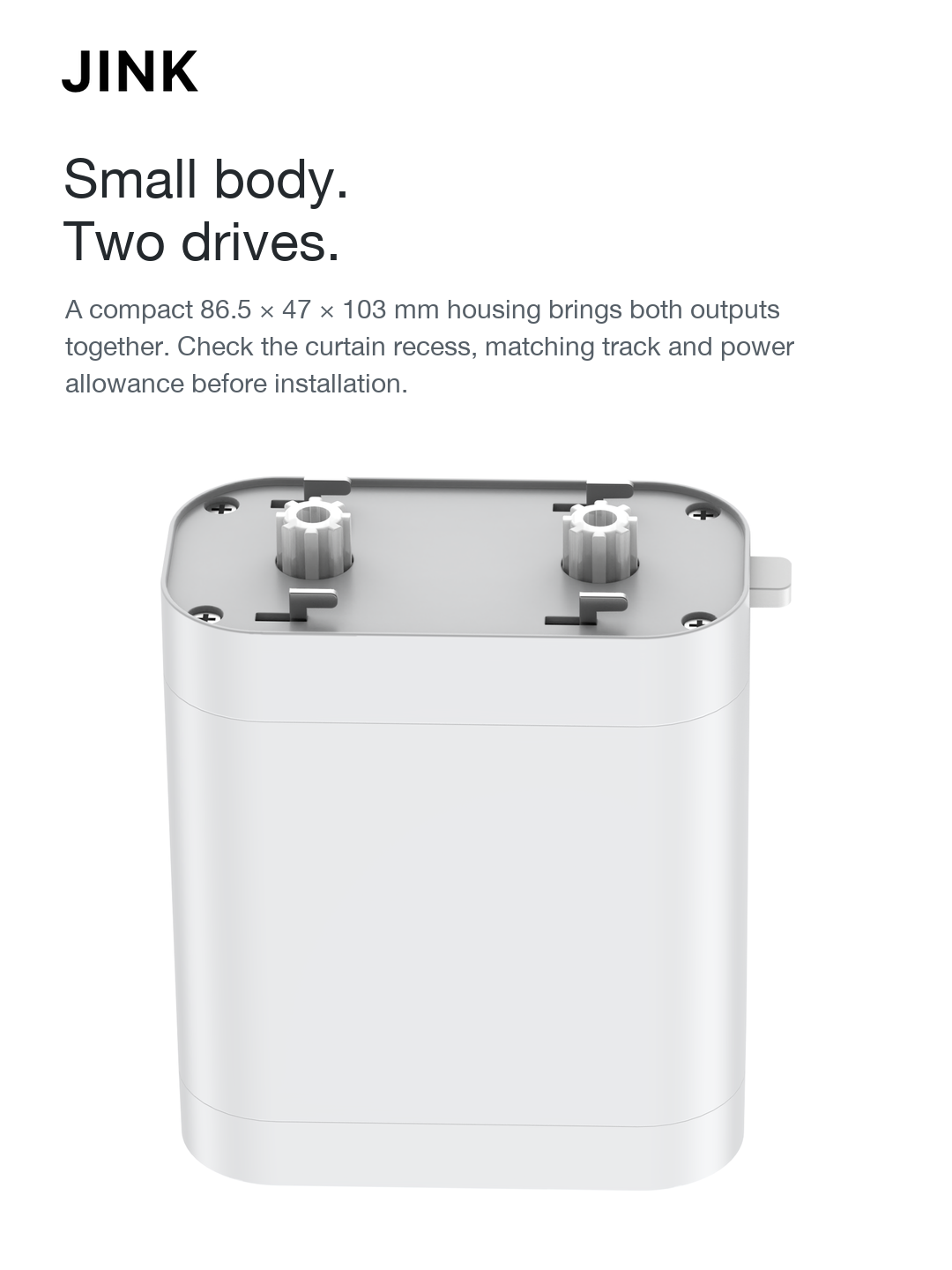
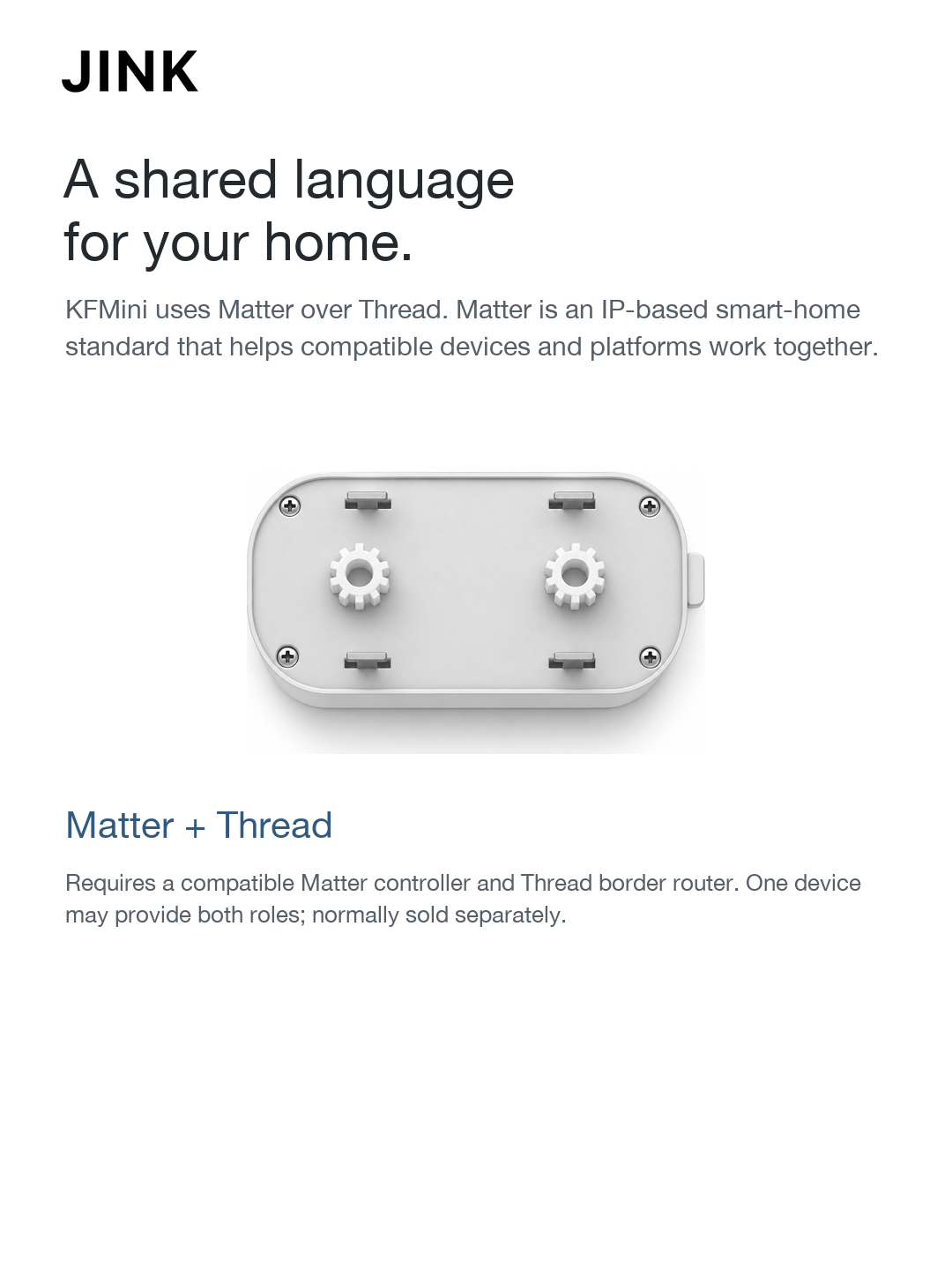
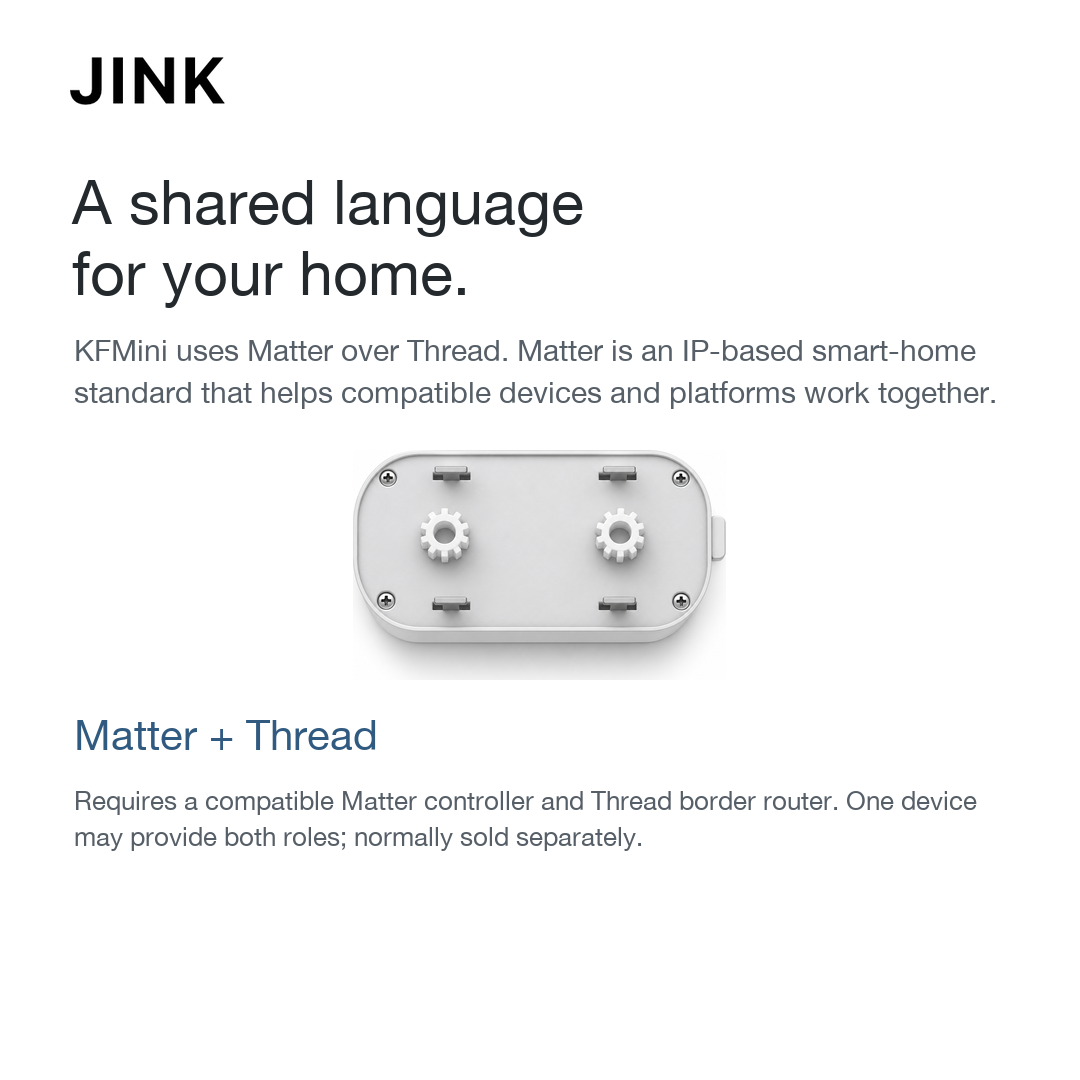
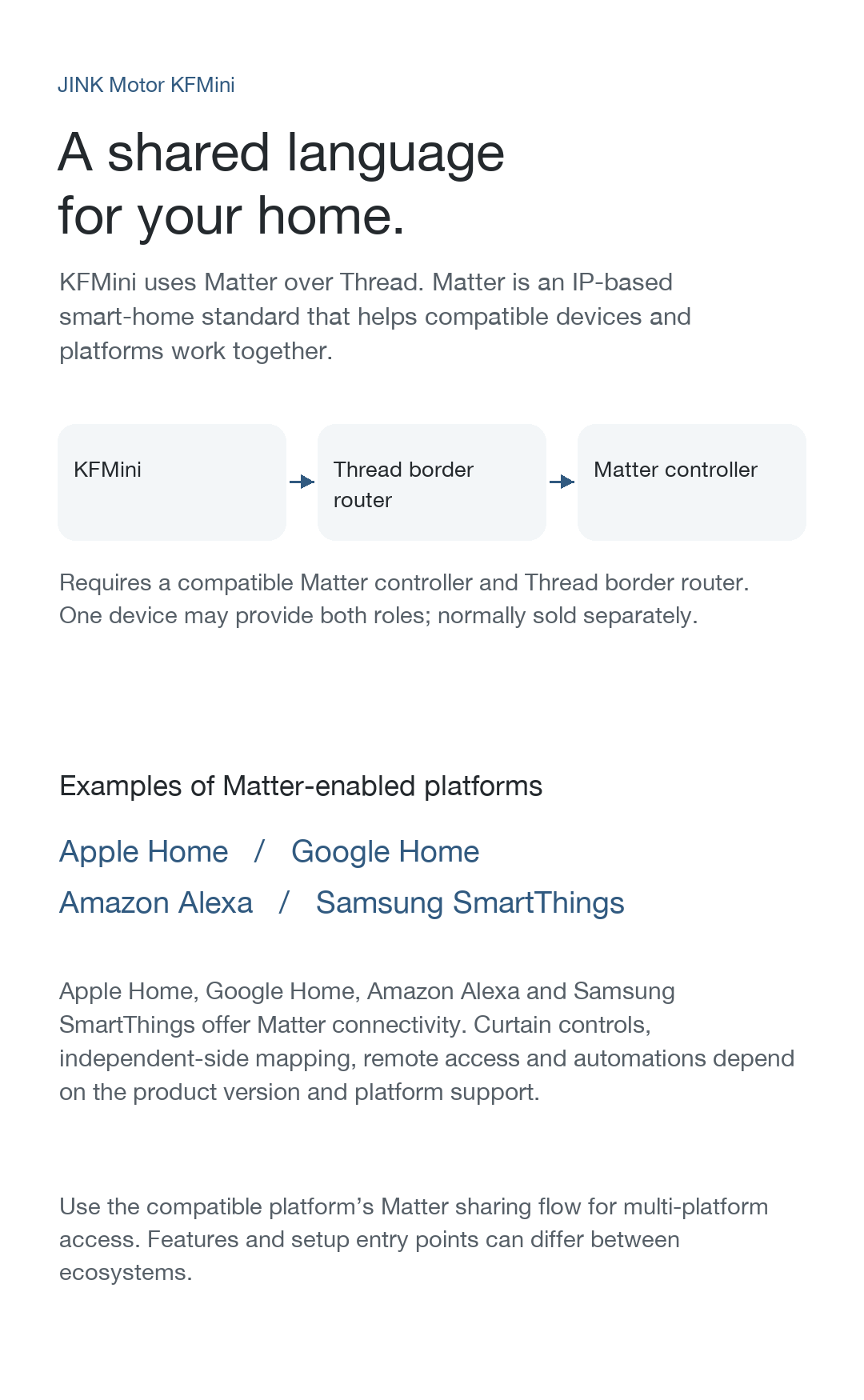
KFMini connects over Thread using Matter. Prepare a compatible Matter controller and Thread border router; these roles may be combined in one supported device.
Apple HomeMatter connection
Make the window part of your home.
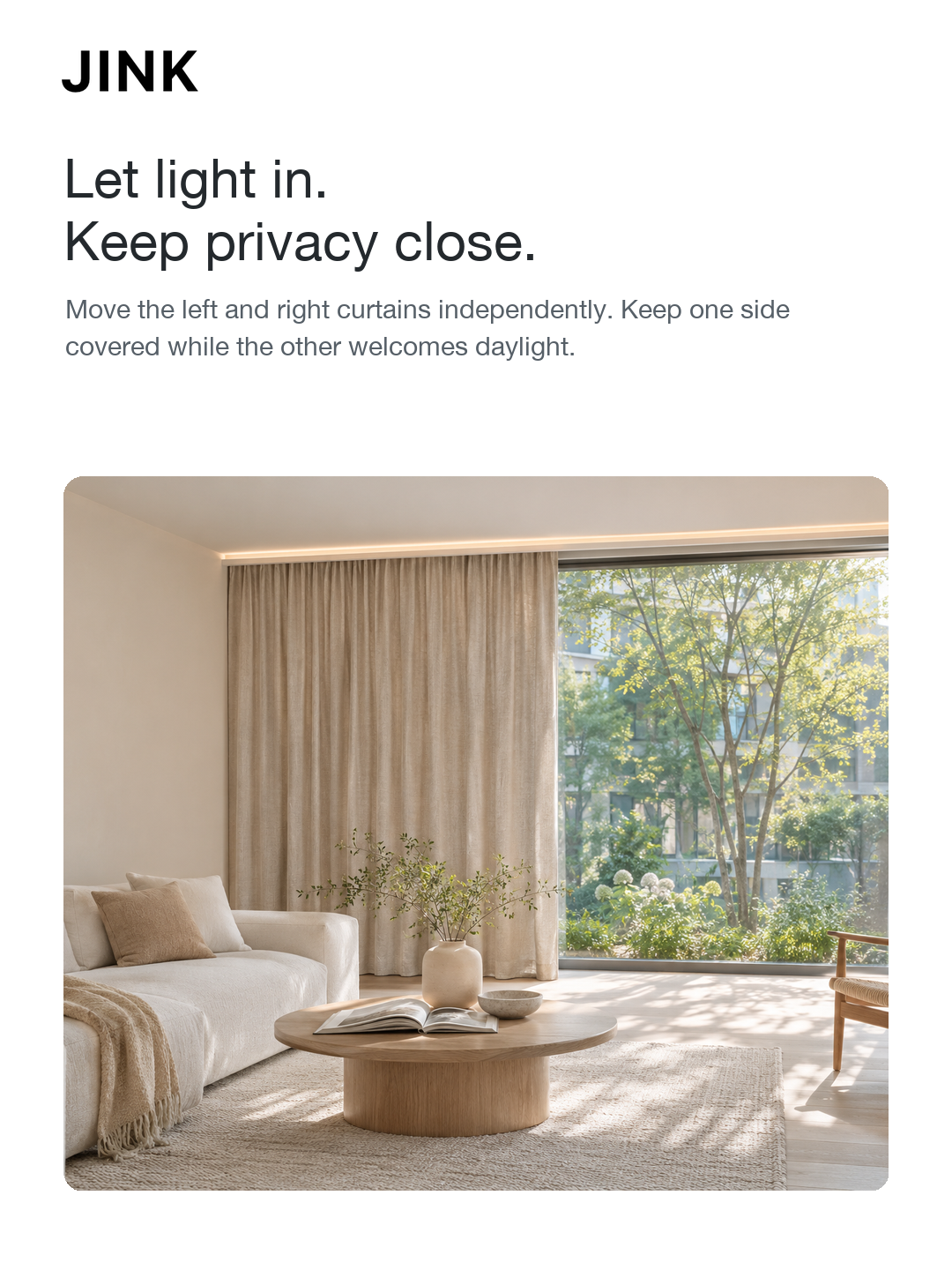
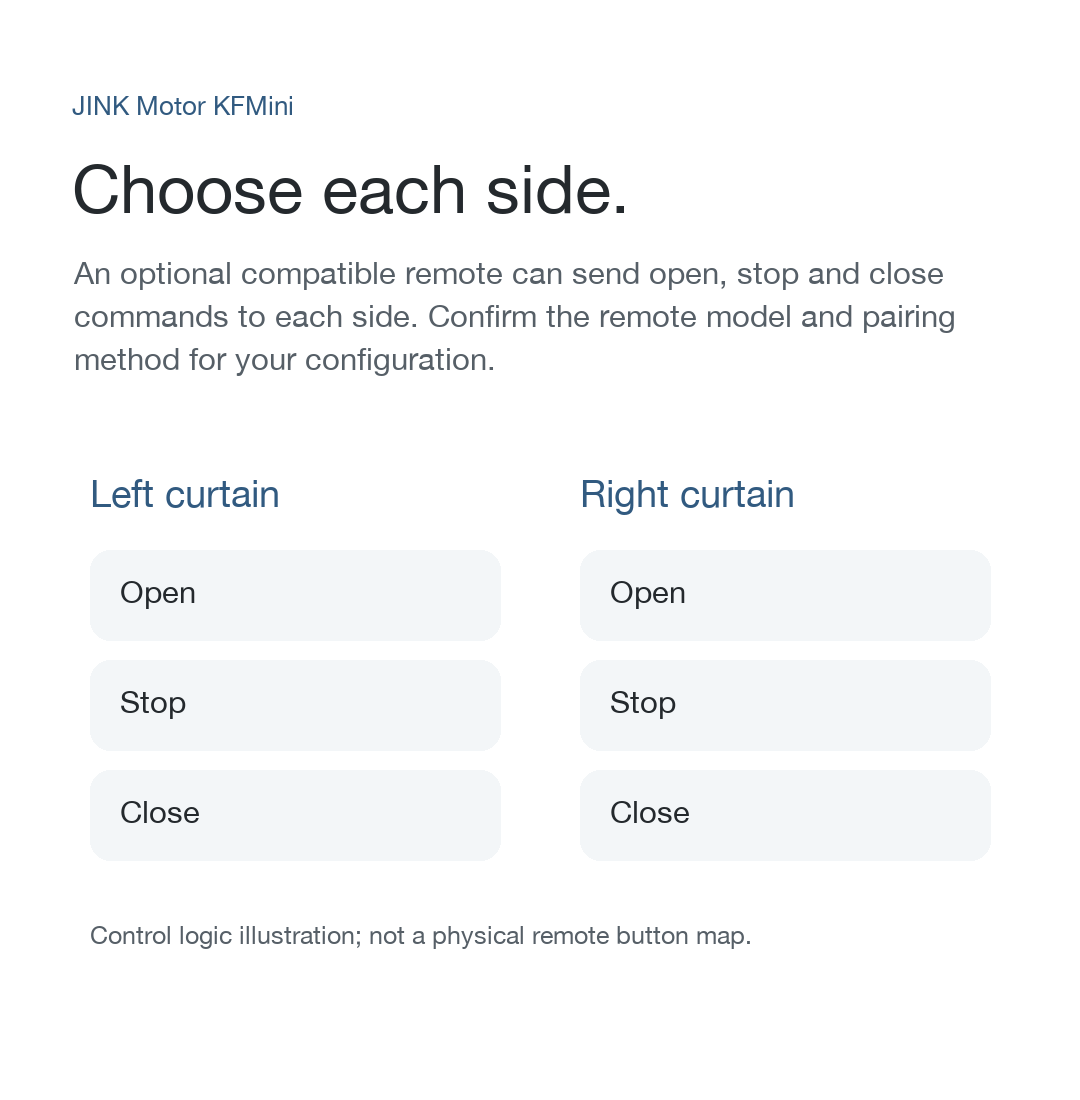
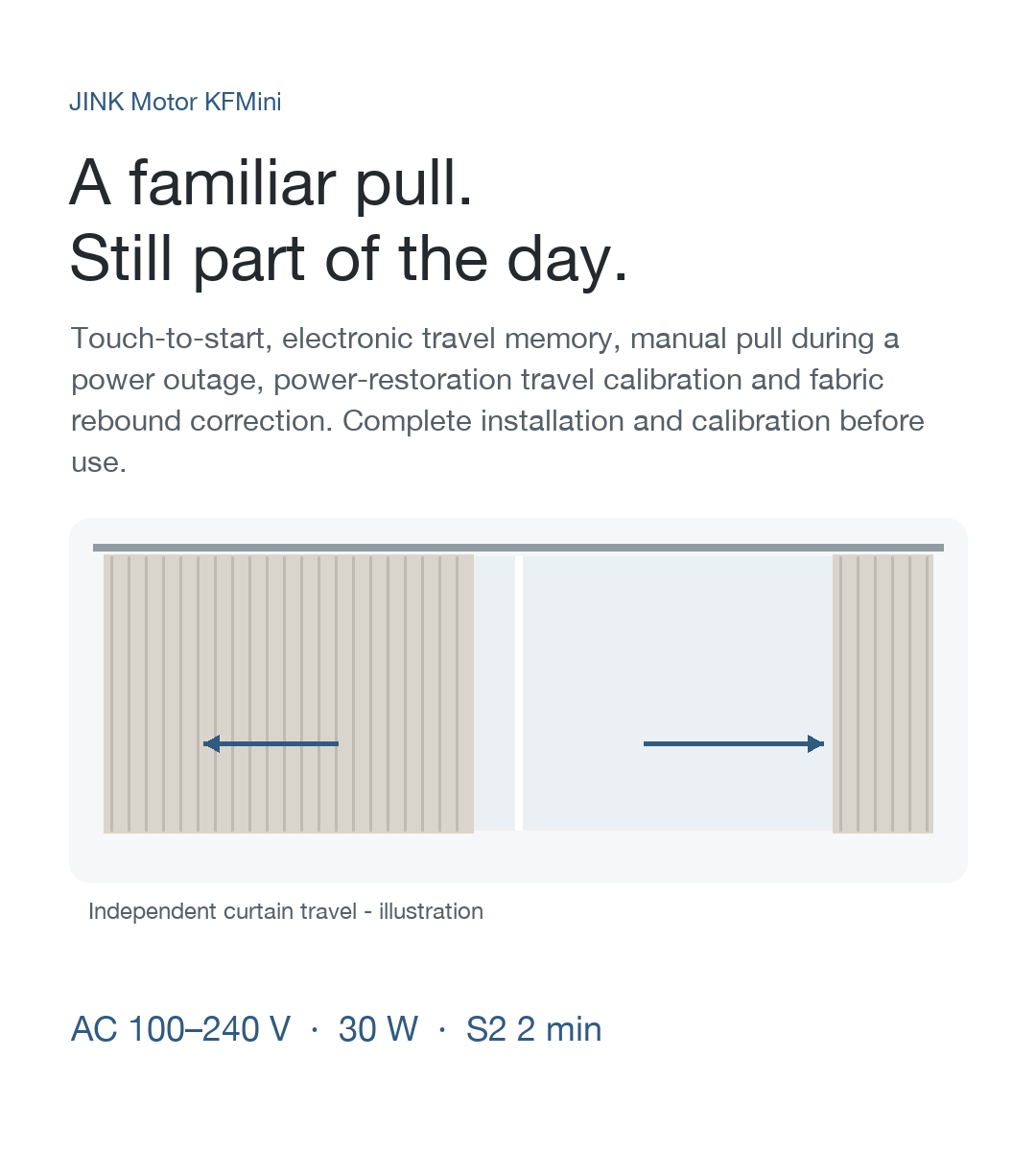
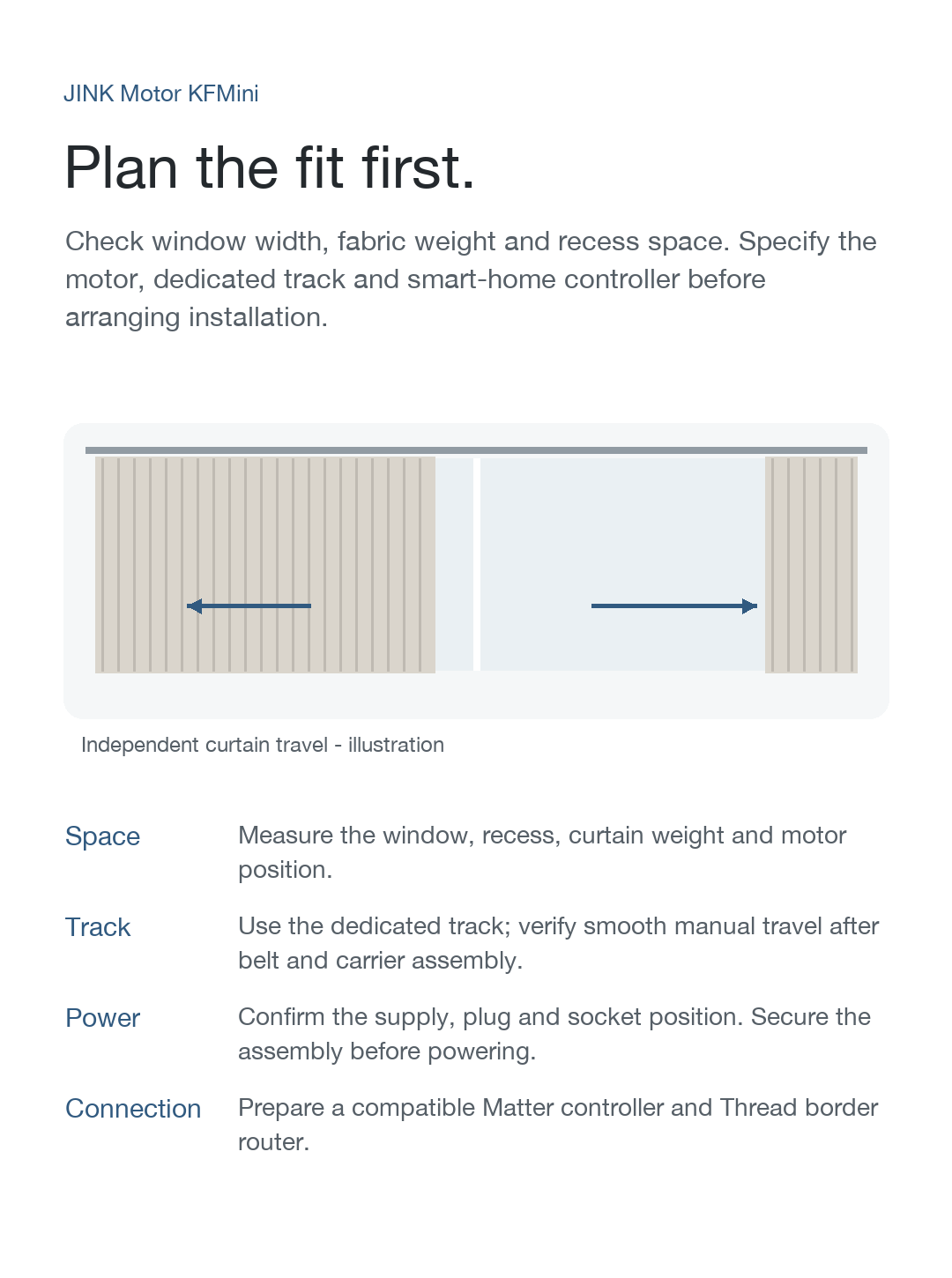
After rail installation and travel setup, use the curtain controls exposed by the product and platform. Position control, separate left and right controls, voice commands and routines depend on the supported configuration.
Before you connect
Use an up-to-date Apple device and a compatible home hub with the required Matter and Thread roles. A compatible device may perform both the Matter controller and Thread border router roles.
Add your motor
Put the motor in pairing mode using its model-specific instructions.
Use the platform's Matter accessory flow and scan the motor's Matter setup code.
Choose a room and name, then check the available curtain controls.
Google HomeMatter connection
Make the window part of your home.
After rail installation and travel setup, use the curtain controls exposed by the product and platform. Position control, separate left and right controls, voice commands and routines depend on the supported configuration.
Before you connect
Prepare a Google account, a supported Google Home Matter controller and a Thread border router. A compatible device may perform both the Matter controller and Thread border router roles.
Add your motor
Put the motor in pairing mode using its model-specific instructions.
Use the platform's Matter accessory flow and scan the motor's Matter setup code.
Choose a room and name, then check the available curtain controls.
Amazon AlexaMatter connection
Make the window part of your home.
After rail installation and travel setup, use the curtain controls exposed by the product and platform. Position control, separate left and right controls, voice commands and routines depend on the supported configuration.
Before you connect
Prepare an Amazon account and supported Alexa devices that provide Matter control and Thread connectivity. A compatible device may perform both the Matter controller and Thread border router roles.
Add your motor
Put the motor in pairing mode using its model-specific instructions.
Use the platform's Matter accessory flow and scan the motor's Matter setup code.
Choose a room and name, then check the available curtain controls.
Samsung SmartThingsMatter connection
Make the window part of your home.
After rail installation and travel setup, use the curtain controls exposed by the product and platform. Position control, separate left and right controls, voice commands and routines depend on the supported configuration.
Before you connect
Prepare a Samsung account and a SmartThings hub that supports the required Matter device type and Thread network. A compatible device may perform both the Matter controller and Thread border router roles.
Add your motor
Put the motor in pairing mode using its model-specific instructions.
Use the platform's Matter accessory flow and scan the motor's Matter setup code.
Choose a room and name, then check the available curtain controls.
For a motor already paired to another ecosystem, start a new sharing session in the existing platform. Remote access and automation require the platform’s supported hub, network and services.
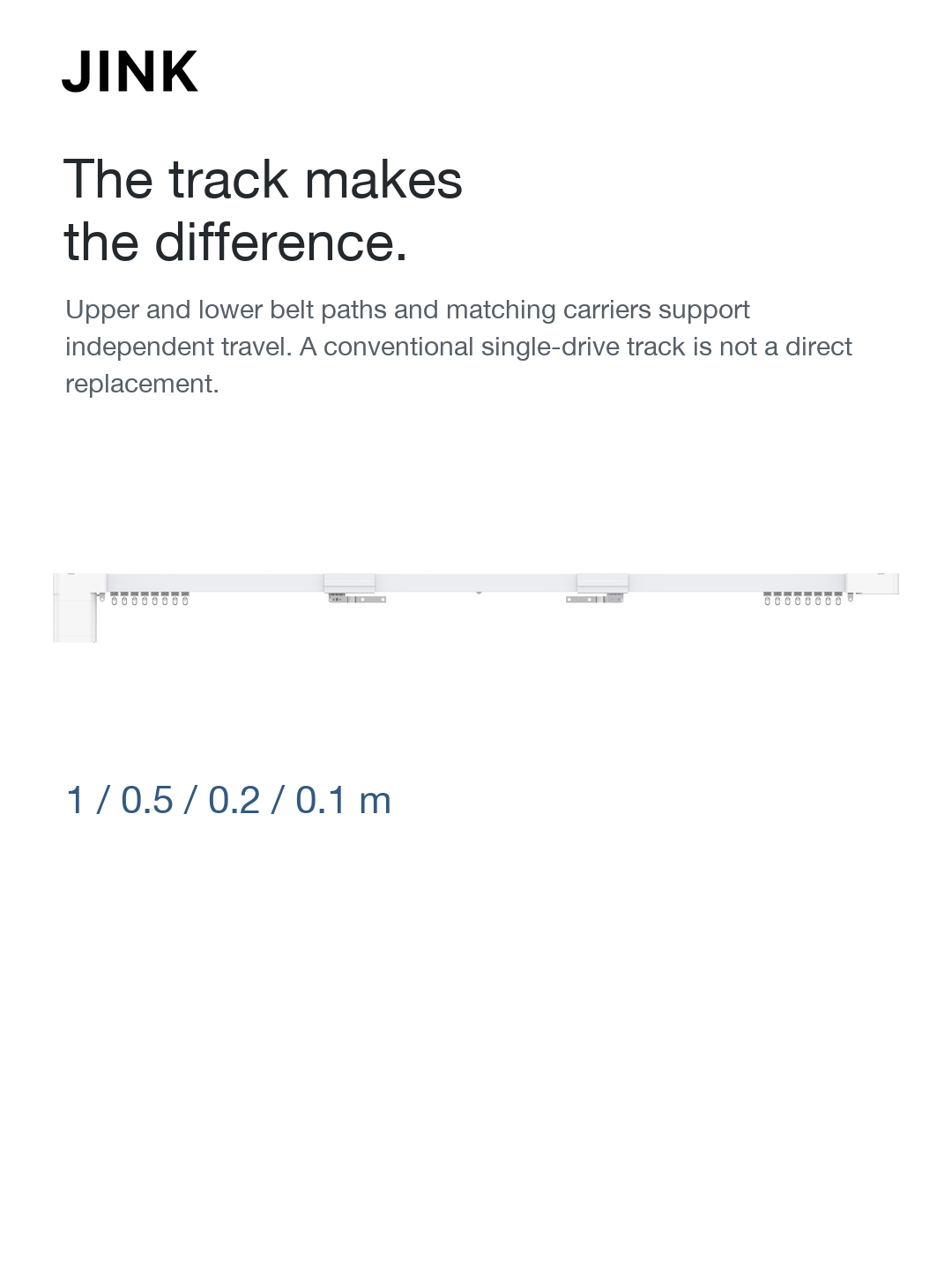
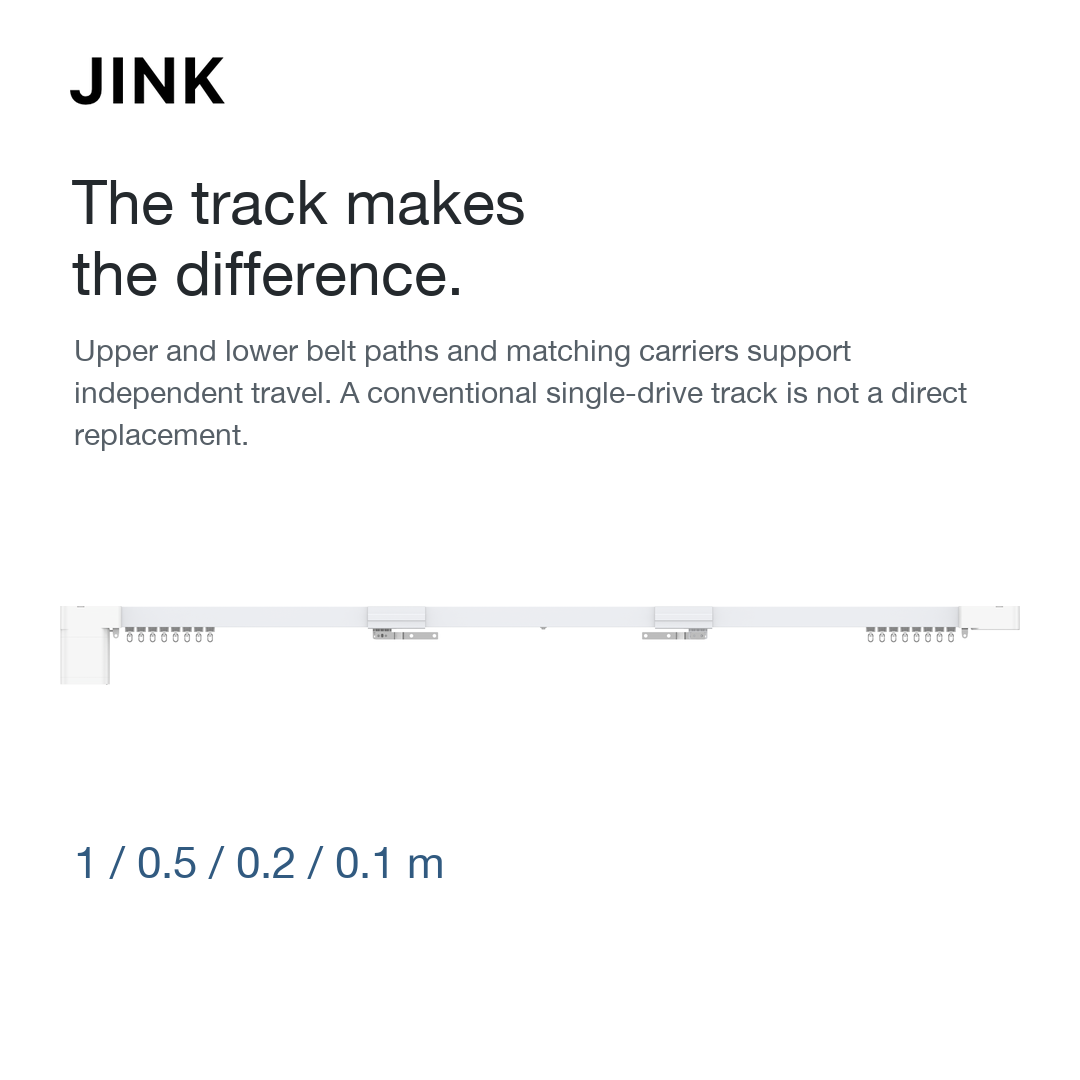
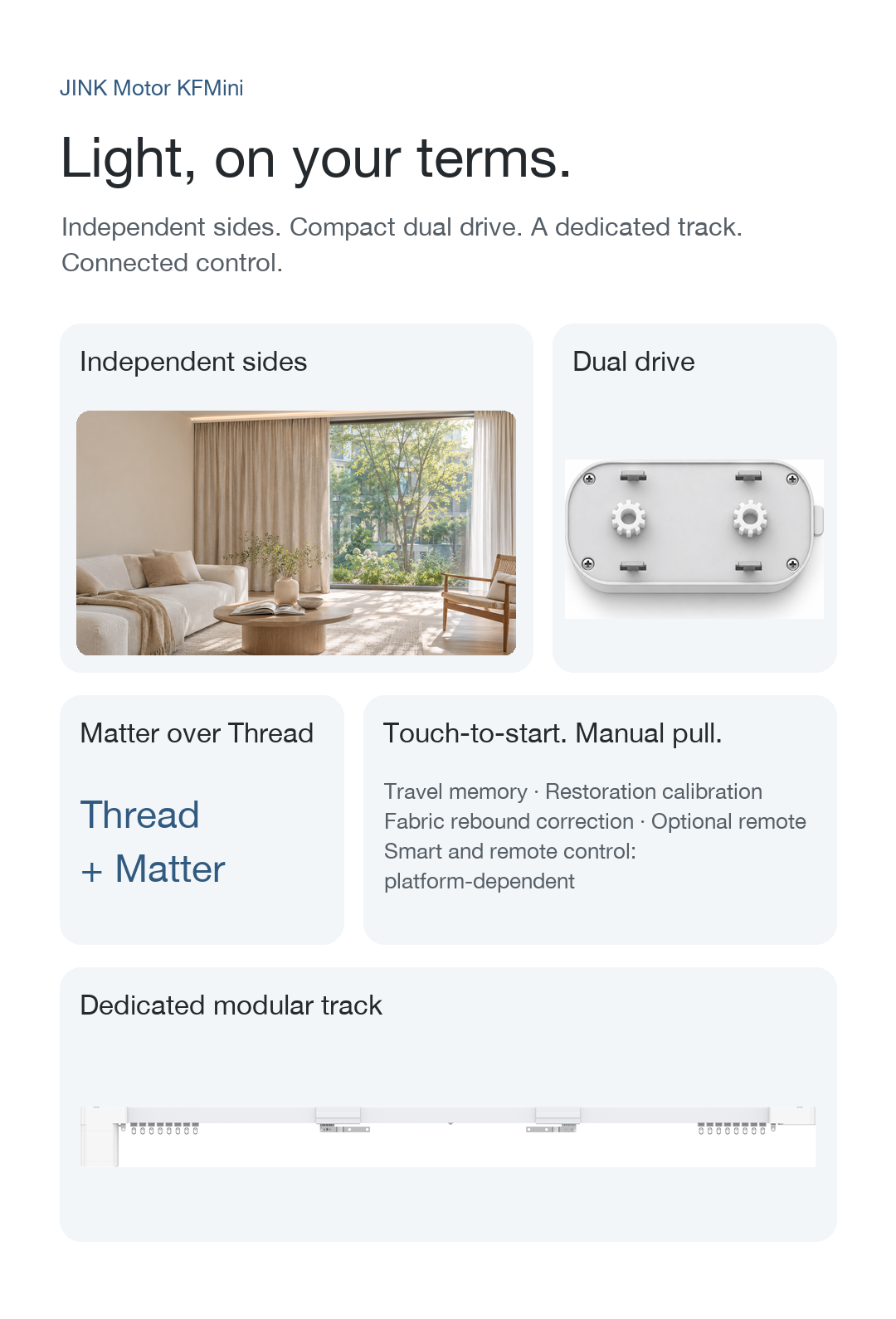
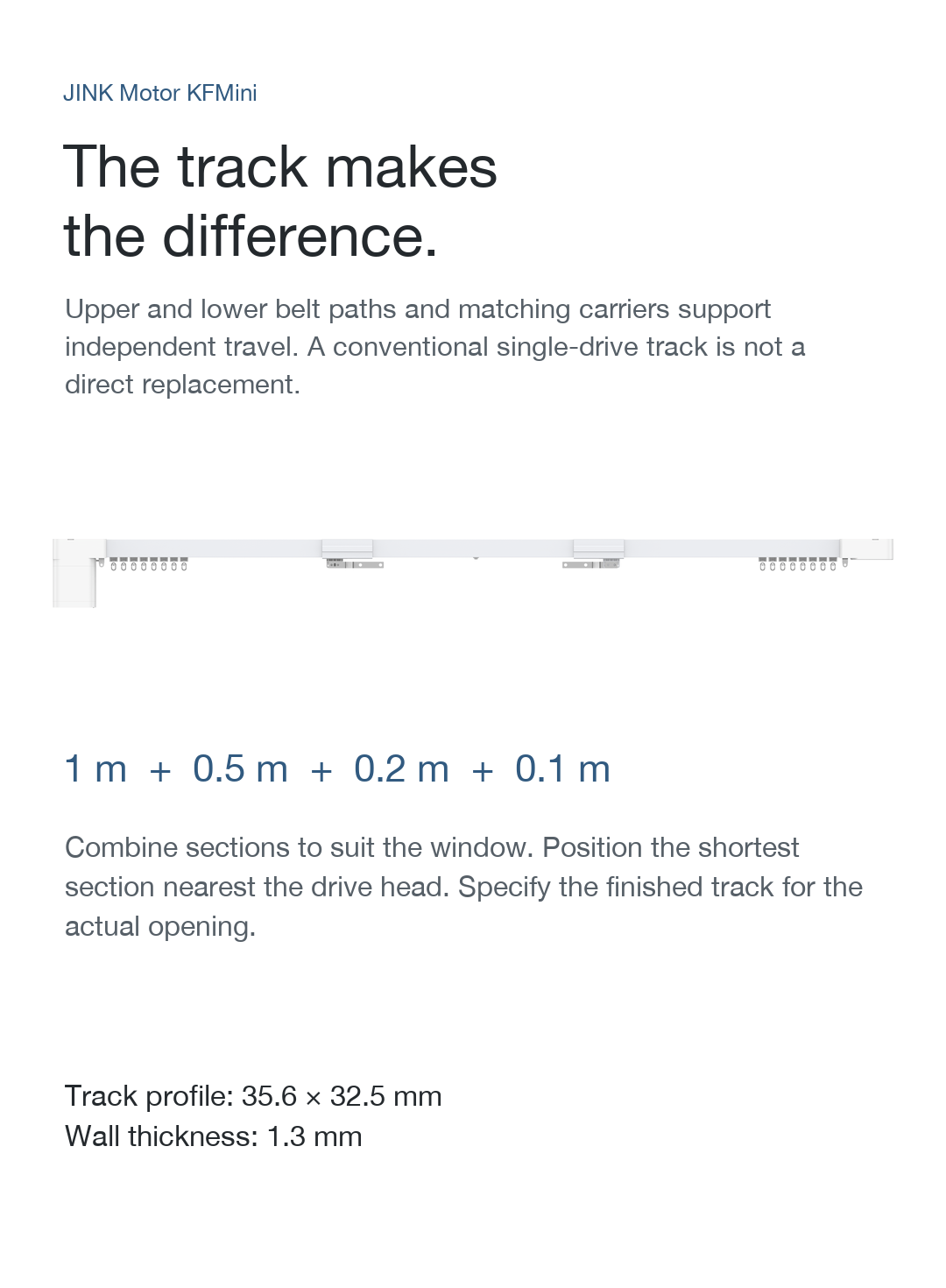
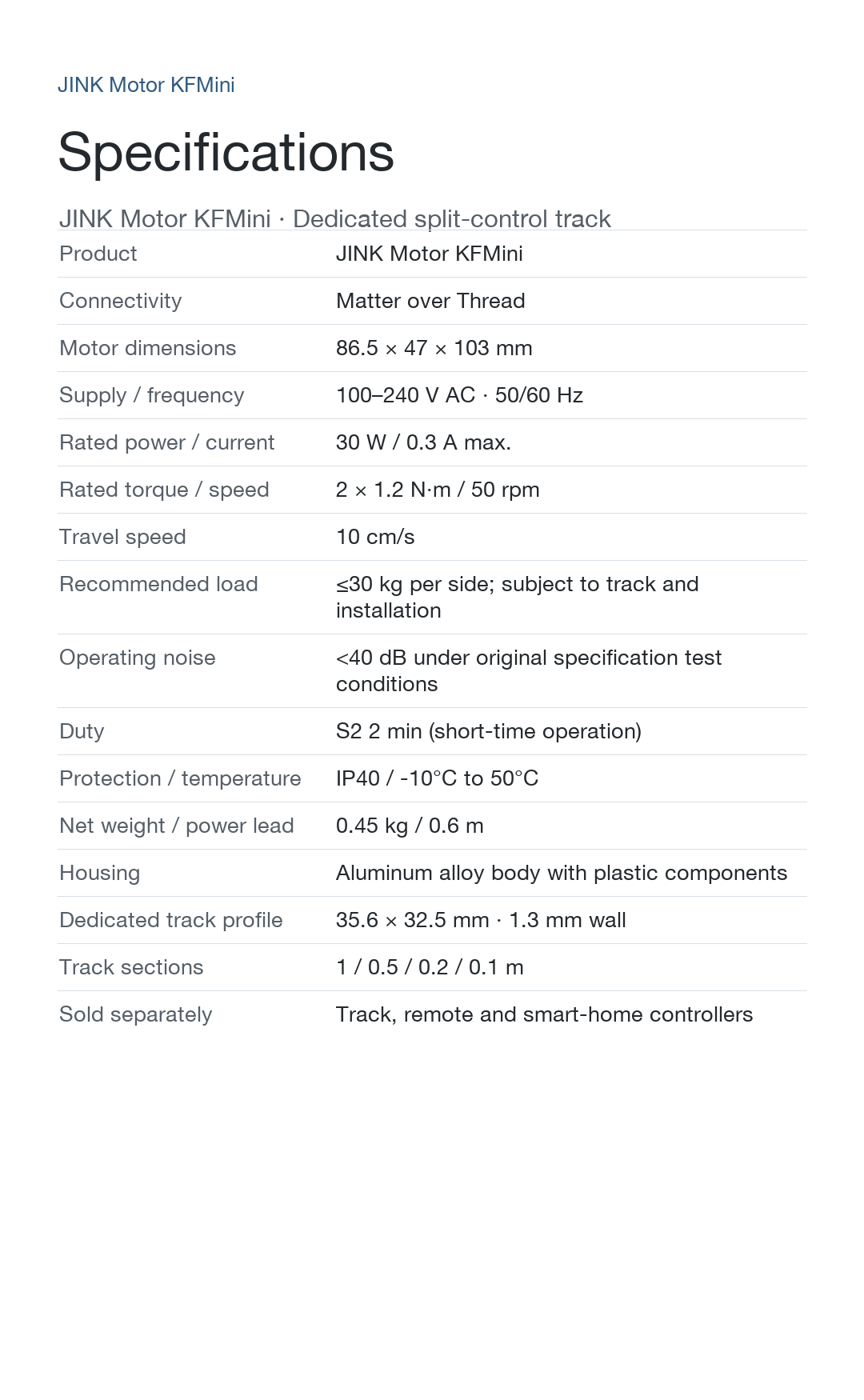
Requires the dedicated modular rail. Rail profile: 35.6 × 32.5 mm. Standard sections: 1 / 0.5 / 0.2 / 0.1 m, combined to match the window.
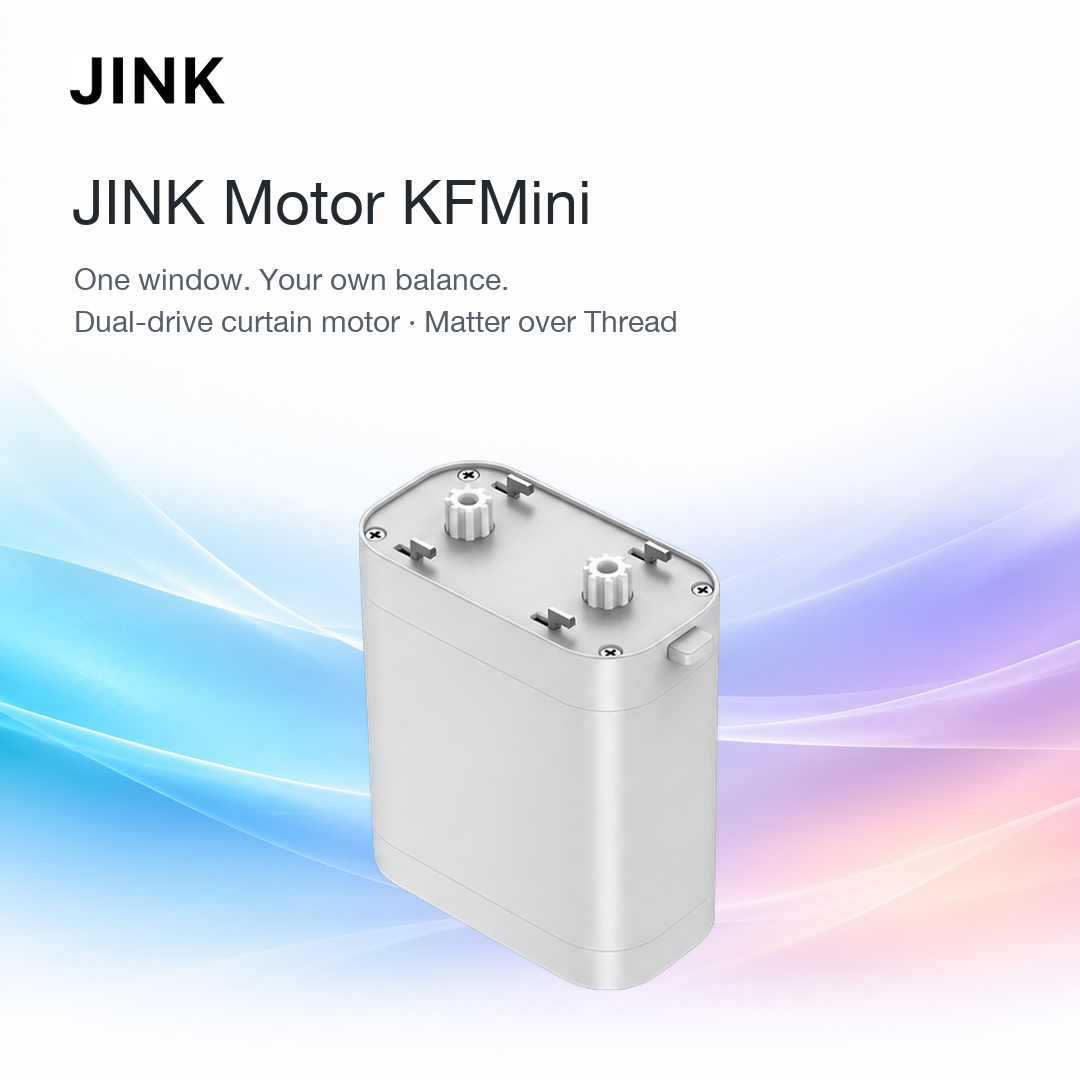
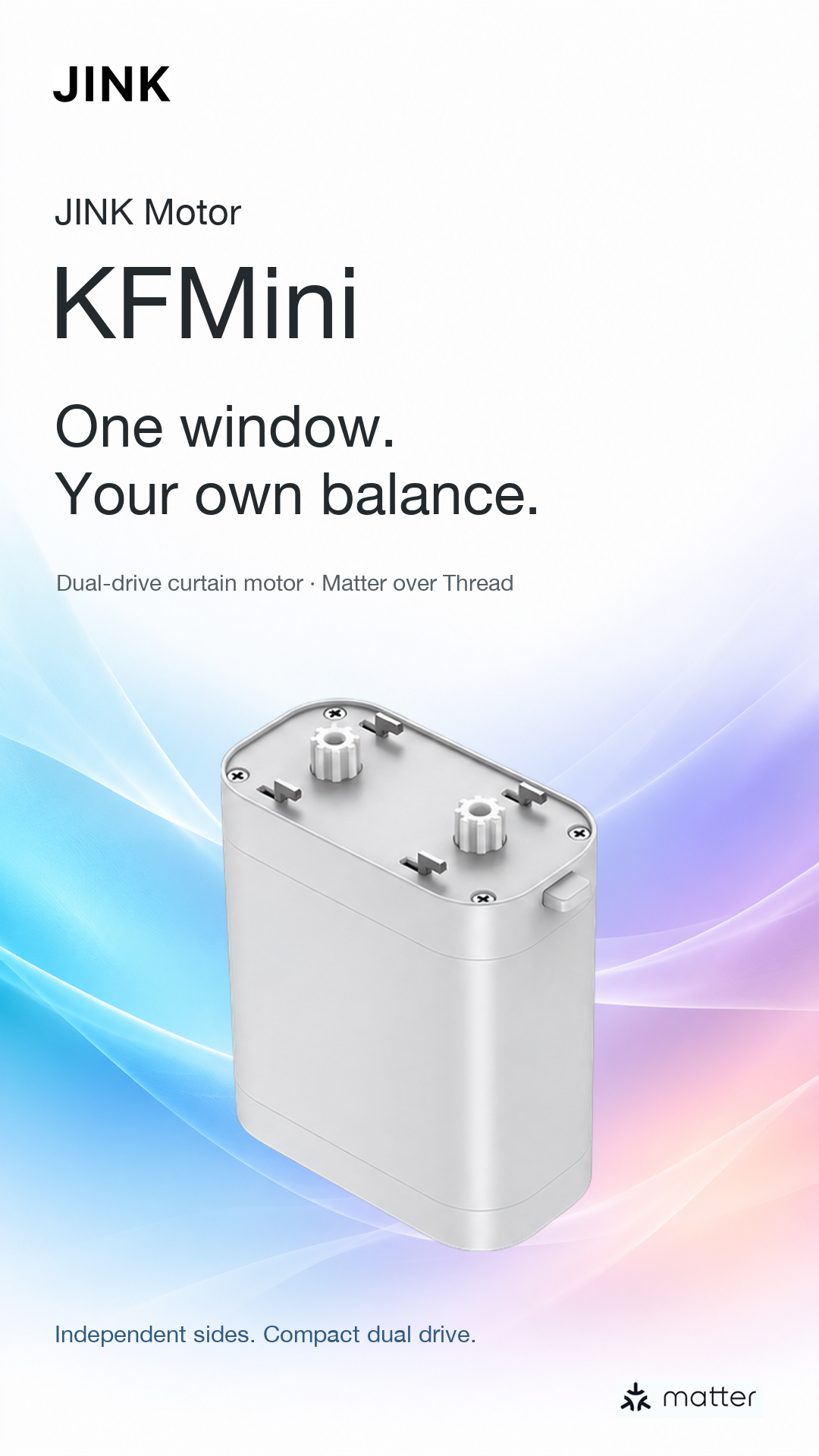
JINK Motor KFMini
Suggested retail price (USD)View current pricing
Live suggested retail pricing. Signed-in dealers see their applicable dealer price. Confirm the motor configuration, rail length, accessories and installation in your order.
Add the dedicated track.
Designed for the KFMini dual-drive motor, sold separately. Standard curtain tracks are not interchangeable.
Priced per meter. Quantity 1 is one billing meter; confirm finished length and parts before ordering.
 Apple HomeMatter connection
 Google HomeMatter connection
 Amazon AlexaMatter connection
 Samsung SmartThingsMatter connection